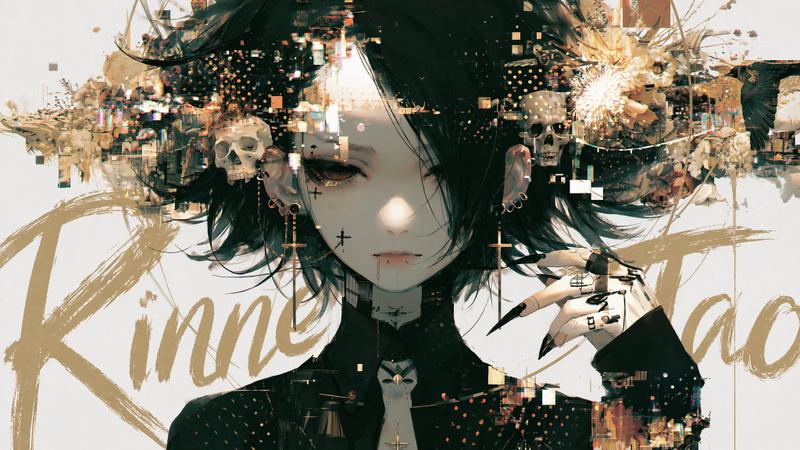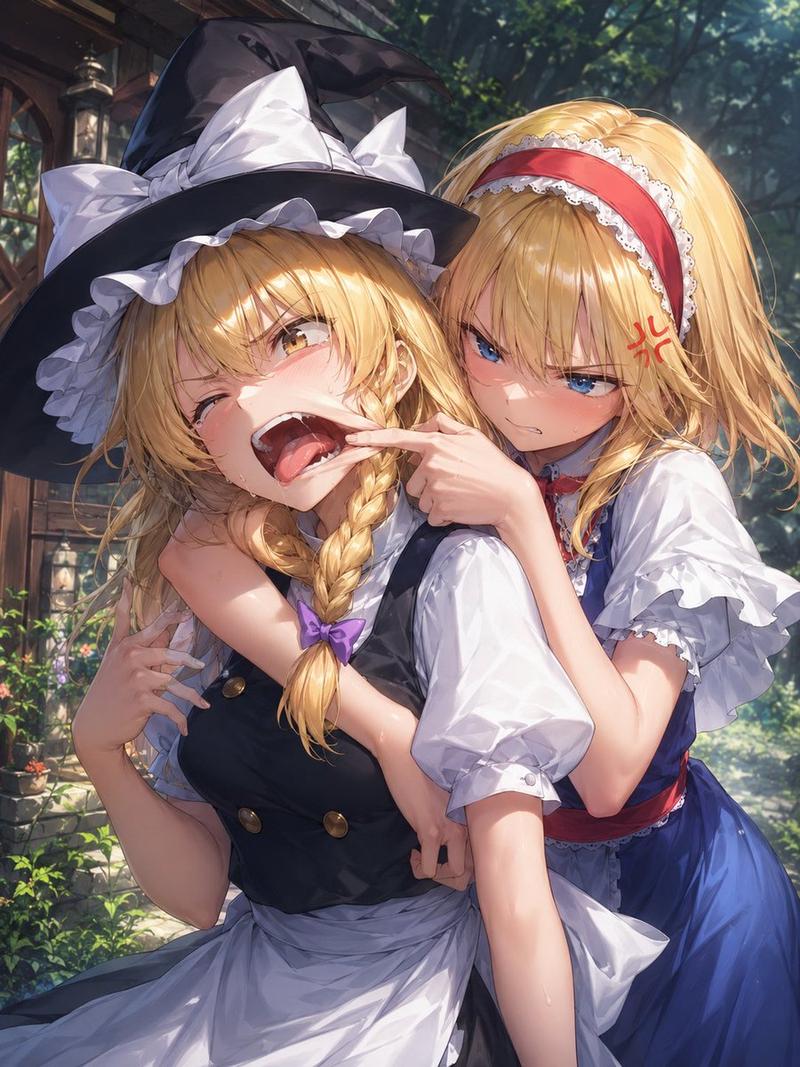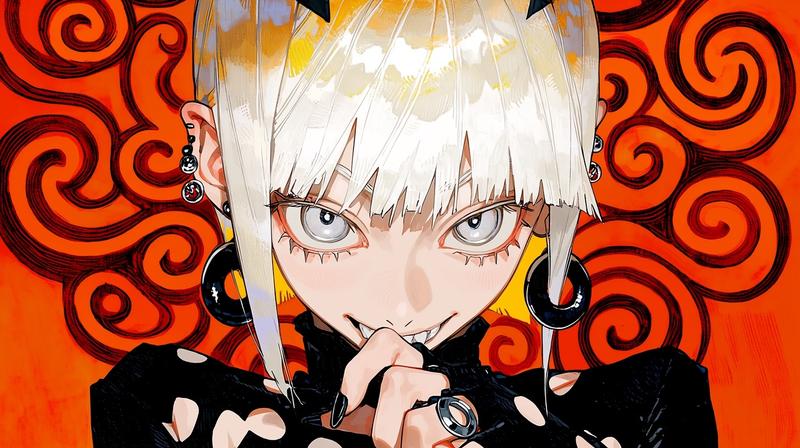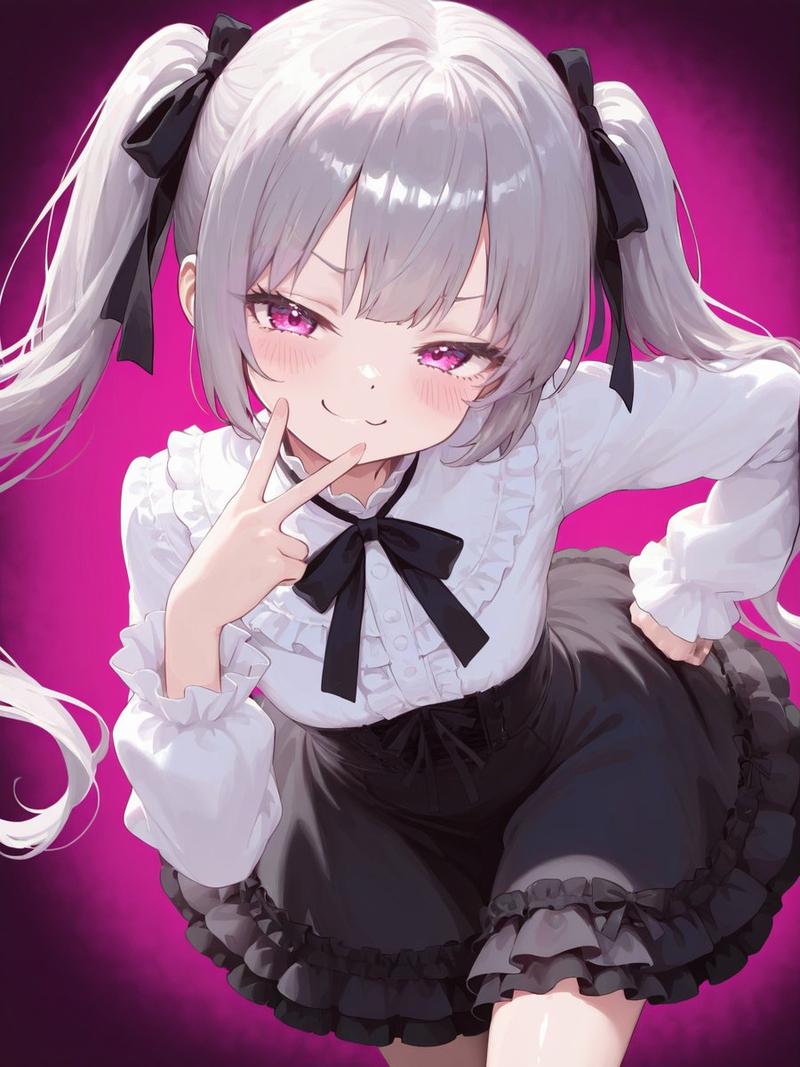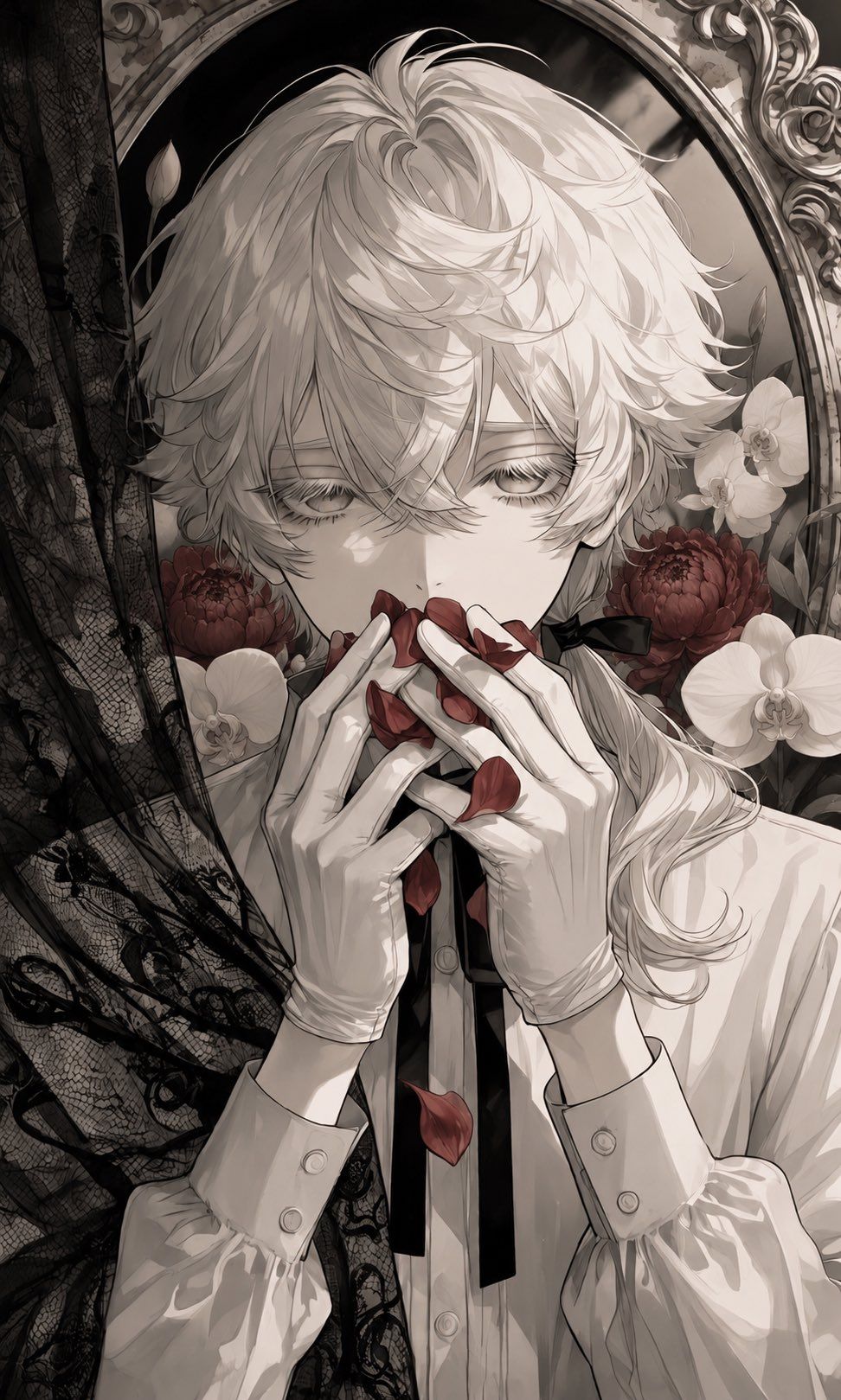
哥特风花瓣肖像
Prompt
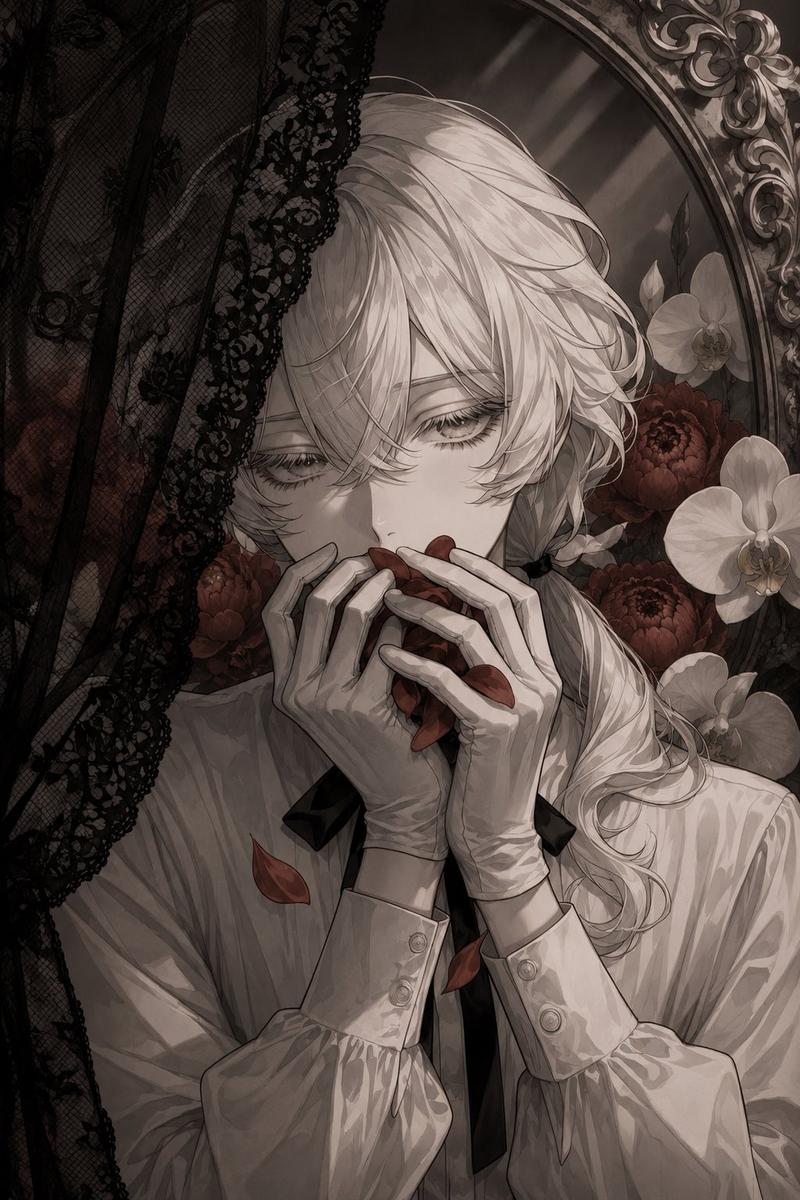
Create a vertical anime album-cover illustration in a melancholic gothic-romantic style. Show an androgynous young person with {argument name="hair color" default="silvery white"} tousled, layered hair and very pale skin, framed tightly from the chest up in front of an ornate oval mirror. Their eyes are half-closed and downcast, mostly hidden by long lashes and messy bangs, giving a guilty, secretive expression. They wear a crisp white blouse with puffed sleeves, buttoned cuffs, and a narrow black ribbon tie; add white gloves on both hands. Pose them facing forward but emotionally withdrawn, holding red flower petals to their mouth as if eating or hiding them, with a few petals falling down the center of the composition. Use exactly three visible red petals at the lips/hands and two falling red petals below. Add a black lace veil or curtain along the left side, partially covering the scene with intricate floral lace patterns and reinforcing the sense of concealment. Surround the figure with flowers: exactly two large dark red round blossoms behind the shoulders and exactly four white orchid-like flowers, two on each side. Include a small black bow at the side of the neck and a long pale ponytail or loose hair trailing over the right shoulder. Background should be sepia-gray and muted, with decorative baroque mirror trim visible at the top and right edge. Color palette is mostly monochrome ivory, charcoal, and warm gray, with deep crimson accents only on the petals and red blossoms. Render with delicate manga linework, soft painterly shading, high detail in hair strands, gloves, lace, and mirror ornamentation, vertical 9:16 composition, intimate close crop, no text, no watermark.- Category
- Charts & Infographics
- Model
- GPT Image 2
- Creator
- 🐹🐹
- Source ID
- 27006
- Published
- Jun 27, 2026
Views0