19

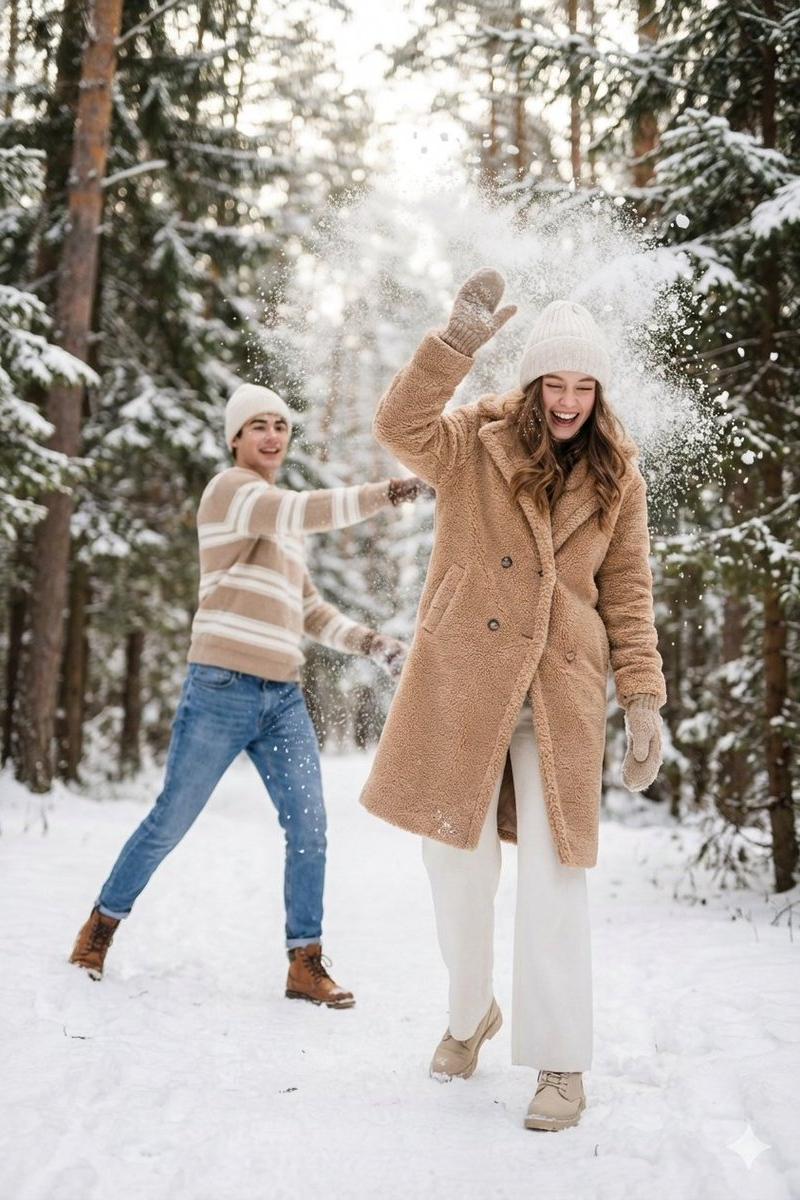
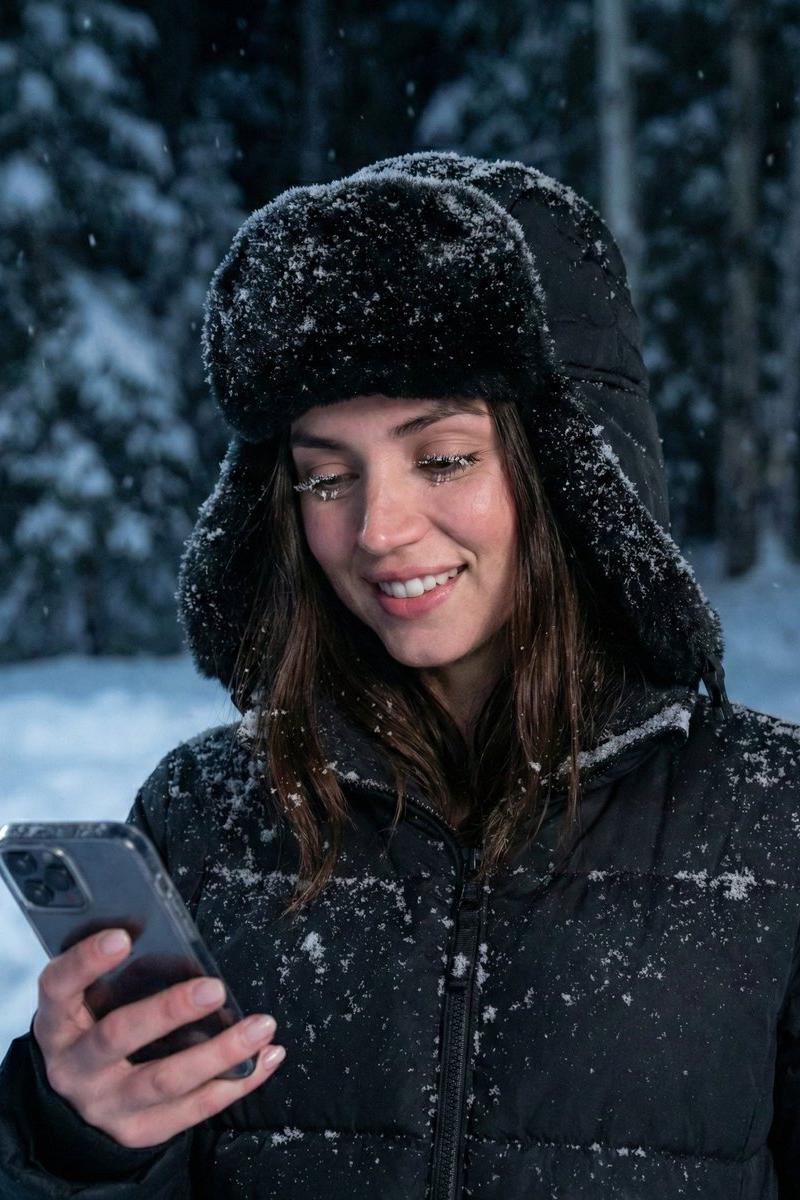
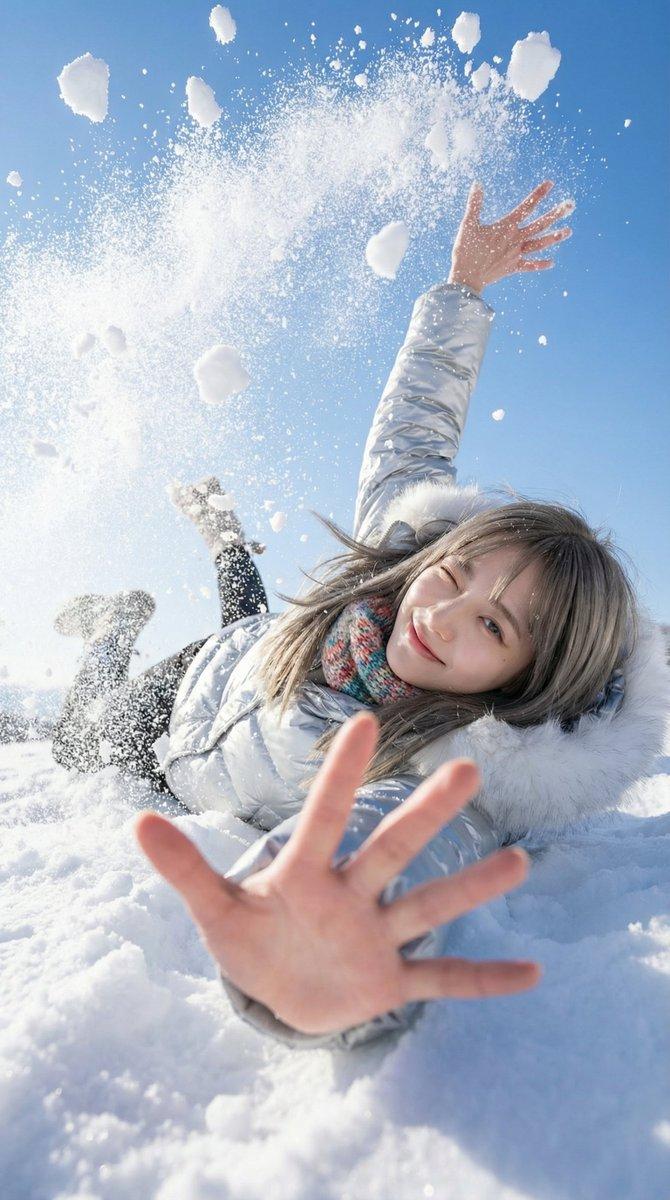
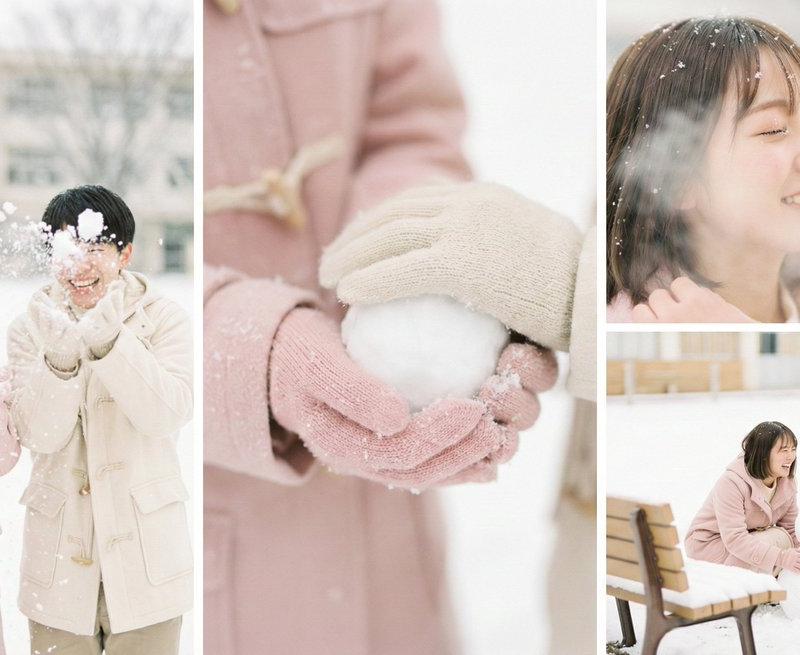
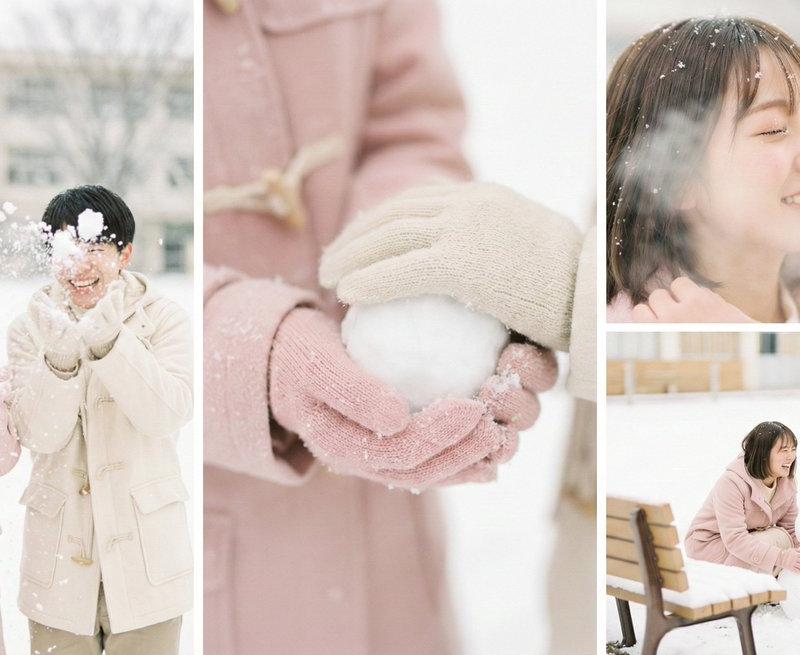
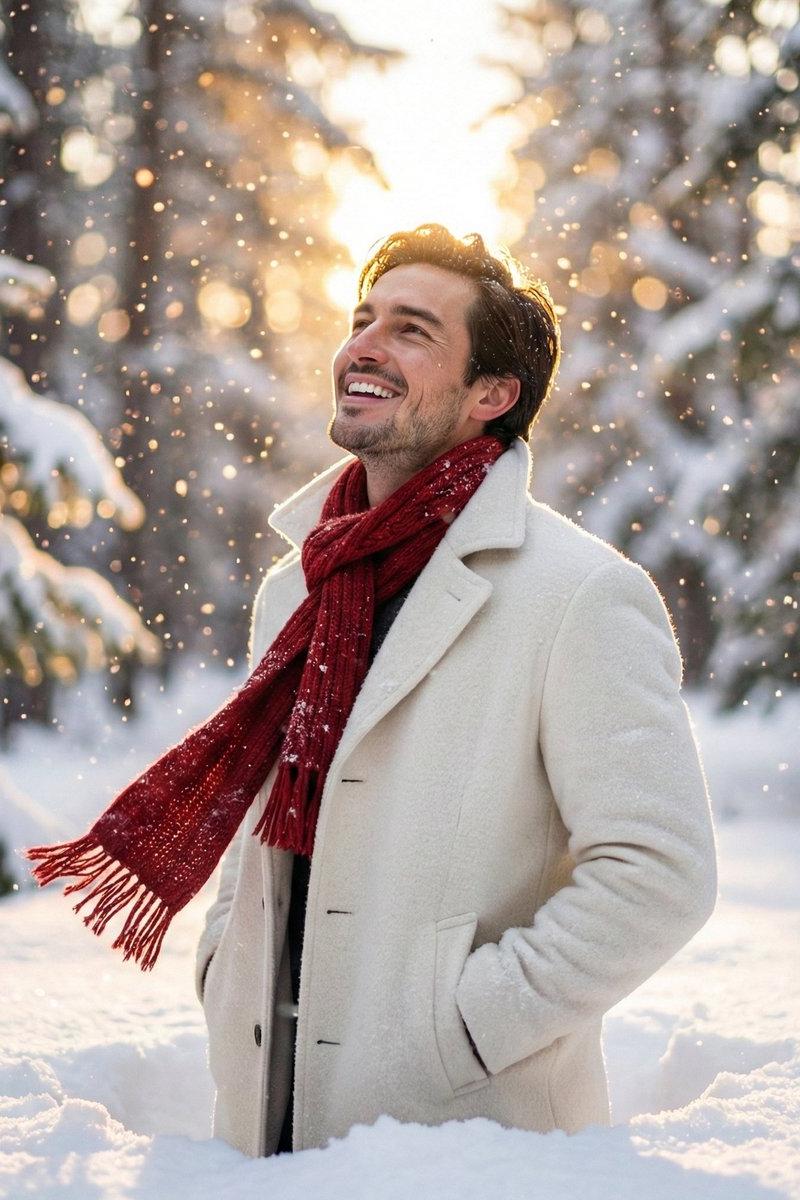
超写实冬季特写肖像
Enlarge

Example images

超写实冬季特写肖像

Prompt
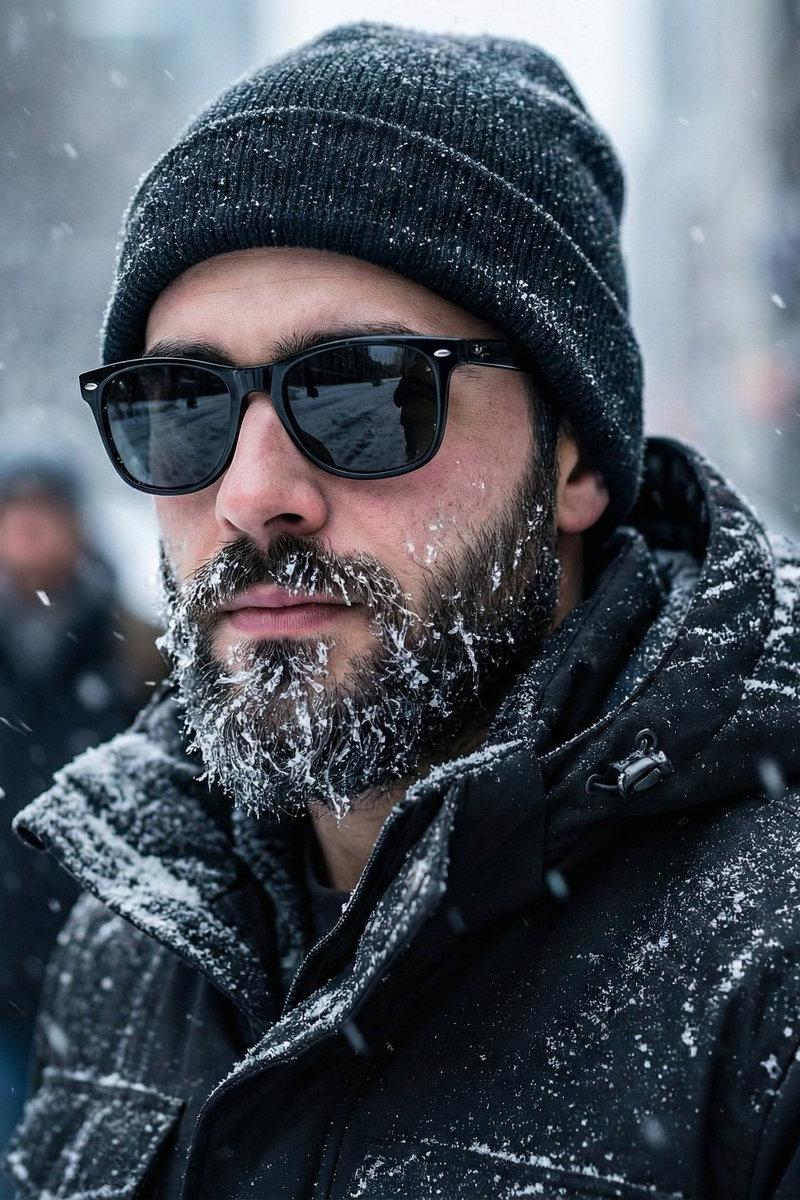
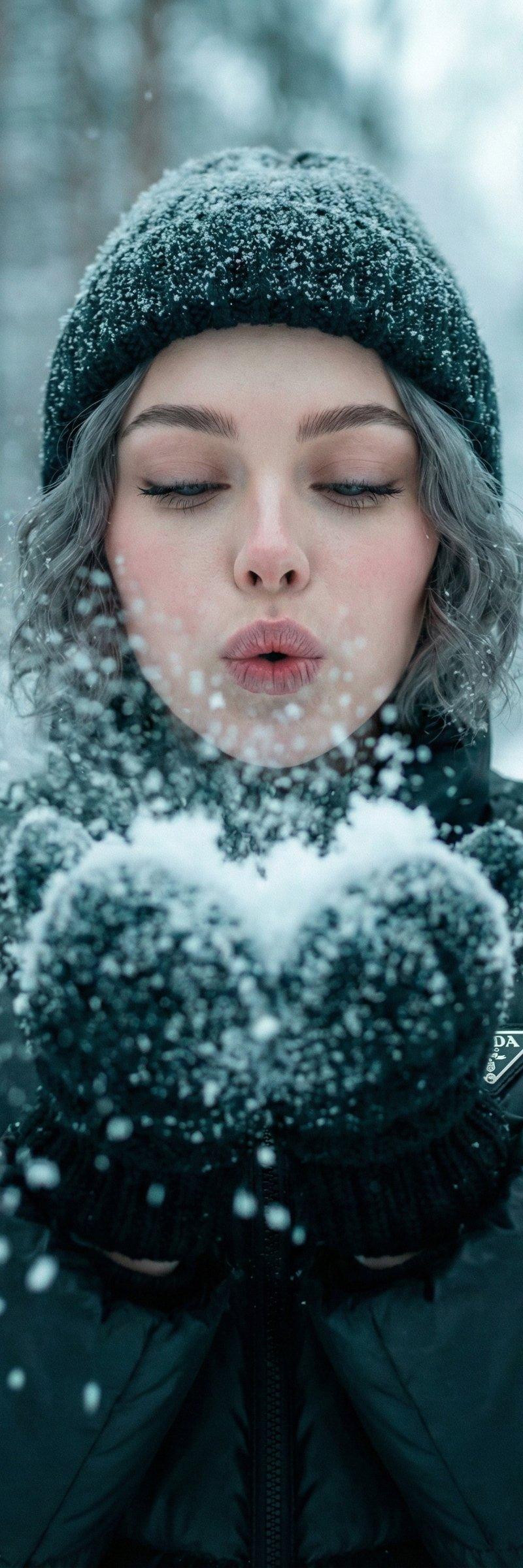
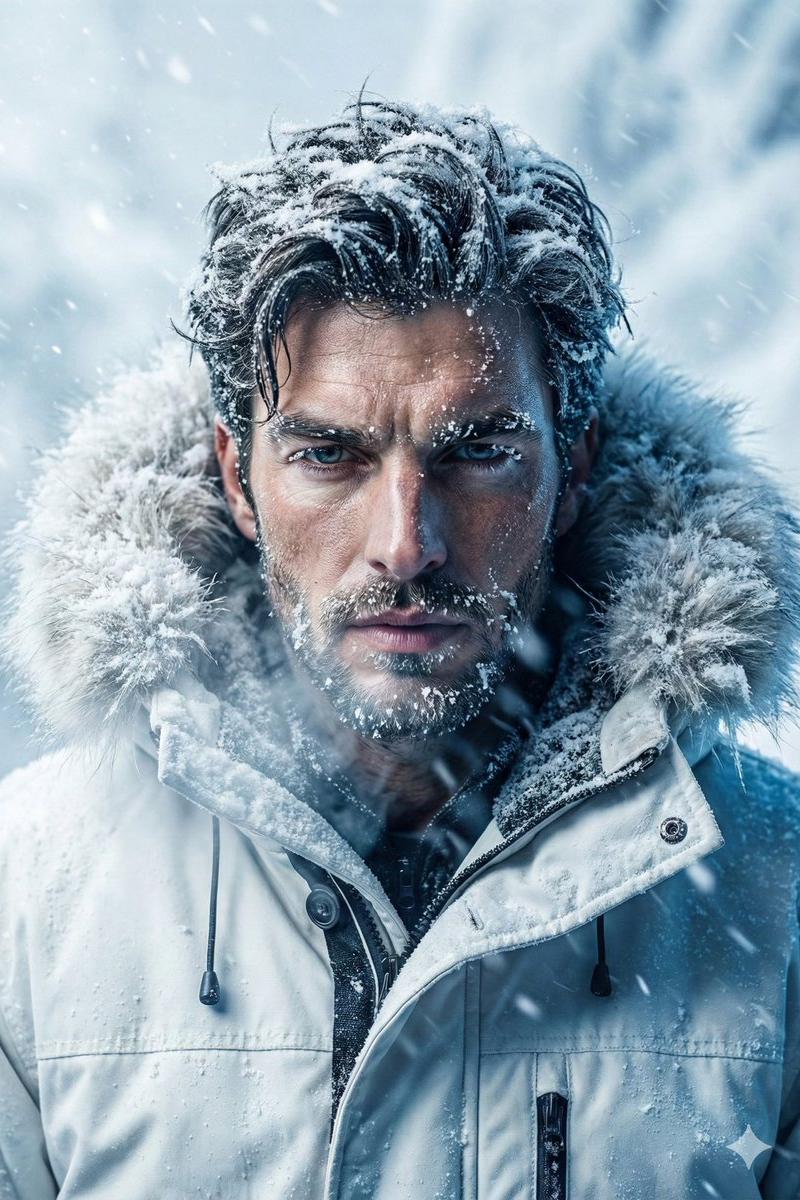
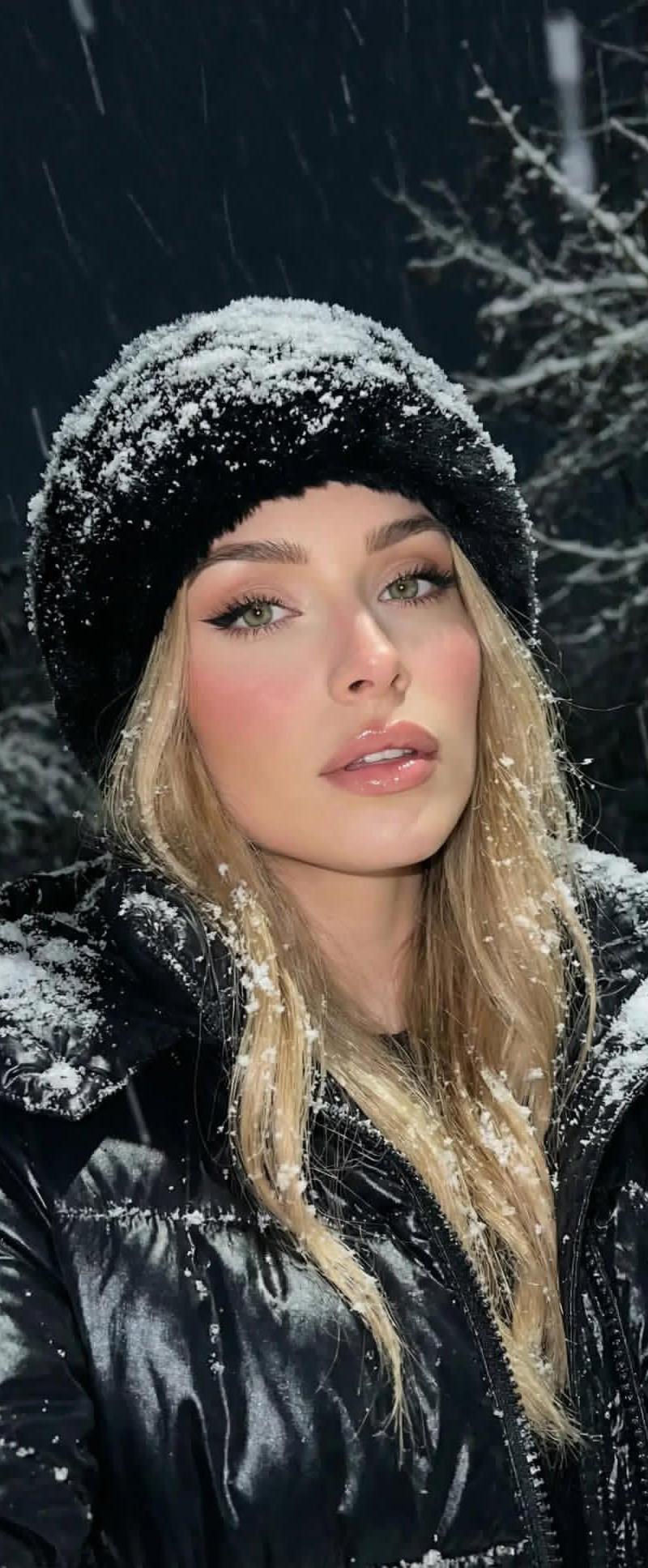
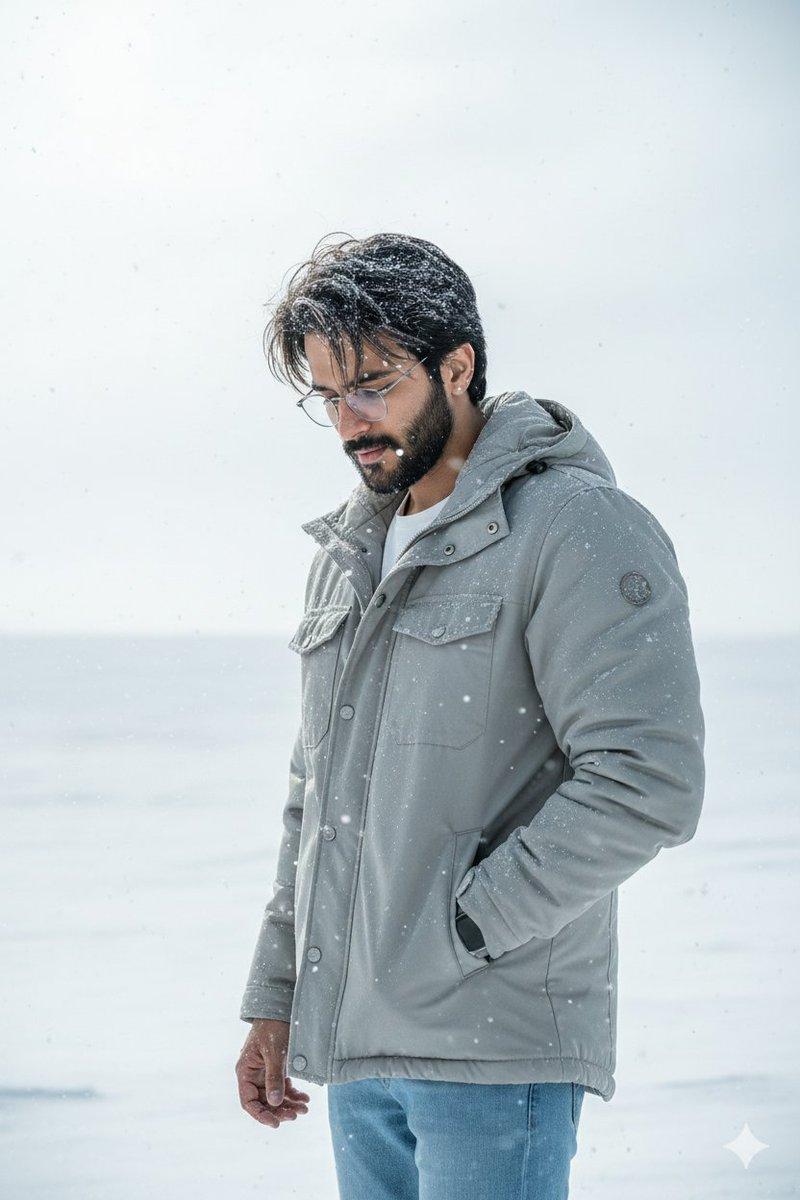
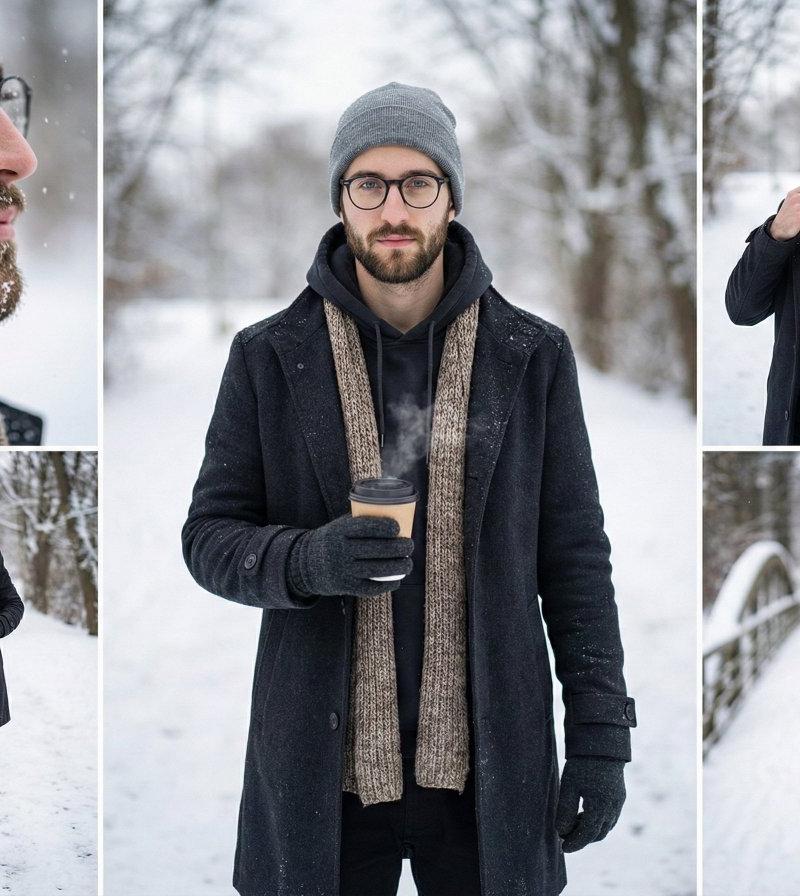
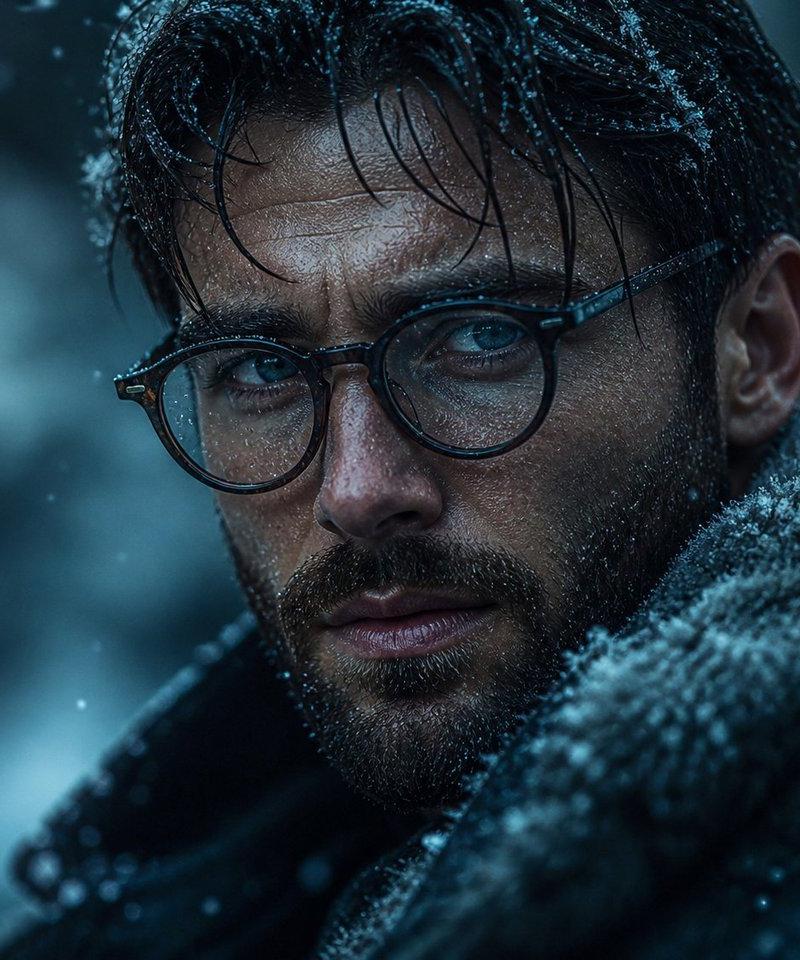
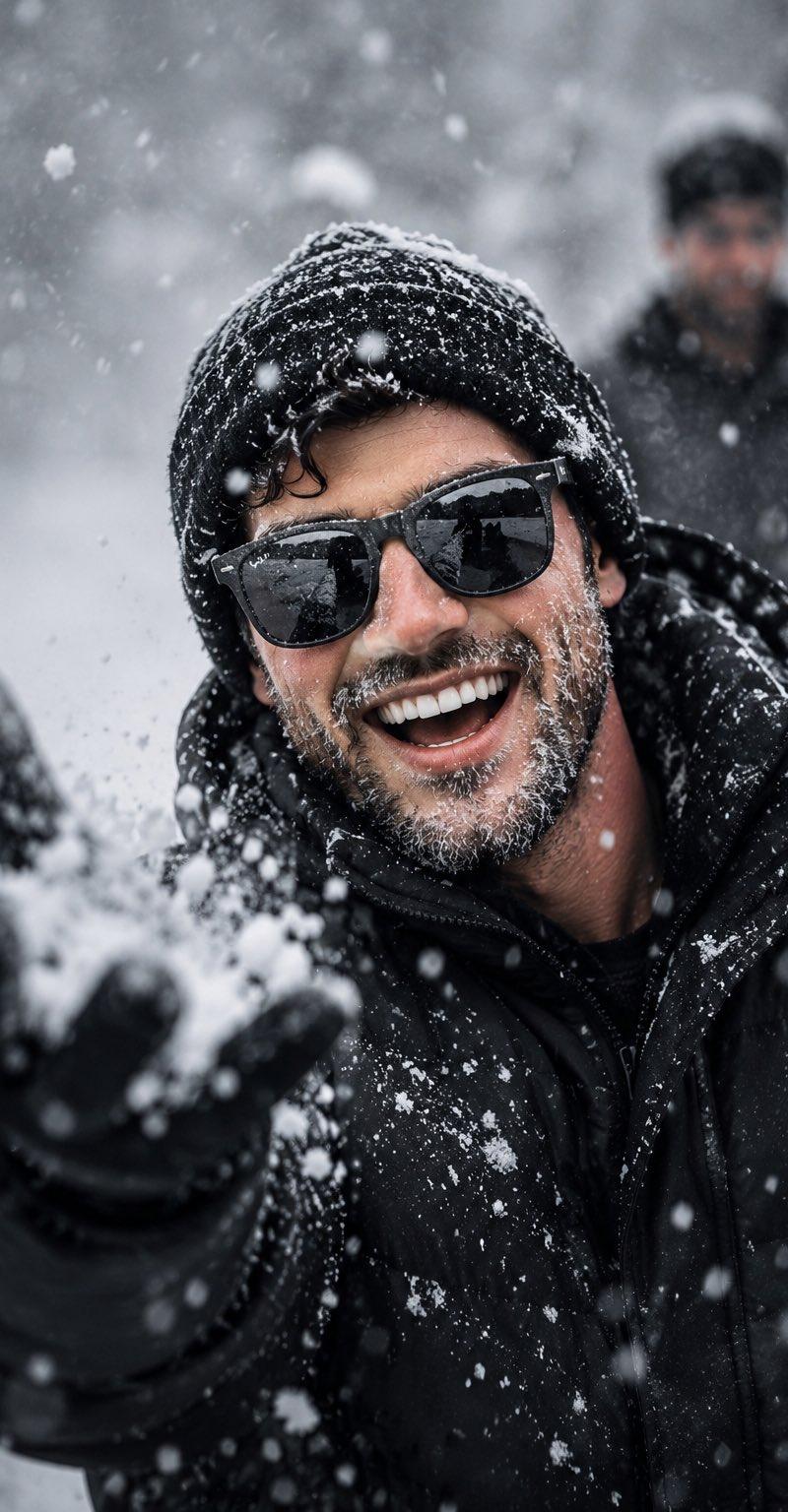
Create an ultra-realistic cinematic winter close-up portrait. The {argument name="subject" default="subject"} wears a {argument name="headwear" default="dark premium wool beanie"}, black reflective sunglasses, and a thick natural beard covered with realistic snowflakes and tiny ice crystals. Dress the subject in a {argument name="jacket" default="heavy black insulated winter jacket"} with visible snow accumulation across the shoulders and sleeves.

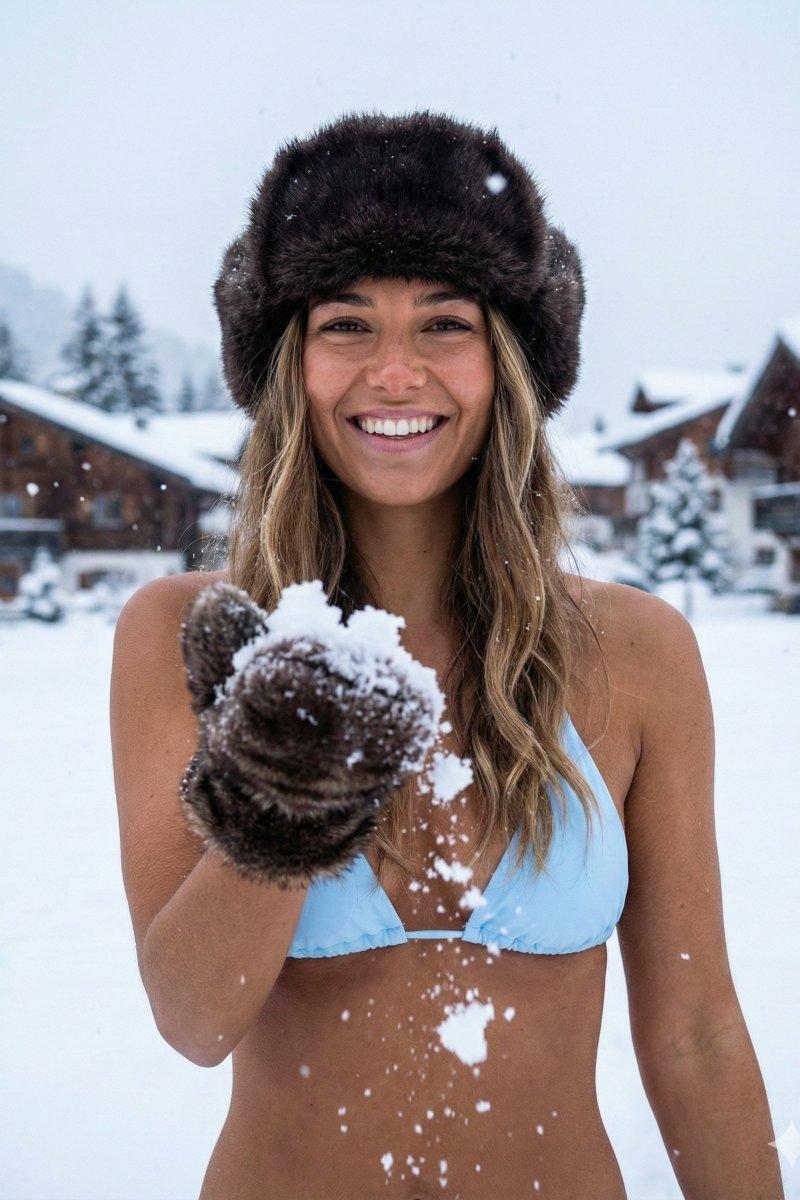
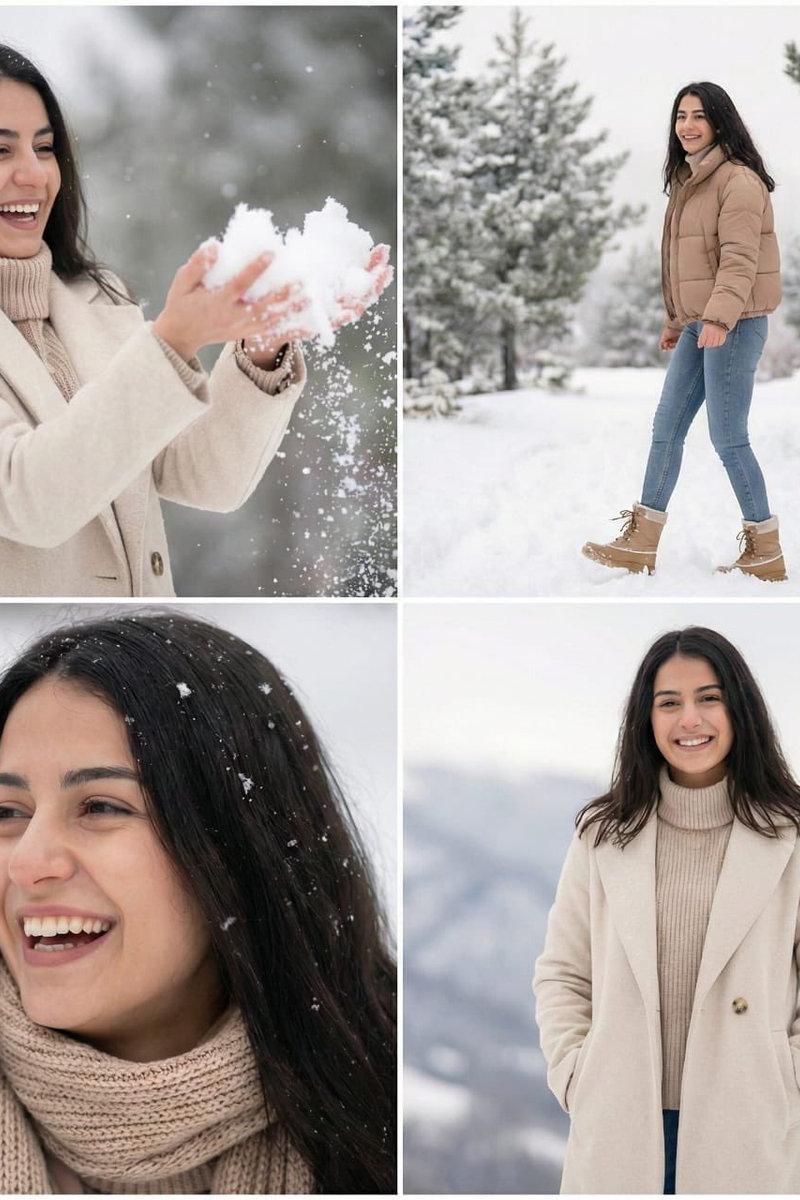
Capture the subject laughing naturally while enjoying heavy snowfall, with one hand raised as if tossing fresh snow toward the camera, creating a joyful and playful mood. Use intense falling snow, floating snow particles, and realistic winter atmosphere. Keep the subject in razor-sharp focus with a shallow depth of field, while the background remains beautifully blurred. Include a second person in the distant background, completely out of focus, to enhance realism without distracting from the main subject.

Use cold natural daylight with soft overcast winter lighting, cool white, grey, and black color grading, dramatic cinematic contrast, realistic reflections on the sunglasses, highly detailed beard texture, realistic snow physics, premium winter fashion photography, professional DSLR quality, HDR, volumetric atmosphere, ultra-detailed skin texture, photorealistic, 8K resolution, editorial masterpiece.
Category
Charts & Infographics
Model
GPT Image 2
Creator
Snow
Source language
en
Views0
Source ID
27071
Published
Jun 28, 2026
Studio

Guide

About "超写实冬季特写肖像"

What is this prompt for?

"超写实冬季特写肖像" AI image prompt for GPT Image 2 (Charts & Infographics). 一个用于生成高度细节化冬季肖像的电影级提示词,包含逼真的雪花物理效果、高端冬季时尚以及专业摄影美学。 Copy it on Picva and recreate the look…

The full copyable prompt and example visuals above are ready for AI image generation or one-click recreate in Picva.

How to use this prompt

  1. Step 1

    Open the prompt detail

    Review the example visuals, category, and full prompt text for "超写实冬季特写肖像".

  2. Step 2

    Copy the prompt

    Copy the prompt body from this page, or load it directly in Studio.

  3. Step 3

    Pick a model (GPT Image 2)

    Prefer GPT Image 2. If you switch models, keep subject and composition and tweak style terms.

  4. Step 4

    Generate and export

    Recreate the look in Picva, or export into your workflow for editing and publishing.

FAQ

What is the "超写实冬季特写肖像" prompt?
It is an AI image-generation prompt for GPT Image 2 in the Charts & Infographics category. This page includes the full prompt text, example visuals, and a one-click recreate path in Picva.
How do I use this prompt to generate an image?
Copy the prompt from this page, or use Generate / Studio. Paste it into a compatible image model, or recreate the look in Picva with optional reference images.
Which model is this prompt for?
This page lists GPT Image 2. Most descriptive prompts also transfer to nearby image models such as GPT Image, Flux, or Midjourney with light style tweaks.
Can I use the result commercially?
You can usually copy the prompt for creation, but commercial use of the final image depends on the model terms, reference-image rights, and the generated content. Follow the source author and platform rules.