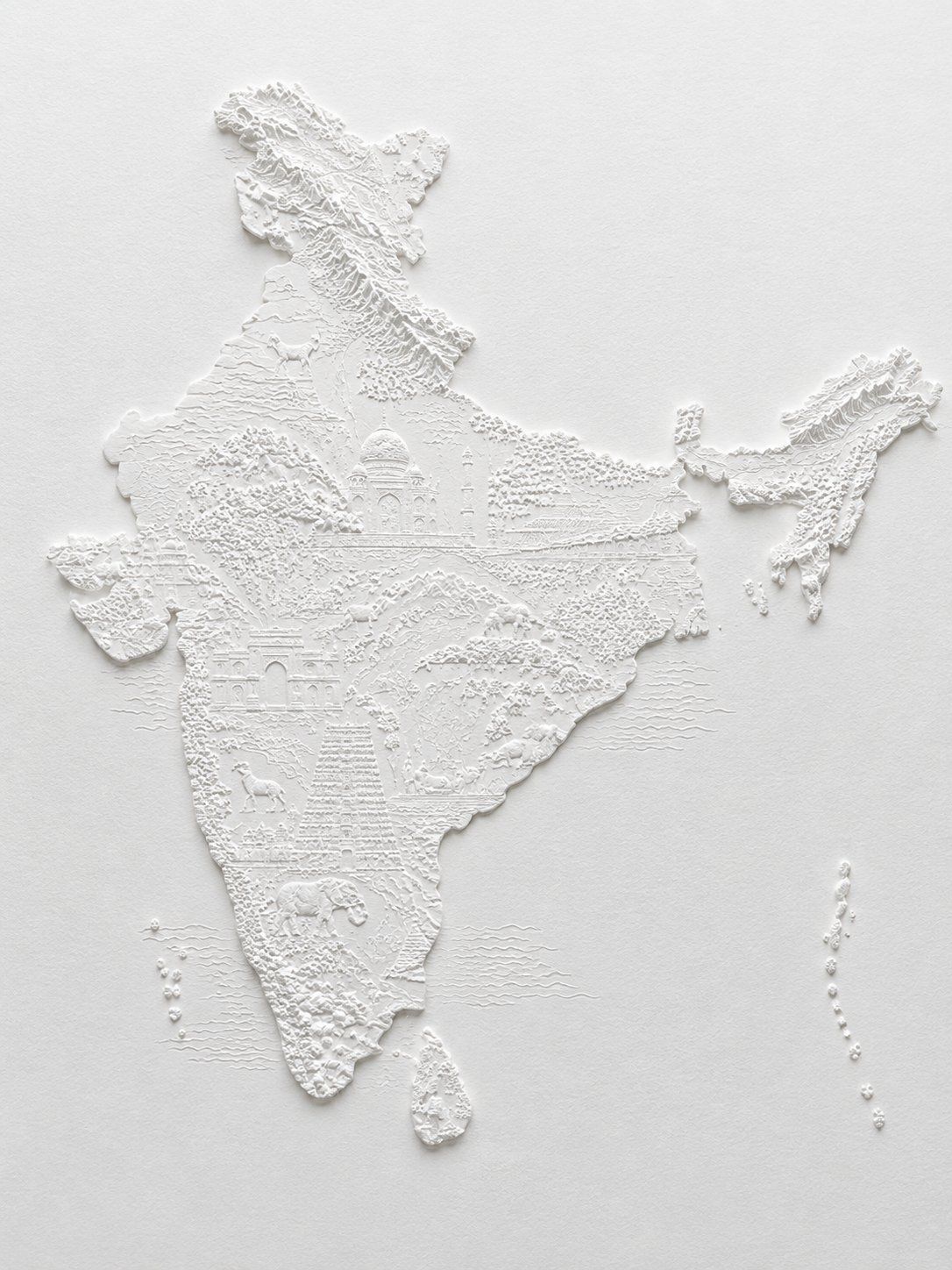
印度白色浅浮雕地图
Prompt
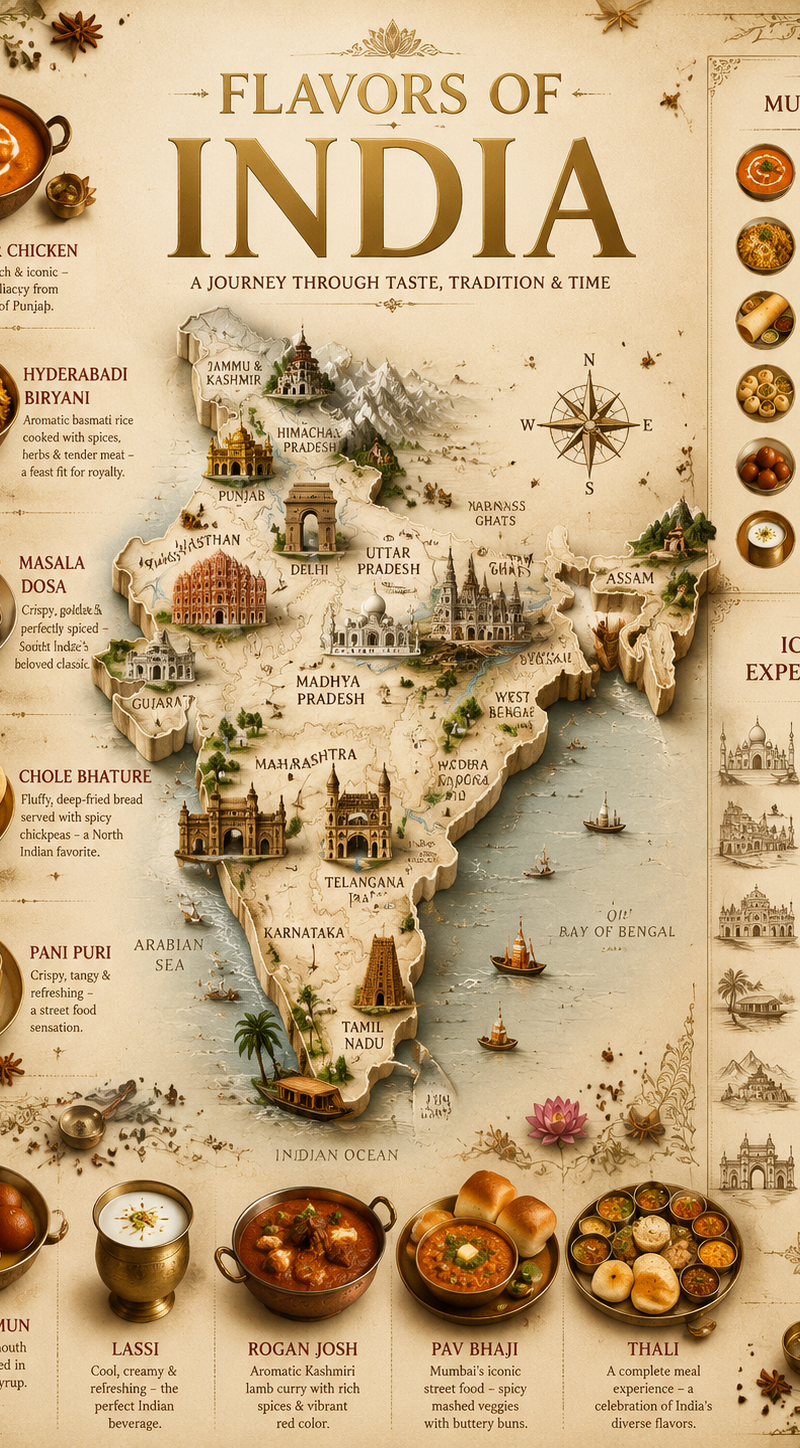
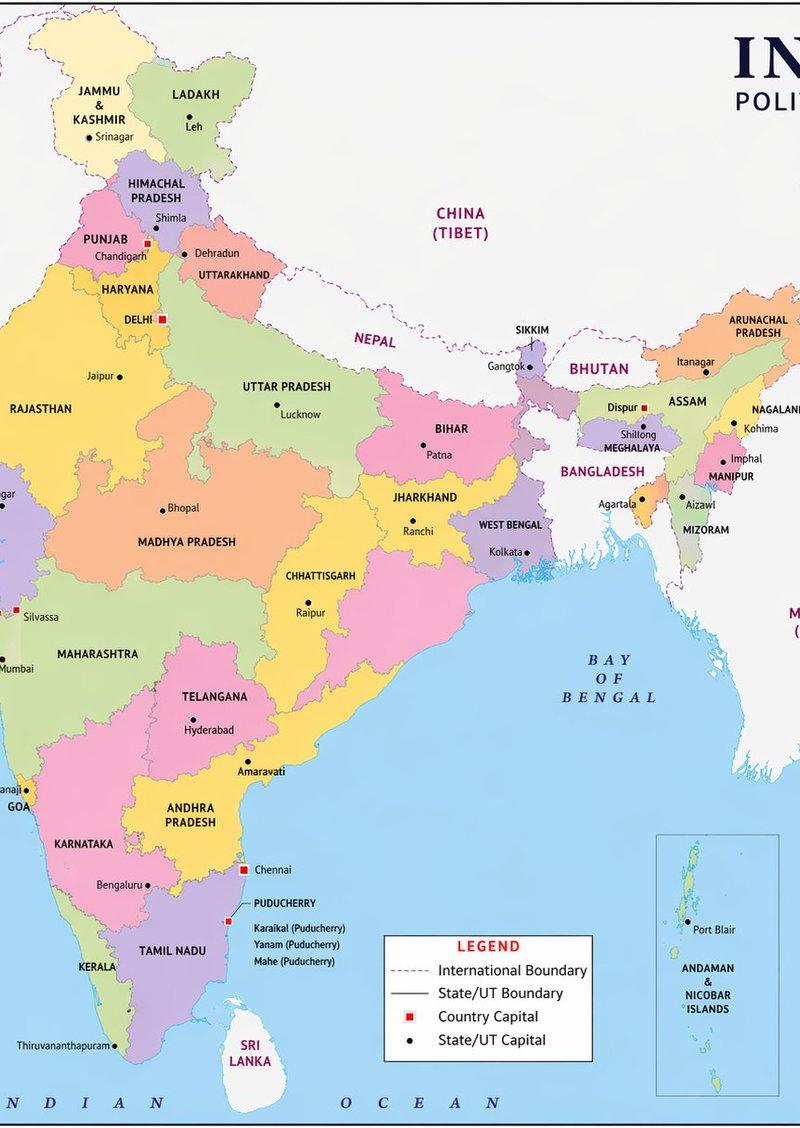
Create a high-detail monochrome white bas-relief paper sculpture map of {argument name="country or region" default="India"} on a warm off-white textured paper background. The landmass should be raised in crisp white plaster/paper relief with accurate recognizable geography: mainland India centered large, the northeastern states detached to the upper right, Sri Lanka below the southern tip, and two island chains shown as small raised dots to the lower left and lower right. Fill the map with intricate miniature topographic and cultural details carved into the same white material: raised Himalayan mountain ridges across the north, contour lines and terraced terrain, forests made of tiny dot clusters, river-like incised lines, coastal texture, and subtle horizontal ocean wave lines around the peninsula. Include exactly 5 major recognizable cultural/landmark motifs integrated into the terrain: the Taj Mahal near north-central India, a large arched palace/fort facade in western India, a tall stepped temple tower in south-central India, a camel in the northwest/desert area, and an elephant in the southern region. Use no color other than white and faint gray shadows; no labels, no borders, no legend, no text. Lighting should come softly from the upper left, casting delicate shadows to emphasize the relief depth and extremely fine detailing. Style: museum-quality paper embossing, sculptural cartography, minimal elegant composition, photorealistic macro product photography, centered on a plain background with generous negative space.- Category
- Charts & Infographics
- Model
- GPT Image 2
- Creator
- madarbro
- Source language
- en
- Source ID
- 27116
- Published
- Jun 28, 2026
Views0
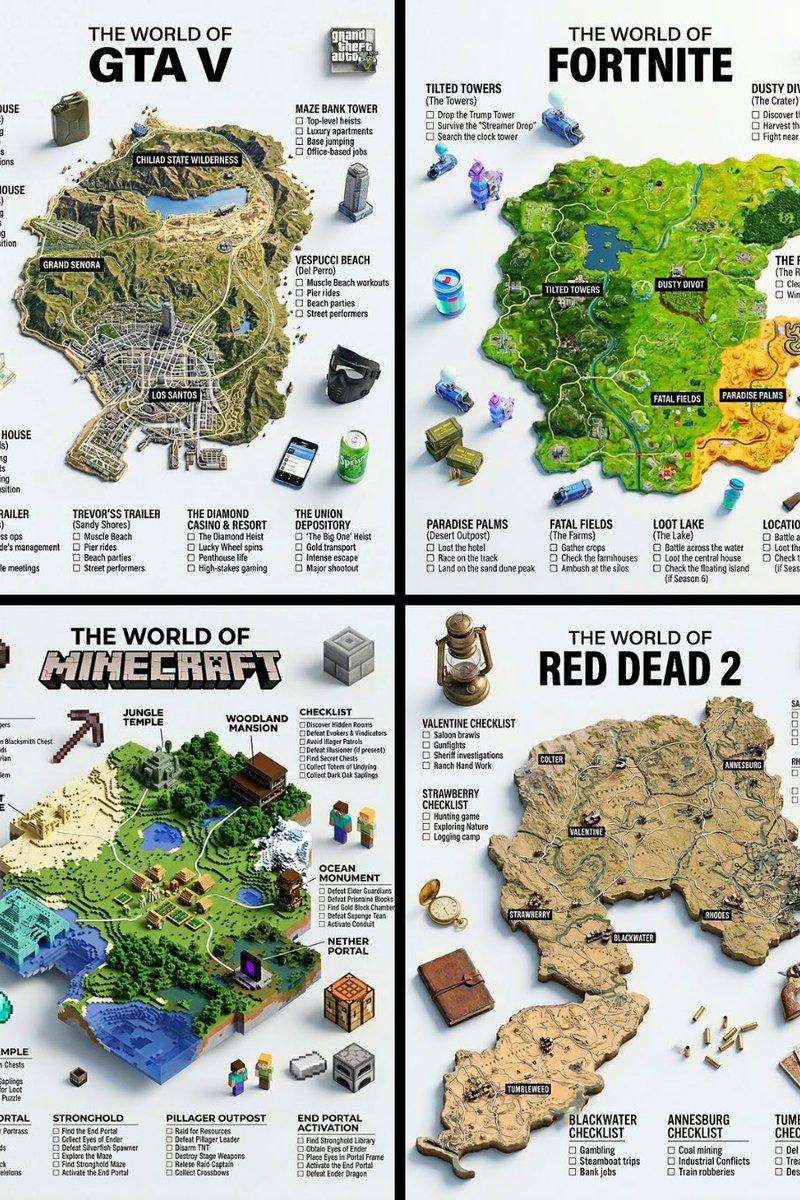
![A hyper-realistic 3D world guide infographic poster for [SHOW]](https://whqgdndlpxjbwosvipip.supabase.co/storage/v1/render/image/public/prompt-source-media/promptsref/work-2519/image-1-c923c74e9444681d.png?width=800&quality=75)