20

手掌上的 Q 版角色,表情烦躁

Prompt
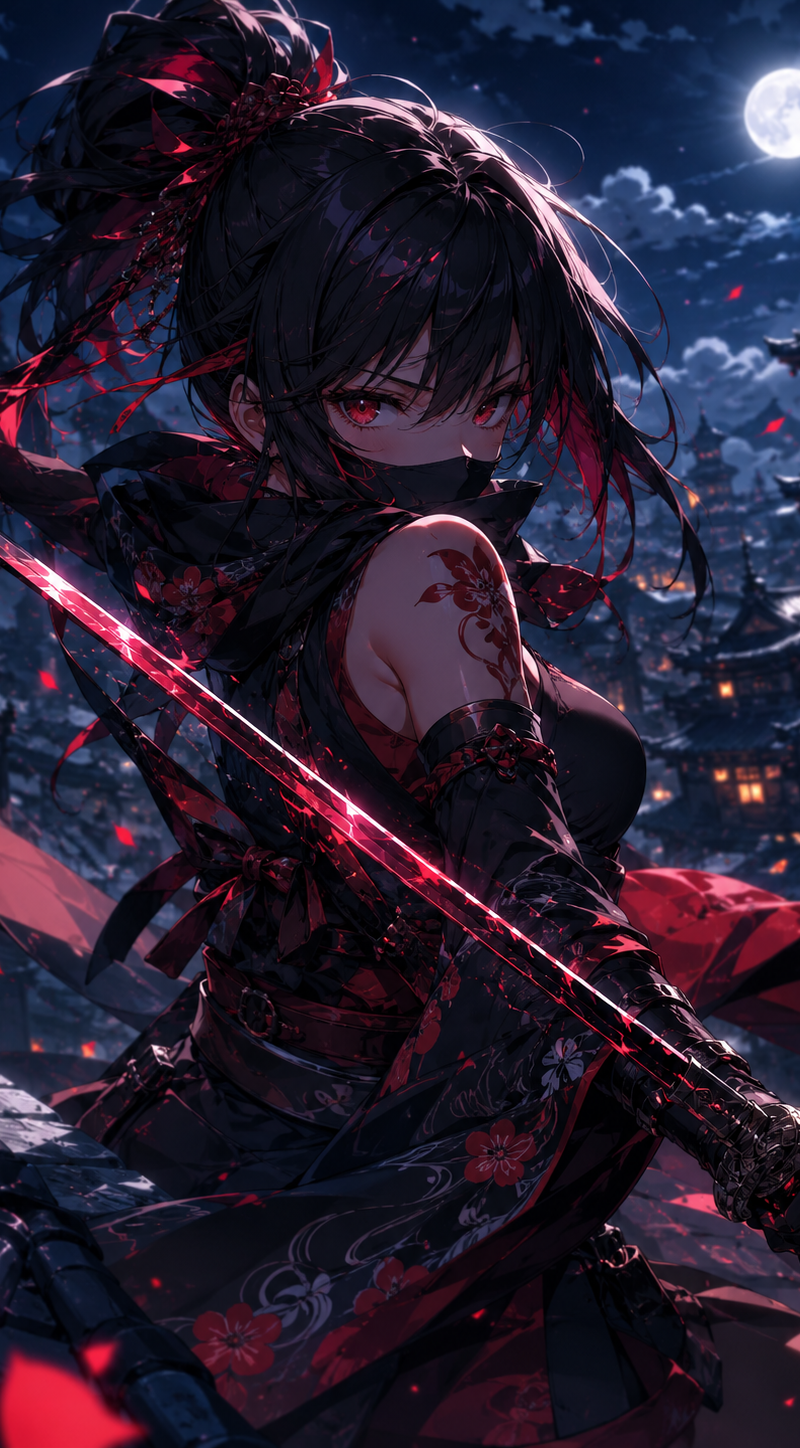
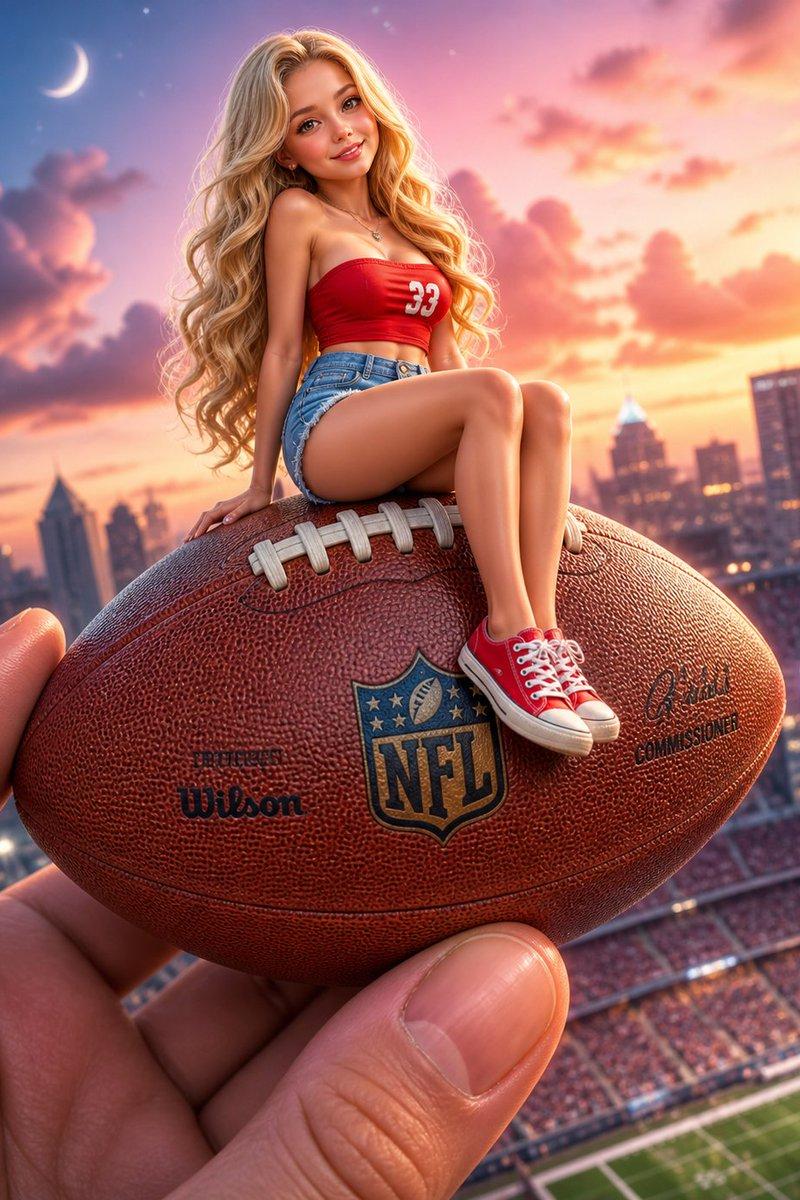
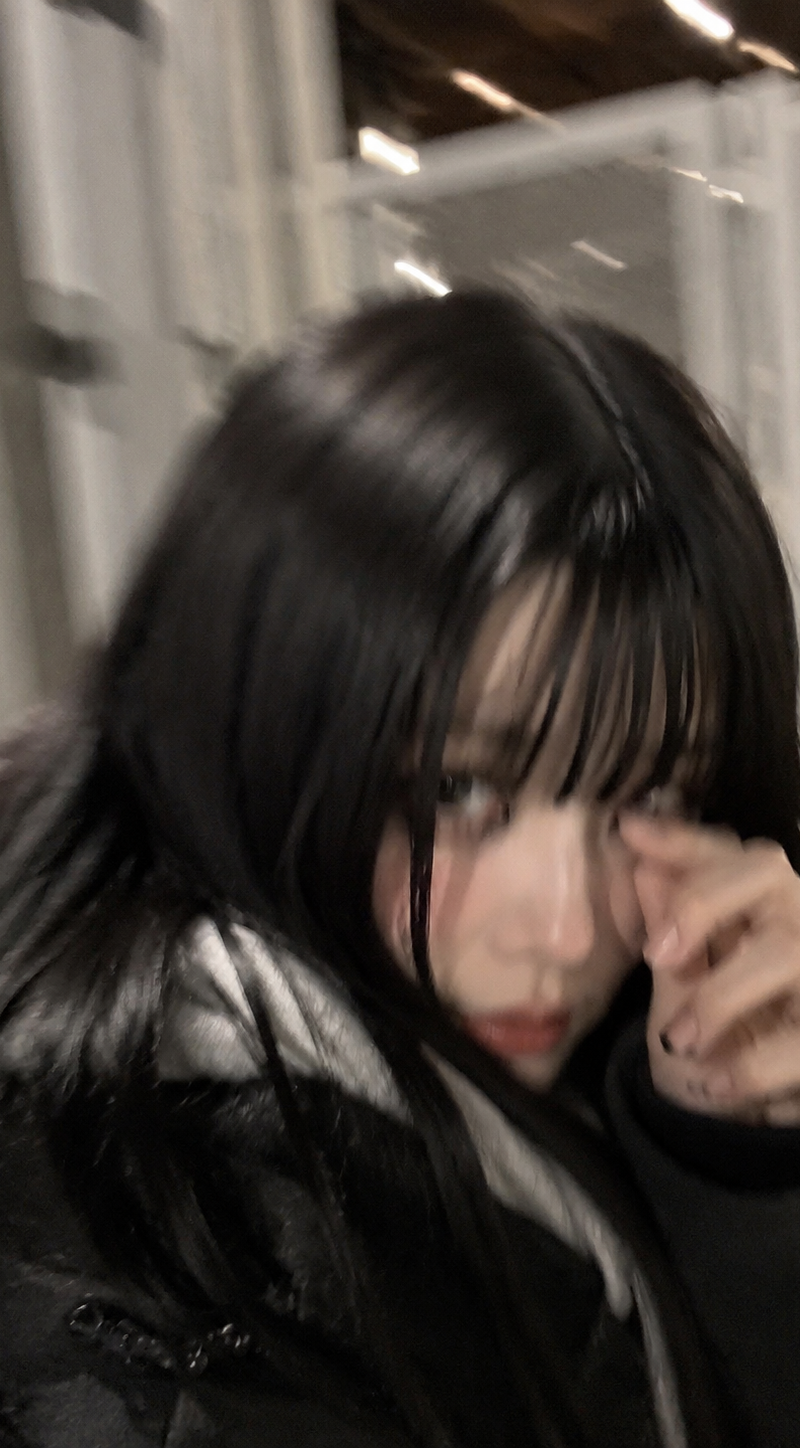
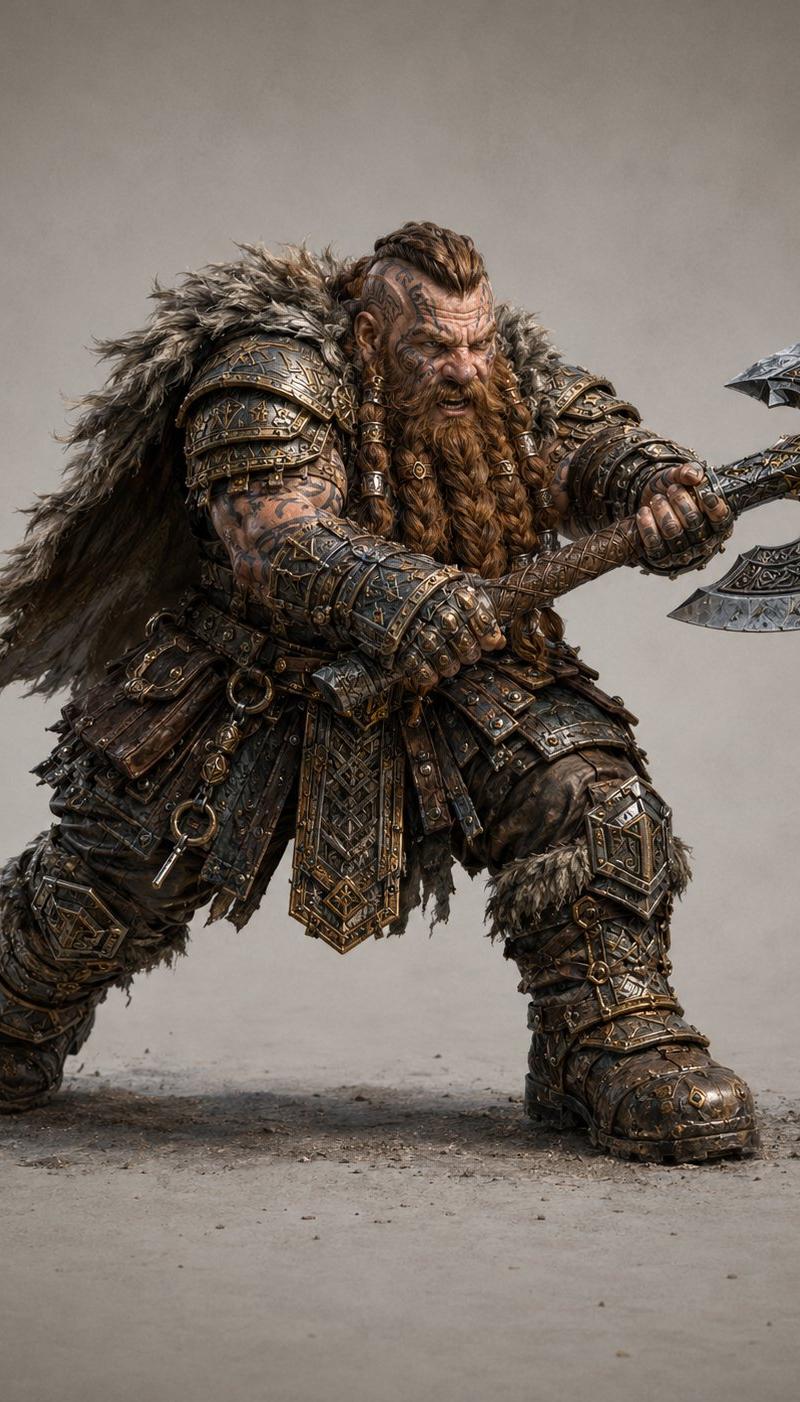
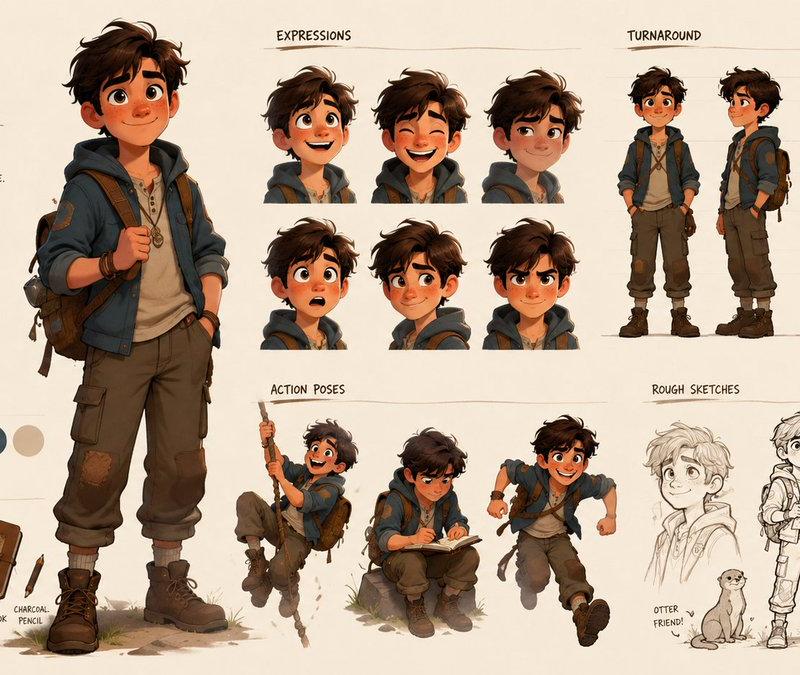
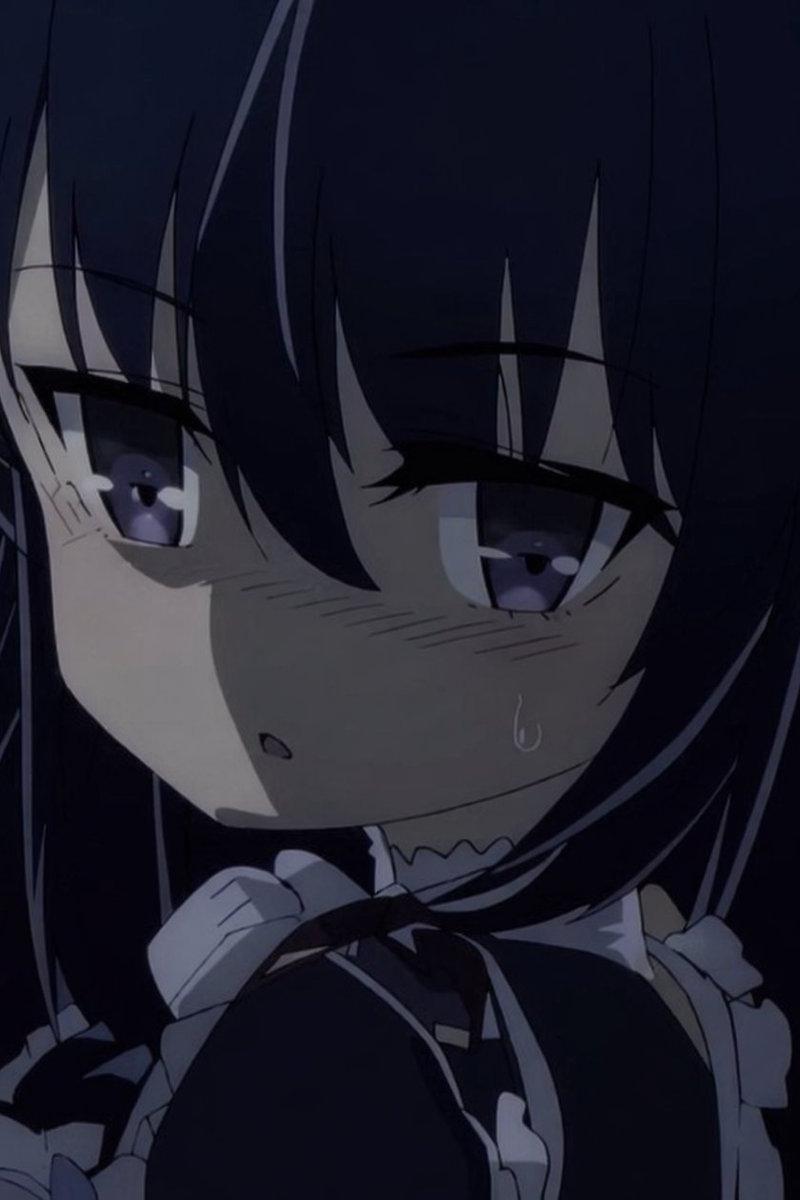
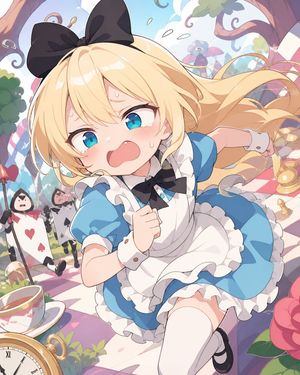
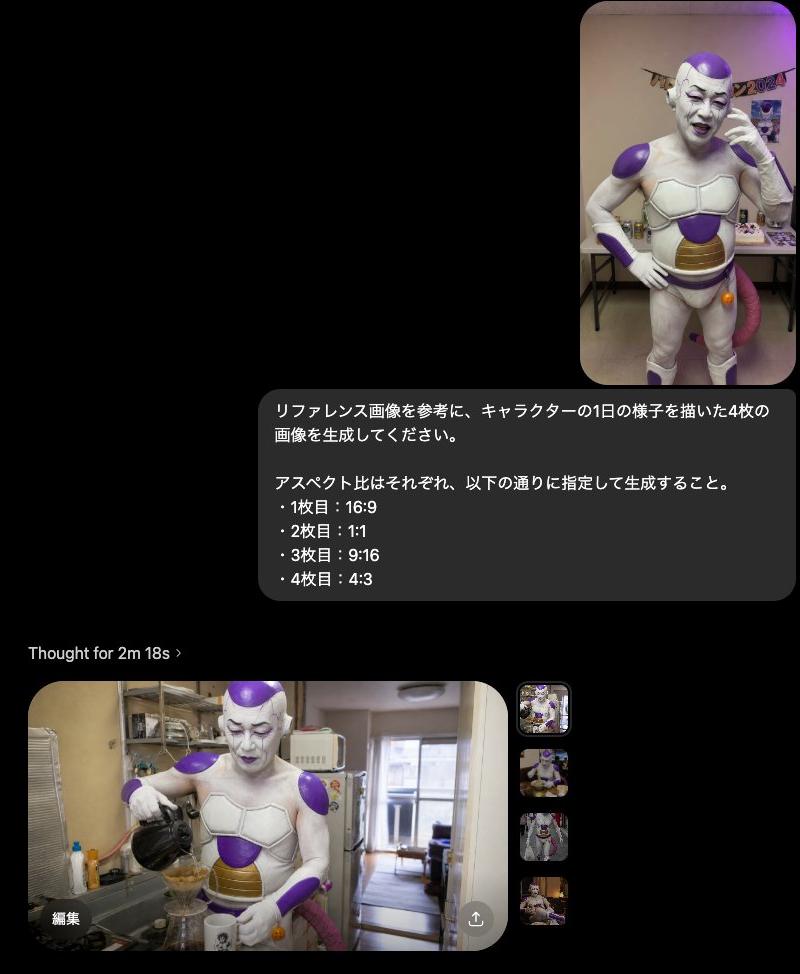
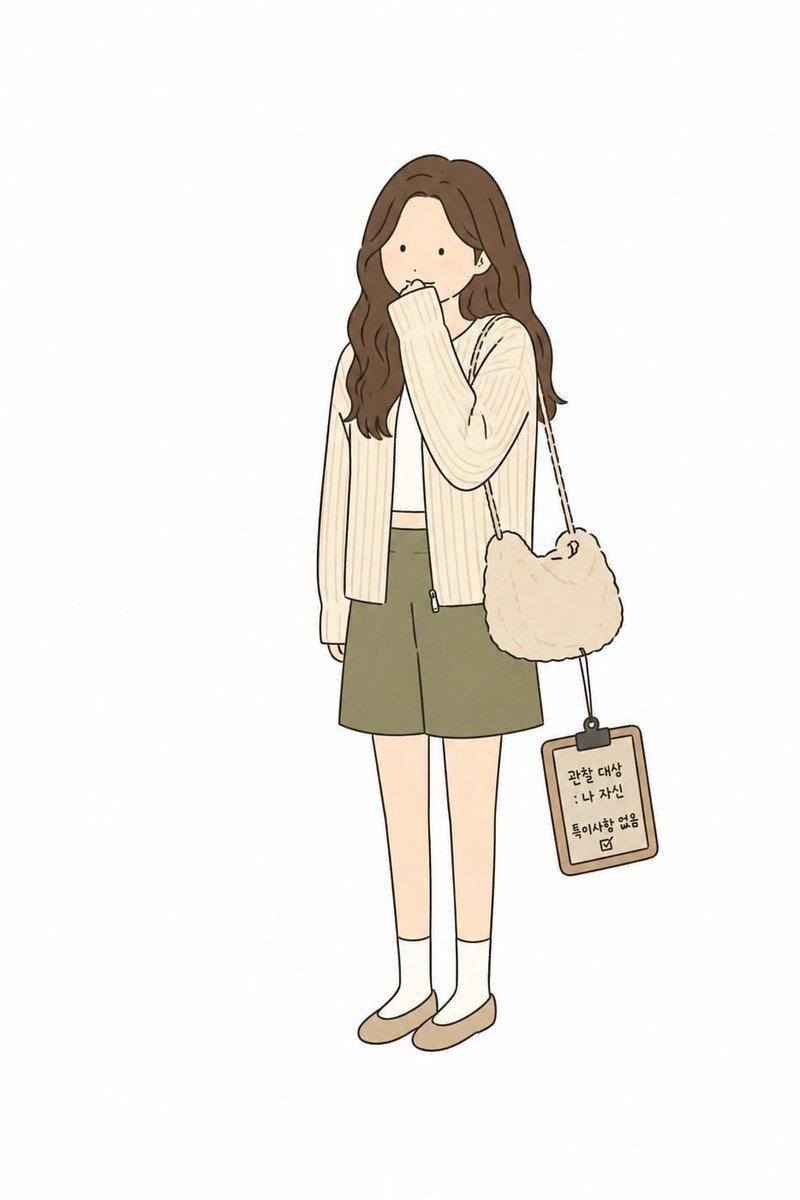
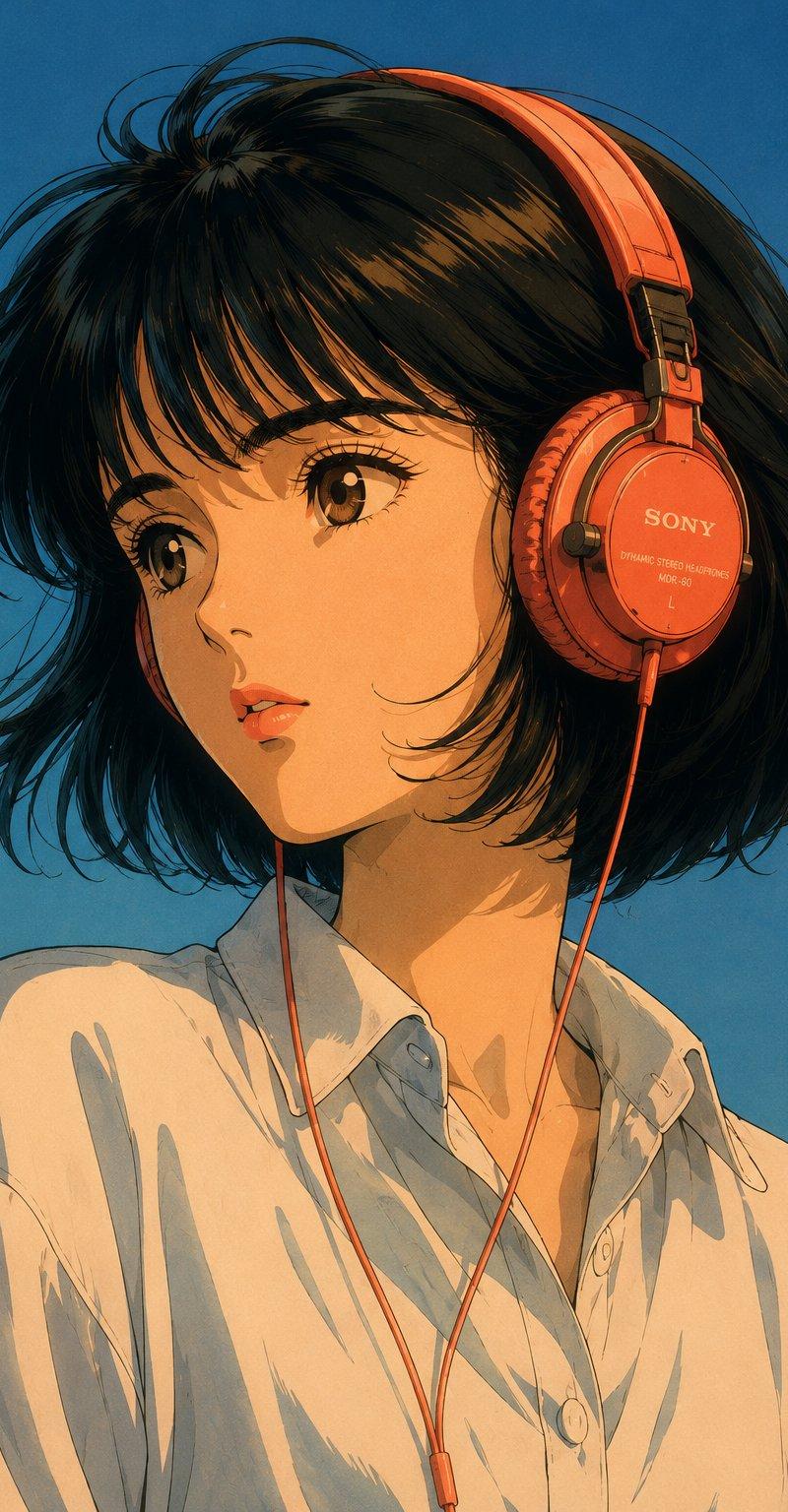
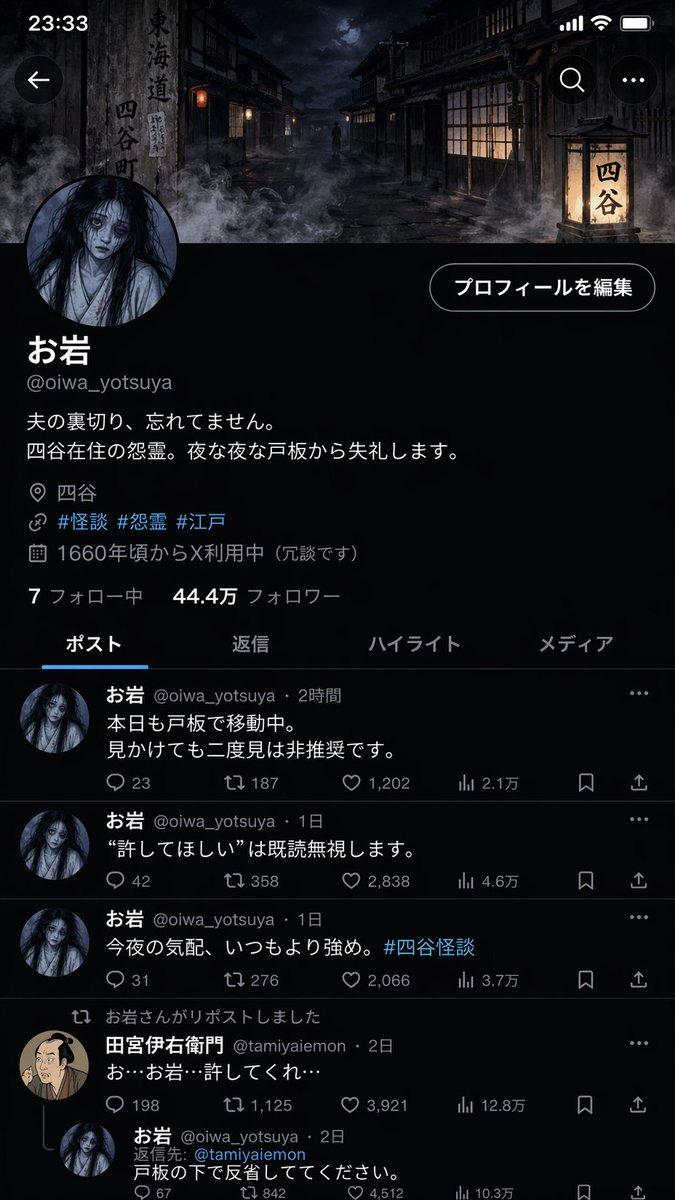
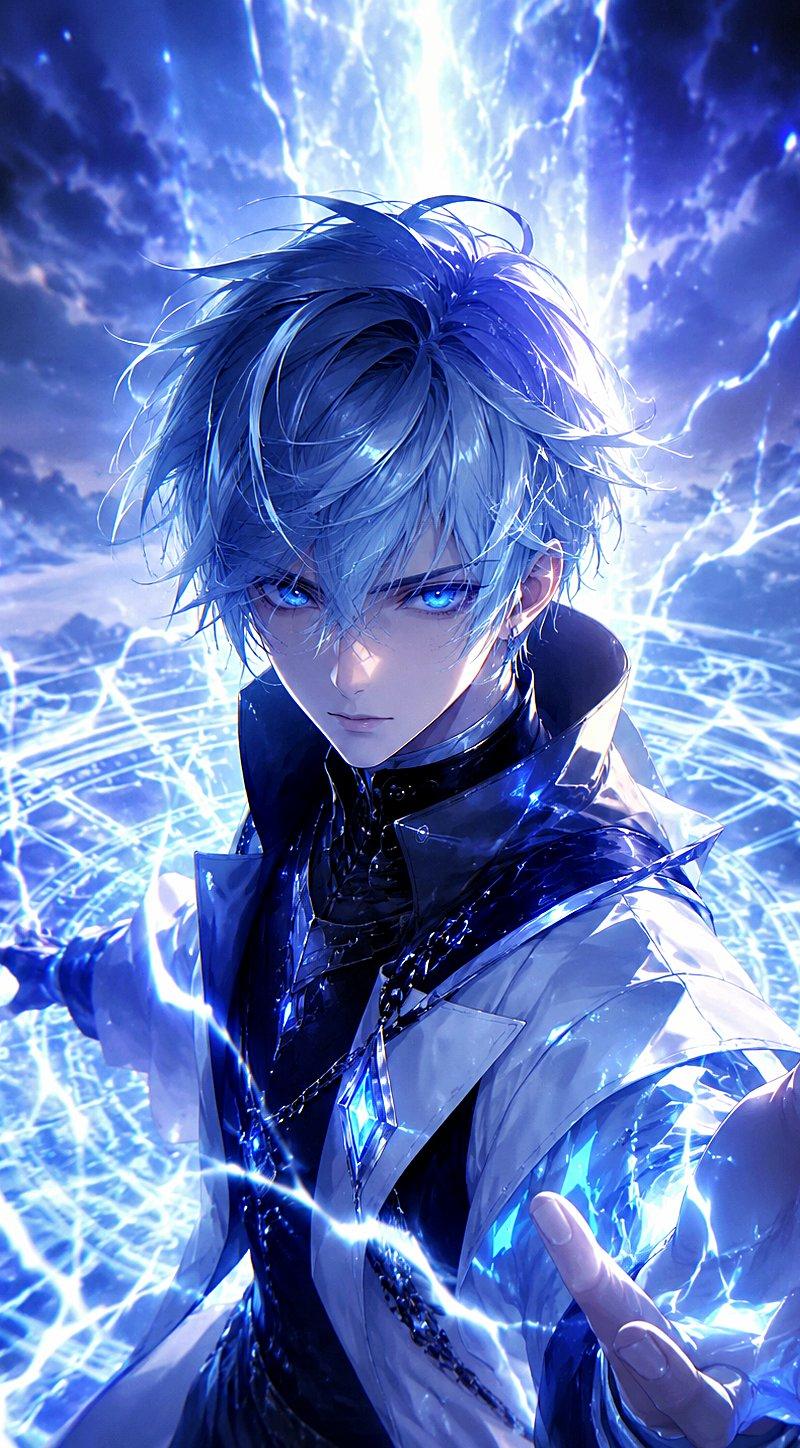
create a mini chibi version of the character in the uploaded images, with a big head and small body, sitting on an open left palm for realistic scale. The right hand is gently pressing its cheek with an index finger. The character looks annoyed and pouty — with puffed cheeks, a slight frown, and squinting eyes. Ultra-detailed chibi style, soft pastel colors, smooth texture, clean lighting, shallow depth of field, strong focus on facial expression and hand interaction, vertical composition, 4:5 aspect ratio.
Category
Characters & People
Model
seedance-2.0
Creator
Zyro
Source language
en
Views0
Source ID
2217
Published
Mar 28, 2026
Studio

Guide

About "手掌上的 Q 版角色,表情烦躁"

What is this prompt for?

"手掌上的 Q 版角色,表情烦躁" AI image prompt for seedance-2.0 (Characters & People). 这是一个用于生成视频的提示词,画面展示了一个上传角色的迷你 Q 版形象,正坐在左手手掌上。右手轻轻按压其脸颊,Q 版角色表现出烦躁和嘟嘴的神情。提示词指定了风格(超精细…

The full copyable prompt and example visuals above are ready for AI image generation or one-click recreate in Picva.

How to use this prompt

  1. Step 1

    Open the prompt detail

    Review the example visuals, category, and full prompt text for "手掌上的 Q 版角色,表情烦躁".

  2. Step 2

    Copy the prompt

    Copy the prompt body from this page, or load it directly in Studio.

  3. Step 3

    Pick a model (seedance-2.0)

    Prefer seedance-2.0. If you switch models, keep subject and composition and tweak style terms.

  4. Step 4

    Generate and export

    Recreate the look in Picva, or export into your workflow for editing and publishing.

FAQ

What is the "手掌上的 Q 版角色,表情烦躁" prompt?
It is an AI image-generation prompt for seedance-2.0 in the Characters & People category. This page includes the full prompt text, example visuals, and a one-click recreate path in Picva.
How do I use this prompt to generate an image?
Copy the prompt from this page, or use Generate / Studio. Paste it into a compatible image model, or recreate the look in Picva with optional reference images.
Which model is this prompt for?
This page lists seedance-2.0. Most descriptive prompts also transfer to nearby image models such as GPT Image, Flux, or Midjourney with light style tweaks.
Can I use the result commercially?
You can usually copy the prompt for creation, but commercial use of the final image depends on the model terms, reference-image rights, and the generated content. Follow the source author and platform rules.