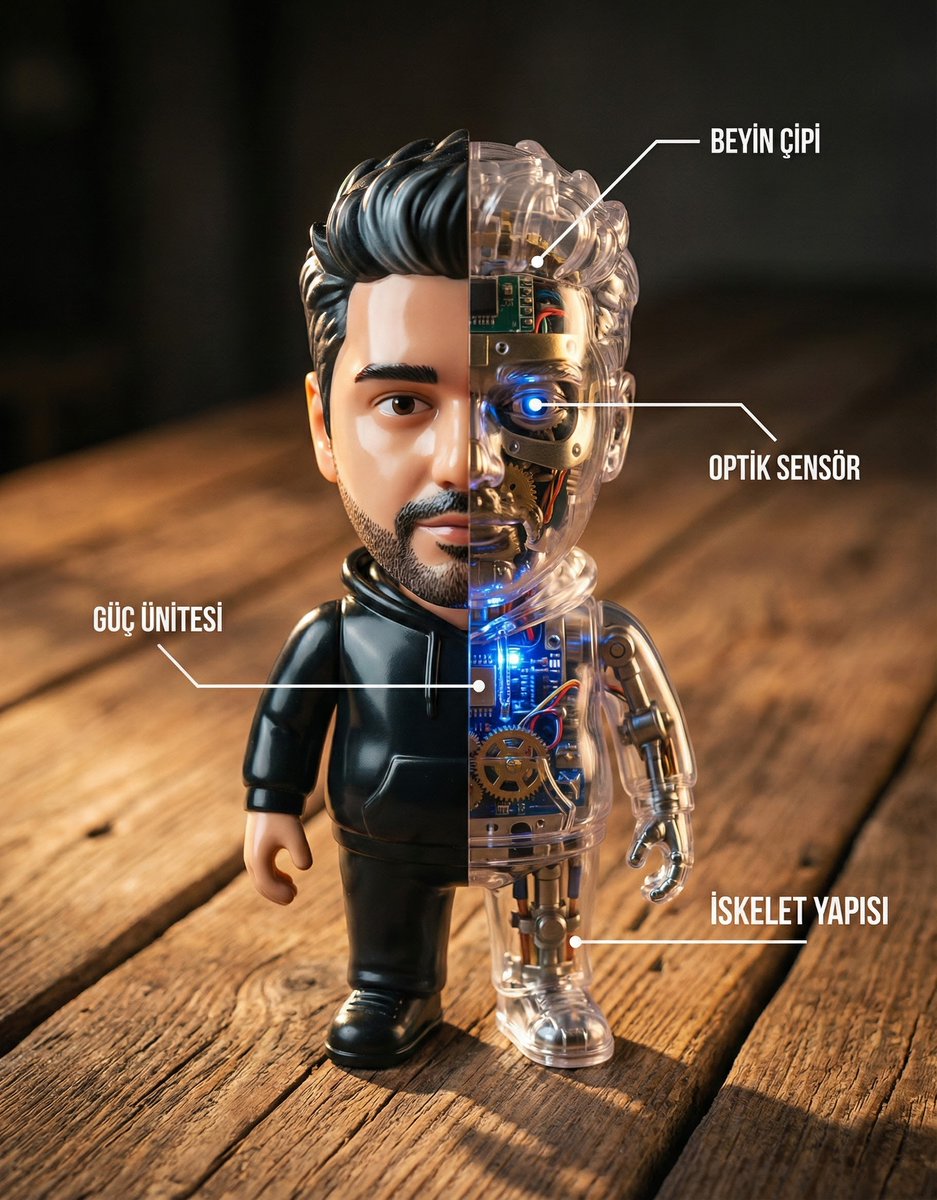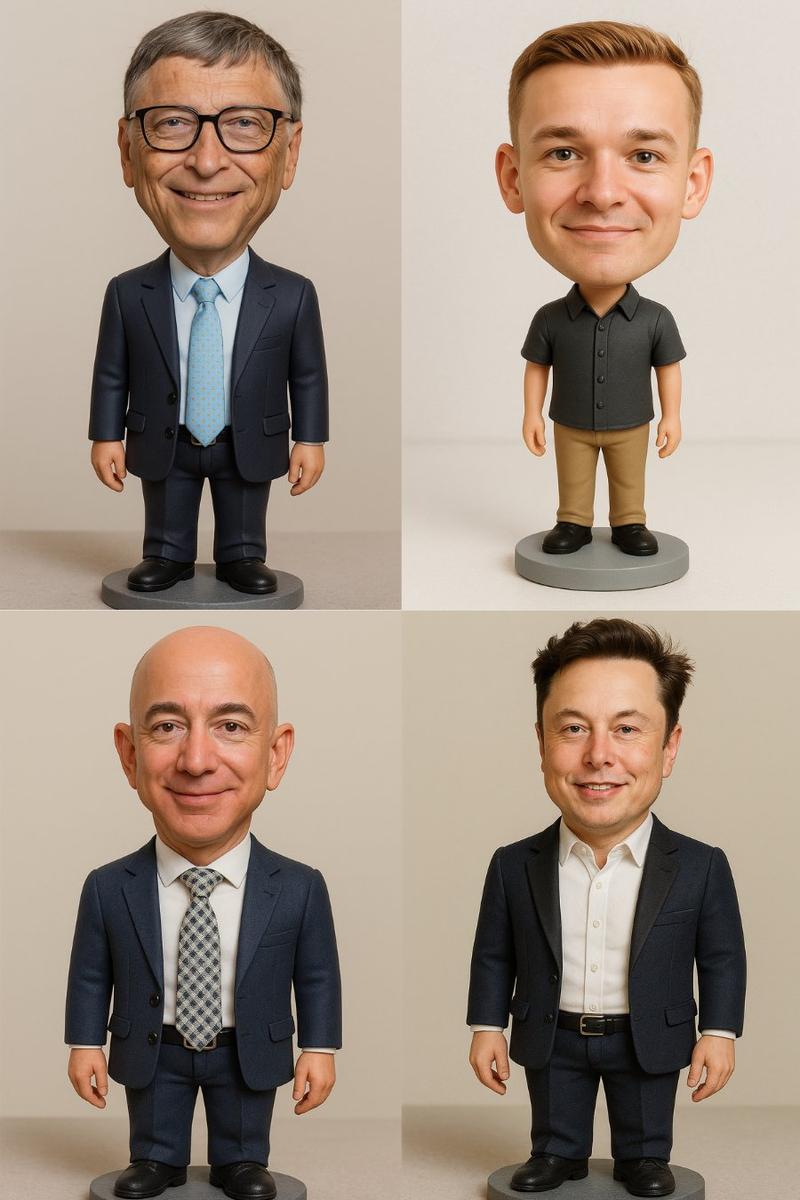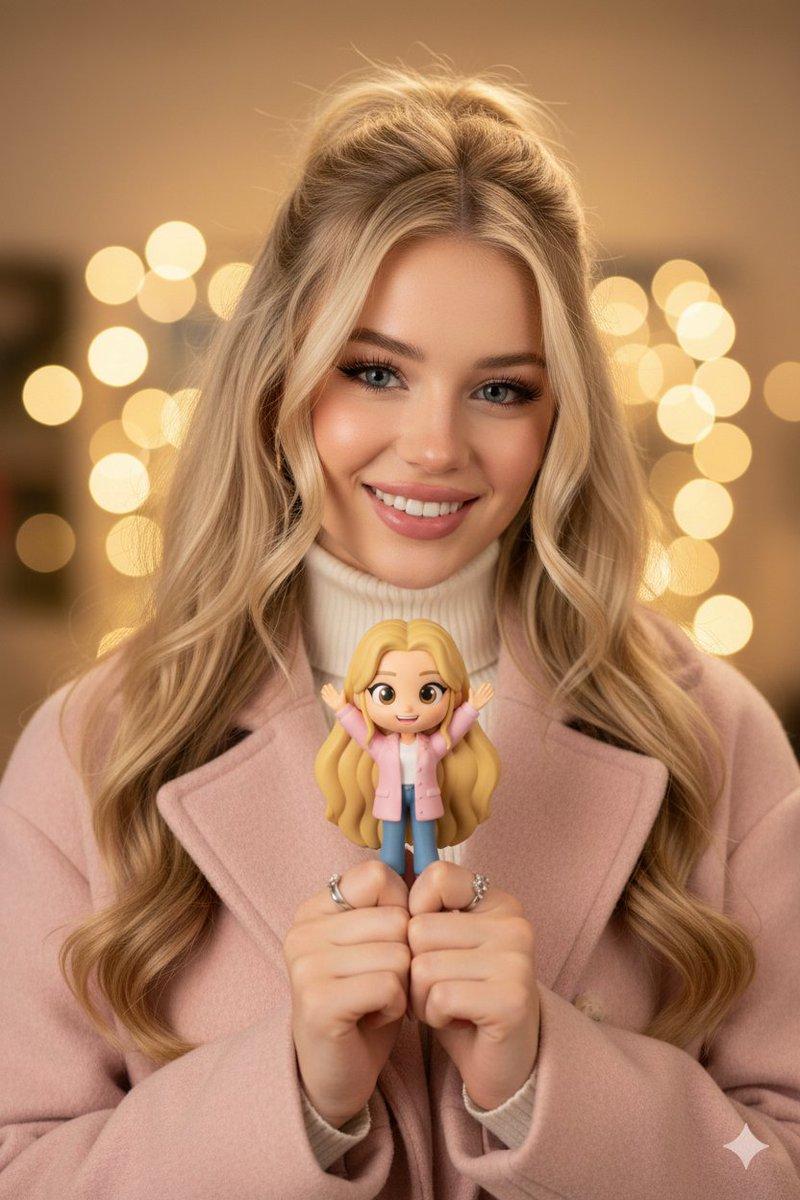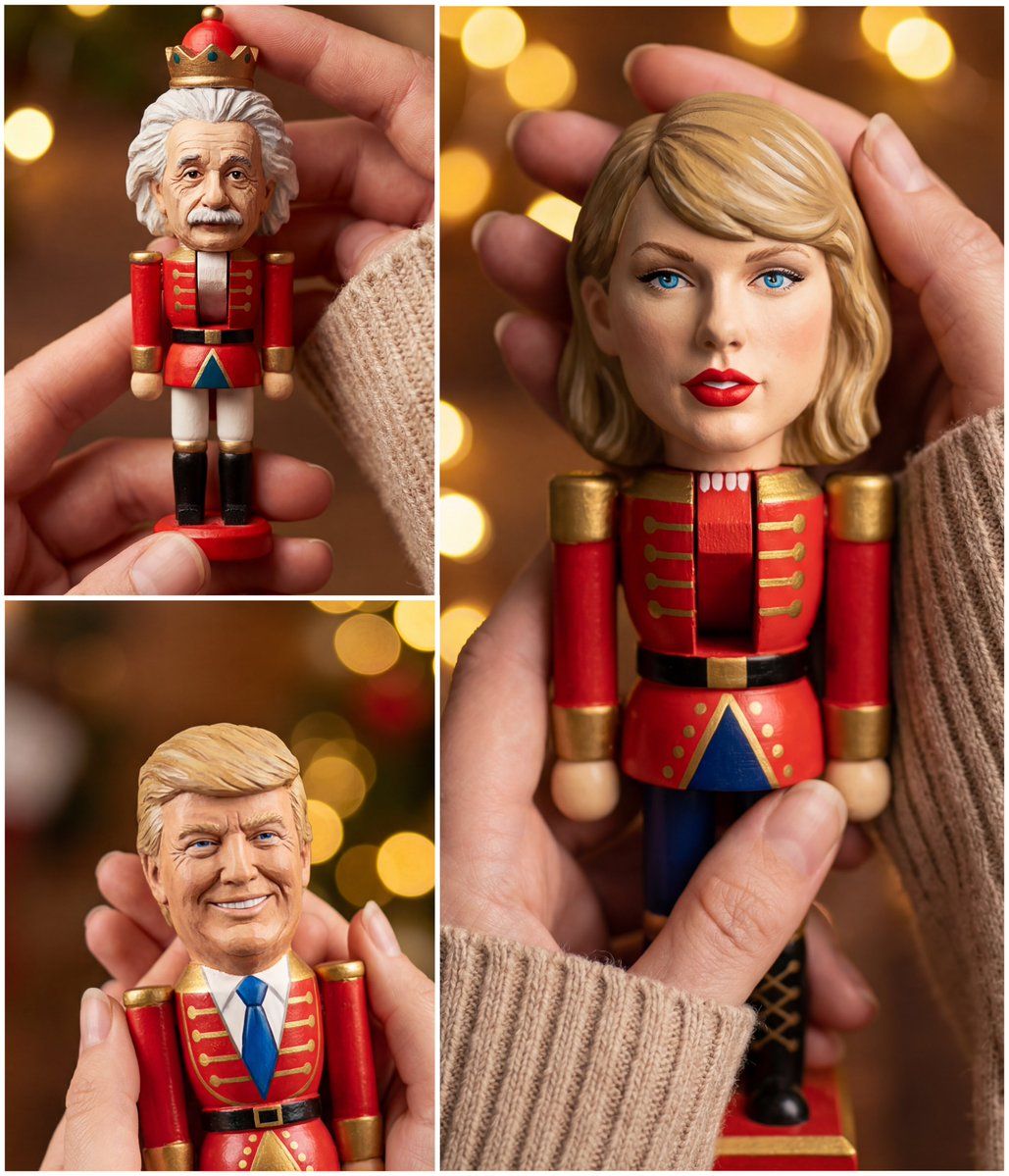
变装成玩偶的肖像
提示词
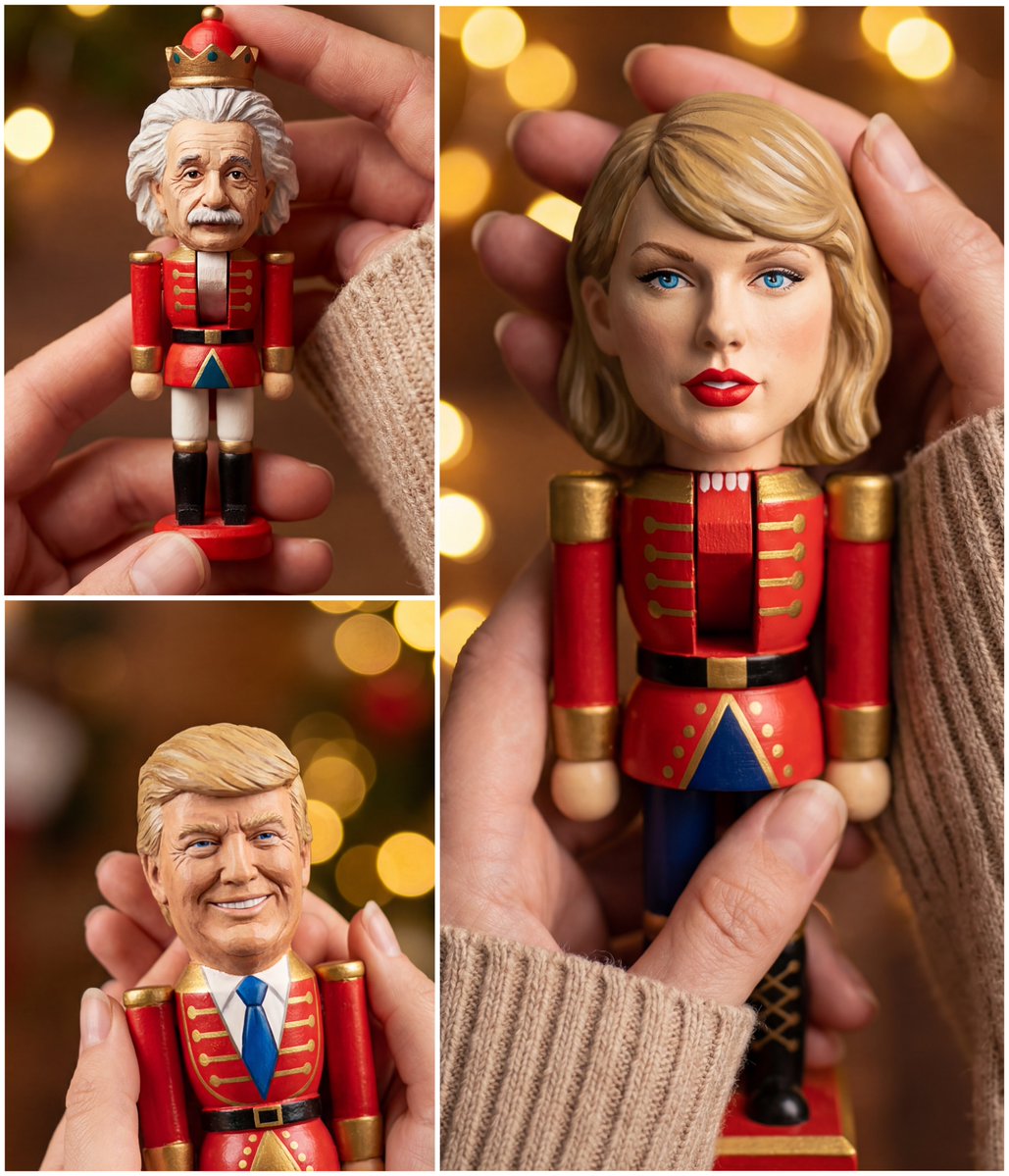
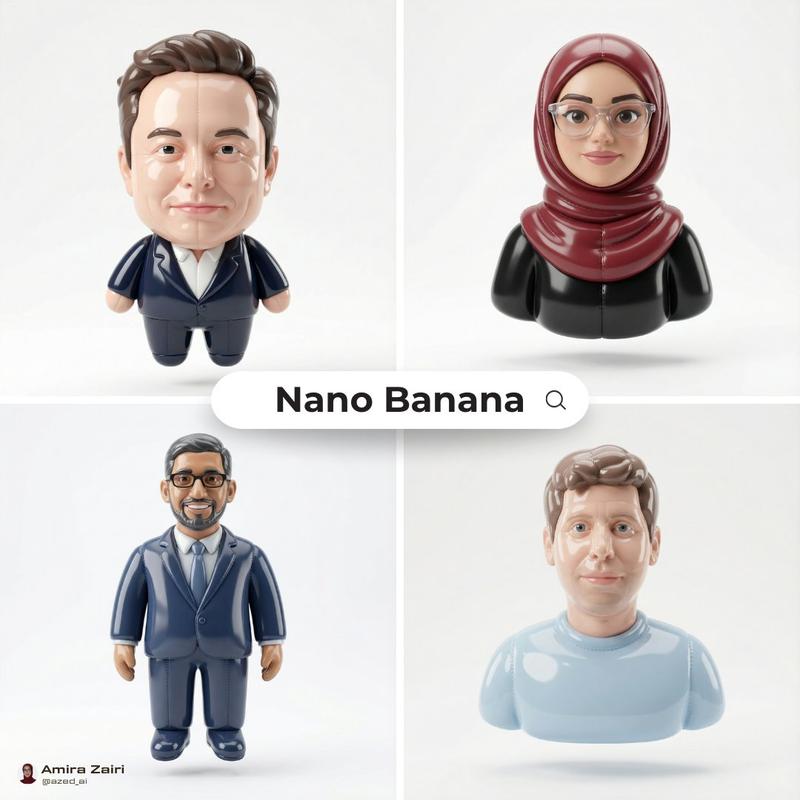
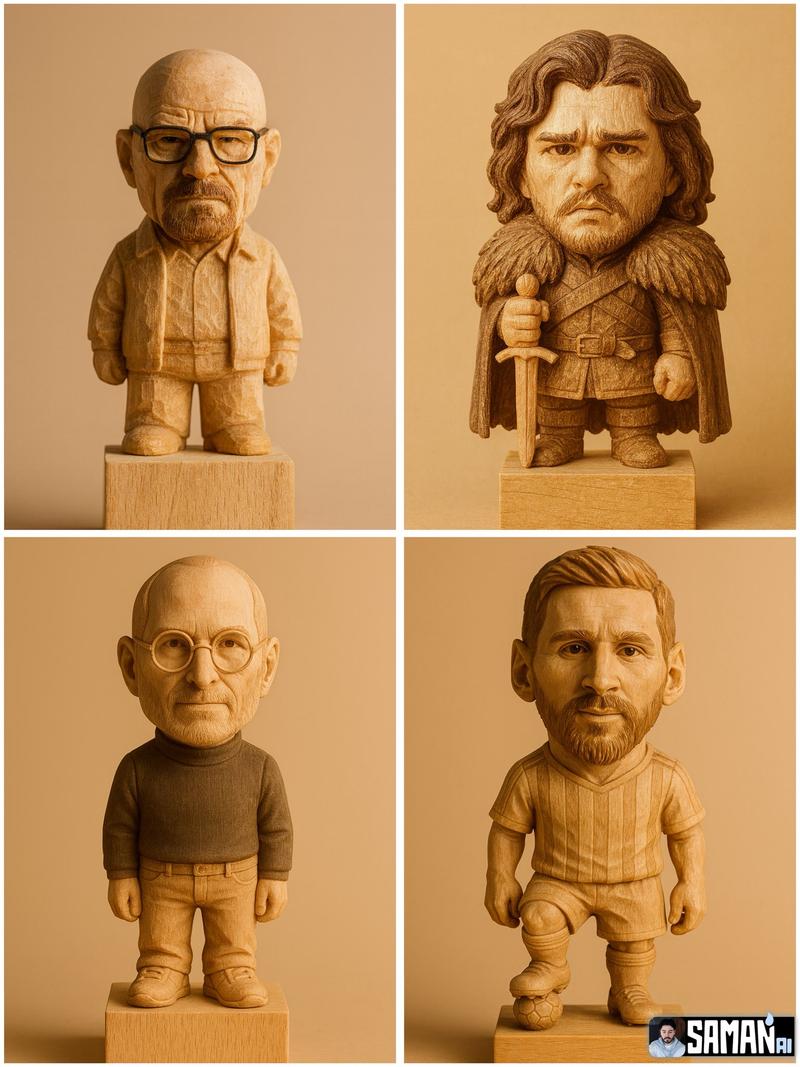
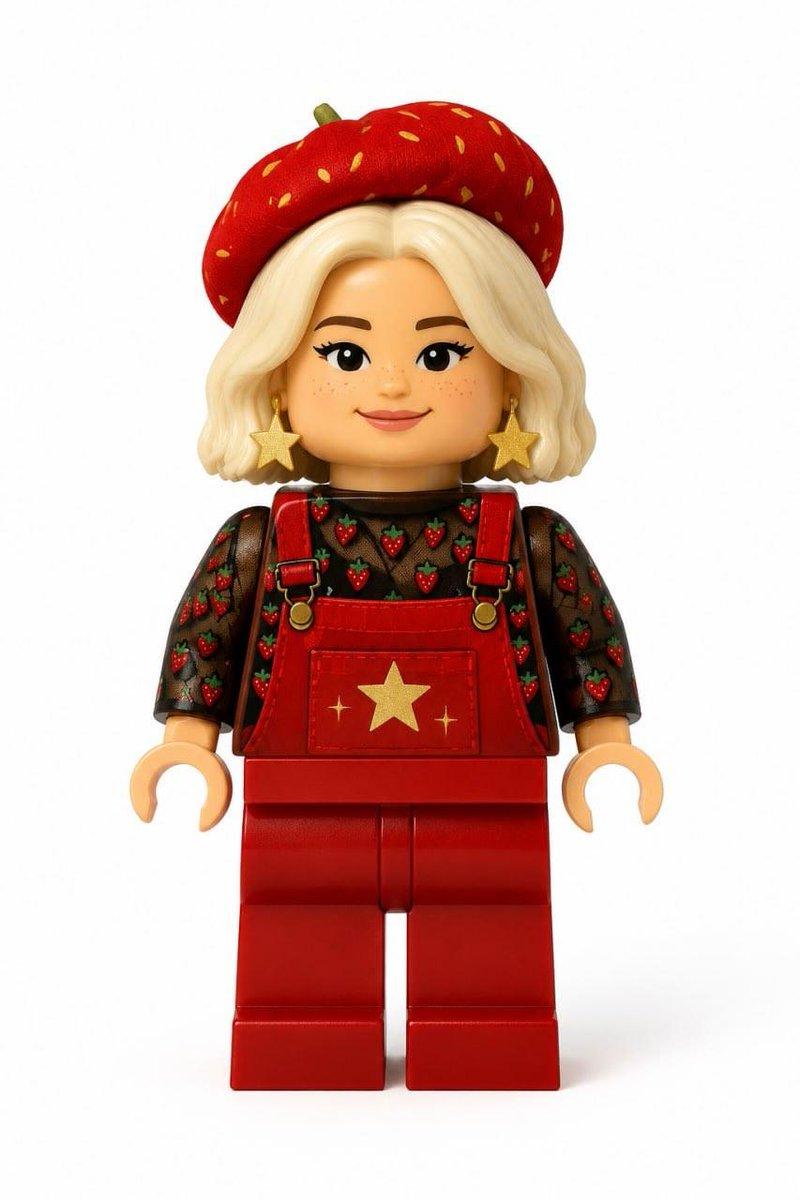
Turn your photo into a 𝘁𝗶𝗻𝘆 𝗖𝗵𝗿𝗶𝘀𝘁𝗺𝗮𝘀 nutcracker doll 🪆🎅🏻
◻️ Gemini Nano Banana PRO 4K on @DomoAI_ ◻️
👇🏻 Jason Prompt 👇🏻
{
"task": "image_edit_identity_to_doll",
"inputs": {
"user_face_image": "<UPLOAD_OR_URL_USER_PORTRAIT>",
"style_reference_image": "<UPLOAD_OR_URL_SAMPLE_IMAGE>",
"keep_composition": true,
"keep_background": true,
"edit_region": "doll_head_only",
"mask_mode": "doll_head"
},
"prompt": "Ultra hyper-realistic Christmas lifestyle photo, close-up of a woman’s hands holding a tiny nutcracker doll. Keep the scene EXACTLY like the style reference: same hands, knitted beige sleeves, warm golden bokeh fairy lights, shallow depth of field, same framing and camera angle. The character in the hands MUST be a real miniature nutcracker TOY (wooden/painted doll) with a carved toy head and painted features, NOT a real human face. Replace only the doll\'s face ID using the user portrait as identity guidance, but render it as a painted wooden nutcracker doll head: toy-like proportions, slightly simplified facial planes, subtle brush-painted texture, matte varnished wood, doll seams/paint edges, tiny sculpted nose and lips. Preserve the nutcracker body exactly: ornate red uniform with gold details, black boots, white curly wig, crown-like hat, classic nutcracker moustache style. Hyper-real photo, crisp focus on doll and fingers, cinematic warm light, creamy background blur, 8k, HDR, natural grading.",
"negative_prompt": "real human skin, photoreal human face on the doll, face-swap pasted look, collage, cutout edges, too realistic pores, wrinkles as real skin, real portrait head, human head proportions, mannequin, CGI, 3D render, cartoon, illustration, low detail, blurry, noise, grain, extra fingers, deformed hands, mutated anatomy, changing background, changing hands, changing sleeves, changing outfit colors, multiple dolls, text, watermark, logo",
"constraints": {
"only_change": "doll_head_identity",
"must_be": [
"toy_doll_head",
"painted_wood_texture",
"miniature_scale_in_hands"
],
"do_not_change": [
"hands",
"sleeves",
"composition",
"background",
"lighting",
"depth_of_field",
"nutcracker_body",
"colors"
]
},
"settings": {
"output_size": "1024x1024",
"num_outputs": 2,
"seed": 246810,
"steps": 35,
"cfg_scale": 6.0,
"image_strength": 0.3,
"identity_strength": 0.6,
"style_strength": 0.9,
"detail_boost": 0.7
}
}- 分类
- 真实摄影
- 模型
- Nano Banana Pro
- 来源作者
- samann_ai
- 来源 ID
- portrait-transformed-into-a-doll
浏览量0