18

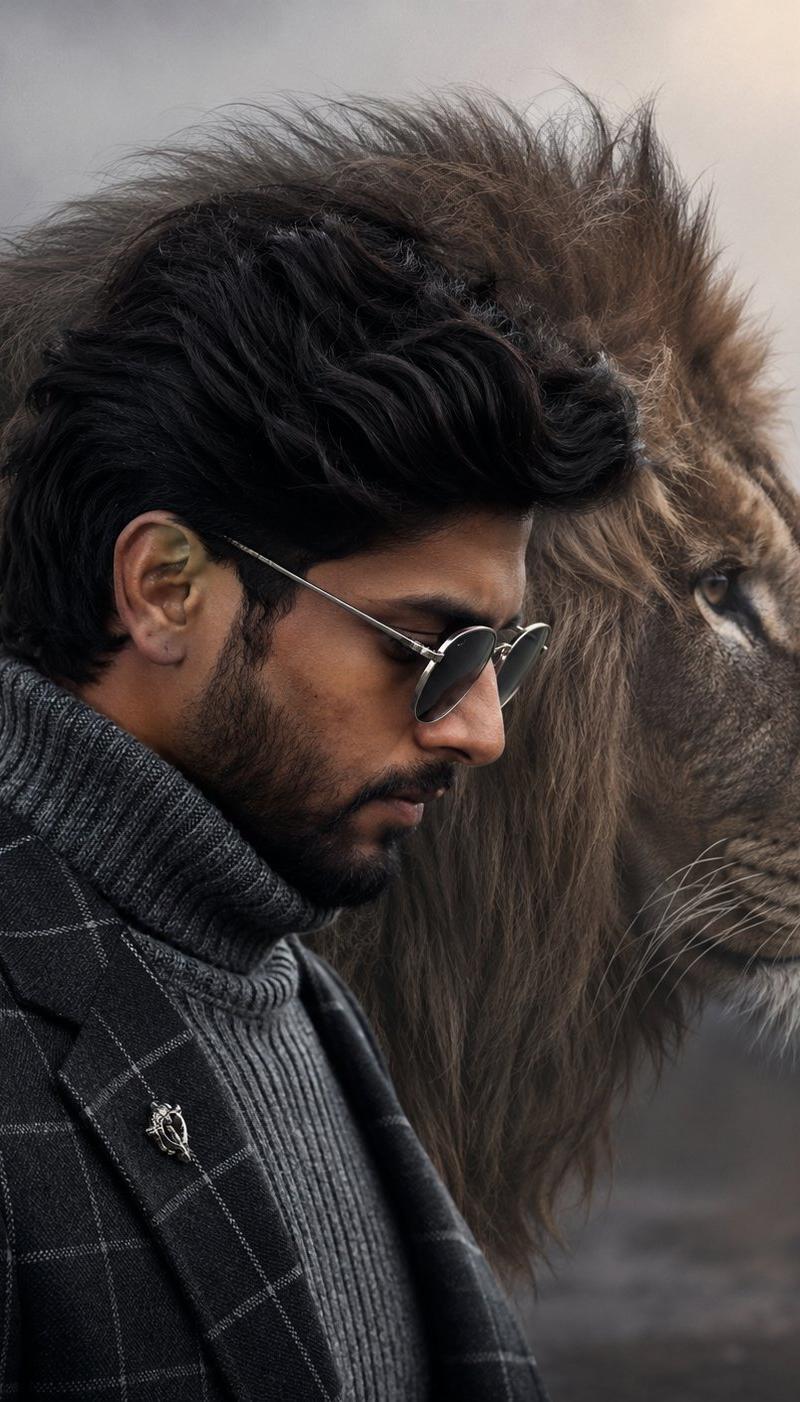
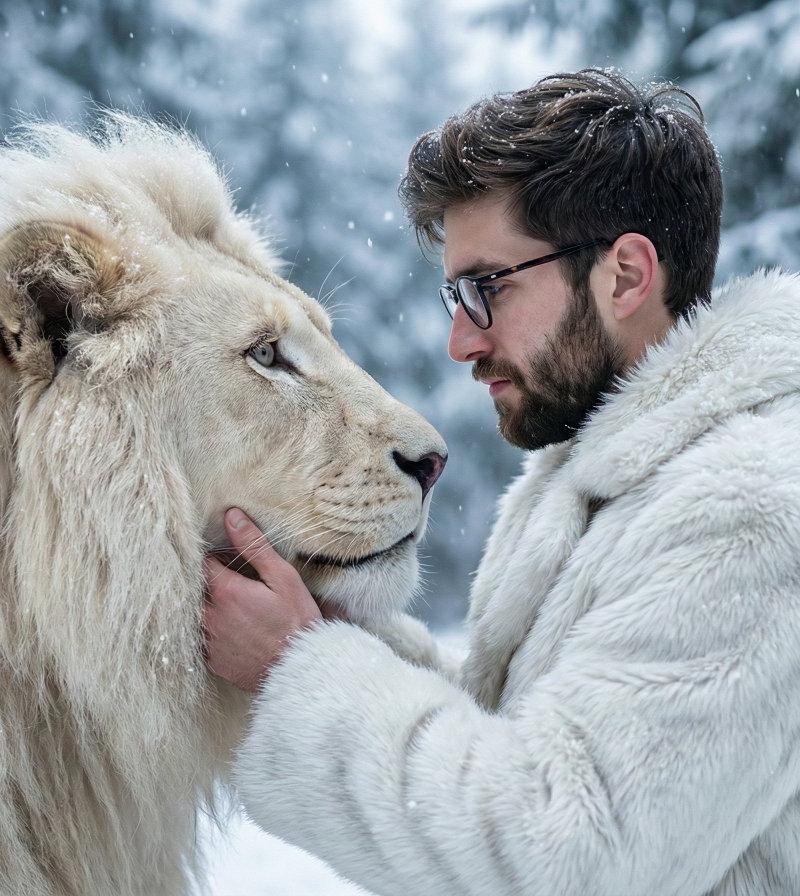
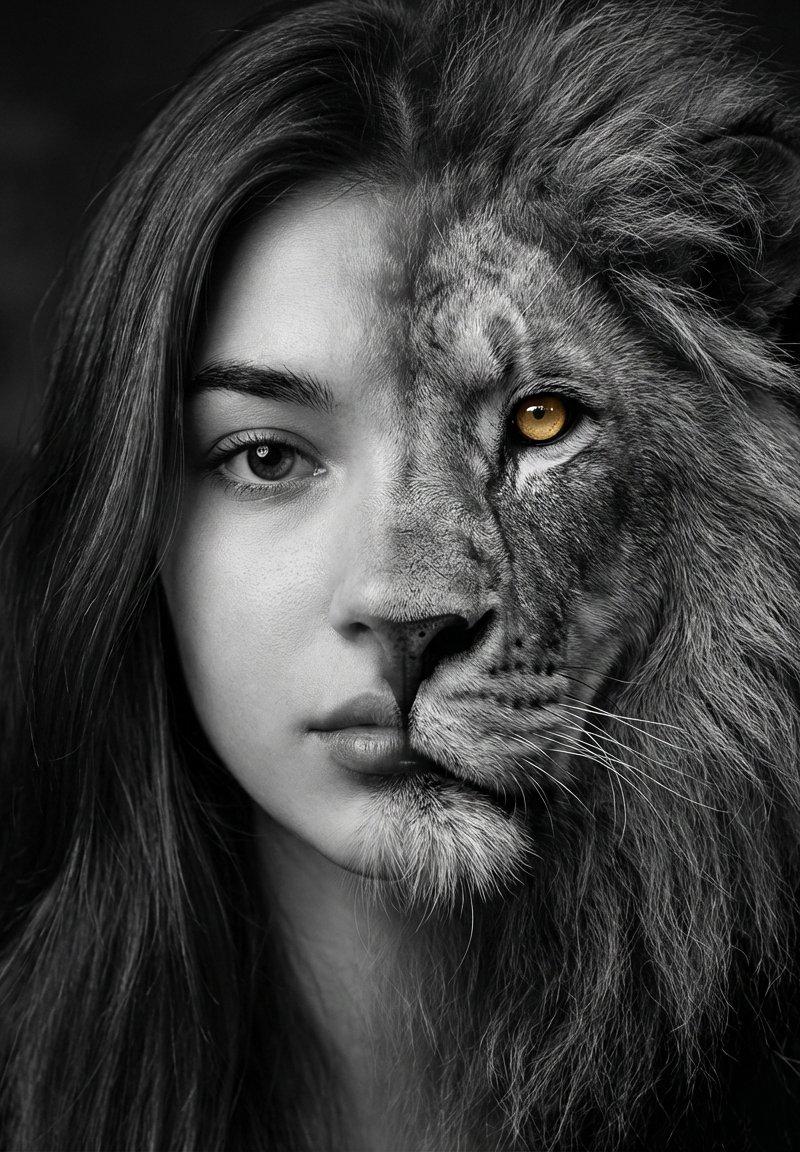
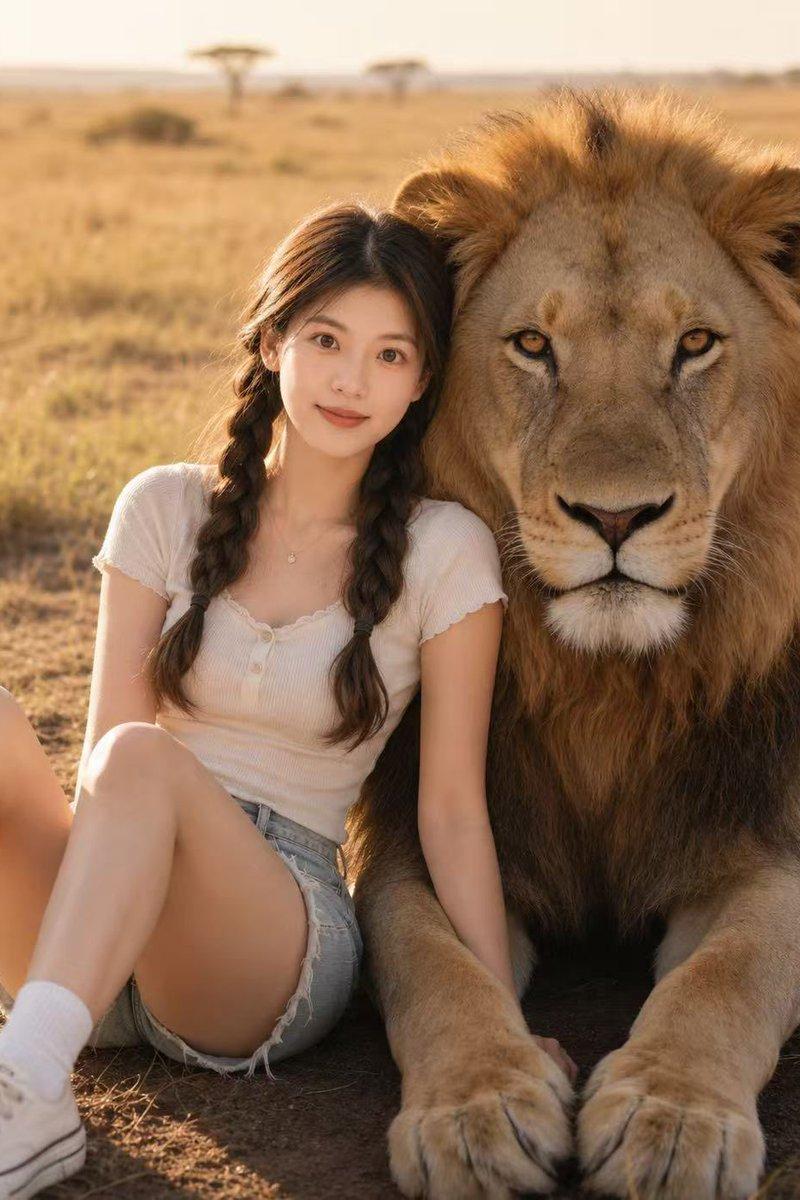
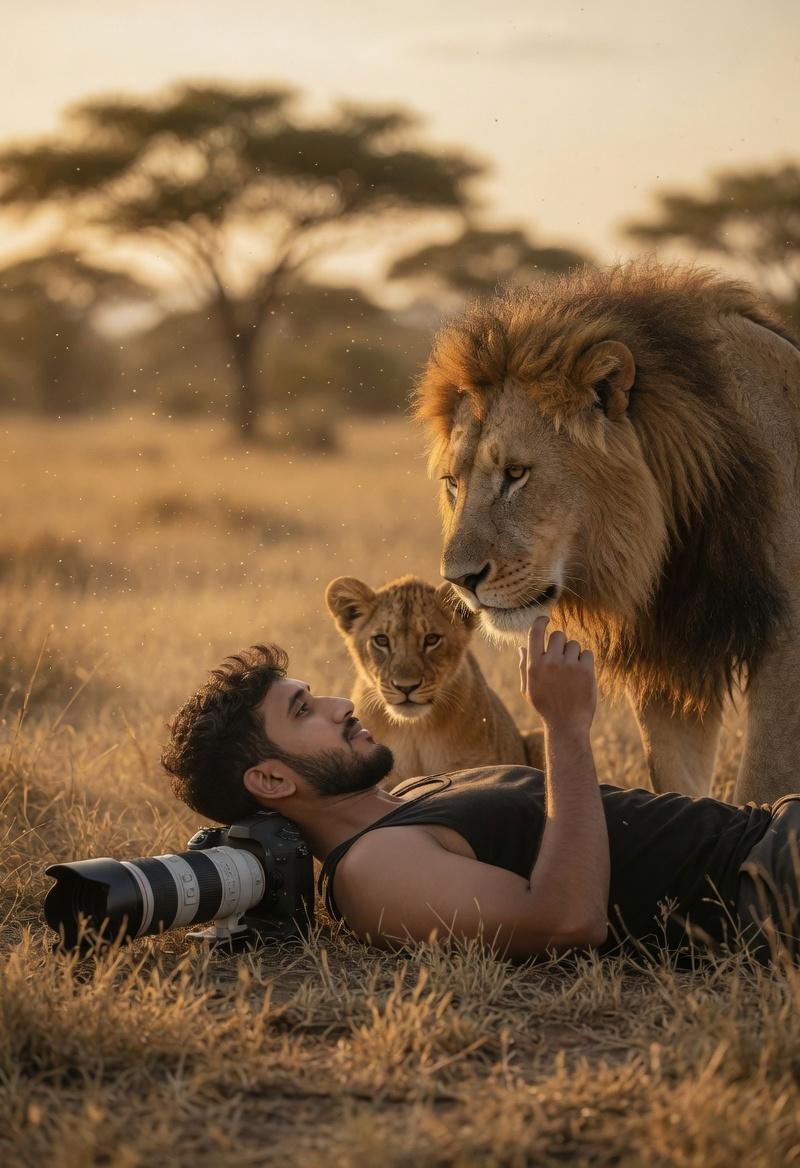
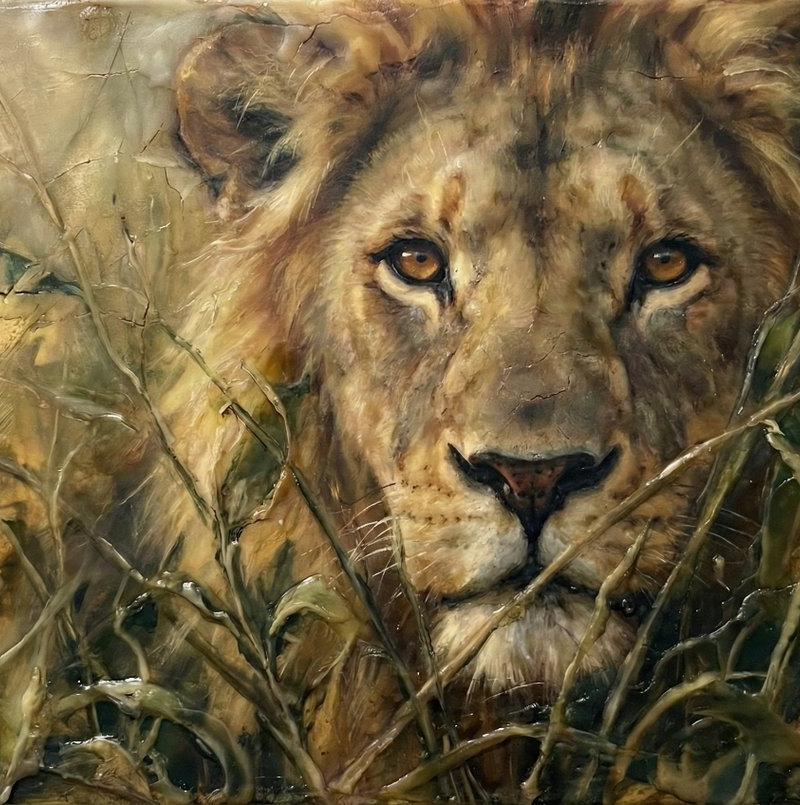
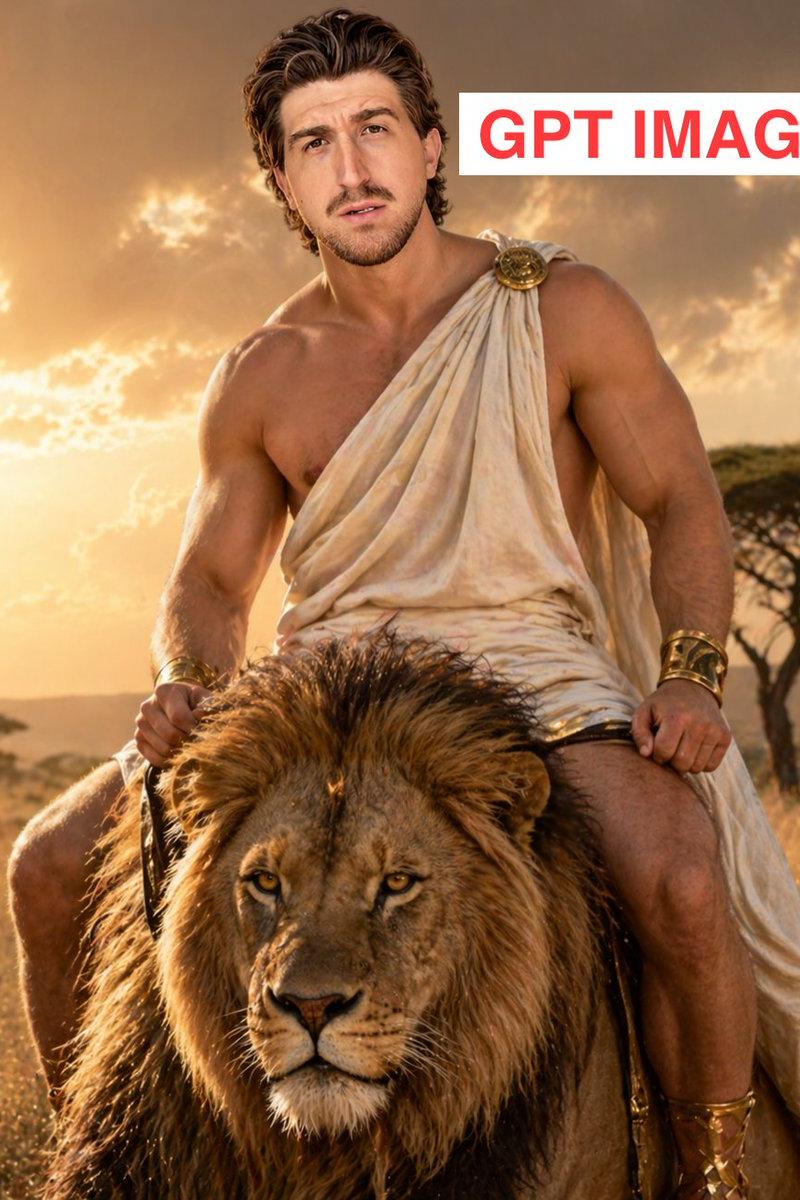
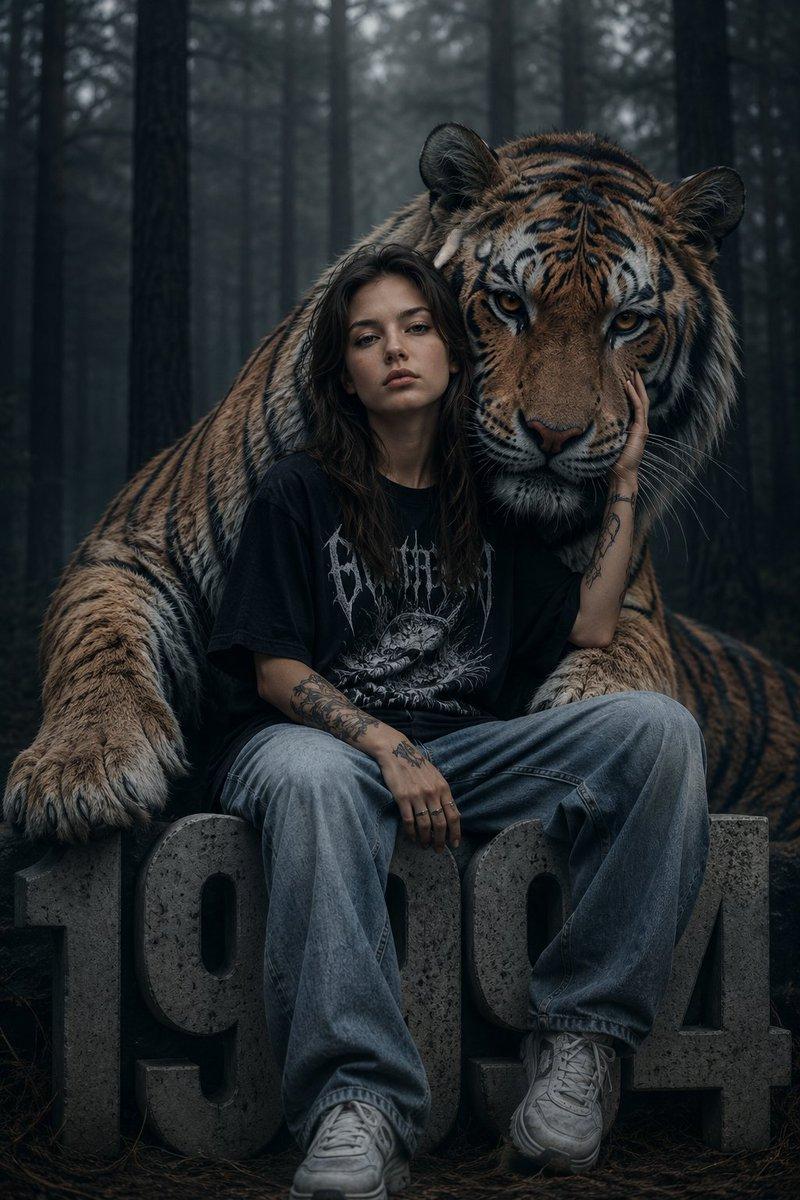
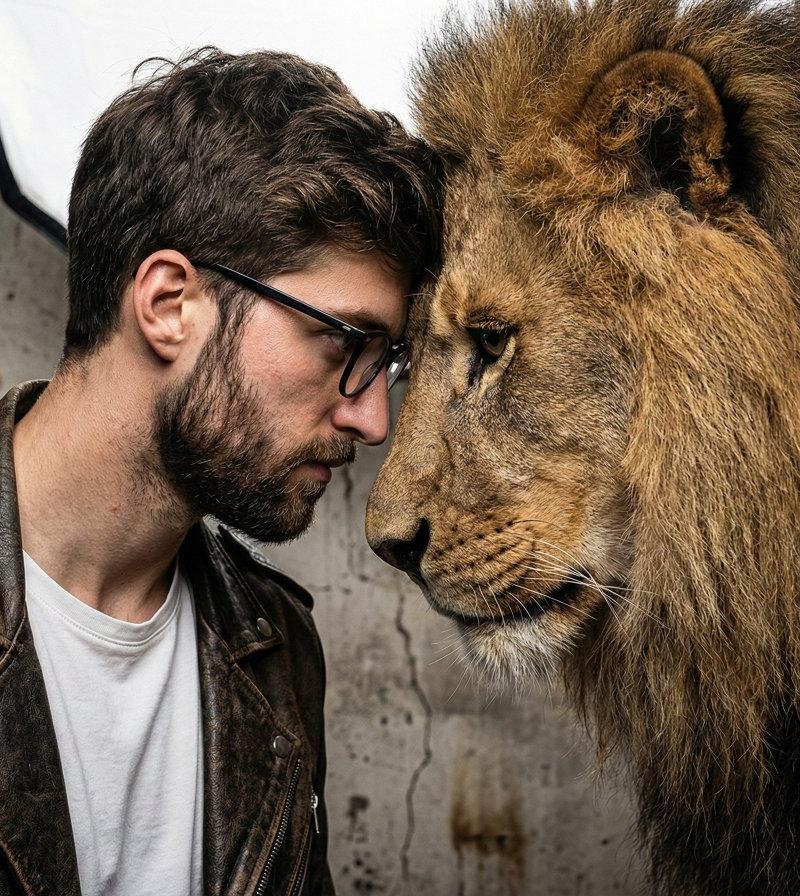
硬汉与雄狮额头相抵的超写实硬照
Enlarge

Example images

硬汉与雄狮额头相抵的超写实硬照

Prompt
A gritty, intense portrait of a man, a friend of real lion, captured in a raw, hyper-realistic style. The background is a textured, neutral concrete wall, keeping the environment simple and industrial. Lighting is soft and diffuse, provided by a large octagon softbox, mimicking overcast daylight. The camera is a Canon EOS R5 with an 85mm f/1.2 lens. The subject, with the [face from reference image], is forehead-to-forehead with the lion, displaying a deep bond. He wears a distressed leather motorcycle jacket and a white t-shirt, embracing a classic rebel aesthetic. The 8K image captures the pores on his skin and the coarse individual hairs of the lion's mane. The HDR aesthetic ensures vibrant colors and deep shadows, making the image feel three-dimensional and alive.
Category
Posters & Typography
Model
Nano banana pro
Creator
@Sheldon056
Source language
zh-CN
Views24
Source ID
8340
Published
Mar 22, 2026
Studio

Guide

About "硬汉与雄狮额头相抵的超写实硬照"

What is this prompt for?

"硬汉与雄狮额头相抵的超写实硬照" AI image prompt for Nano banana pro (Posters & Typography). 一个男人与一头真正的狮子之间粗犷而强烈的肖像,以原始、超现实的风格捕捉。背景是一面有纹理的、中性的混凝土墙,保持了环境的简洁和工业感。光线柔和而漫射,由一个大型八…

The full copyable prompt and example visuals above are ready for AI image generation or one-click recreate in Picva.

How to use this prompt

  1. Step 1

    Open the prompt detail

    Review the example visuals, category, and full prompt text for "硬汉与雄狮额头相抵的超写实硬照".

  2. Step 2

    Copy the prompt

    Copy the prompt body from this page, or load it directly in Studio.

  3. Step 3

    Pick a model (Nano banana pro)

    Prefer Nano banana pro. If you switch models, keep subject and composition and tweak style terms.

  4. Step 4

    Generate and export

    Recreate the look in Picva, or export into your workflow for editing and publishing.

FAQ

What is the "硬汉与雄狮额头相抵的超写实硬照" prompt?
It is an AI image-generation prompt for Nano banana pro in the Posters & Typography category. This page includes the full prompt text, example visuals, and a one-click recreate path in Picva.
How do I use this prompt to generate an image?
Copy the prompt from this page, or use Generate / Studio. Paste it into a compatible image model, or recreate the look in Picva with optional reference images.
Which model is this prompt for?
This page lists Nano banana pro. Most descriptive prompts also transfer to nearby image models such as GPT Image, Flux, or Midjourney with light style tweaks.
Can I use the result commercially?
You can usually copy the prompt for creation, but commercial use of the final image depends on the model terms, reference-image rights, and the generated content. Follow the source author and platform rules.