19

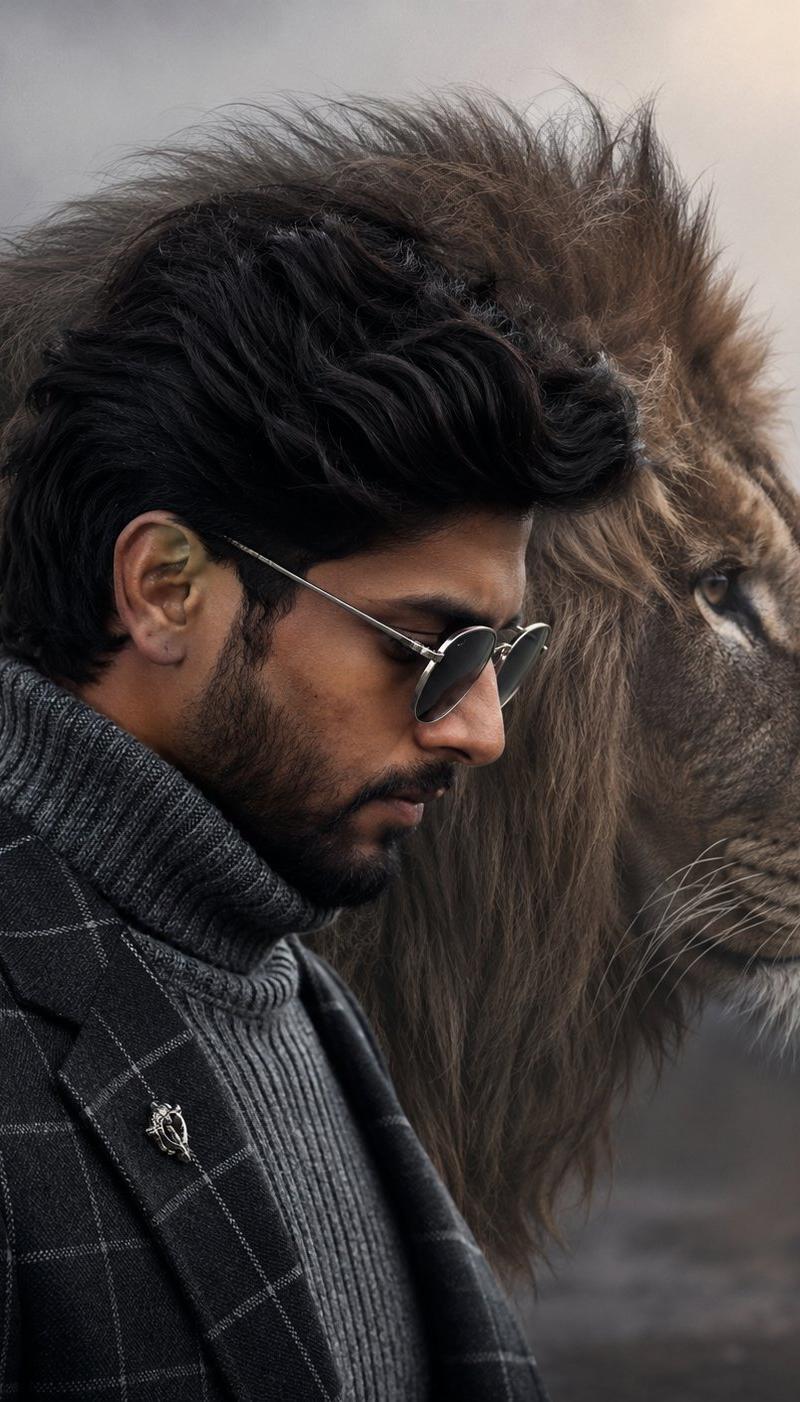
Cinematic Fashion Portrait with Lion
Enlarge

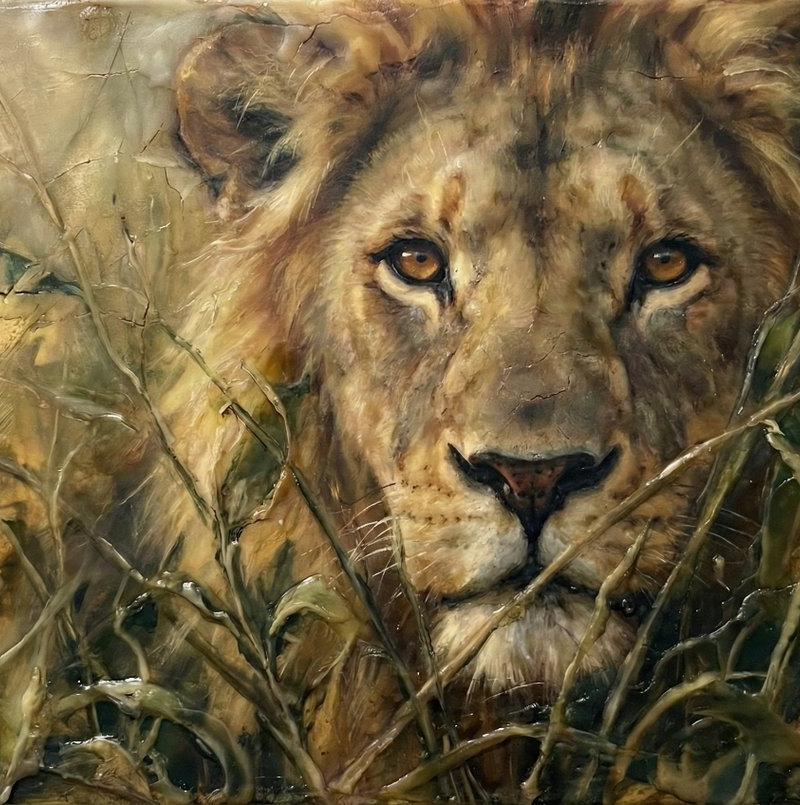
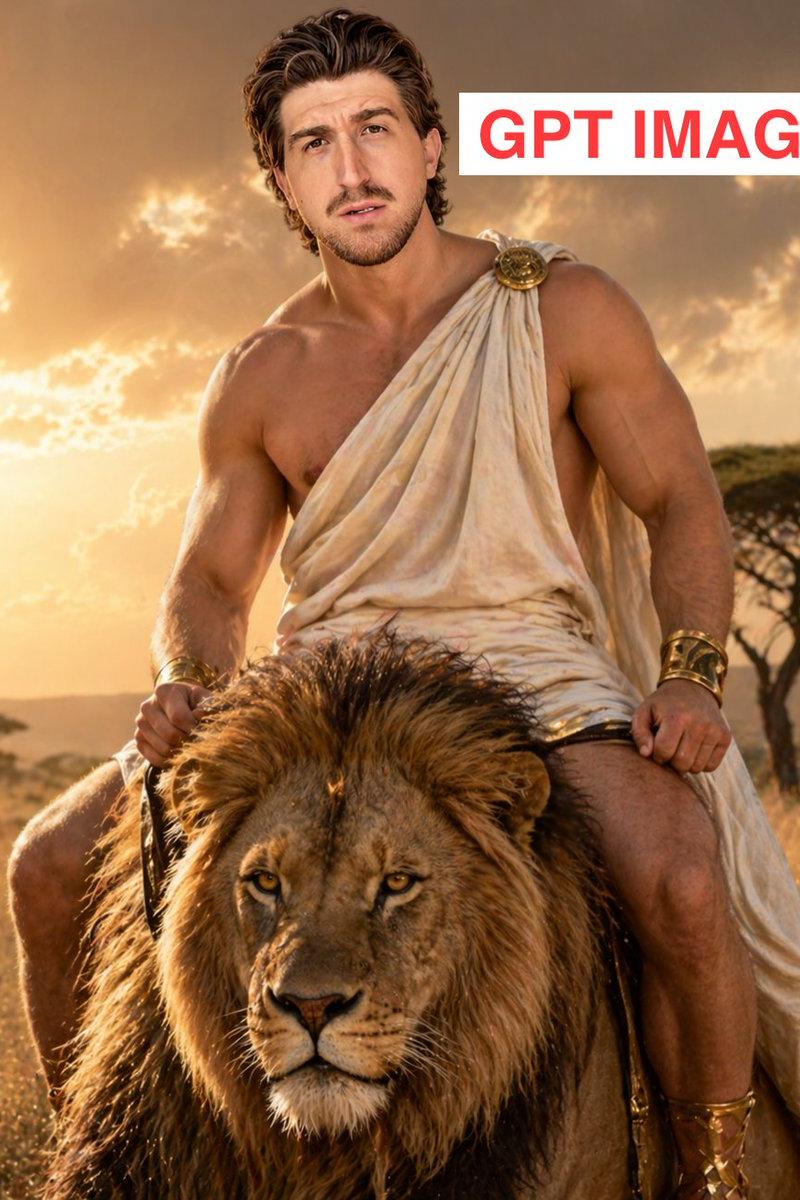
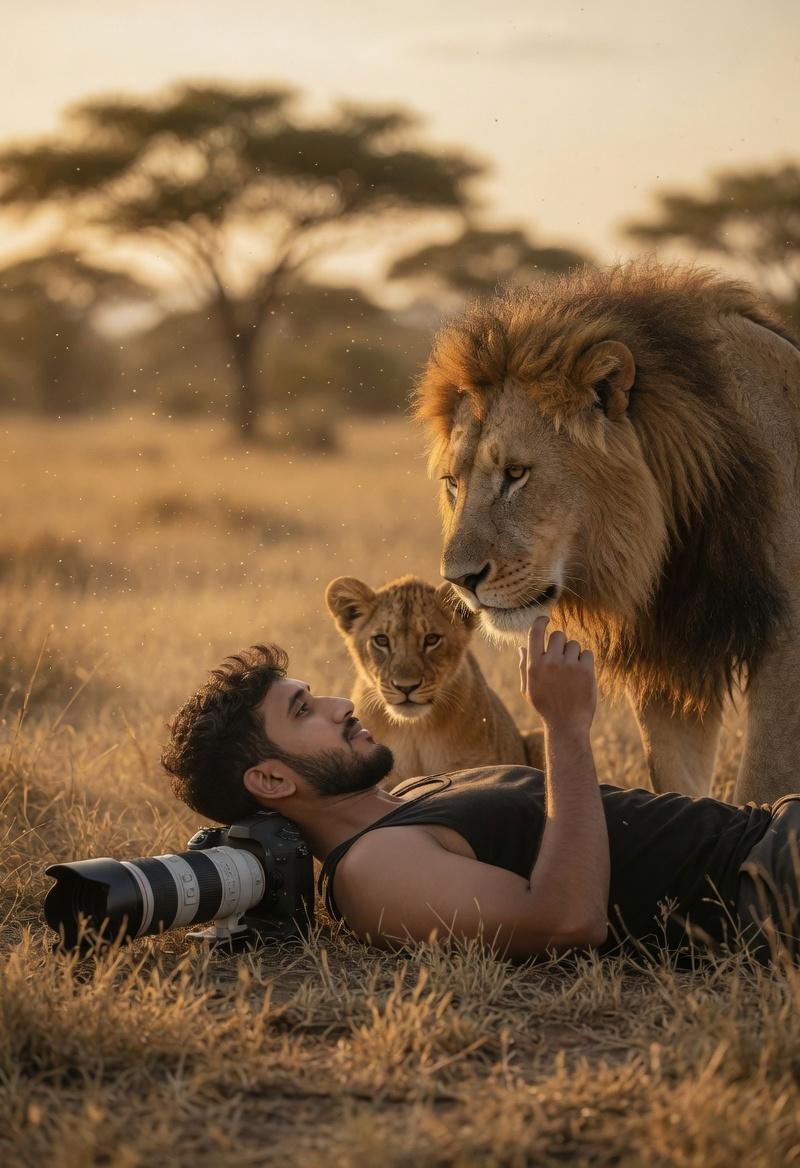
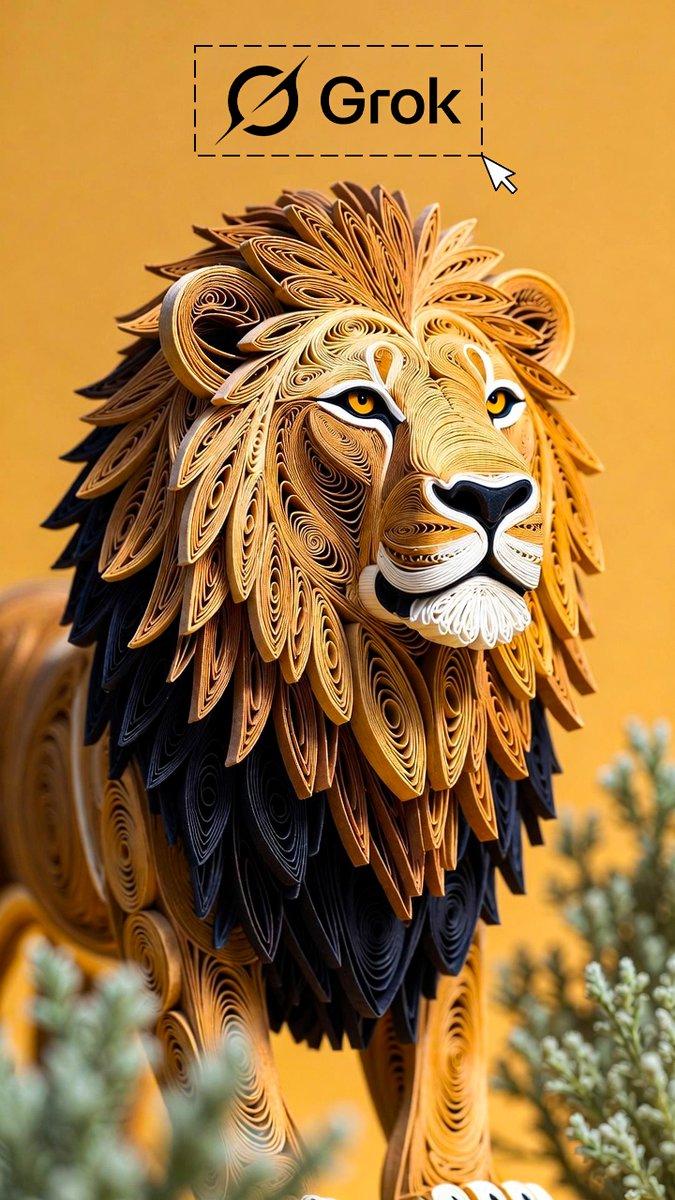
Example images

Cinematic Fashion Portrait with Lion

Prompt
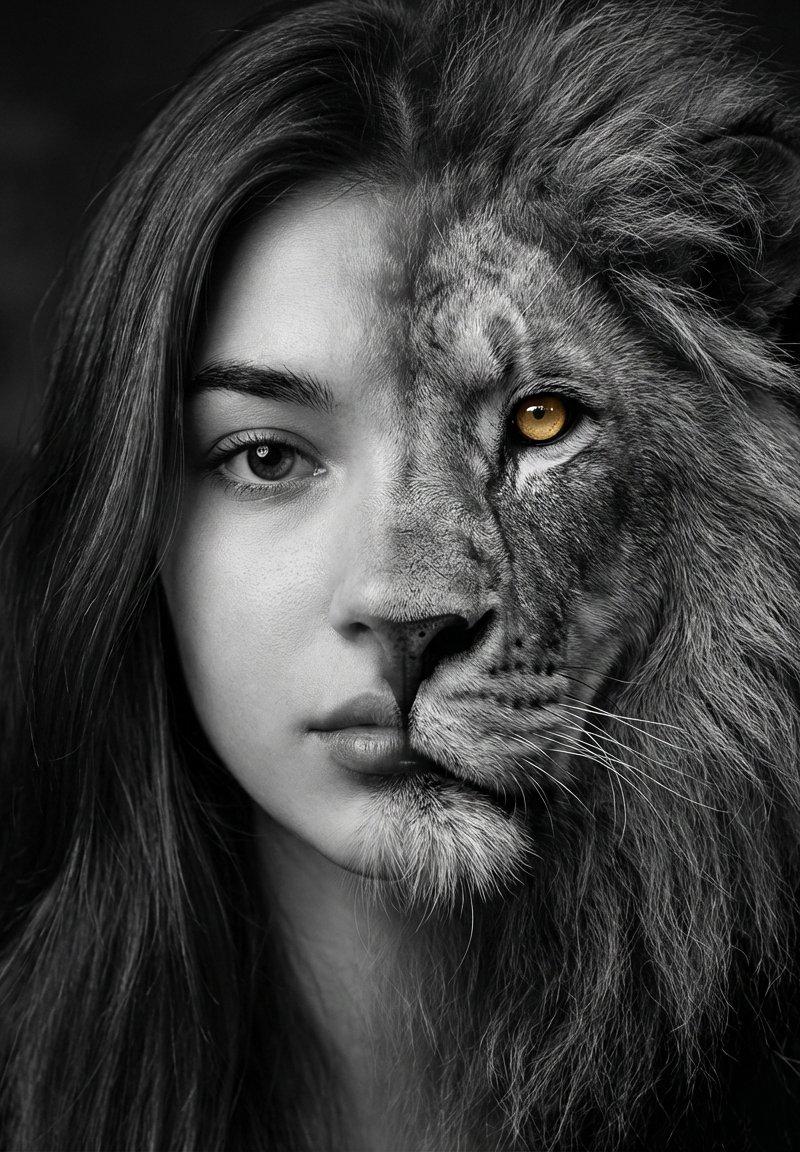
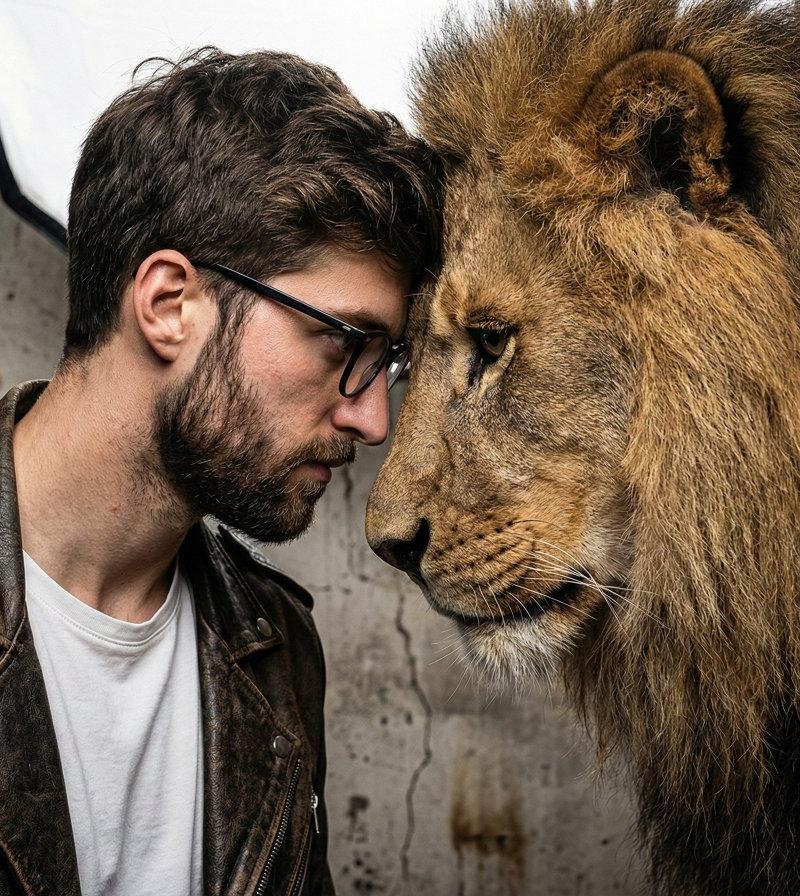
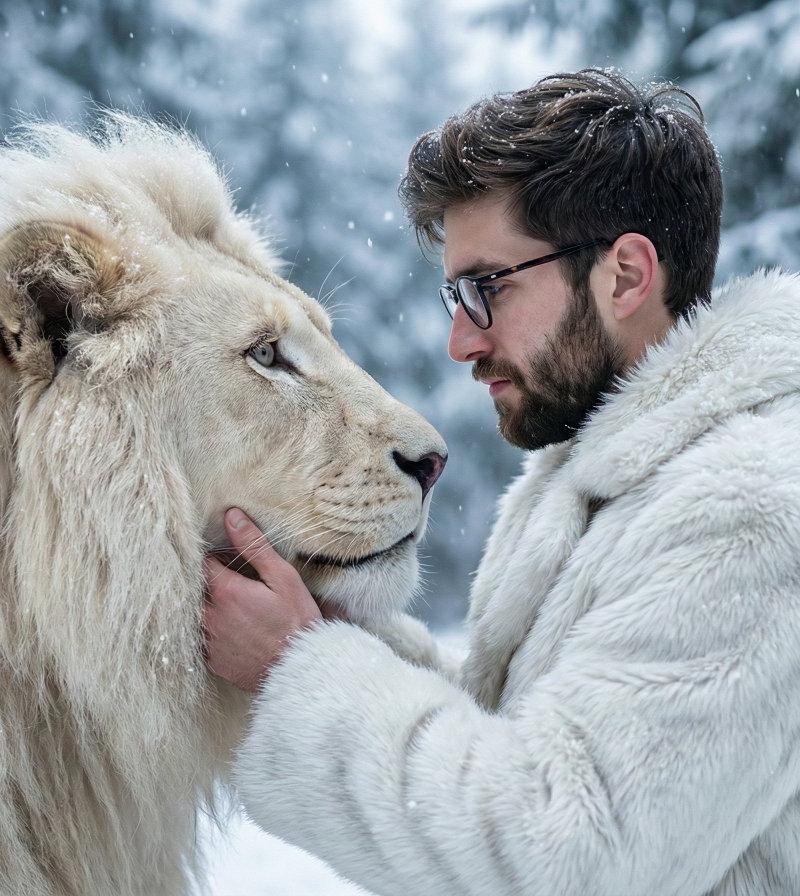
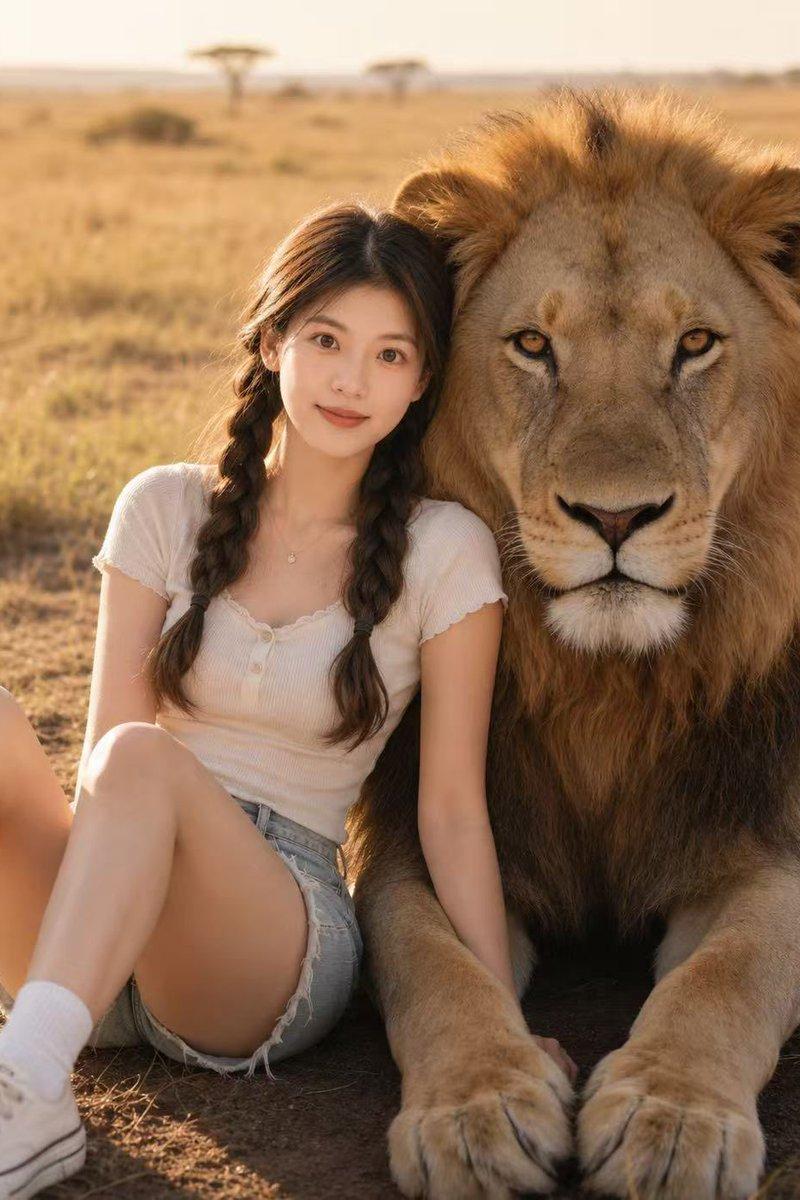
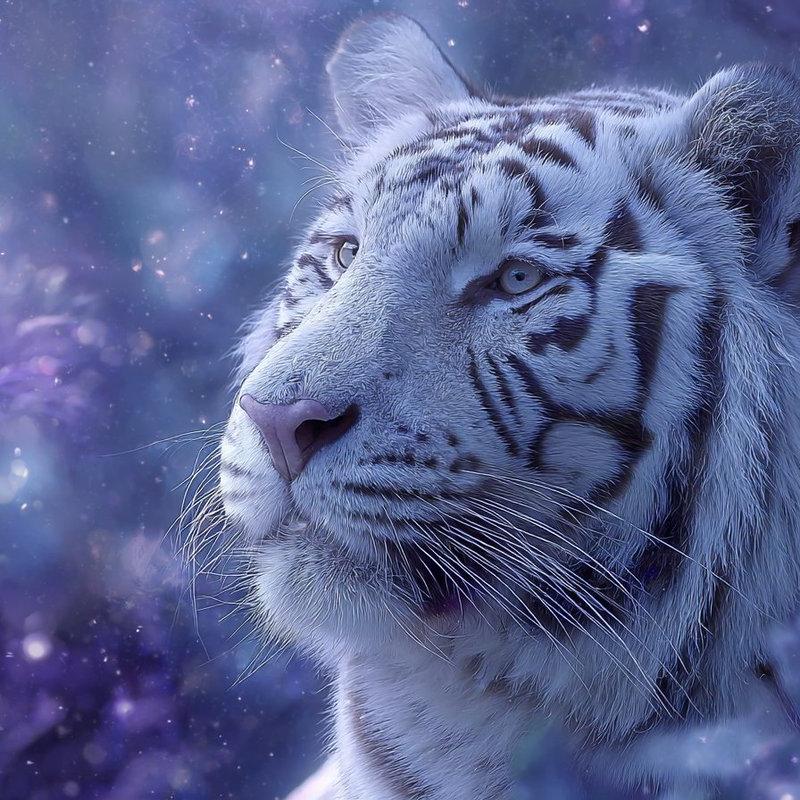
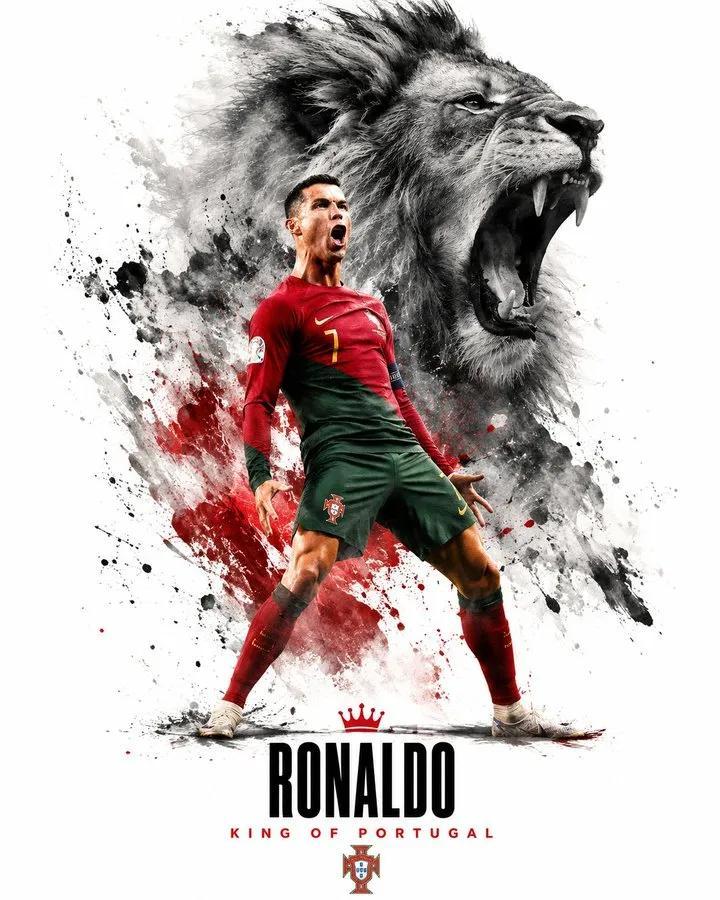
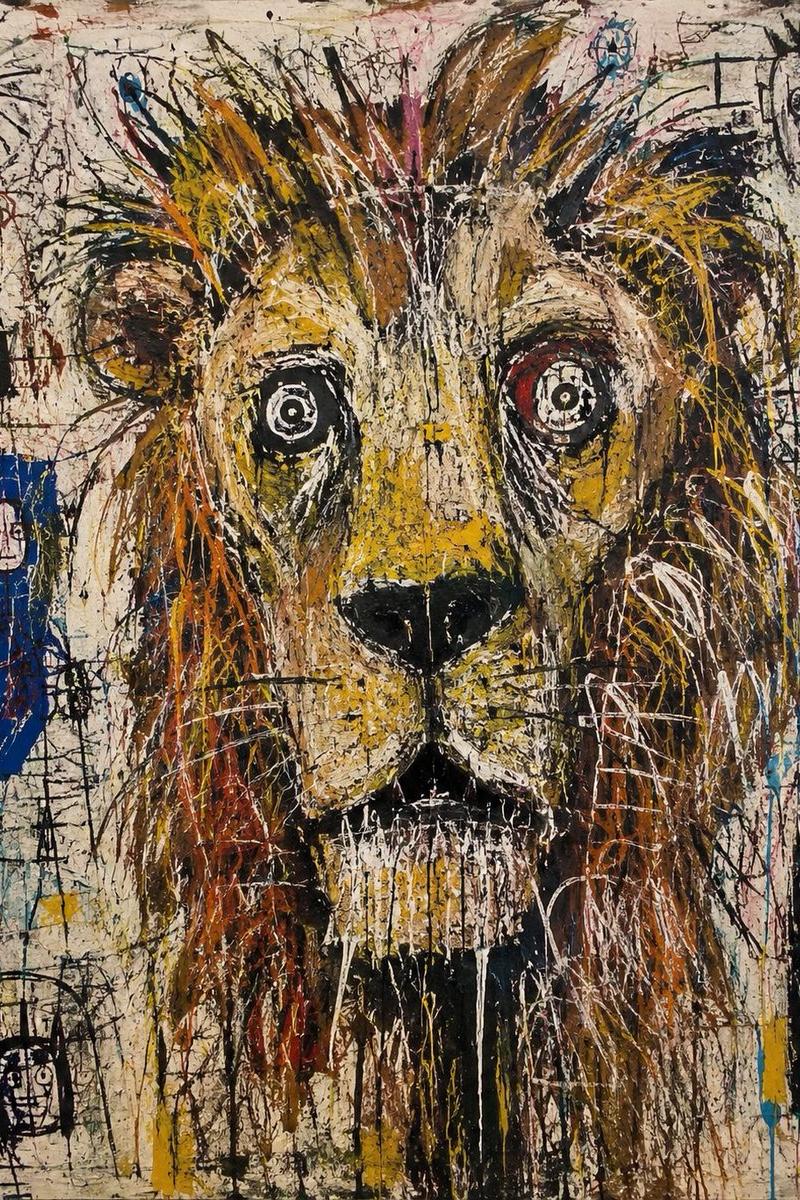
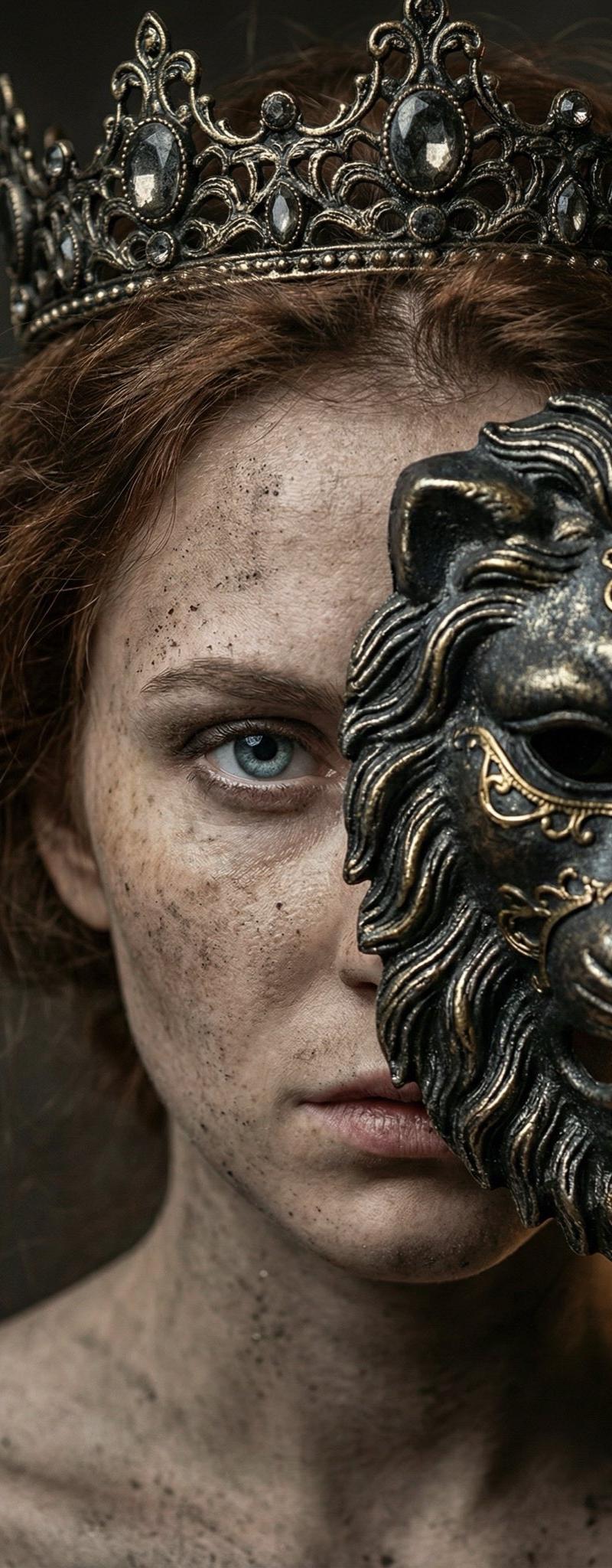
A cinematic fashion portrait of a {argument name="subject" default="stylish man"} with the uploaded face as reference, captured in a sharp side profile looking downward. He wears a {argument name="outfit" default="dark grey windowpane plaid blazer over a thick grey ribbed knit turtleneck sweater"}, accessorized with round silver-framed sunglasses and a small silver lapel pin. Seamlessly blended behind him is the powerful, detailed head of a {argument name="animal" default="majestic male lion"}, its textured mane and whiskers rendered in sharp focus. The setting is a desaturated, misty outdoor environment with a soft, creamy background bokeh. The medium is a high-end fashion editorial photograph, shot with an 85mm f/1.4 lens, featuring a shallow depth of field. The lighting is soft, diffused overcast daylight, creating subtle highlights on his styled dark hair and the lion's fur. The color palette is highly stylized and muted, dominated by cool greys, deep blacks, and earthy browns, with a clean, high-contrast cinematic color grading.
Category
Charts & Infographics
Model
GPT Image 2
Creator
Muhammad Jamil
Source language
en
Views3.9K
Source ID
24455
Published
Jun 6, 2026
Studio

Guide

About "Cinematic Fashion Portrait with Lion"

What is this prompt for?

"Cinematic Fashion Portrait with Lion" AI image prompt for GPT Image 2 (Charts & Infographics). A sophisticated fashion editorial prompt that blends a side-pro…

The full copyable prompt and example visuals above are ready for AI image generation or one-click recreate in Picva.

How to use this prompt

  1. Step 1

    Open the prompt detail

    Review the example visuals, category, and full prompt text for "Cinematic Fashion Portrait with Lion".

  2. Step 2

    Copy the prompt

    Copy the prompt body from this page, or load it directly in Studio.

  3. Step 3

    Pick a model (GPT Image 2)

    Prefer GPT Image 2. If you switch models, keep subject and composition and tweak style terms.

  4. Step 4

    Generate and export

    Recreate the look in Picva, or export into your workflow for editing and publishing.

FAQ

What is the "Cinematic Fashion Portrait with Lion" prompt?
It is an AI image-generation prompt for GPT Image 2 in the Charts & Infographics category. This page includes the full prompt text, example visuals, and a one-click recreate path in Picva.
How do I use this prompt to generate an image?
Copy the prompt from this page, or use Generate / Studio. Paste it into a compatible image model, or recreate the look in Picva with optional reference images.
Which model is this prompt for?
This page lists GPT Image 2. Most descriptive prompts also transfer to nearby image models such as GPT Image, Flux, or Midjourney with light style tweaks.
Can I use the result commercially?
You can usually copy the prompt for creation, but commercial use of the final image depends on the model terms, reference-image rights, and the generated content. Follow the source author and platform rules.