19

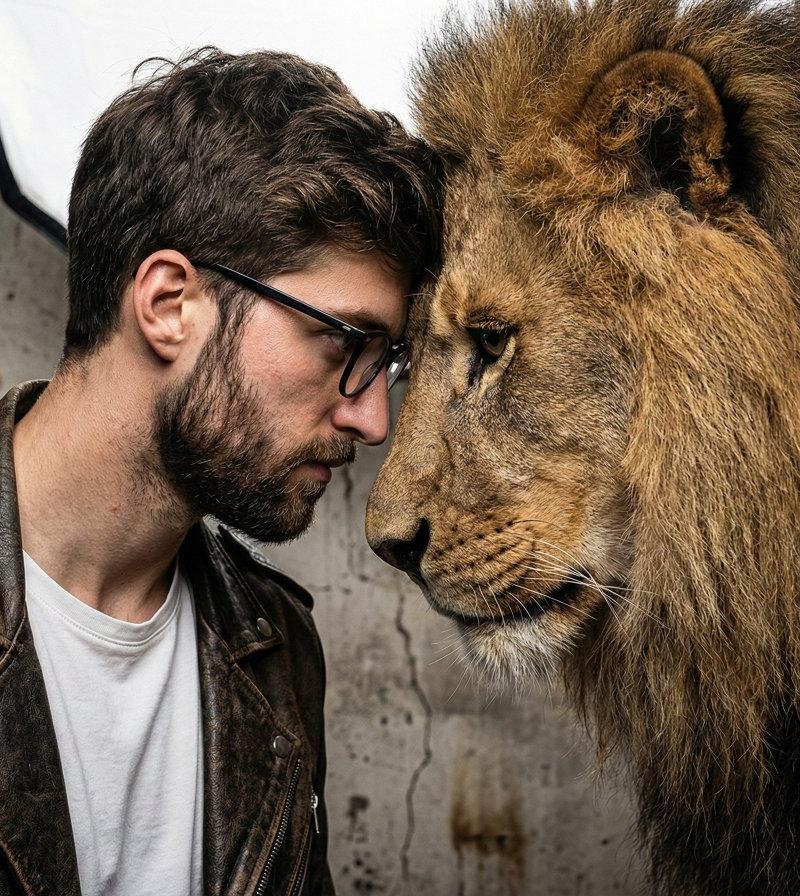
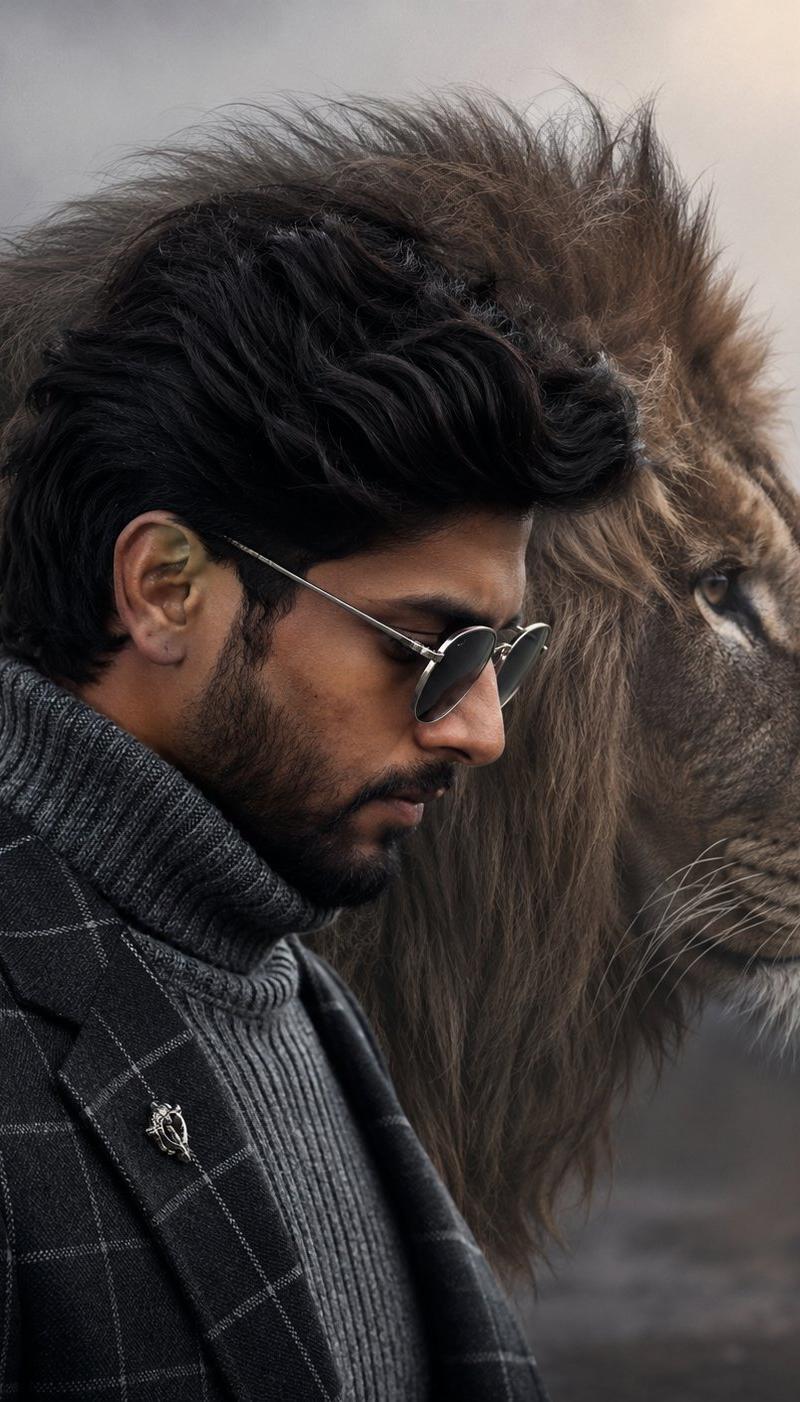
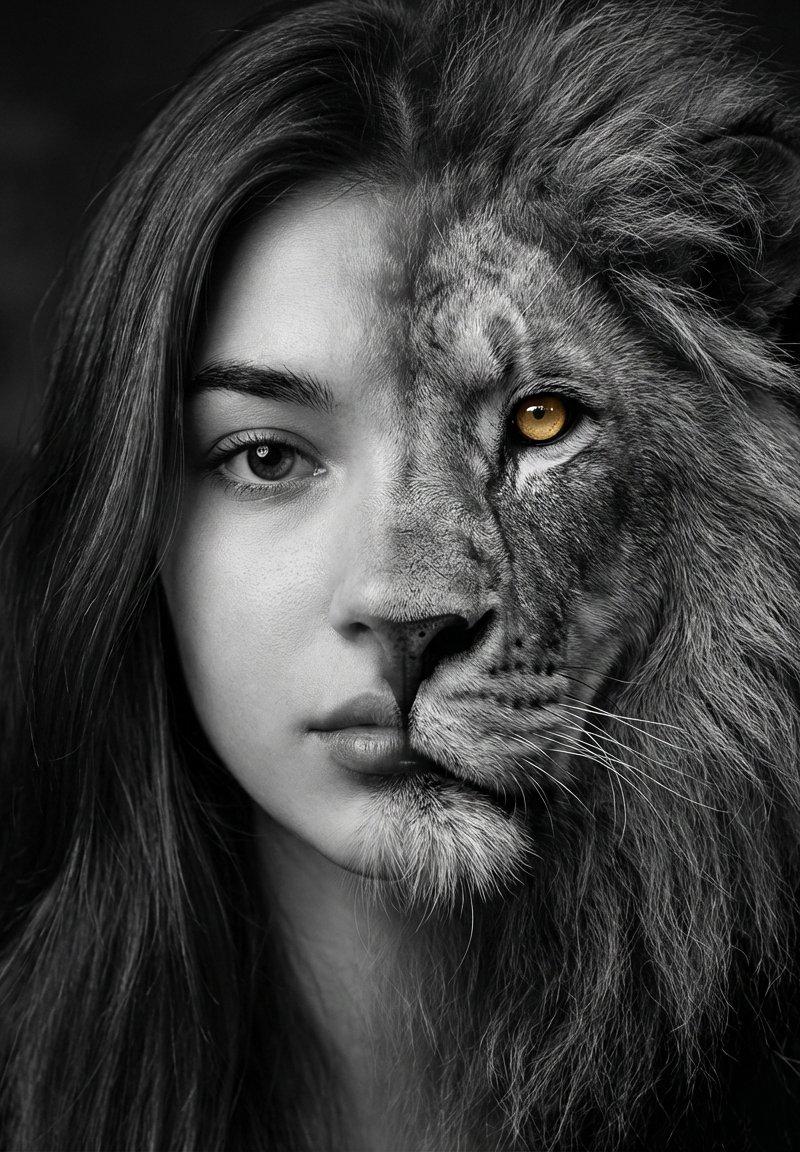
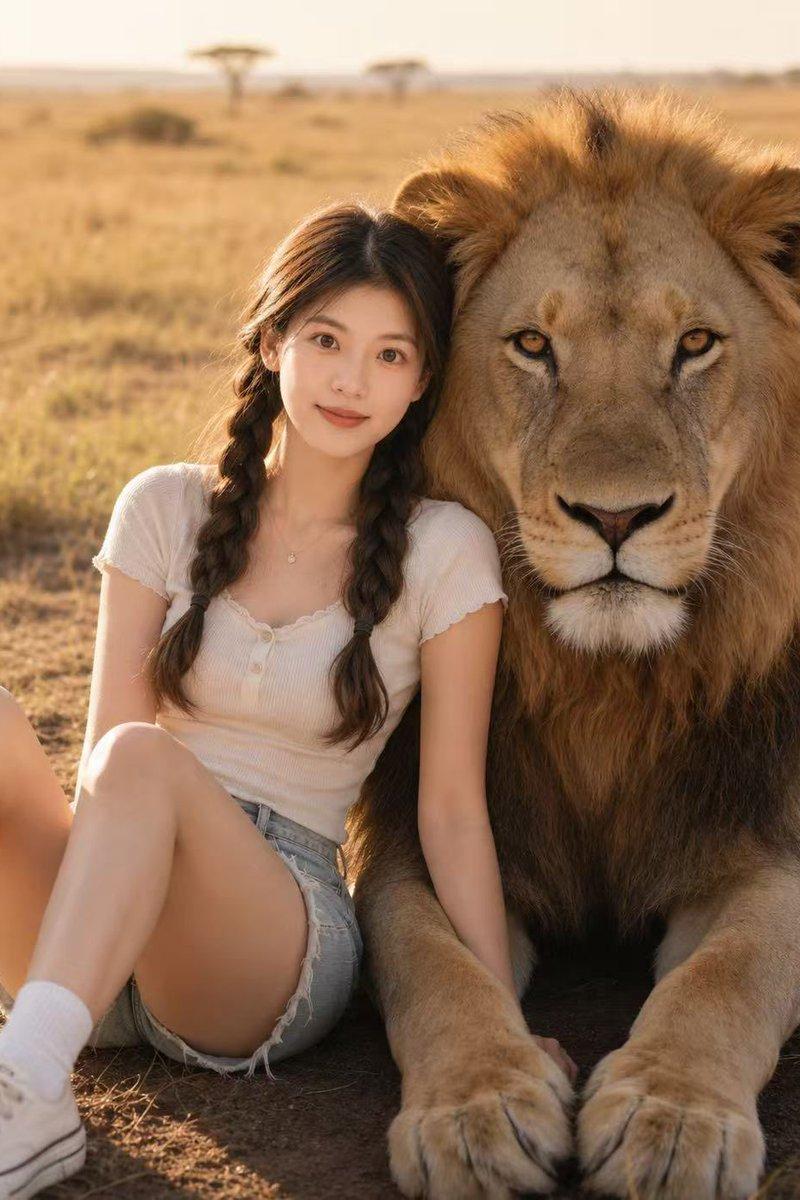
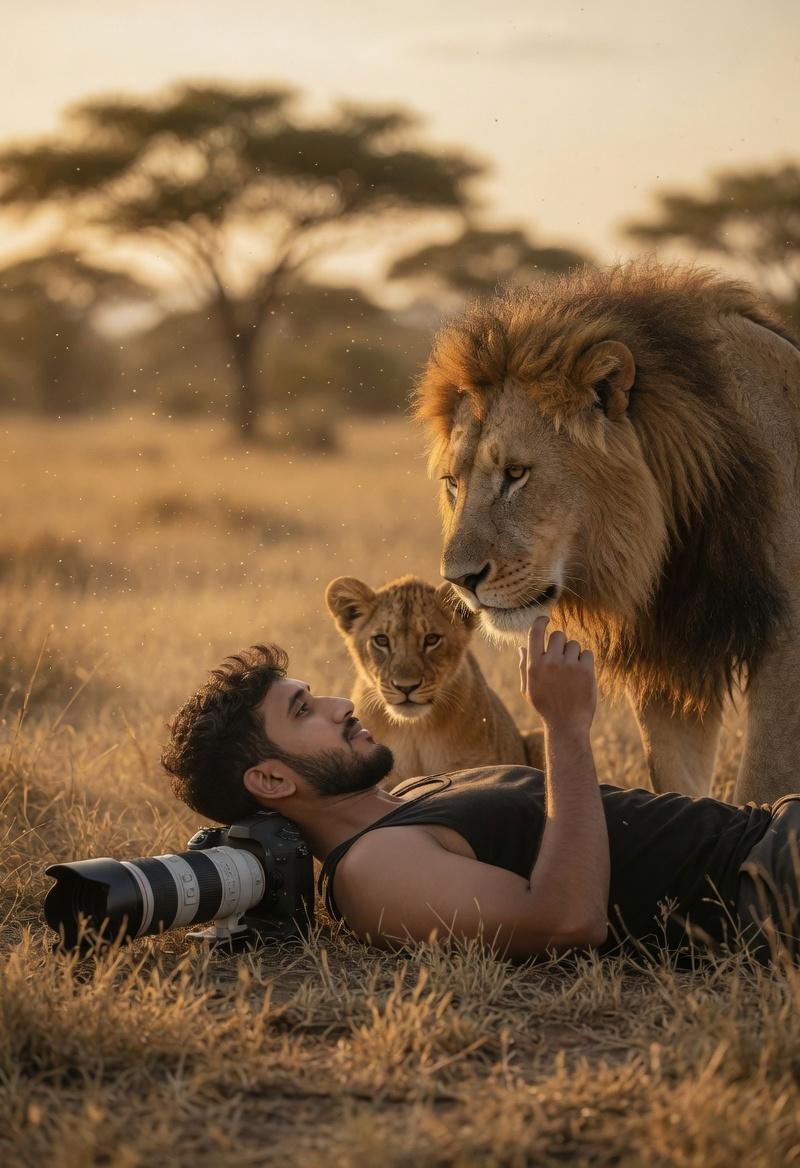
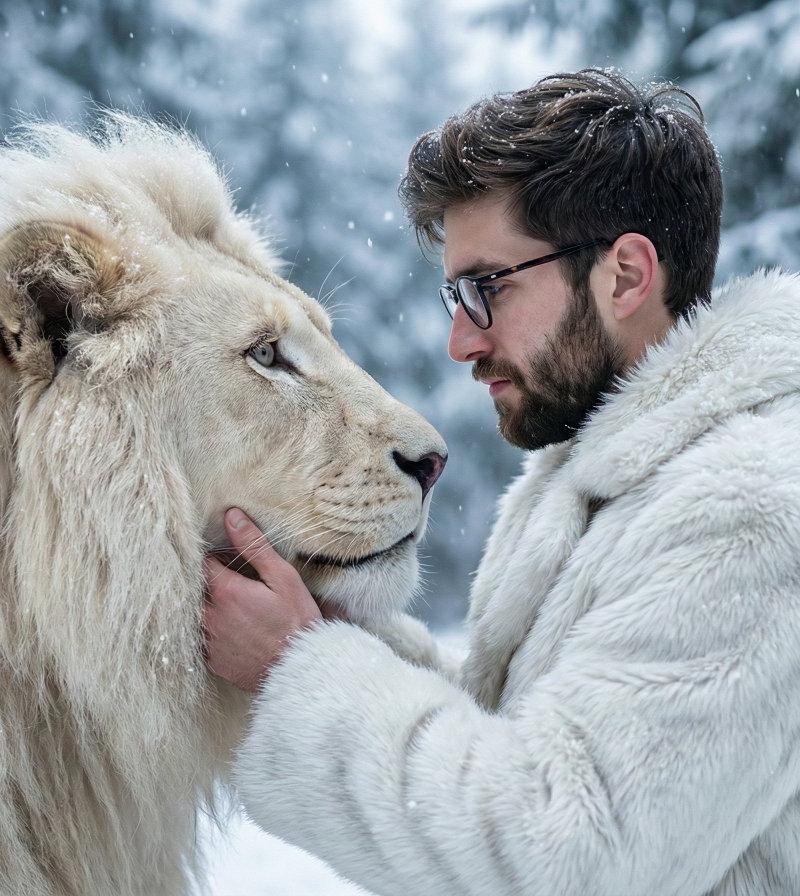
冰雪森林中王者与白狮的深情凝视
Enlarge

Example images

冰雪森林中王者与白狮的深情凝视

Prompt
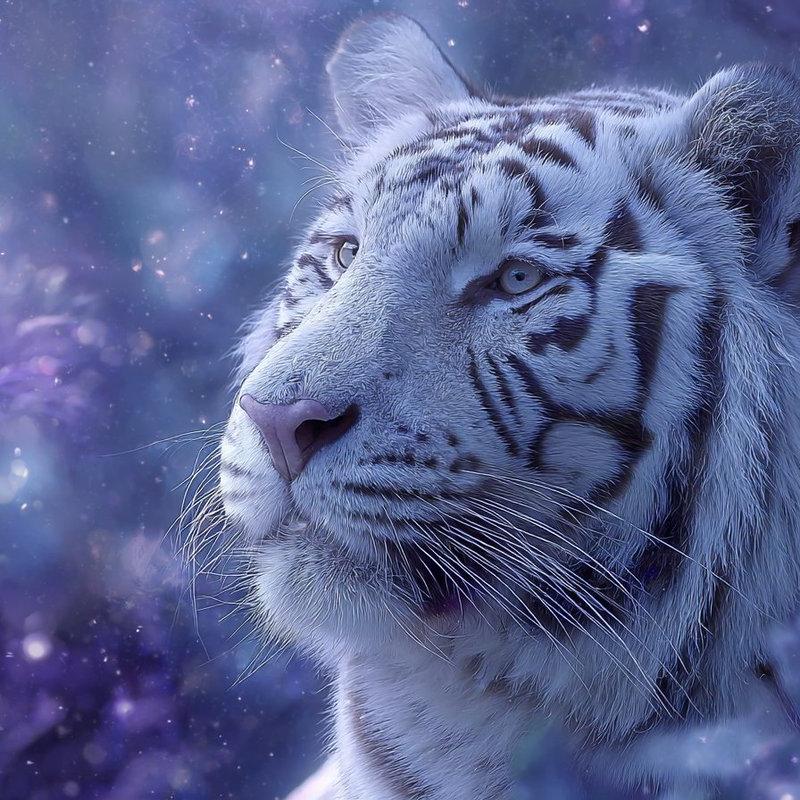
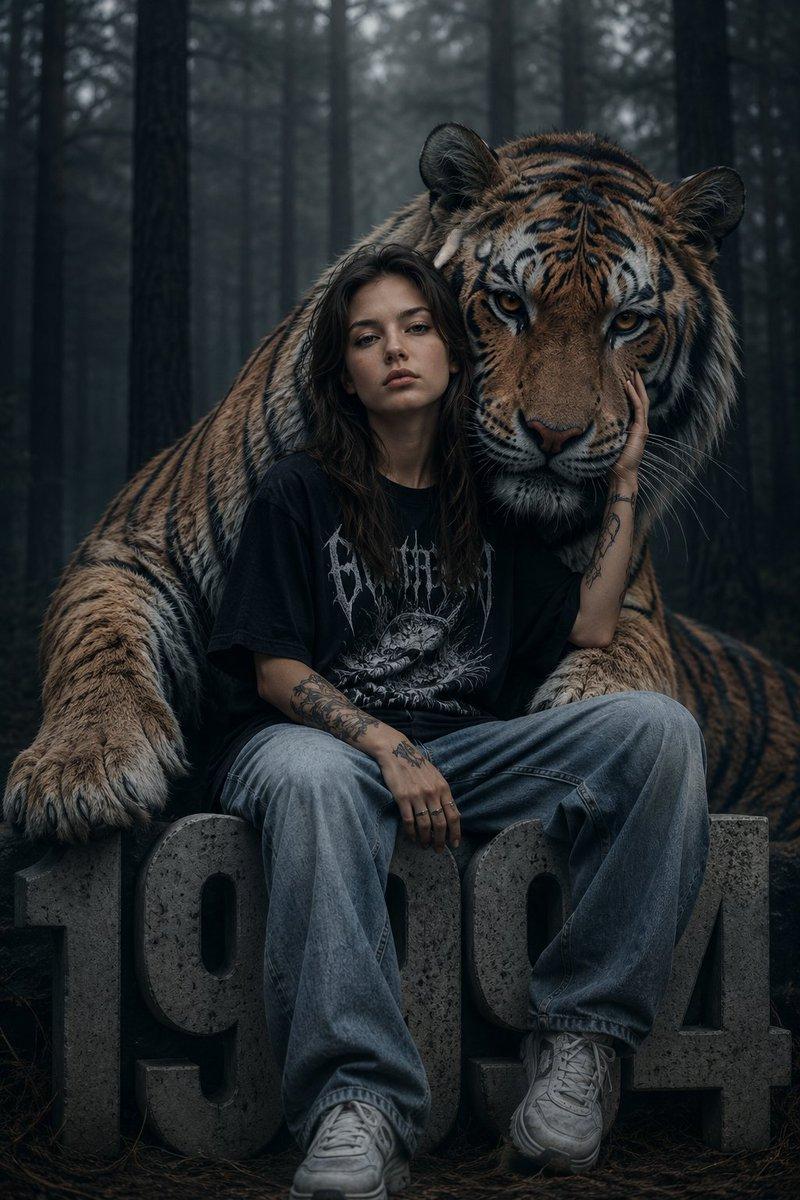
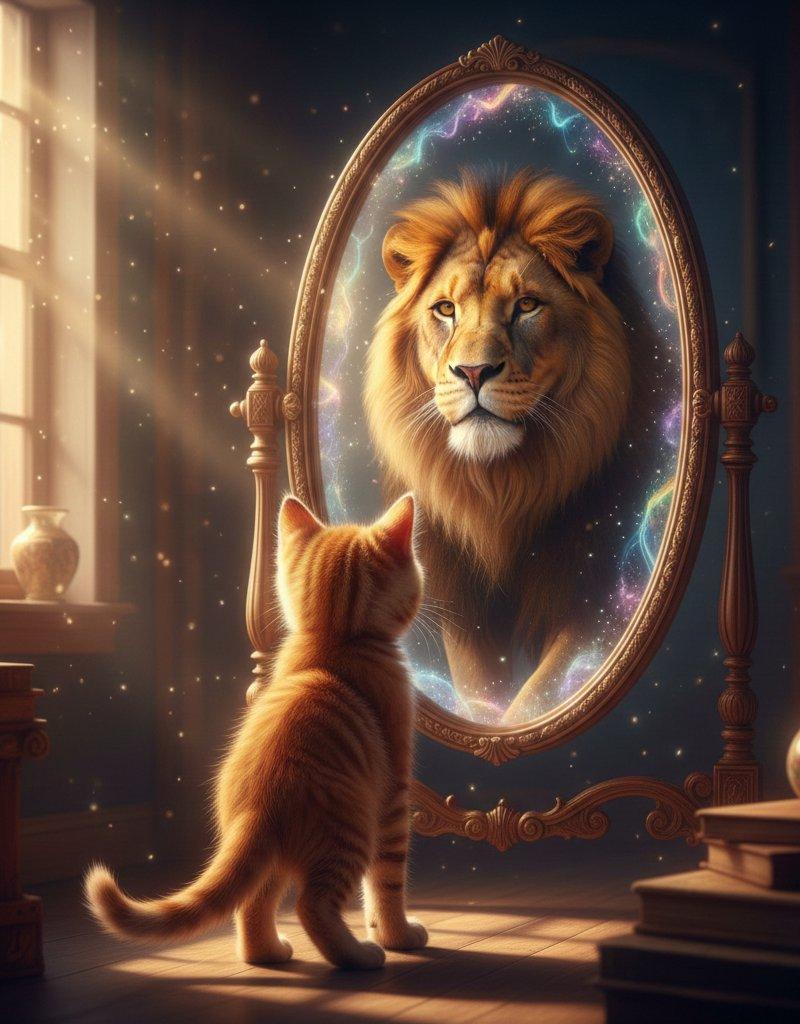
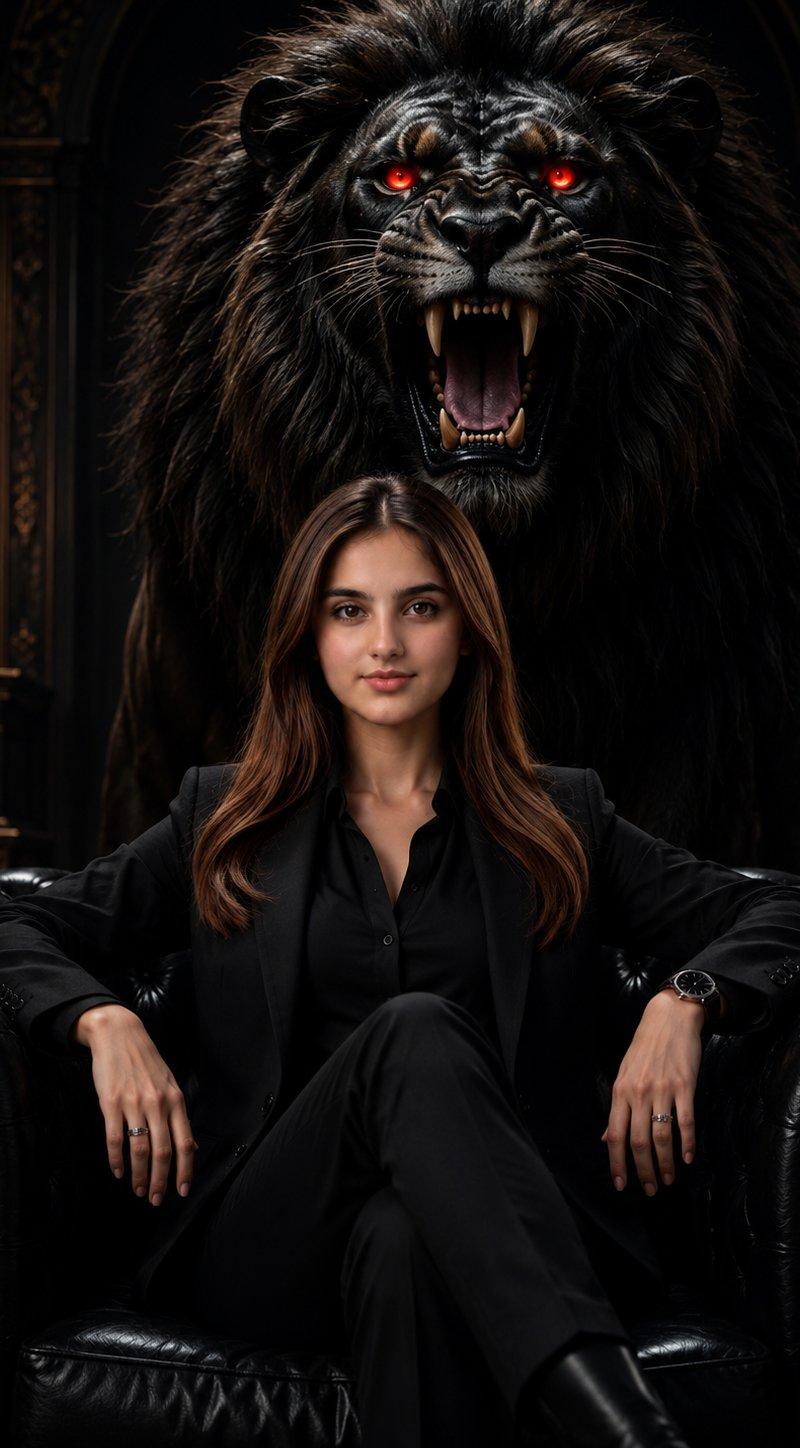
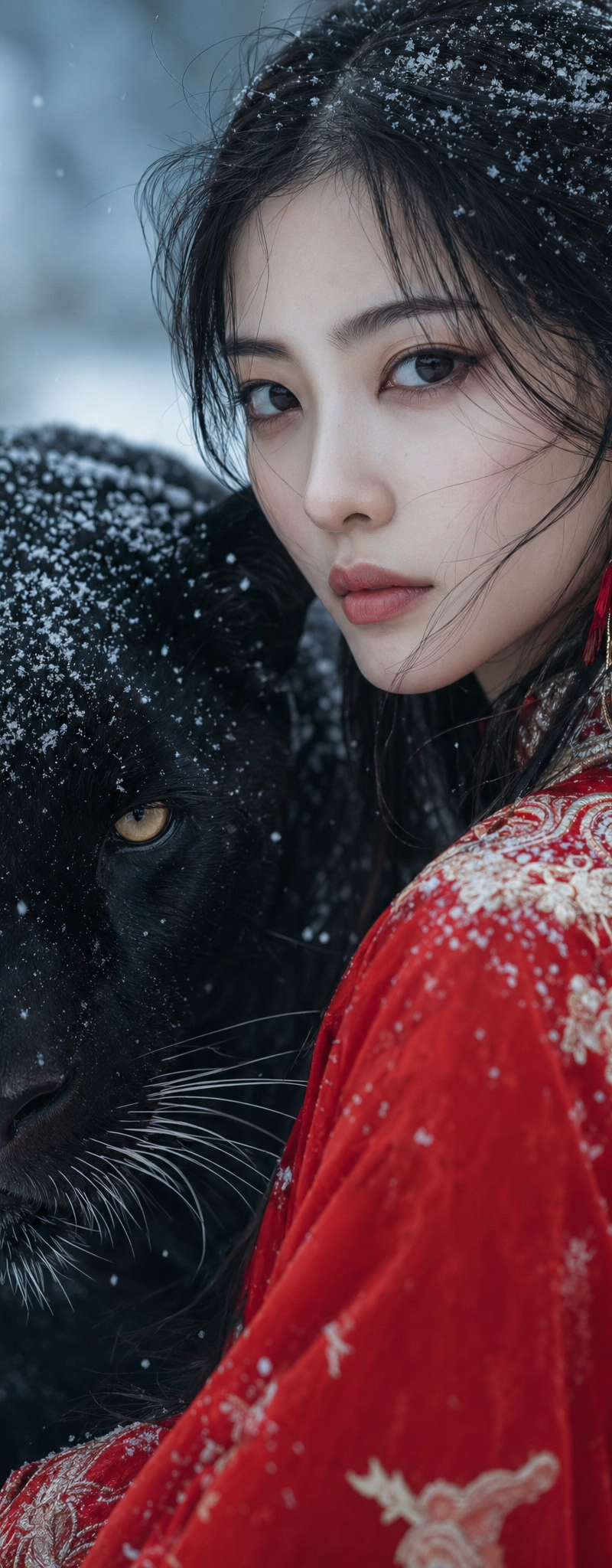
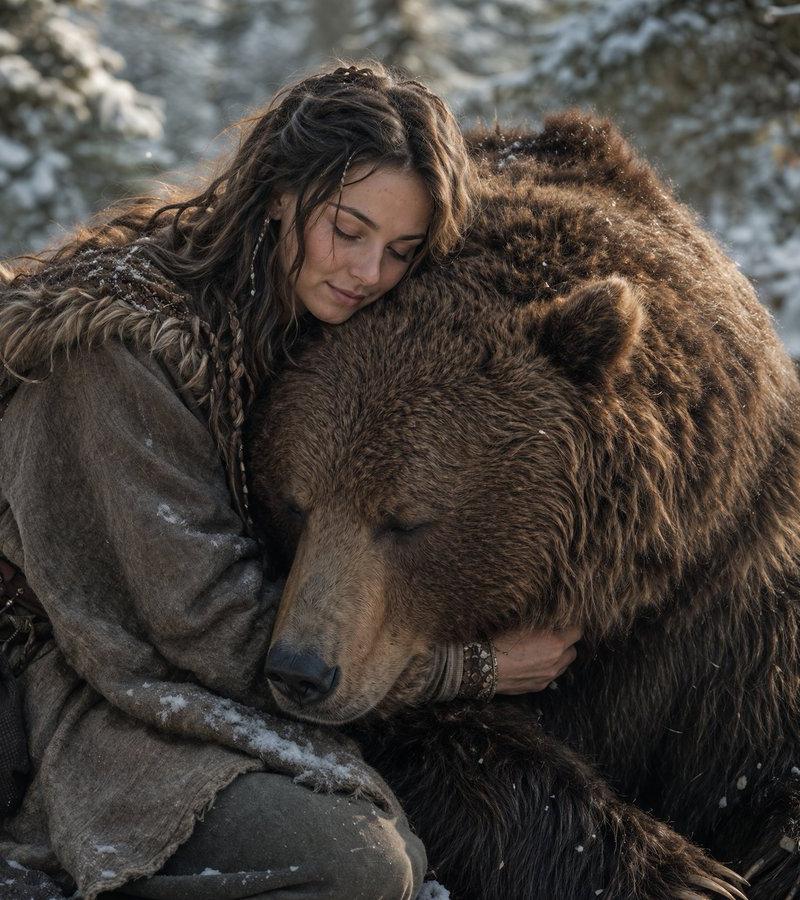
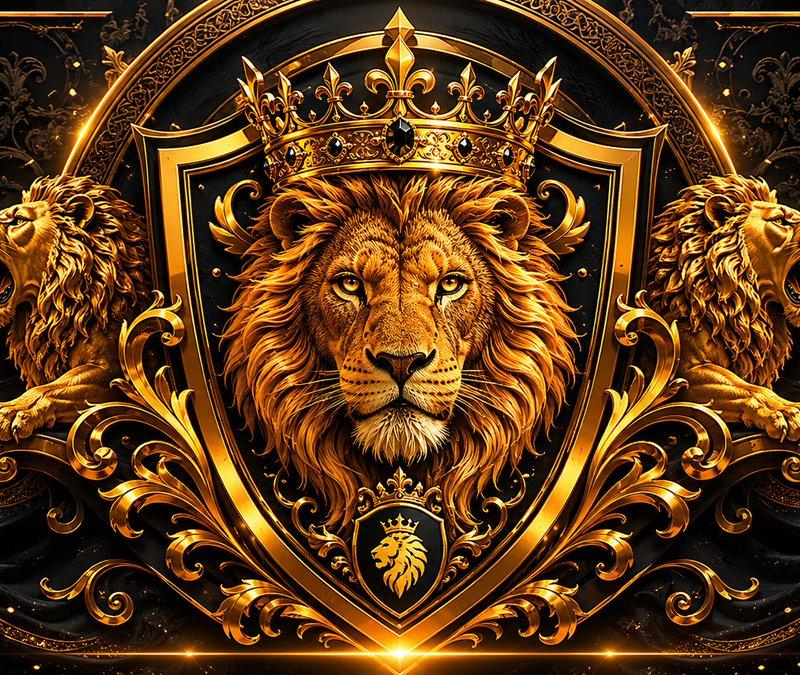
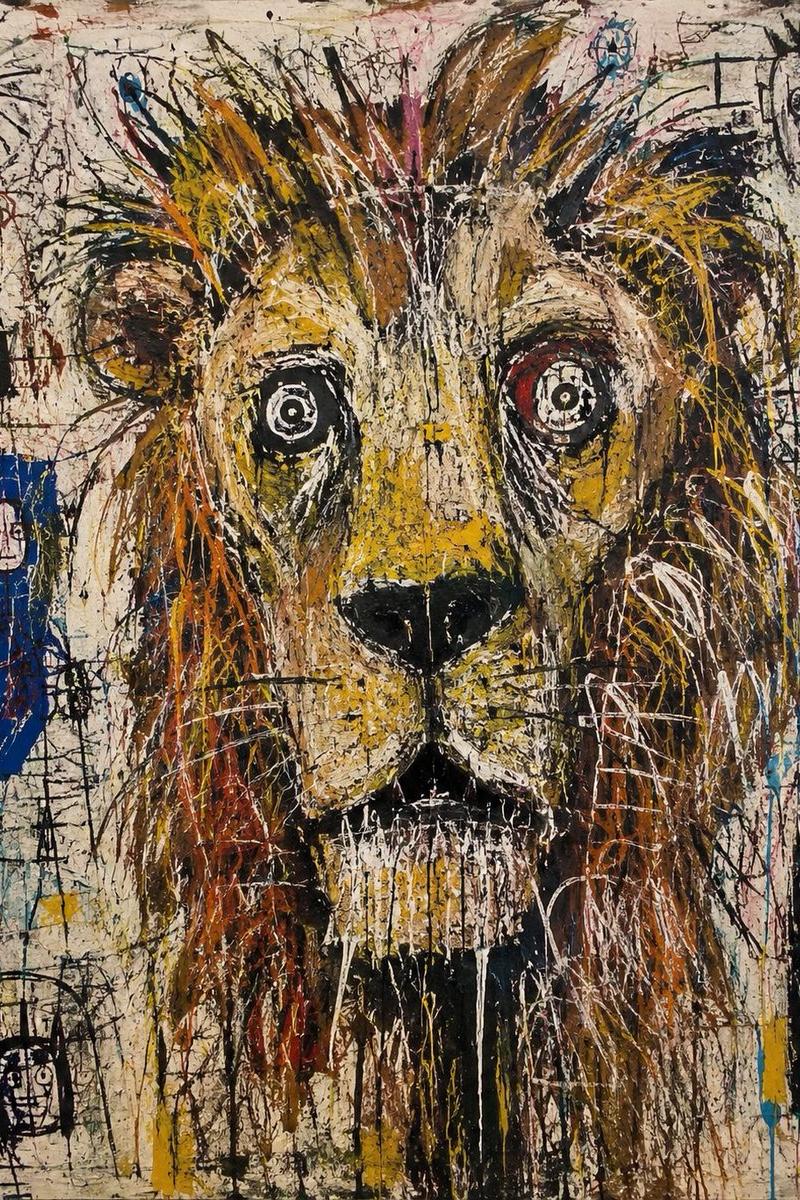
A cinematic ultra-realistic portrait of a man standing face-to-face with a majestic white lion in a snowy forest. The man is wearing a luxurious white fur coat, gently holding the lion’s face with one hand, conveying trust, power, and calm dominance. Soft snowfall surrounds them, with frosted pine trees blurred in the background. Dramatic natural lighting, shallow depth of field, sharp focus on facial details and fur texture. Cold winter color grading, soft whites and muted grays. Hyper-detailed fur, realistic skin texture, emotional eye contact. Shot on a high-end DSLR, 85mm lens, f/1.8, cinematic composition, photorealistic, 8K quality.
Category
Photography & Realism
Model
Nano banana pro
Creator
@Sheldon056
Source language
zh-CN
Views36
Source ID
8488
Published
Mar 22, 2026
Studio

Guide

About "冰雪森林中王者与白狮的深情凝视"

What is this prompt for?

"冰雪森林中王者与白狮的深情凝视" AI image prompt for Nano banana pro (Photography & Realism). 一张电影级的超现实肖像,描绘了一名男子在雪林中与一头雄伟的 白狮 面对面站立。男子身穿一件奢华的 白色 皮草大衣,一手轻抚着狮子的脸庞,传达出信任、力量和沉着的…

The full copyable prompt and example visuals above are ready for AI image generation or one-click recreate in Picva.

How to use this prompt

  1. Step 1

    Open the prompt detail

    Review the example visuals, category, and full prompt text for "冰雪森林中王者与白狮的深情凝视".

  2. Step 2

    Copy the prompt

    Copy the prompt body from this page, or load it directly in Studio.

  3. Step 3

    Pick a model (Nano banana pro)

    Prefer Nano banana pro. If you switch models, keep subject and composition and tweak style terms.

  4. Step 4

    Generate and export

    Recreate the look in Picva, or export into your workflow for editing and publishing.

FAQ

What is the "冰雪森林中王者与白狮的深情凝视" prompt?
It is an AI image-generation prompt for Nano banana pro in the Photography & Realism category. This page includes the full prompt text, example visuals, and a one-click recreate path in Picva.
How do I use this prompt to generate an image?
Copy the prompt from this page, or use Generate / Studio. Paste it into a compatible image model, or recreate the look in Picva with optional reference images.
Which model is this prompt for?
This page lists Nano banana pro. Most descriptive prompts also transfer to nearby image models such as GPT Image, Flux, or Midjourney with light style tweaks.
Can I use the result commercially?
You can usually copy the prompt for creation, but commercial use of the final image depends on the model terms, reference-image rights, and the generated content. Follow the source author and platform rules.