18

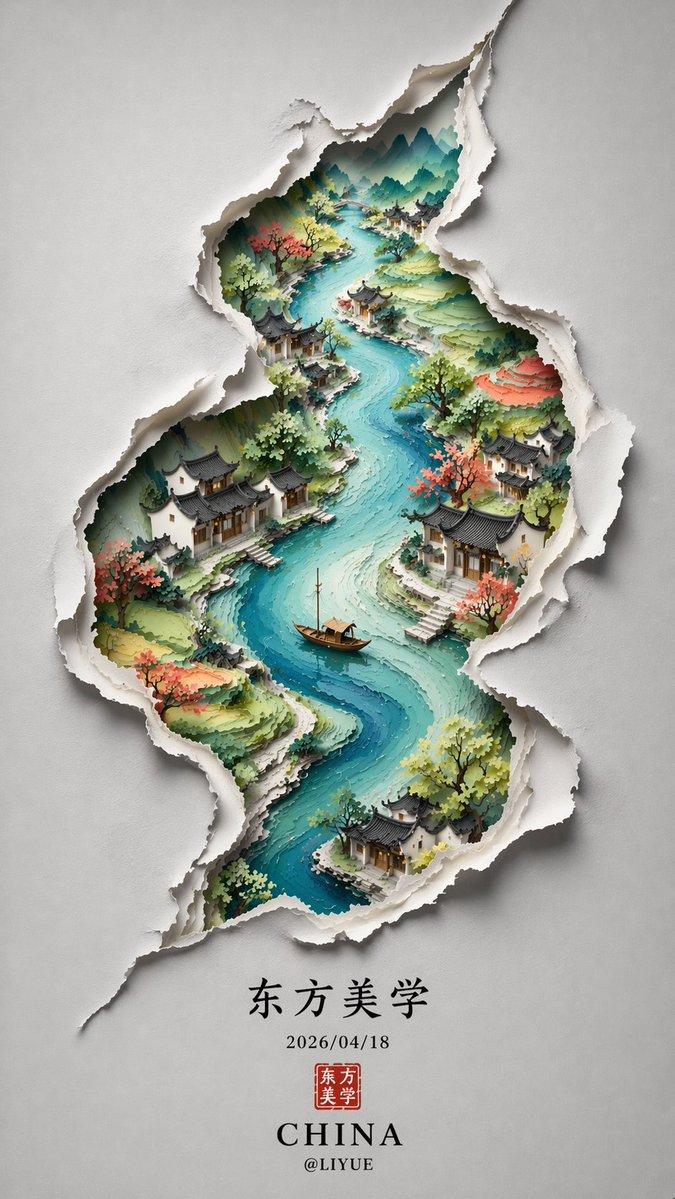
剥离陈旧漆面显露绚烂繁华世界
Enlarge

Example images

剥离陈旧漆面显露绚烂繁华世界

Prompt
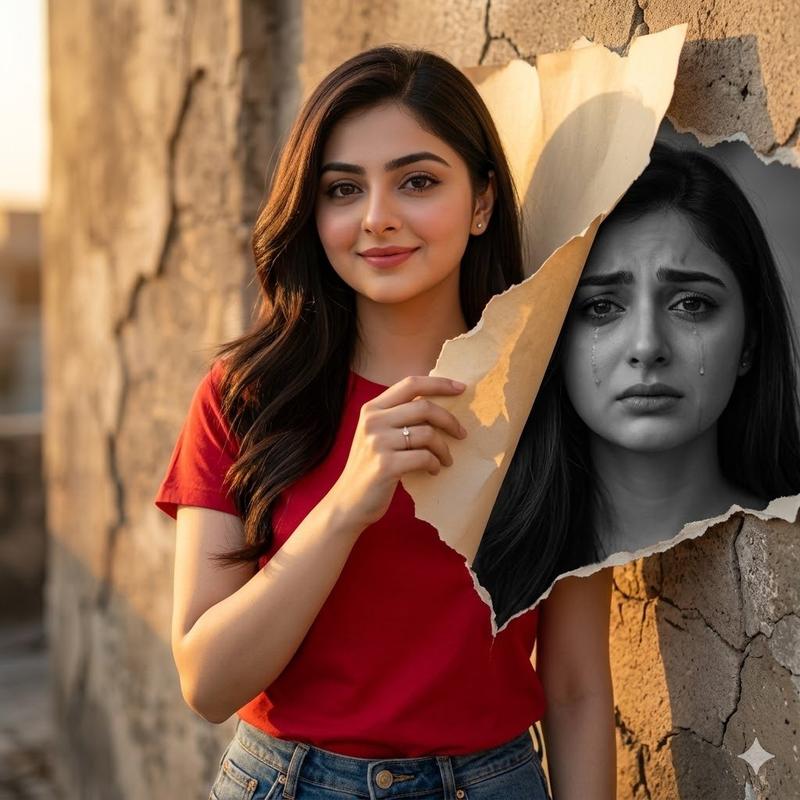
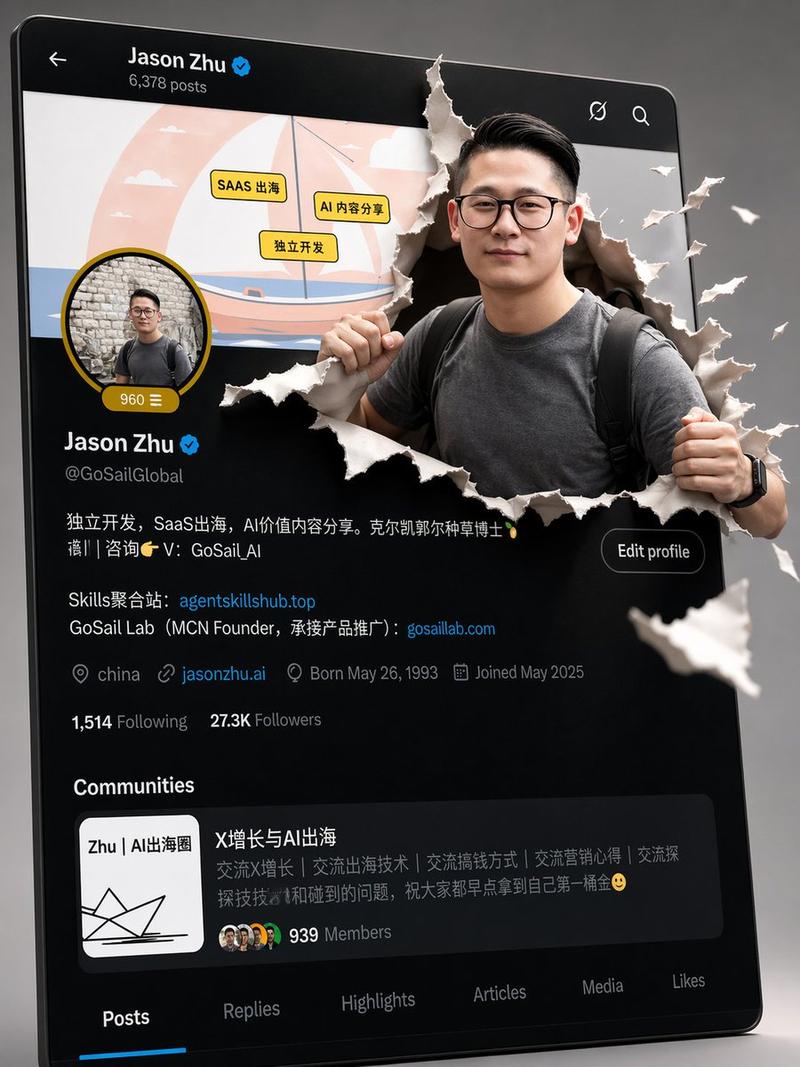
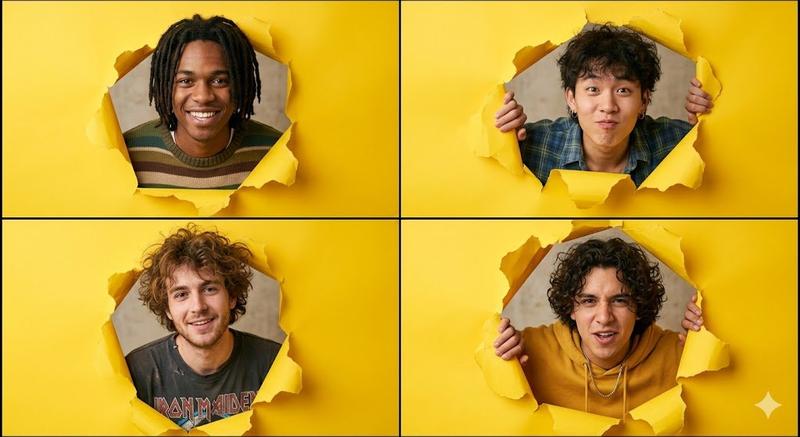
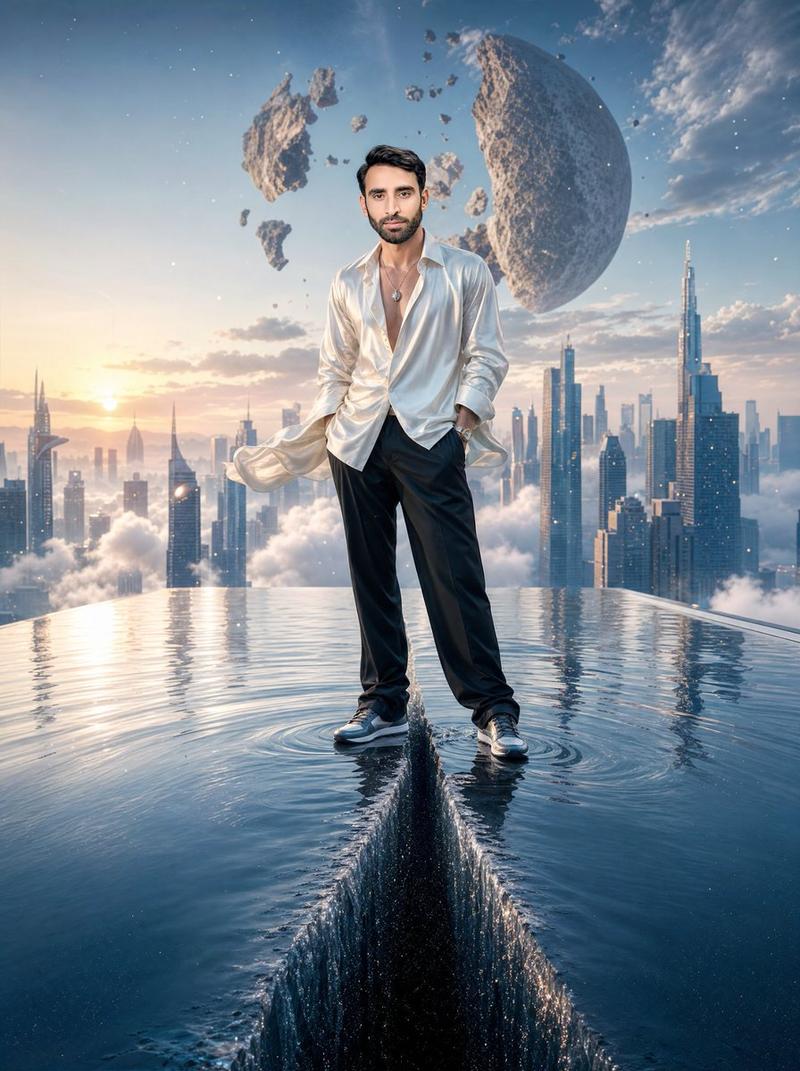
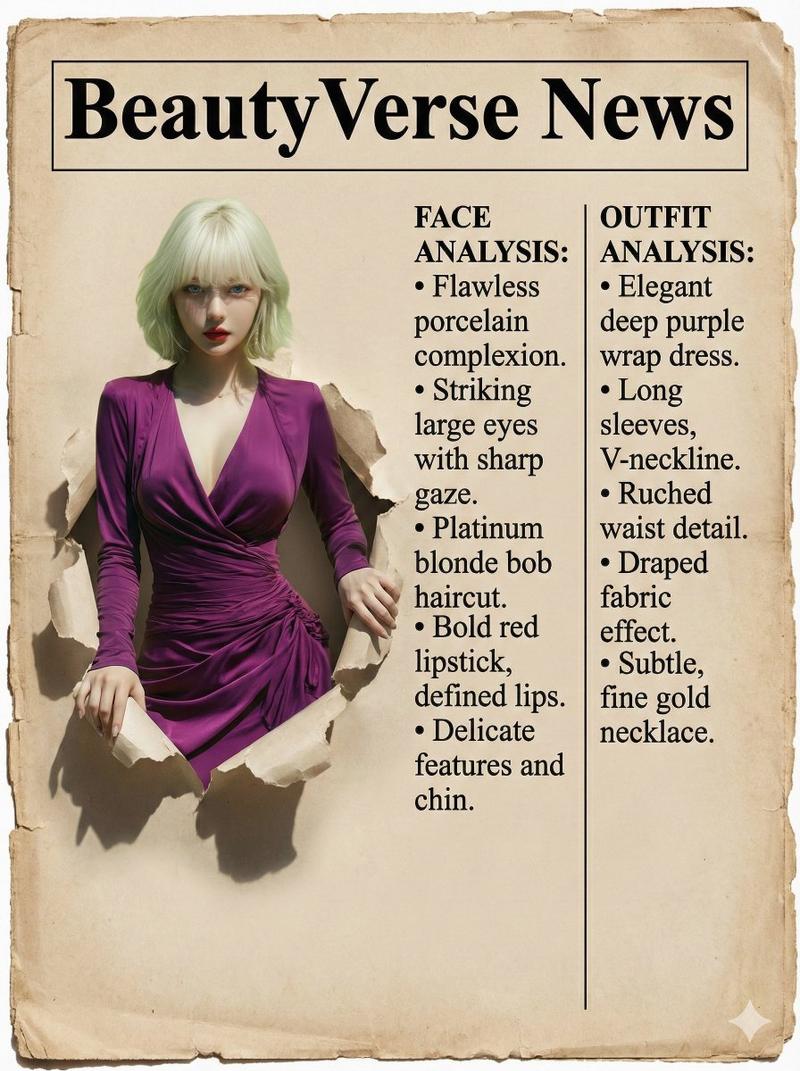
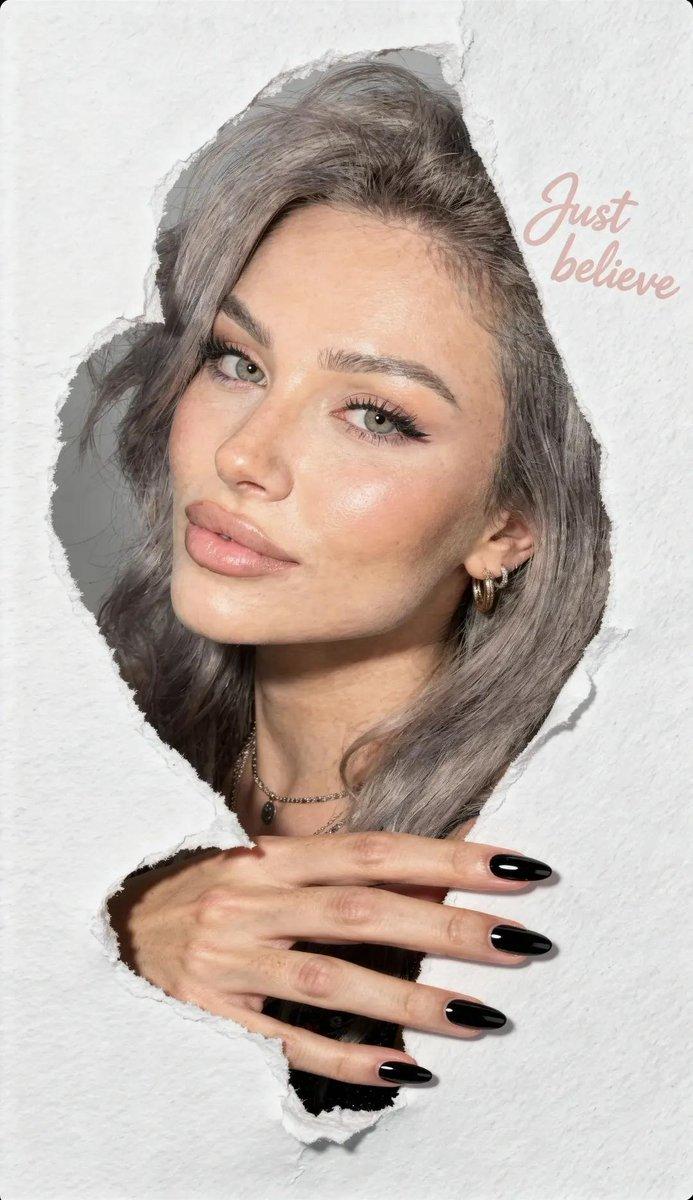
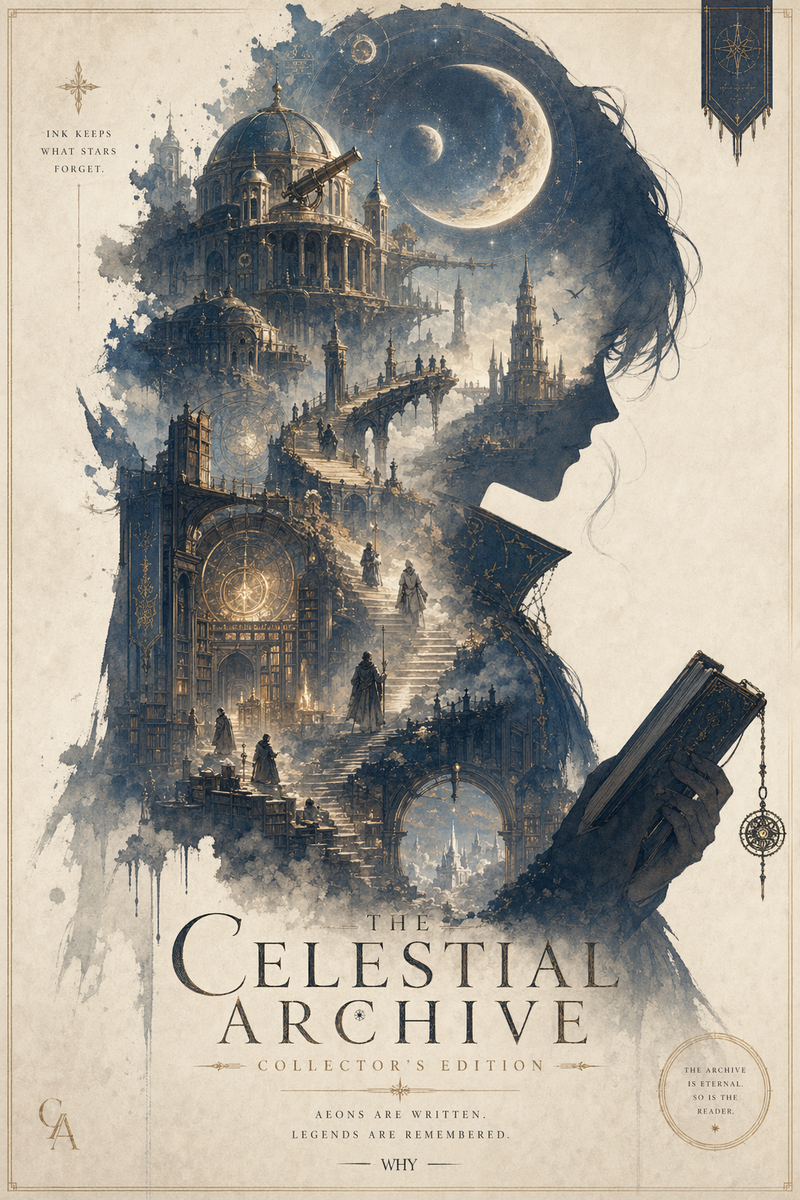
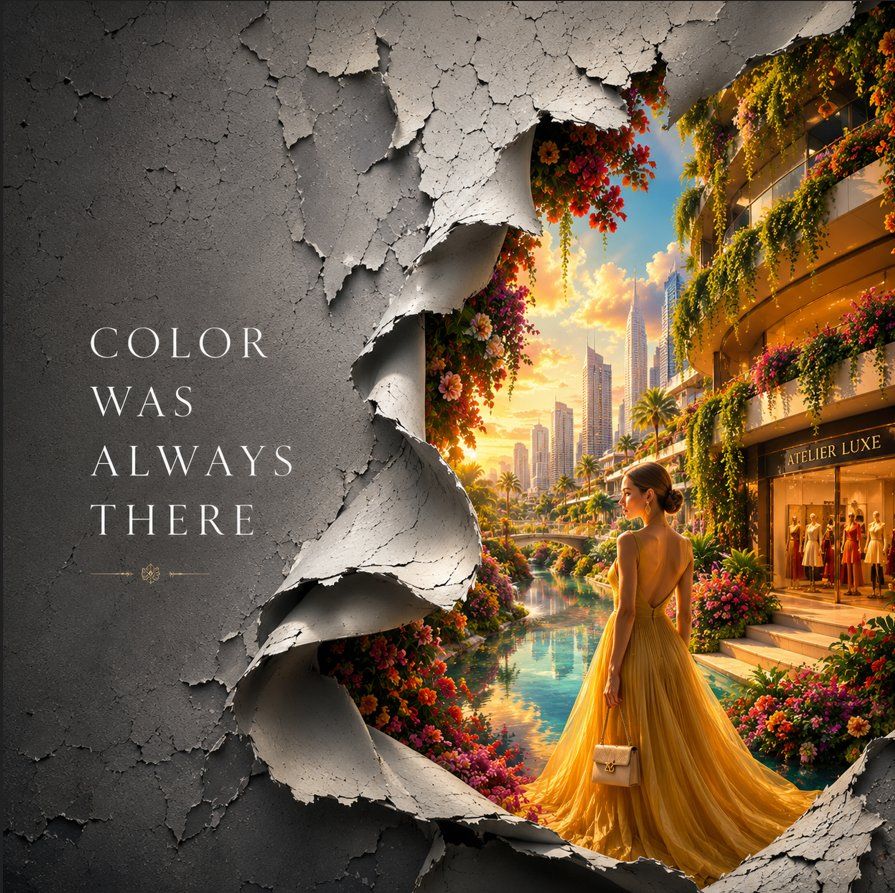
An entire monochrome world is revealed to be nothing more than a giant layer of aged, cracked paint. Thick textured paint naturally peels and curls away with realistic depth, weathered edges, rich surface detail, and soft cinematic shadows. As the outer layer falls away, it unveils a breathtaking hidden world filled with vibrant colors, blooming gardens, luxury architecture, designer boutiques, crystal reflections, lush greenery, and glowing skies.
The peeling paint creates the illusion that reality is shedding its dull exterior to reveal a masterpiece beneath. Every curled fragment is highly detailed with photorealistic textures, creating a clean, elegant, and emotionally uplifting composition.
Typography:
"COLOR WAS ALWAYS THERE"
Style: Premium commercial advertising, luxury fashion campaign, conceptual visual illusion, photorealistic paint textures, cinematic lighting, editorial aesthetic, hyper-detailed, HDR, 8K masterpiece.
Category
Charts & Infographics
Model
ChatGPT
Views15
Source ID
16842
Published
Jun 28, 2026

Guide

About "剥离陈旧漆面显露绚烂繁华世界"

What is this prompt for?

"剥离陈旧漆面显露绚烂繁华世界" AI image prompt for ChatGPT (Charts & Infographics). 整个单色世界被揭示只不过是一层巨大的陈旧、开裂的油漆。厚实的纹理油漆自然地剥落并卷曲,具有真实的深度、风化的边缘、丰富的表面细节和柔和的电影级阴影。随着外层脱落,它展现出一个令人…

The full copyable prompt and example visuals above are ready for AI image generation or one-click recreate in Picva.

How to use this prompt

  1. Step 1

    Open the prompt detail

    Review the example visuals, category, and full prompt text for "剥离陈旧漆面显露绚烂繁华世界".

  2. Step 2

    Copy the prompt

    Copy the prompt body from this page, or load it directly in Studio.

  3. Step 3

    Pick a model (ChatGPT)

    Prefer ChatGPT. If you switch models, keep subject and composition and tweak style terms.

  4. Step 4

    Generate and export

    Recreate the look in Picva, or export into your workflow for editing and publishing.

FAQ

What is the "剥离陈旧漆面显露绚烂繁华世界" prompt?
It is an AI image-generation prompt for ChatGPT in the Charts & Infographics category. This page includes the full prompt text, example visuals, and a one-click recreate path in Picva.
How do I use this prompt to generate an image?
Copy the prompt from this page, or use Generate / Studio. Paste it into a compatible image model, or recreate the look in Picva with optional reference images.
Which model is this prompt for?
This page lists ChatGPT. Most descriptive prompts also transfer to nearby image models such as GPT Image, Flux, or Midjourney with light style tweaks.
Can I use the result commercially?
You can usually copy the prompt for creation, but commercial use of the final image depends on the model terms, reference-image rights, and the generated content. Follow the source author and platform rules.