18

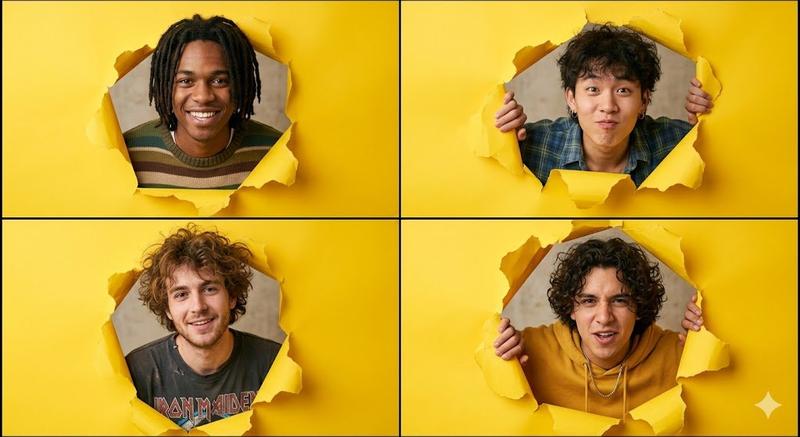
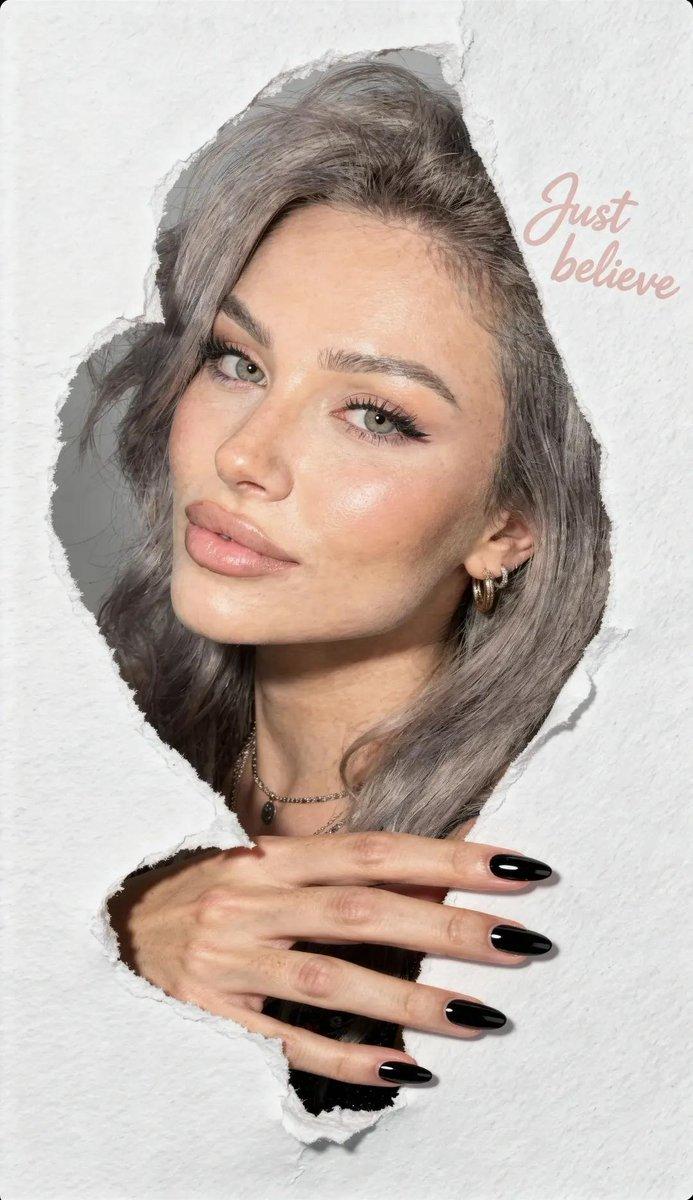
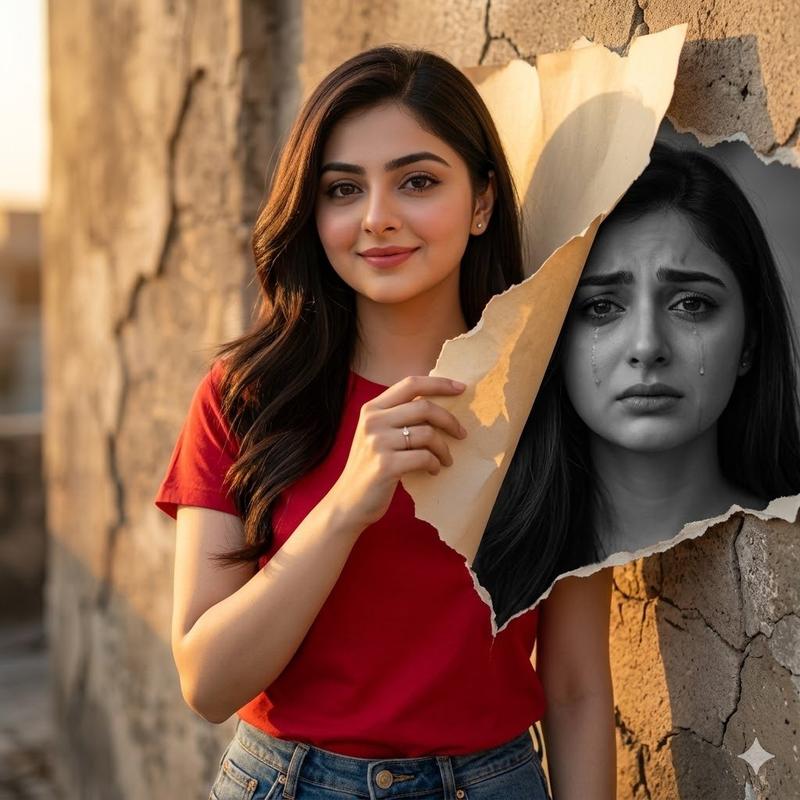
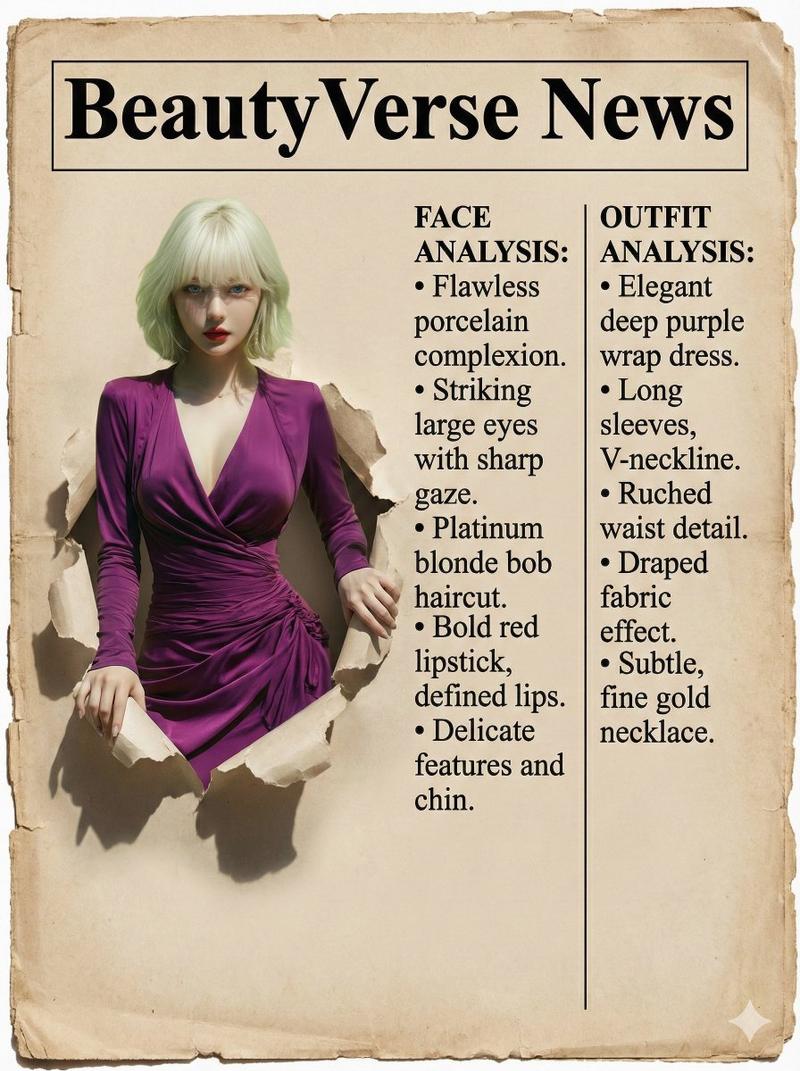
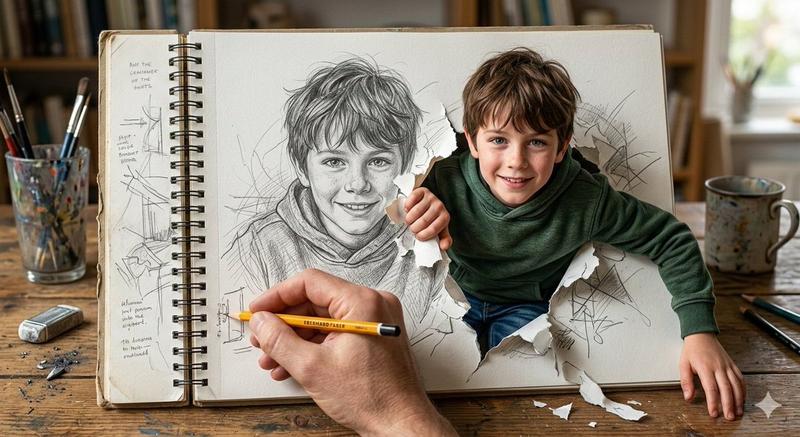
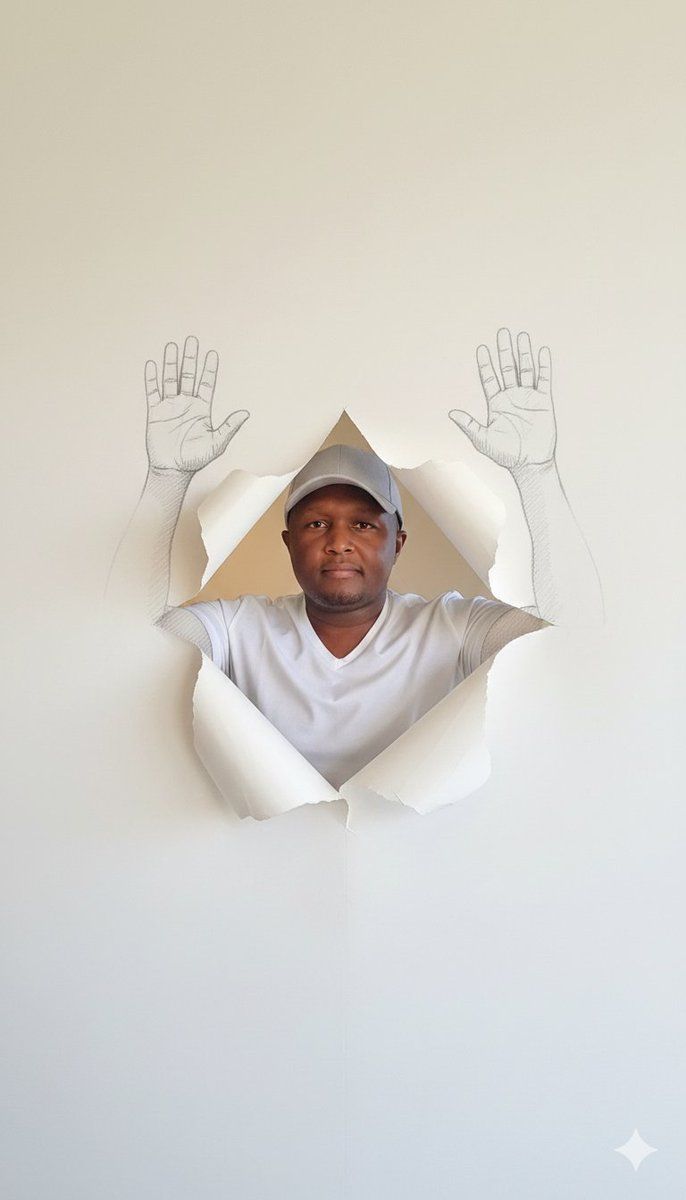
从壁纸中伸出的素描手形成的超现实肖像
Enlarge

从壁纸中伸出的素描手形成的超现实肖像

Prompt
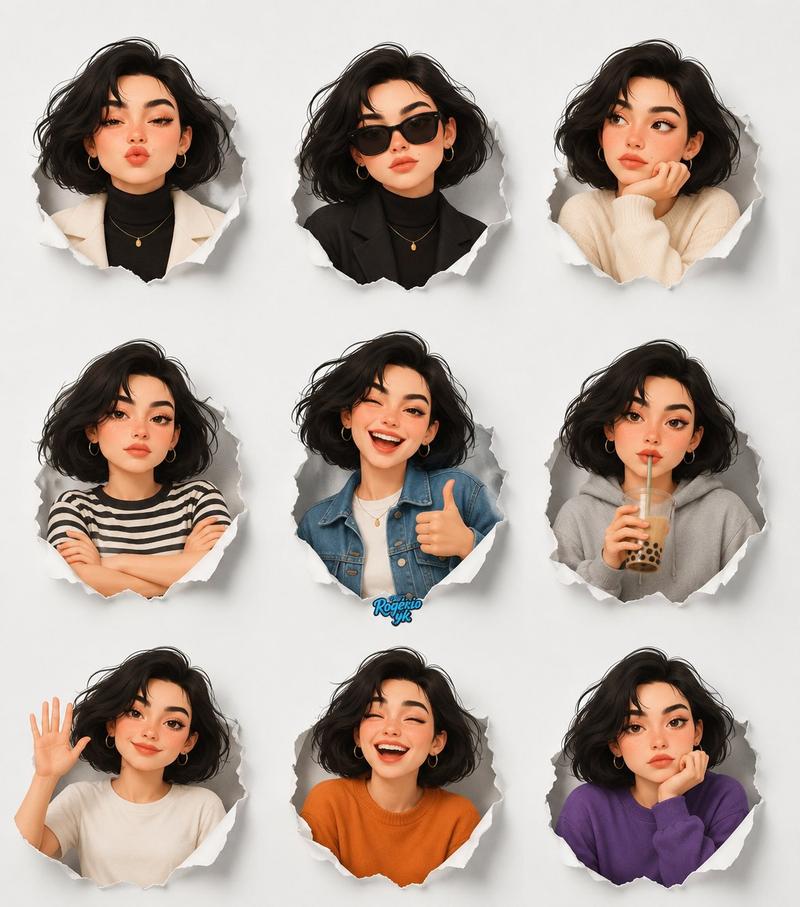
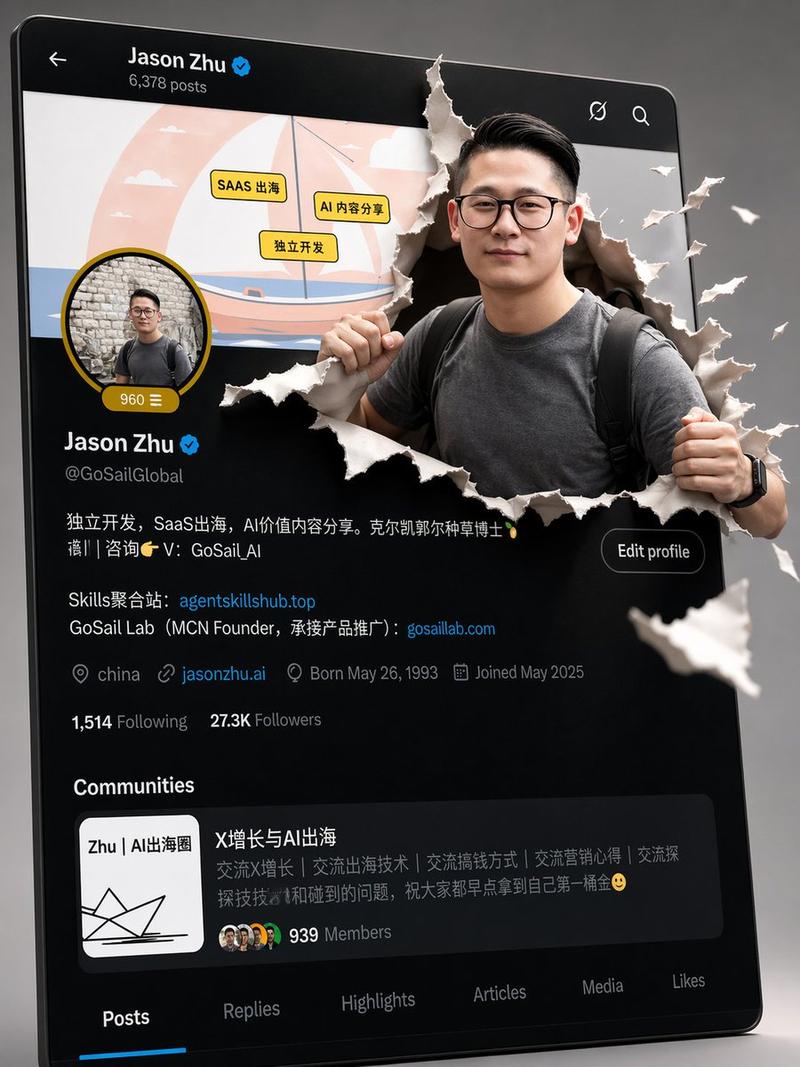
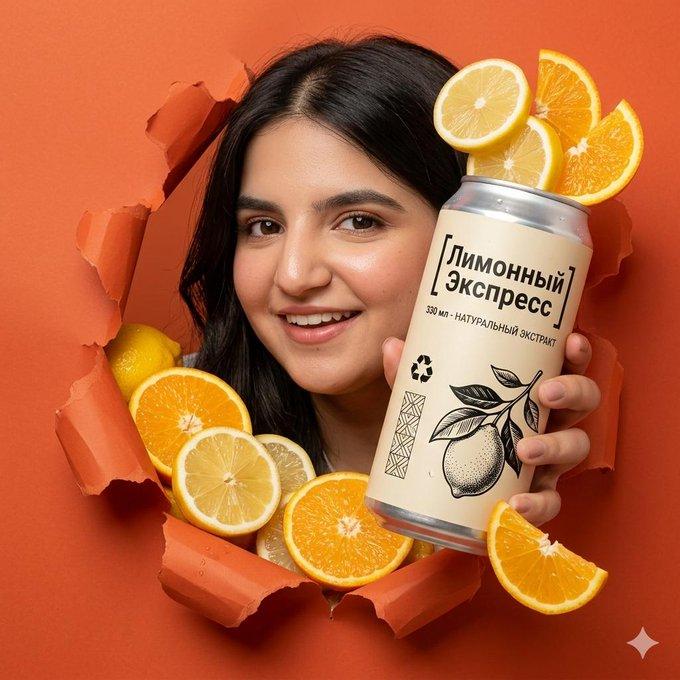
Generate an image from the uploaded photo where a realistic person with their natural skin tone and facial features fully preserved emerges through a diamond-shaped tear in plain white wallpaper. The tear rolls outward with soft edges. The person’s hands are raised, and the arms and hands are replaced with black-and-white pencil sketch illustrations that seamlessly extend from the tear, fully matching the realistic pose. Use soft neutral lighting and a simple light-colored background. Keep the composition centered, gender-neutral, with the camera at chest level for a direct, intimate perspective.
Category
创意图片
Model
Nano Banana Pro
Views0
Source ID
d218f43e-cf74-47df-a5a0-c373ab225df2
Published
Mar 8, 2026

Guide

About "从壁纸中伸出的素描手形成的超现实肖像"

What is this prompt for?

"从壁纸中伸出的素描手形成的超现实肖像" AI image prompt for Nano Banana Pro (创意图片). 基于上传照片创作超现实主义肖像的提示。逼真的人物形象从白色墙纸上钻石形的裂缝中显现,但其手臂和双手被黑白铅笔素描插画取代,这些插画从裂缝处无缝延伸。 --- 从上传的照片生成一张图像:一个…

The full copyable prompt and example visuals above are ready for AI image generation or one-click recreate in Picva.

How to use this prompt

  1. Step 1

    Open the prompt detail

    Review the example visuals, category, and full prompt text for "从壁纸中伸出的素描手形成的超现实肖像".

  2. Step 2

    Copy the prompt

    Copy the prompt body from this page, or load it directly in Studio.

  3. Step 3

    Pick a model (Nano Banana Pro)

    Prefer Nano Banana Pro. If you switch models, keep subject and composition and tweak style terms.

  4. Step 4

    Generate and export

    Recreate the look in Picva, or export into your workflow for editing and publishing.

FAQ

What is the "从壁纸中伸出的素描手形成的超现实肖像" prompt?
It is an AI image-generation prompt for Nano Banana Pro in the 创意图片 category. This page includes the full prompt text, example visuals, and a one-click recreate path in Picva.
How do I use this prompt to generate an image?
Copy the prompt from this page, or use Generate / Studio. Paste it into a compatible image model, or recreate the look in Picva with optional reference images.
Which model is this prompt for?
This page lists Nano Banana Pro. Most descriptive prompts also transfer to nearby image models such as GPT Image, Flux, or Midjourney with light style tweaks.
Can I use the result commercially?
You can usually copy the prompt for creation, but commercial use of the final image depends on the model terms, reference-image rights, and the generated content. Follow the source author and platform rules.