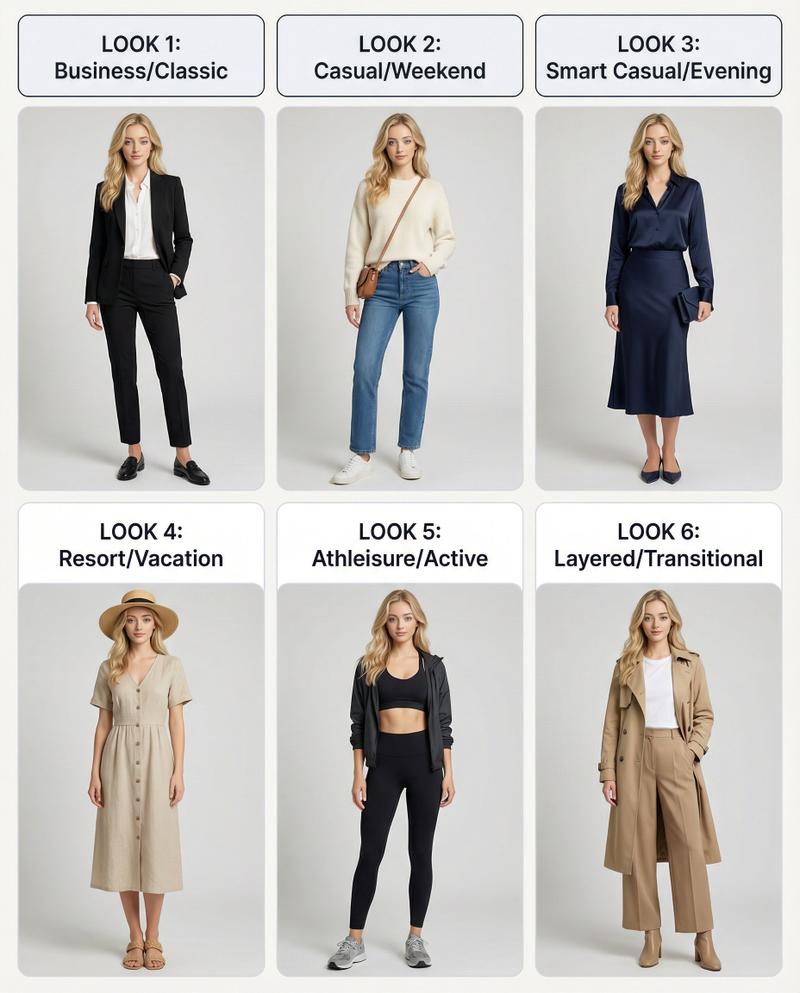
复古Windows画图板换装界面穿搭生成
Prompt
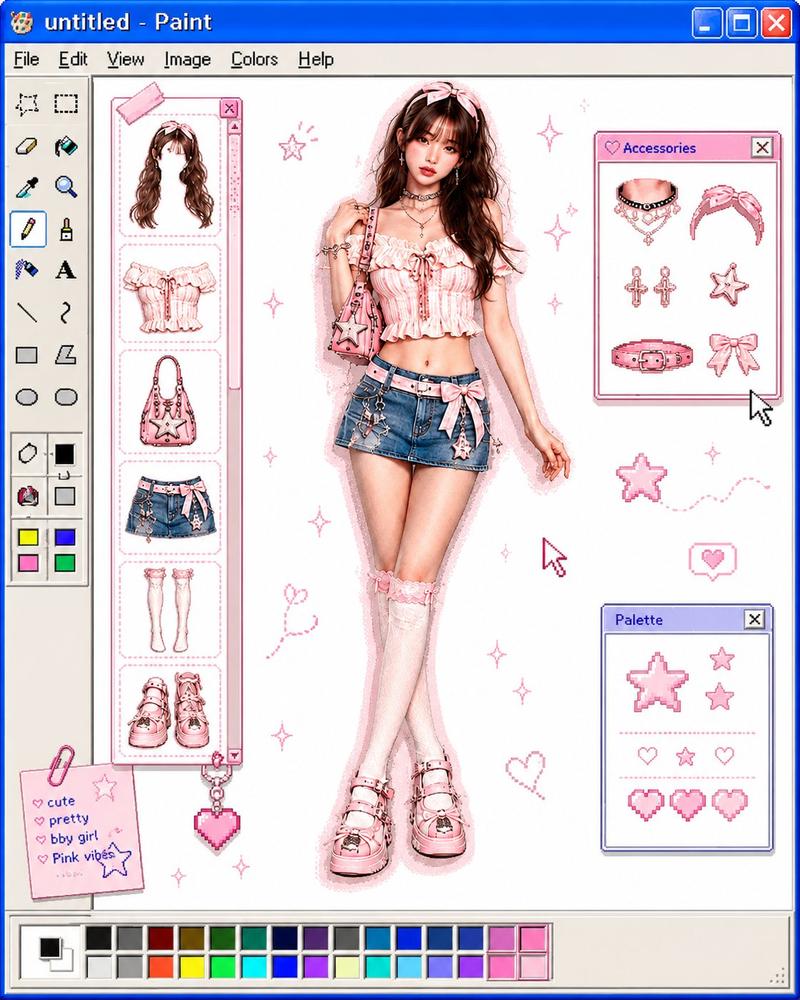
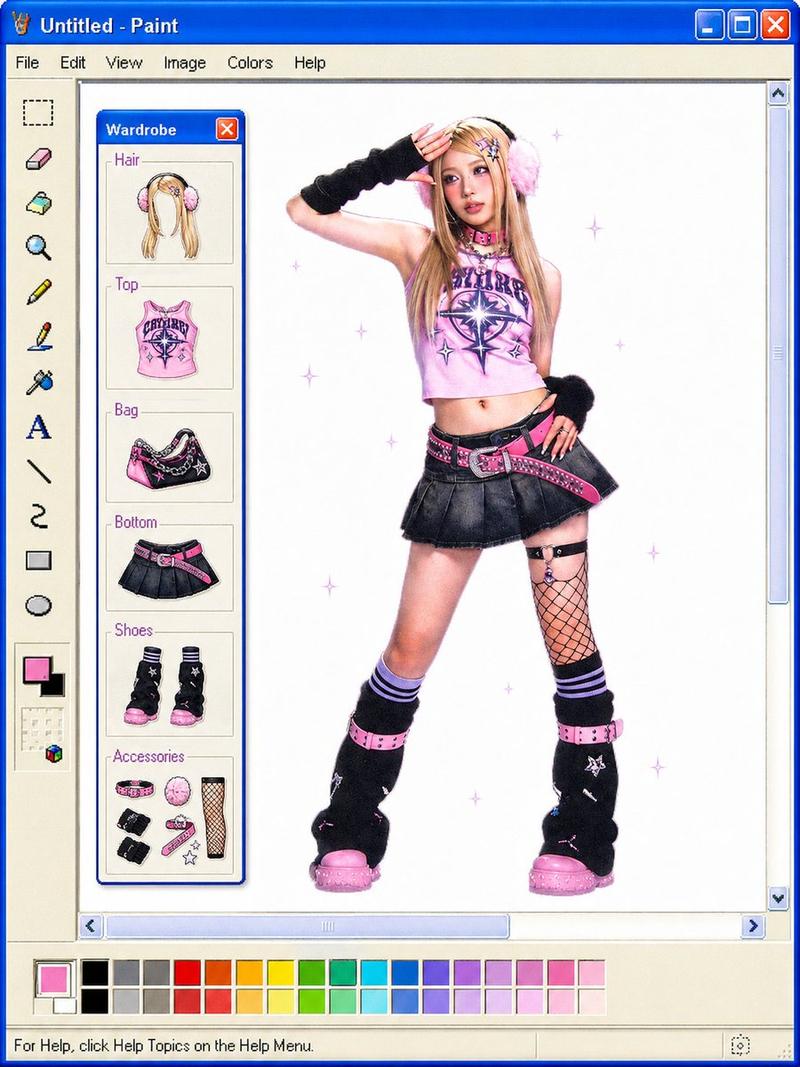
Transform the uploaded image into a retro Windows MS Paint outfit-builder interface aesthetic. Keep the full-body cutout of the subject centered on a clean white canvas, as if placed inside an old Windows XP / MS Paint workspace. Layout details: Left side: classic MS Paint toolbar with pixel-style icons and old UI elements. A vertical column of floating wardrobe/accessory slots (hair, top, bag, pants, shoes, etc.) shown as detachable outfit pieces. Bottom: a pastel color palette bar similar to old Paint color swatches. Window title bar at top with simple retro naming (e.g. “untitled - Paint”). Subject appears like a digital paper doll / dress-up character. Visual style: Early-2000s internet aesthetic Slight low-resolution softness Airbrushed + scanned magazine feel Soft glow around the subject Tiny sparkle highlights Muted pastel colors with one or two saturated accent colors Minimal shadows Cute, playful, nostalgic UI composition Image treatment: Preserve pose and clothing identity from the original image Cutout edges slightly softened Keep proportions elongated and editorial White negative space for a clean composition Subtle JPEG compression / vintage screen texture Keywords: MS Paint UI, Windows XP aesthetic, digital dress-up game, Y2K nostalgia, paper doll fashion, retro desktop, kawaii editorial, internetcore, soft glow, scrapbook UI, fashion collage.Watermark: Add a subtle watermark in the bottom-right corner of the image. The text should be vertical (rotated 90°) and read “VNCNTAI”. Use Montserrat font, white color with low opacity (semi-transparent), medium size.
- Category
- UI & Interfaces
- Model
- ChatGPT
- Creator
- @saniaspeaks_
- Source ID
- 15401
- Published
- Jun 6, 2026
Views4