17

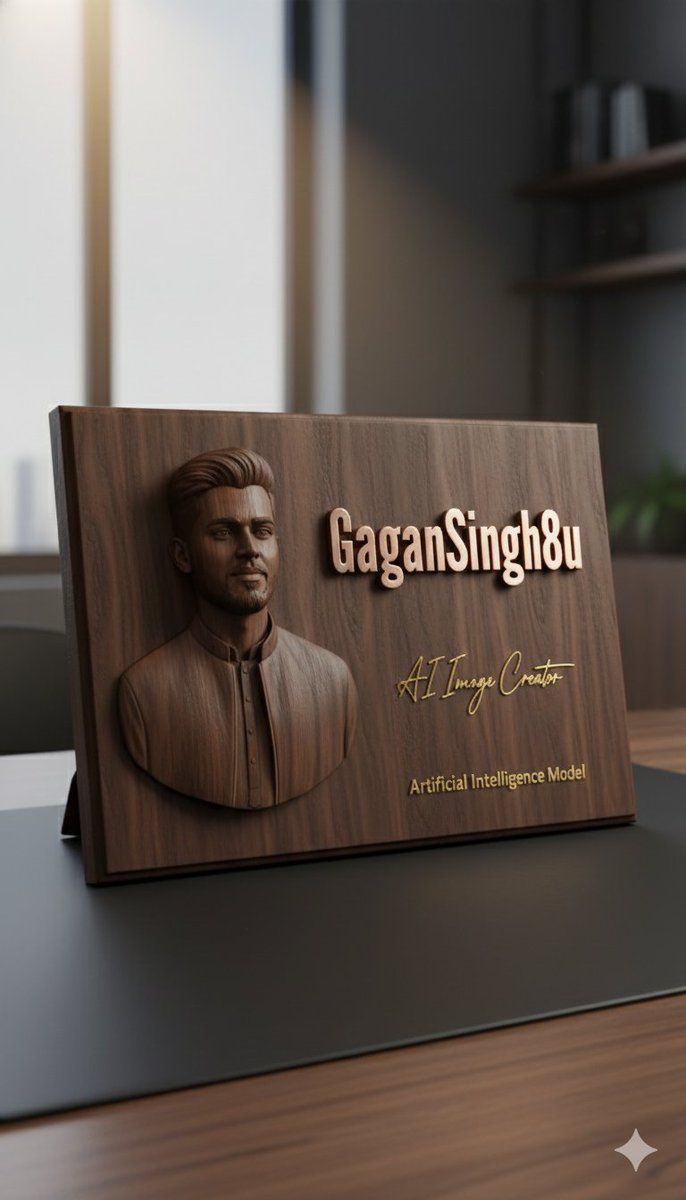
参考图像中的 3D 浮雕行政牌匾模型
Enlarge

参考图像中的 3D 浮雕行政牌匾模型

Prompt
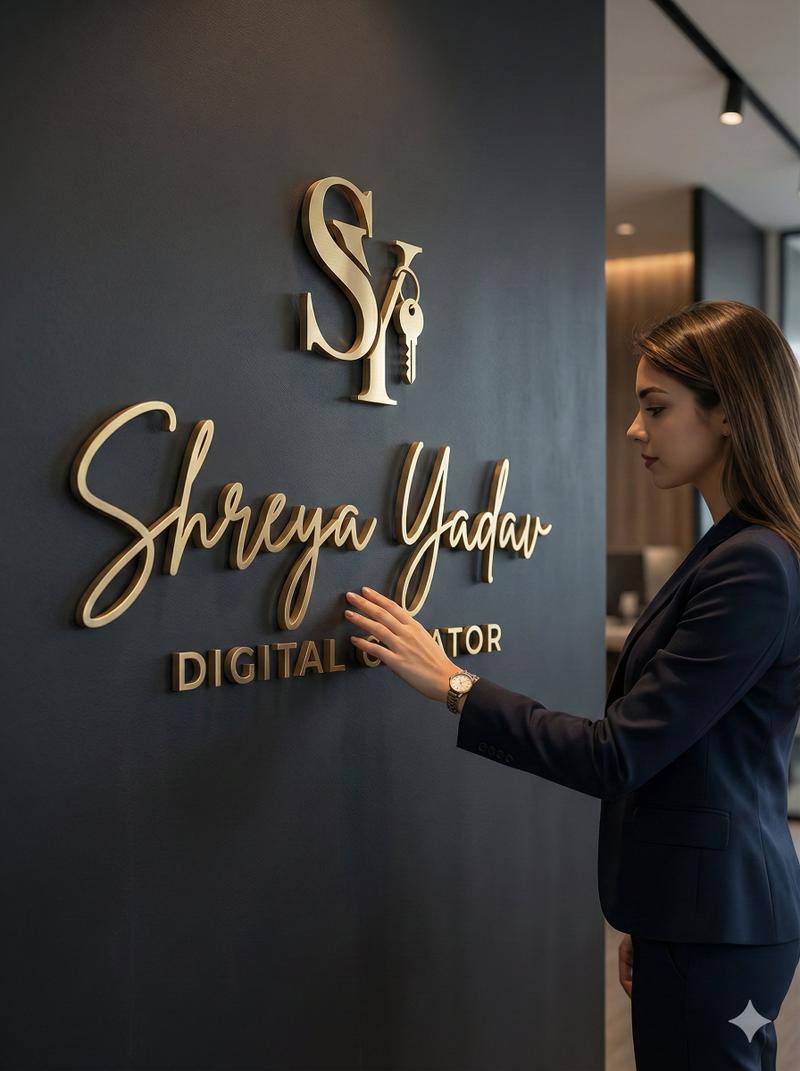
Use the uploaded reference image to create a 3D embossed portrait on a premium object.
Generate a hyper-realistic close-up 3D rendering of a dark walnut wooden executive plaque resting on a smooth black leather desk pad.
Left side: finely sculpted 3D relief of a professional persona (based on the uploaded reference), showing realistic textures, depth, and subtle shadows.
Right side: elegant raised rose-gold metallic text in bold modern font reading “{argument name="name" default="SOPAN DUDHATE"}”, with a polished reflective surface.
Below the main text: a handwritten-style signature in gold reading “{argument name="signature title" default="AI Image Creator"}”, and under that, smaller engraved gold text reading “Artificial Intelligence Model”, perfectly centered.
Lighting: soft warm spotlight from top-left, highlighting wood grains and metallic reflections, with realistic soft shadows around the edges.
Background: minimalist office environment, softly blurred to keep focus on the plaque.
Style: ultra-realistic 3D, photorealistic wood and metal textures, luxurious, high-end executive look.
Camera: close-up, slight top-left angle, focus on embossed portrait and metallic text, shallow depth of field, vertical 9:16 aspect ratio.
Category
创意图片
Model
Nano Banana Pro
Views0
Source ID
b99f37e5-d928-45e0-a055-d317d85c23f2
Published
Mar 8, 2026

Guide

About "参考图像中的 3D 浮雕行政牌匾模型"

What is this prompt for?

"参考图像中的 3D 浮雕行政牌匾模型" AI image prompt for Nano Banana Pro (创意图片). 一个用于创建超逼真 3D 渲染的提示:一个深色胡桃木行政牌匾,置于黑色皮革桌面垫上。它需要上传一张参考图片,以便在左侧生成一个精雕细琢的 3D 浮雕肖像,右侧则有凸起的玫瑰金金属文字和一个…

The full copyable prompt and example visuals above are ready for AI image generation or one-click recreate in Picva.

How to use this prompt

  1. Step 1

    Open the prompt detail

    Review the example visuals, category, and full prompt text for "参考图像中的 3D 浮雕行政牌匾模型".

  2. Step 2

    Copy the prompt

    Copy the prompt body from this page, or load it directly in Studio.

  3. Step 3

    Pick a model (Nano Banana Pro)

    Prefer Nano Banana Pro. If you switch models, keep subject and composition and tweak style terms.

  4. Step 4

    Generate and export

    Recreate the look in Picva, or export into your workflow for editing and publishing.

FAQ

What is the "参考图像中的 3D 浮雕行政牌匾模型" prompt?
It is an AI image-generation prompt for Nano Banana Pro in the 创意图片 category. This page includes the full prompt text, example visuals, and a one-click recreate path in Picva.
How do I use this prompt to generate an image?
Copy the prompt from this page, or use Generate / Studio. Paste it into a compatible image model, or recreate the look in Picva with optional reference images.
Which model is this prompt for?
This page lists Nano Banana Pro. Most descriptive prompts also transfer to nearby image models such as GPT Image, Flux, or Midjourney with light style tweaks.
Can I use the result commercially?
You can usually copy the prompt for creation, but commercial use of the final image depends on the model terms, reference-image rights, and the generated content. Follow the source author and platform rules.