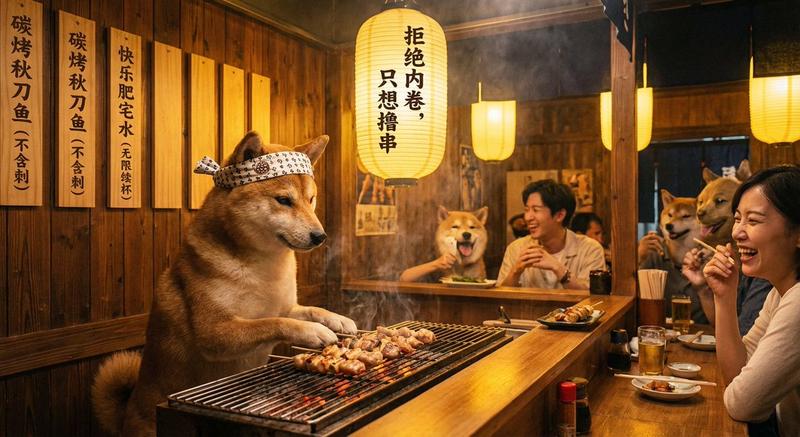
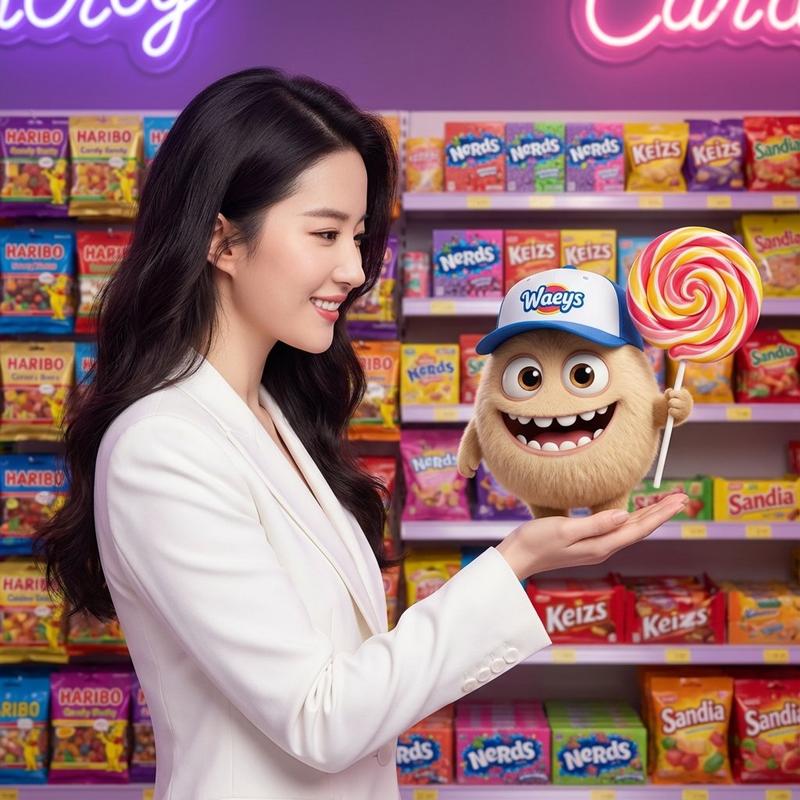
生成带有特定对象放置的骰子面
Prompt
ダイスの面を生成

1の部分だけ私の肖像に差し替えてます

ダイスの目の部分はオブジェクトが意図通りに配置されるようにダイスの目の位置を示すテンプレートをインプットで与えています
- Category
- 创意图片
- Model
- Nano Banana Pro
- Creator
- とらの
- Source ID
- d5f768d2-57a9-4ecf-88f5-6c92f3eda502
- Published
- Mar 8, 2026
Views0
20
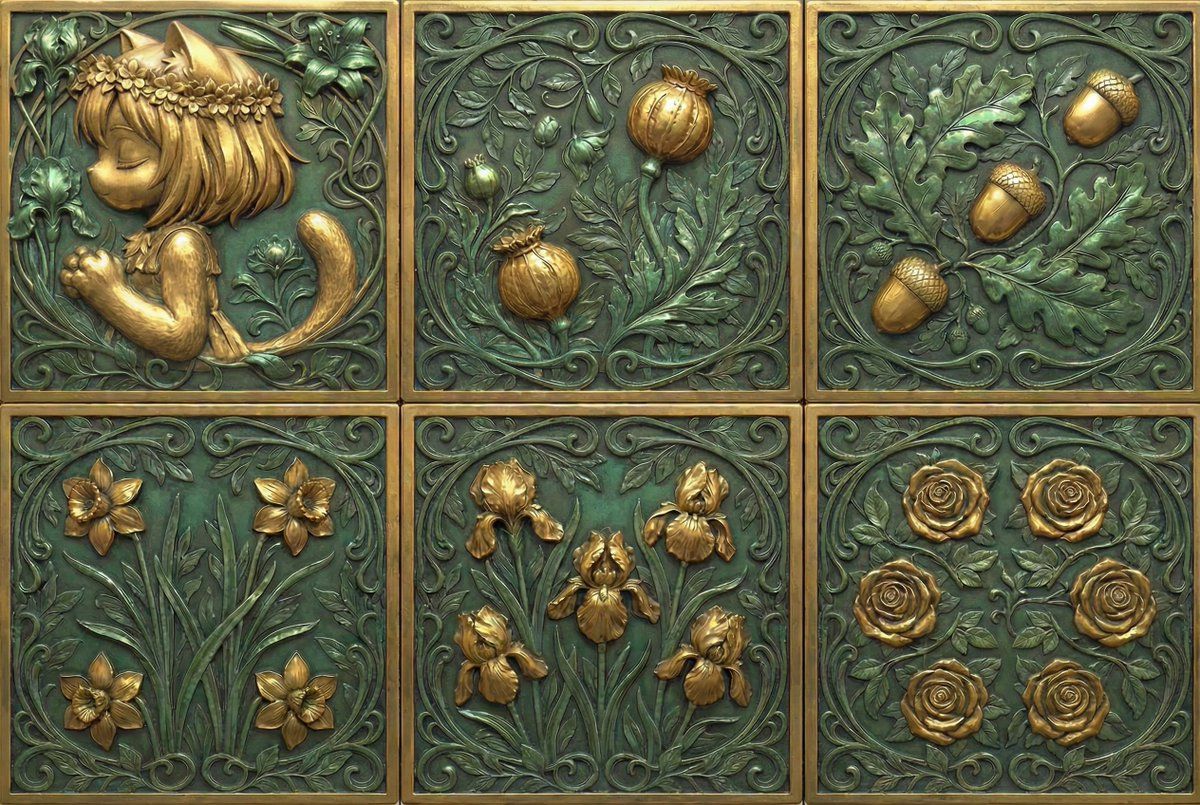
ダイスの面を生成 1の部分だけ私の肖像に差し替えてます ダイスの目の部分はオブジェクトが意図通りに配置されるようにダイスの目の位置を示すテンプレートをインプットで与えています
Guide
"生成带有特定对象放置的骰子面" AI image prompt for Nano Banana Pro (创意图片). Nano Banana Pro 生成骰子面的技术,通过提供一个指定点数位置的输入模板,确保物体(如肖像)精确地放置在骰子面上。 --- 生成一个骰子的各个面。 只有“1”点面被替换为我的肖像。 提…
The full copyable prompt and example visuals above are ready for AI image generation or one-click recreate in Picva.
Step 1
Review the example visuals, category, and full prompt text for "生成带有特定对象放置的骰子面".
Step 2
Copy the prompt body from this page, or load it directly in Studio.
Step 3
Prefer Nano Banana Pro. If you switch models, keep subject and composition and tweak style terms.
Step 4
Recreate the look in Picva, or export into your workflow for editing and publishing.