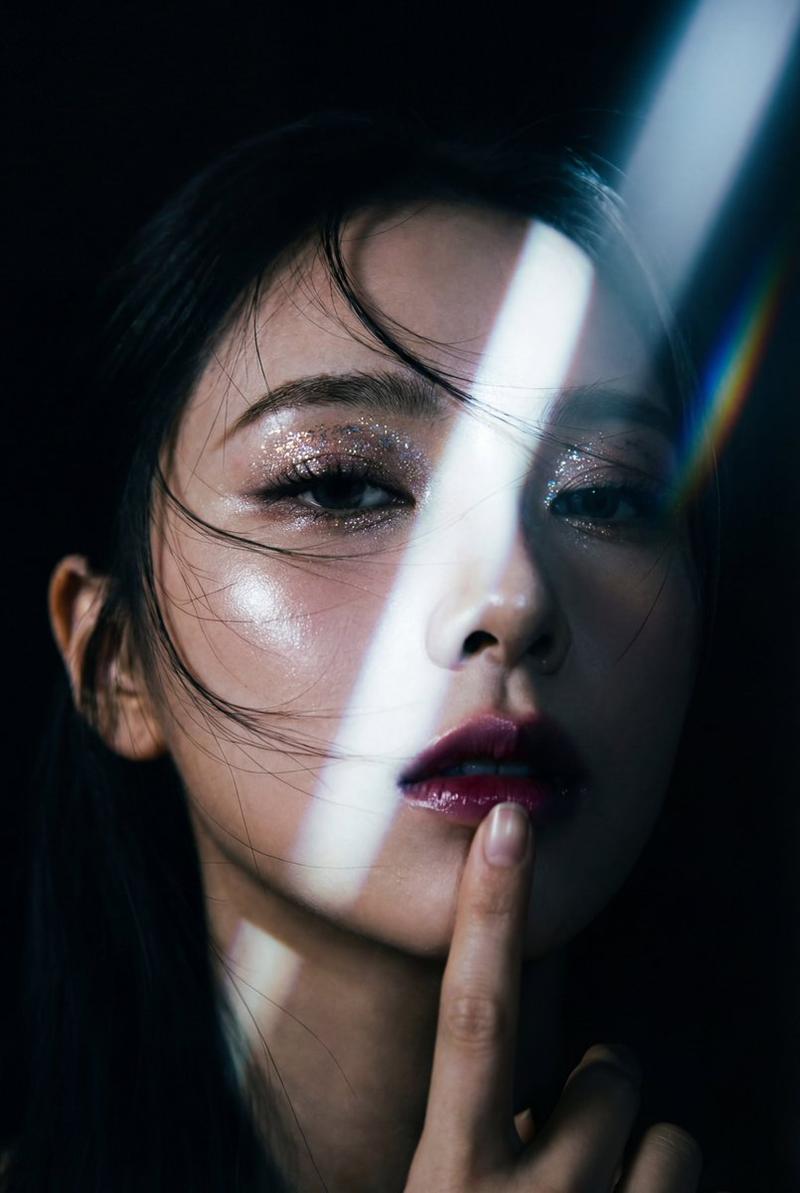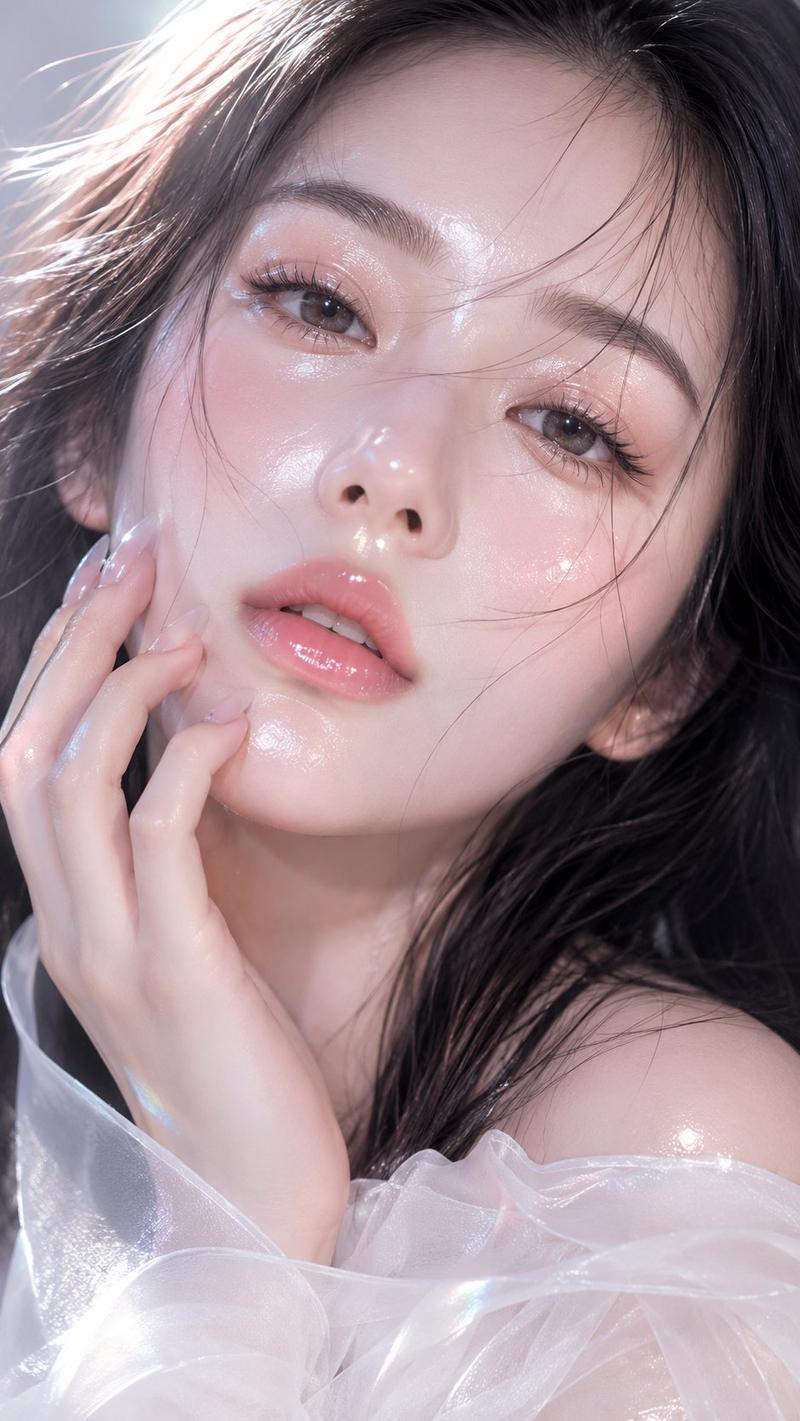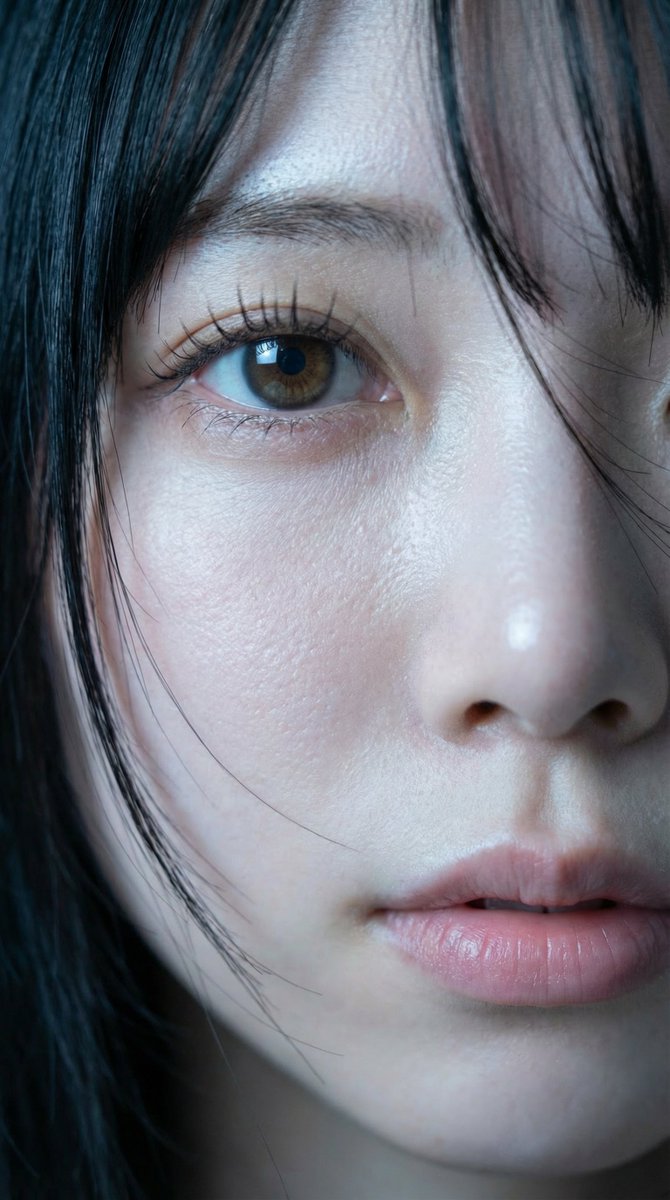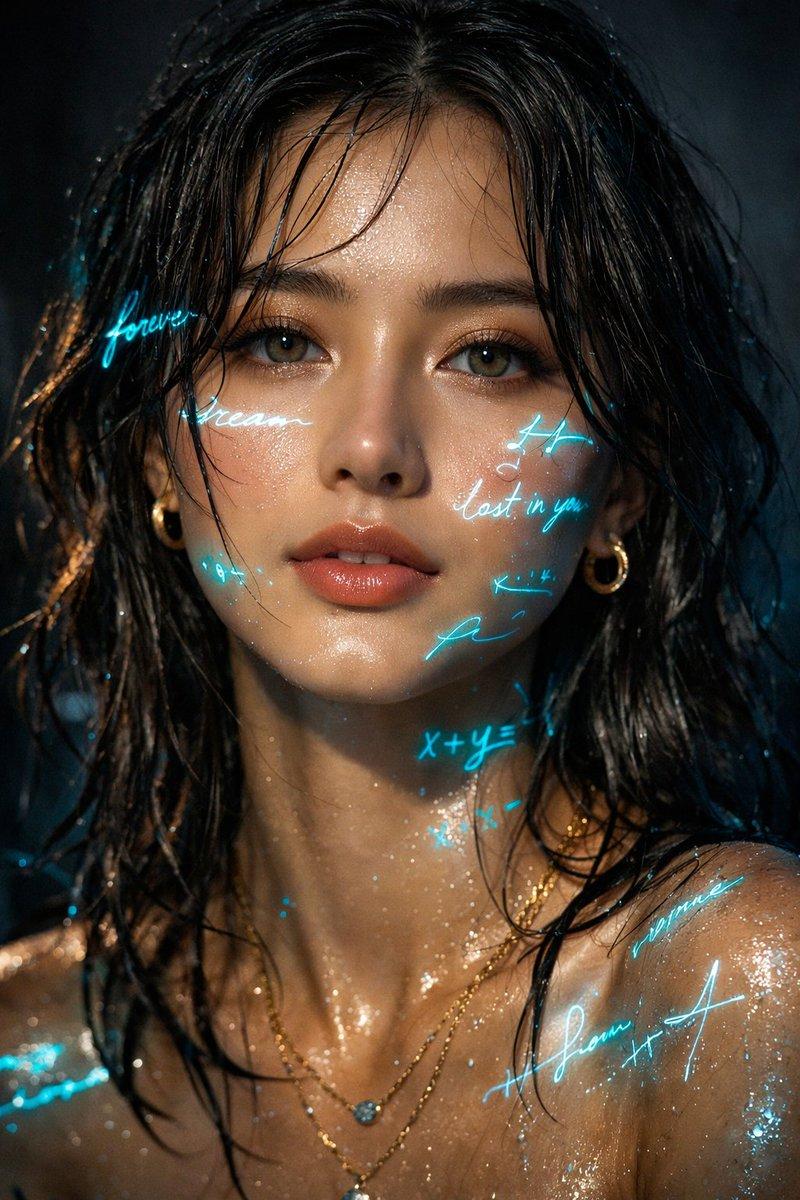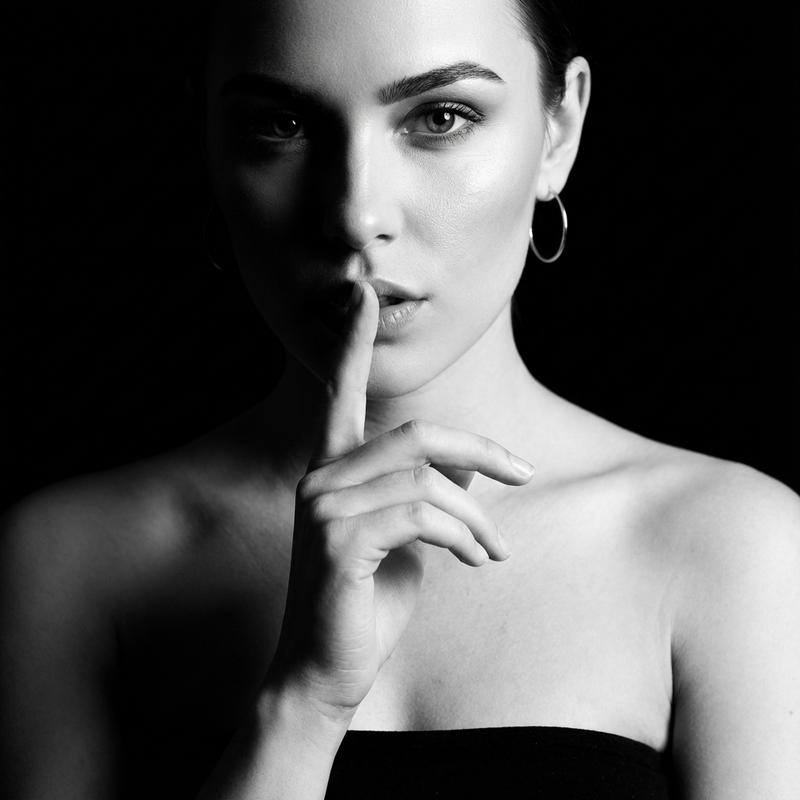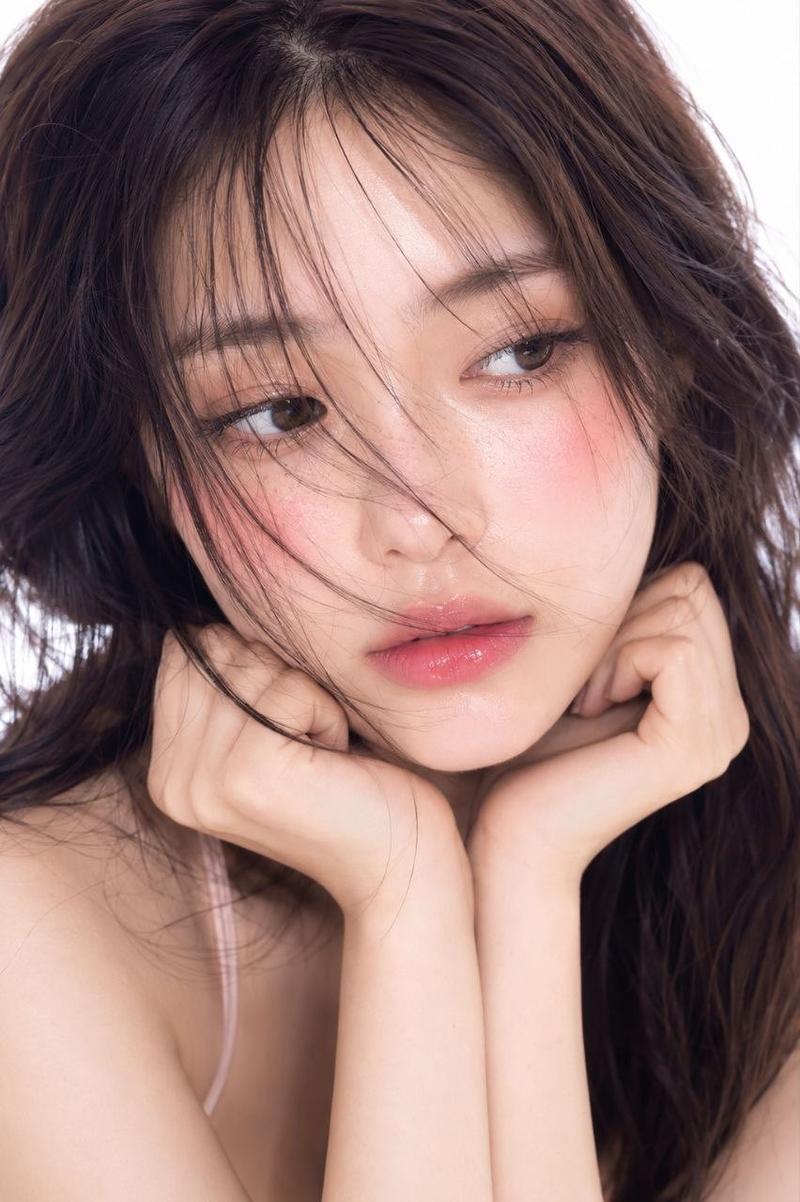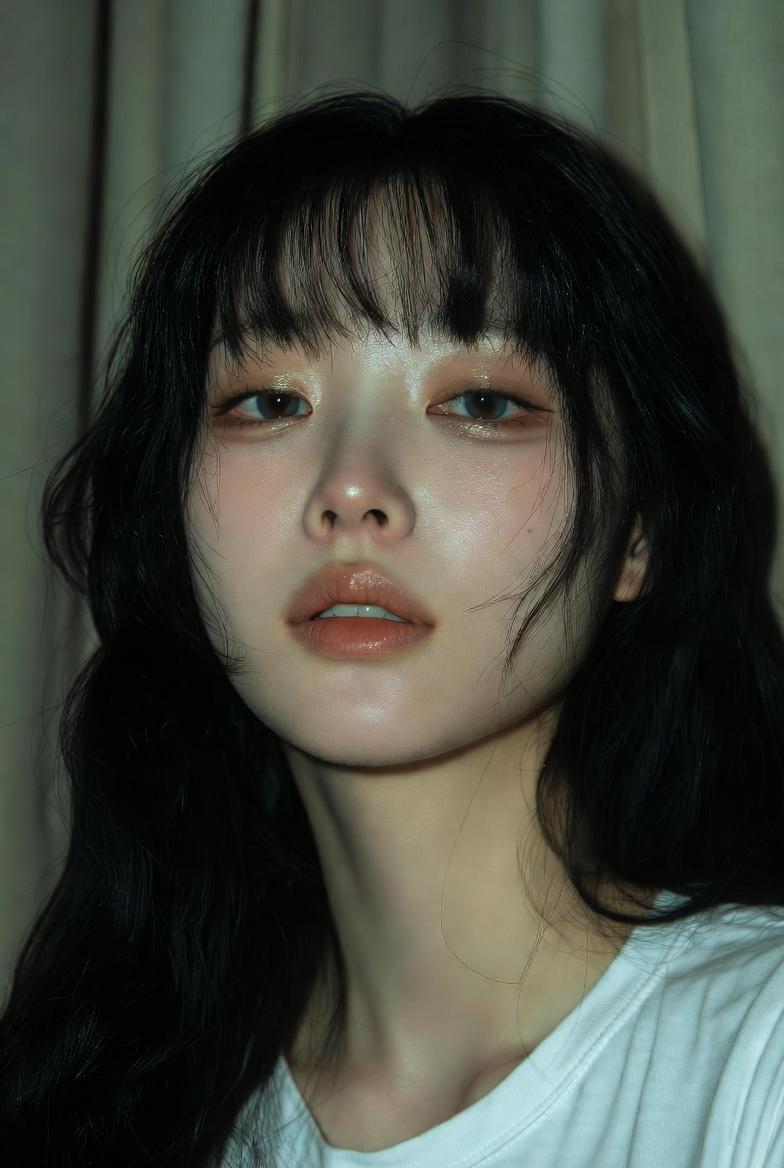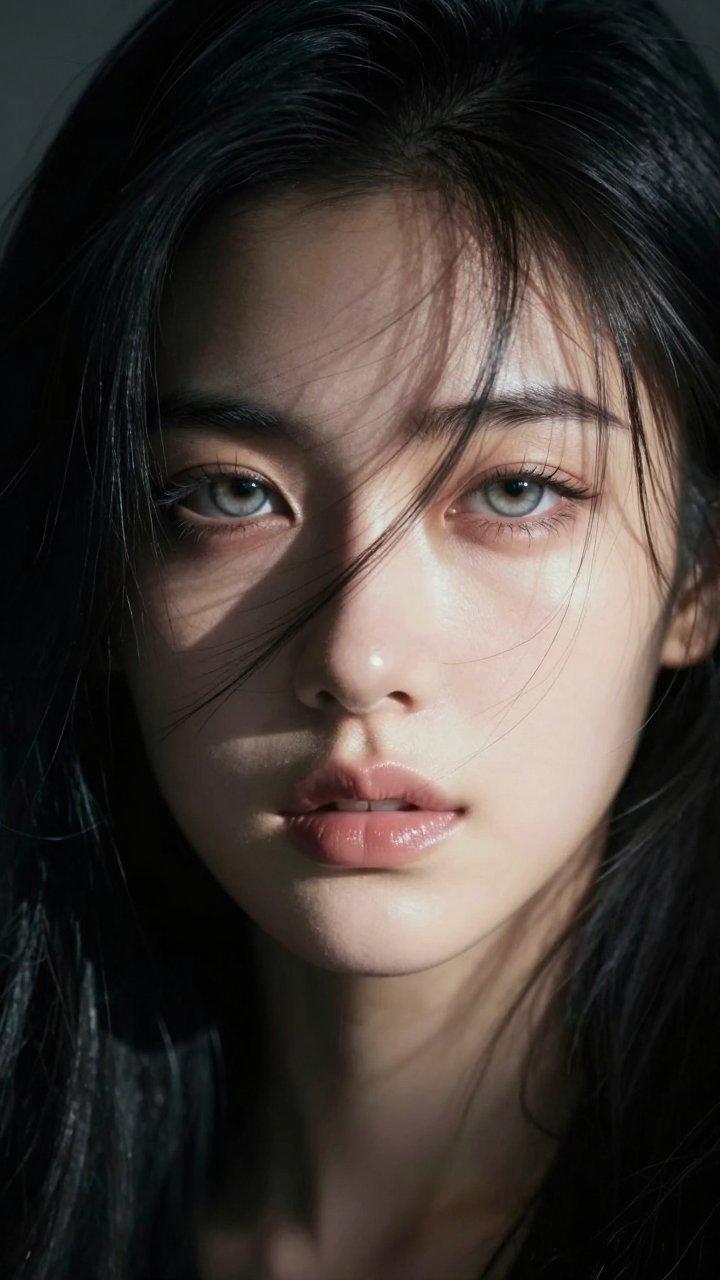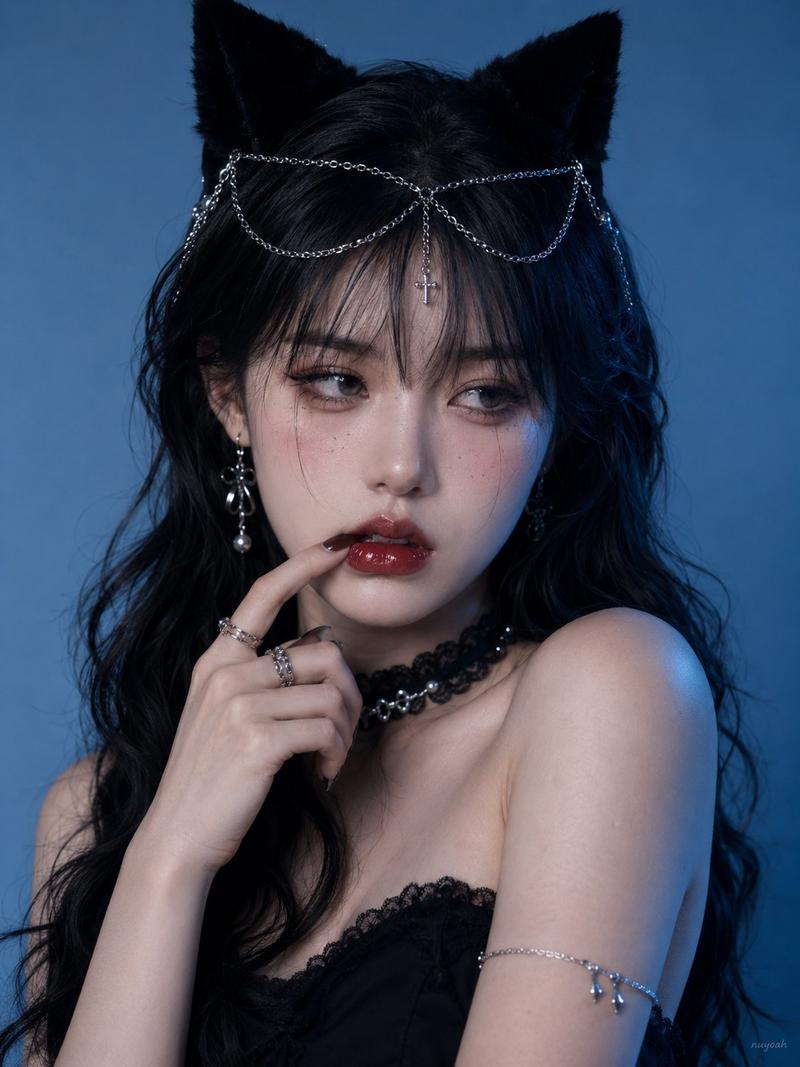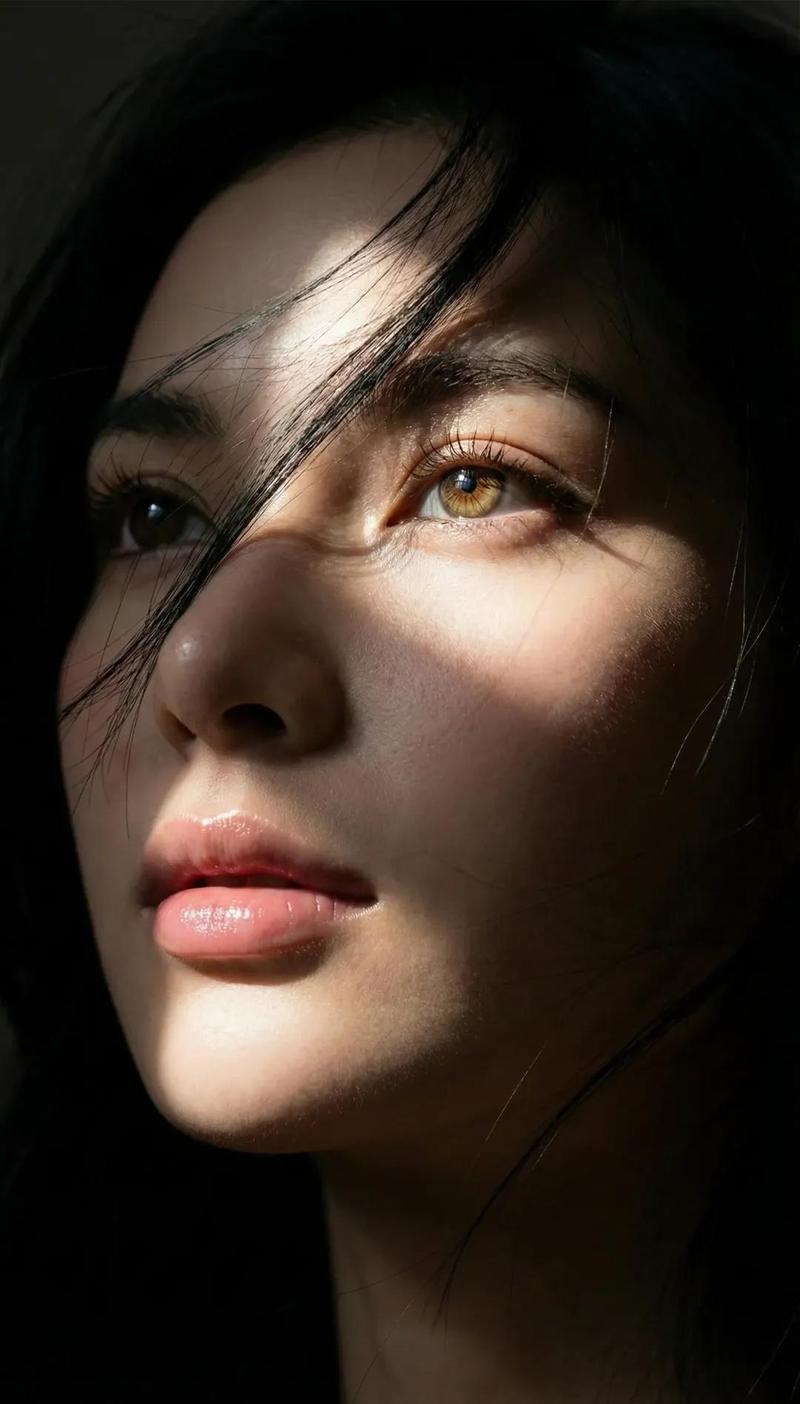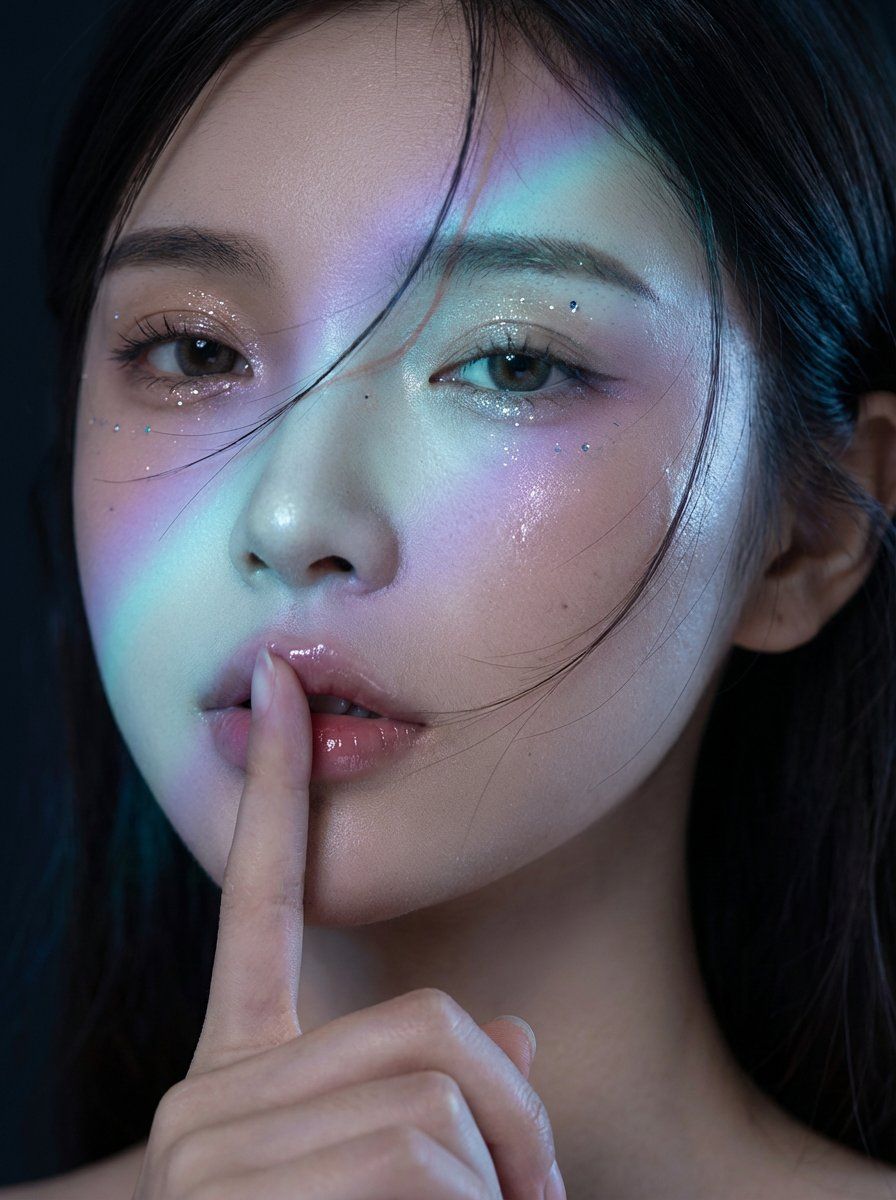
午夜韩流时尚画报人像摄影(参考图)
Prompt
{
    "model": "gemini-3-pro-image-preview",
    "mode": "image-to-image",
    "consistency_id": "midnight-kfashion-editorial",
    "input_reference": {
        "use_user_uploaded_image": true,
        "identity_lock": "strict",
        "notes": "Preserve the same person from the reference image. The person may be male or female—do not change gender expression, age, ethnicity, facial structure, or unique identifiers."
    },
    "prompt": {
        "subject": "The same person from the uploaded reference photo, photorealistic fashion model portrait, natural facial proportions and skin texture preserved.",
        "composition": "Extreme close-up editorial portrait (head fills the frame), eyes near the upper third, slight turn toward camera, tight crop from forehead to chin with the hand entering frame from below.",
        "action": "Perform a 'shh' gesture: one index finger held vertically and gently pressed to the center of the lips. Finger pad lightly compresses the lip surface; lips slightly parted with glossy lip oil; subtle contact shadow where finger meets lips. Expression calm, mysterious, and intimate; eyelids relaxed.",
        "location": "Dark studio backdrop, midnight mood, no visible set elements.",
        "style": "Midnight K-fashion editorial, cinematic high-end beauty photography, clean but dramatic, premium magazine-grade retouching (natural pores, not plastic).",
        "camera": {
            "shot_type": "beauty close-up",
            "lens": "85mm prime",
            "aperture": "f/1.8",
            "focus": "sharp focus on the eyes and lips; finger also sharp at the contact point; soft falloff to hair edges",
            "depth_of_field": "shallow"
        },
        "lighting": {
            "base": "low-key studio lighting with deep blacks",
            "key_light": "soft key from camera-right, slightly above eye level",
            "fill": "very subtle fill from camera-left to keep shadows readable",
            "signature_effect": "a diagonal iridescent prism light band across the face ({argument name="prism color gradient" default="cyan-to-violet gradient"}), like a diffraction filter or gel projection; crisp edge with gentle falloff",
            "rim": "faint cool rim light on hair for separation",
            "skin_response": "wet-look specular highlights on cheekbones and lips; realistic micro-shine"
        },
        "beauty_details": [
            "subtle glitter/metallic shimmer on eyelids",
            "tiny reflective specks near the outer corners of the eyes (very minimal)",
            "defined but natural brows",
            "glossy, hydrated lips with high specular highlight"
        ],
        "motion_details": "A few wind-blown hair strands sweep across the cheek and near the lips (dynamic but not messy), no heavy motion blur.",
        "color_grading": "cool midnight grade: deep blacks, cool shadows, slightly desaturated midtones, prism band adds cyan/blue/pur"
    }
}- Category
- 创意图片
- Model
- Nano Banana Pro
- Creator
- katon
- Source ID
- 69727aef-8ecc-4886-a0b3-c6e11173f1fb
- Published
- Mar 8, 2026
Views0