17

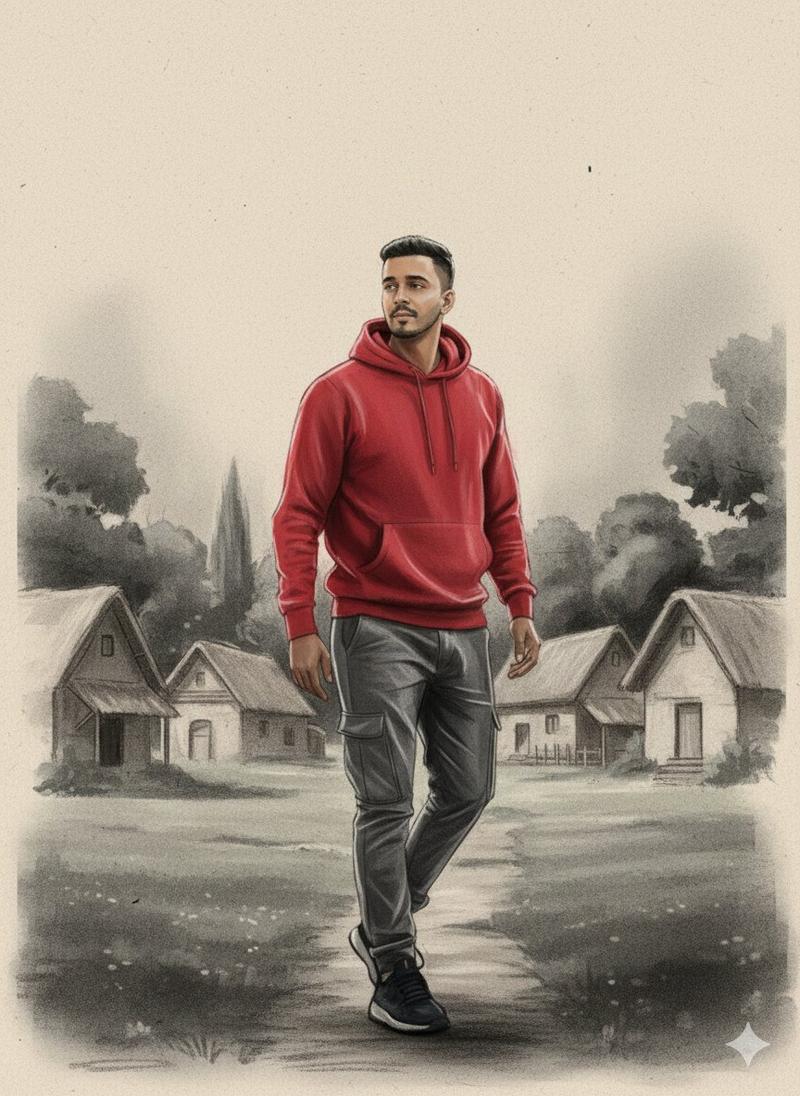
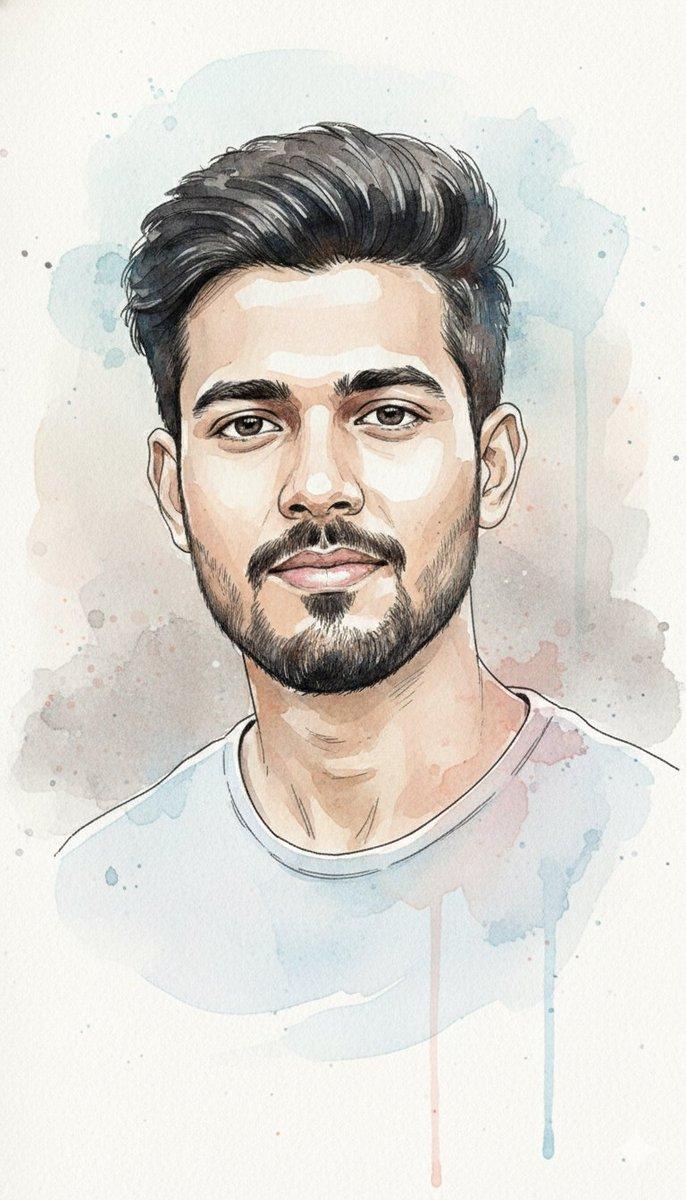
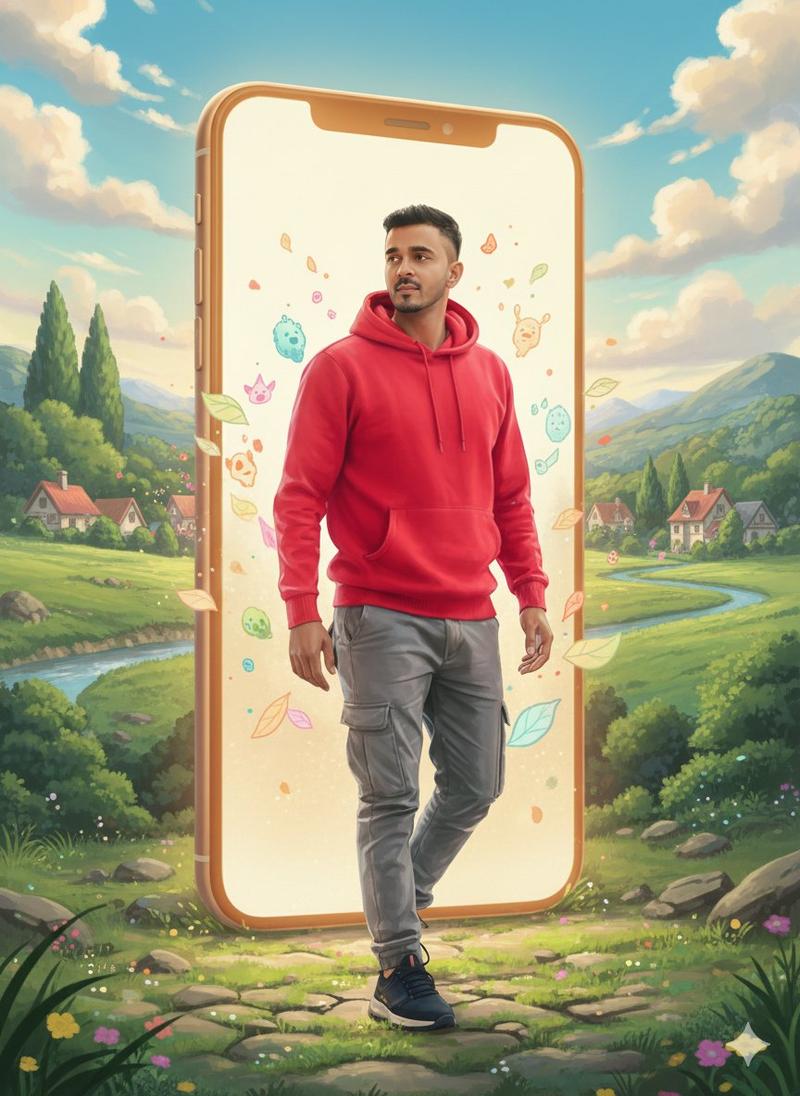
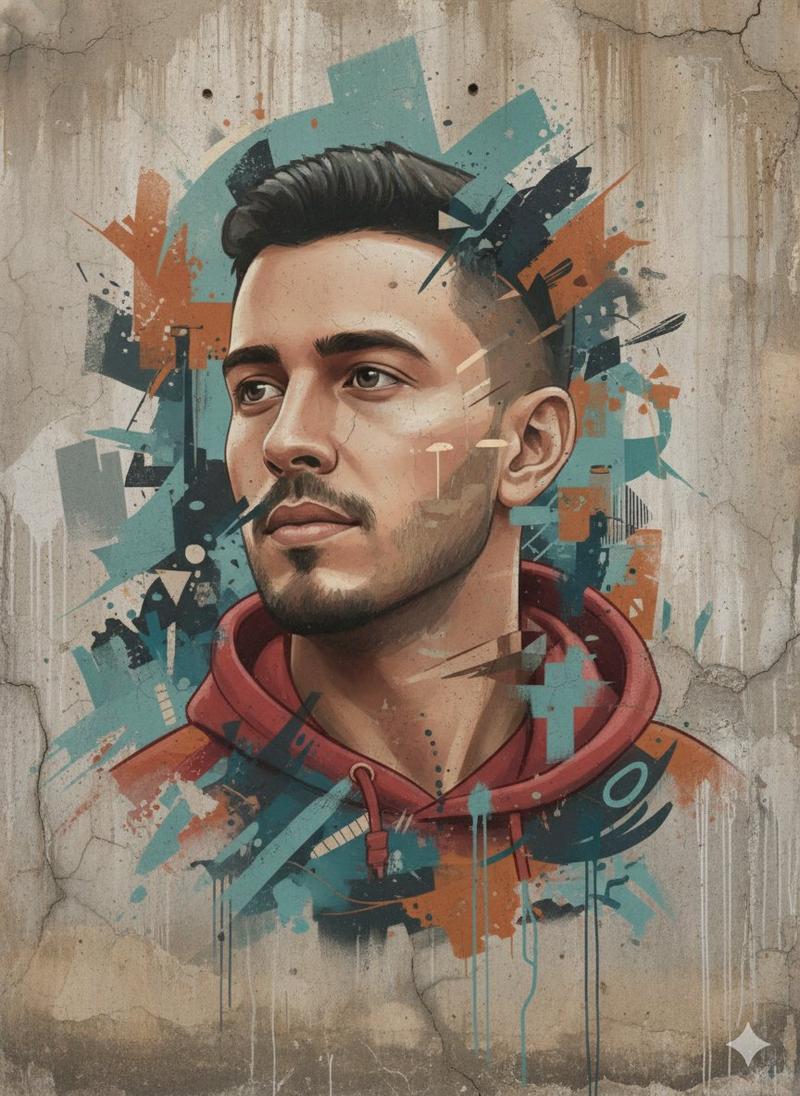
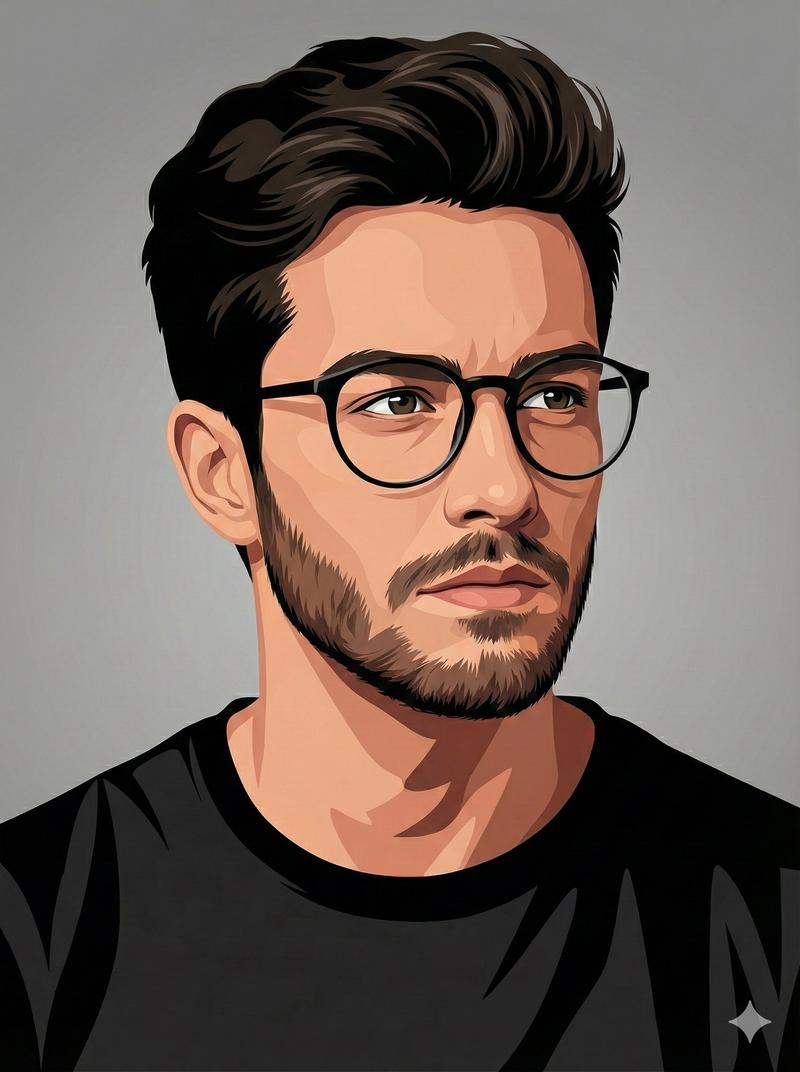
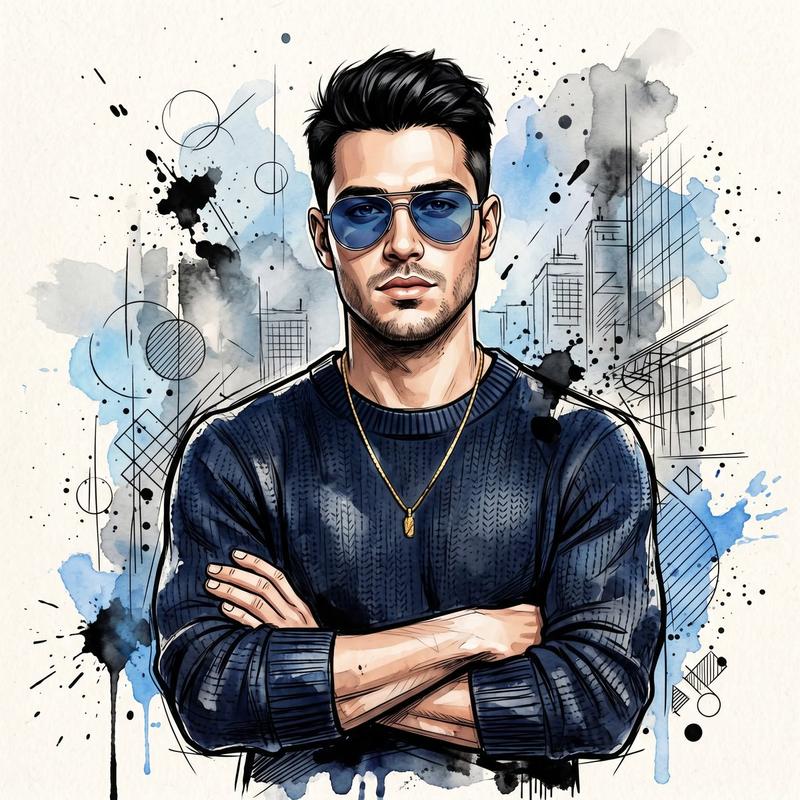
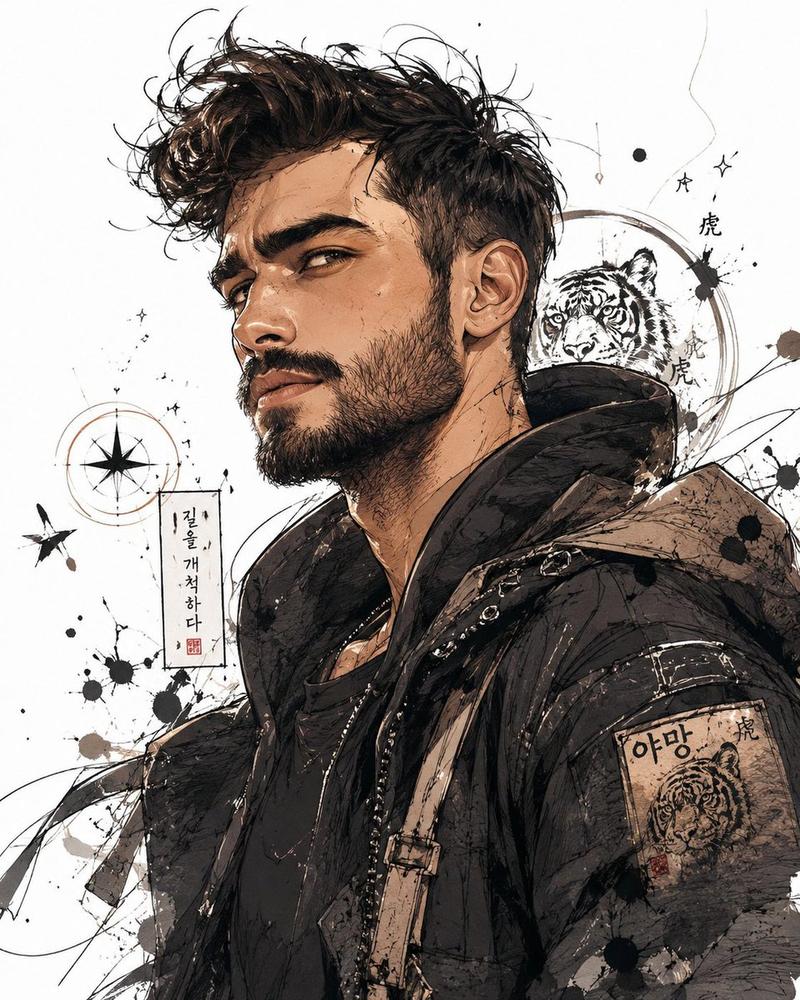
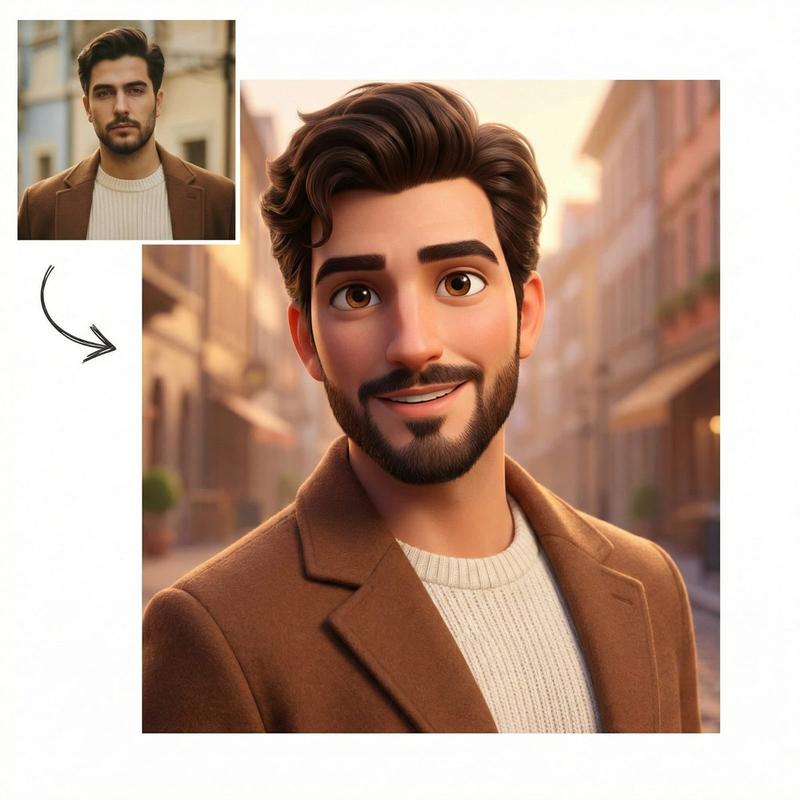
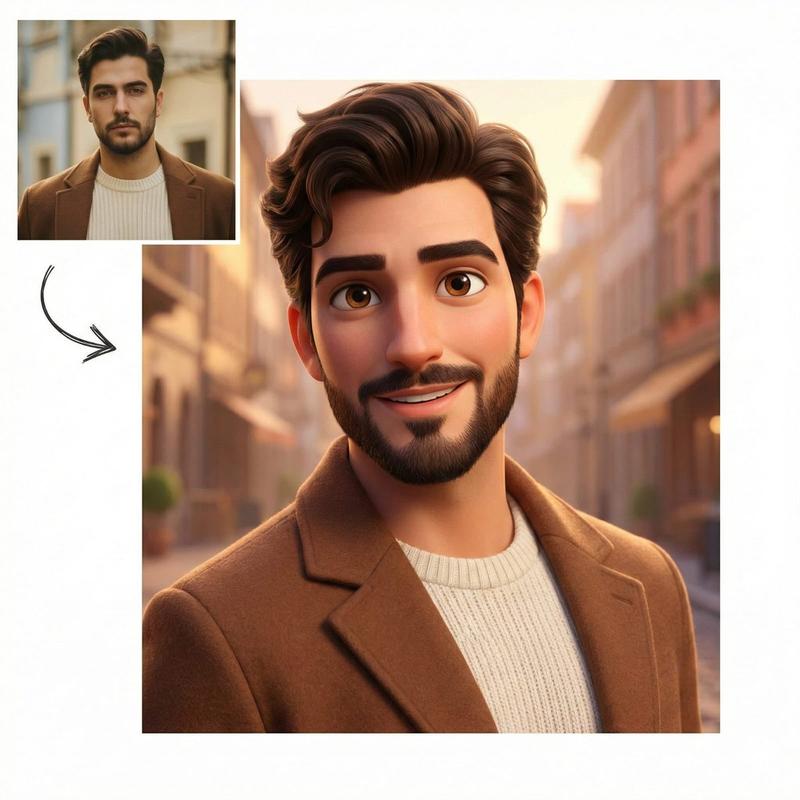
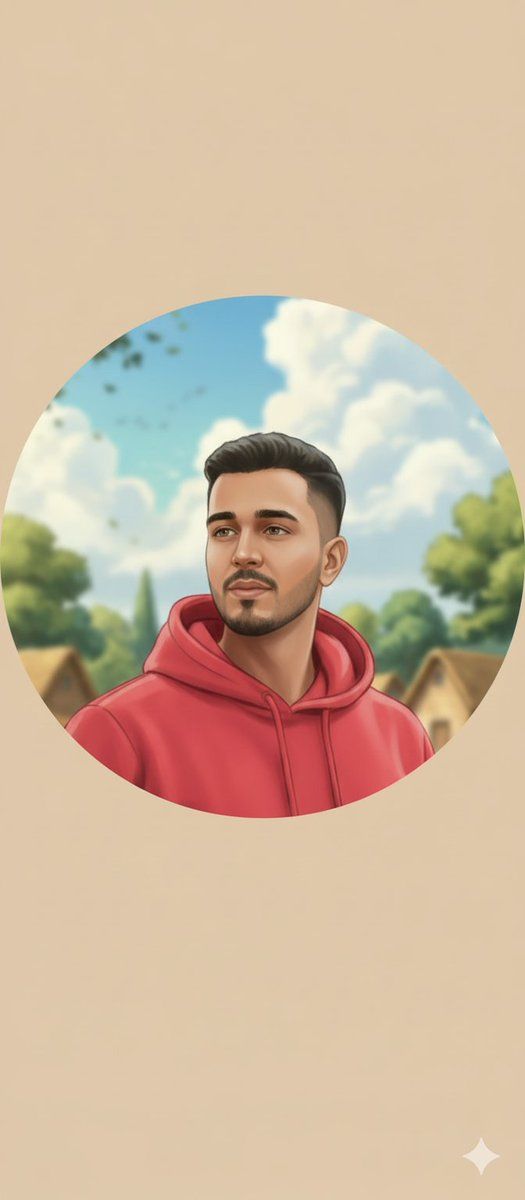
圆形头像风格转换
Enlarge

圆形头像风格转换

Prompt
{
  "input_type": "image_to_image",
  "reference_style_image": "{argument name="reference style image" default="UPLOAD_STYLE_IMAGE_HERE"}",
  "target_image": "{argument name="target image" default="UPLOAD_DP_IMAGE_HERE"}",
  "prompt": "Convert the target image into a soft hand-painted digital illustration using the exact artistic style of the reference image. Apply smooth brush strokes, pastel and warm tones, gentle gradients, clean outlines, and a calm romantic storybook feel. Preserve the face, identity, expression, skin tone, and proportions exactly with zero change. Crop the composition into a perfect circular (round) profile picture, center the face naturally, and softly blend or blur the background to match the painted style. The final output should look like a professionally illustrated round DP created by the same artist.",
  "style_strength": 0.8,
  "preserve_identity": true,
  "preserve_face": true,
  "crop_shape": "circle",
  "composition": "centered portrait",
  "edge_style": "soft feathered circular edges",
  "quality": "4K",
  "negative_prompt": "square crop, harsh edges, photorealistic, anime, cartoon exaggeration, oil paint texture, neon colors, face distortion, blur, low detail"
}
Category
创意图片
Model
Nano Banana Pro
Views0
Source ID
e3a34122-3eb6-4e34-ae14-6887515262fe
Published
Mar 8, 2026

Guide

About "圆形头像风格转换"

What is this prompt for?

"圆形头像风格转换" AI image prompt for Nano Banana Pro (创意图片). 一个结构化的图像到图像提示,用于将目标头像转换为柔和的手绘数字插画风格,并使用参考图像来定义艺术风格。它要求严格保留面部特征和比例,并将最终输出裁剪成一个居中、边缘柔和的圆形头像。 --- ```json {…

The full copyable prompt and example visuals above are ready for AI image generation or one-click recreate in Picva.

How to use this prompt

  1. Step 1

    Open the prompt detail

    Review the example visuals, category, and full prompt text for "圆形头像风格转换".

  2. Step 2

    Copy the prompt

    Copy the prompt body from this page, or load it directly in Studio.

  3. Step 3

    Pick a model (Nano Banana Pro)

    Prefer Nano Banana Pro. If you switch models, keep subject and composition and tweak style terms.

  4. Step 4

    Generate and export

    Recreate the look in Picva, or export into your workflow for editing and publishing.

FAQ

What is the "圆形头像风格转换" prompt?
It is an AI image-generation prompt for Nano Banana Pro in the 创意图片 category. This page includes the full prompt text, example visuals, and a one-click recreate path in Picva.
How do I use this prompt to generate an image?
Copy the prompt from this page, or use Generate / Studio. Paste it into a compatible image model, or recreate the look in Picva with optional reference images.
Which model is this prompt for?
This page lists Nano Banana Pro. Most descriptive prompts also transfer to nearby image models such as GPT Image, Flux, or Midjourney with light style tweaks.
Can I use the result commercially?
You can usually copy the prompt for creation, but commercial use of the final image depends on the model terms, reference-image rights, and the generated content. Follow the source author and platform rules.