14

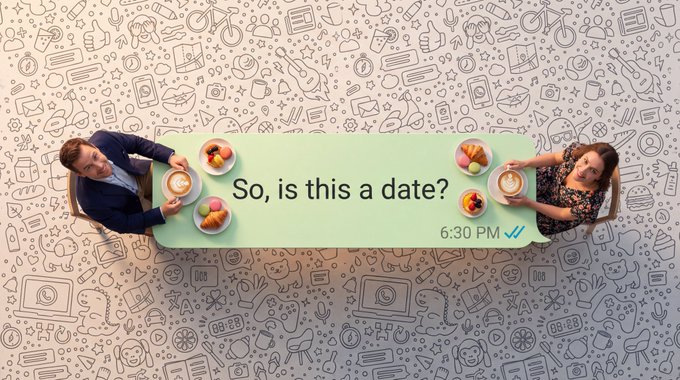
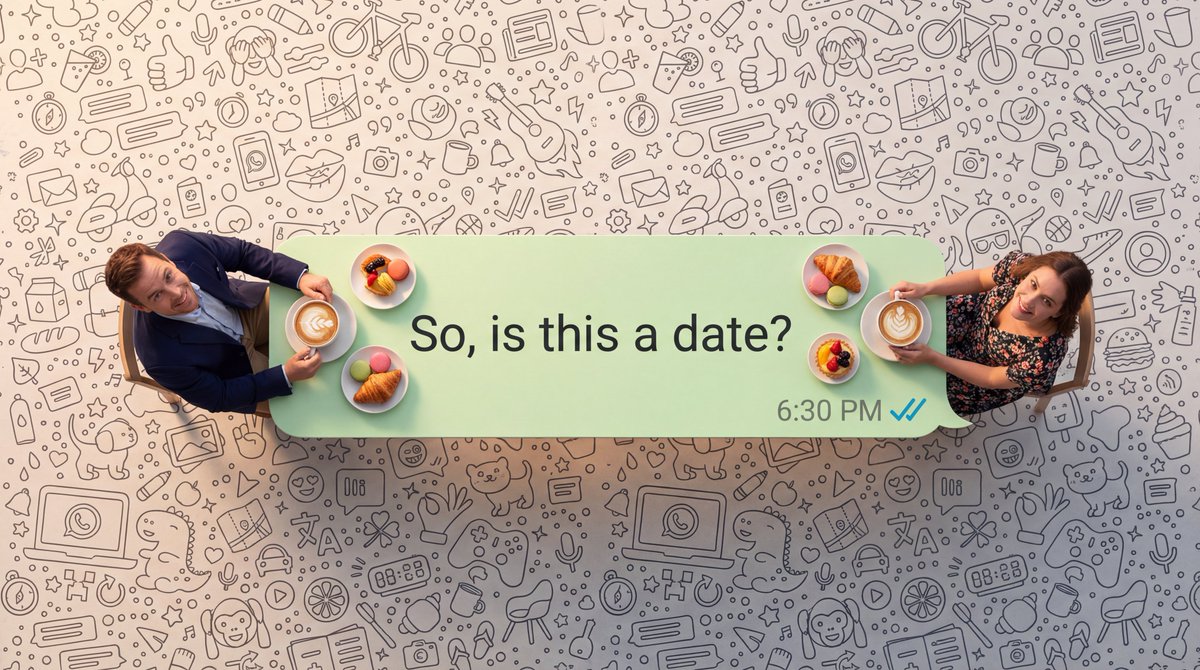
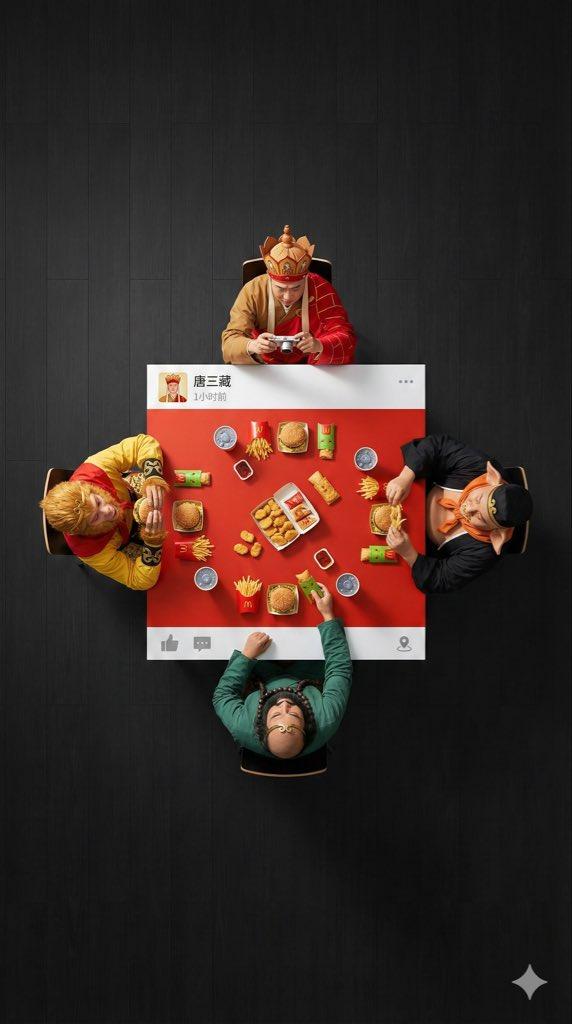
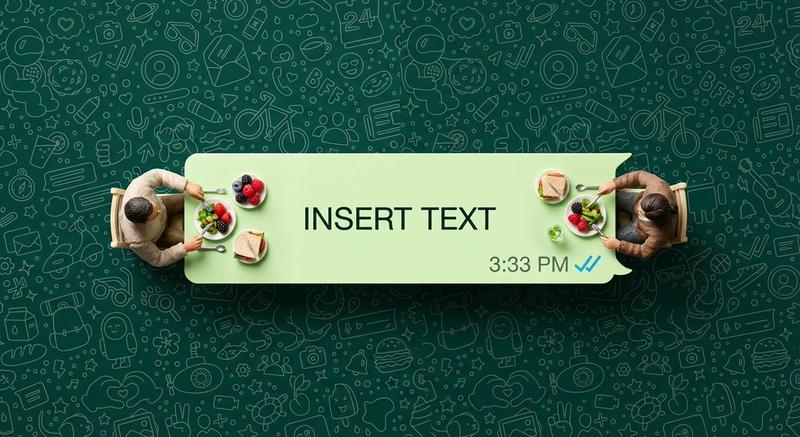
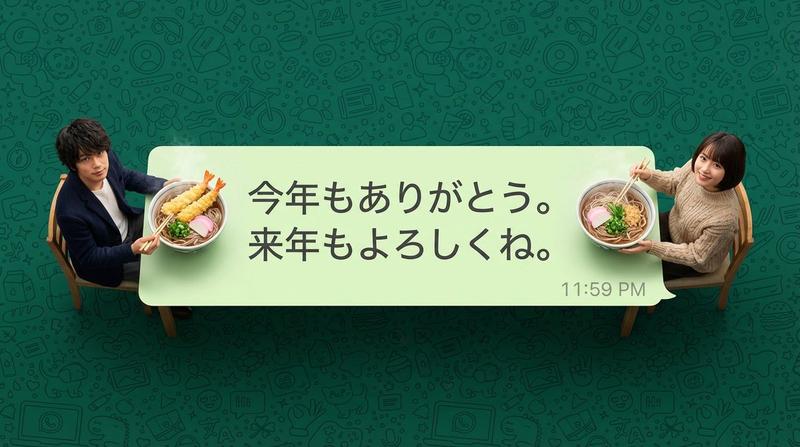
微信聊天气泡中的超逼真微缩场景
Enlarge

微信聊天气泡中的超逼真微缩场景

Prompt
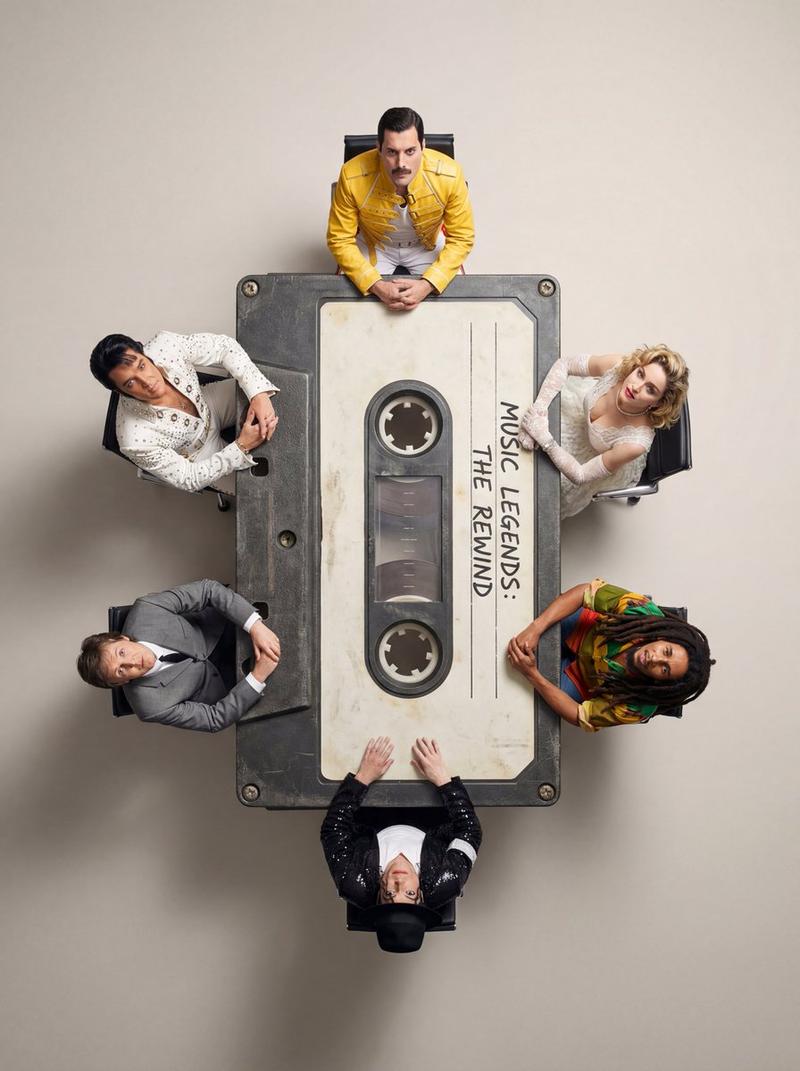
指定人物:两个缩小到微缩比例的真实的活人,见参考图

文字内容:{argument name="文字内容" default="[文字内容]"}

时间戳:{argument name="时间戳" default="下午3:33"}

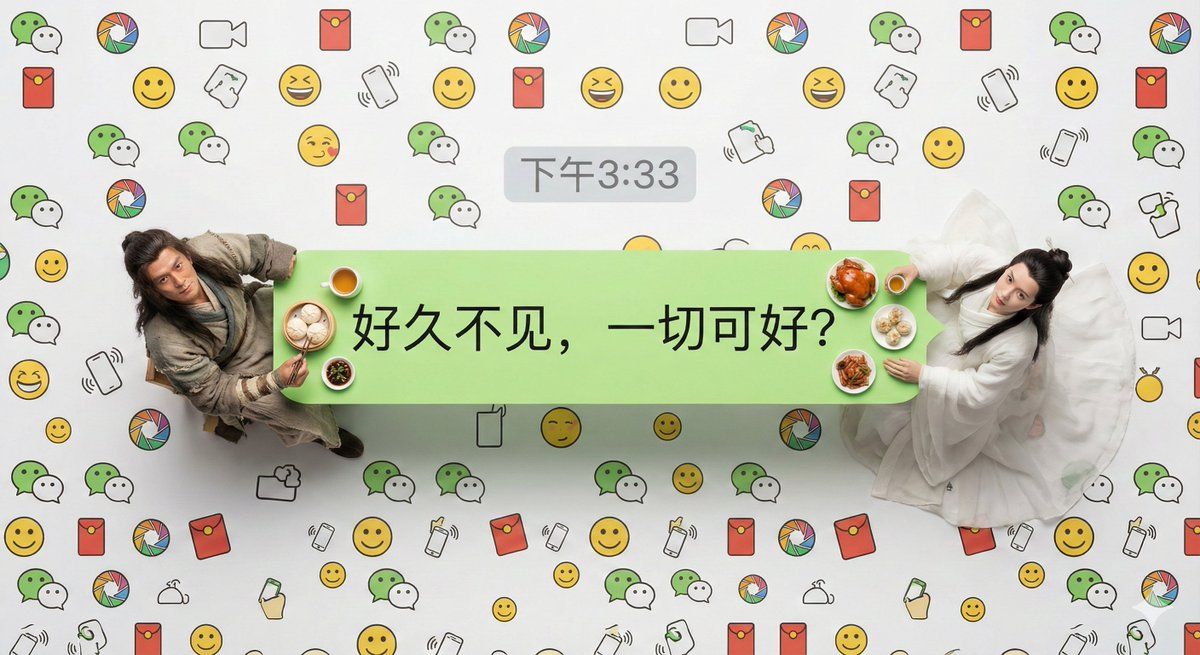
超写实主义的俯拍微距摄影作品。主体是一个标准的微信发送方浅绿色聊天气泡框,它被当作一张长餐桌。[指定人物]坐在气泡框的两端。

关键人物细节:强调他们绝不是塑料模型;他们拥有清晰可见的皮肤毛孔、自然的头发细节以及极其逼真的布料纹理和褶皱。他们正在享用看起来热气腾腾、新鲜烹饪的符合人物身份的真实食物微缩模型,抬头看向镜头。

微信独有视觉元素:气泡框内部只有文字内容:“[文字内容]”。在气泡框的正上方外部,居中显示一个灰色的微信风格时间戳:“[时间戳]”。

背景细节:整个背景完全被高密度的、无缝连接的定制微信主题线条图案所填满(包含微信标志性的双气泡Logo、朋友圈图标、红包图标、“摇一摇”手势、经典黄脸表情包等线条艺术),从边缘到边缘覆盖整个画面,没有空隙,模仿密集的聊天背景壁纸风格。

技术参数:采用专业演播室级微距布光,强调质感,8K超高分辨率,整个平面焦点极其锐利。
Category
创意图片
Model
Nano Banana Pro
Creator
Tz
Views0
Source ID
dc6322cd-d6b5-44c4-b201-eb60935840f9
Published
Mar 8, 2026

Guide

About "微信聊天气泡中的超逼真微缩场景"

What is this prompt for?

"微信聊天气泡中的超逼真微缩场景" AI image prompt for Nano Banana Pro (创意图片). 一个用于 Nano Banana Pro 的提示,生成一张超现实的俯视微距照片,内容是两个人偶坐在一张由标准微信聊天气泡制成的桌子旁。该提示要求皮肤、头发和织物纹理具有极致的细节,并要求包含特定…

The full copyable prompt and example visuals above are ready for AI image generation or one-click recreate in Picva.

How to use this prompt

  1. Step 1

    Open the prompt detail

    Review the example visuals, category, and full prompt text for "微信聊天气泡中的超逼真微缩场景".

  2. Step 2

    Copy the prompt

    Copy the prompt body from this page, or load it directly in Studio.

  3. Step 3

    Pick a model (Nano Banana Pro)

    Prefer Nano Banana Pro. If you switch models, keep subject and composition and tweak style terms.

  4. Step 4

    Generate and export

    Recreate the look in Picva, or export into your workflow for editing and publishing.

FAQ

What is the "微信聊天气泡中的超逼真微缩场景" prompt?
It is an AI image-generation prompt for Nano Banana Pro in the 创意图片 category. This page includes the full prompt text, example visuals, and a one-click recreate path in Picva.
How do I use this prompt to generate an image?
Copy the prompt from this page, or use Generate / Studio. Paste it into a compatible image model, or recreate the look in Picva with optional reference images.
Which model is this prompt for?
This page lists Nano Banana Pro. Most descriptive prompts also transfer to nearby image models such as GPT Image, Flux, or Midjourney with light style tweaks.
Can I use the result commercially?
You can usually copy the prompt for creation, but commercial use of the final image depends on the model terms, reference-image rights, and the generated content. Follow the source author and platform rules.