15

四格闪光肖像拼贴提示
Enlarge

四格闪光肖像拼贴提示

Prompt
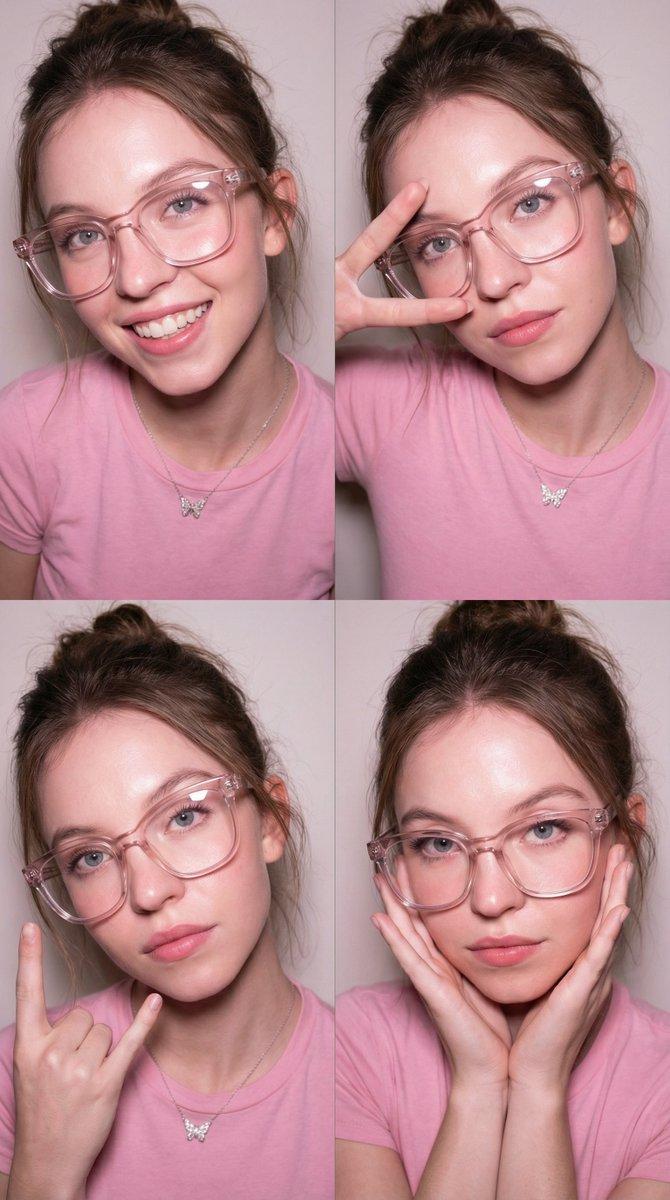
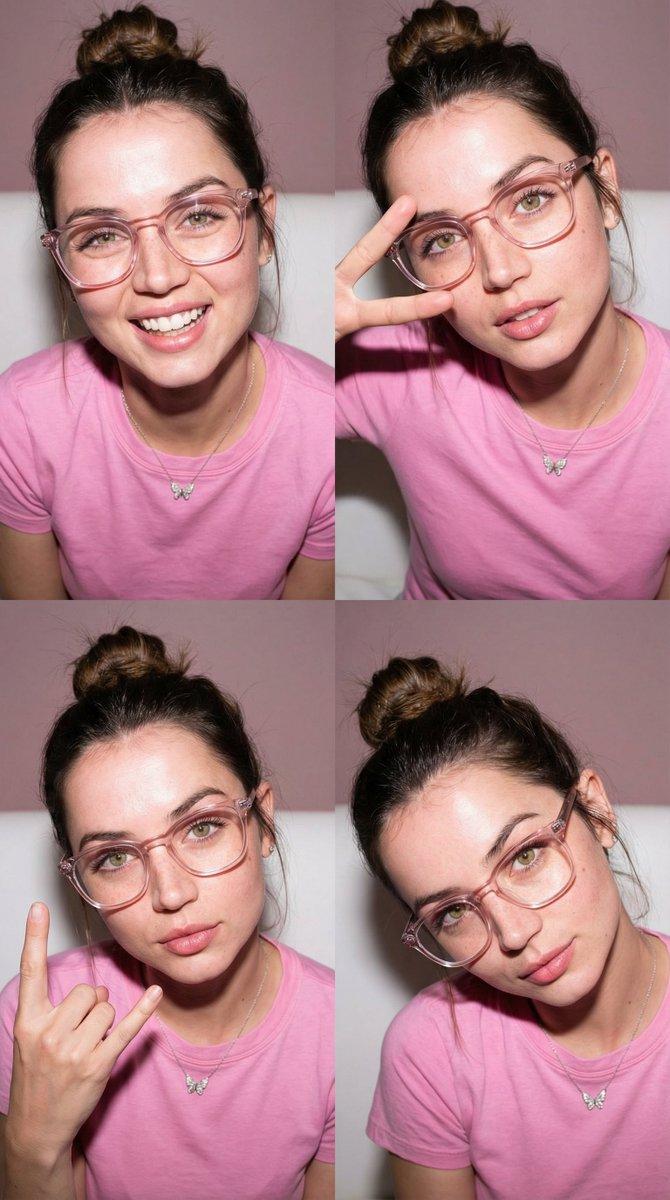
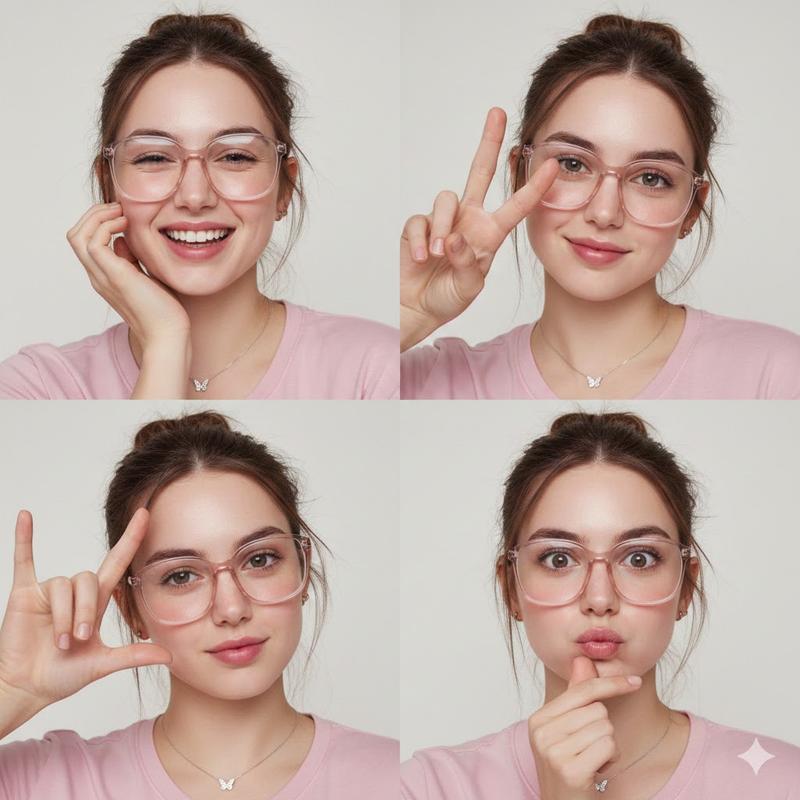
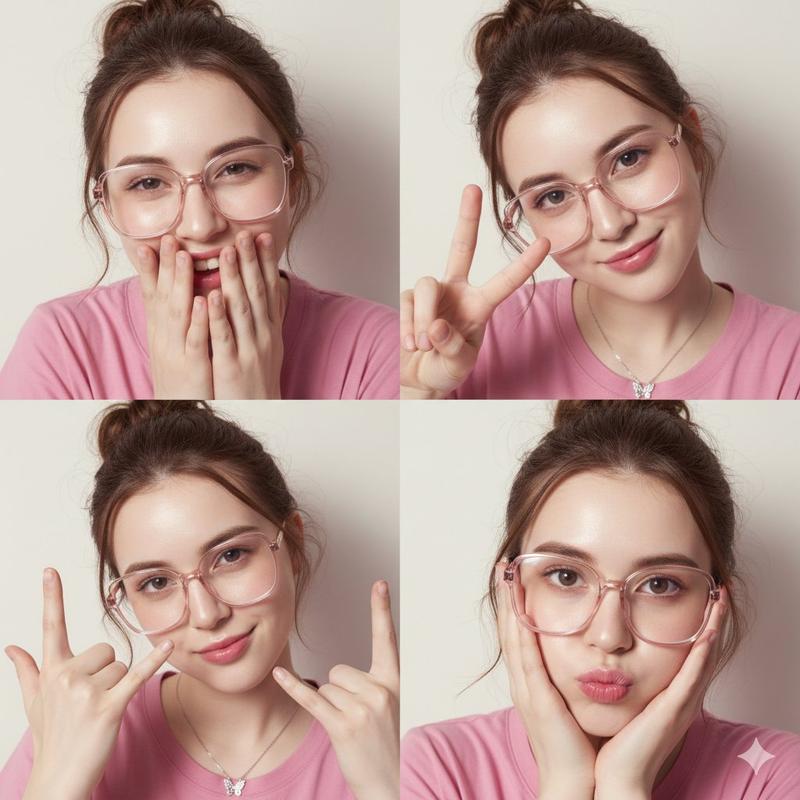
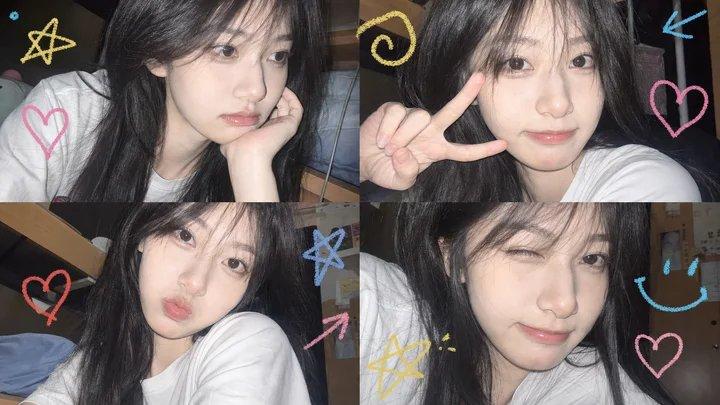
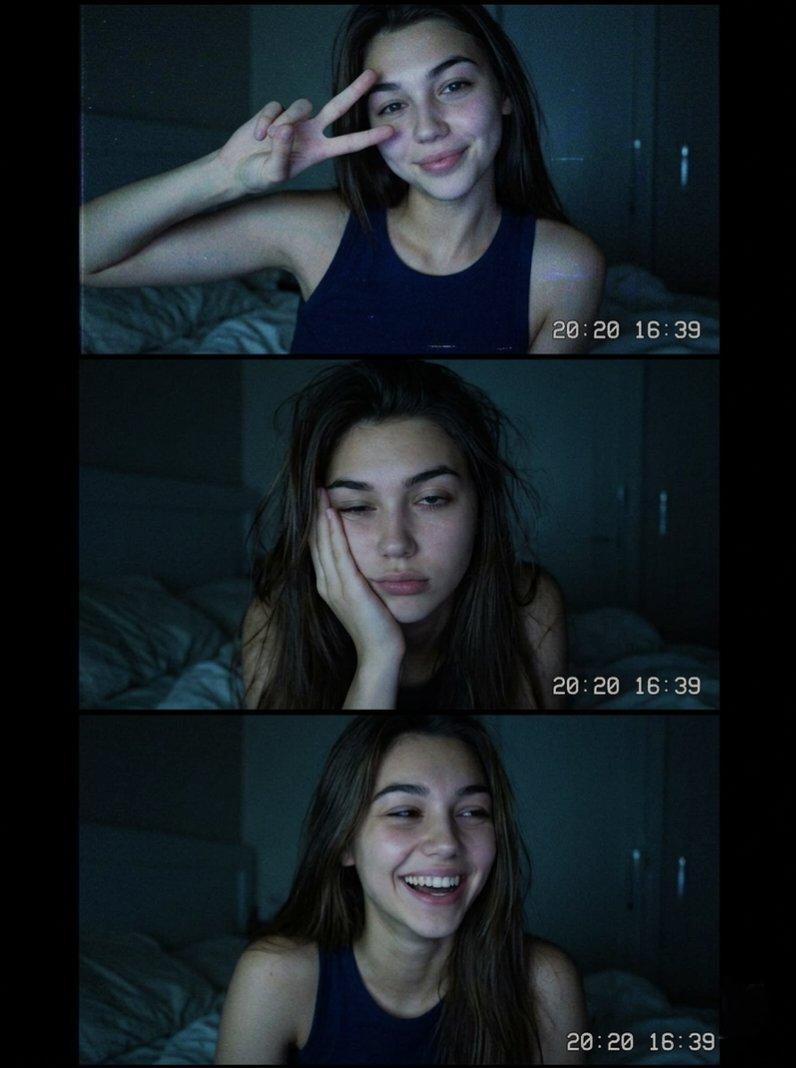
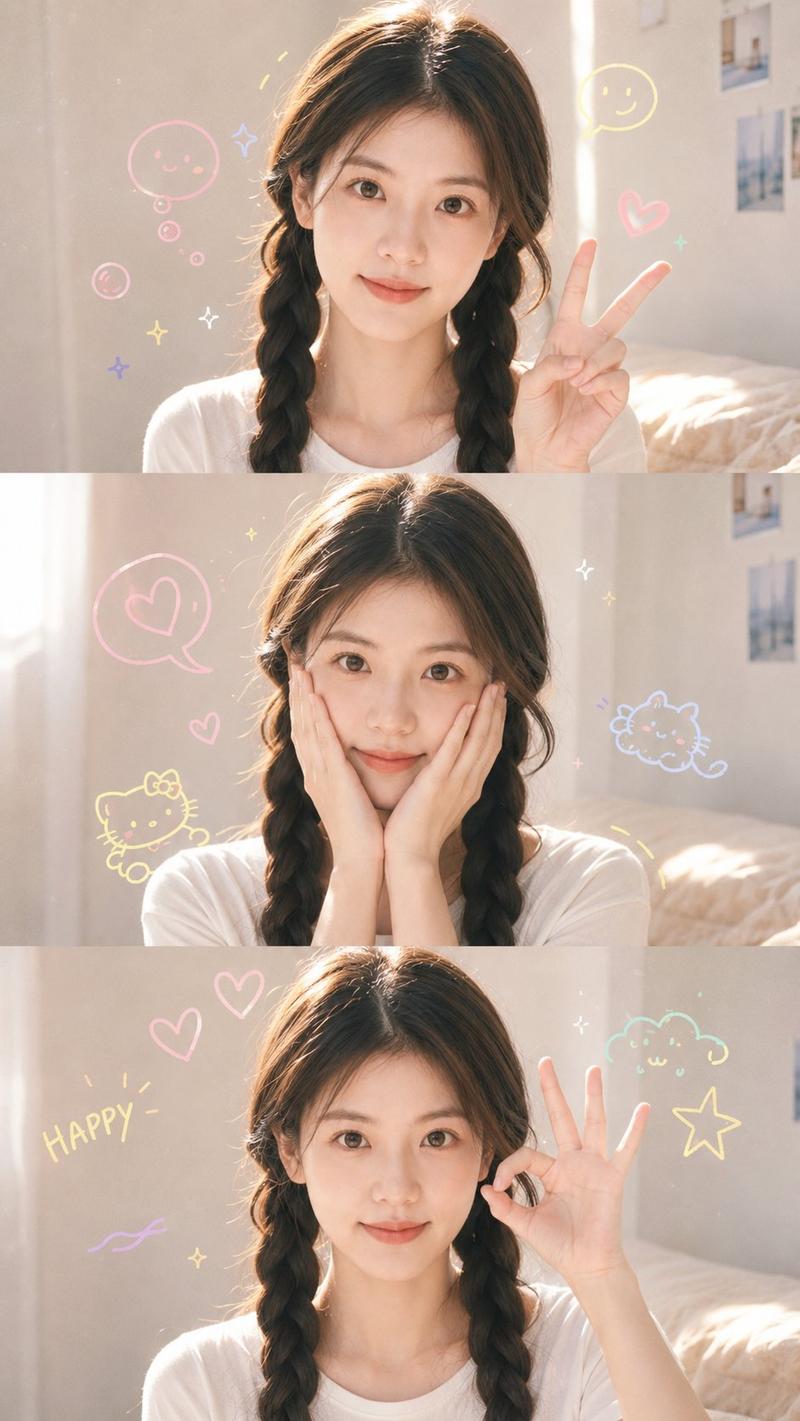
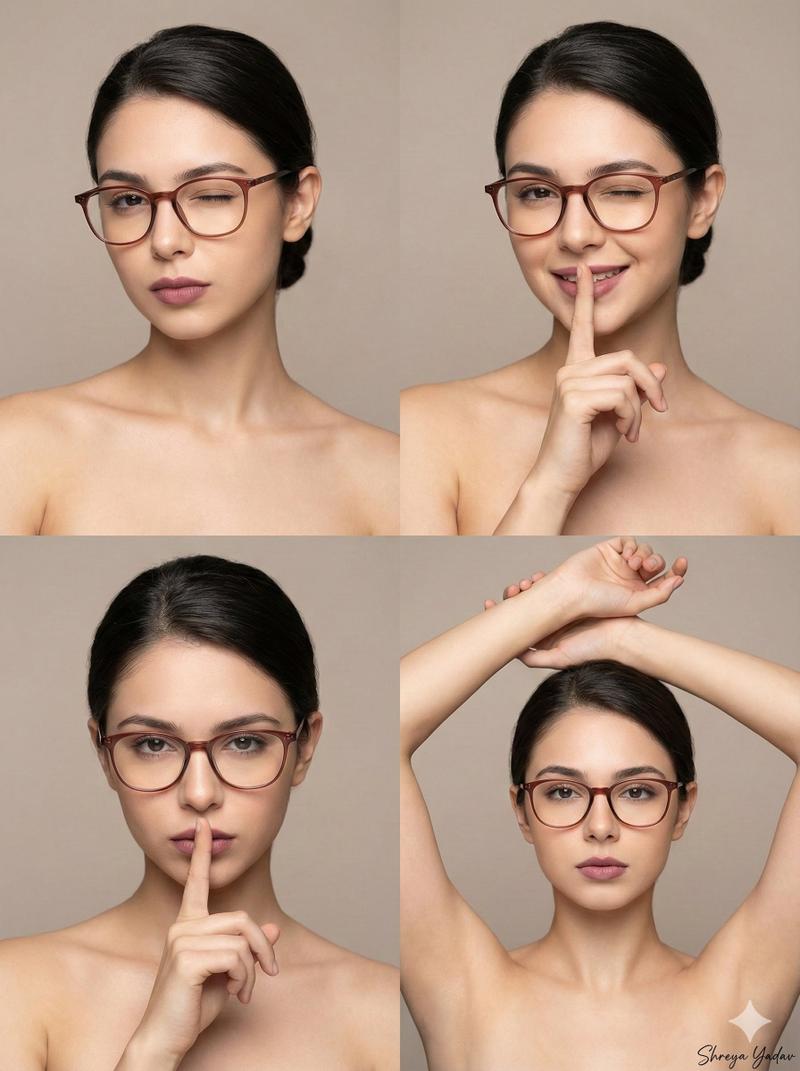
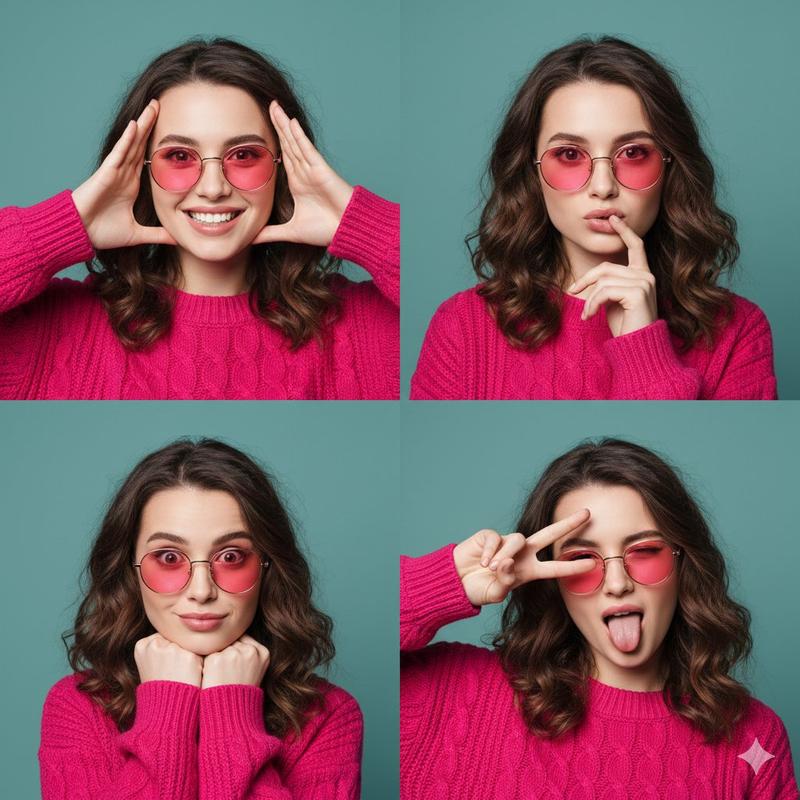
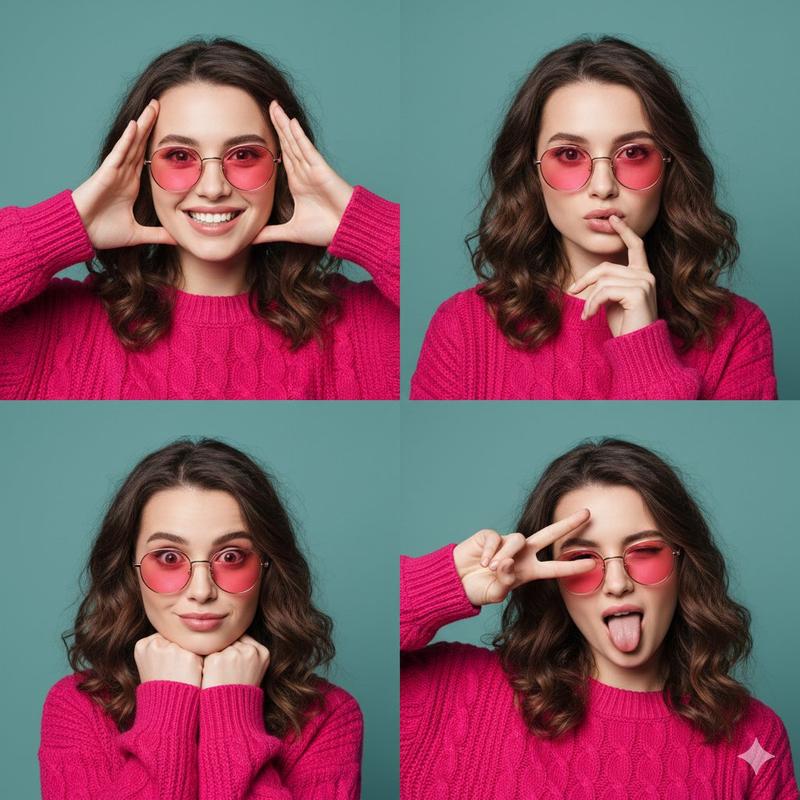
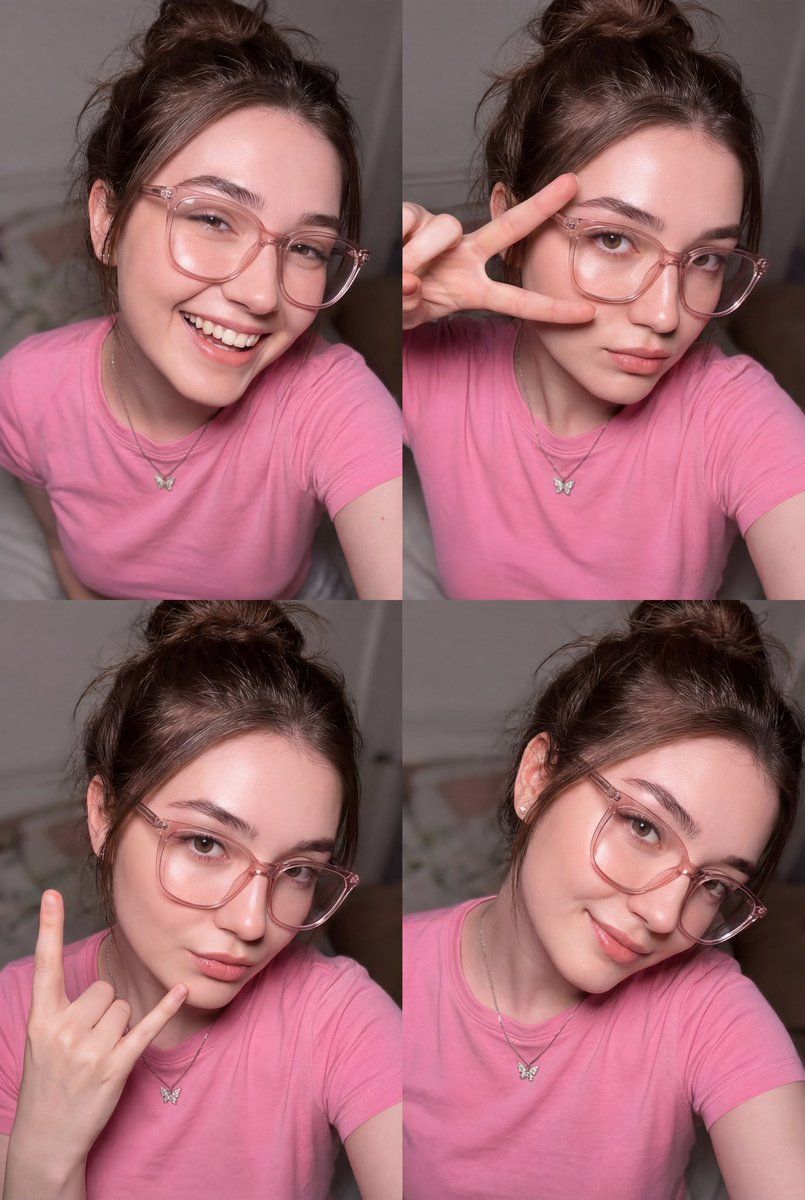
Create a realistic portrait image in a 4-panel collage with a high-angle shot perspective (the face must be 100% identical — do not change or modify it).

Depict a beautiful young woman with fair, smooth, flawless skin that looks healthy and naturally glowing. She has shiny brown hair styled in a loose bun (messy bun). Her makeup uses soft, gentle tones, with flushed pink lips. The camera angle is close to the face.

She is wearing thick, large, transparent clear-frame glasses with a pink tone (clear frame 1.2). She wears a pink T-shirt and a small silver butterfly necklace. Flash lighting illuminates the face and skin, creating soft reflective highlights and giving the skin a slightly pinkish glow. The overall color tone of the image is creamy white / creamy mauve.

She looks directly at the camera with a sexy gaze. Use direct flash with a soft, diffused glow effect, where the flash light spreads evenly and the highlights are slightly overexposed.

Panel details:

Panel 1: {argument name="panel 1 pose" default="Sweet laughing pose"}

Panel 2: {argument name="panel 2 pose" default="Peace sign pose"}

Panel 3: {argument name="panel 3 pose" default="Metal hand sign pose"}

Panel 4: {argument name="panel 4 pose" default="Cute pose"}
Category
创意图片
Model
Nano Banana Pro
Creator
Zara
Views0
Source ID
90c59720-7181-45f5-92ed-8f136c5242b0
Published
Mar 8, 2026

Guide

About "四格闪光肖像拼贴提示"

What is this prompt for?

"四格闪光肖像拼贴提示" AI image prompt for Nano Banana Pro (创意图片). 一个用于生成年轻女性四格肖像拼贴画的提示,强调无瑕的肌肤、特定的配饰(粉色透明边框眼镜、蝴蝶项链),并使用直射闪光灯营造柔和、粉嫩、略微过曝的光泽。 --- 创作一张逼真的肖像图片,采用四格拼贴画形式,并…

The full copyable prompt and example visuals above are ready for AI image generation or one-click recreate in Picva.

How to use this prompt

  1. Step 1

    Open the prompt detail

    Review the example visuals, category, and full prompt text for "四格闪光肖像拼贴提示".

  2. Step 2

    Copy the prompt

    Copy the prompt body from this page, or load it directly in Studio.

  3. Step 3

    Pick a model (Nano Banana Pro)

    Prefer Nano Banana Pro. If you switch models, keep subject and composition and tweak style terms.

  4. Step 4

    Generate and export

    Recreate the look in Picva, or export into your workflow for editing and publishing.

FAQ

What is the "四格闪光肖像拼贴提示" prompt?
It is an AI image-generation prompt for Nano Banana Pro in the 创意图片 category. This page includes the full prompt text, example visuals, and a one-click recreate path in Picva.
How do I use this prompt to generate an image?
Copy the prompt from this page, or use Generate / Studio. Paste it into a compatible image model, or recreate the look in Picva with optional reference images.
Which model is this prompt for?
This page lists Nano Banana Pro. Most descriptive prompts also transfer to nearby image models such as GPT Image, Flux, or Midjourney with light style tweaks.
Can I use the result commercially?
You can usually copy the prompt for creation, but commercial use of the final image depends on the model terms, reference-image rights, and the generated content. Follow the source author and platform rules.