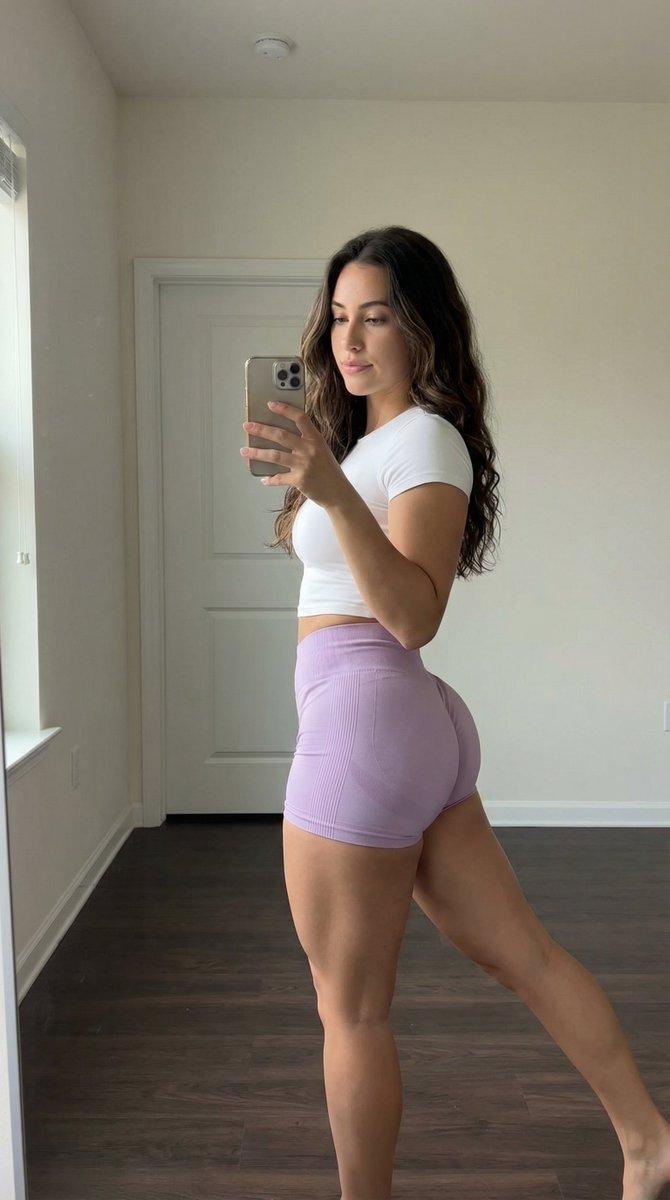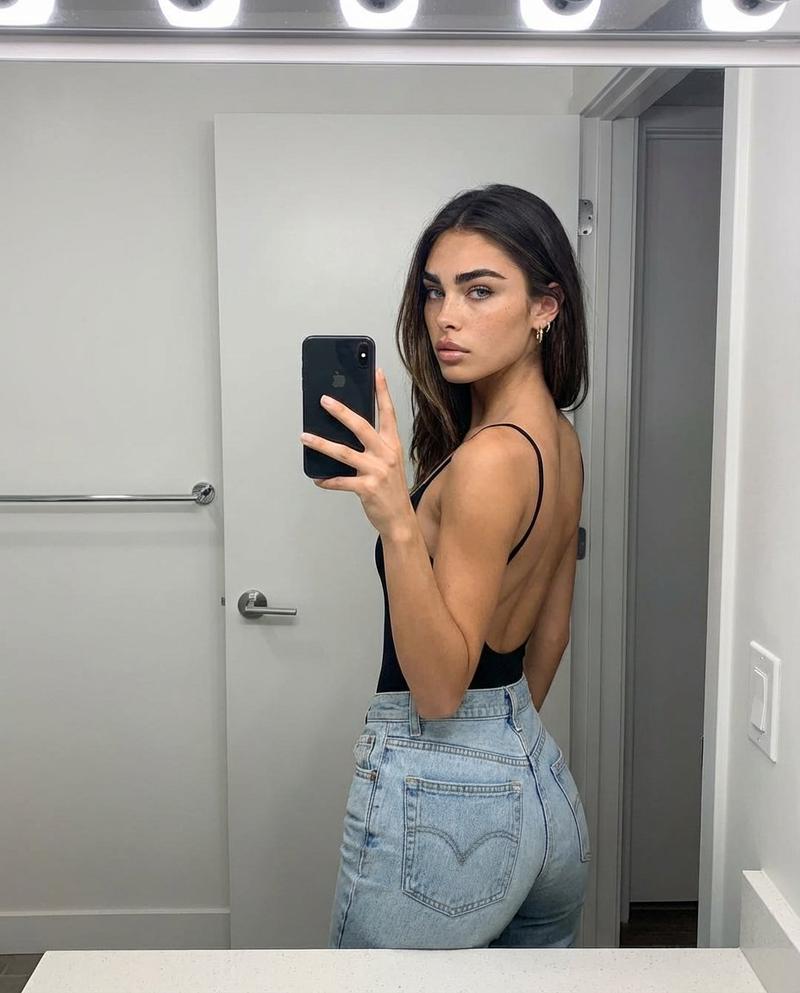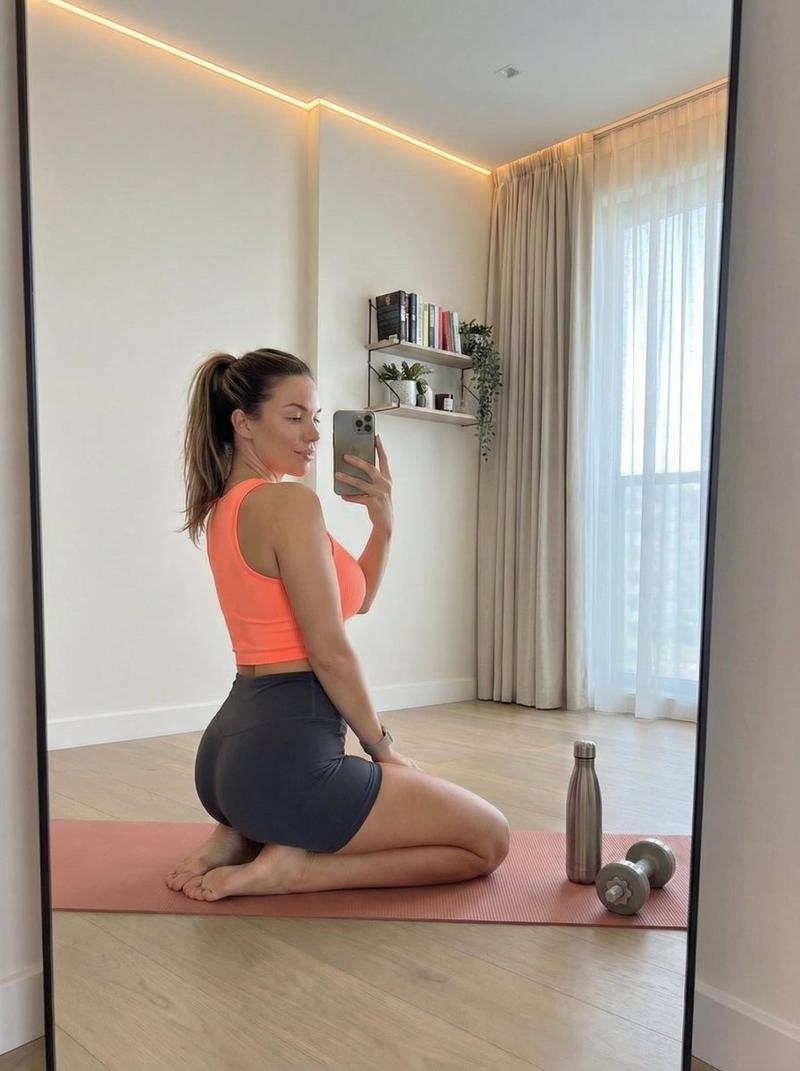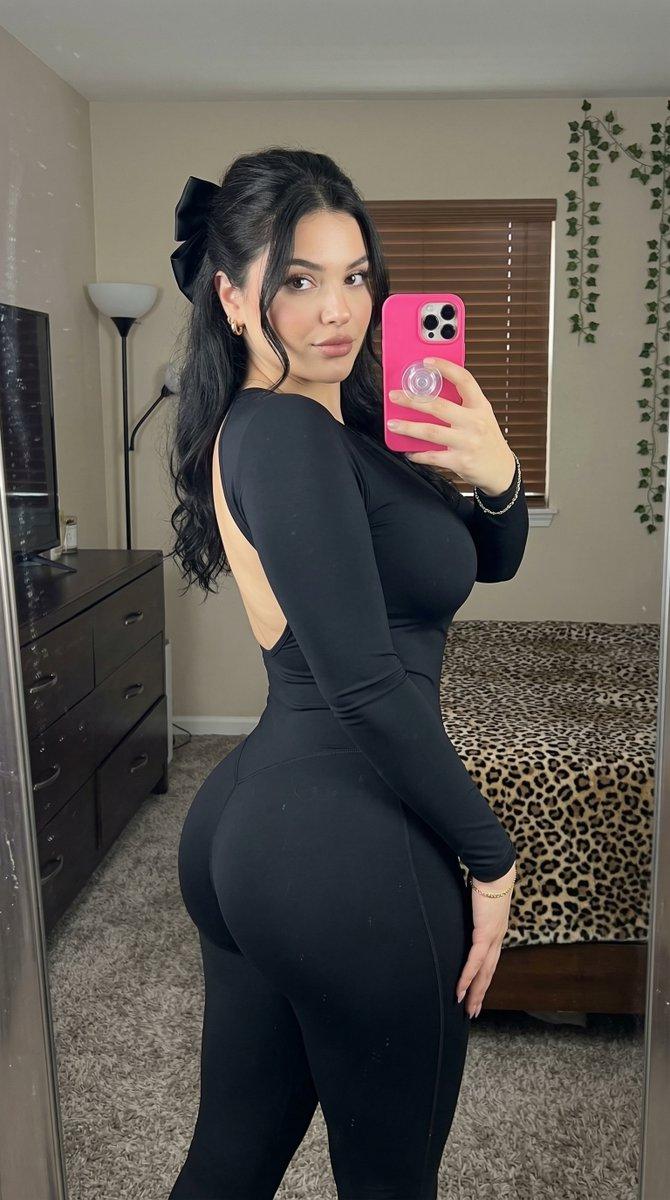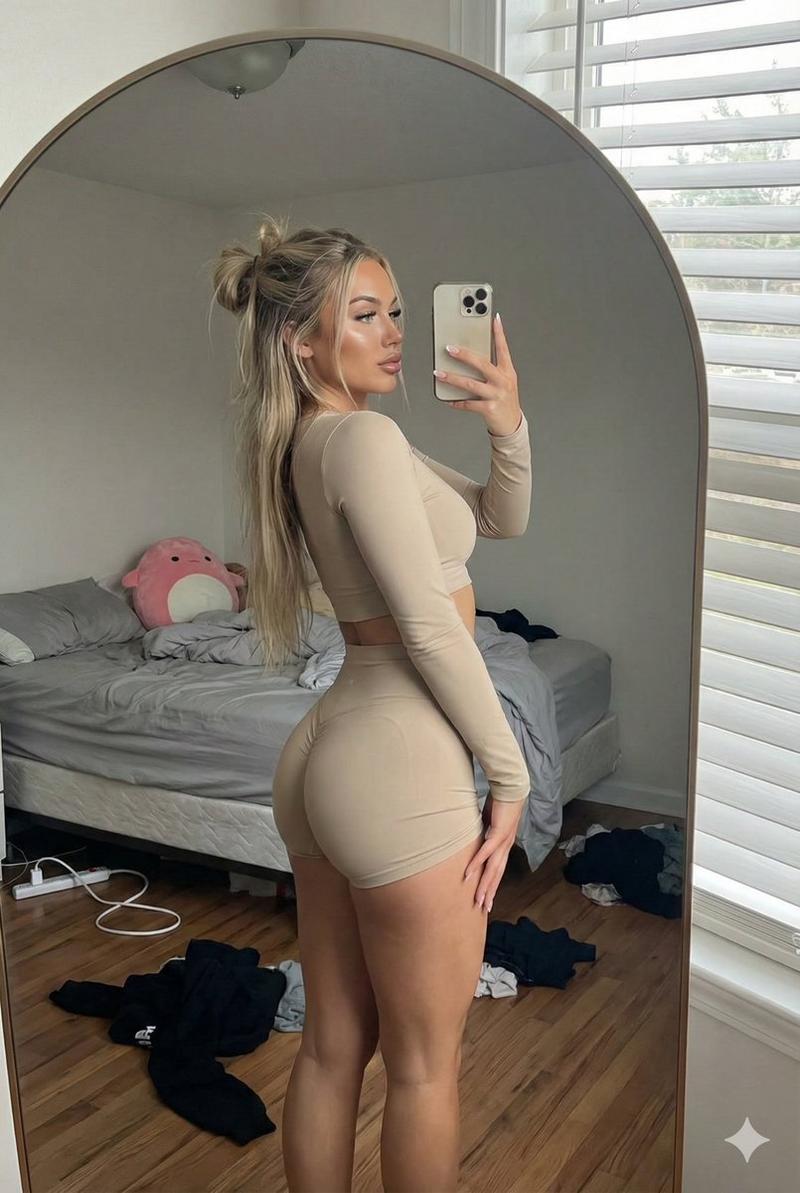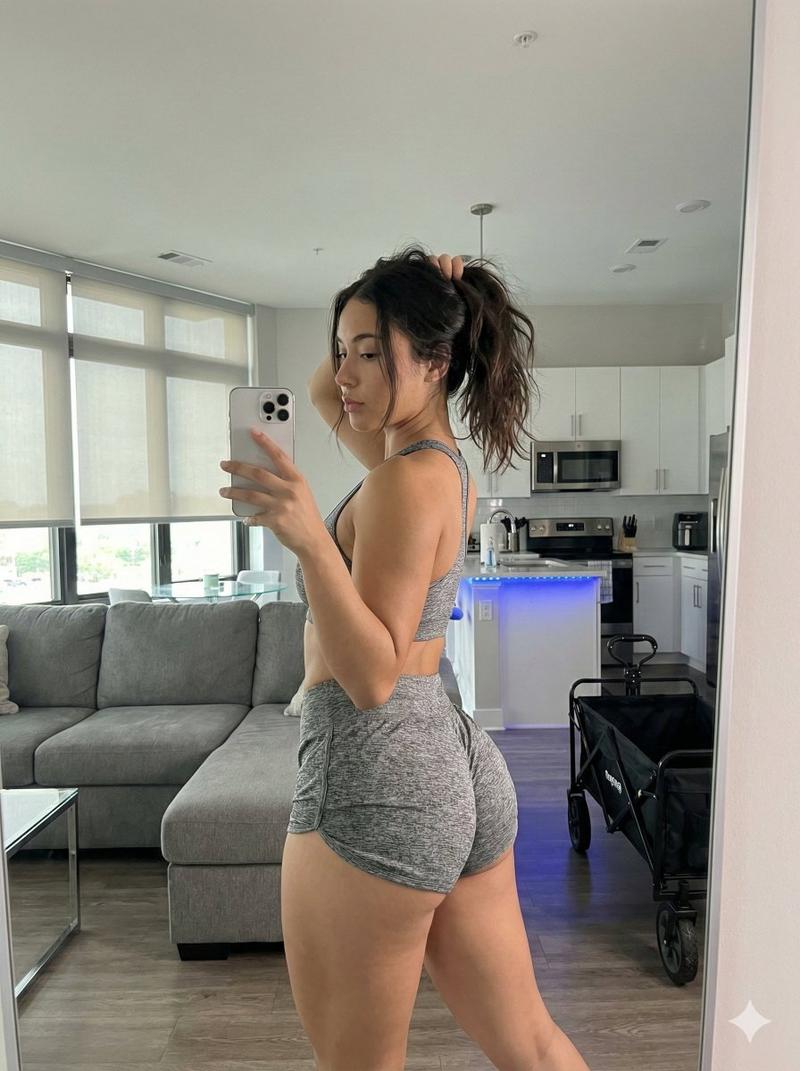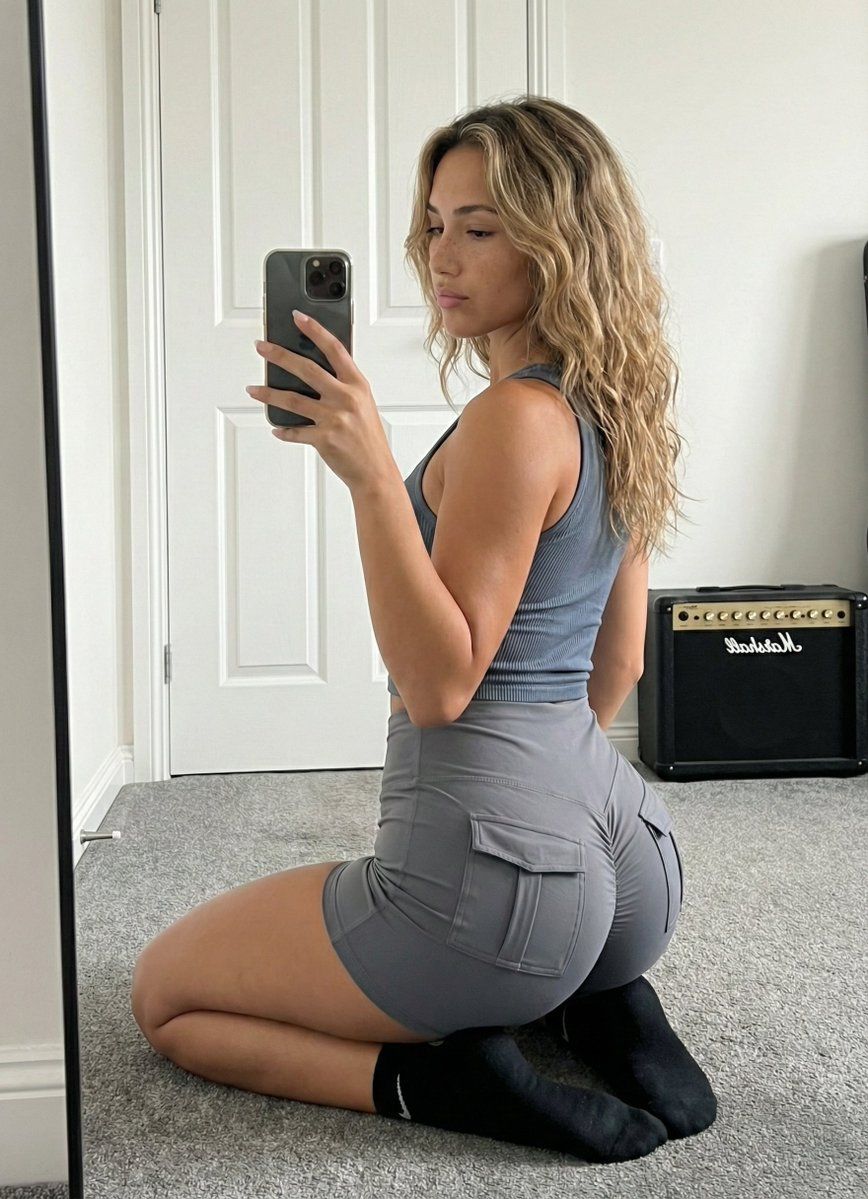
镜面自拍运动休闲造型,细节解剖图
Prompt
{
"subject": {
"description": "Young woman with long, wavy, dirty blonde hair featuring honey highlights, falling loosely over the shoulders. She has fair skin with visible natural freckles on her nose and cheeks. She is wearing a matching grey two-piece athleisure set consisting of a ribbed, sleeveless cropped tank top and tight-fitting grey shorts with distinct cargo-style pockets on the glutes. She is wearing black ankle socks with a white Nike swoosh visible on the side.",
"anatomy_and_proportions": "Physique is fit and toned with a focus on lower body curvature. The glutes are prominent and shaped, emphasized by the tight shorts and the kneeling pose. The waist is tapered, leading to a wider hip ratio. The side profile of the chest is visible, showing natural volume and projection consistent with a fit body type, supported by the ribbed fabric. Shoulders are relaxed.",
"clothing_details": "The grey tank top has a ribbed texture and a racerback-style cut. The shorts are high-waisted, compression-style fabric with flap pockets situated squarely on the back of each leg. The socks are standard black athletic quarter-length."
},
"pose": {
"stance": "Kneeling on the floor, body angled roughly 45 degrees away from the mirror plane (quarter-turn back view). The torso is twisted slightly towards the mirror.",
"limbs": "Legs are folded underneath, shins flat against the carpet, sitting back towards the heels. The left arm hangs naturally by the side. The right arm is raised, elbow bent, holding a smartphone to capture the reflection.",
"head_and_gaze": "Head is turned to face the mirror directly. Eyes are looking at the phone screen/reflection. Chin is slightly tucked."
},
"environment": {
"setting": "Indoor bedroom interior.",
"background_elements": "A white paneled interior door with a silver handle is directly behind the subject. To the right, a black Marshall guitar amplifier sits on the floor against the wall. The floor is covered in plush grey wall-to-wall carpeting. White baseboards line the walls.",
"foreground_elements": "The edge of a black-framed full-length mirror is visible on the left side of the frame."
},
"camera": {
"perspective": "Mirror selfie perspective. The image is a reflection seen in a large standing mirror.",
"shot_type": "Medium-full shot, capturing the subject from the knees up to the top of the head.",
"focal_length": "24mm to 28mm equivalent (smartphone main camera).",
"depth_of_field": "Deep depth of field; both the subject and the immediate background (door, amp) are in focus."
},
"lighting": {
"type": "Natural diffuse daylight.",
"source": "Light source coming from the right side of the room (off-screen window), illuminating the subject's face and side profile.",
"quality": "Soft and even, creating gentle shadows on the left side of the body and behind the subject on the door.",
"shadows": "Natural contact shadows where the leg- Category
- 创意图片
- Model
- Nano Banana Pro
- Creator
- brindley
- Source ID
- 3d0e46b5-336e-48b4-8ed6-ef91b2ec9e4c
- Published
- Mar 8, 2026
Views0