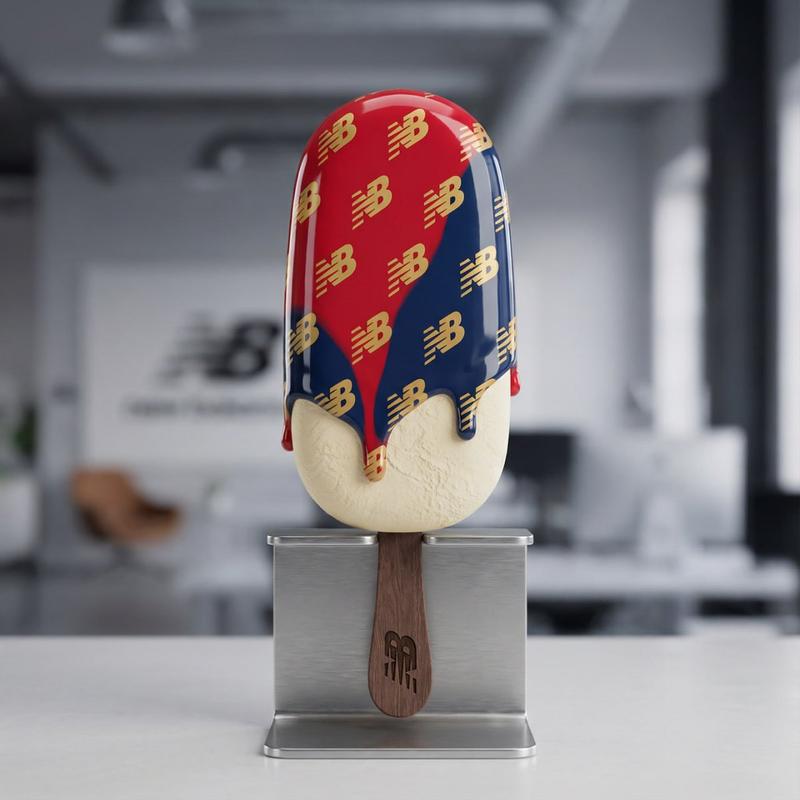
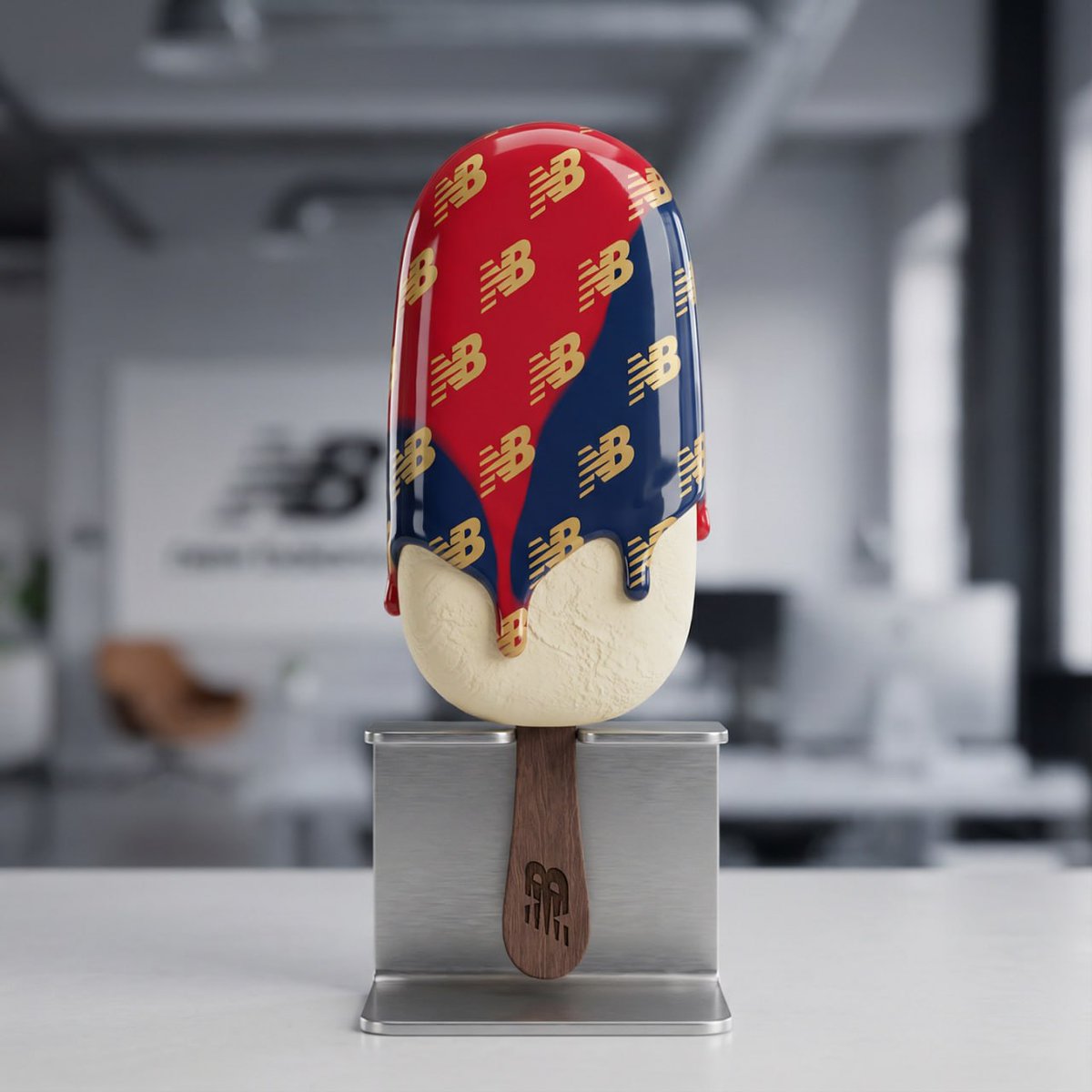
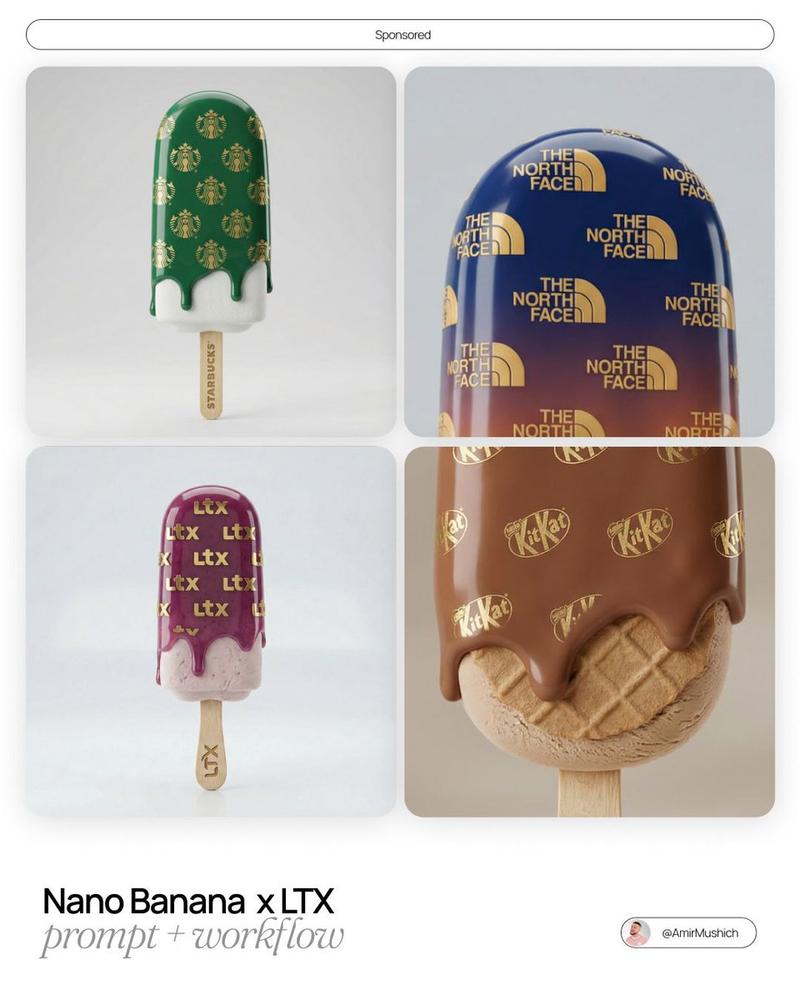
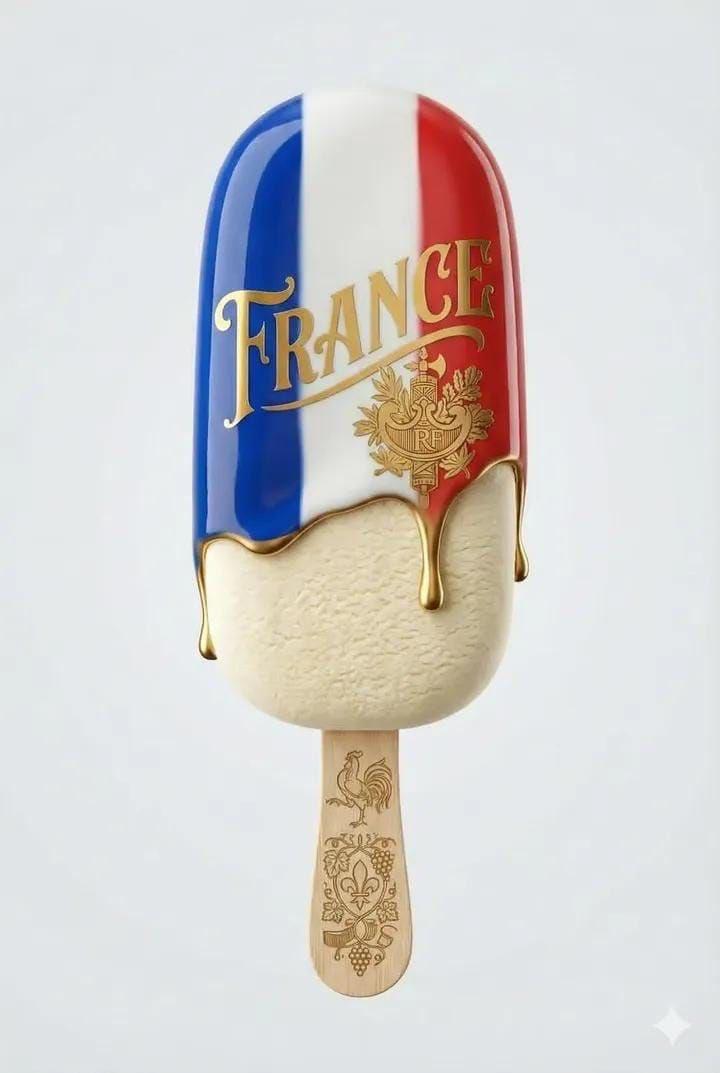
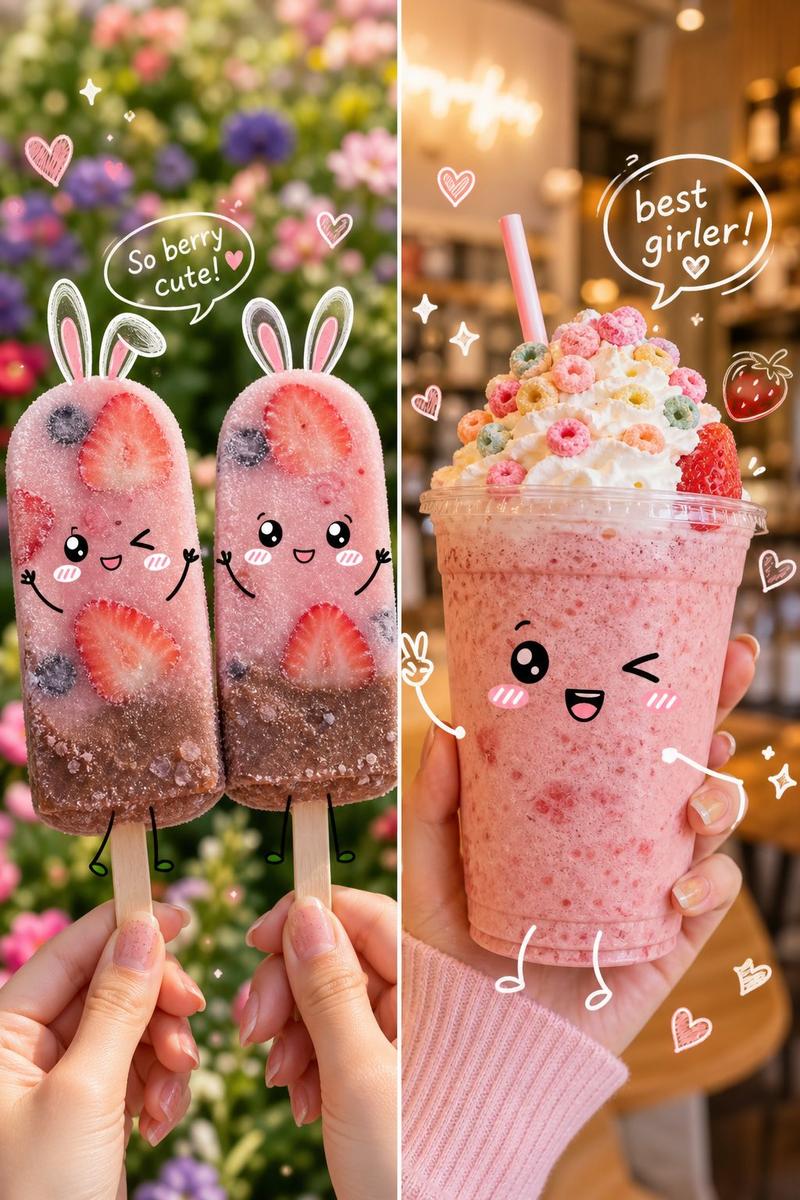
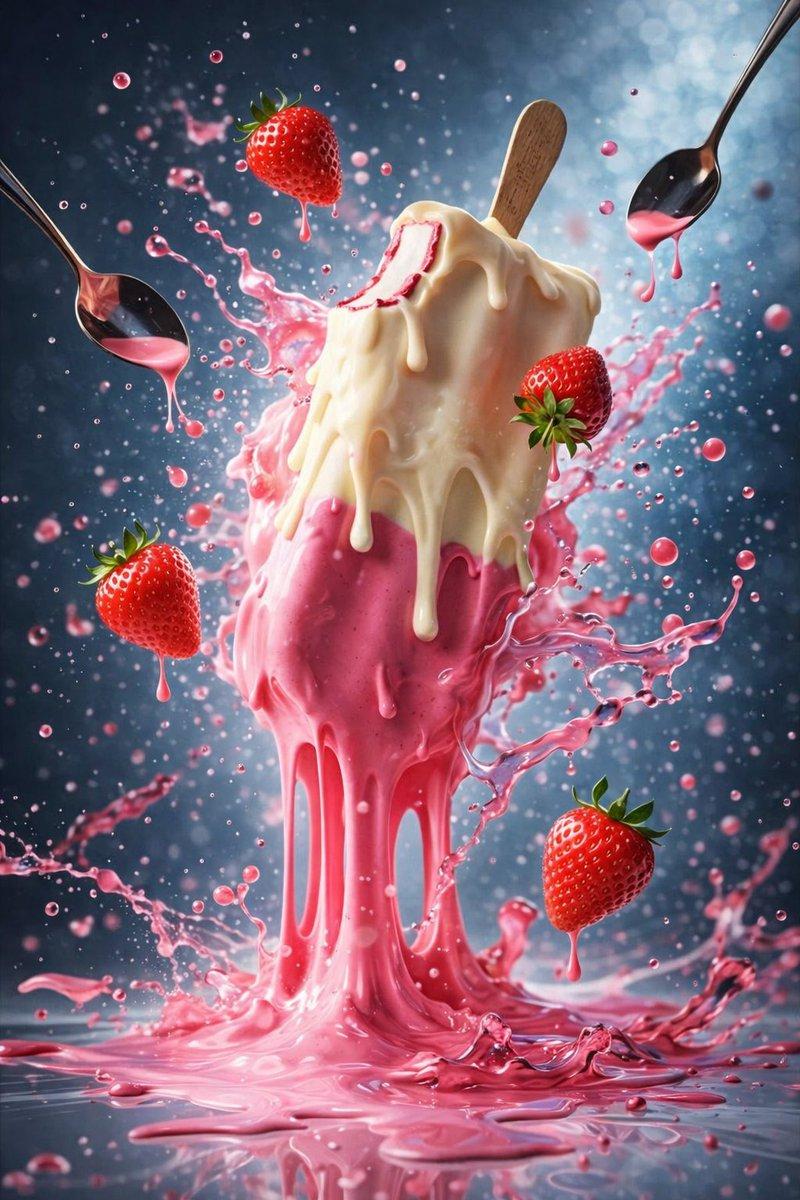
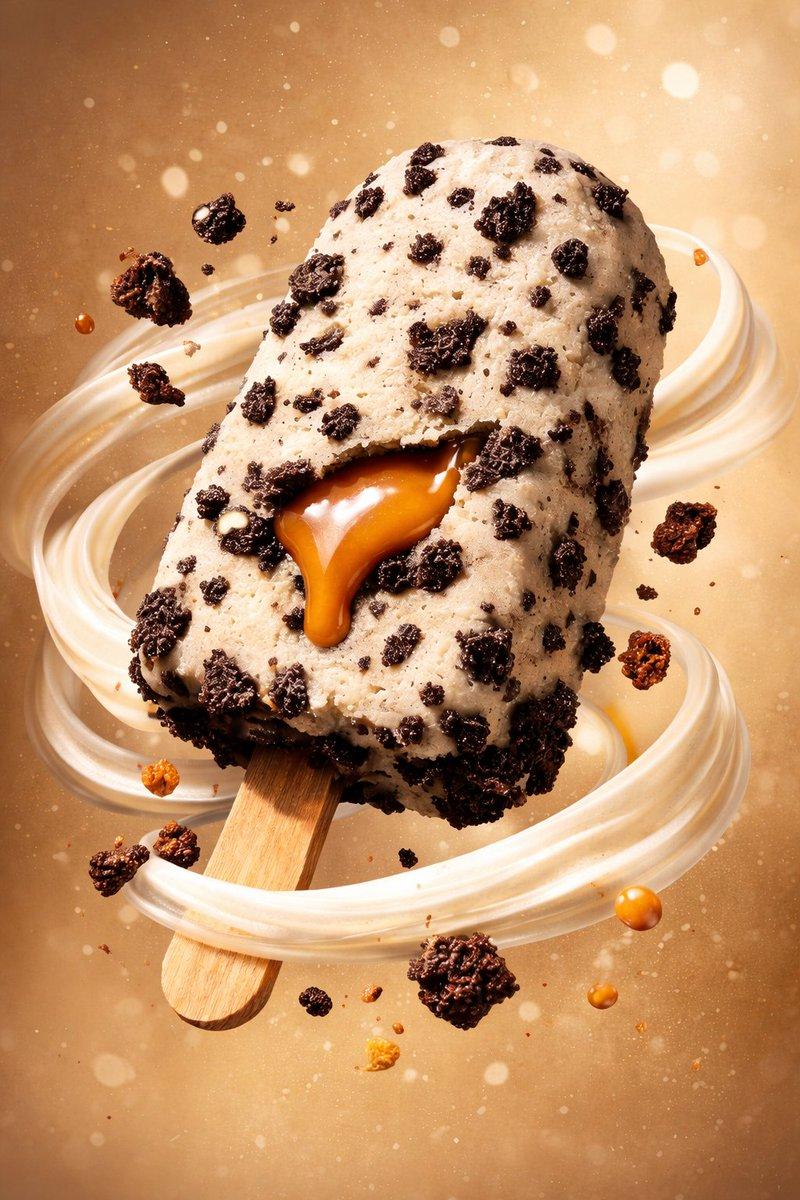
Nano Banana Pro 产品品牌教程
Prompt
Brand any product in 10 seconds
- Category
- 创意图片
- Model
- Nano Banana Pro
- Creator
- AI Pulse
- Source ID
- 9955efbe-bf91-4e6a-b3eb-e8782f5b24b2
- Published
- Mar 8, 2026
Views0
20
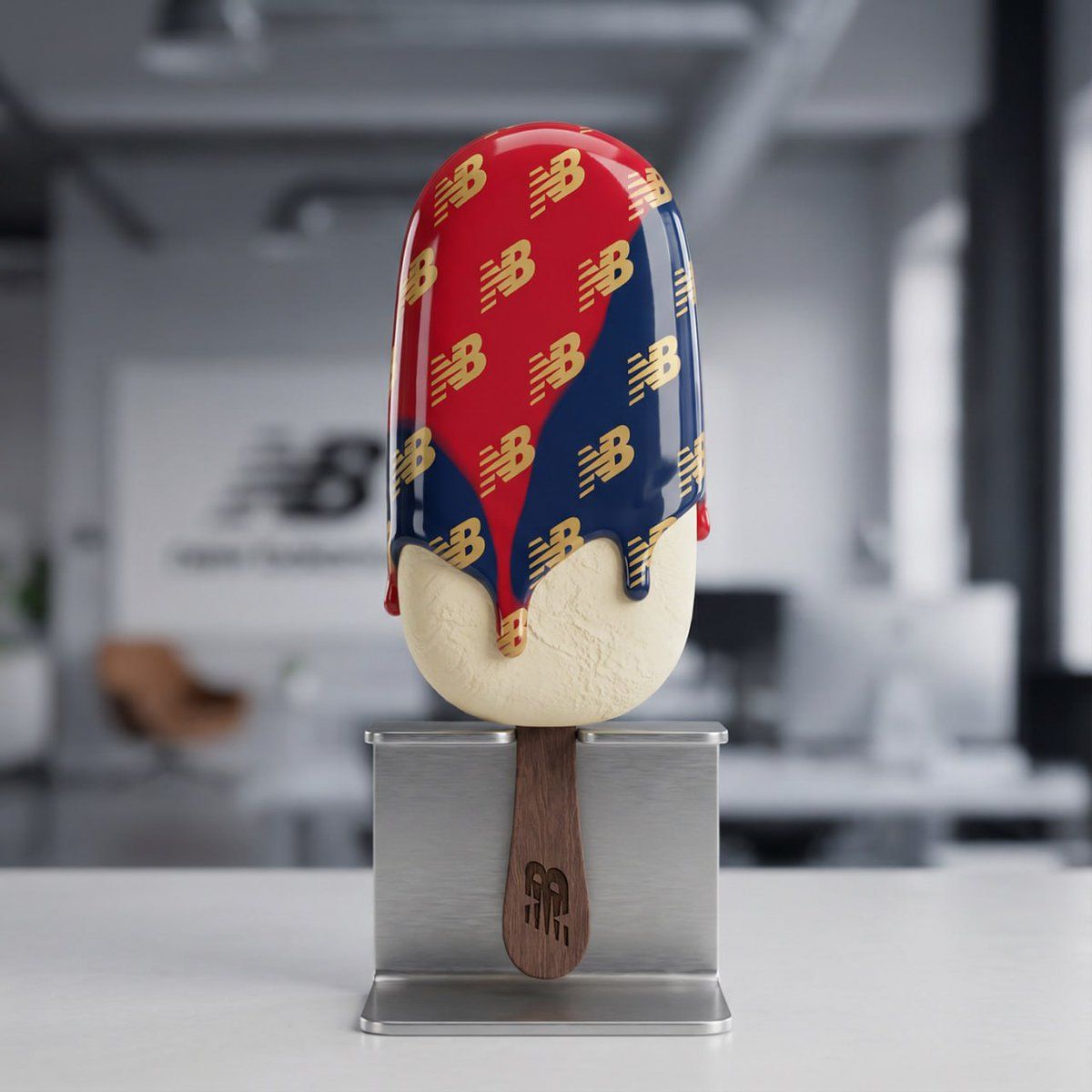
Brand any product in 10 seconds
Guide
"Nano Banana Pro 产品品牌教程" AI image prompt for Nano Banana Pro (创意图片). 这条推文宣布了“Nano Banana Pro”工具的教程,重点介绍了如何在 10 秒内为任何产品打造品牌。推文中承诺在帖子串中提供提示词和教程链接,但主推文或可见回复中并未提供提…
The full copyable prompt and example visuals above are ready for AI image generation or one-click recreate in Picva.
Step 1
Review the example visuals, category, and full prompt text for "Nano Banana Pro 产品品牌教程".
Step 2
Copy the prompt body from this page, or load it directly in Studio.
Step 3
Prefer Nano Banana Pro. If you switch models, keep subject and composition and tweak style terms.
Step 4
Recreate the look in Picva, or export into your workflow for editing and publishing.