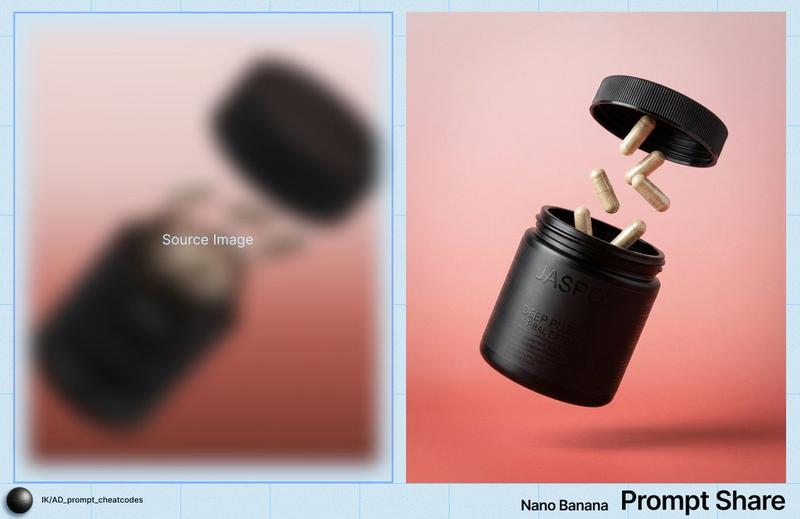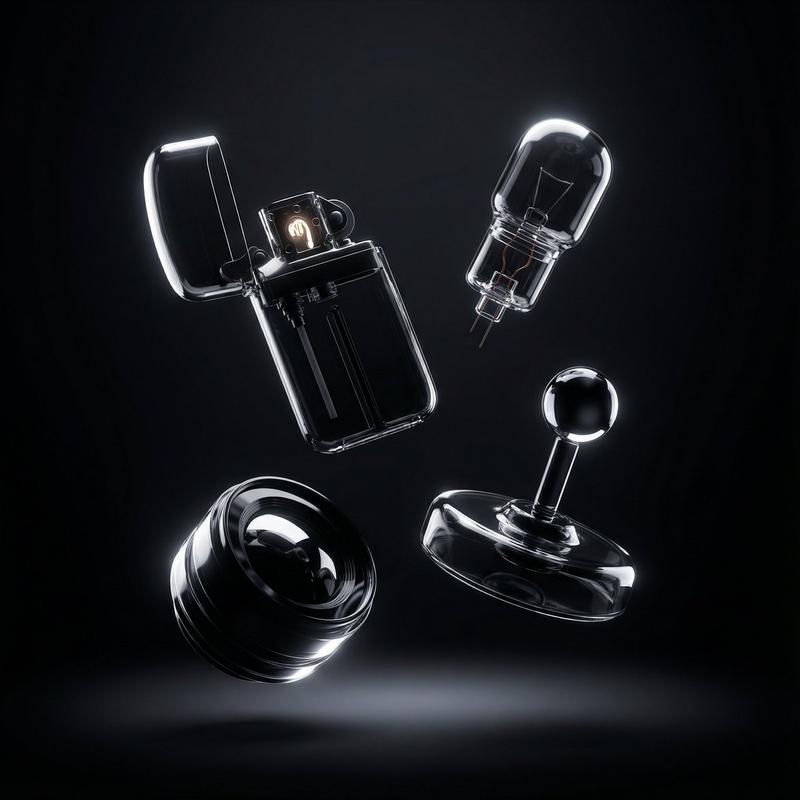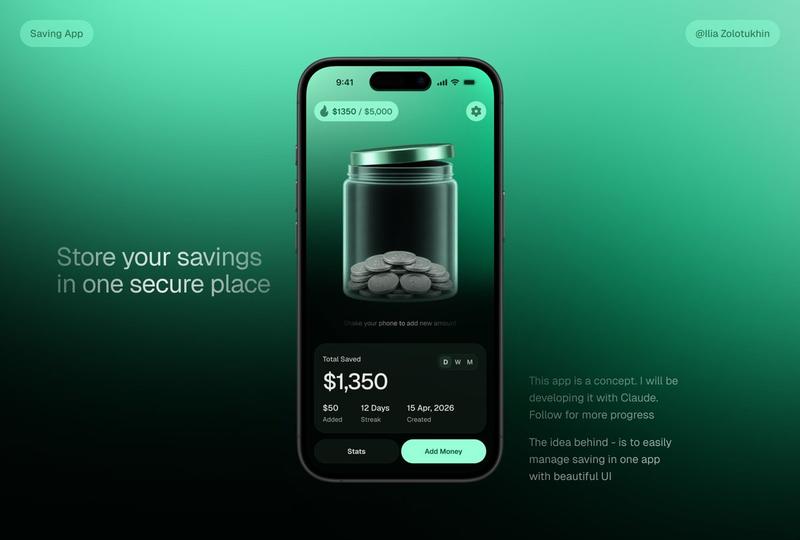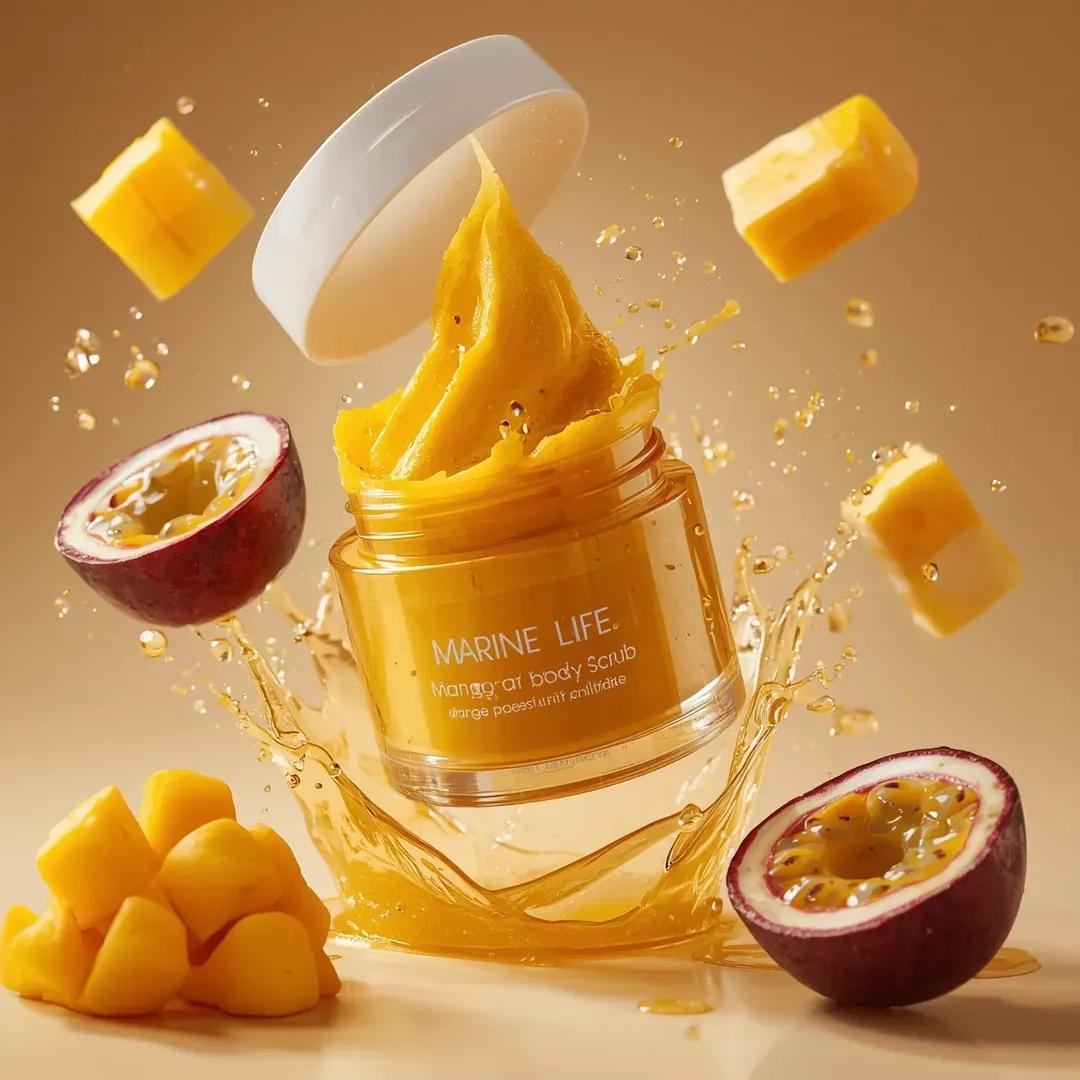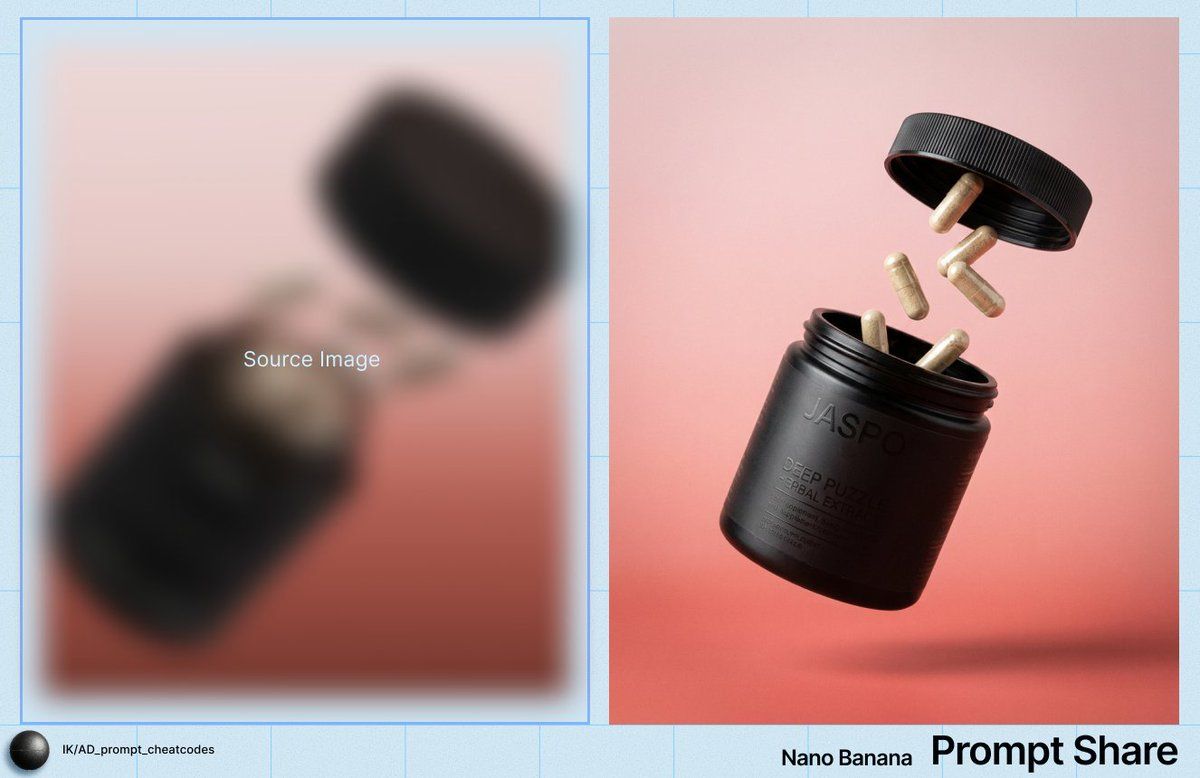
悬浮保健品罐和胶囊的商业产品照片
Prompt
IMAGE: Frame & Composition: The camera presents a three-quarter, slightly low-angle view of a cylindrical container suspended mid-air, tilted approximately 30–40 degrees with its opening facing upward-left; the screw cap is separated and positioned above the container, offset to the right, while multiple capsules are frozen in mid-flight between the jar and the lid; the subject cluster occupies the central frame with generous negative space around it, no cropping of the primary objects, and the visual weight balanced diagonally from bottom-left (jar body) to top-right (lid). Lighting & Atmosphere: A soft but directional key light originates from the upper left, producing controlled specular highlights along the jar’s rim, capsule shells, and lid edge; shadows are soft-edged, indicating a diffused source, with subtle occlusion shadows beneath the floating capsules; there is no atmospheric haze or bloom, and contrast is moderate, preserving detail in both highlights and dark surfaces. Subject Geometry & Materiality: The main container is a matte-to-satin black cylindrical jar with a slightly translucent brown neck, showing smooth rotational symmetry and fine surface texture; the lid is a ribbed, circular disc with evenly spaced vertical grooves, suggesting injection-molded plastic; the capsules are elongated ovals with semi-opaque, fibrous interiors visible through their shells, indicating powdered contents; embossed and printed text on the jar surface is partially legible but softened by the lighting angle and material reflectance. Environmental Layering: There is no physical foreground object; the capsules occupy the immediate midground between lid and jar; the background is a continuous, seamless gradient backdrop transitioning from pale pink at the top to muted coral-red at the bottom, with no discernible depth cues or environmental elements, and no bokeh since the entire scene is uniformly in focus. Technical Artifacts & Color: The palette is restrained, dominated by black, warm gray-beige capsules, and a pink-to-red gradient background with low saturation; color transitions are smooth, with no banding visible; fine grain is present across the image, consistent with film grain or a grain overlay; no chromatic aberration, motion blur, or lens distortion is evident, and edges remain clean and precise. TEXT: Title: None; Subtitle: None; Body: “{argument name="product name" default="DEEP PUZZLE HERBAL EXTRACT"}” (legible); CTA: None; Logo: “JASPO” (embossed/printed on jar, partially legible); Disclaimer: None; Other: Additional small dosage and supplement text present but partially obscured and not fully legible.- Category
- 创意图片
- Model
- Nano Banana Pro
- Creator
- Ivan
- Source ID
- a6bc845e-e0c1-41e8-a3df-a8e580b006b1
- Published
- Mar 8, 2026
Views0