20

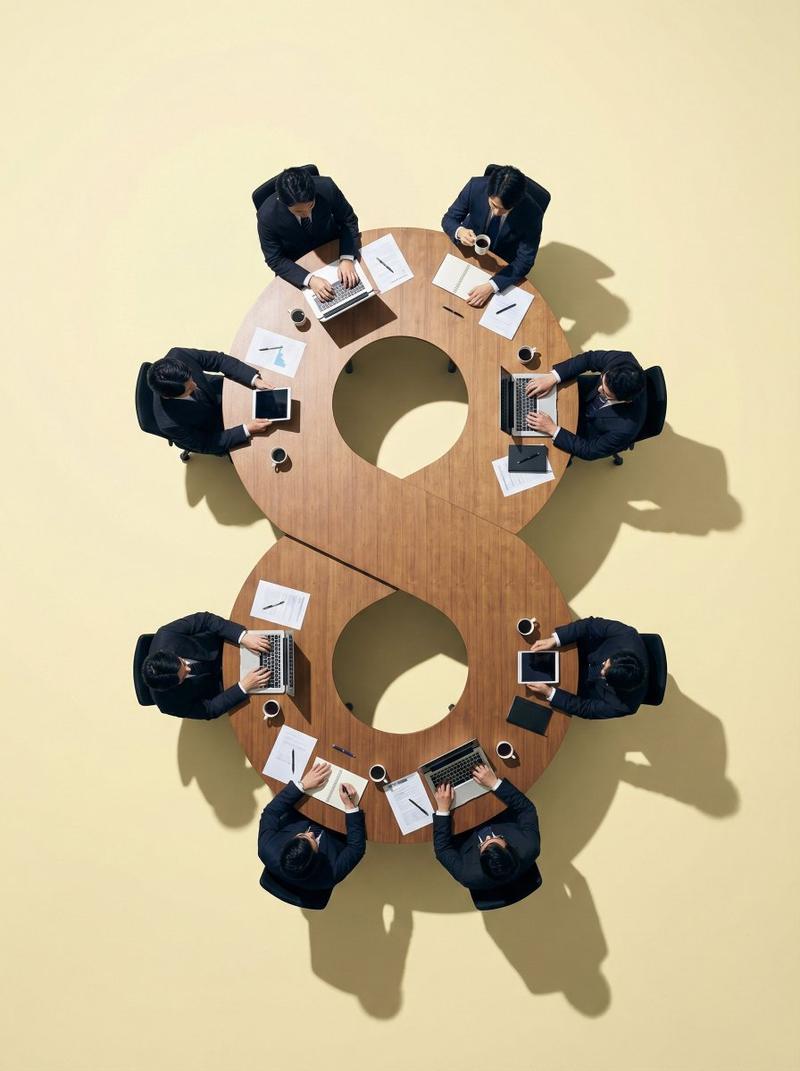
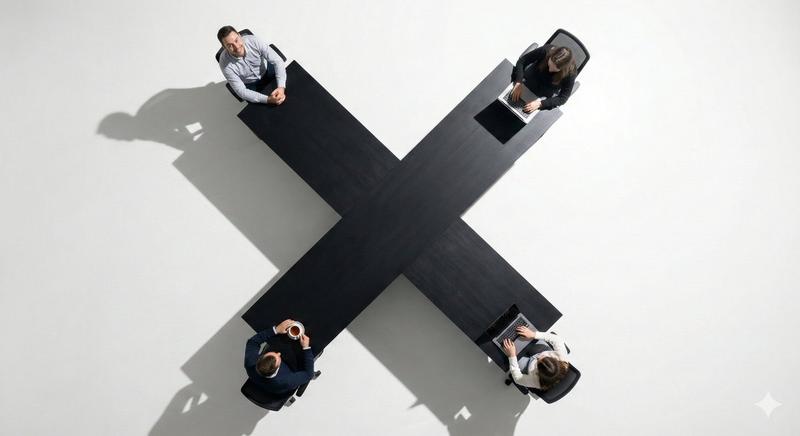
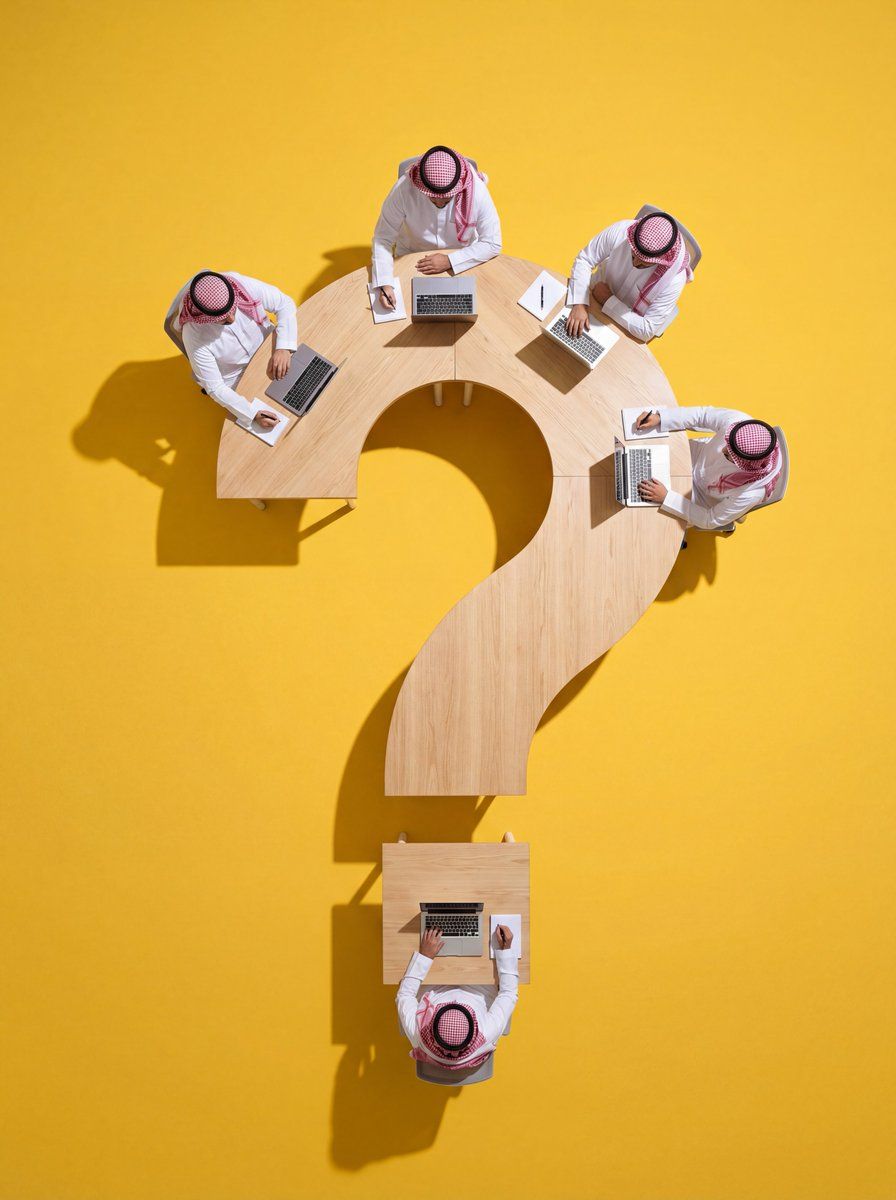
定制异形会议桌的俯视图(重复)
Enlarge

定制异形会议桌的俯视图(重复)

Prompt
Ultra-wide-angle hyper-realistic top-down flat lay photography. The central focus is a custom physical conference table meticulously shaped like {argument name="Shape" default="[SHAPE/NUMBER/SYMBOL]"}.

The table features {argument name="Material" default="[MATERIAL/TEXTURE/COLOR]"} and placed on a [FLOOR COLOR] floor, creating significant negative space around it for a clean, minimalist composition. A group of {argument name="Number of People" default="[NUMBER]"} real people are sitting around the edges of this [SHAPE]-shaped table. [POSITIONING: e.g., 3 on each side, 1 top/bottom]

Actions: [DESCRIBE PEOPLE'S ACTIONS, e.g., working on laptops, drinking coffee].
Lighting & Quality: Professional studio lighting with crisp, distinct drop shadows that define the [SHAPE] silhouette on the floor. 8k resolution, sharp focus, cinematic commercial aesthetic.
Category
创意图片
Model
Nano Banana Pro
Views0
Source ID
c9c68e12-5749-4d1e-95e5-73f4a0f6bfc0
Published
Mar 8, 2026

Guide

About "定制异形会议桌的俯视图(重复)"

What is this prompt for?

"定制异形会议桌的俯视图(重复)" AI image prompt for Nano Banana Pro (创意图片). 一个可定制的提示,用于生成一张超逼真、超广角、俯视平铺的会议桌照片,该会议桌的形状为特定物体或符号。此提示需要定义桌子的形状、材质以及围坐在桌旁的人的动作,并强调专业的影棚灯光和清晰的投影。(重…

The full copyable prompt and example visuals above are ready for AI image generation or one-click recreate in Picva.

How to use this prompt

  1. Step 1

    Open the prompt detail

    Review the example visuals, category, and full prompt text for "定制异形会议桌的俯视图(重复)".

  2. Step 2

    Copy the prompt

    Copy the prompt body from this page, or load it directly in Studio.

  3. Step 3

    Pick a model (Nano Banana Pro)

    Prefer Nano Banana Pro. If you switch models, keep subject and composition and tweak style terms.

  4. Step 4

    Generate and export

    Recreate the look in Picva, or export into your workflow for editing and publishing.

FAQ

What is the "定制异形会议桌的俯视图(重复)" prompt?
It is an AI image-generation prompt for Nano Banana Pro in the 创意图片 category. This page includes the full prompt text, example visuals, and a one-click recreate path in Picva.
How do I use this prompt to generate an image?
Copy the prompt from this page, or use Generate / Studio. Paste it into a compatible image model, or recreate the look in Picva with optional reference images.
Which model is this prompt for?
This page lists Nano Banana Pro. Most descriptive prompts also transfer to nearby image models such as GPT Image, Flux, or Midjourney with light style tweaks.
Can I use the result commercially?
You can usually copy the prompt for creation, but commercial use of the final image depends on the model terms, reference-image rights, and the generated content. Follow the source author and platform rules.