20

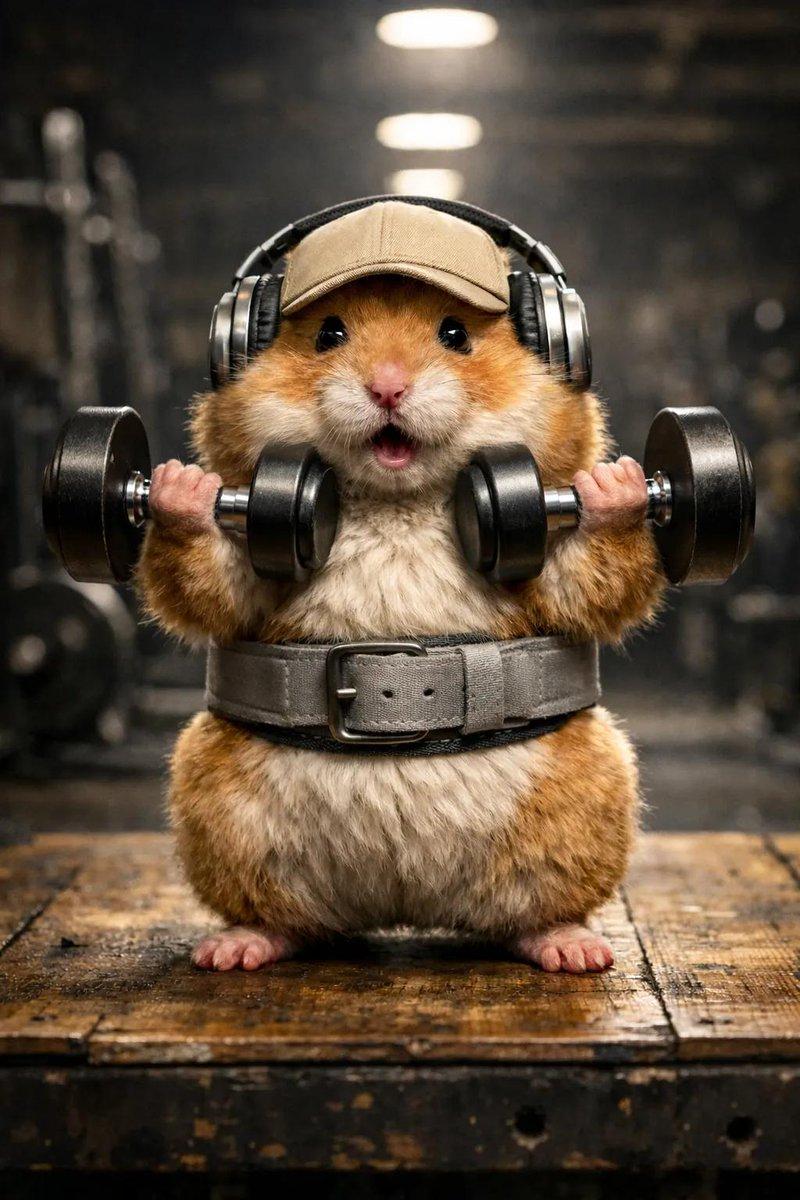
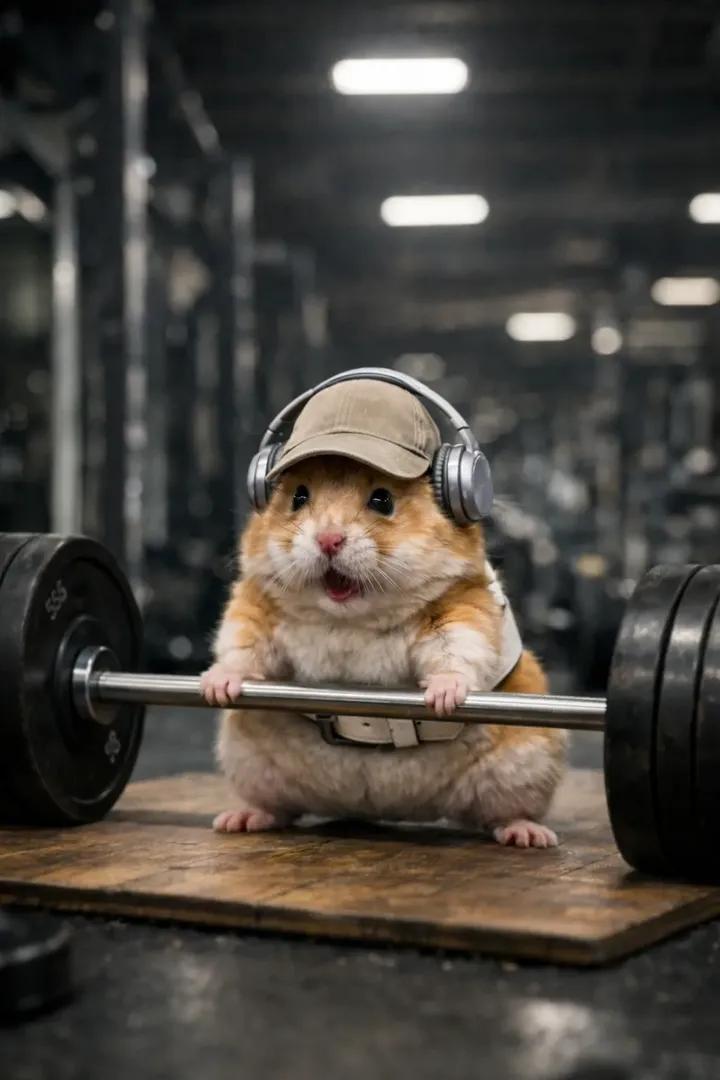
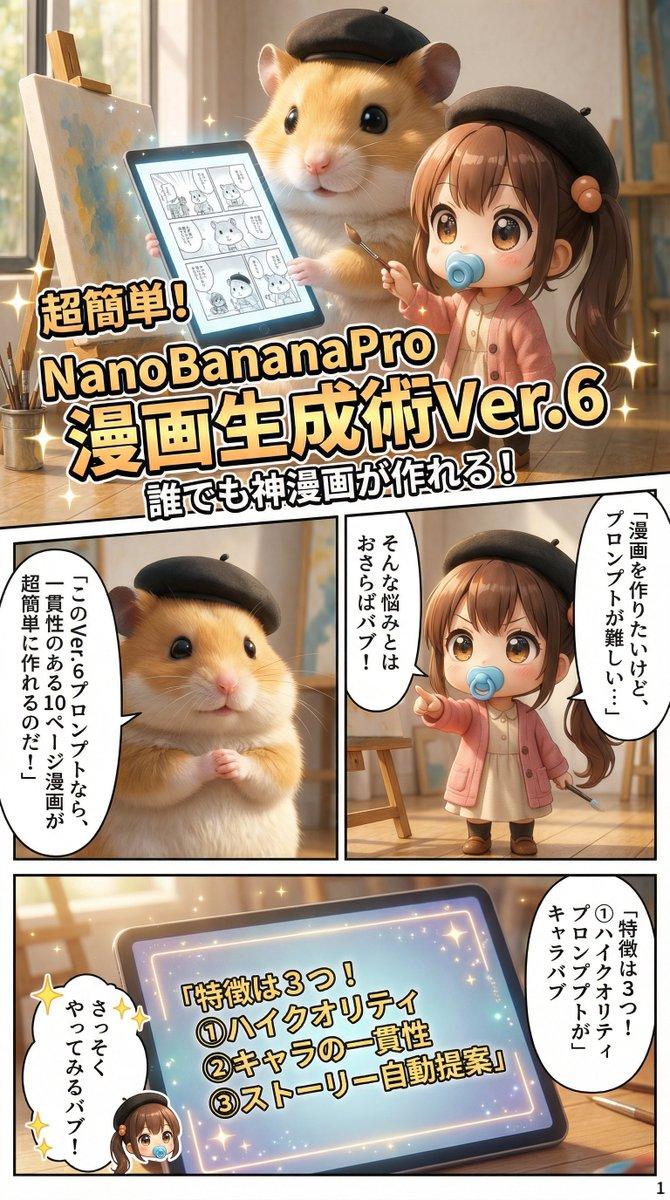
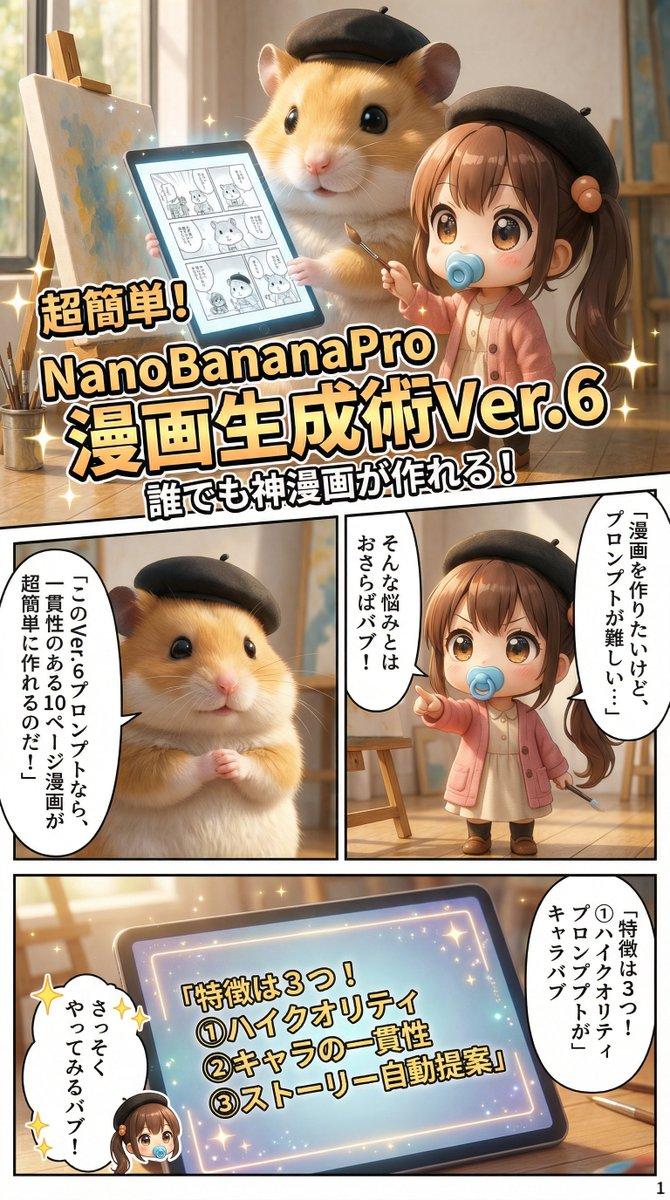
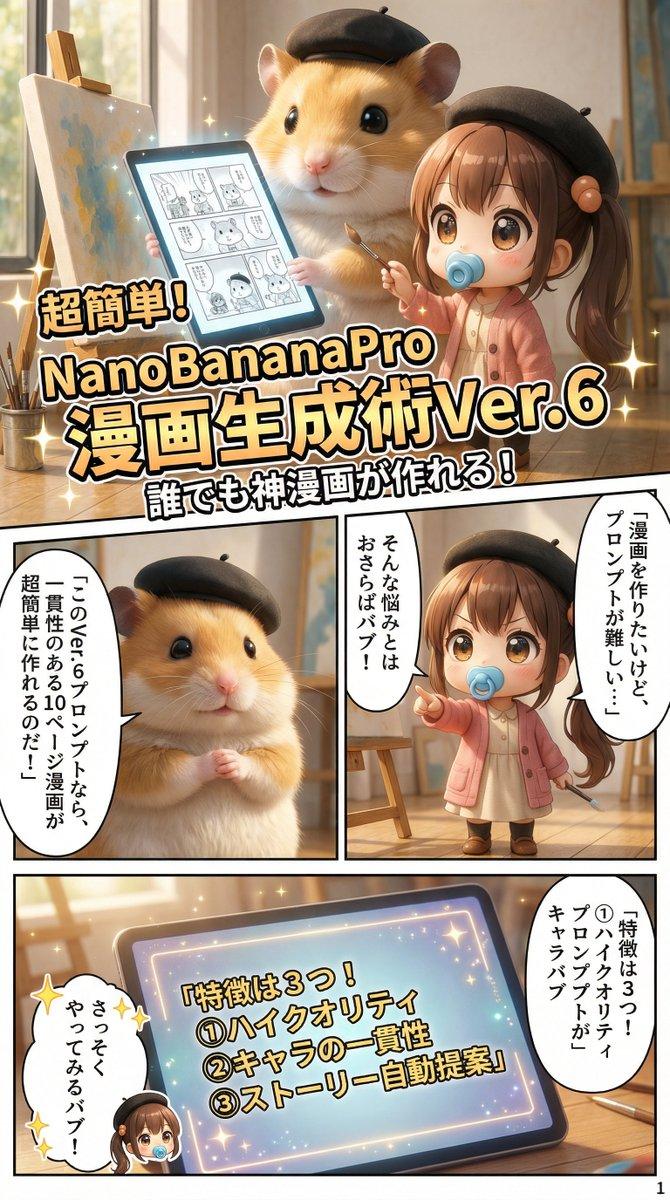
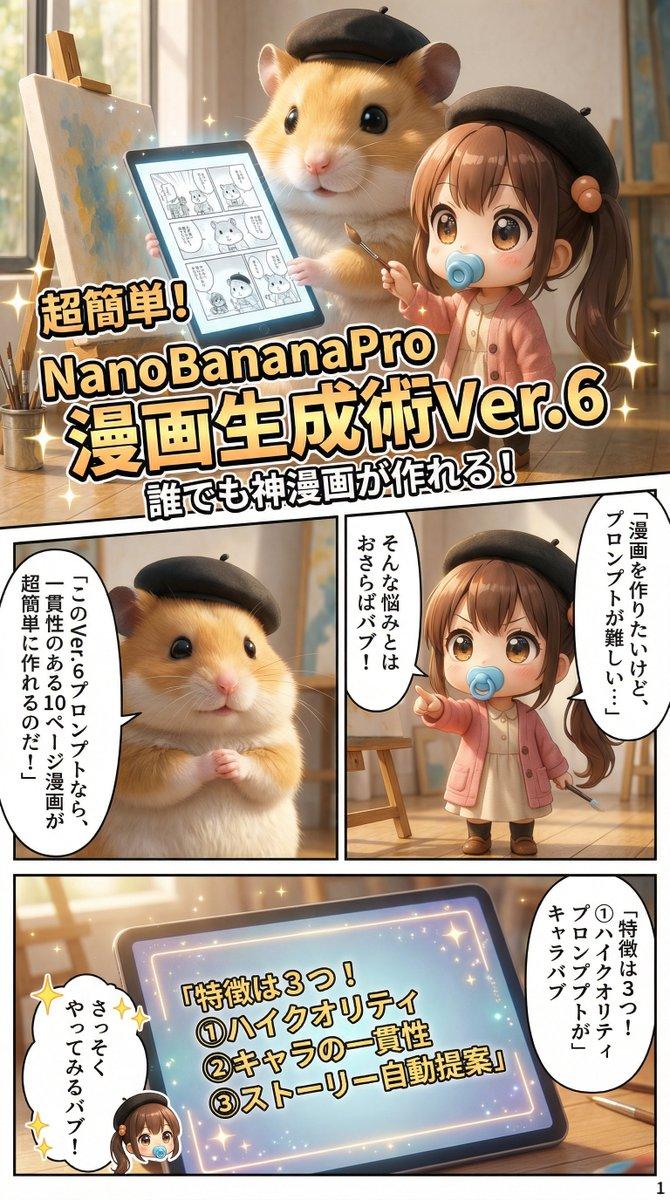
超精细仓鼠举重电影场景
Enlarge

超精细仓鼠举重电影场景

Prompt
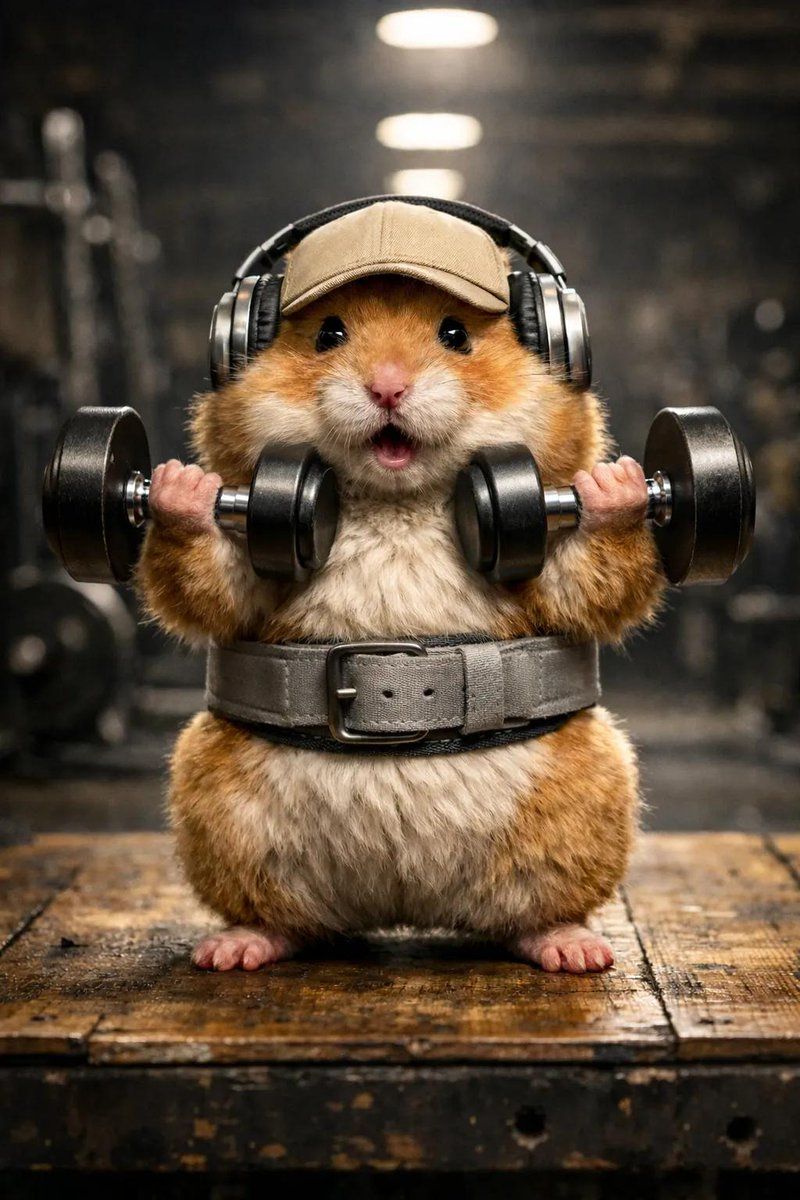
A hyper-detailed, adorable golden hamster in a bright, cheerful gym, animated in smooth cinematic motion. The chubby hamster, fluffy and round, lifts oversized black dumbbells with both tiny paws, bouncing slightly with effort. It wears playful over-ear headphones, a backwards beige baseball cap, and a soft grey weightlifting belt. Mouth open in an excited squeak, eyes sparkling with joy and determination. Warm, soft lighting with gentle shadows shifts subtly across the scene, highlighting floating dust motes and colorful gym equipment. Camera slowly pans around the hamster, showing dynamic angles from three-quarters and low perspectives. Fun textures and whimsical details remain visible throughout. Motion is lively, charming, and heartwarming, 8K ultra-realistic cinematic style, shallow depth of field, soft focus transitions, gentle ambient gym sounds.
--ar 3:4 --stylize 250 --v 6
Category
创意图片
Model
Nano Banana Pro
Views0
Source ID
64500afa-5b45-44f9-9712-406ab9592d19
Published
Mar 8, 2026

Guide

About "超精细仓鼠举重电影场景"

What is this prompt for?

"超精细仓鼠举重电影场景" AI image prompt for Nano Banana Pro (创意图片). 这是一个高度详细、超现实的电影级提示,用于生成一张可爱的金色仓鼠在明亮的健身房里举起超大哑铃的图像。该提示详细说明了光线、动作、纹理和摄像机角度,以呈现一个温馨而充满活力的视觉效果。 --- 一只超精细…

The full copyable prompt and example visuals above are ready for AI image generation or one-click recreate in Picva.

How to use this prompt

  1. Step 1

    Open the prompt detail

    Review the example visuals, category, and full prompt text for "超精细仓鼠举重电影场景".

  2. Step 2

    Copy the prompt

    Copy the prompt body from this page, or load it directly in Studio.

  3. Step 3

    Pick a model (Nano Banana Pro)

    Prefer Nano Banana Pro. If you switch models, keep subject and composition and tweak style terms.

  4. Step 4

    Generate and export

    Recreate the look in Picva, or export into your workflow for editing and publishing.

FAQ

What is the "超精细仓鼠举重电影场景" prompt?
It is an AI image-generation prompt for Nano Banana Pro in the 创意图片 category. This page includes the full prompt text, example visuals, and a one-click recreate path in Picva.
How do I use this prompt to generate an image?
Copy the prompt from this page, or use Generate / Studio. Paste it into a compatible image model, or recreate the look in Picva with optional reference images.
Which model is this prompt for?
This page lists Nano Banana Pro. Most descriptive prompts also transfer to nearby image models such as GPT Image, Flux, or Midjourney with light style tweaks.
Can I use the result commercially?
You can usually copy the prompt for creation, but commercial use of the final image depends on the model terms, reference-image rights, and the generated content. Follow the source author and platform rules.