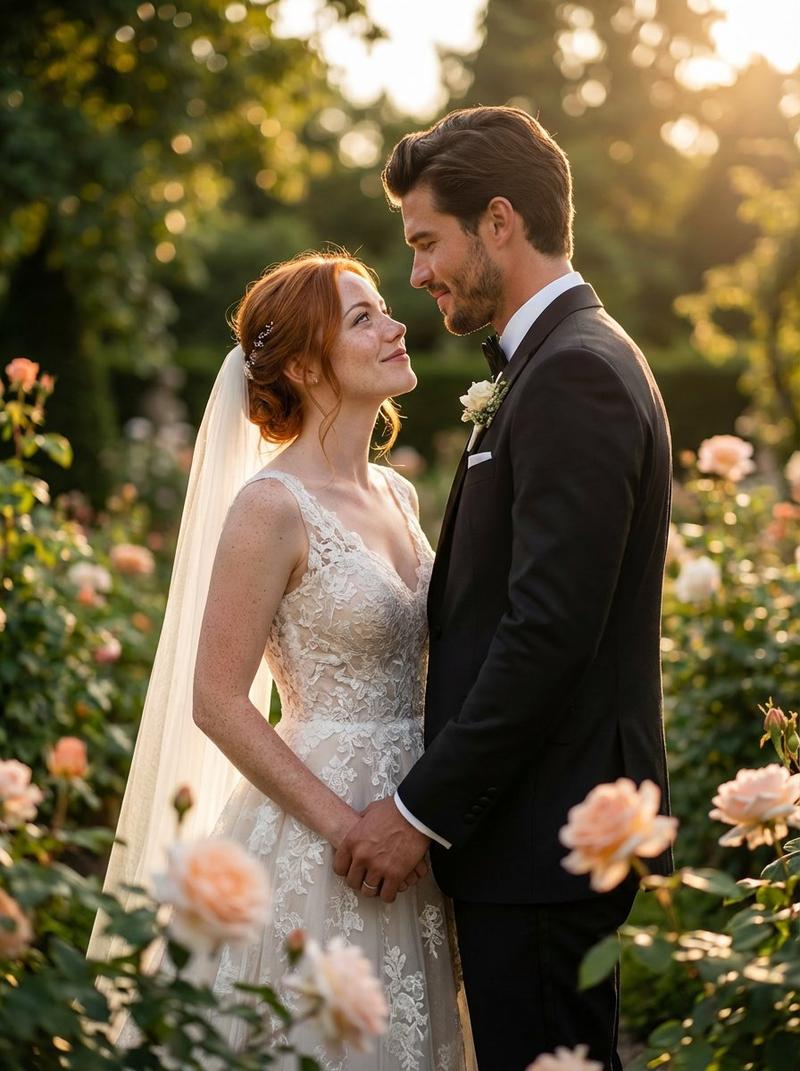
花园里的婚纱照
Prompt
{
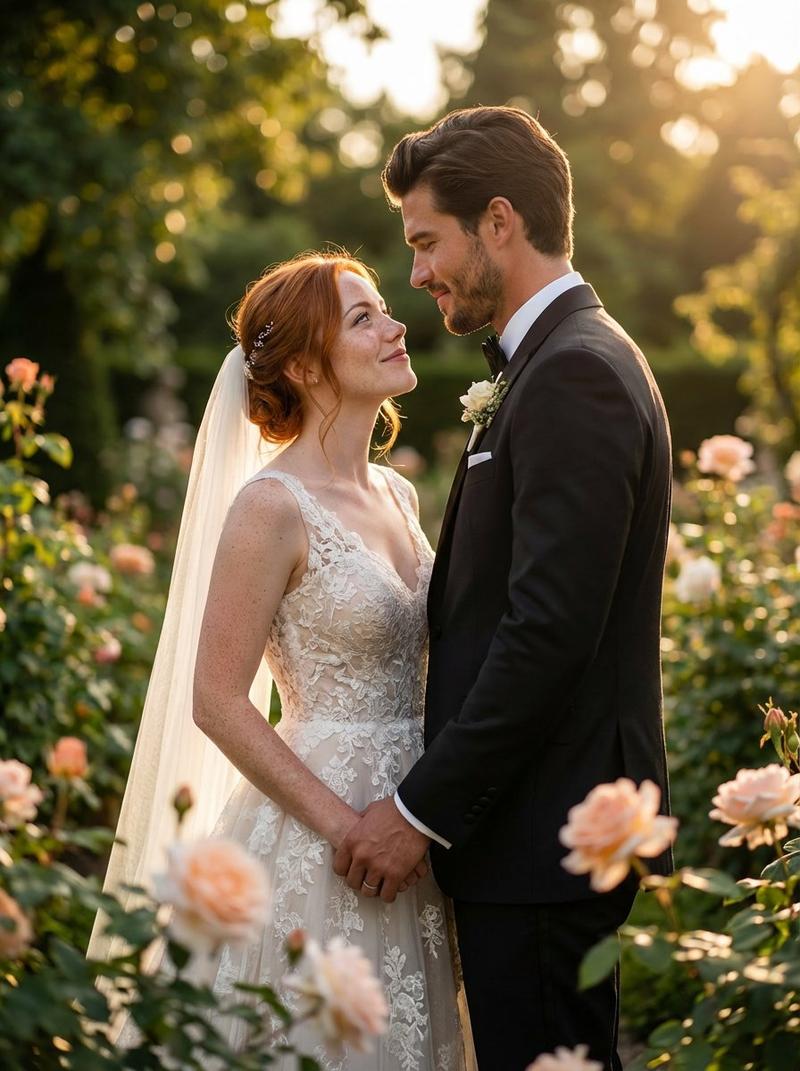
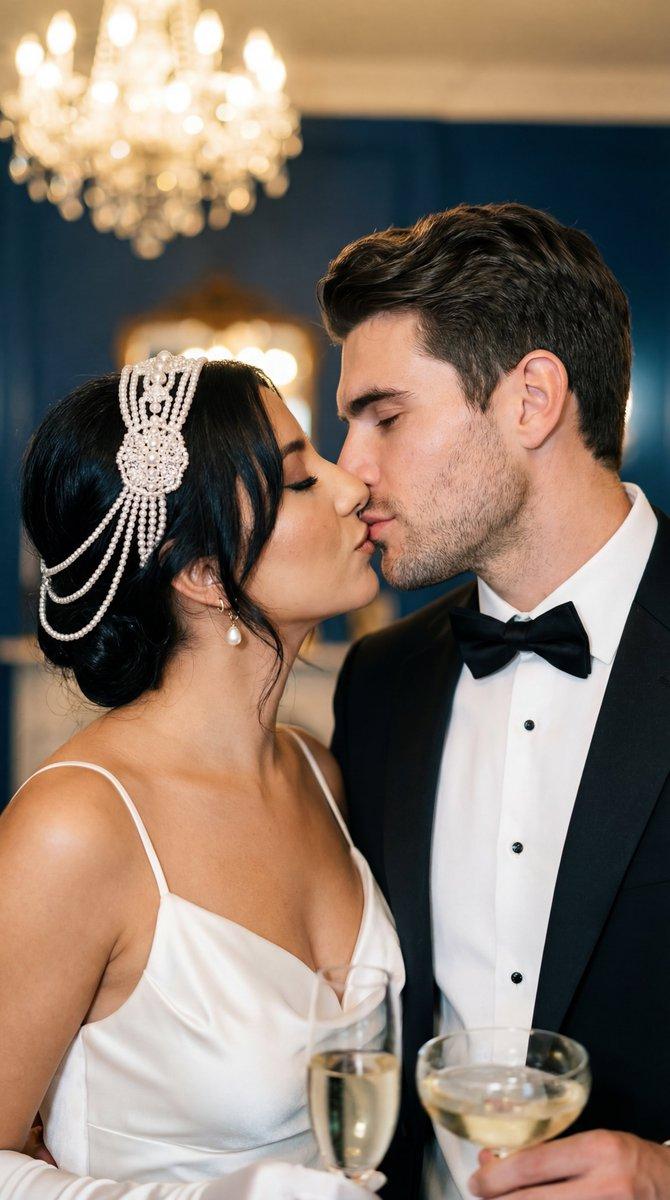
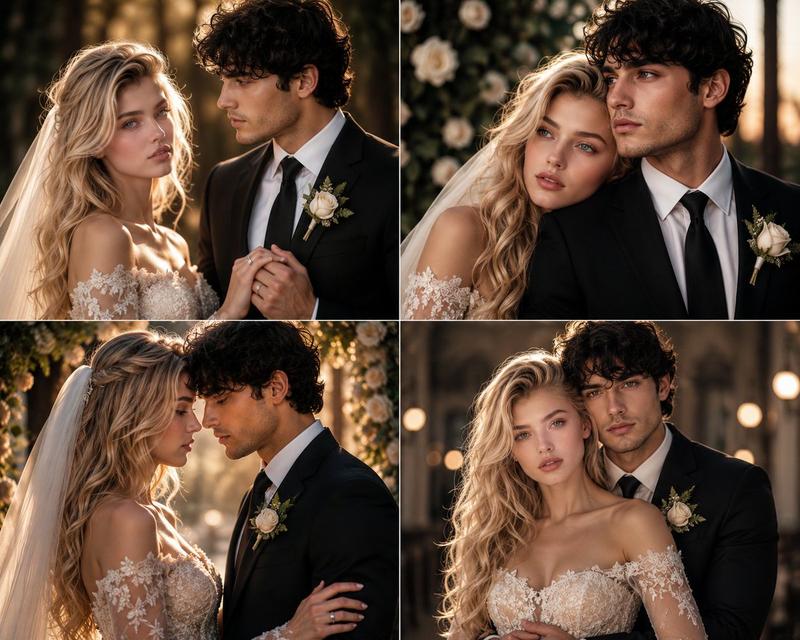
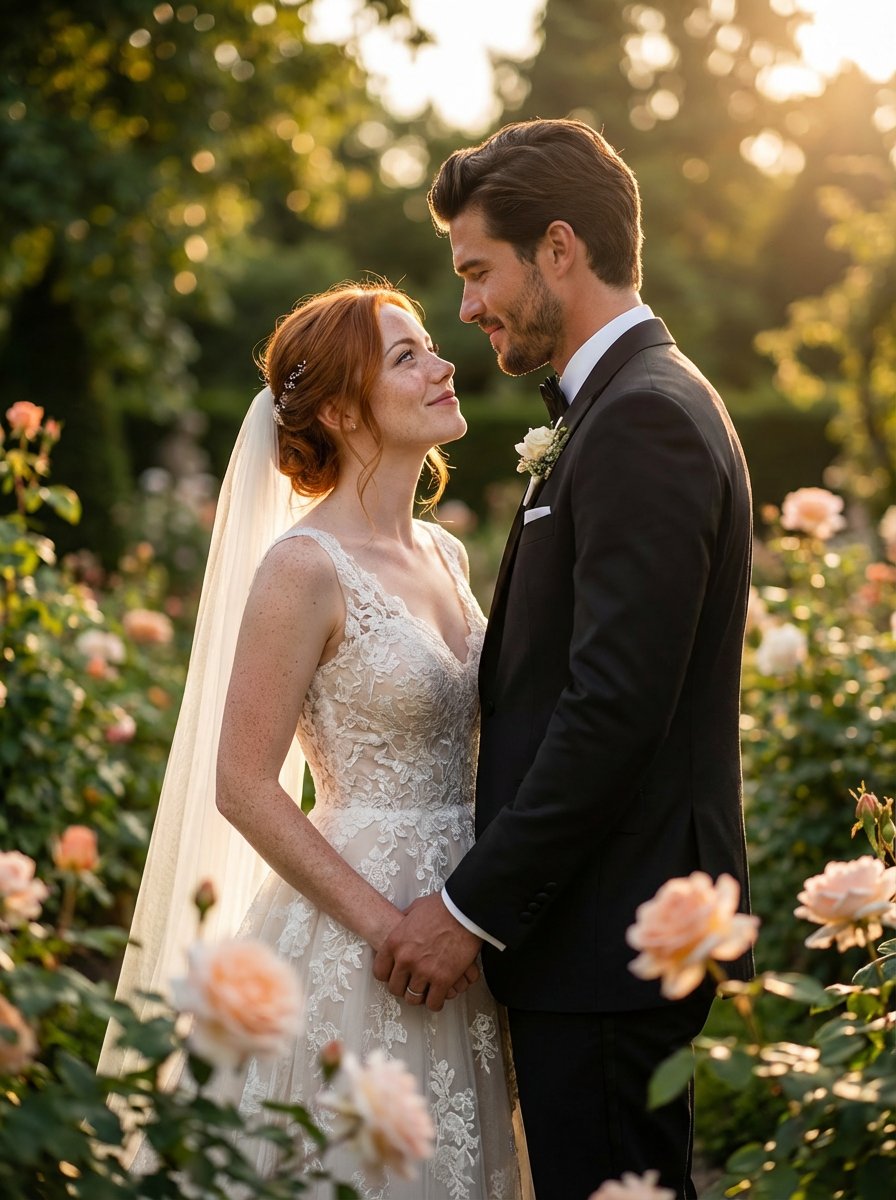
 "Use [man_face] and [woman_fac]. Ultra-realistic high-end luxury wedding photography of a bride and groom standing closely together in an elegant outdoor ceremony setting. Golden hour sunlight casting warm soft highlights, natural rim light around their silhouettes, cinematic dynamic range. The bride wearing a premium handcrafted lace wedding gown with intricate embroidery details, soft flowing veil illuminated by backlight, subtle pearl accessories, refined natural bridal makeup with luminous skin texture, finely detailed eyelashes and catchlights in eyes. The groom wearing a tailored black tuxedo with satin lapels, crisp white shirt, luxury bow tie, polished boutonniere. Both posing in a candid yet editorial fashion – gentle eye contact, soft romantic smile, hands touching gracefully. Background featuring a softly blurred bokeh garden with roses, organic greenery, warm tones, shallow depth of field created by an 85mm f/1.4 full-frame lens. High-definition textures, ultra sharp facial details, realistic pores, true-to-life skin tones, natural hair strands, perfect color grading inspired by premium wedding photographers. Soft pastel color palette, creamy highlights, subtle film grain, magazine cover aesthetic. Cinematic global illumination, perfect exposure balance, no distortion, no artifacts. Award-winning photography style with fine-art wedding composition, dramatic yet soft lighting, museum-quality detail clarity.",

  "negative_prompt": "cartoon, illustration, painting, CGI, artificial look, uncanny valley, distorted facial features, extra limbs, deformed body parts, mismatched eyes, unnatural skin texture, plastic skin, blur, noise, pixelation, low resolution, oversaturated colors, washed out colors, hard flash, harsh shadows, blown highlights, low contrast, lens distortion, fisheye, bad anatomy, extra fingers, incorrect hand shapes, watermark, text, logo, border, frame, compression artifacts, glitch, unrealistic proportions, double face, duplicate subjects, warped background",

  "camera_settings": {
    "lens": "85mm f/1.4 prime",
    "iso": 100,
    "shutter_speed": "1/400",
    "aperture": "f/1.4",
    "white_balance": "5200K daylight"
  },

  "style": {
    "lighting": "soft natural golden hour, cinematic rim light, high dynamic range",
    "color_grade": "premium wedding film look, pastel tones, creamy highlights, warm undertones",
    "atmosphere": "romantic, elegant, fine-art editorial"
  },

  "composition": {
    "framing": "mid-shot portrait, slight angle, bride and groom centered",
    "focus": "sharp eyes, smooth bokeh background",
    "depth_of_field": "shallow, subject separation emphasized"
  },

  "width": 1024,
  "height": 1536,
  "num_inference_steps": 36,
  "guidance_scale": 8.0,
  "seed": 12345
}- Category
- 创意图片
- Model
- Nano Banana Pro
- Creator
- @miilesus
- Source ID
- 2f245e98-a110-4de8-9529-9cc5b27d8b1a
- Published
- Dec 27, 2025
Views7