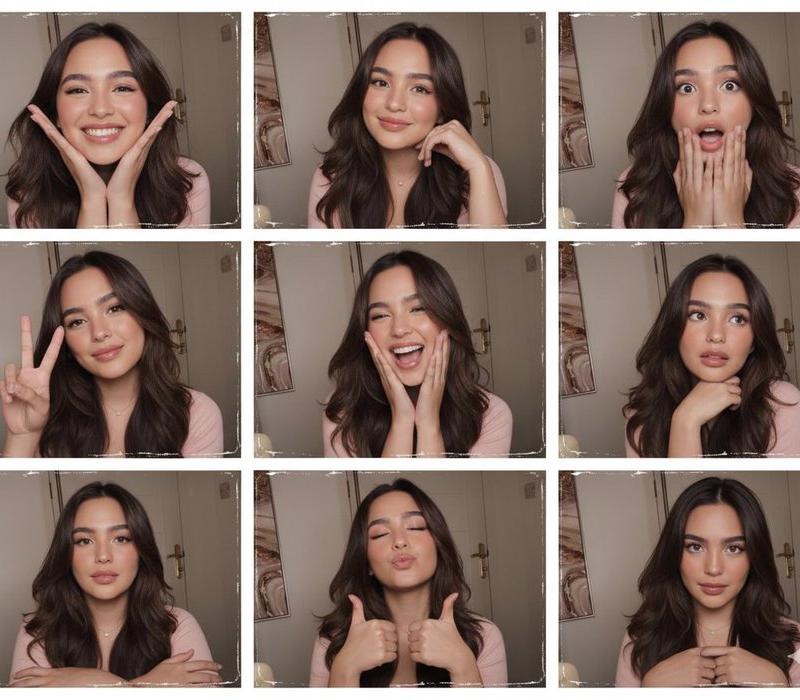
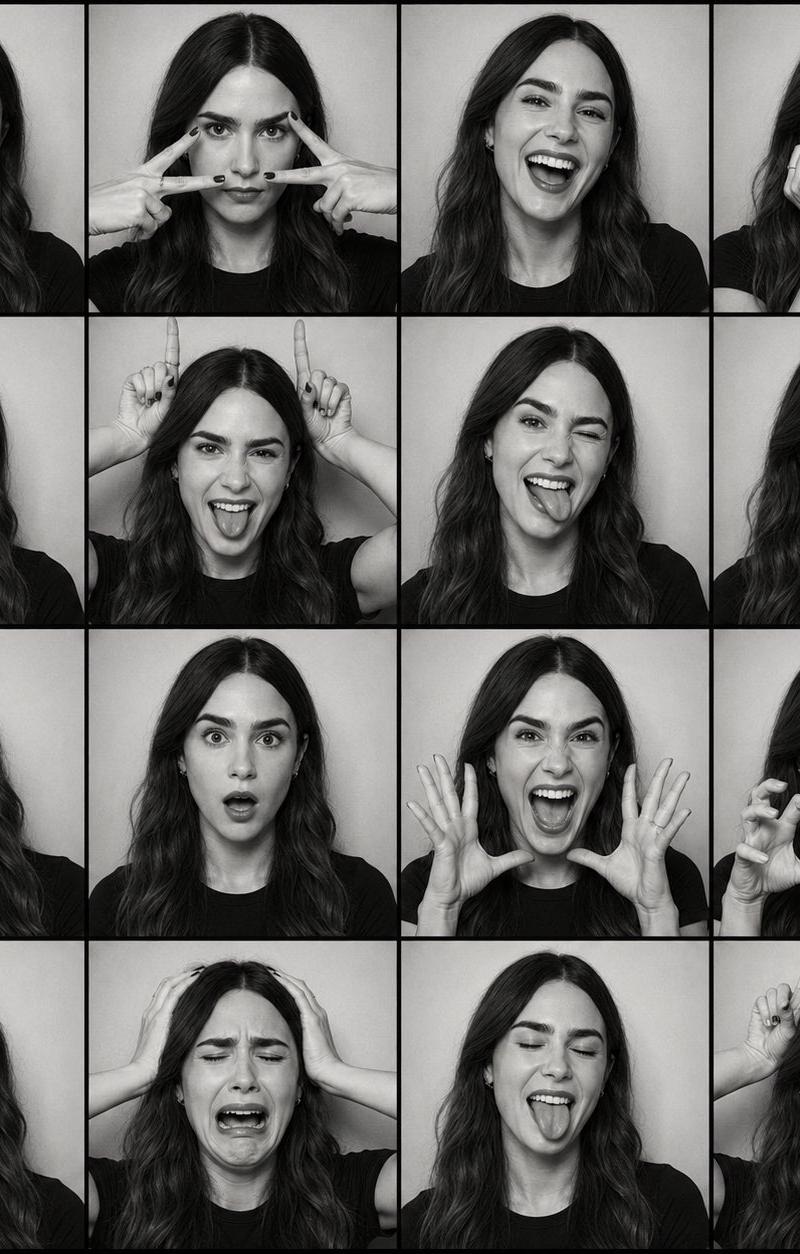
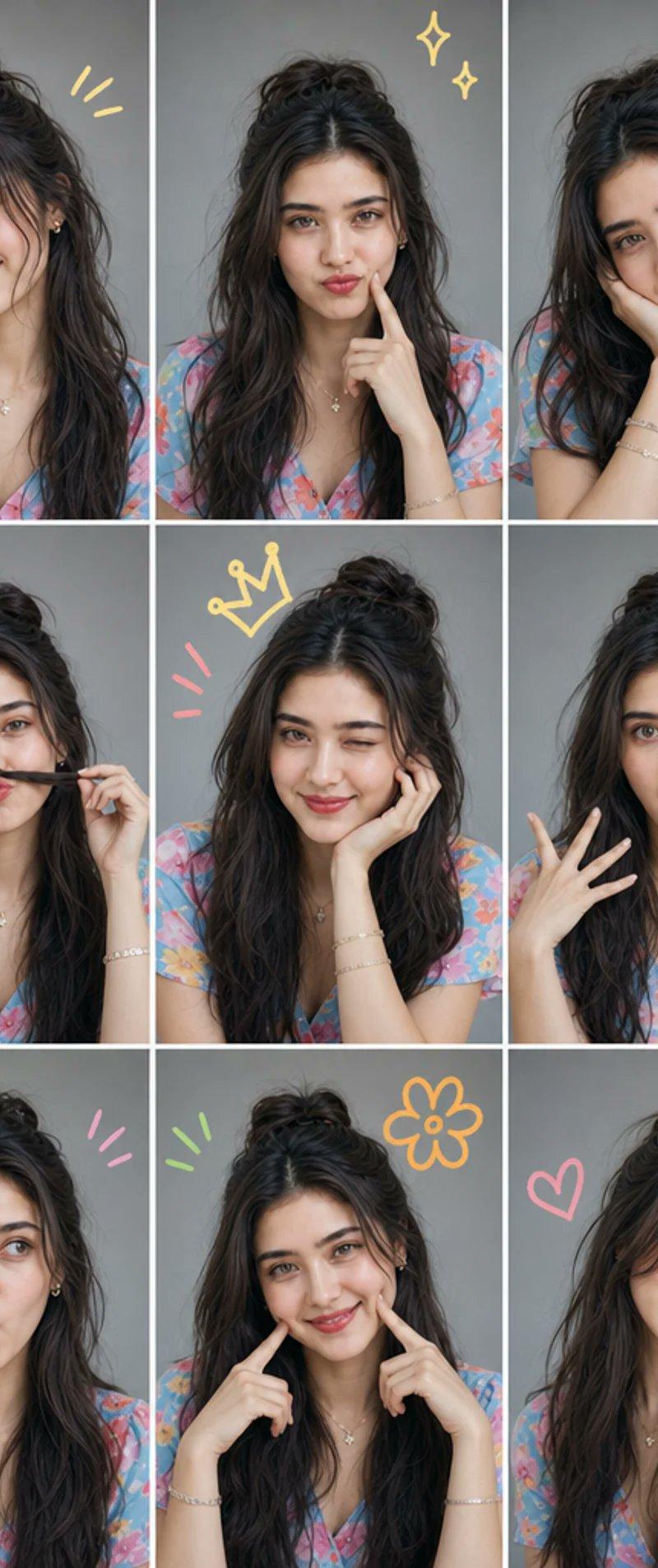
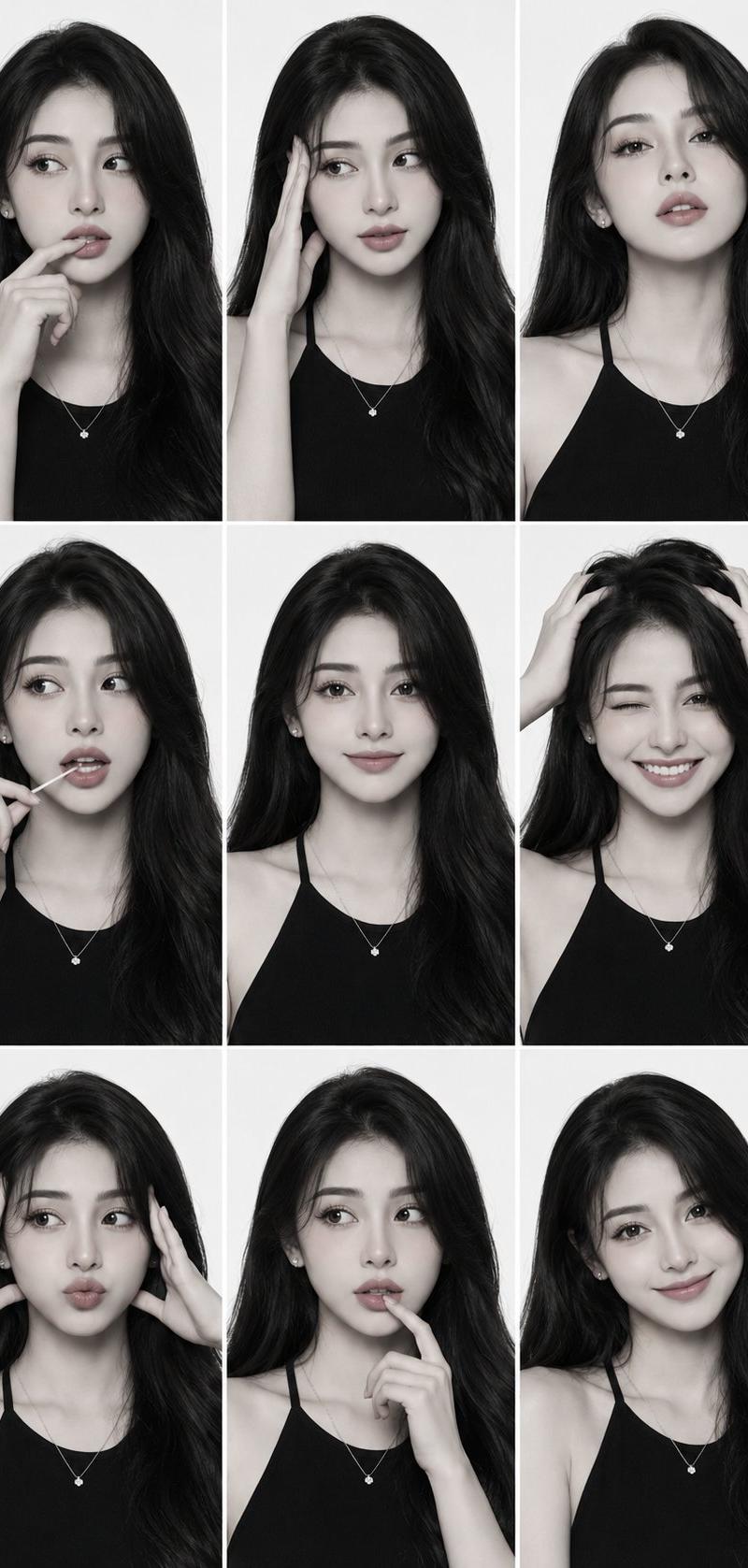
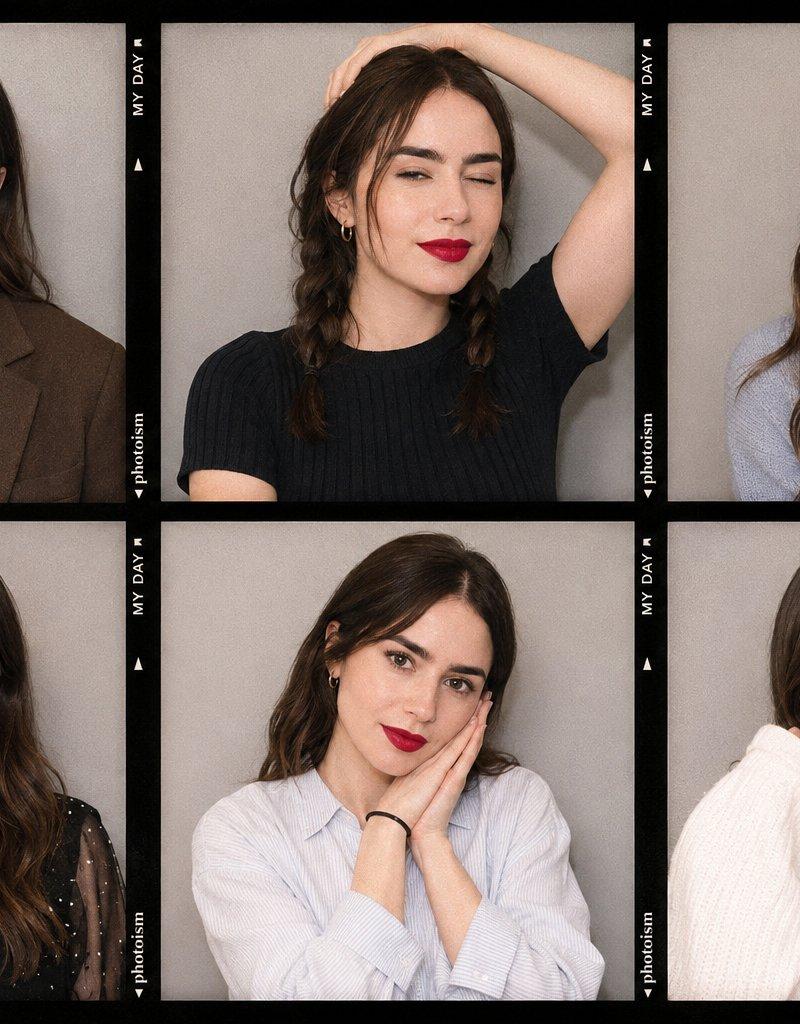
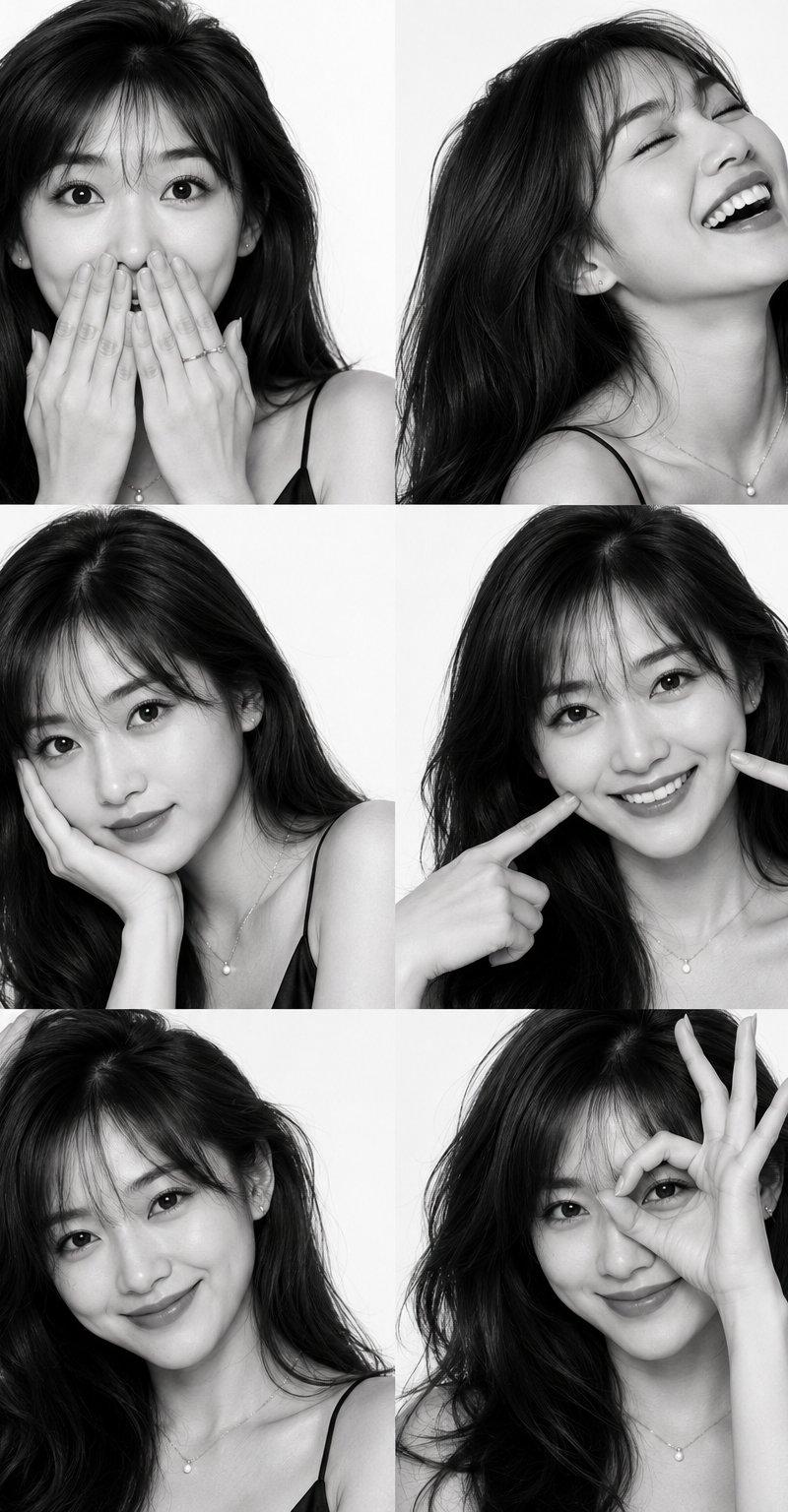
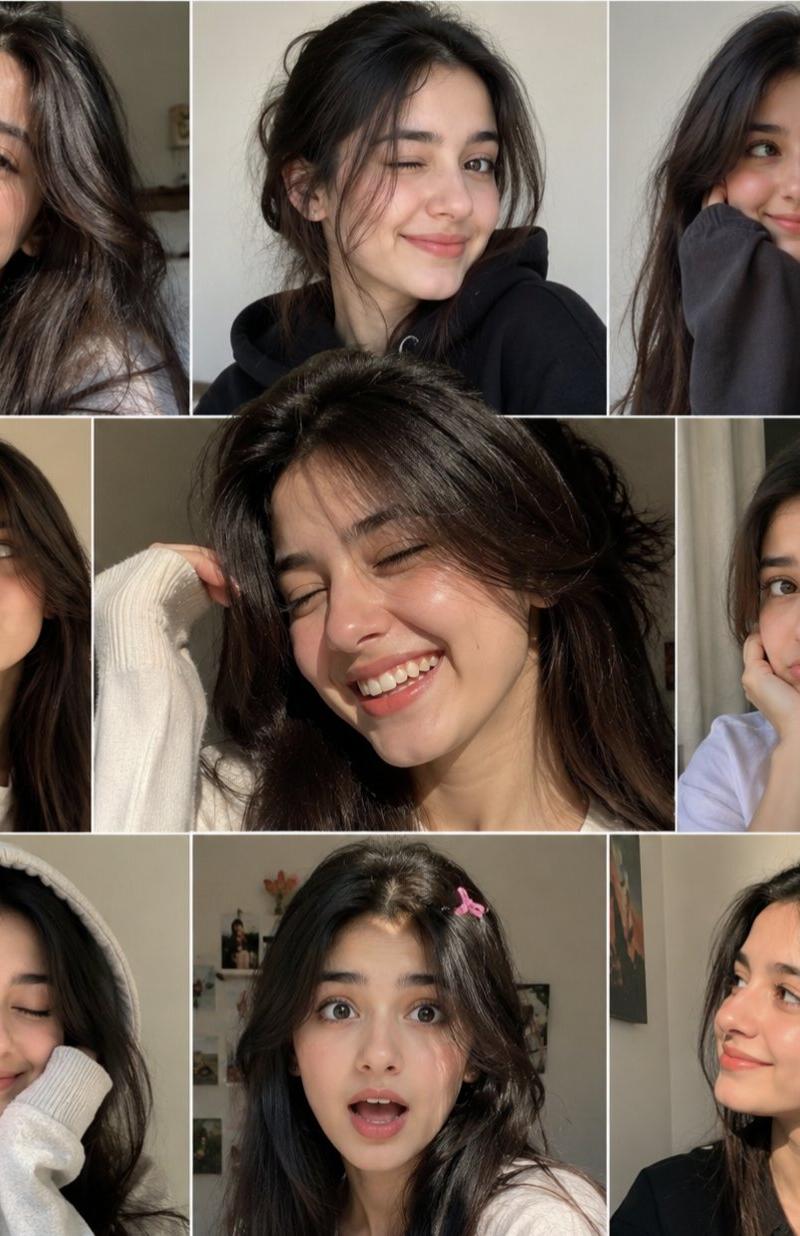
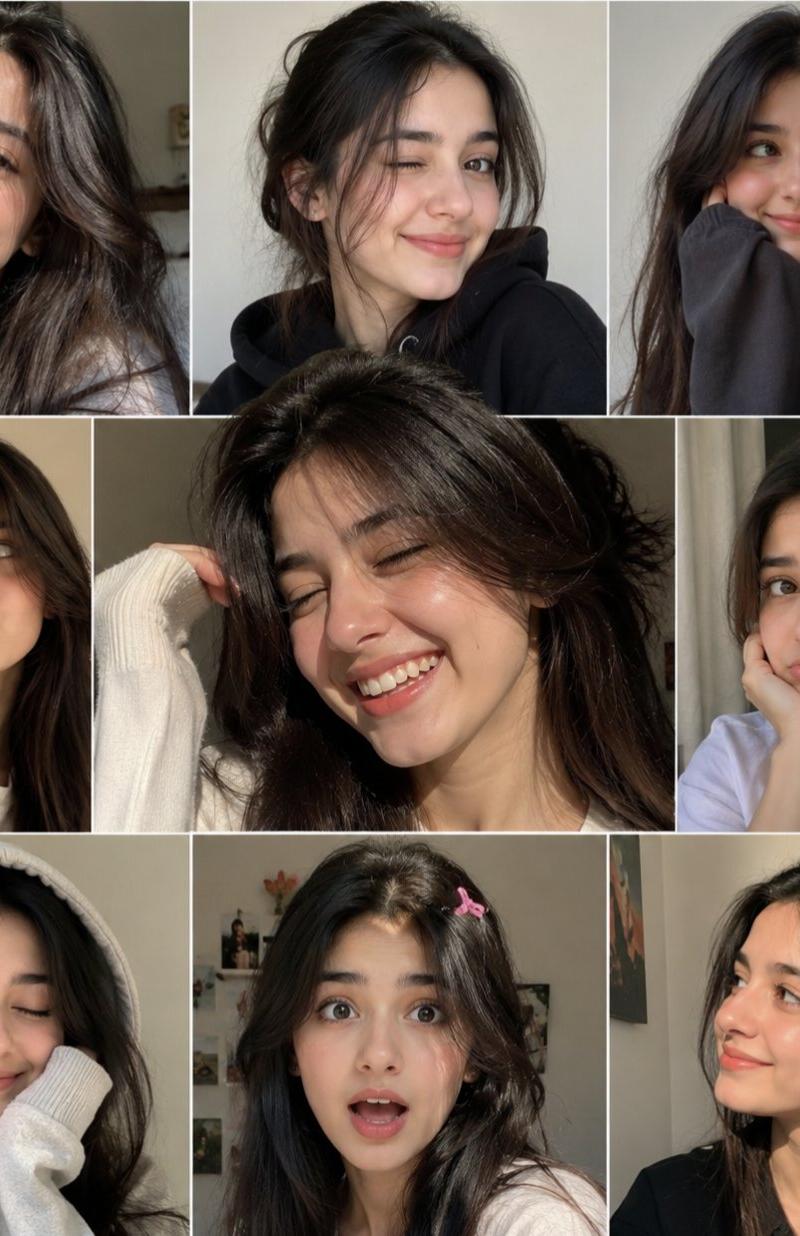
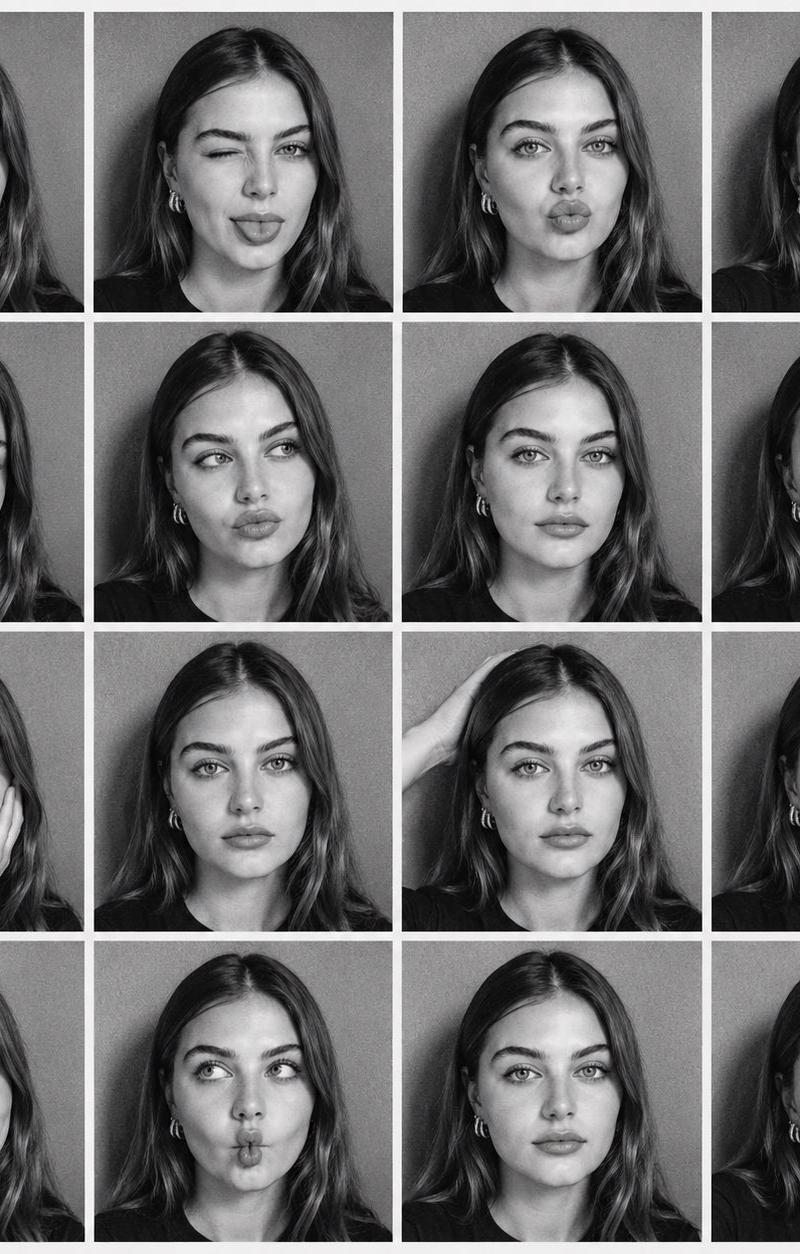
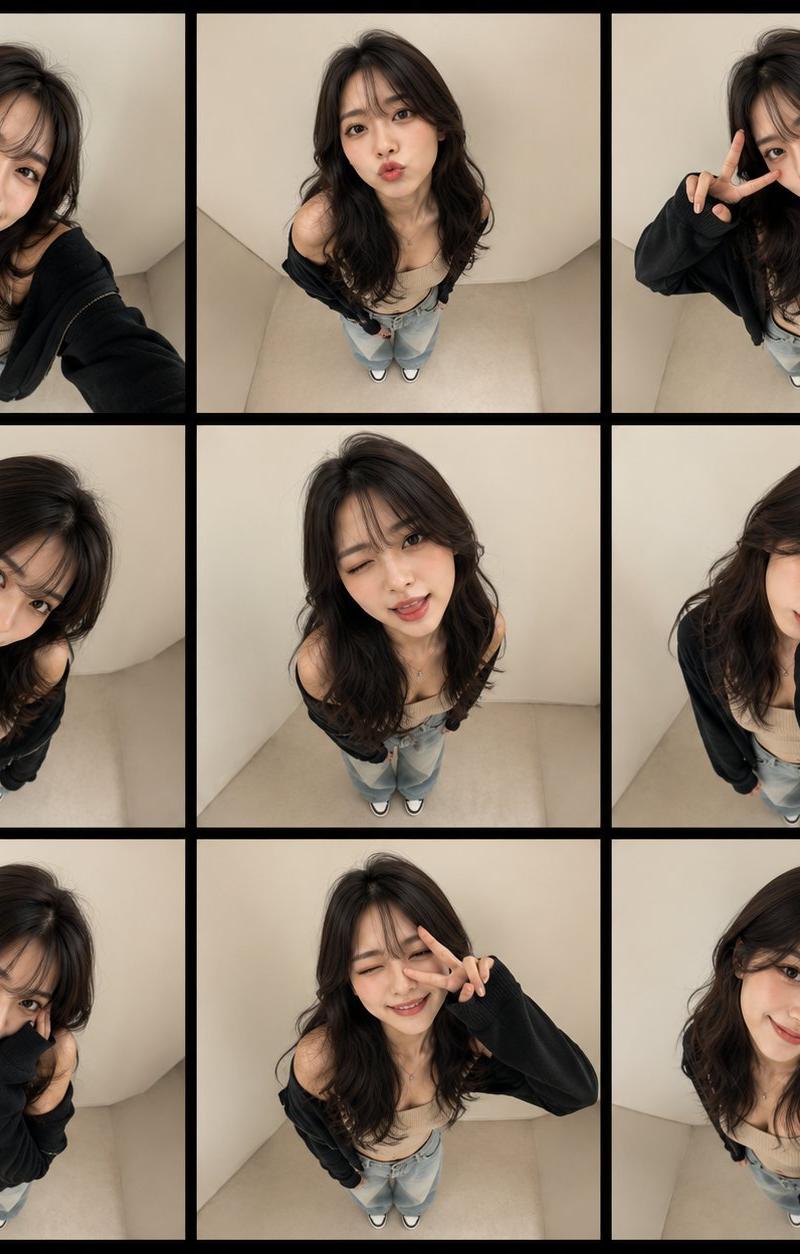
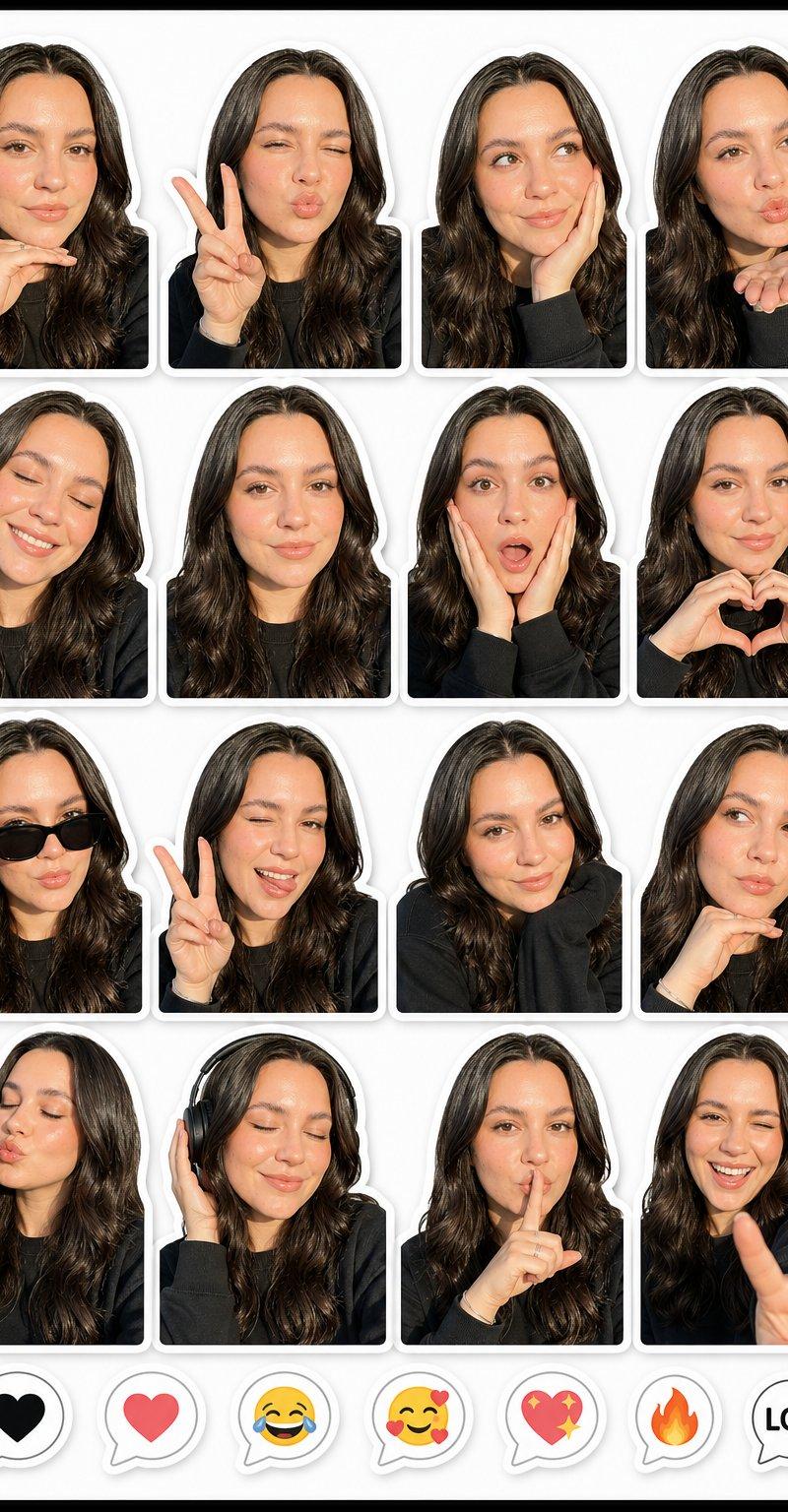
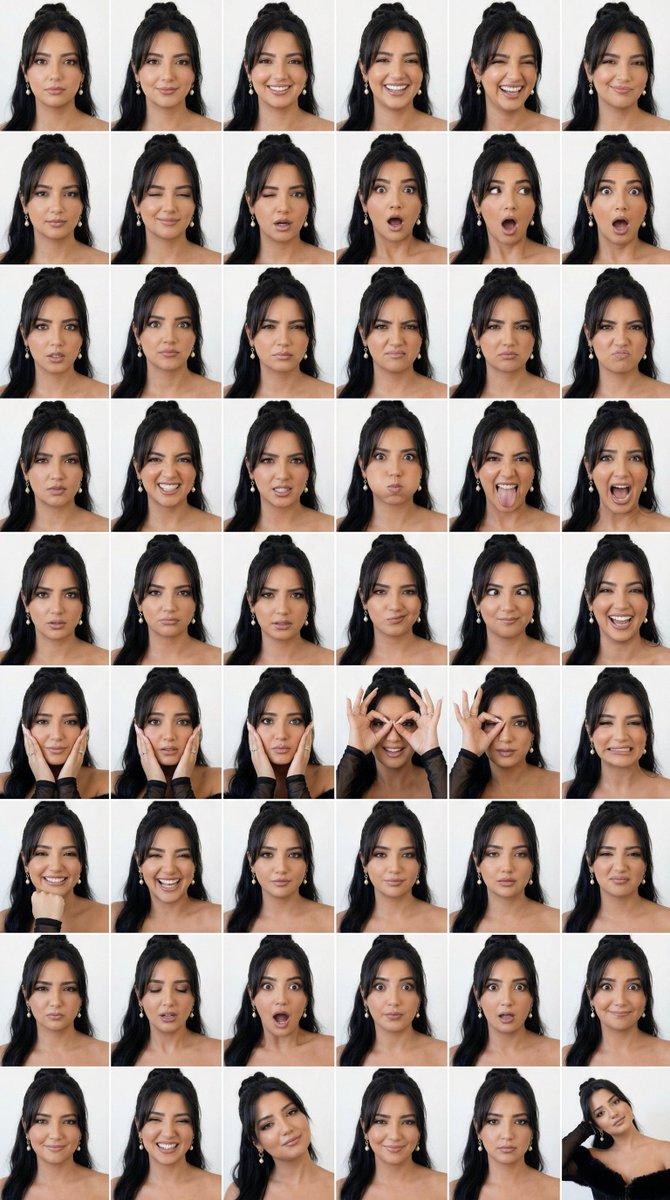
制作大头贴
Prompt
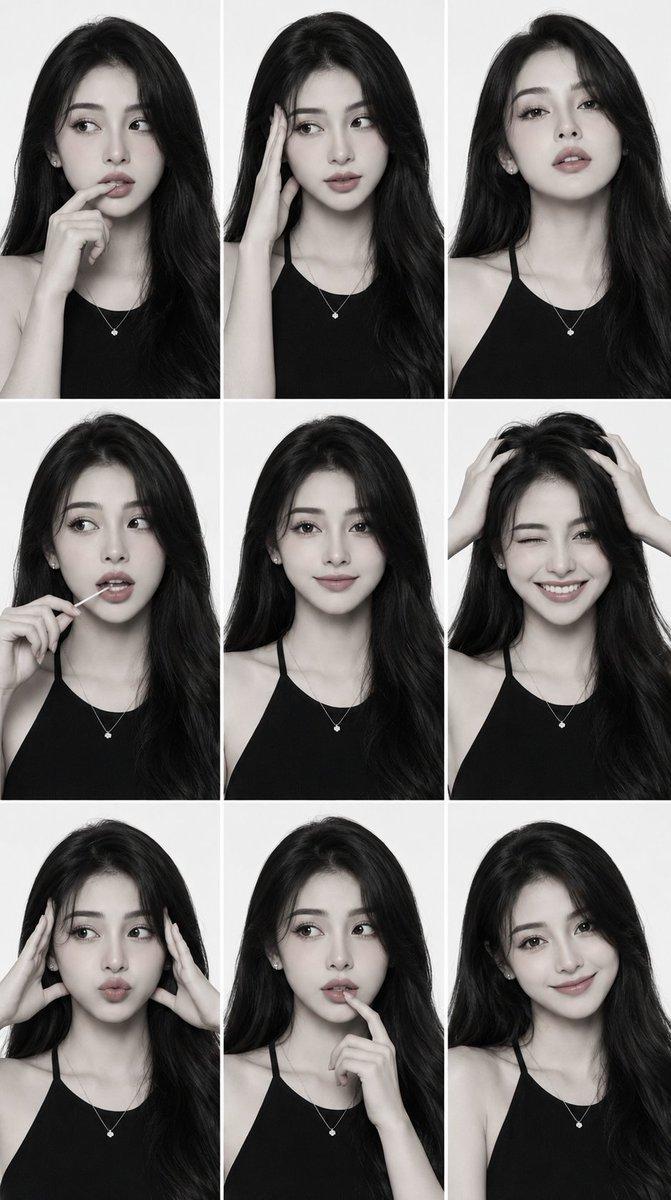
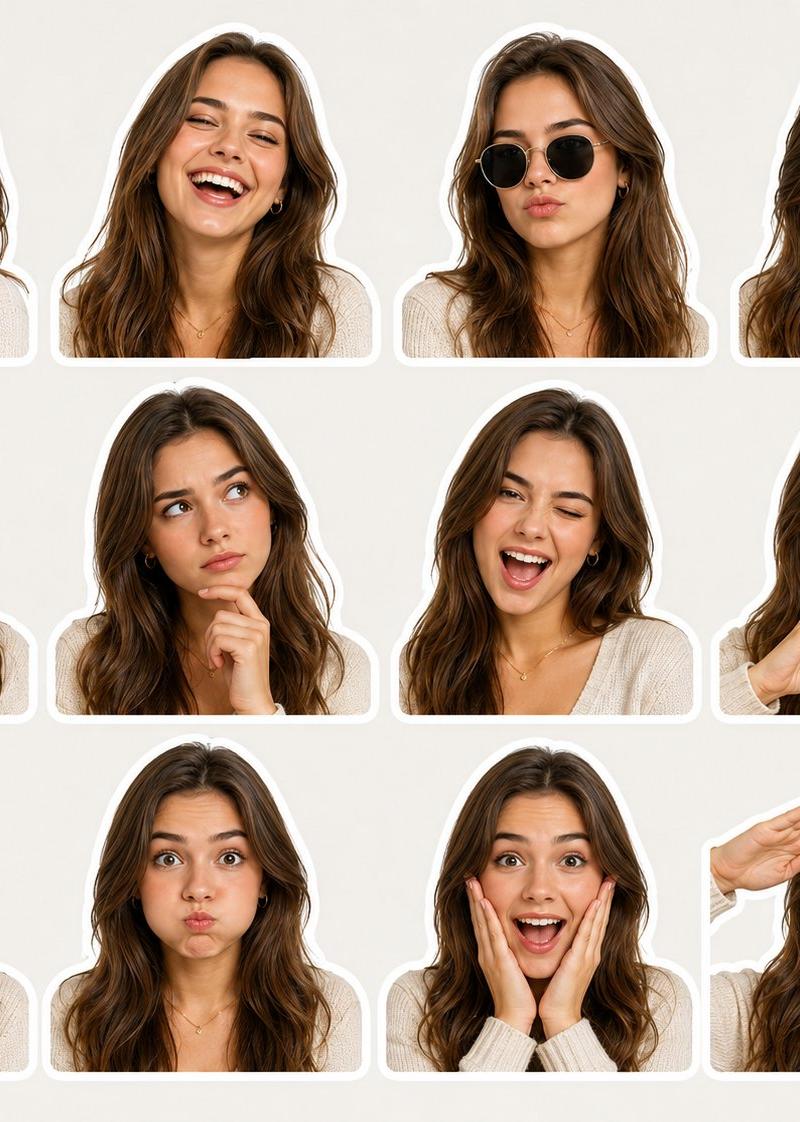
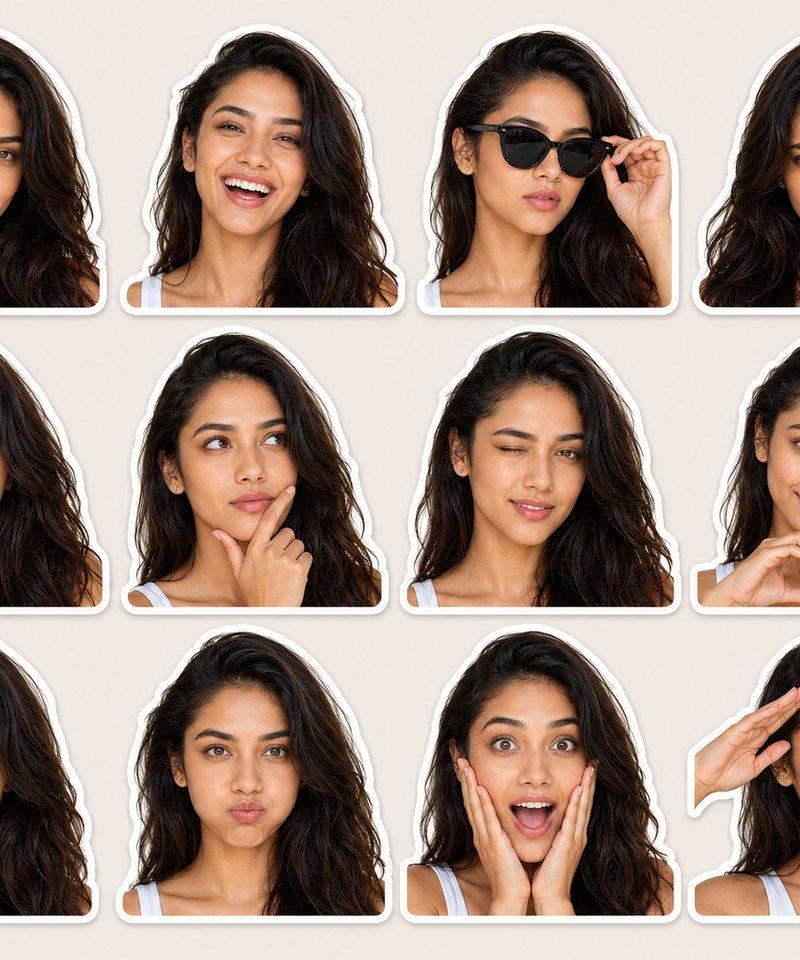
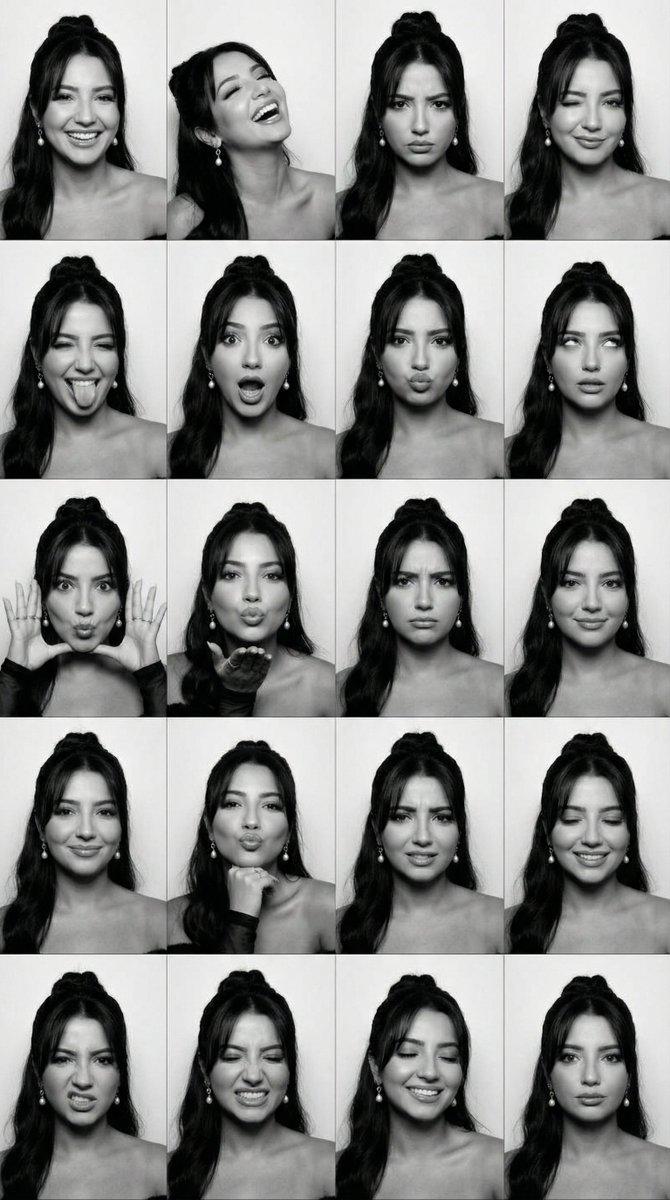
用这张照片,做一个3*3的photo booth grid,每张要用不同的姿势和表情不许重复
- Category
- Photography & Realism
- Model
- Unknown
- Creator
- 松果先森
- Source language
- zh-CN
- Source ID
- make-photo-booth-sticker
Views0
18
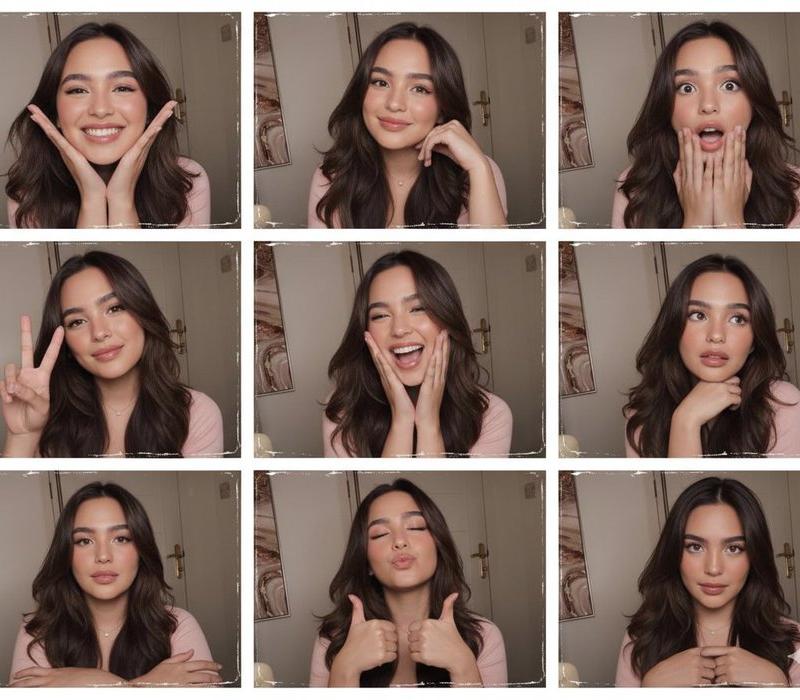
用这张照片,做一个3*3的photo booth grid,每张要用不同的姿势和表情不许重复
Guide
"制作大头贴" AI image prompt for Unknown (Photography & Realism). 用这张照片,做一个3*3的photo booth grid,每张要用不同的姿势和表情不许重复 Copy it on Picva and recreate the look in one click.
The full copyable prompt and example visuals above are ready for AI image generation or one-click recreate in Picva.
Step 1
Review the example visuals, category, and full prompt text for "制作大头贴".
Step 2
Copy the prompt body from this page, or load it directly in Studio.
Step 3
Prefer Unknown. If you switch models, keep subject and composition and tweak style terms.
Step 4
Recreate the look in Picva, or export into your workflow for editing and publishing.