18

购物版本
Click to enlarge

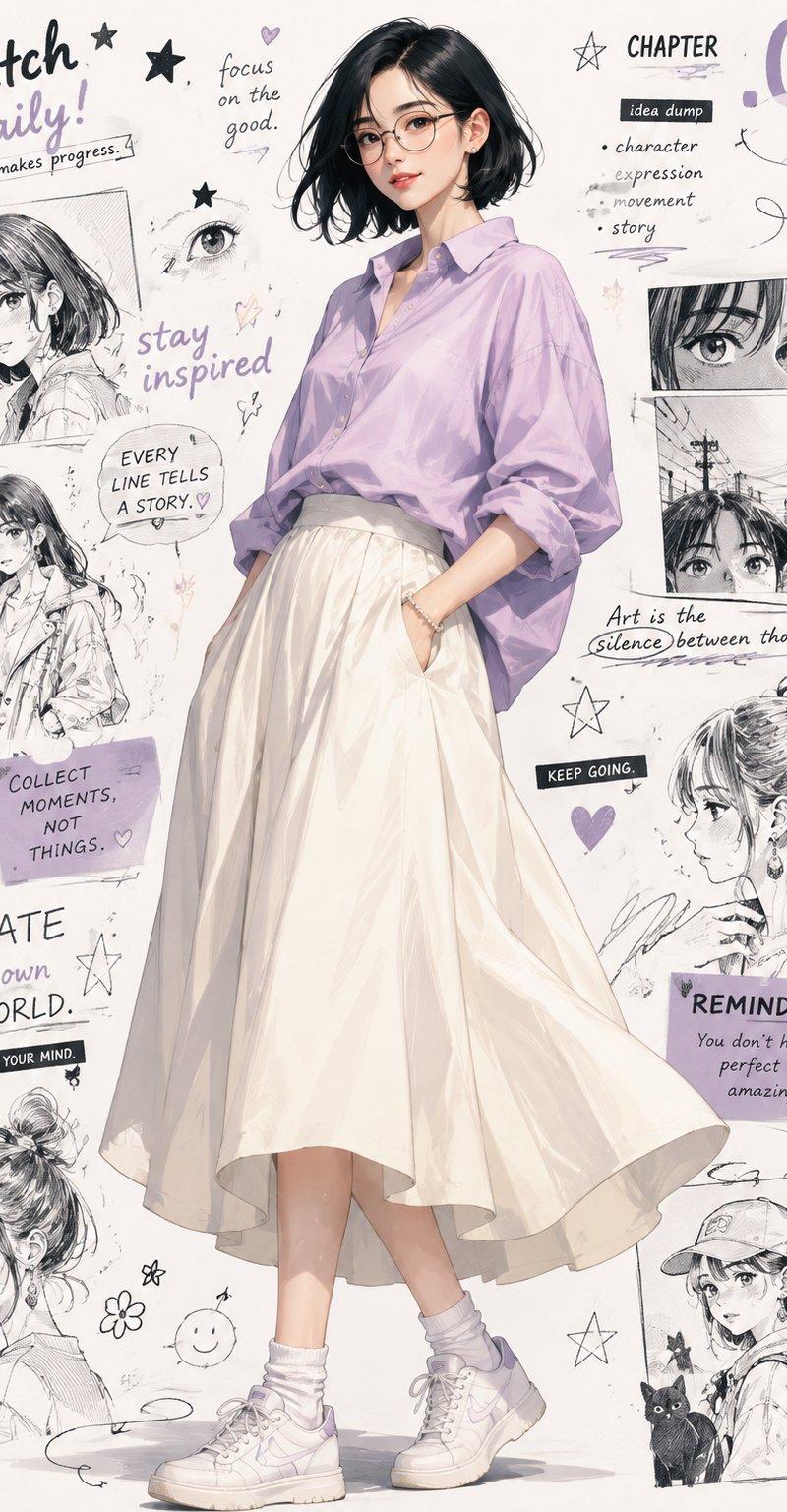
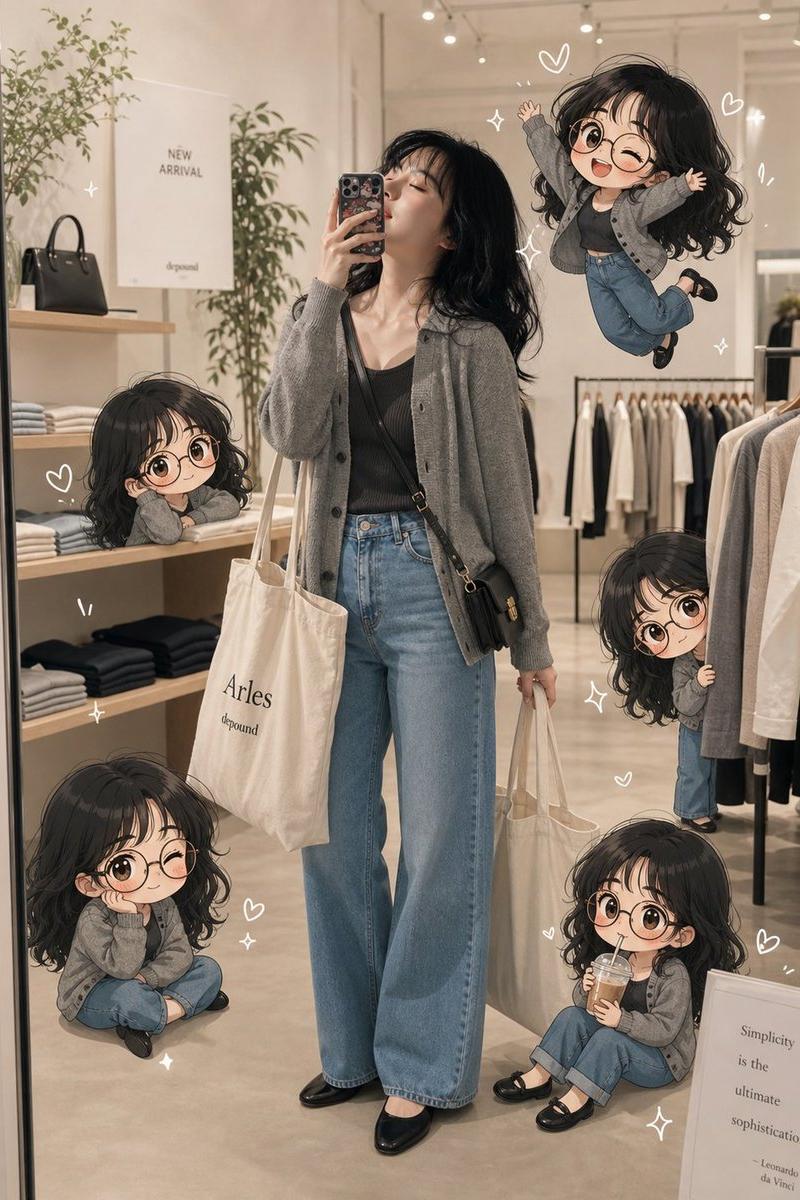
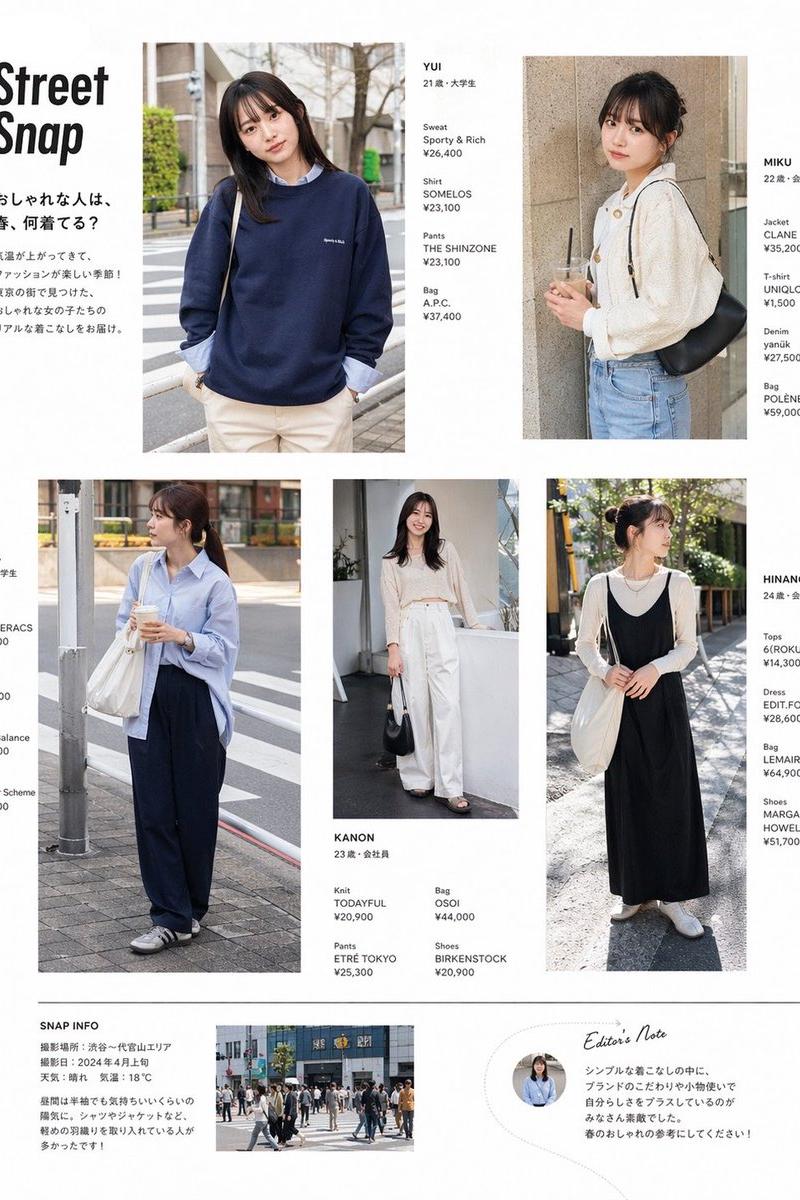
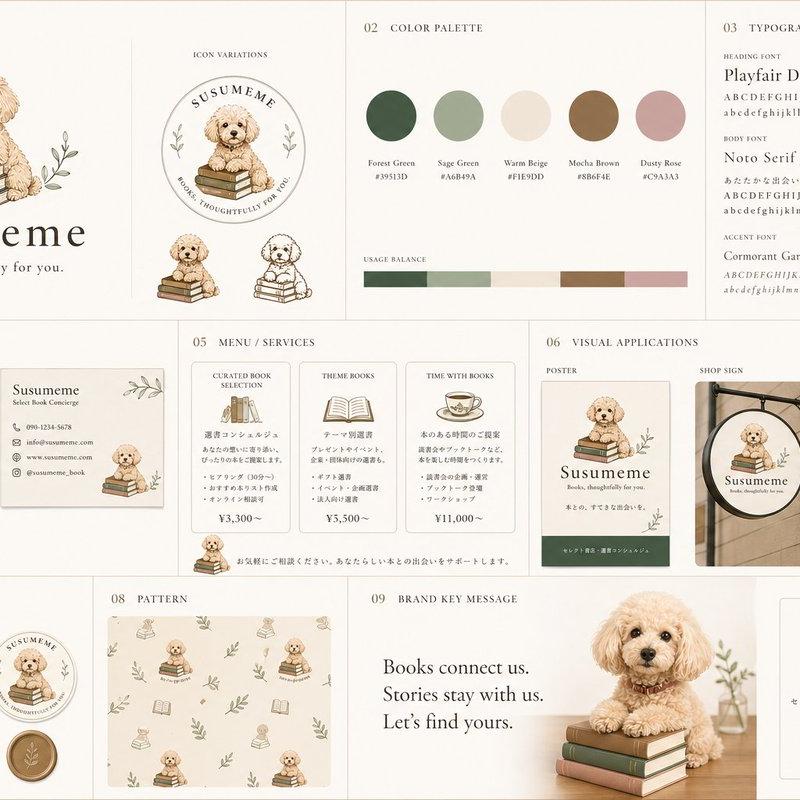
Example images

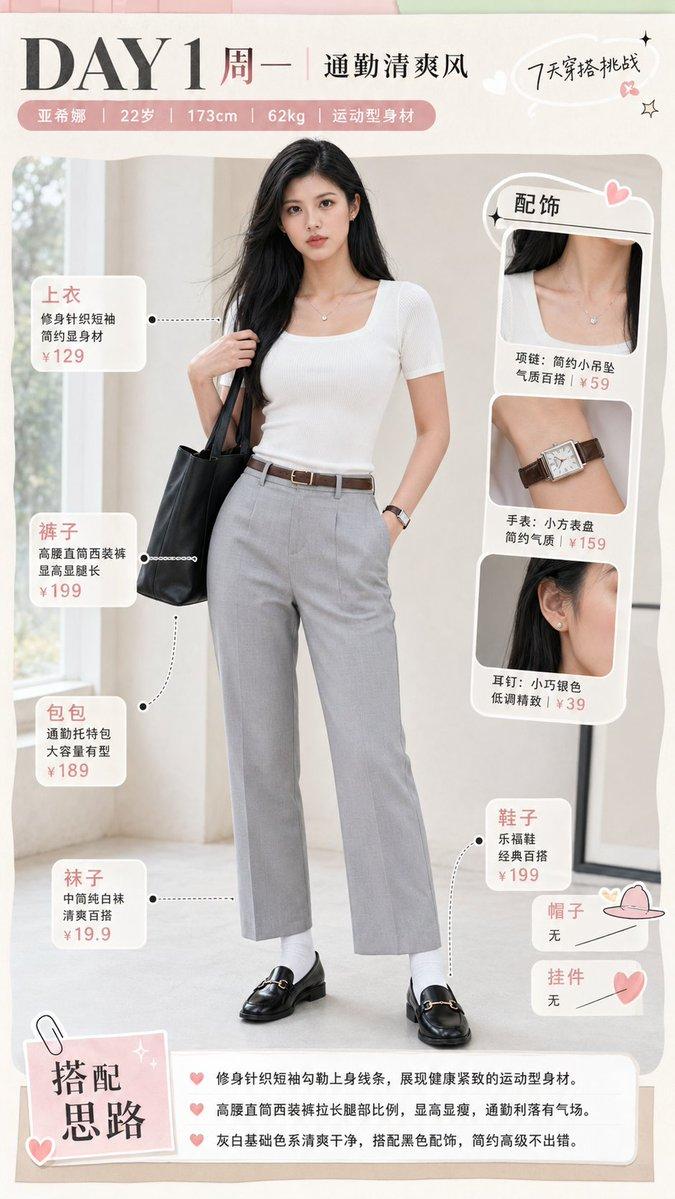
Photography & RealismXCbotaiart.picsNano Banana Pro图片

购物版本

Prompt
Gemini Nano Banana Pro 3.0
Prompt ⤵️
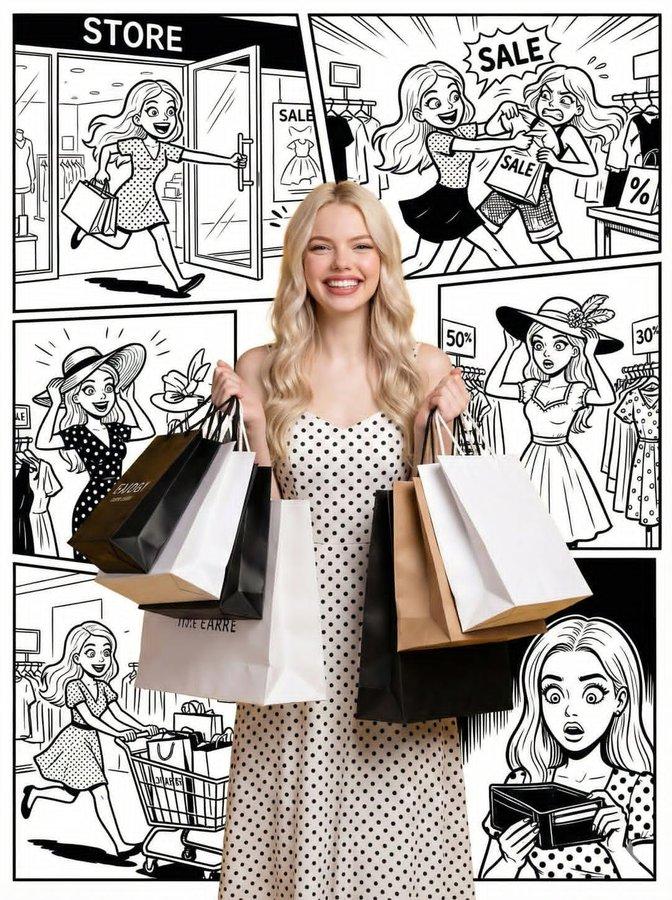
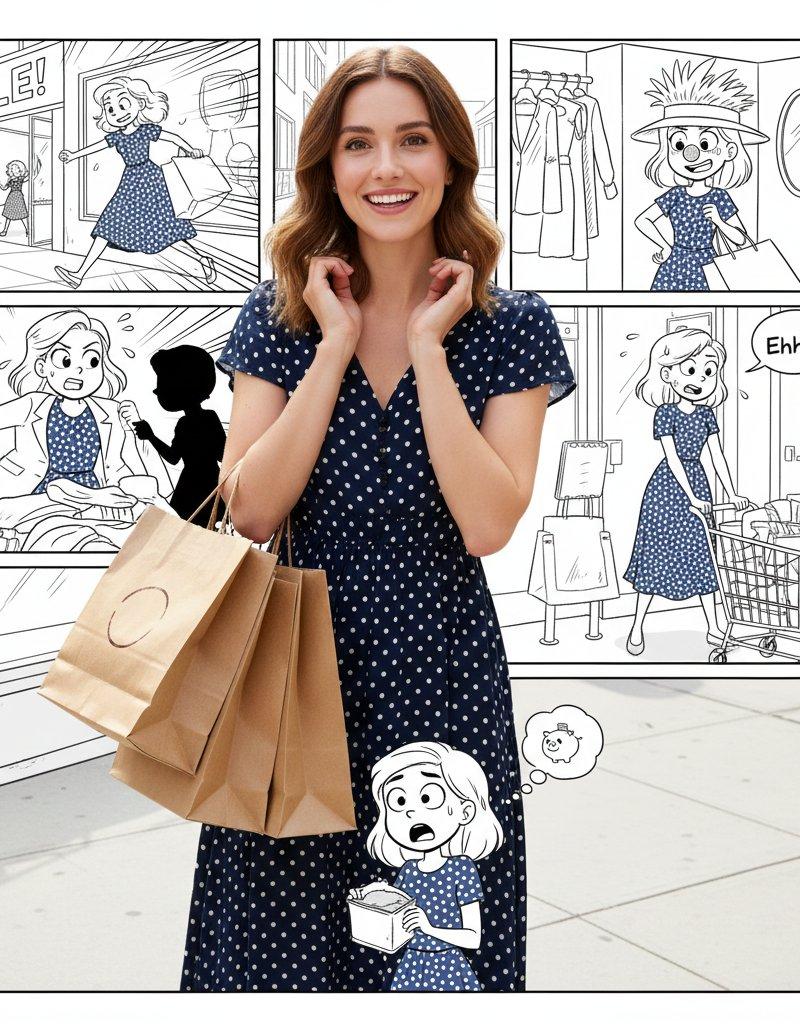
"title": "Shopping Version",
"description": {
"real_woman": {
"appearance": "A real human woman wearing a stylish polka dot dress",
"pose": "Holding shopping bags with a happy expression",
"style": "Full photorealistic photography",
"details": "Vibrant colors, sharp detail, realistic skin texture, natural lighting",
"restriction": "Must remain photorealistic and not cartoon"
},
"background_comic": {
"style": "Intricately detailed multi-panel black-and-white comic strip",
"character": "Same woman depicted as a cartoon",
"story_panels": [
"Entering the store excitedly",
"Fighting over sale items",
"Trying ridiculous outfits",
"Struggling with an overflowing cart",
"Checking an empty wallet with a shocked expression"
],
"connection": "Comic narrative continues directly from her realistic shopping pose"
},
"overall_goal": "Create a seamless story where the photorealistic woman is the \'real moment\' inside her own comic adventure"
}
}
Category
Photography & Realism
Model
Nano Banana Pro
Creator
𝐌𝐢𝐧𝐝𝐒𝐩𝐚𝐫𝐤
Source language
zh-CN
Views0
Source ID
shopping-version
Studio

Guide

About "购物版本"

What is this prompt for?

"购物版本" AI image prompt for Nano Banana Pro (Photography & Realism). Gemini Nano Banana Pro 3.0 Prompt ⤵️ "title": "Shopping Version", "description": { "real_wo…

The full copyable prompt and example visuals above are ready for AI image generation or one-click recreate in Picva.

How to use this prompt

  1. Step 1

    Open the prompt detail

    Review the example visuals, category, and full prompt text for "购物版本".

  2. Step 2

    Copy the prompt

    Copy the prompt body from this page, or load it directly in Studio.

  3. Step 3

    Pick a model (Nano Banana Pro)

    Prefer Nano Banana Pro. If you switch models, keep subject and composition and tweak style terms.

  4. Step 4

    Generate and export

    Recreate the look in Picva, or export into your workflow for editing and publishing.

FAQ

What is the "购物版本" prompt?
It is an AI image-generation prompt for Nano Banana Pro in the Photography & Realism category. This page includes the full prompt text, example visuals, and a one-click recreate path in Picva.
How do I use this prompt to generate an image?
Copy the prompt from this page, or use Generate / Studio. Paste it into a compatible image model, or recreate the look in Picva with optional reference images.
Which model is this prompt for?
This page lists Nano Banana Pro. Most descriptive prompts also transfer to nearby image models such as GPT Image, Flux, or Midjourney with light style tweaks.
Can I use the result commercially?
You can usually copy the prompt for creation, but commercial use of the final image depends on the model terms, reference-image rights, and the generated content. Follow the source author and platform rules.