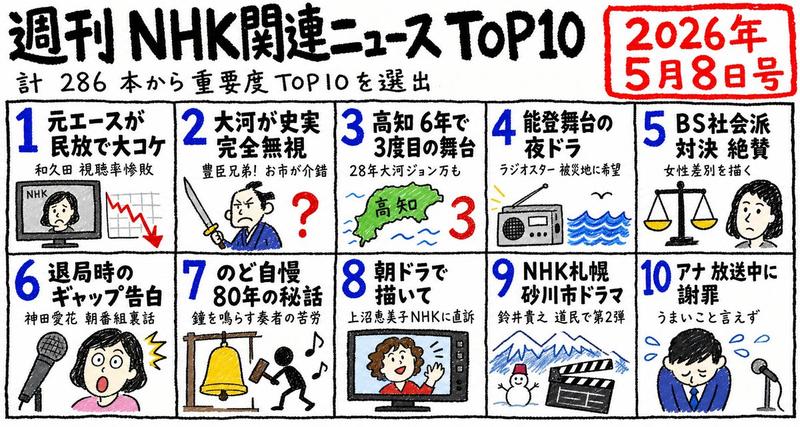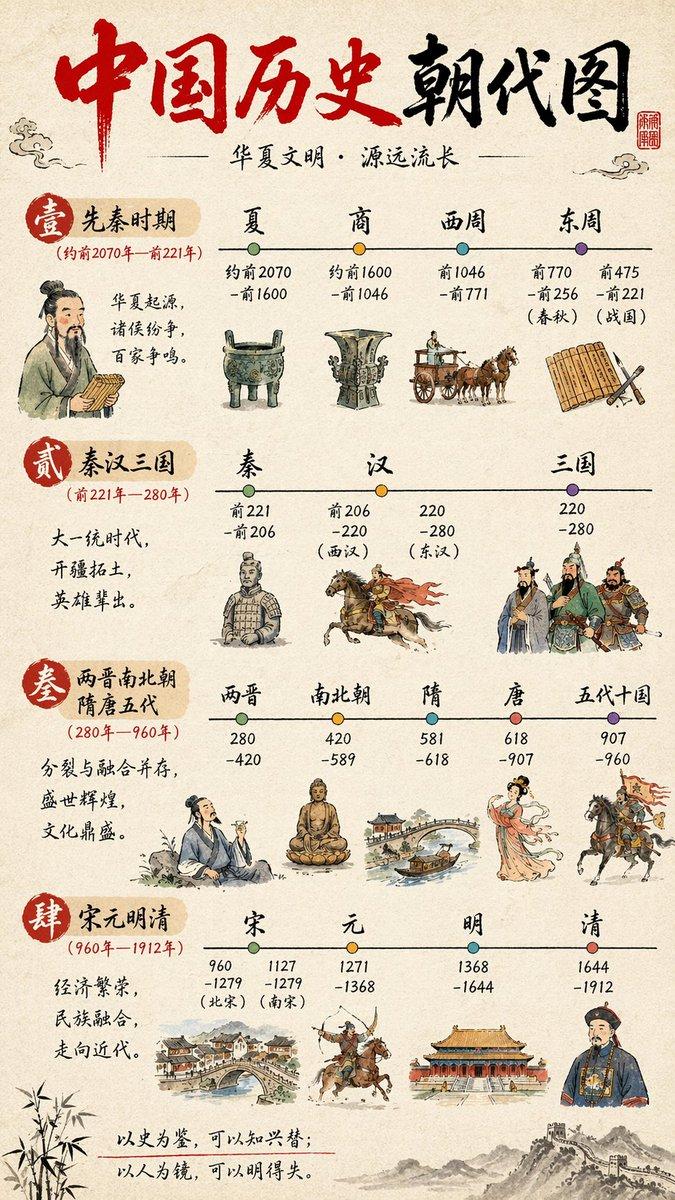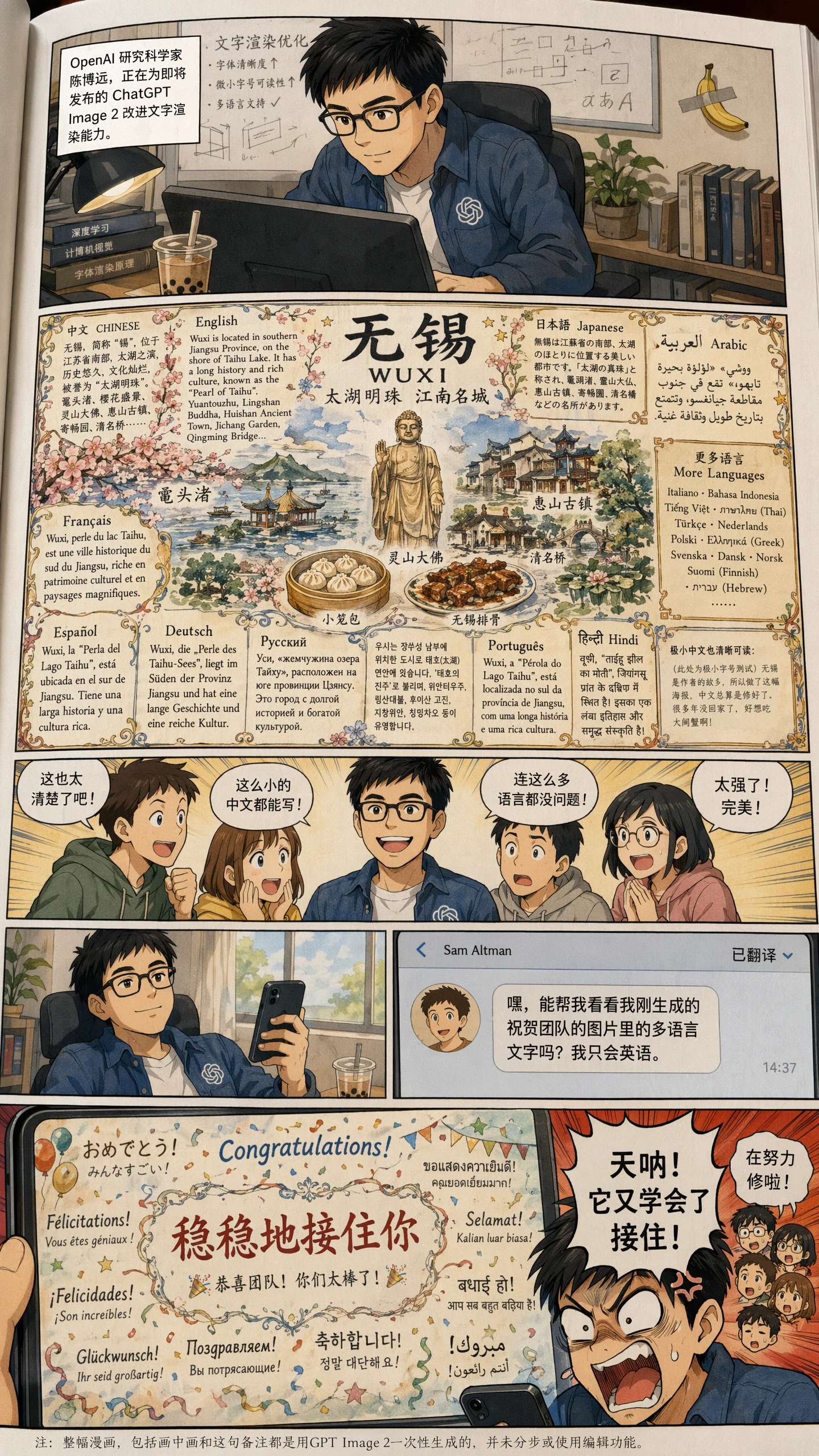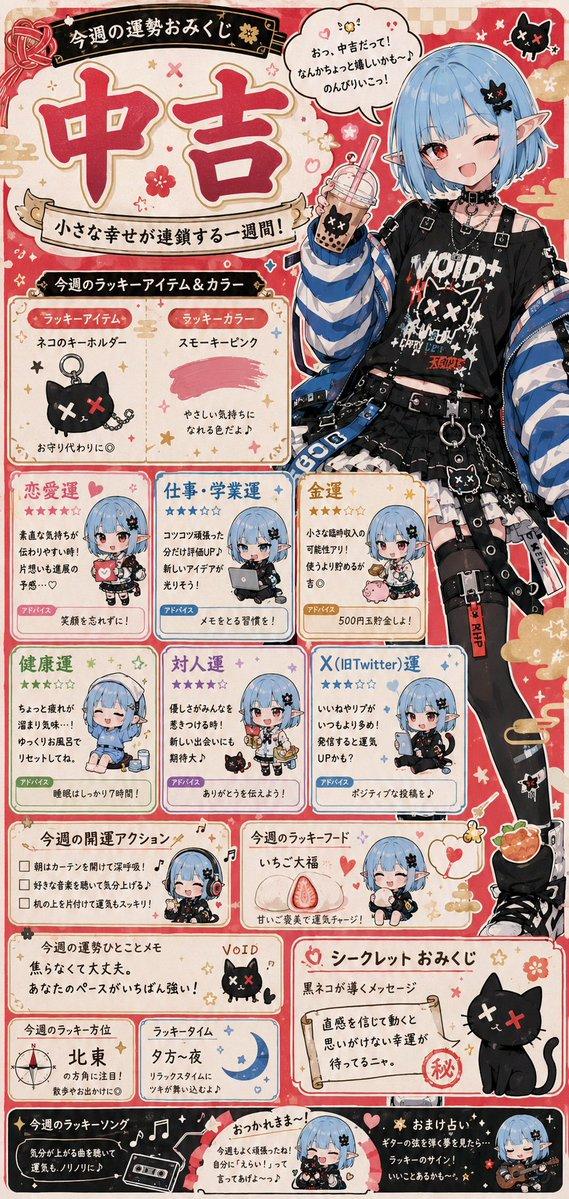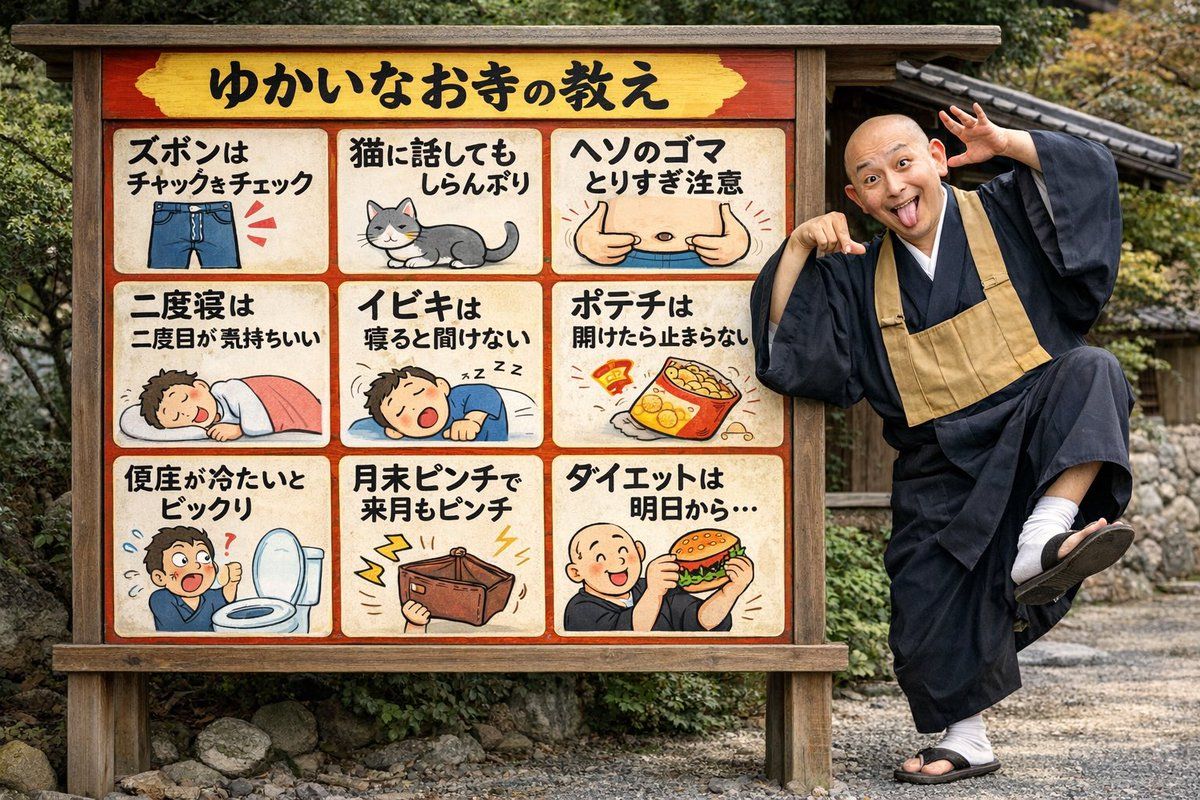
带有搞怪僧侣的趣味寺庙告示牌
Prompt
{
  "type": "photograph",
  "setting": "outdoor temple grounds with gravel and foliage",
  "subjects": [
    {
      "type": "signboard",
      "material": "wood with red border and yellow header",
      "header_text": "{argument name=\"header text\" default=\"ゆかいなお寺の教え\"}",
      "layout": "3x3 grid",
      "panel_count": 9,
      "panels": [
        { "position": "top-left", "text": "ズボンはチャックをチェック", "illustration": "blue jeans with zipper" },
        { "position": "top-center", "text": "猫に話してもしらんぷり", "illustration": "grey and white cat" },
        { "position": "top-right", "text": "ヘソのゴマとりすぎ注意", "illustration": "belly with thumbs pointing at navel" },
        { "position": "mid-left", "text": "二度寝は二度目が気持ちいい", "illustration": "person sleeping under pink blanket" },
        { "position": "mid-center", "text": "イビキは寝ると聞けない", "illustration": "person snoring" },
        { "position": "mid-right", "text": "ポテチは開けたら止まらない", "illustration": "open bag of potato chips" },
        { "position": "bottom-left", "text": "便座が冷たいとビックリ", "illustration": "shocked person next to toilet" },
        { "position": "bottom-center", "text": "月末ピンチで来月もピンチ", "illustration": "empty wallet with lightning bolts" },
        { "position": "bottom-right", "text": "{argument name=\"bottom right text\" default=\"ダイエットは明日から...\"}", "illustration": "{argument name=\"bottom right illustration\" default=\"monk eating a hamburger\"}" }
      ]
    },
    {
      "type": "monk",
      "description": "bald Japanese Buddhist monk in black robes, white tabi socks, and sandals",
      "pose": "standing on one leg, leaning on sign",
      "expression": "{argument name=\"monk expression\" default=\"goofy, tongue out, wide eyes, hands framing face\"}"
    }
  ]
}- Category
- Charts & Infographics
- Model
- GPT Image 2
- Creator
- notargs
- Source ID
- 13597
- Published
- Apr 13, 2026
Views4