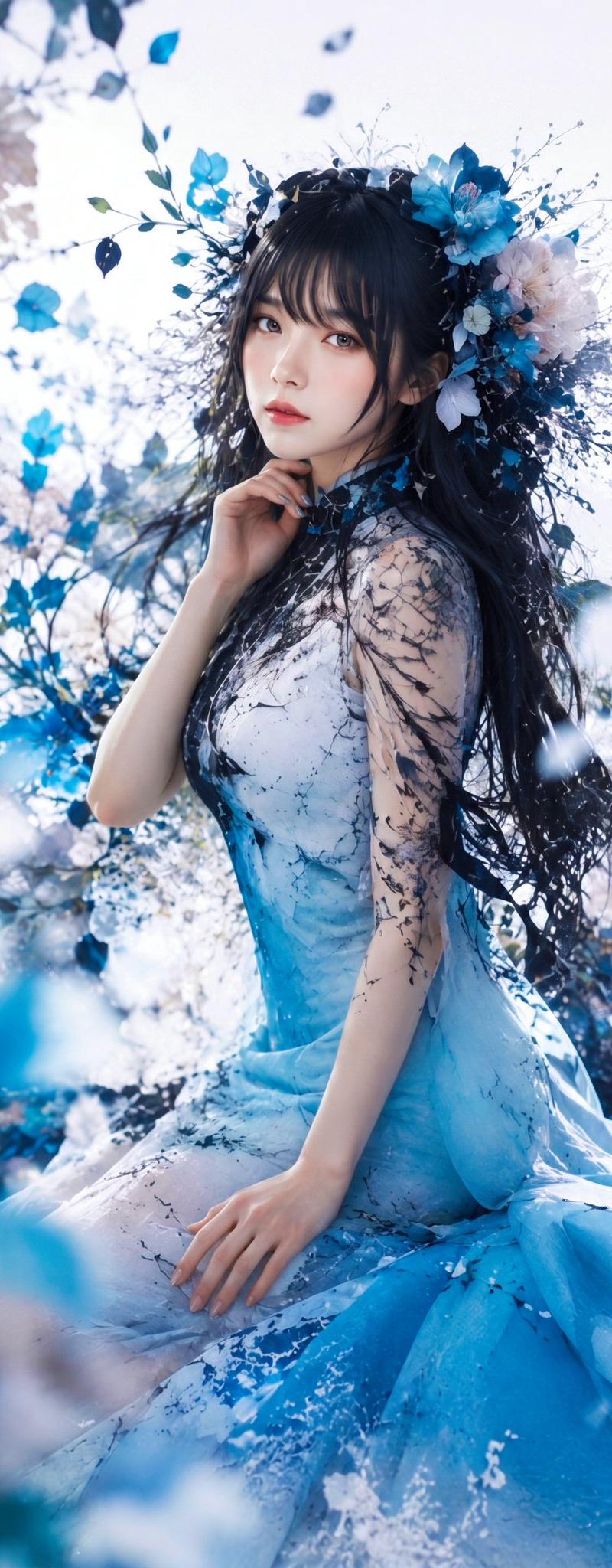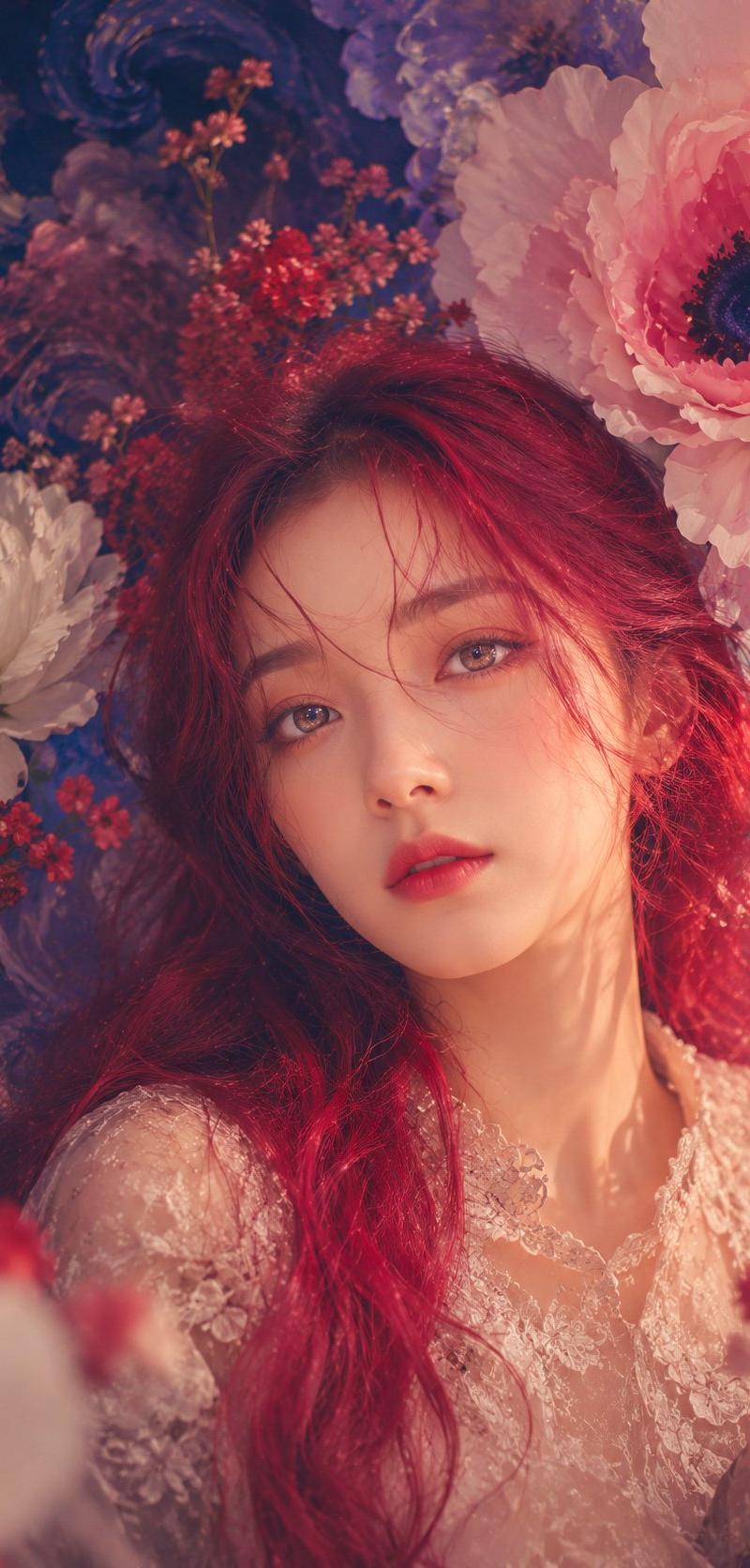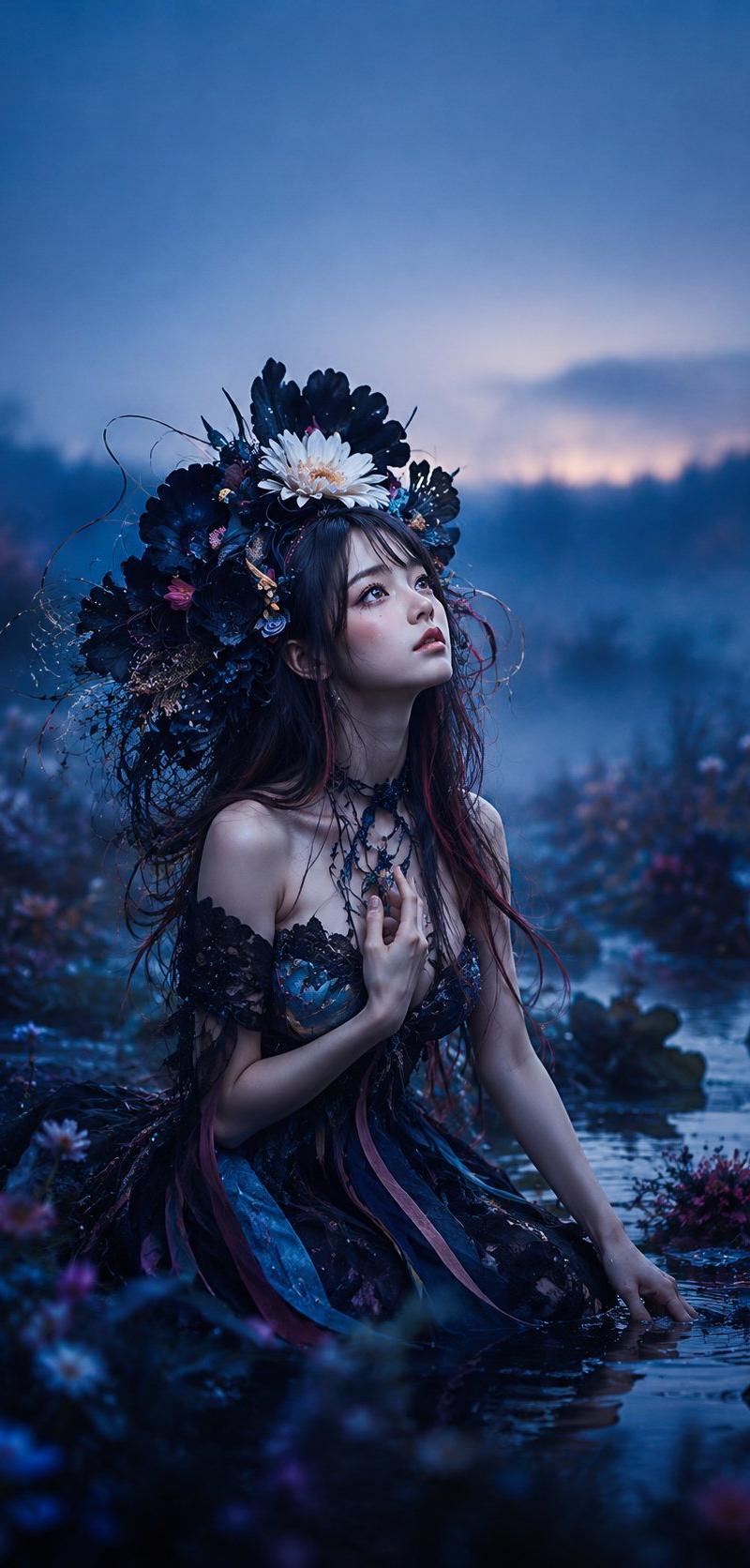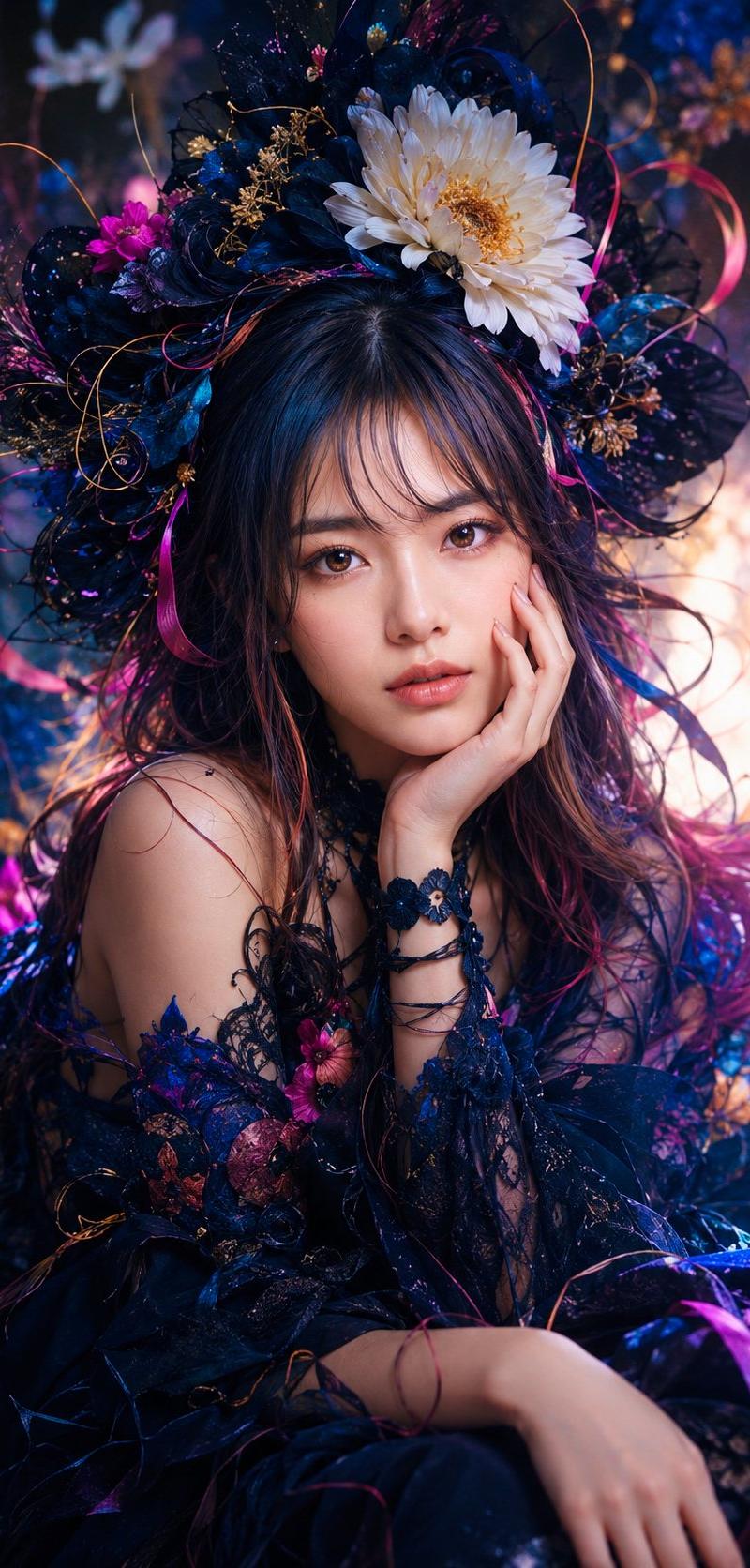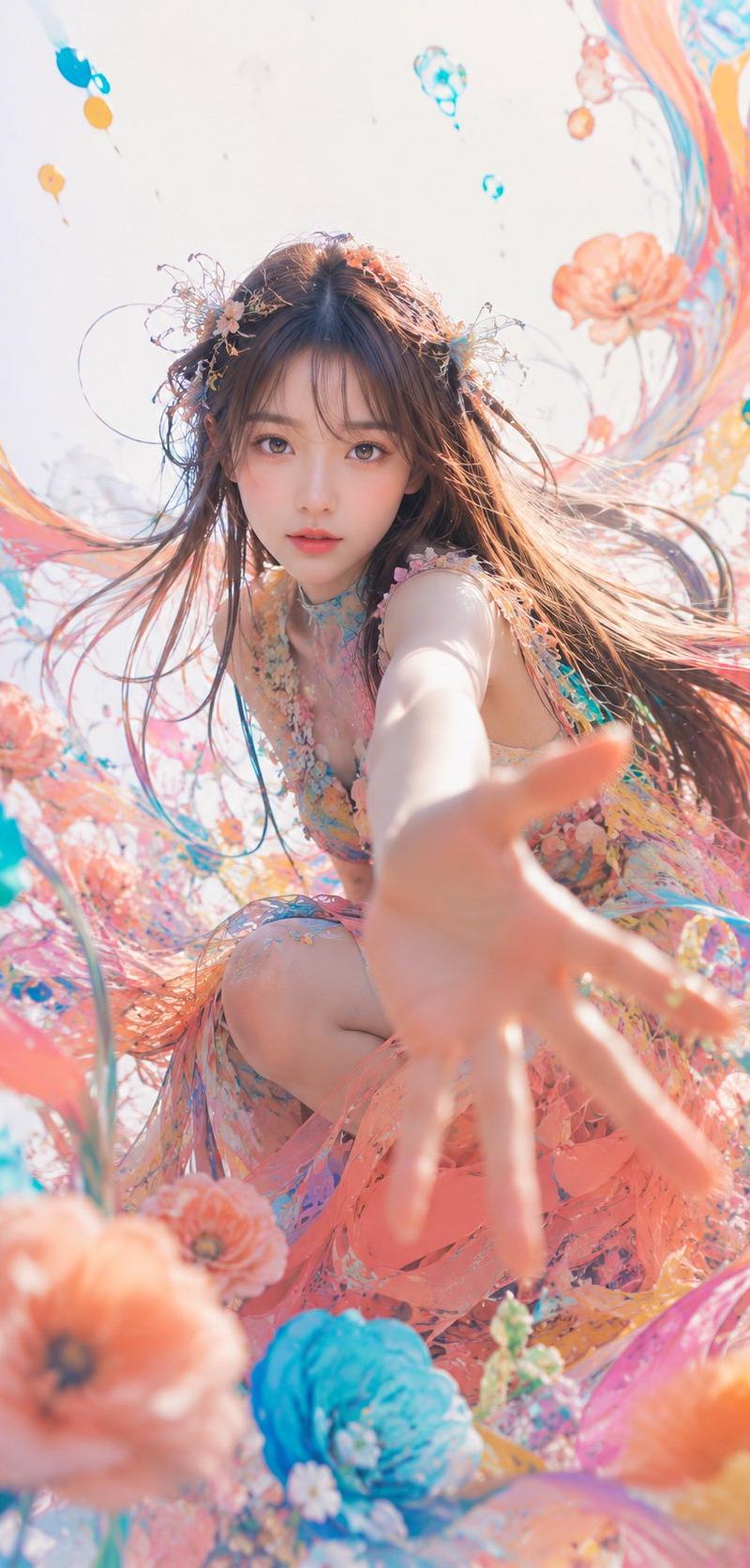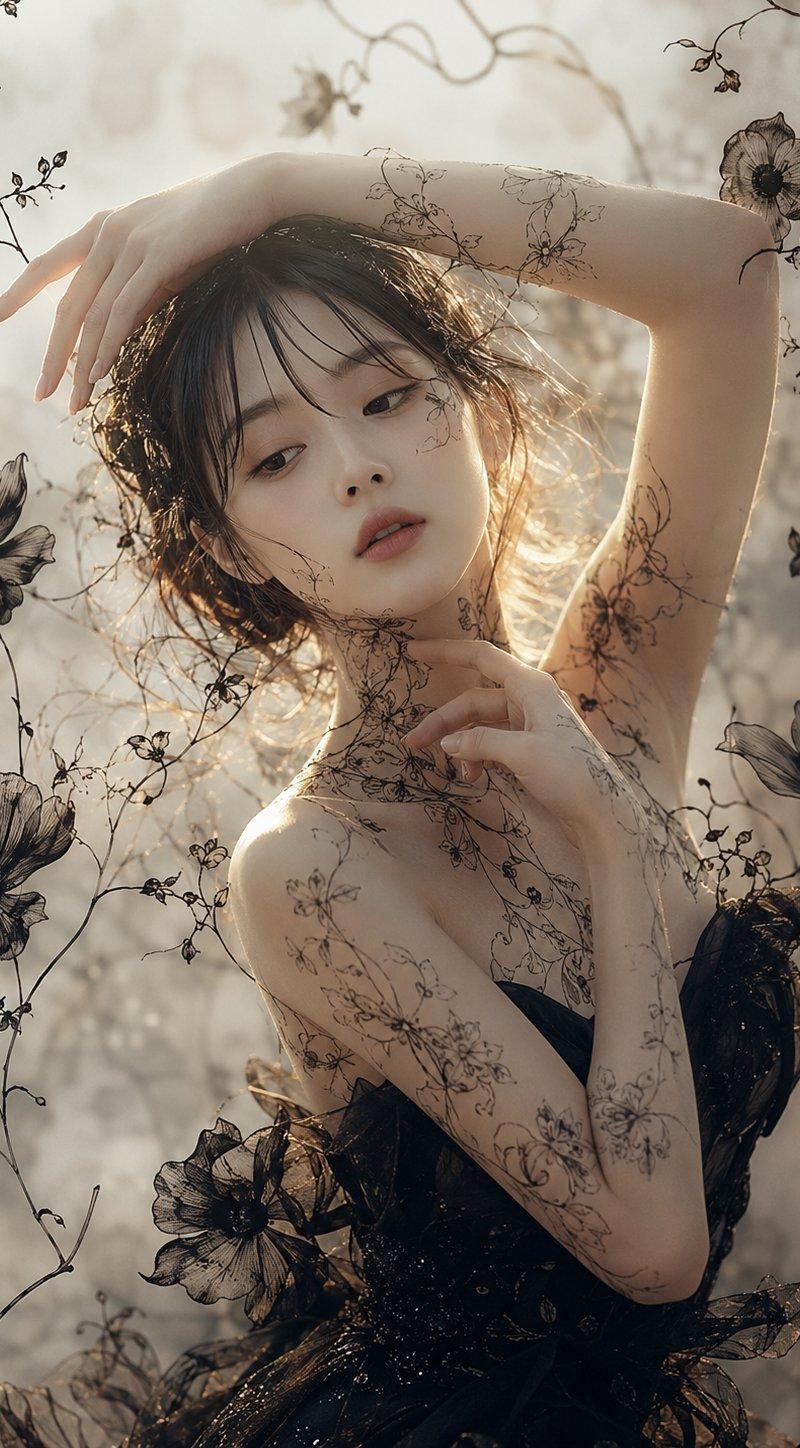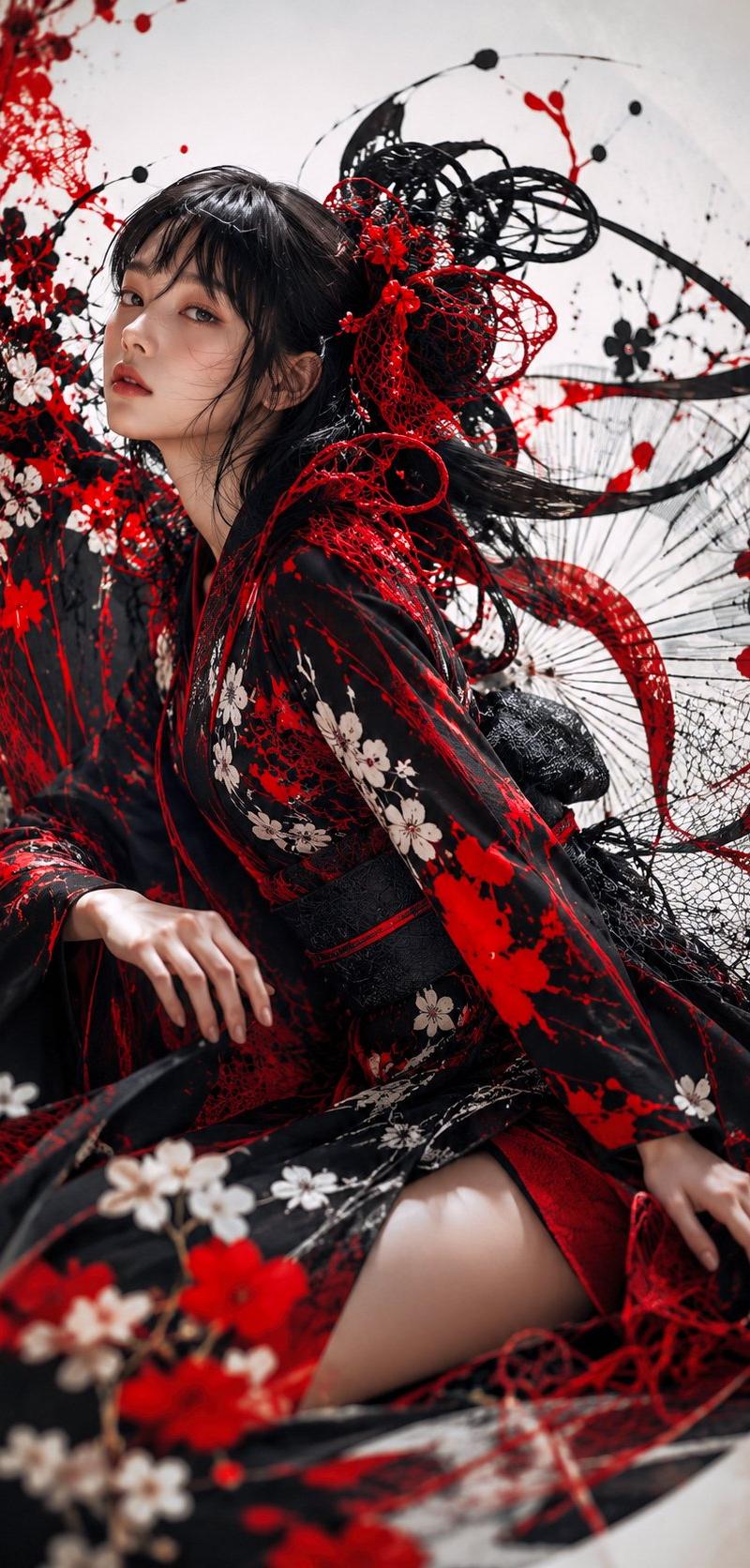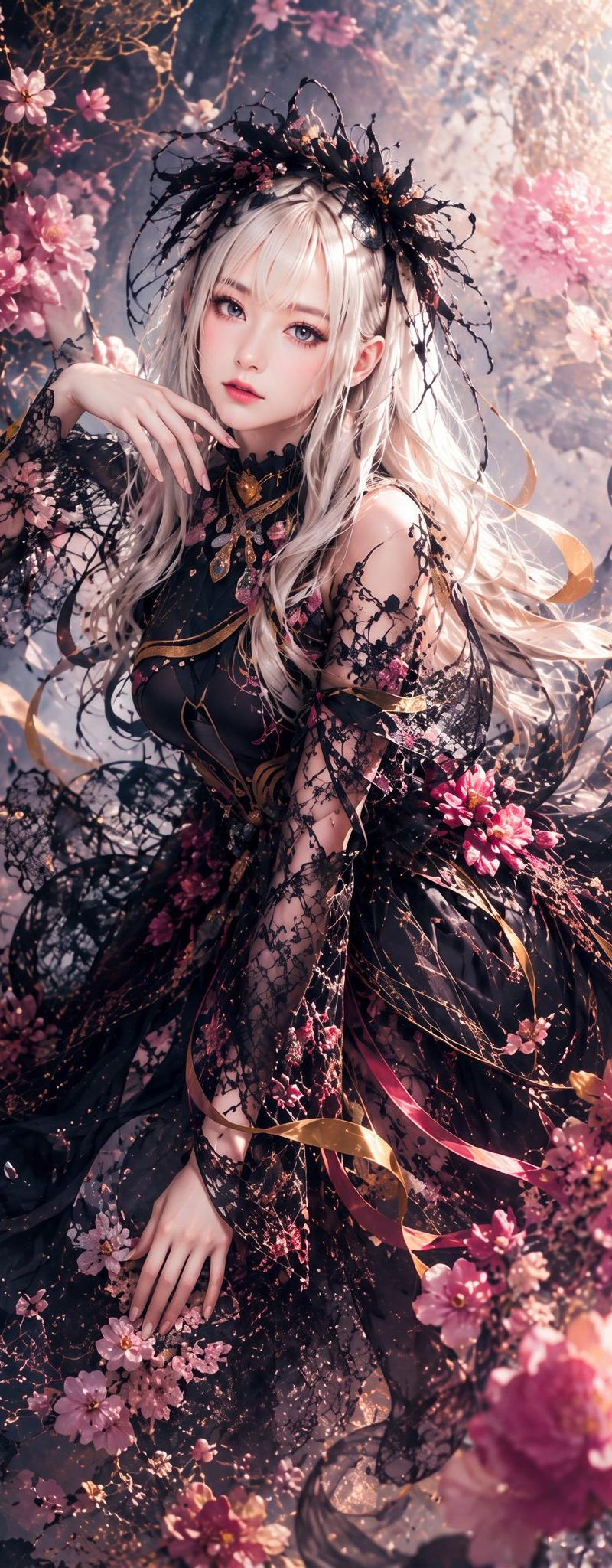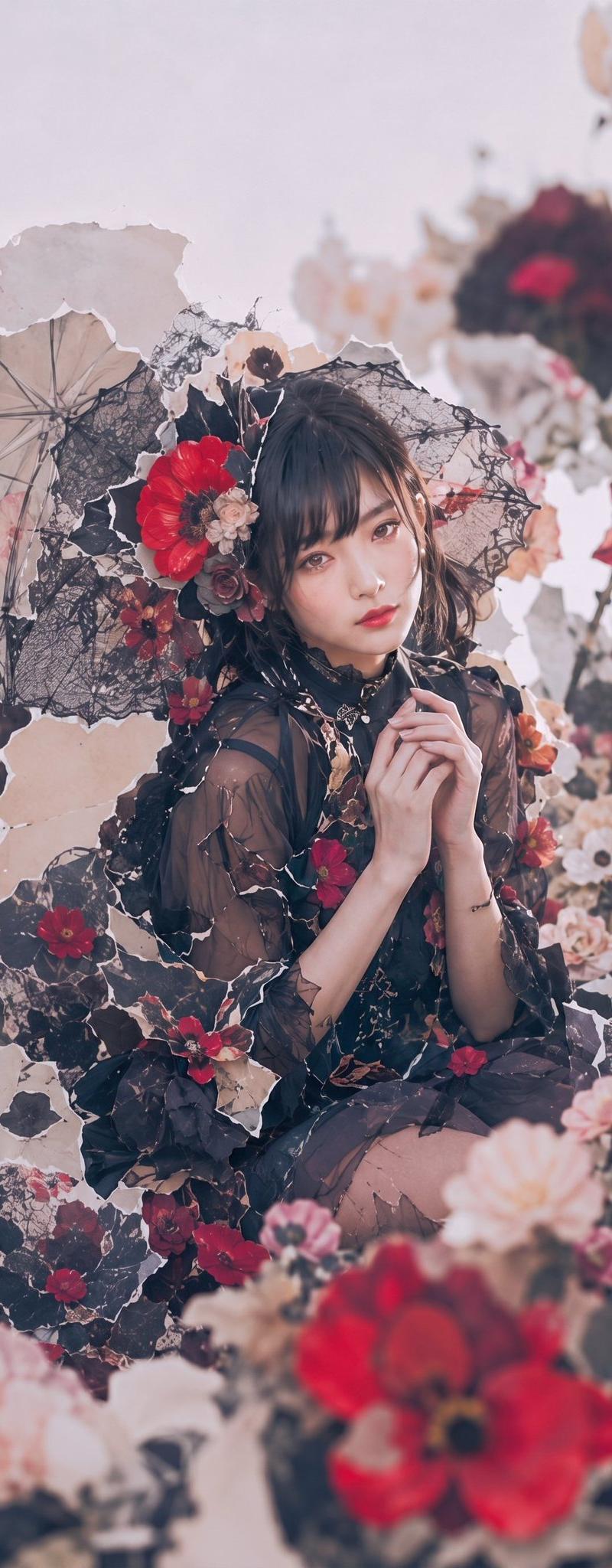
哥特式花卉园林肖像
Prompt
Create a vertical 9:16 dreamy editorial portrait of {argument name="character name" default="a young woman"} sitting in an overgrown gothic flower garden, centered slightly low in frame, surrounded by dark lace and dried-paper textures. She wears a sheer black tulle dress with layered ruffles, delicate black ribbon details, small jewelry, and a romantic dark floral headpiece; her hands are clasped gently near her chin in a shy, prayer-like pose. Her face is intentionally hidden by a soft square blur in muted mauve-brown, while dark wavy hair frames the headpiece. Include exactly 3 visible parasols: 1 pale beige translucent umbrella on the left, 1 black lace parasol directly behind her head, and 1 blurred dark parasol with red accents in the upper right background. Include exactly 8 prominent floral clusters: red flowers in the hair, burgundy roses at lower left, red blossoms across the lap, pale cream flowers on the right, a large soft peach flower in the lower foreground, a large red flower in the lower foreground, small ivory blossoms behind the head, and a red flower cluster on the right side. Use {argument name="main flower color" default="deep crimson red"}, blush pink, ivory, burgundy, charcoal black, and faded beige tones. The background should feel like torn paper petals, lace webs, dried leaves, and antique botanical collage pieces, with shallow depth of field, soft bokeh, and foreground flowers blurred heavily. Lighting is gentle diffuse daylight, pale pastel haze, high-fashion romantic gothic mood, soft film grain, desaturated colors, intricate lace textures, no text, no watermark.- Category
- Charts & Infographics
- Model
- GPT Image 2
- Creator
- NIKKO
- Source language
- en
- Source ID
- 26046
- Published
- Jun 17, 2026
Views0