17

专业双重曝光肖像
Enlarge

专业双重曝光肖像

Prompt
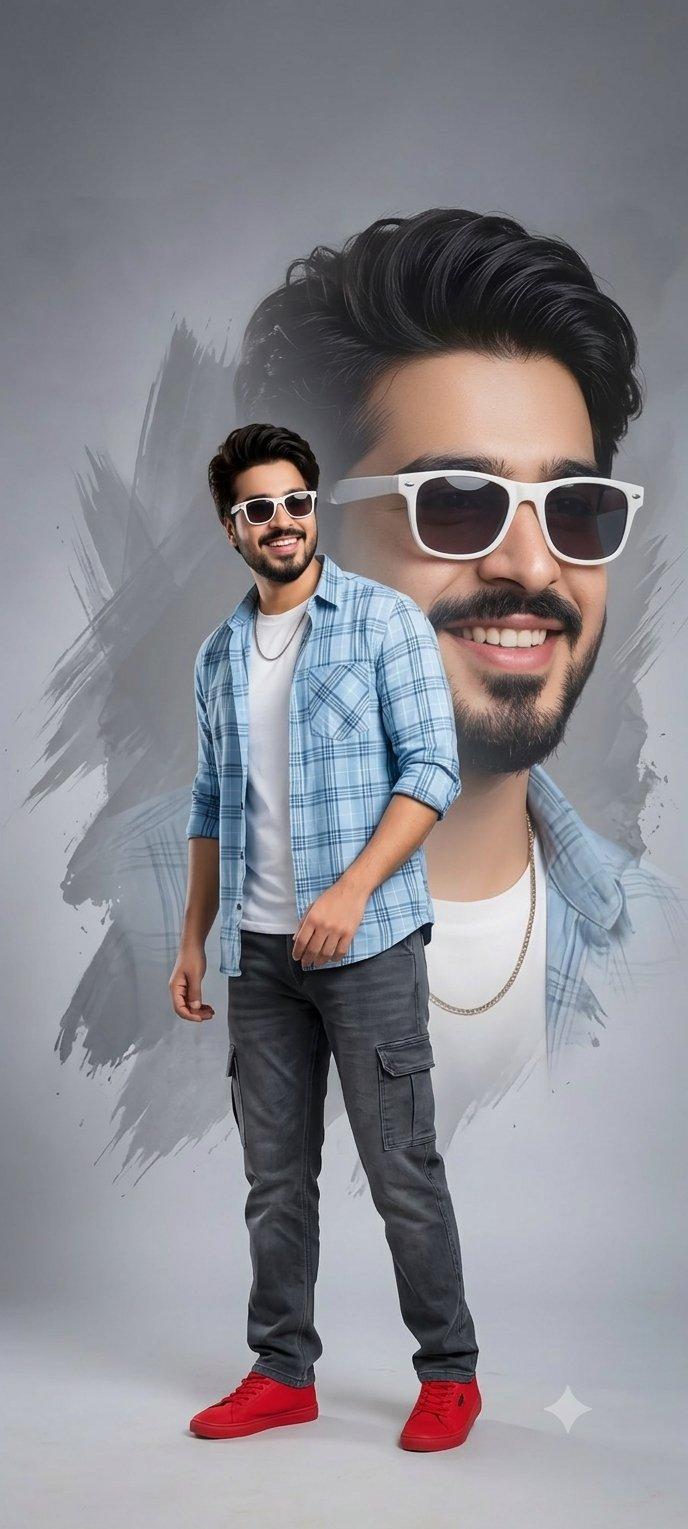
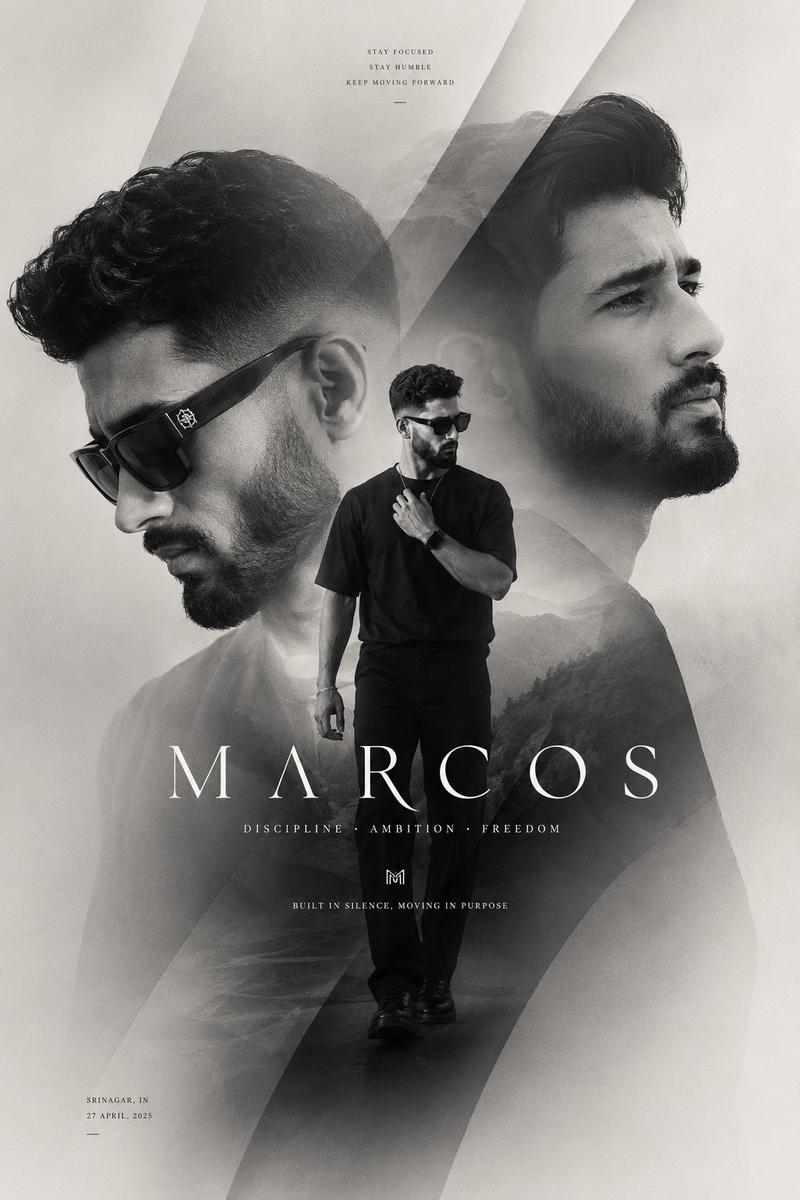
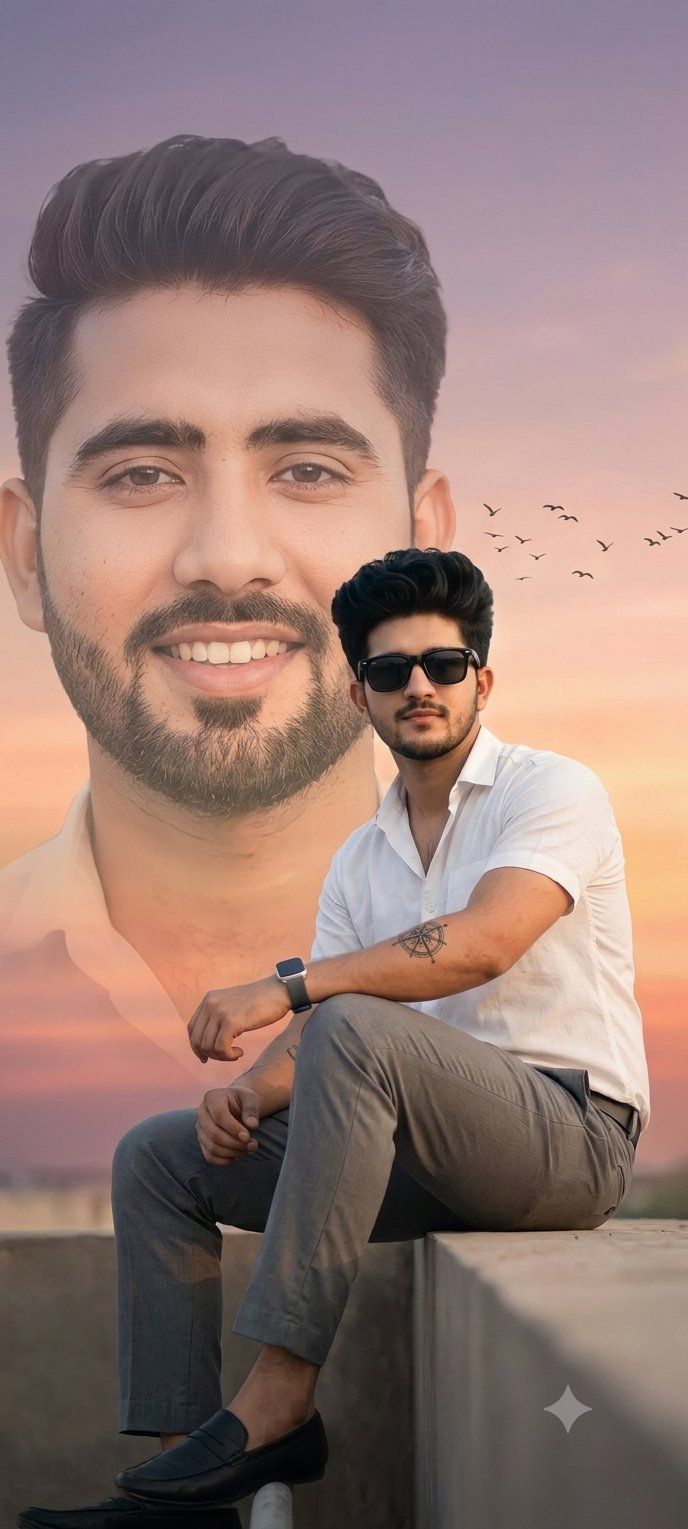
A professional, highly polished double-exposure portrait composition featuring a {argument name="subject" default="young South Asian man"}.
Background Element: A large, faded close-up portrait of his face, smiling warmly, looking slightly off-camera with a well-groomed modern hairstyle and a neatly trimmed beard.
Foreground Element: A full-body sitting pose of the same man in sharp focus, sitting confidently on a ledge. He is wearing {argument name="outfit" default="stylish black rectangular sunglasses, a crisp white short-sleeve button-down shirt, tailored gray trousers, a modern smartwatch, and black loafers"}. Minimalist linework tattoos are visible on his forearms.
Setting & Atmosphere: The scene is set against a {argument name="background" default="soft sunset sky with a smooth gradient of warm pastel orange, pink, and light purple tones"}. A small flock of birds is flying in the distant sky. Cinematic, artistic lighting with soft highlights that create a clean, high-fashion social media poster aesthetic. Studio quality, 8k resolution, photorealistic digital art.
Category
Charts & Infographics
Model
GPT Image 2
Views0
Source ID
26945
Published
Jun 27, 2026

Guide

About "专业双重曝光肖像"

What is this prompt for?

"专业双重曝光肖像" AI image prompt for GPT Image 2 (Charts & Infographics). 一个精致的肖像提示词,将特写背景与清晰的前景主体相结合,并配以温暖的日落渐变色调。 Copy it on Picva and recreate the look in one cli…

The full copyable prompt and example visuals above are ready for AI image generation or one-click recreate in Picva.

How to use this prompt

  1. Step 1

    Open the prompt detail

    Review the example visuals, category, and full prompt text for "专业双重曝光肖像".

  2. Step 2

    Copy the prompt

    Copy the prompt body from this page, or load it directly in Studio.

  3. Step 3

    Pick a model (GPT Image 2)

    Prefer GPT Image 2. If you switch models, keep subject and composition and tweak style terms.

  4. Step 4

    Generate and export

    Recreate the look in Picva, or export into your workflow for editing and publishing.

FAQ

What is the "专业双重曝光肖像" prompt?
It is an AI image-generation prompt for GPT Image 2 in the Charts & Infographics category. This page includes the full prompt text, example visuals, and a one-click recreate path in Picva.
How do I use this prompt to generate an image?
Copy the prompt from this page, or use Generate / Studio. Paste it into a compatible image model, or recreate the look in Picva with optional reference images.
Which model is this prompt for?
This page lists GPT Image 2. Most descriptive prompts also transfer to nearby image models such as GPT Image, Flux, or Midjourney with light style tweaks.
Can I use the result commercially?
You can usually copy the prompt for creation, but commercial use of the final image depends on the model terms, reference-image rights, and the generated content. Follow the source author and platform rules.