18

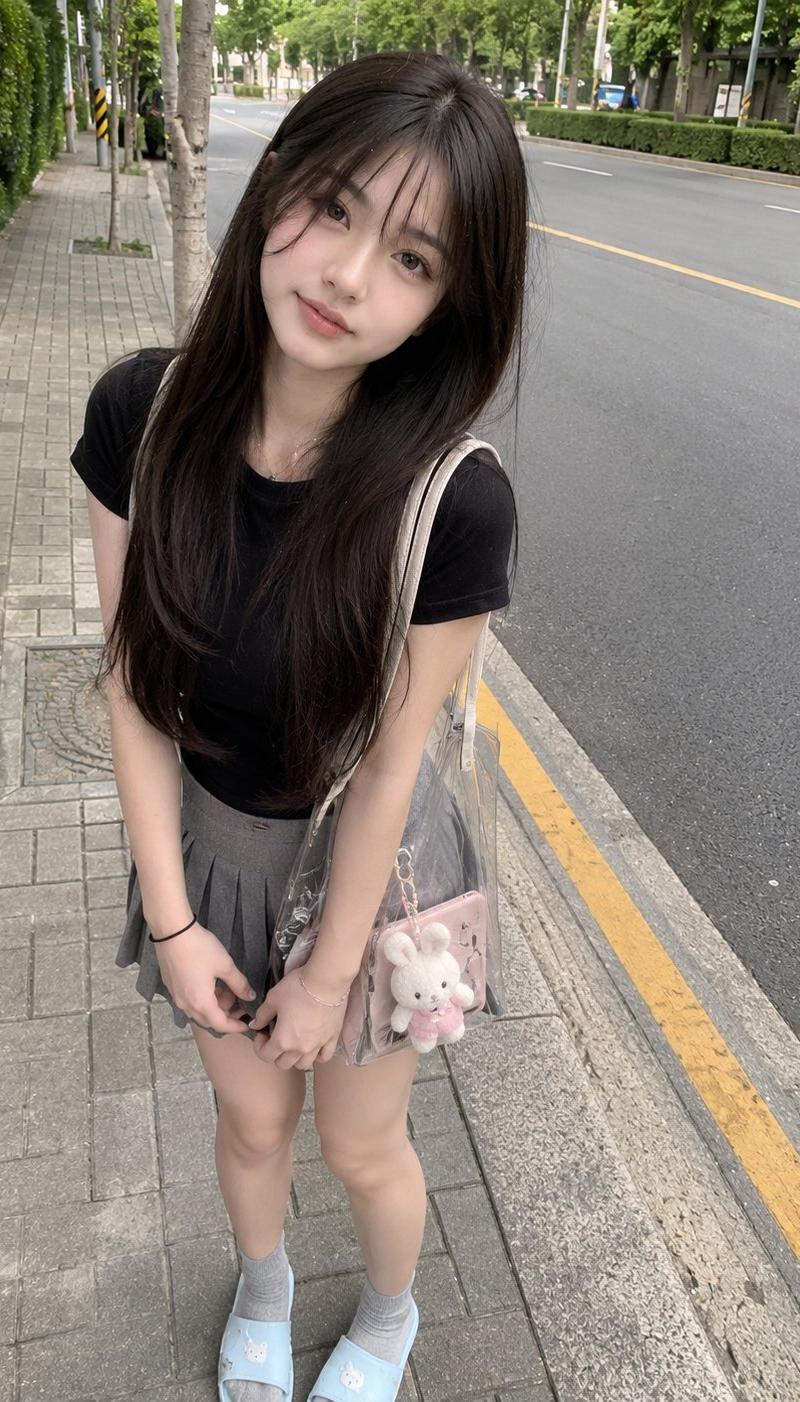
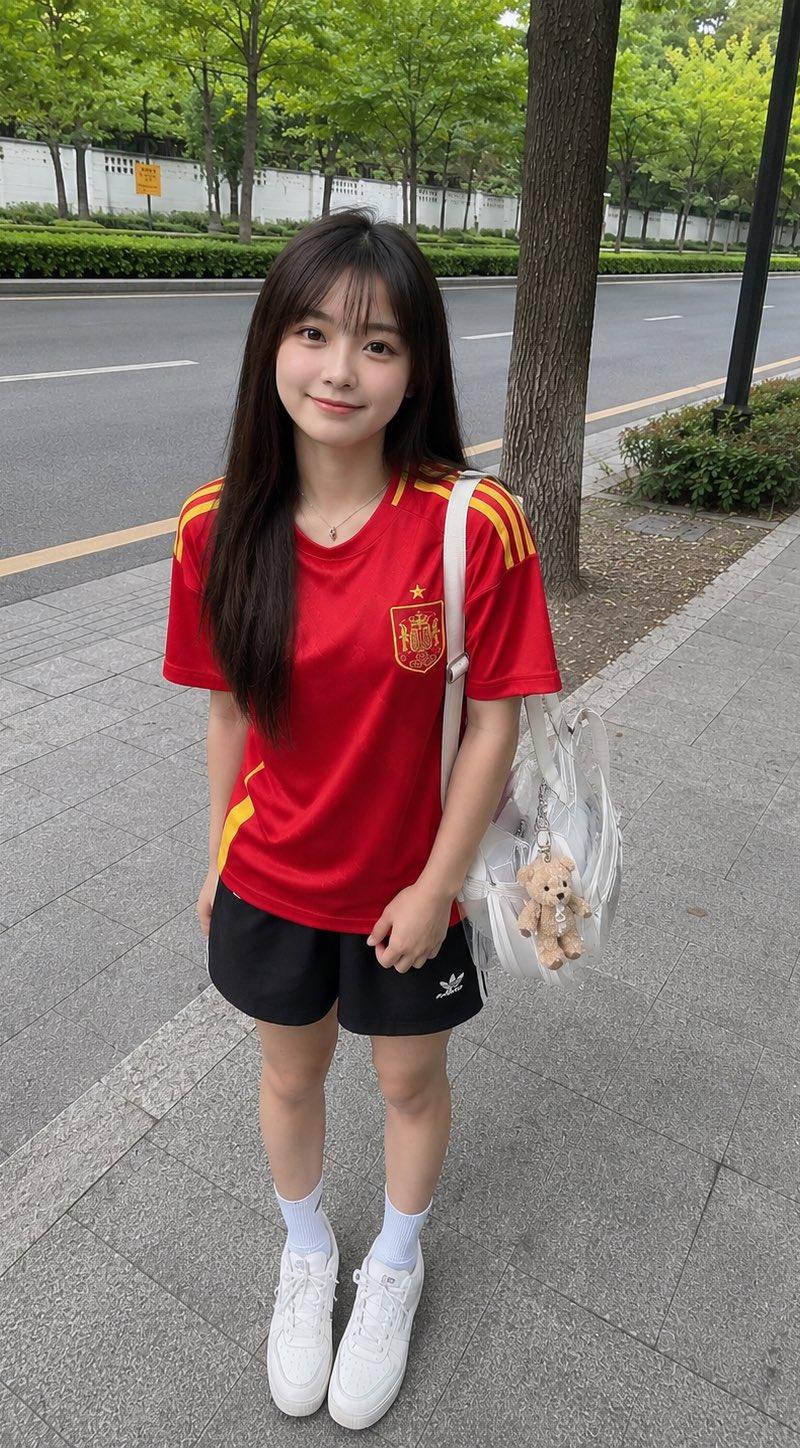
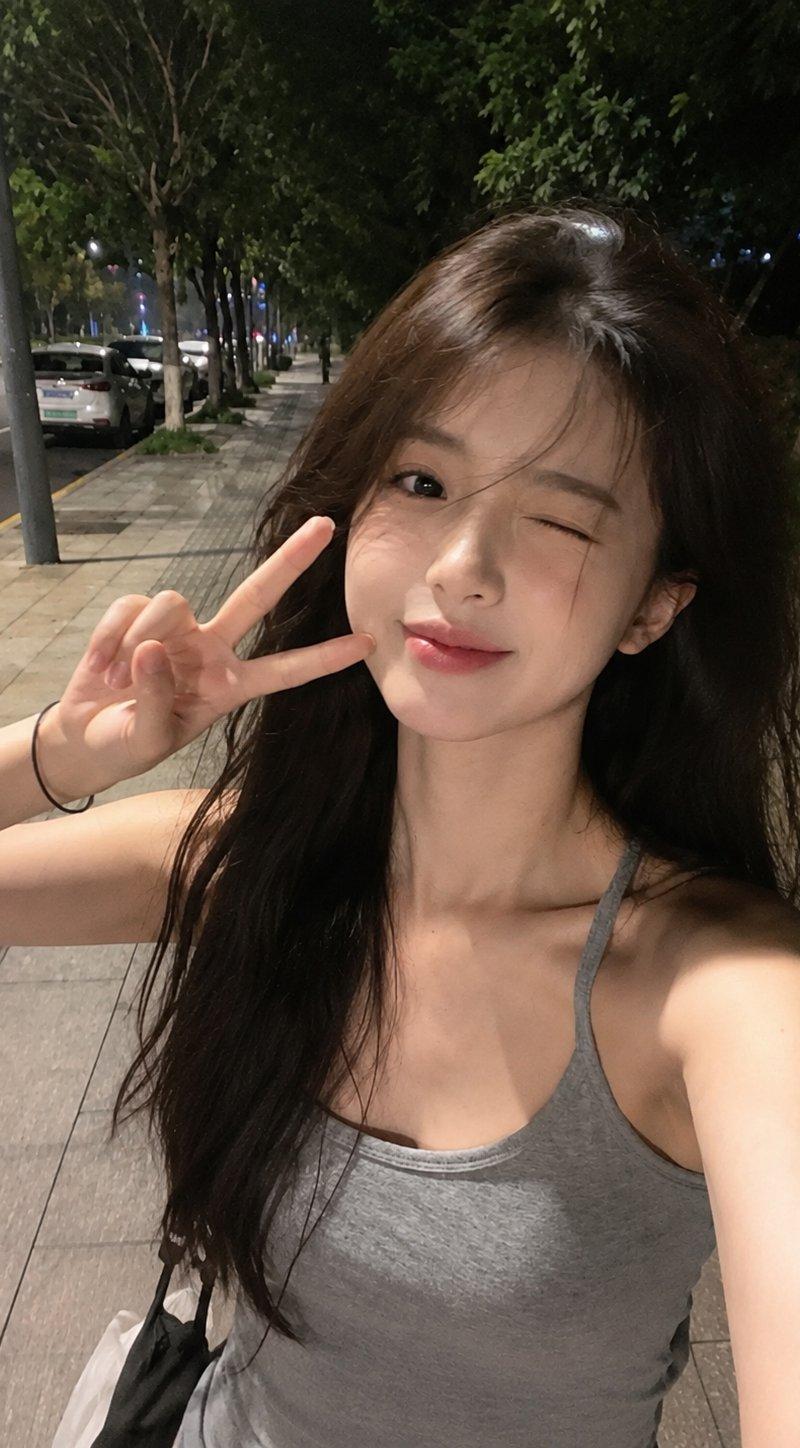
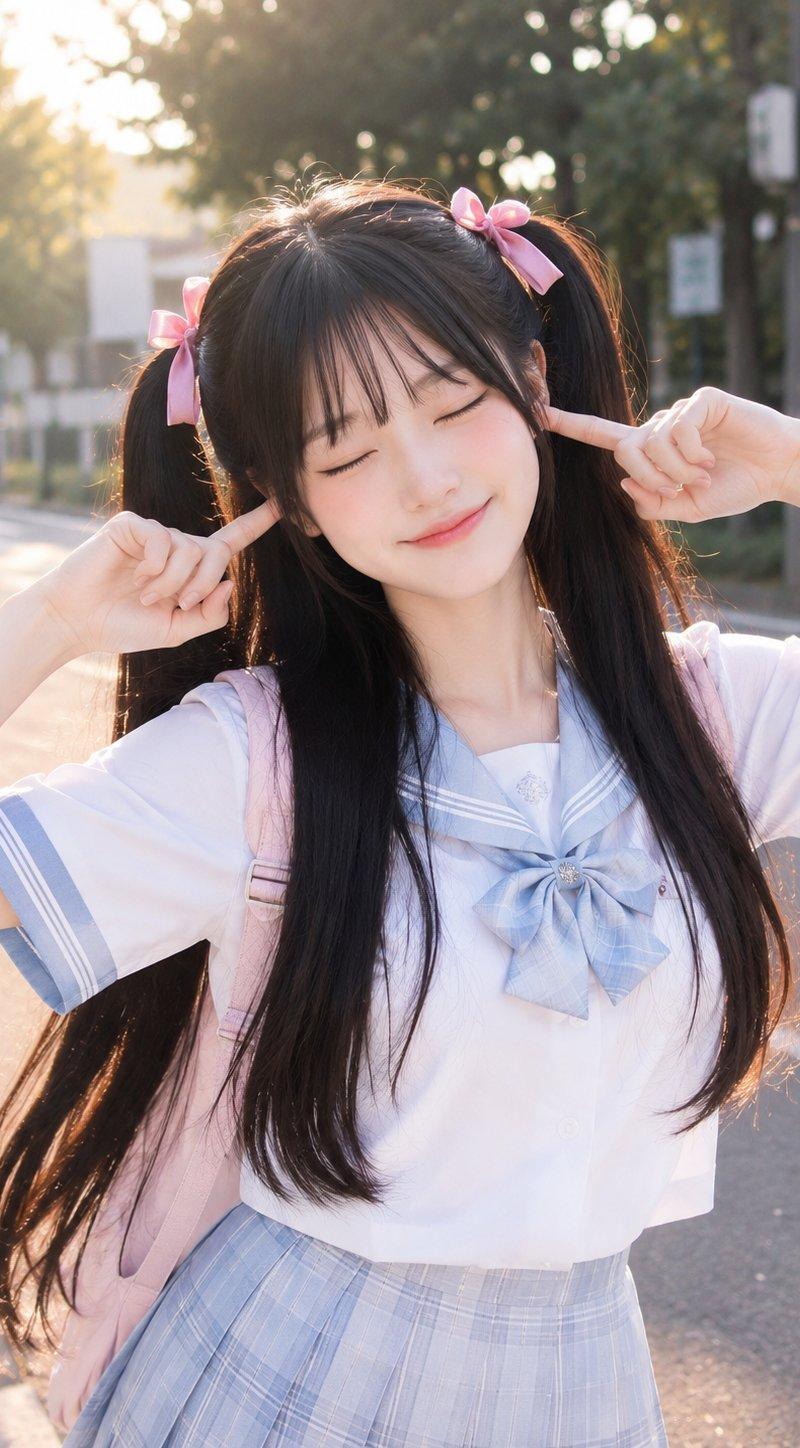
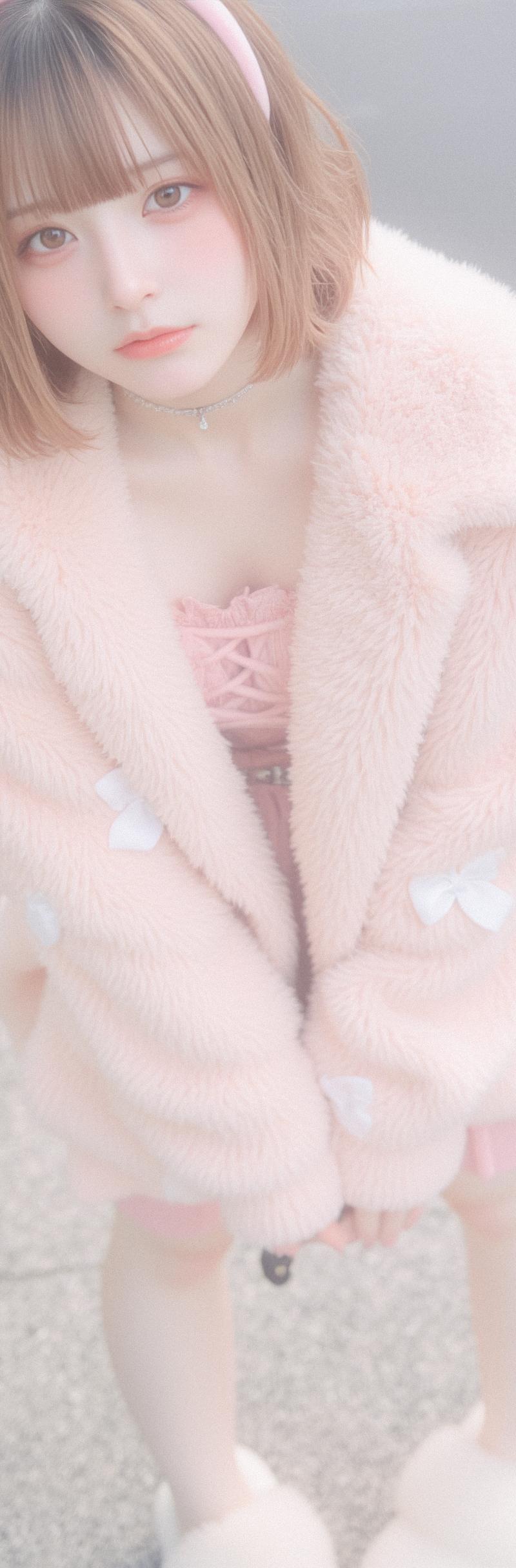
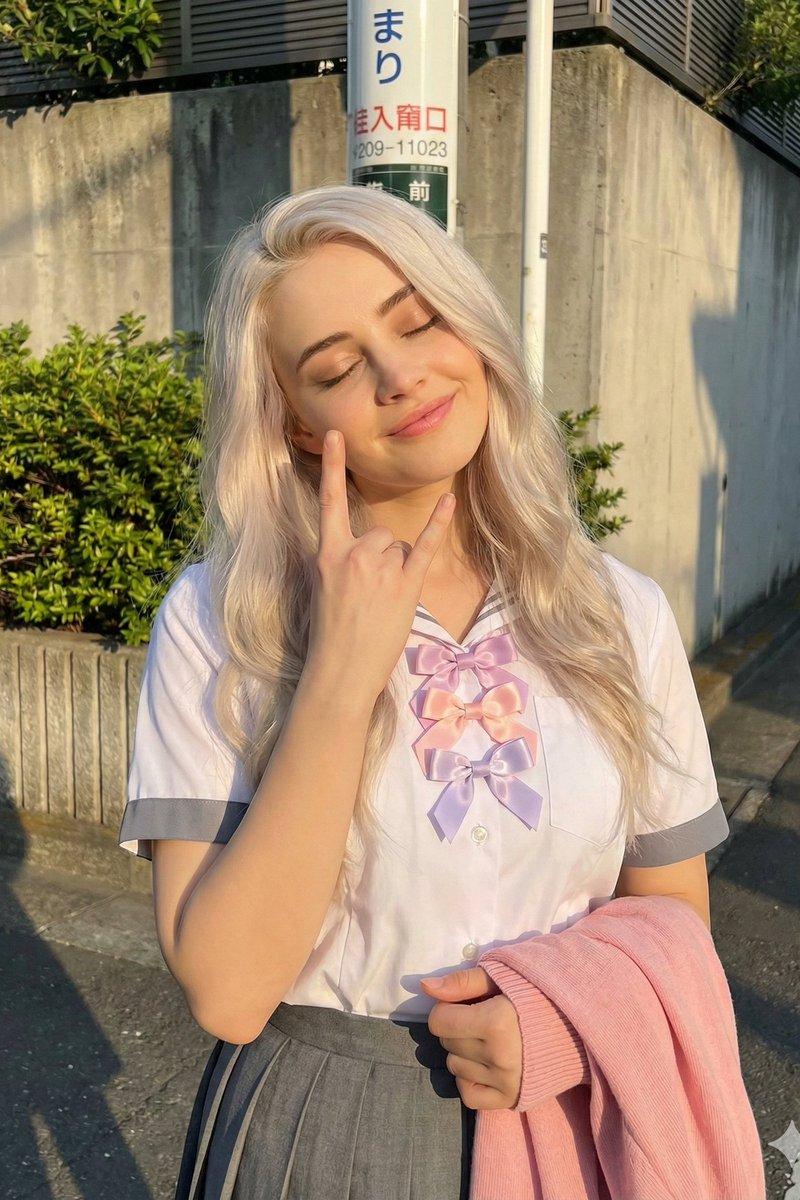
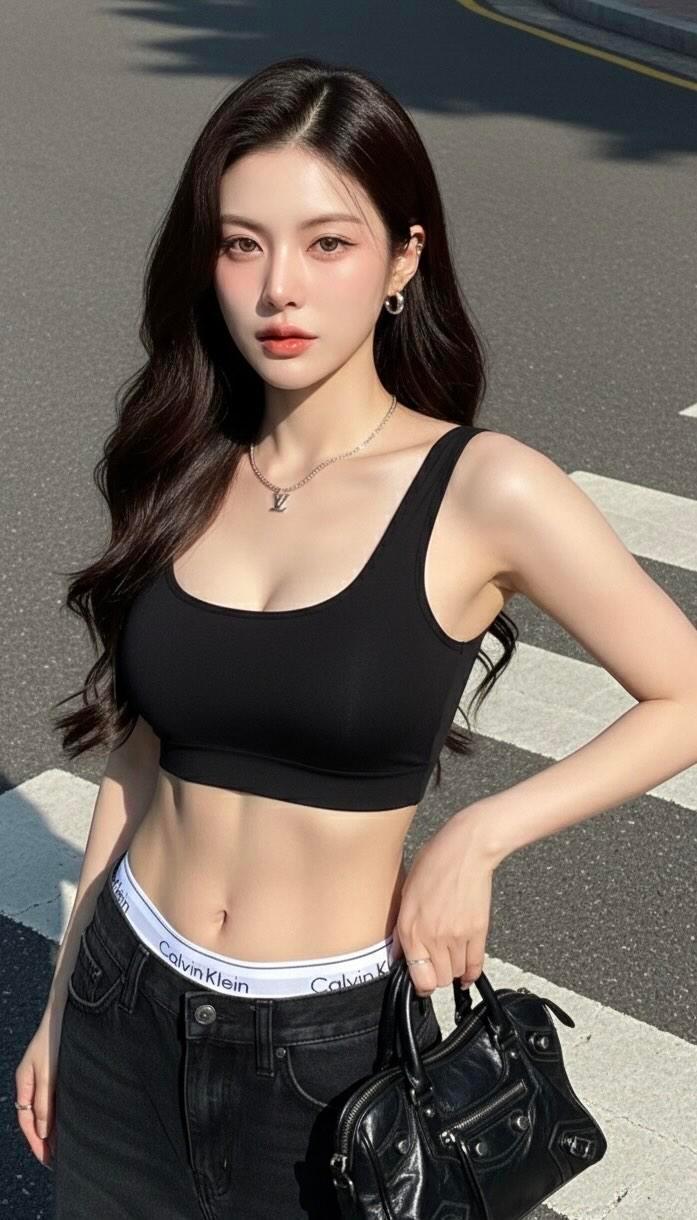
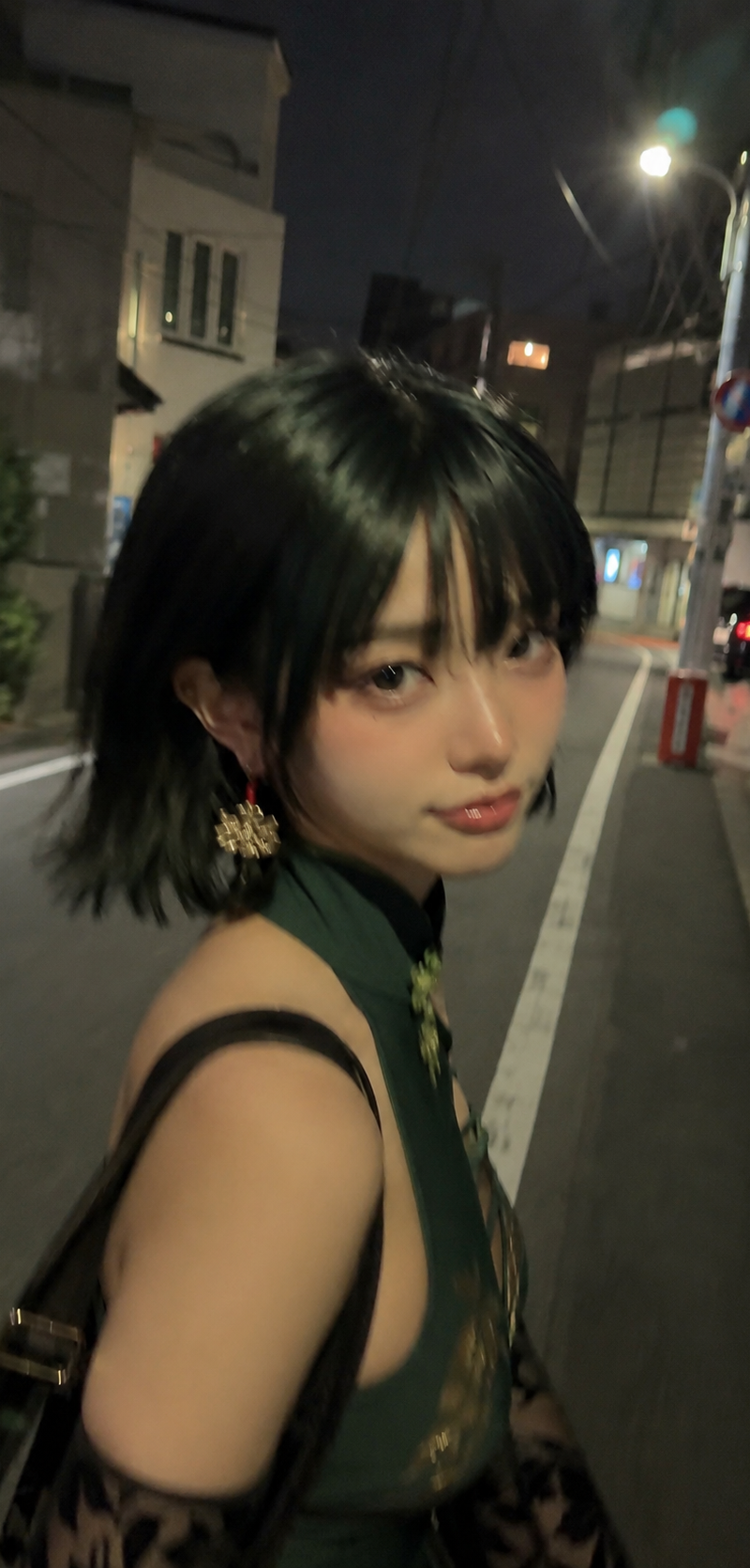
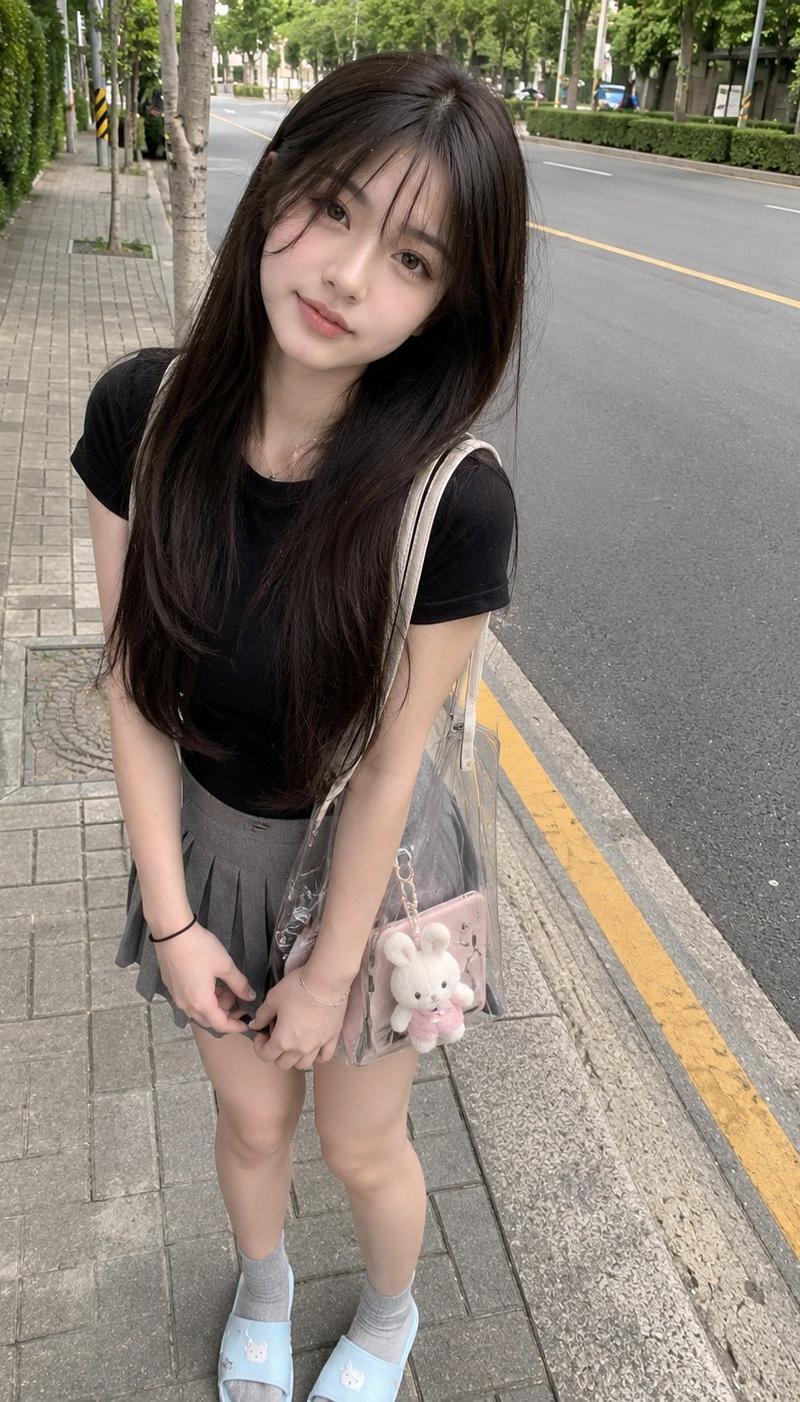
街道旁穿黑色T恤的日本少女生活快照
Enlarge

Example images

街道旁穿黑色T恤的日本少女生活快照

Prompt
Young Japanese girl with long straight dark brown hair and soft bangs, wearing a fitted black t-shirt, gray pleated mini skirt, gray socks, and light blue slippers, standing casually on the sidewalk beside a quiet road lined with green trees. Slightly leaning forward with a cute natural smile, holding a transparent tote bag with a small plush keychain. Captured from a slightly high-angle smartphone camera perspective, casual everyday snapshot, natural pose, no professional modeling. Soft overcast daylight, realistic skin texture, unedited phone photo, slight lens distortion, natural colors, ordinary street background, candid social-media vibe, iPhone camera quality, handheld shot, imperfect framing, realistic shadows, spontaneous moment, authentic mobile photography, photorealistic, no DSLR look, no studio lighting, no cinematic grading, no heavy blur, casual lifestyle aesthetic.
Category
Charts & Infographics
Model
ChatGPT
Creator
@saniaspeaks_
Source language
zh-CN
Views105
Source ID
16179
Published
Jun 17, 2026
Studio

Guide

About "街道旁穿黑色T恤的日本少女生活快照"

What is this prompt for?

"街道旁穿黑色T恤的日本少女生活快照" AI image prompt for ChatGPT (Charts & Infographics). 年轻的日本女孩,留着深棕色长直发和柔软的刘海,穿着一件修身的黑色T恤、灰色百褶短裙、灰色袜子和淡蓝色拖鞋,随意地站在绿树成荫的安静马路边的人行道上。微微前倾,带着可爱自然的…

The full copyable prompt and example visuals above are ready for AI image generation or one-click recreate in Picva.

How to use this prompt

  1. Step 1

    Open the prompt detail

    Review the example visuals, category, and full prompt text for "街道旁穿黑色T恤的日本少女生活快照".

  2. Step 2

    Copy the prompt

    Copy the prompt body from this page, or load it directly in Studio.

  3. Step 3

    Pick a model (ChatGPT)

    Prefer ChatGPT. If you switch models, keep subject and composition and tweak style terms.

  4. Step 4

    Generate and export

    Recreate the look in Picva, or export into your workflow for editing and publishing.

FAQ

What is the "街道旁穿黑色T恤的日本少女生活快照" prompt?
It is an AI image-generation prompt for ChatGPT in the Charts & Infographics category. This page includes the full prompt text, example visuals, and a one-click recreate path in Picva.
How do I use this prompt to generate an image?
Copy the prompt from this page, or use Generate / Studio. Paste it into a compatible image model, or recreate the look in Picva with optional reference images.
Which model is this prompt for?
This page lists ChatGPT. Most descriptive prompts also transfer to nearby image models such as GPT Image, Flux, or Midjourney with light style tweaks.
Can I use the result commercially?
You can usually copy the prompt for creation, but commercial use of the final image depends on the model terms, reference-image rights, and the generated content. Follow the source author and platform rules.