图片编辑提示:替换场景中的某个物体
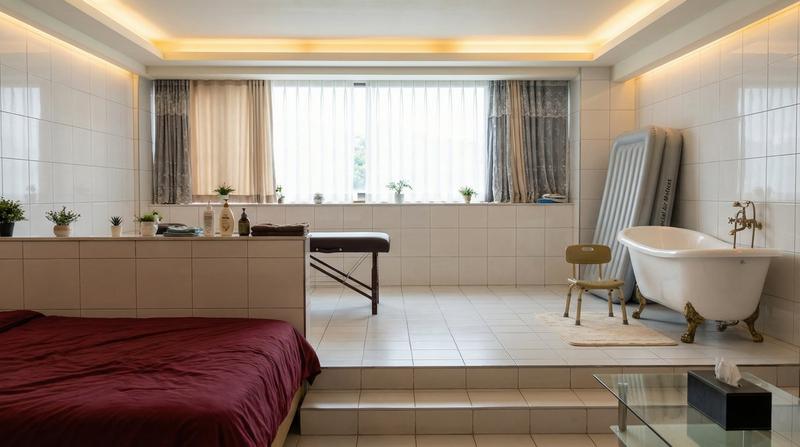
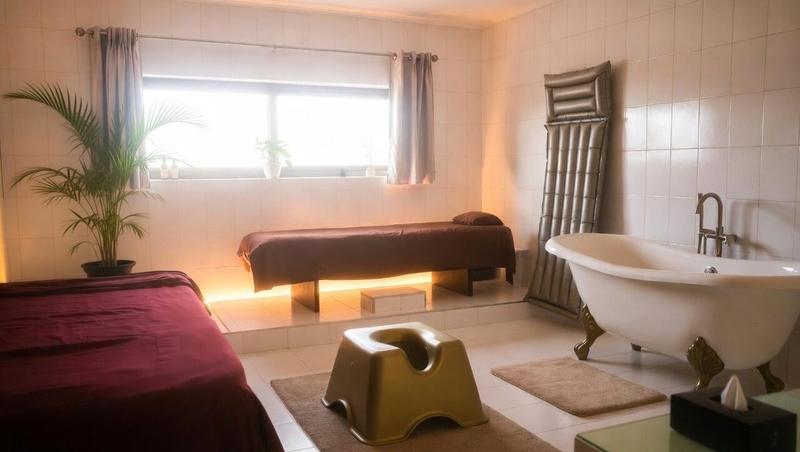
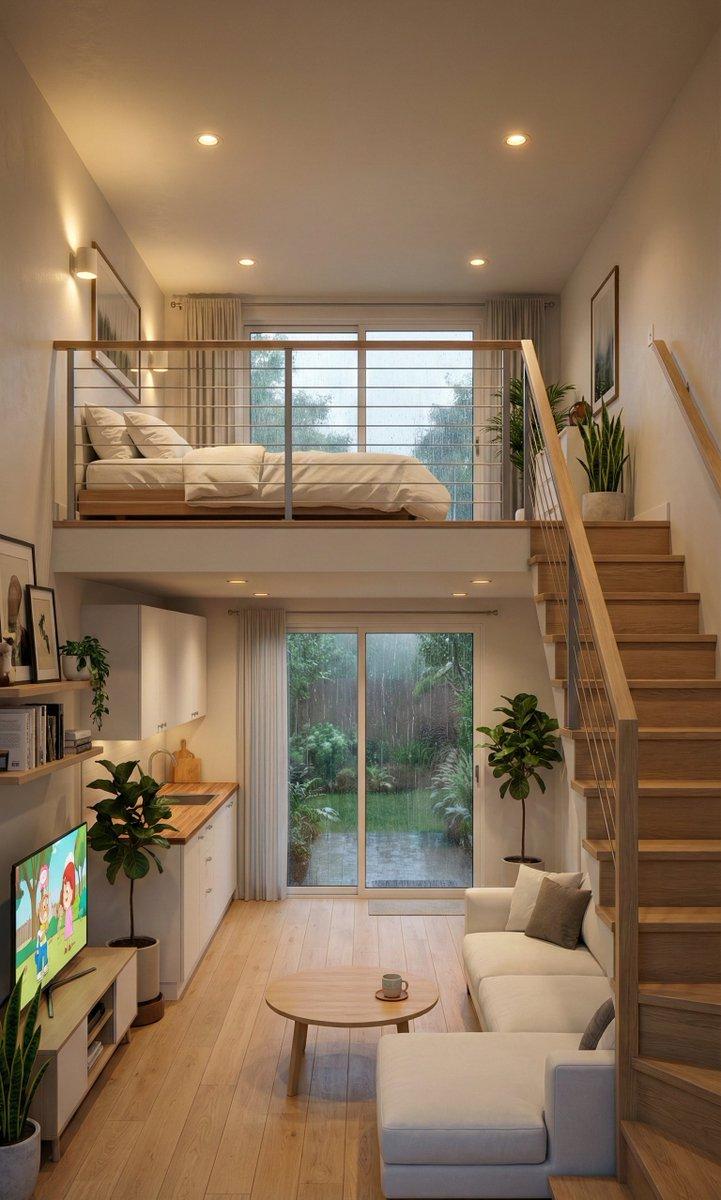
Prompt
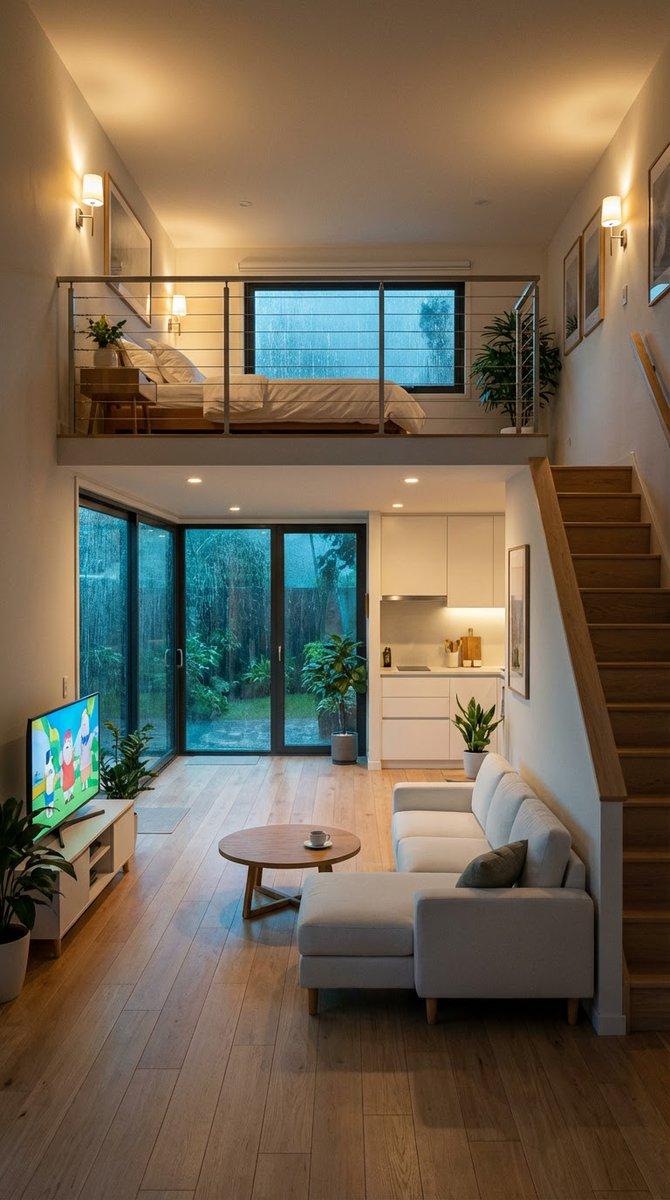
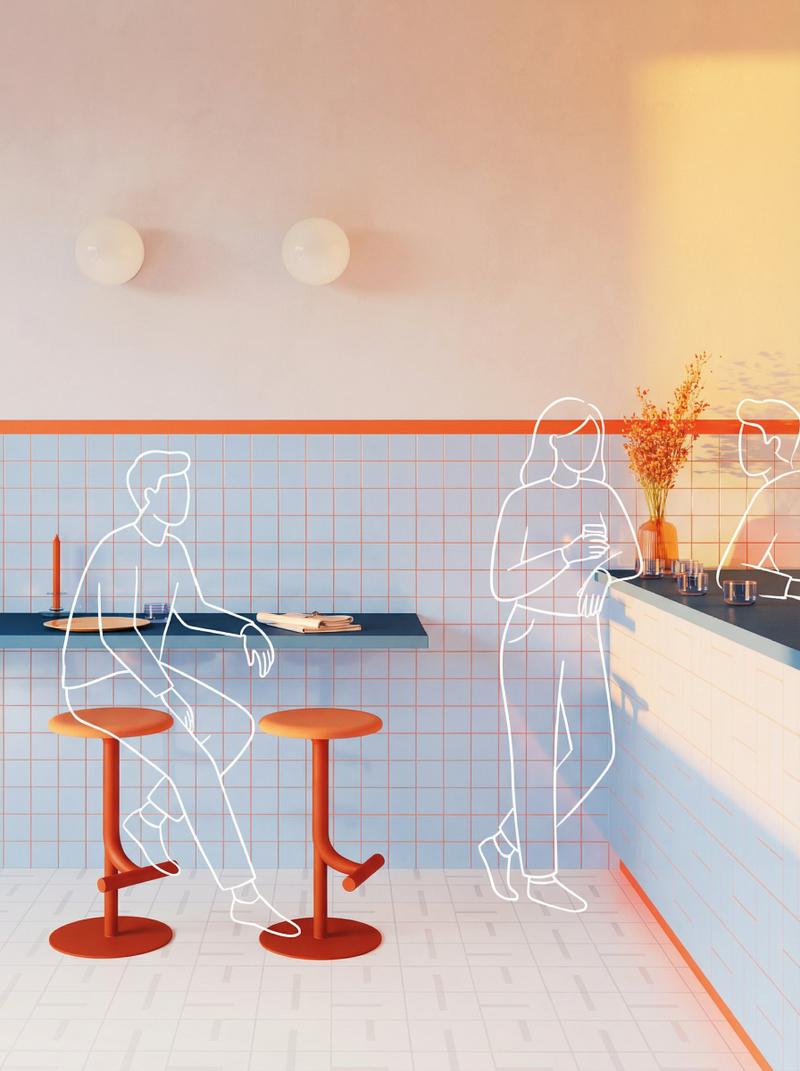
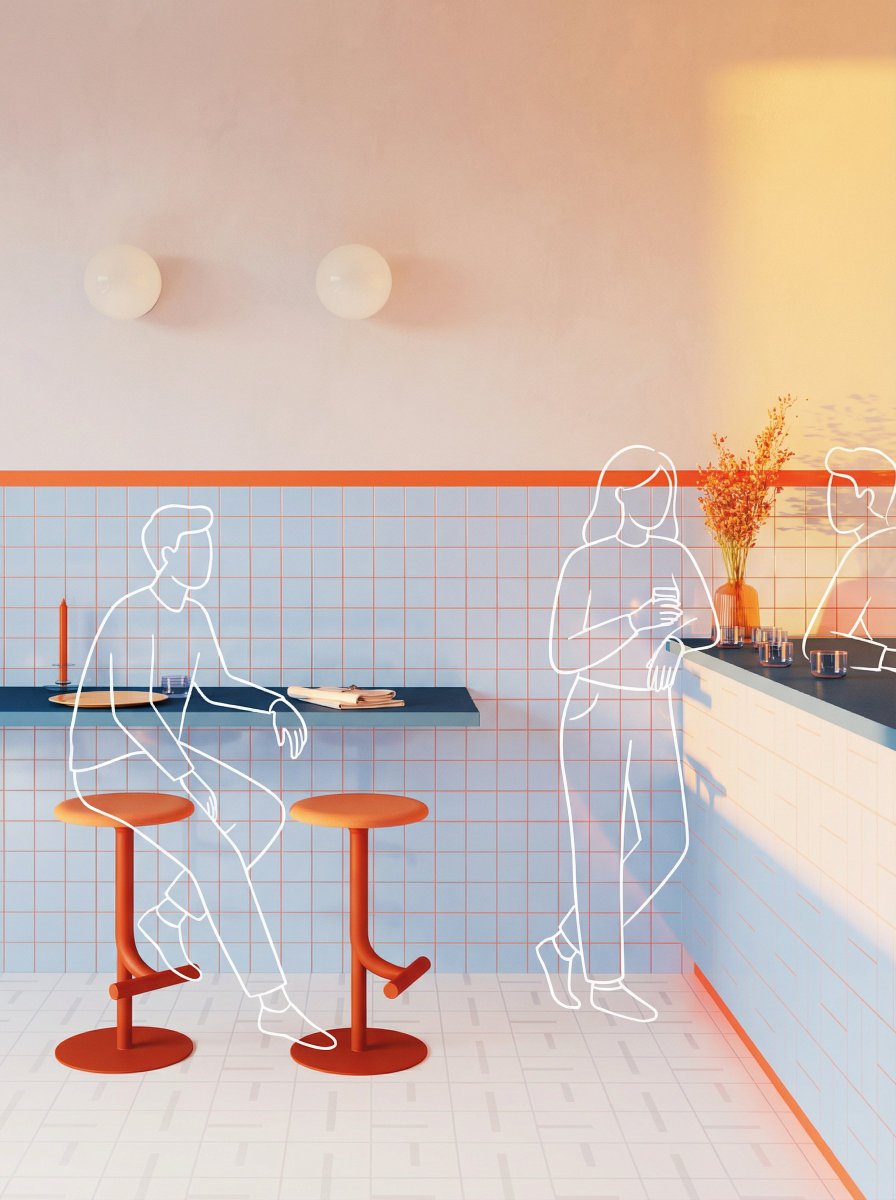
1枚目にあるバスタブ前のチェアを2枚目のものに変更。違和感なくサイズや光源が馴染むように調整してください
- Category
- 创意图片
- Model
- Nano Banana Pro
- Creator
- Girls in AI Art|GiAA(ギア)
- Source ID
- 2e07aa2c-596f-4caa-910f-f6b20f626538
- Published
- Mar 8, 2026
Views0
20
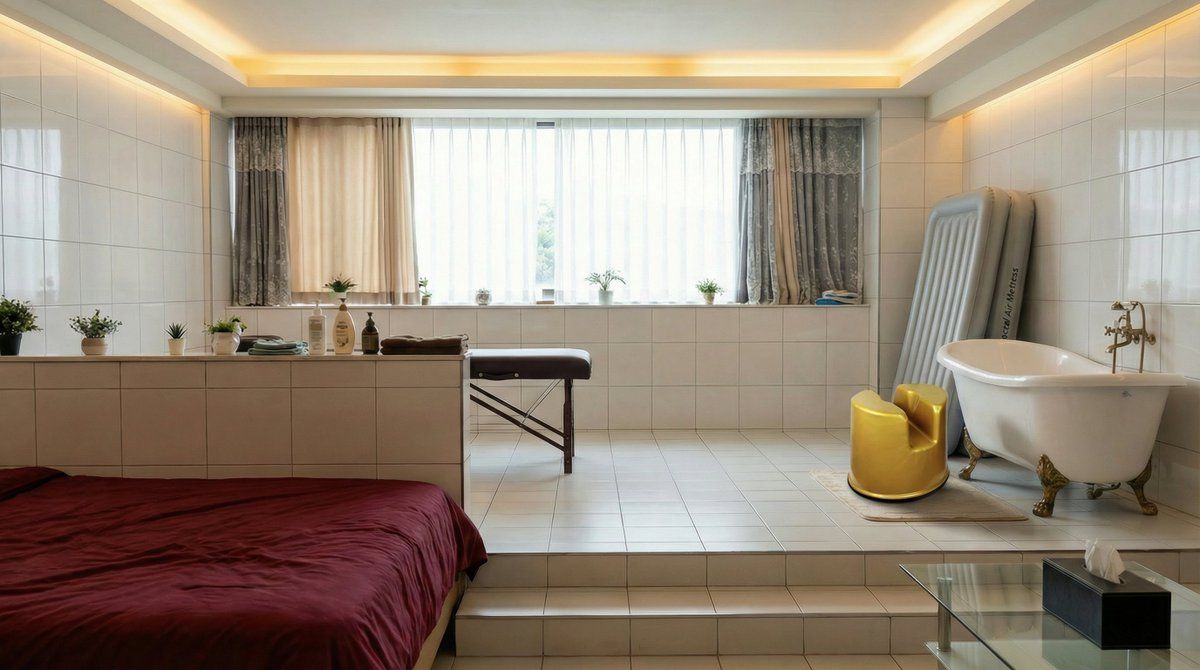
1枚目にあるバスタブ前のチェアを2枚目のものに変更。違和感なくサイズや光源が馴染むように調整してください
Guide
"图片编辑提示:替换场景中的某个物体" AI image prompt for Nano Banana Pro (创意图片). 这是一个图像编辑提示,用于 Nano Banana Pro,它能将生成图像中的特定对象(椅子)替换为不同的参考图像,同时确保新对象与场景的现有尺寸、光照和上下文无缝融合。 --- 请将第一张…
The full copyable prompt and example visuals above are ready for AI image generation or one-click recreate in Picva.
Step 1
Review the example visuals, category, and full prompt text for "图片编辑提示:替换场景中的某个物体".
Step 2
Copy the prompt body from this page, or load it directly in Studio.
Step 3
Prefer Nano Banana Pro. If you switch models, keep subject and composition and tweak style terms.
Step 4
Recreate the look in Picva, or export into your workflow for editing and publishing.