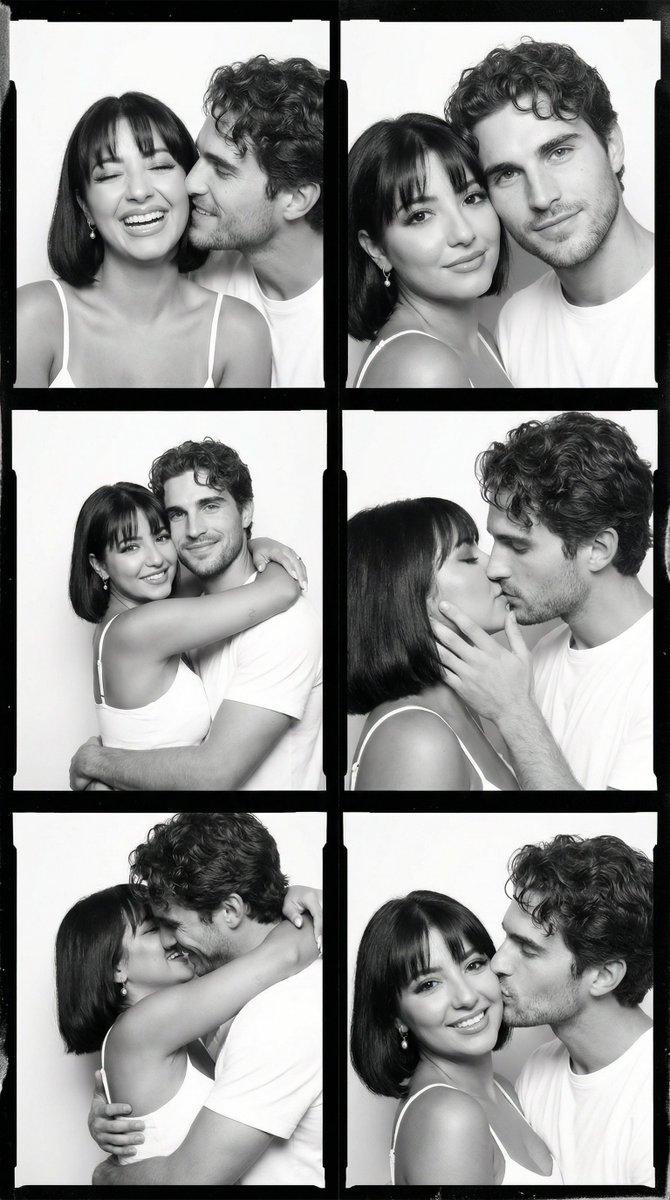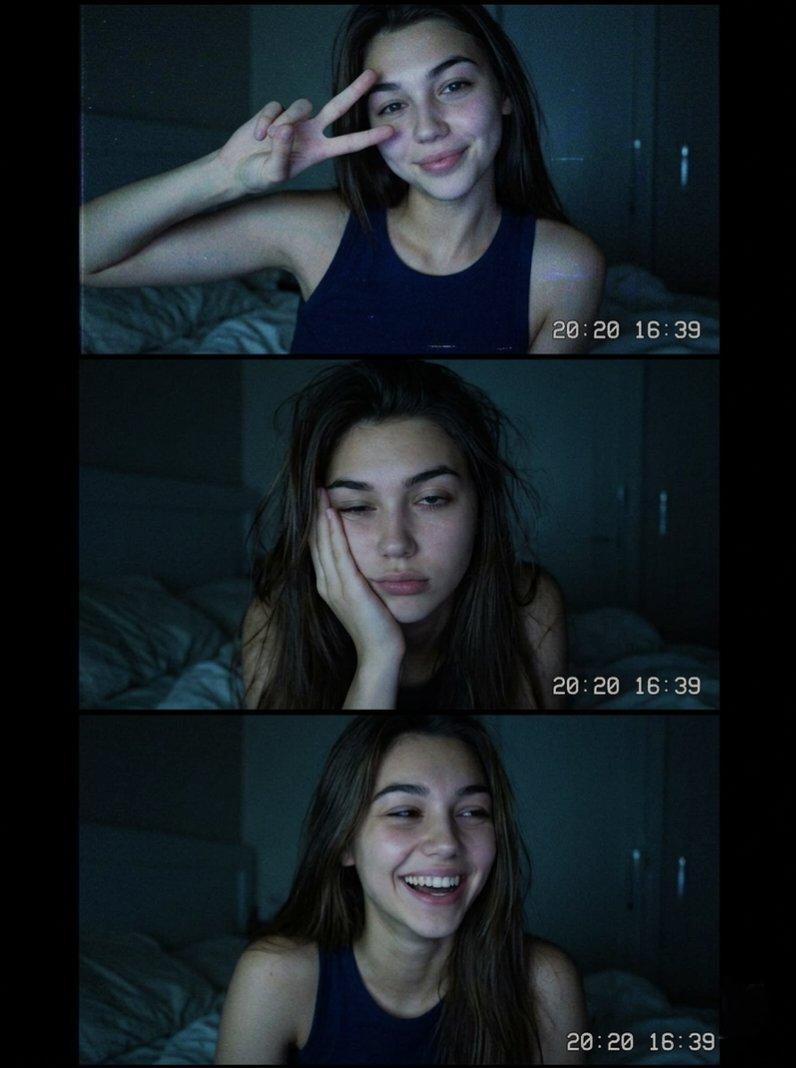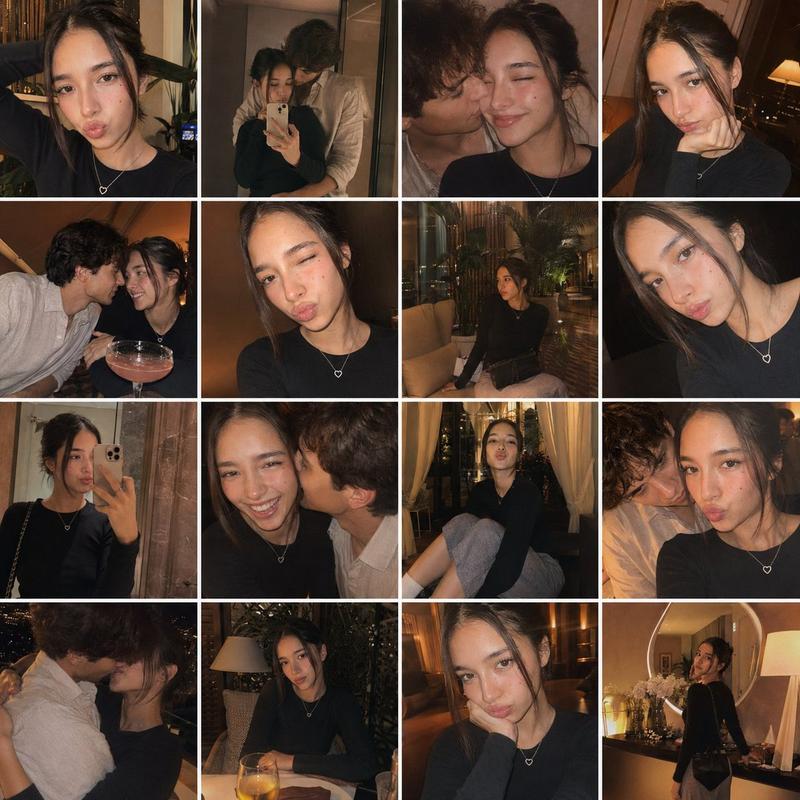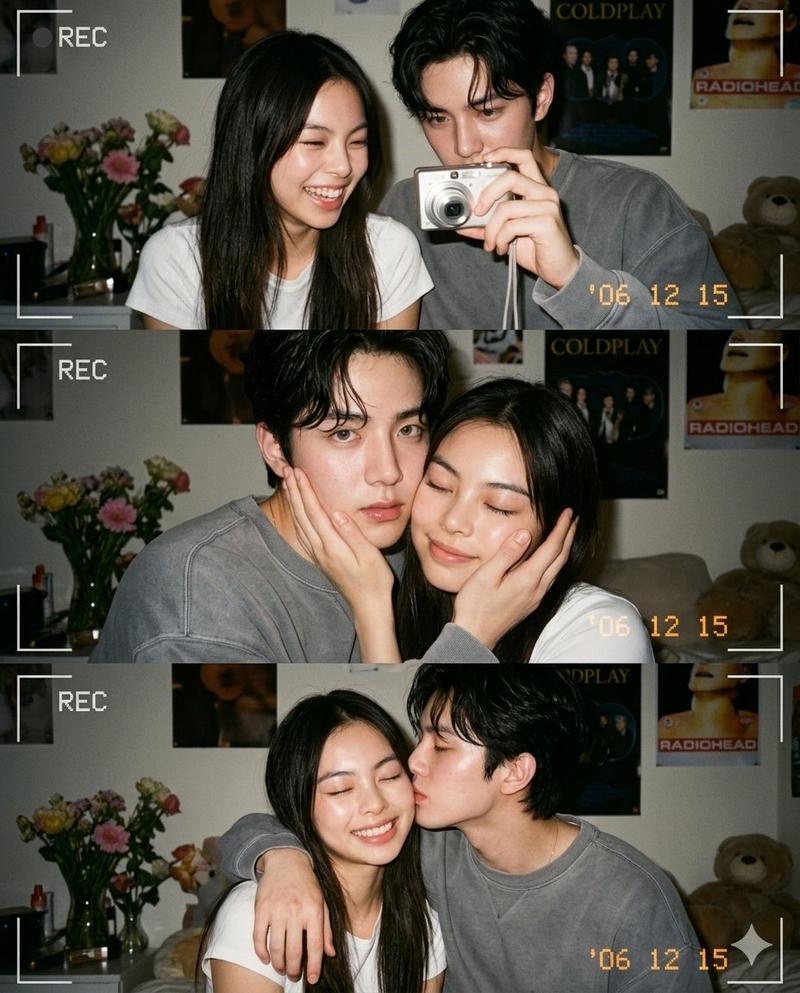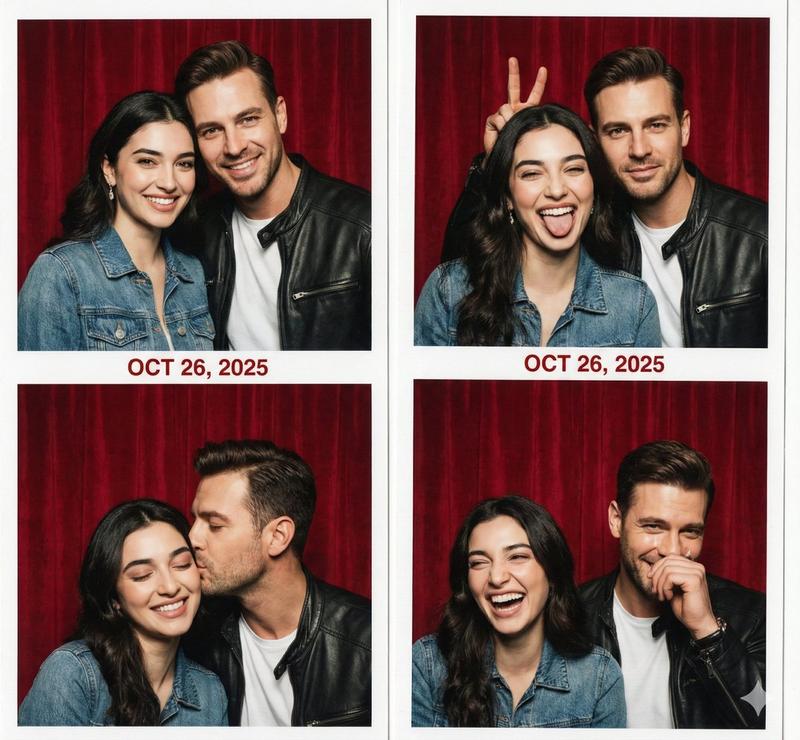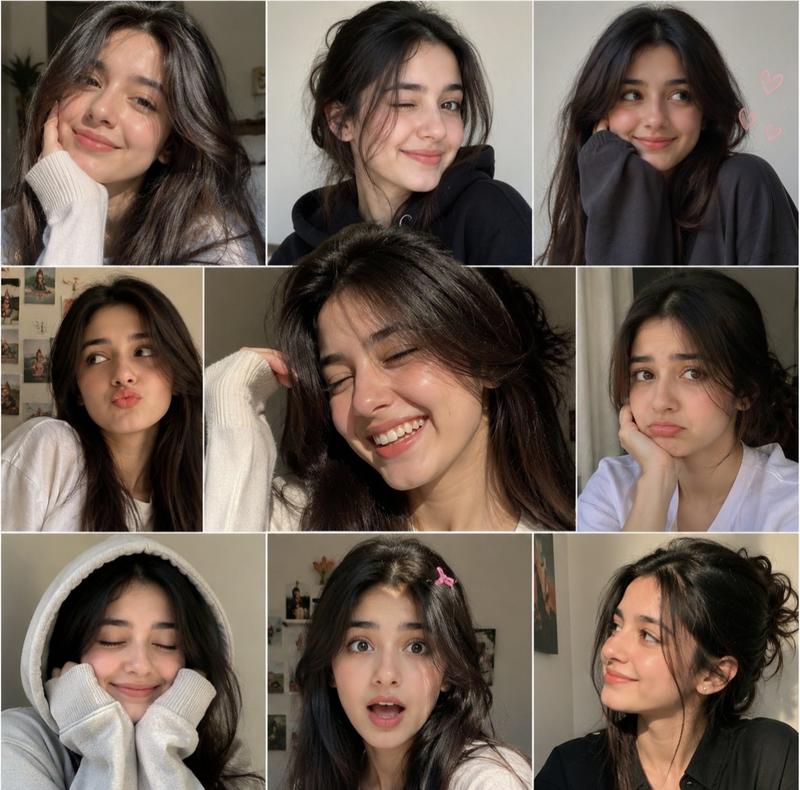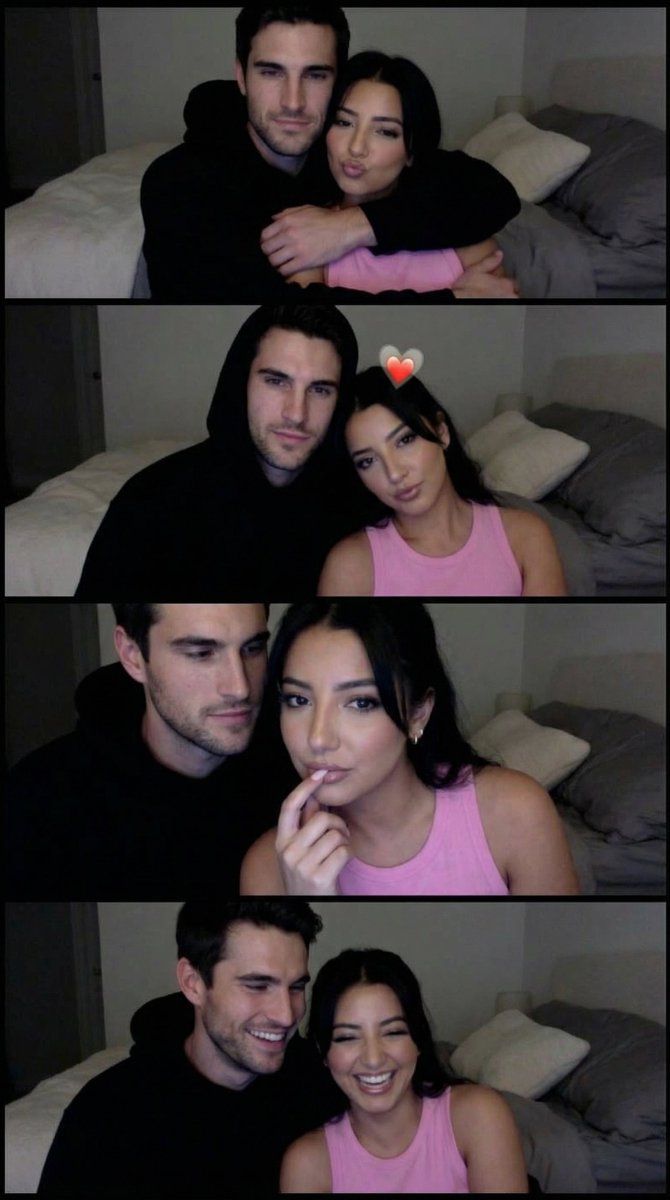
Lo-Fi 网络摄像头照相亭情侣条幅提示 (JSON)
Prompt
{
  "generation_request": {
    "meta_data": {
      "task_type": "lofi_webcam_photobooth_couple_strip",
      "priority": "highest",
      "language": "en",
      "style_version": "v1.0_webcam_couple_strip_hearts"
    },

    "output": {
      "aspect_ratio": "3:4",
      "resolution": "high",
      "num_images": 1
    },

    "scene": {
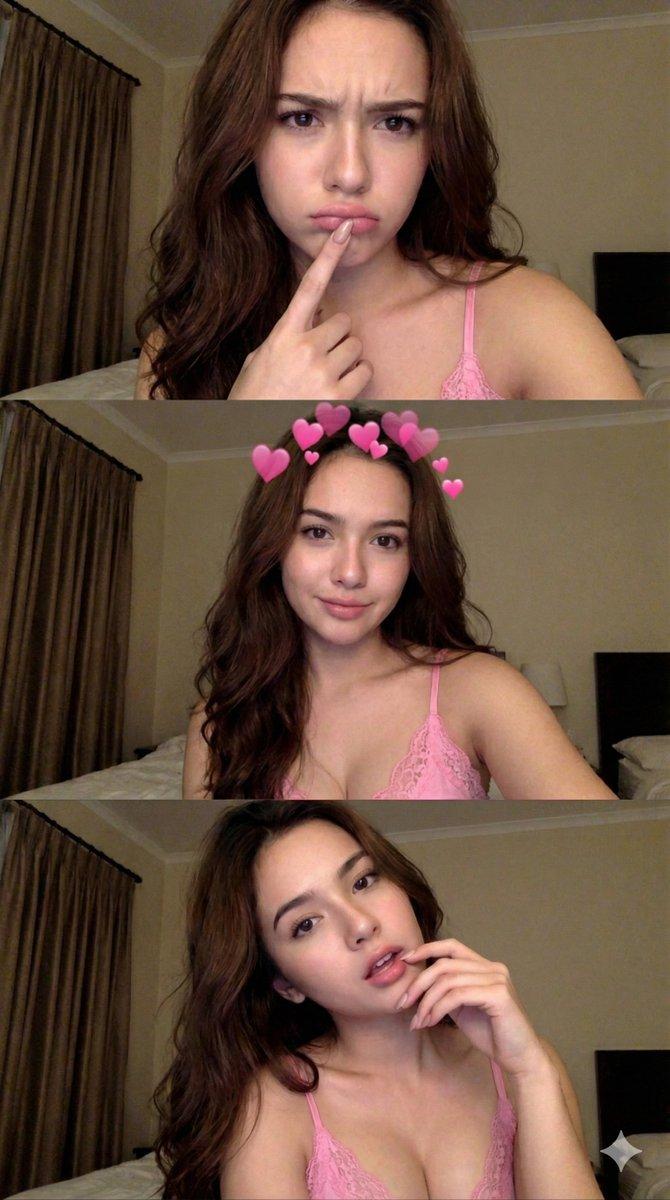
      "concept": "a 3-frame photo booth strip captured on a laptop webcam, intimate and playful couple moment",
      "environment": "cozy bedroom at night, warm dim lighting, bed and pillows softly visible, slightly messy realistic background",
      "layout": "single image containing three horizontal frames stacked vertically (photobooth collage)"
    },

    "subjects": {
      "type": "couple",
      "overall_mood": "cute, intimate, casual, lo-fi",
      "wardrobe": {
        "woman": "pink tank top",
        "man": "black hoodie with hood up"
      },
      "frame_1": {
        "pose": "man hugging from behind, leaning close to her cheek, woman making a playful pout and pointing to her cheek",
        "expressions": "woman playful pout, man smiling softly looking at her"
      },
      "frame_2": {
        "pose": "same close framing, woman facing camera calmly, man gazing at her affectionately",
        "overlay_filter": "soft pink heart sticker/filter floating above her head",
        "expressions": "woman neutral-soft expression, man affectionate gaze"
      },
      "frame_3": {
        "pose": "closer crop, woman touching her lips with fingers, man behind her looking toward camera",
        "expressions": "woman dreamy, man calm"
      }
    },

    "camera": {
      "camera_type": "laptop webcam look",
      "lens": "wide-ish webcam perspective, slight barrel distortion",
      "focus": "soft but readable faces, not studio sharp",
      "framing": "tight head-and-shoulders, casual selfie distance"
    },

    "lighting": {
      "type": "dim warm bedroom lighting",
      "quality": "low-light noise and soft shadows, realistic webcam exposure",
      "highlights": "subtle sheen on skin, no harsh flash"
    },

    "color_grading": {
      "palette": "warm beige and soft pink tones, muted blacks",
      "white_balance": "slightly warm",
      "saturation": "slightly muted",
      "look": "lo-fi webcam aesthetic"
    },

    "film_effects": {
      "noise": "visible low-light digital noise",
      "softness": "slight blur and compression artifacts like a webcam screenshot",
      "vignette": "very subtle"
    },

    "global_constraints": {
      "rating": "PG-13",
      "no_nudity": true,
      "no_explicit_sexual_content": true,
      "no_text": true,
      "no_logos": true,
      "no_watermark": true,
      "no_ai_plastic_skin": true
    }
  }
}- Category
- 创意图片
- Model
- Nano Banana Pro
- Creator
- Özge Döner
- Source ID
- 8190a812-e3d4-4b3e-bdfc-e992699a85b4
- Published
- Mar 8, 2026
Views0