19

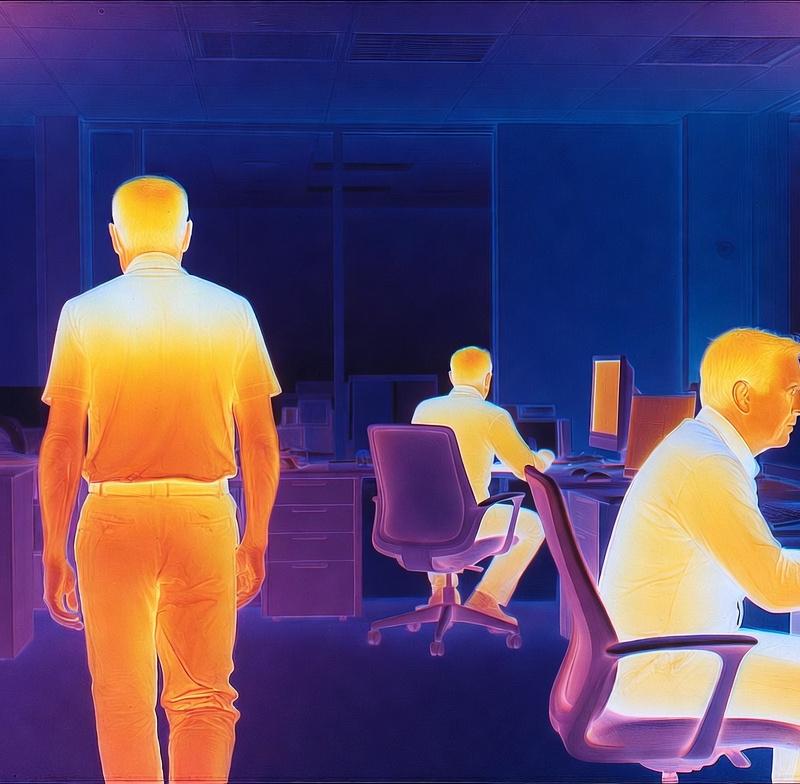
Thermal camera view of a modern office environment, military-grade infrared visi
Enlarge

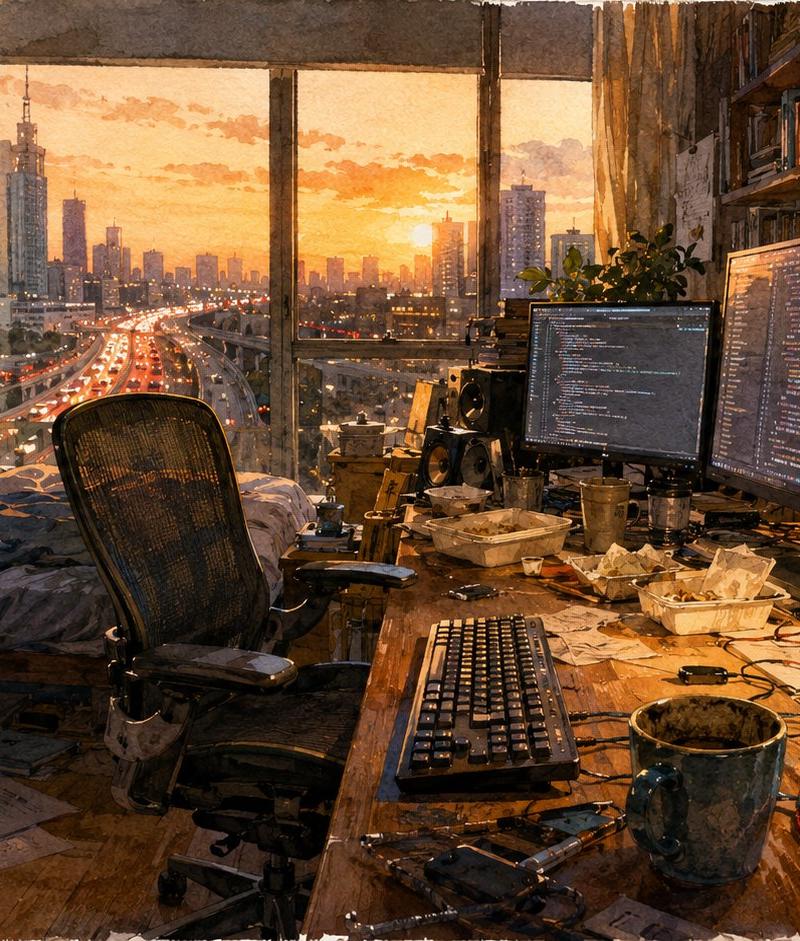
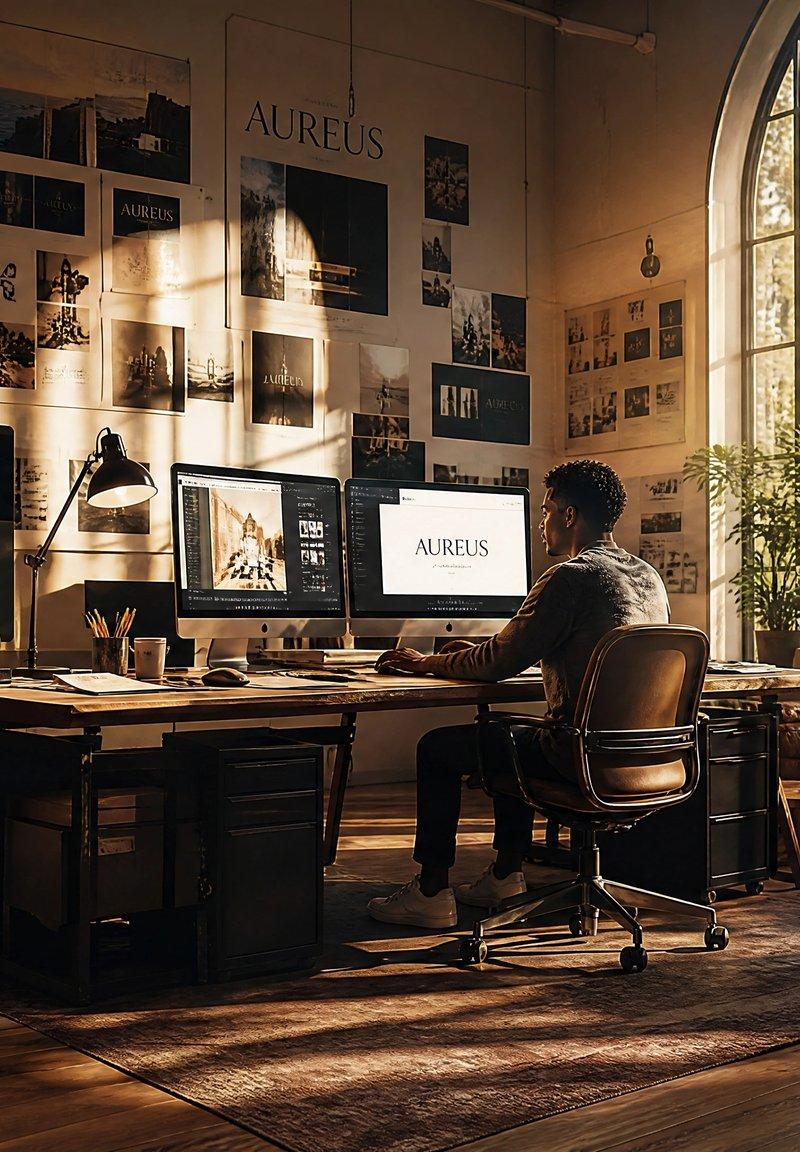
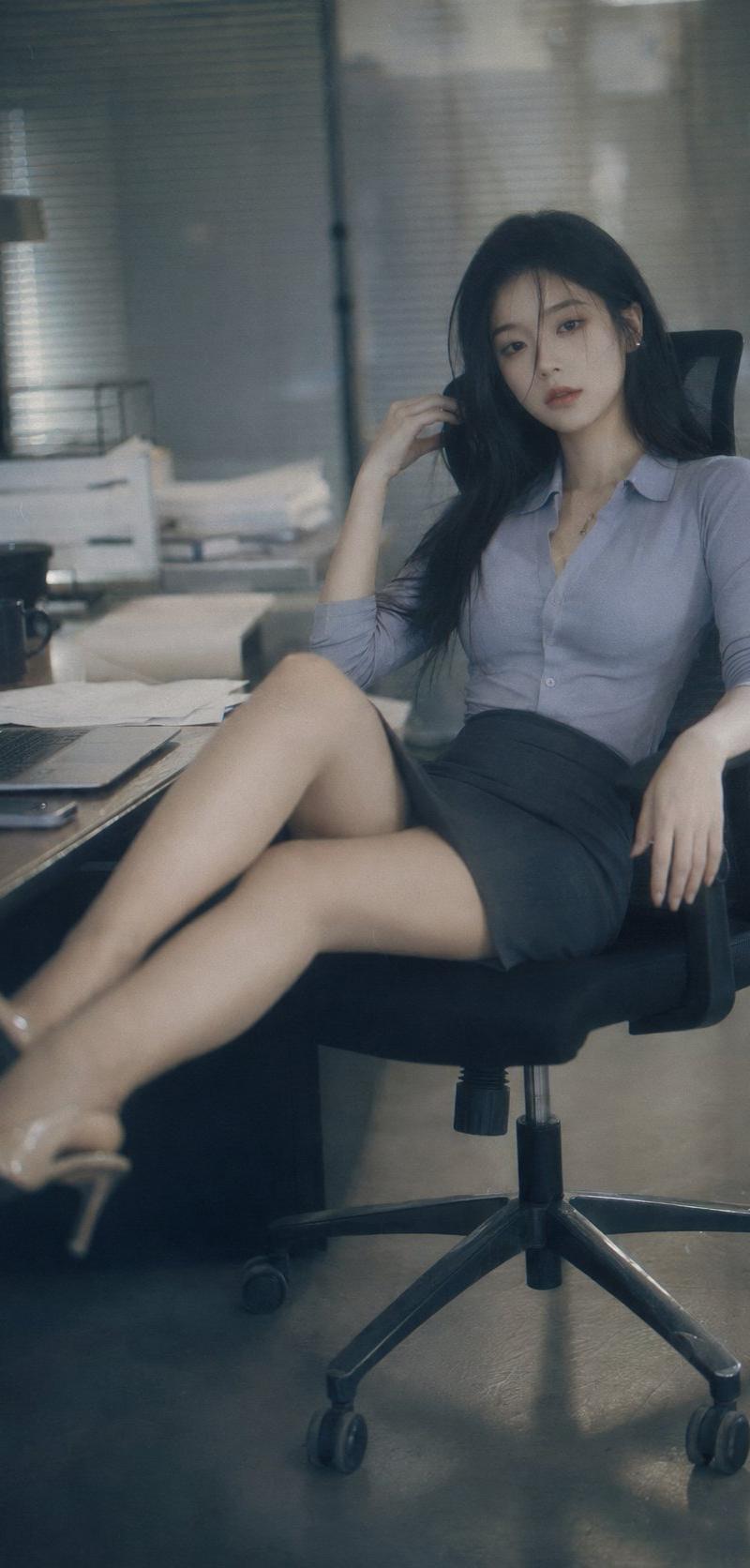
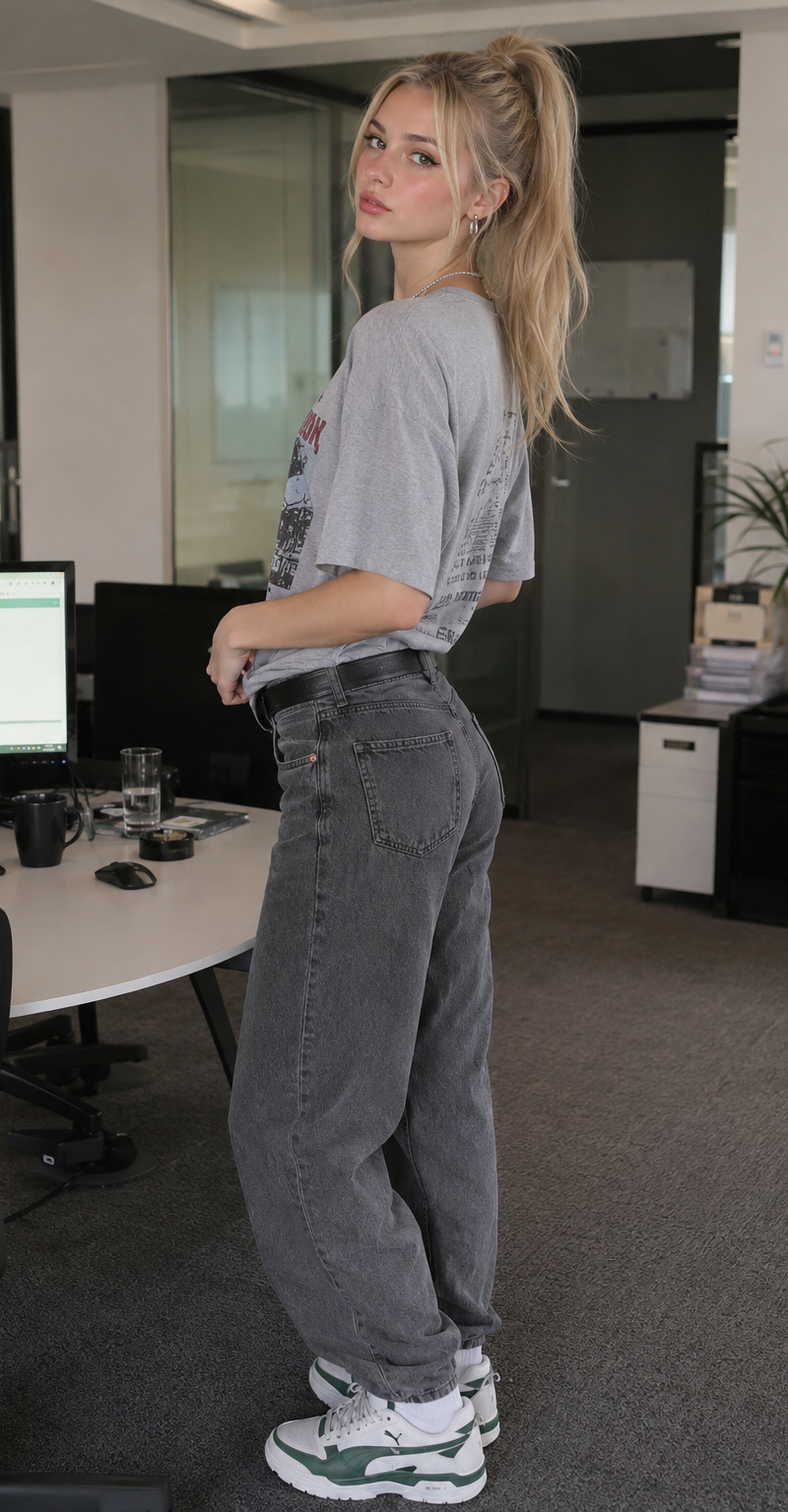
Example images

Thermal camera view of a modern office environment, military-grade infrared visi

Prompt
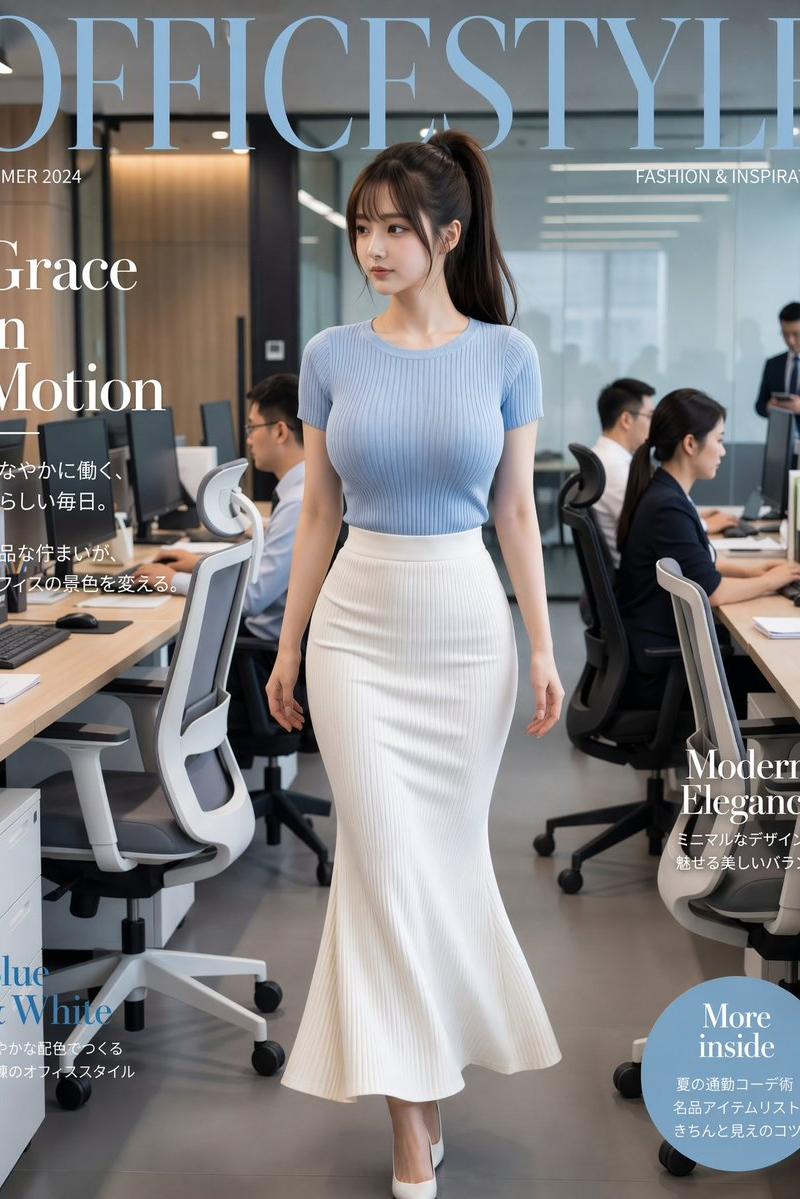
Thermal camera view of a modern office environment, military-grade infrared vision, strong temperature contrast, 2 to 3 people clearly visible as bright hot heat signatures in glowing yellow, orange and white tones, human bodies radiating warmth with strong heat gradients, one person walking, two people sitting behind desks working on computer screens, background office environment clearly cooler in deep blue and purple tones, desks, chairs and monitors visible in cold temperature colors, high contrast heat map visualization, people standing out strongly against the cool surroundings, realistic FLIR-style imaging, slight digital grain and sensor noise, cinematic composition, photorealistic thermal effect, temperature contrast emphasized
Category
Charts & Infographics
Model
grok-imagine/text-to-image
Creator
xie underwood
Source language
en
Views28
Source ID
1079
Published
Mar 19, 2026
Studio

Guide

About "Thermal camera view of a modern office environment, military-grade infrared visi"

What is this prompt for?

"Thermal camera view of a modern office environment, military-grade infrared visi" AI image prompt for grok-imagine/text-to-image (Charts & Infographics). Ther…

The full copyable prompt and example visuals above are ready for AI image generation or one-click recreate in Picva.

How to use this prompt

  1. Step 1

    Open the prompt detail

    Review the example visuals, category, and full prompt text for "Thermal camera view of a modern office environment, military-grade infrared visi".

  2. Step 2

    Copy the prompt

    Copy the prompt body from this page, or load it directly in Studio.

  3. Step 3

    Pick a model (grok-imagine/text-to-image)

    Prefer grok-imagine/text-to-image. If you switch models, keep subject and composition and tweak style terms.

  4. Step 4

    Generate and export

    Recreate the look in Picva, or export into your workflow for editing and publishing.

FAQ

What is the "Thermal camera view of a modern office environment, military-grade infrared visi" prompt?
It is an AI image-generation prompt for grok-imagine/text-to-image in the Charts & Infographics category. This page includes the full prompt text, example visuals, and a one-click recreate path in Picva.
How do I use this prompt to generate an image?
Copy the prompt from this page, or use Generate / Studio. Paste it into a compatible image model, or recreate the look in Picva with optional reference images.
Which model is this prompt for?
This page lists grok-imagine/text-to-image. Most descriptive prompts also transfer to nearby image models such as GPT Image, Flux, or Midjourney with light style tweaks.
Can I use the result commercially?
You can usually copy the prompt for creation, but commercial use of the final image depends on the model terms, reference-image rights, and the generated content. Follow the source author and platform rules.