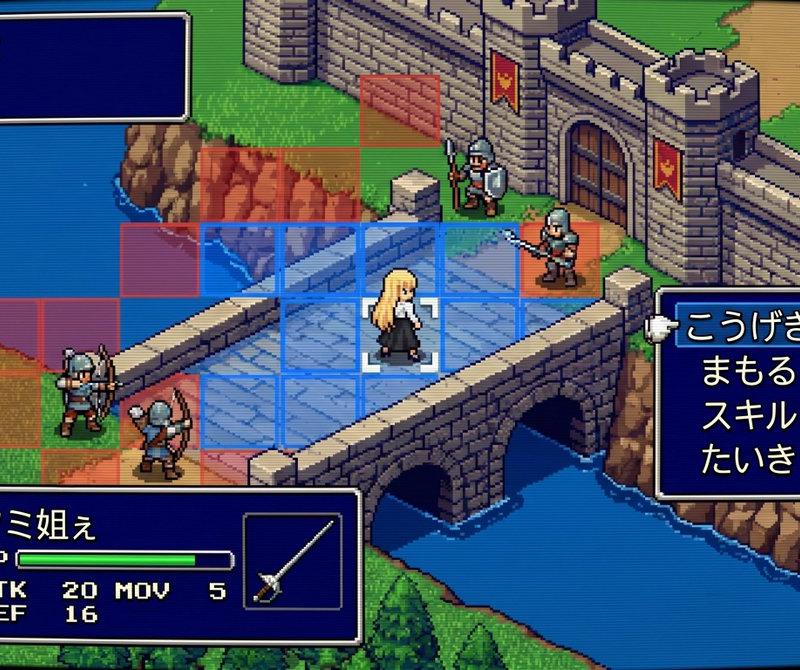
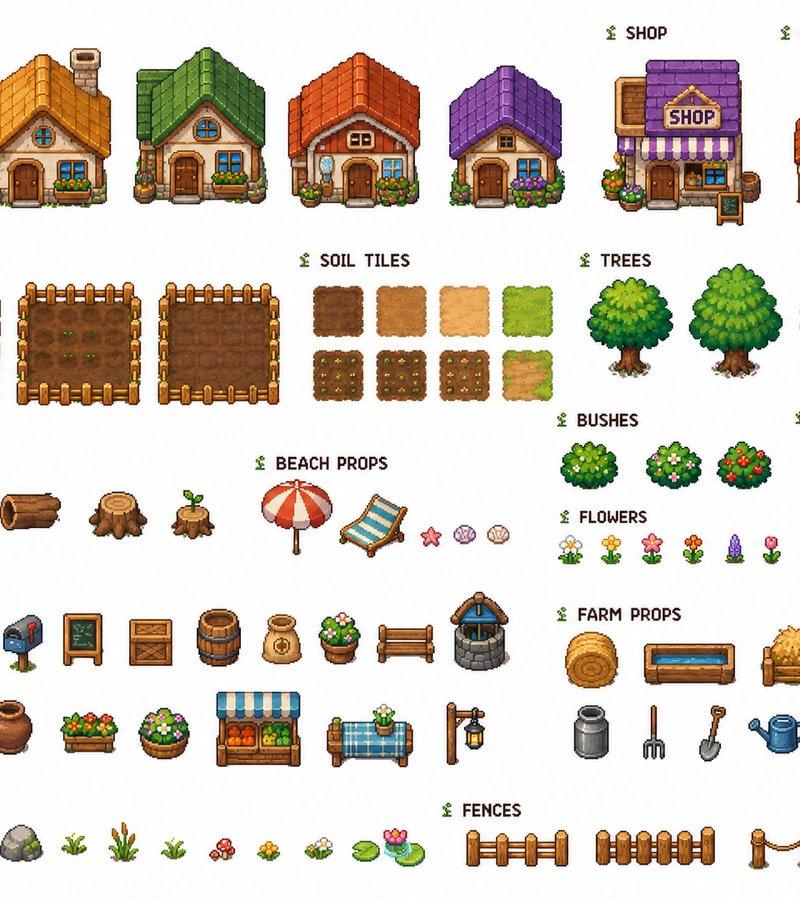
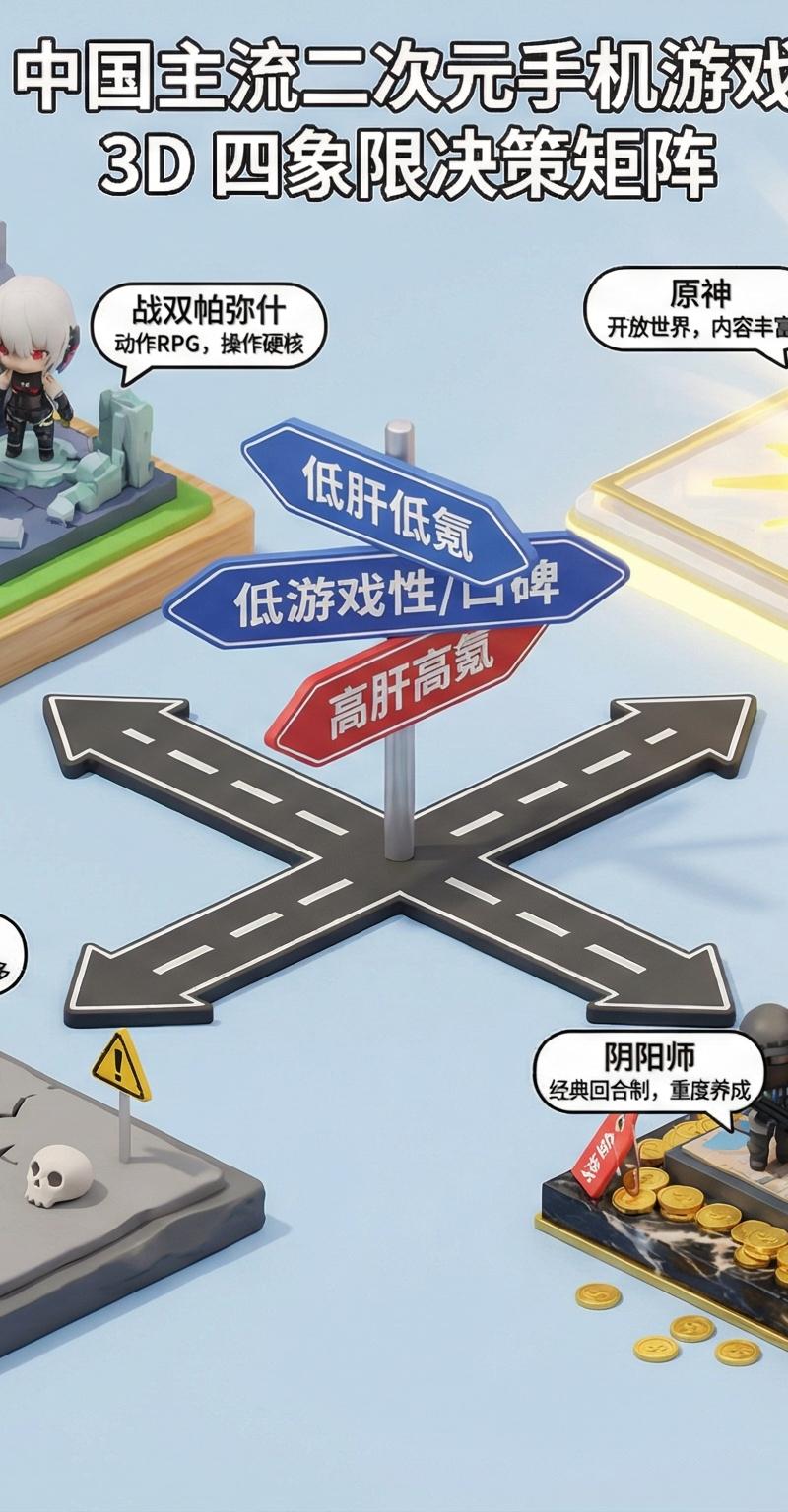
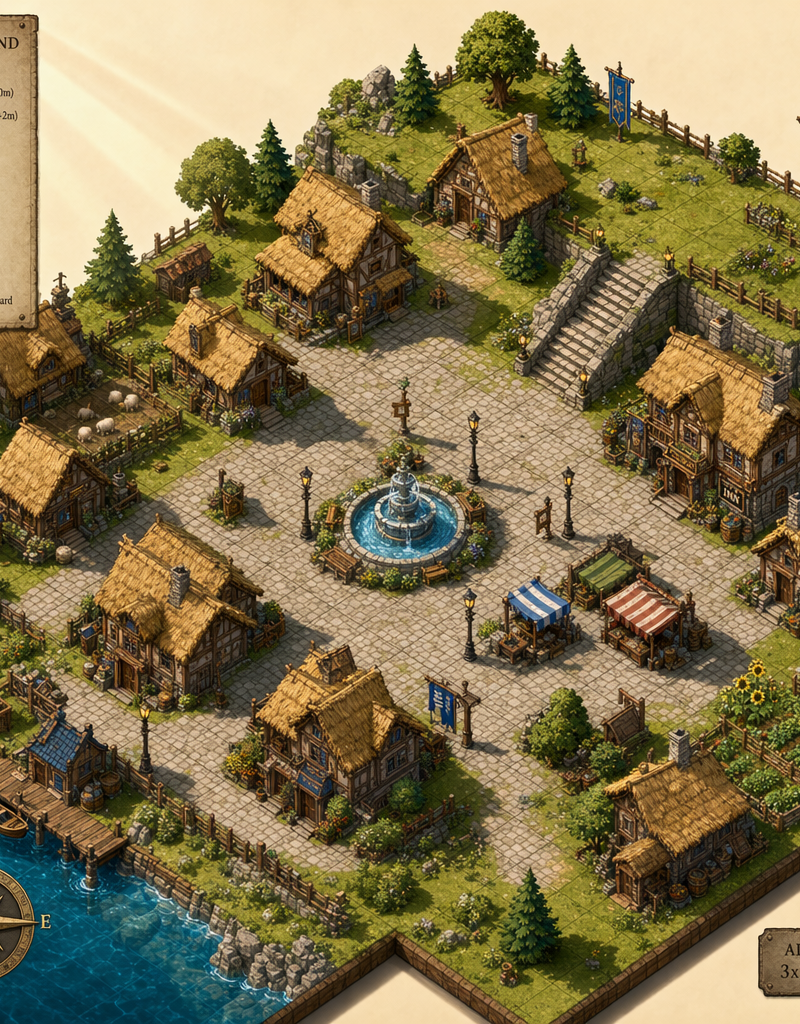
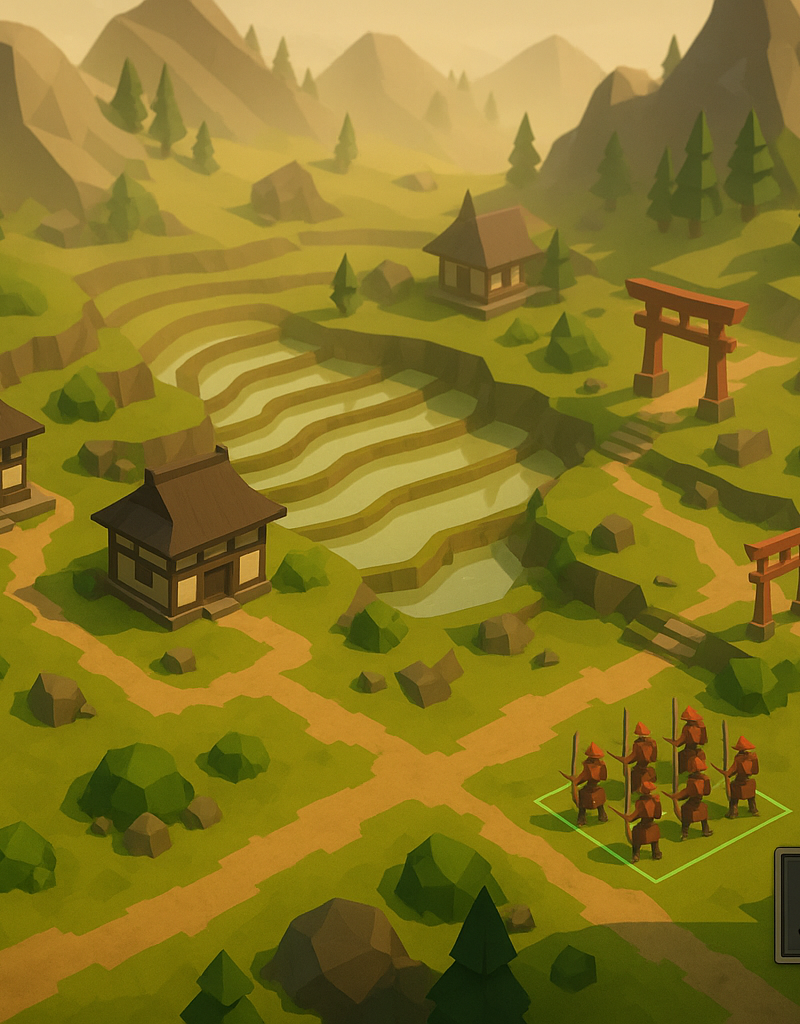
A Japanese voxel asset sheet showing the type of objects, structures, props, veg
Prompt
A Japanese voxel asset sheet showing the type of objects, structures, props, vegetation, terrain pieces, and decorative elements that should exist in the game.

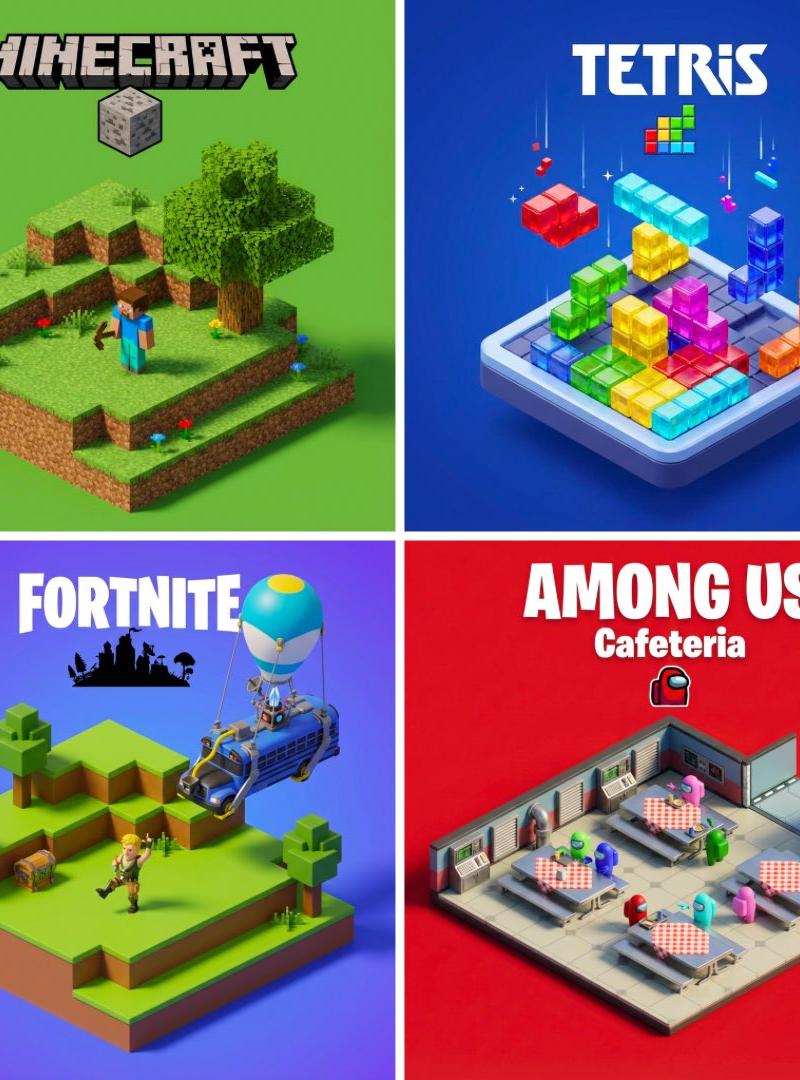
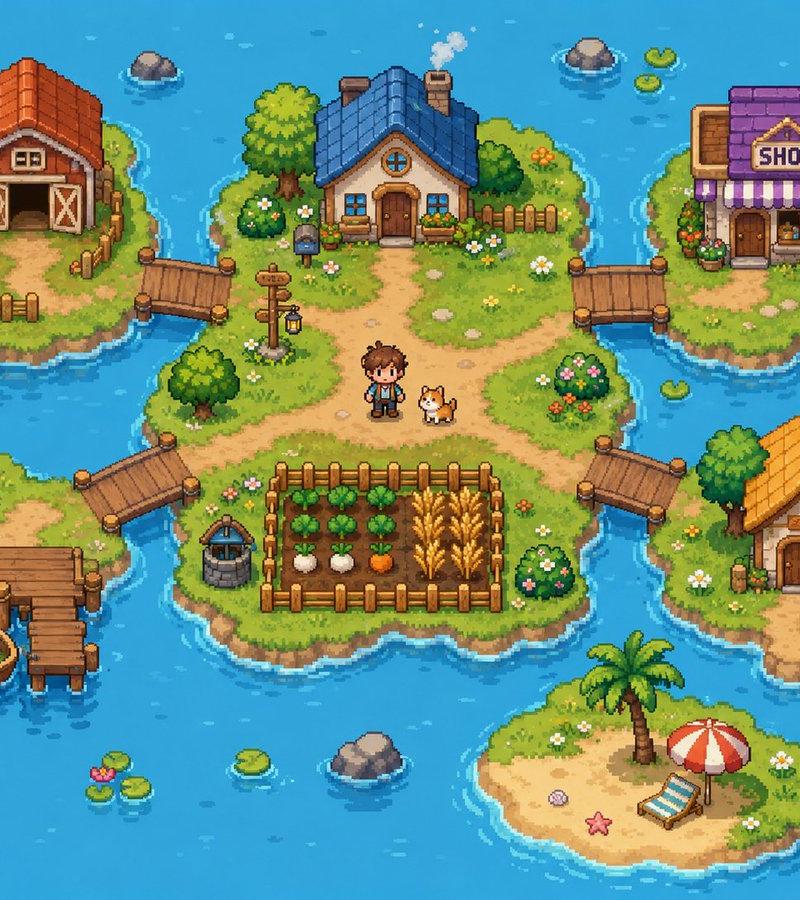
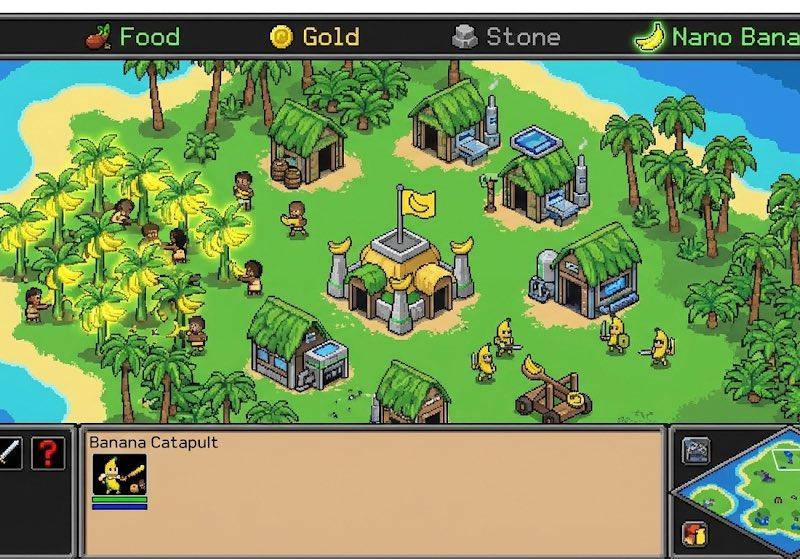
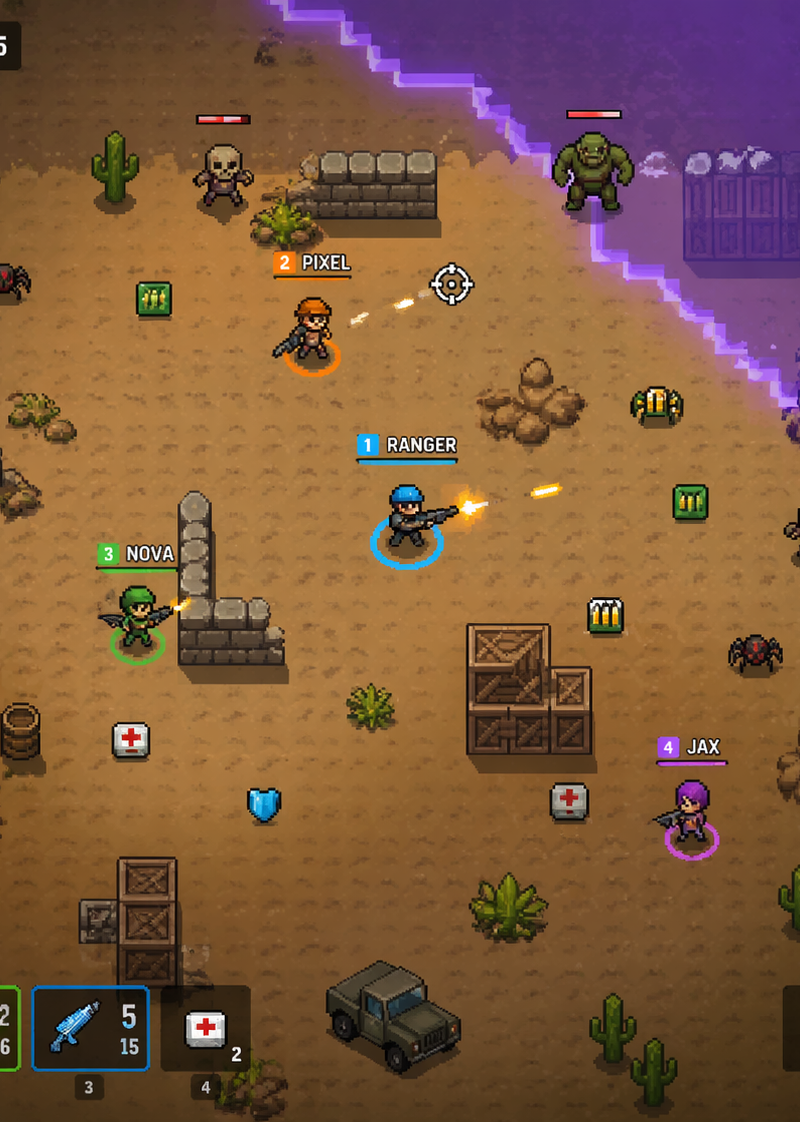
Your goal is to create a playable browser game prototype inspired by these two images.

Important rule:
You must first create the full game asset pack yourself, based on the visual style and content of the two reference images.
Do not import external visual assets.
Do not use stock images.
Do not use asset packs from elsewhere.
Do not use placeholder icons or random UI packs.
Everything visible in the game must come from assets you generate specifically for this project.

Asset creation phase:
Before building the game, generate a complete coherent 2D isometric asset pack inspired by the provided references.

Create an `/assets` folder and generate all required visual assets as separate transparent PNG files.

The created assets must match the style of the references:
- Japanese voxel / cubic / blocky style
- isometric view
- clean readable silhouettes
- soft pastel colors
- polished premium prototype feel
- cute but structured temple-builder aesthetic

Required assets to create:
Terrain:
- grass tile
- path tile
- dirt tile
- water tile
- stone tile
- stairs tile
- canal edge tile

Borders / structure helpers:
- straight fence
- corner fence
- gate fence
- stone post

Nature:
- bamboo cluster
- sakura tree
- small tree / shrub
- grass tuft
- flower bush

Lighting / shrine props:
- stone lantern
- hanging lantern
- torii gate
- shrine box / small altar
- signpost
- banner flag

Water features / farming / utilities:
- small bridge
- well
- rice paddy
- crop patch
- vegetable garden
- water bucket

Decorative props:
- wooden crate
- wooden bench
- hay bale
- rock cluster
- large rock
- mossy rock
- flat stone
- pebbles
- stone pile
- boulder
- wood pile
- storage box
- stone basin

Buildings:
- small hut
- main house
- pagoda
- watchtower
- main temple

UI assets:
- button backgrounds
- panel backgrounds
- category tabs
- toolbar buttons
- hover highlight tile
- placement preview highlight
- simple custom icons if needed, created in the same style

All generated assets must be visually consistent with each other and suitable for an isometric builder game.

Game concept:
Create a small Japanese voxel temple builder game called:

Japanese Temple Voxels

The player can build a tiny voxel temple village on an isometric grid.

Core gameplay:
- The game starts with an empty isometric terrain grid.
- The player can select assets from a bottom asset palette.
- The player can place selected assets on the grid.
- The player can erase placed assets.
- The player can switch between terrain, nature, props, water, and buildings.
- The player can pan and zoom the view.
- The player can save the current layout in localStorage.
- The player can reset the world.
- The player can toggle the grid visibility.
- The goal is creative building, not combat.

Visual direction:
The final game must feel like the provided Japanese voxel builder screenshot:
- soft isometric camera
- clean pastel UI
- Japanese temple village mood
- cream / light background
- floating square terrain platform
- subtle shadows
- polished browser-game prototype feeling
- calm Japanese garden atmosphere

Do not recreate the screenshot as a static image.
Build an actual interactive prototype.

Technical constraints:
- Use HTML, CSS, and JavaScript.
- The game must run directly in the browser by opening `index.html`.
- Organize the code like a senior developer.
- Do not put everything into one giant file.
- Separate asset generation, asset loading, game logic, rendering, input, UI, and storage into clear modules.

Suggested structure:

/index.html
/src/main.js
/src/config.js
/src/assets/generateAssets.js
/src/assets/assetManifest.js
/src/assets/assetLoader.js
/src/core/Game.js
/src/core/Camera.js
/src/core/InputManager.js
/src/core/Renderer.js
/src/grid/IsoGrid.js
/src/grid/TileMap.js
/src/building/PlacementSystem.js
/src/building/PlacedObject.js
/src/ui/UIManager.js
/src/ui/Toolbar.js
/src/ui/AssetPalette.js
/src/ui/HUD.js
/src/storage/SaveSystem.js
/assets/

Important implementation detail:
The project must include a step or script that creates the visual assets first, saves them into `/assets/`, then uses those generated assets in the game.
All final in-game visuals must come from that generated asset pack.

Gameplay details:
- Use an isometric 2D rendering approach.
- Render the world using the created PNG assets.
- Use proper isometric depth sorting.
- The grid should be at least 10x10.
- Terrain tiles cover the base grid.
- Buildings and props sit on top of tiles.
- Larger structures like pagoda, temple, and watchtower occupy multiple cells.
- Small props like lanterns, rocks, bamboo, crops, and signs occupy one cell.
- Water and canal pieces should visually connect nicely.
- Show a preview before placement.
- Highlight the hovered grid cell.
- Prevent large buildings from overlapping placed objects.
- Allow replacing terrain without deleting props above it.
- Allow erasing props/buildings separately from terrain.

UI requirements:
- Title: Japanese Temple Voxels
- Left toolbar:
 - Place
 - Erase
 - Pan
 - Grid toggle
 - Save
 - Reset
- Bottom asset palette:
 - Terrain
 - Nature
 - Props
 - Water
 - Buildings
- The palette must use the created asset images as icons.
- Show the selected asset clearly.
- Add a small instruction panel:
 - Click to place
 - Right click or Erase mode to remove
 - Drag to pan
 - Mouse wheel to zoom
- Keep all visible UI text in English.

Interactions:
- Left click places the selected asset.
- Right click erases the object on the selected cell.
- Mouse drag pans the camera.
- Mouse wheel zooms in/out.
- Keyboard shortcuts:
 - 1 Terrain
 - 2 Nature
 - 3 Props
 - 4 Water
 - 5 Buildings
 - E Erase mode
 - G Toggle grid
 - S Save
 - R Reset

Rendering:
- Use canvas-based rendering or a clean DOM/canvas hybrid.
- Keep performance smooth.
- Add subtle drop shadows under objects.
- Add a soft background grid or foggy editor-style backdrop.
- The final result should feel like a polished playable prototype.

Important:
Do not use external assets.
Do not use emoji icons.
Do not use external icon libraries.
Do not use placeholder art.
Create the assets first, then build the game with them.
Every visible object in the final game must come from the generated project asset pack.

Deliverable:
Create the complete working project.
Generate the full asset pack into `/assets/`.
Then build the playable browser prototype using only those generated assets.
The final prototype must open with `index.html` and let the player build a small Japanese temple voxel village.
- Category
- Charts & Infographics
- Model
- GPT Image 2
- Creator
- Dgv Fhc
- Source language
- en
- Source ID
- 3316
- Published
- May 13, 2026
Views42