16

9种照片专业打光效果
Enlarge

Example images

9种照片专业打光效果

Prompt
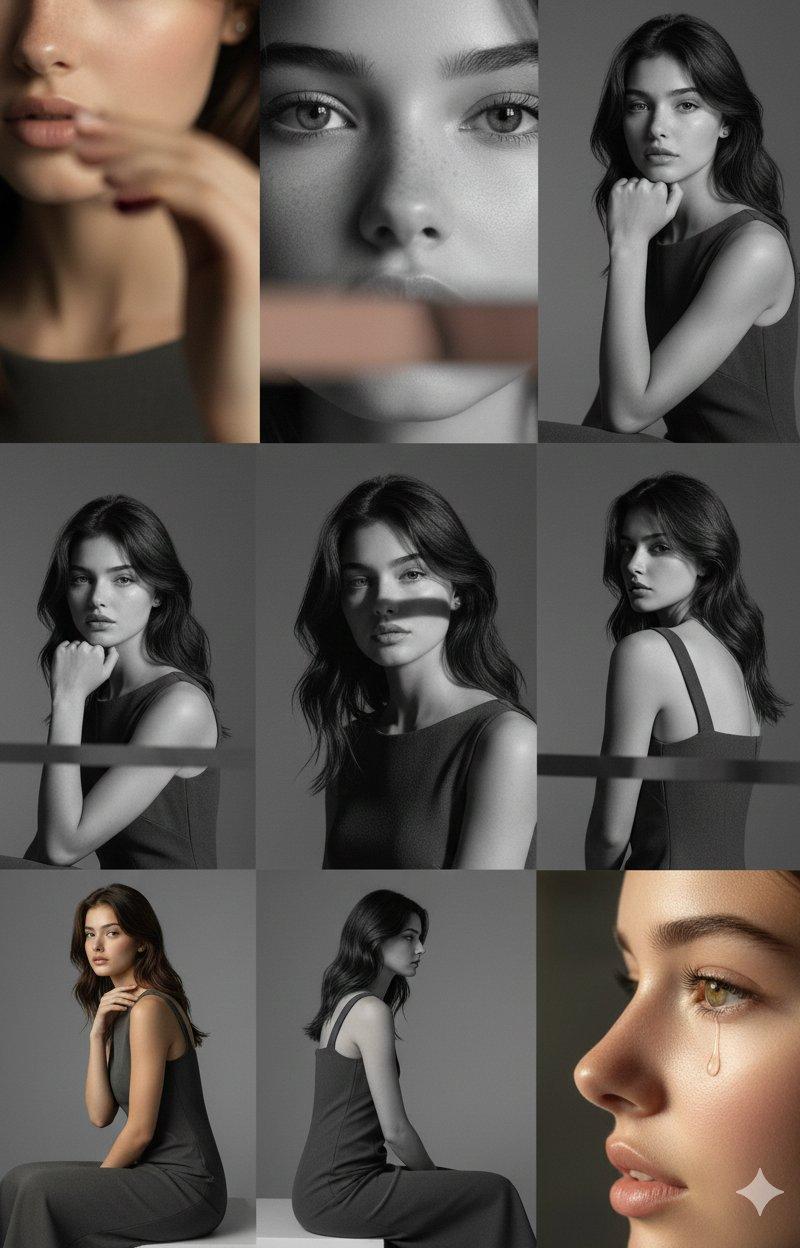
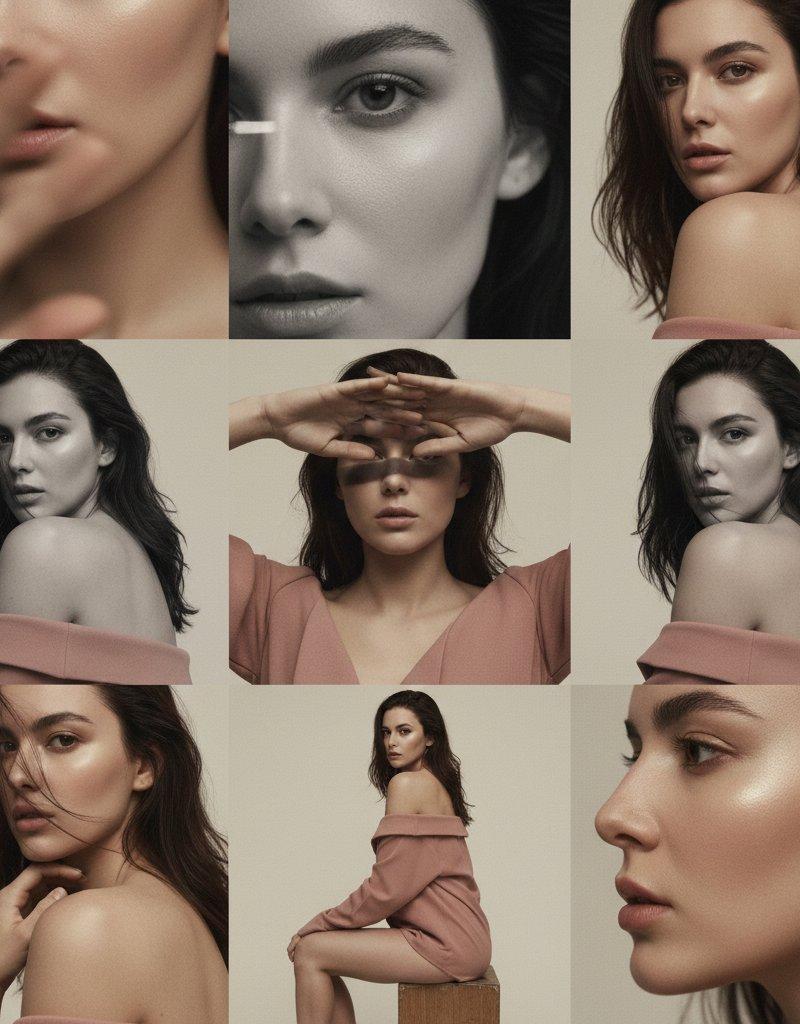
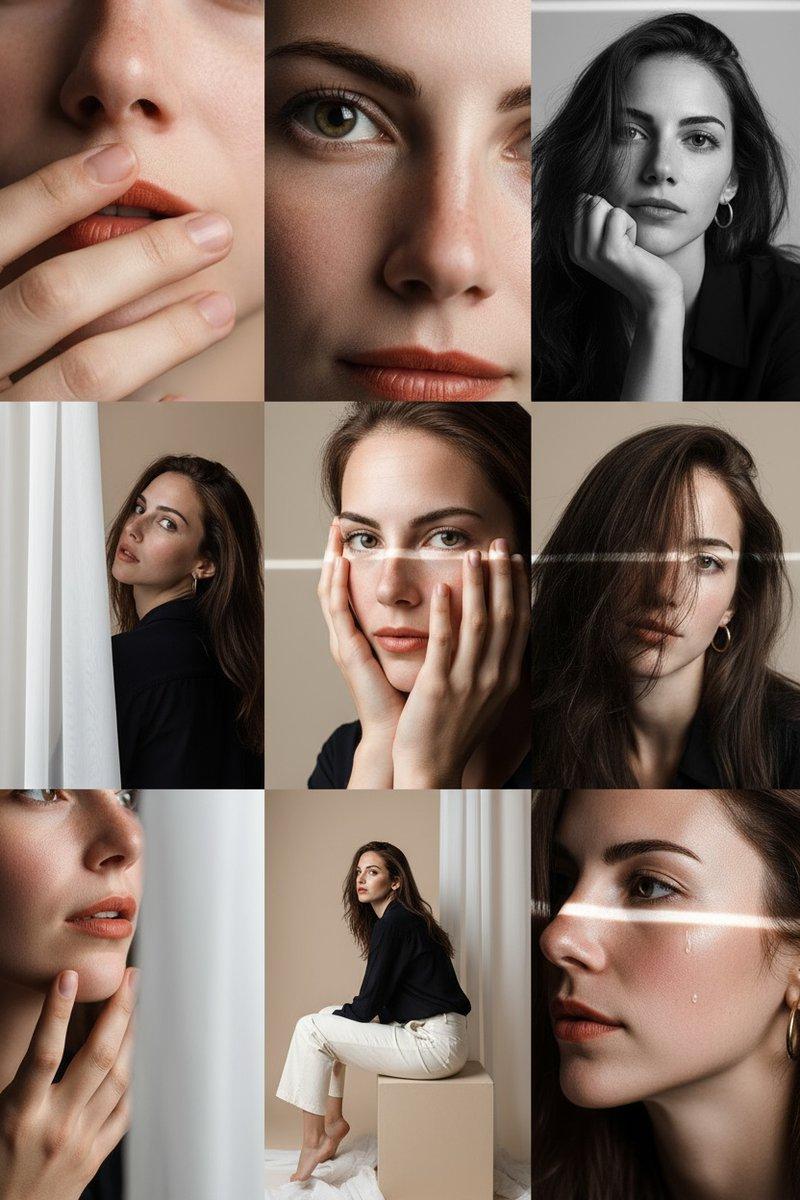
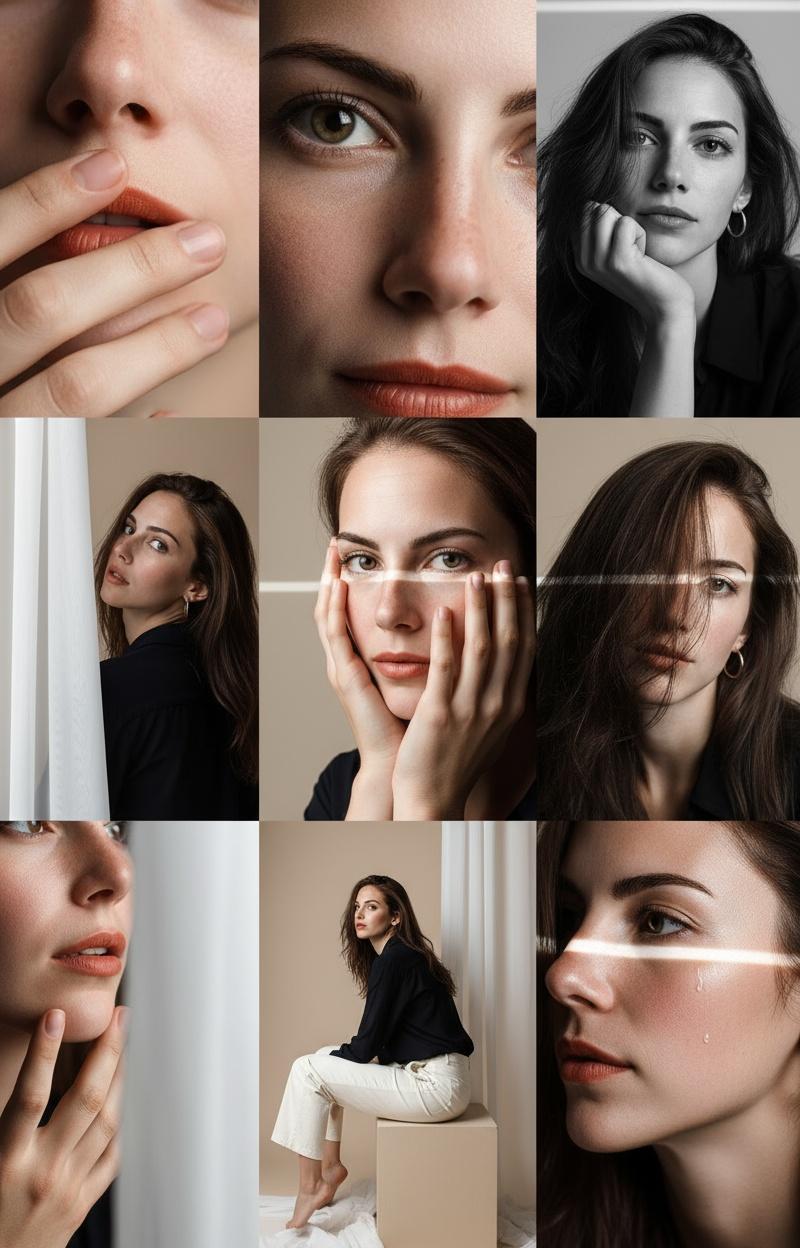
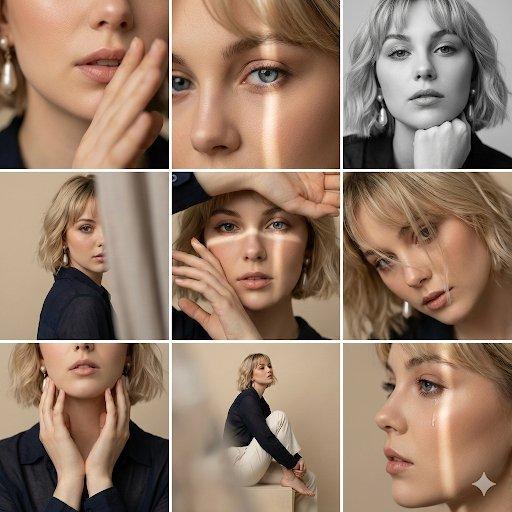
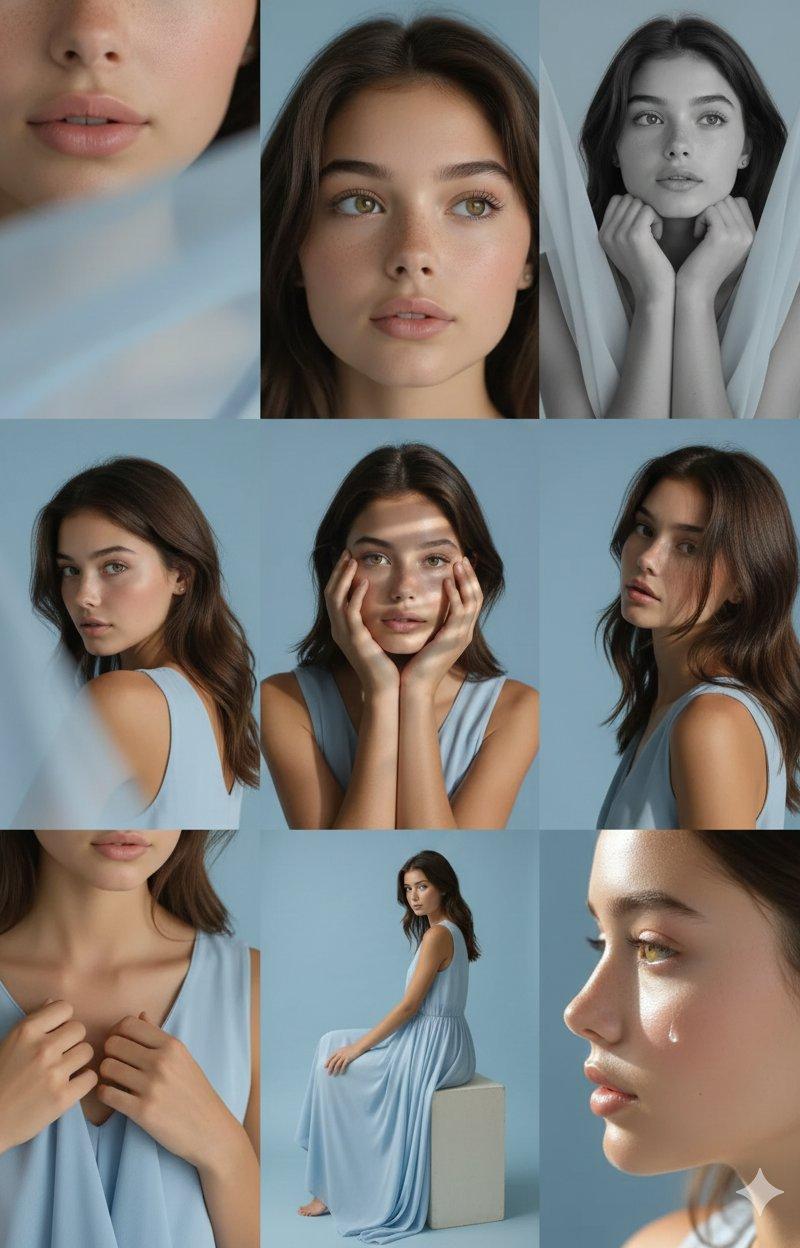
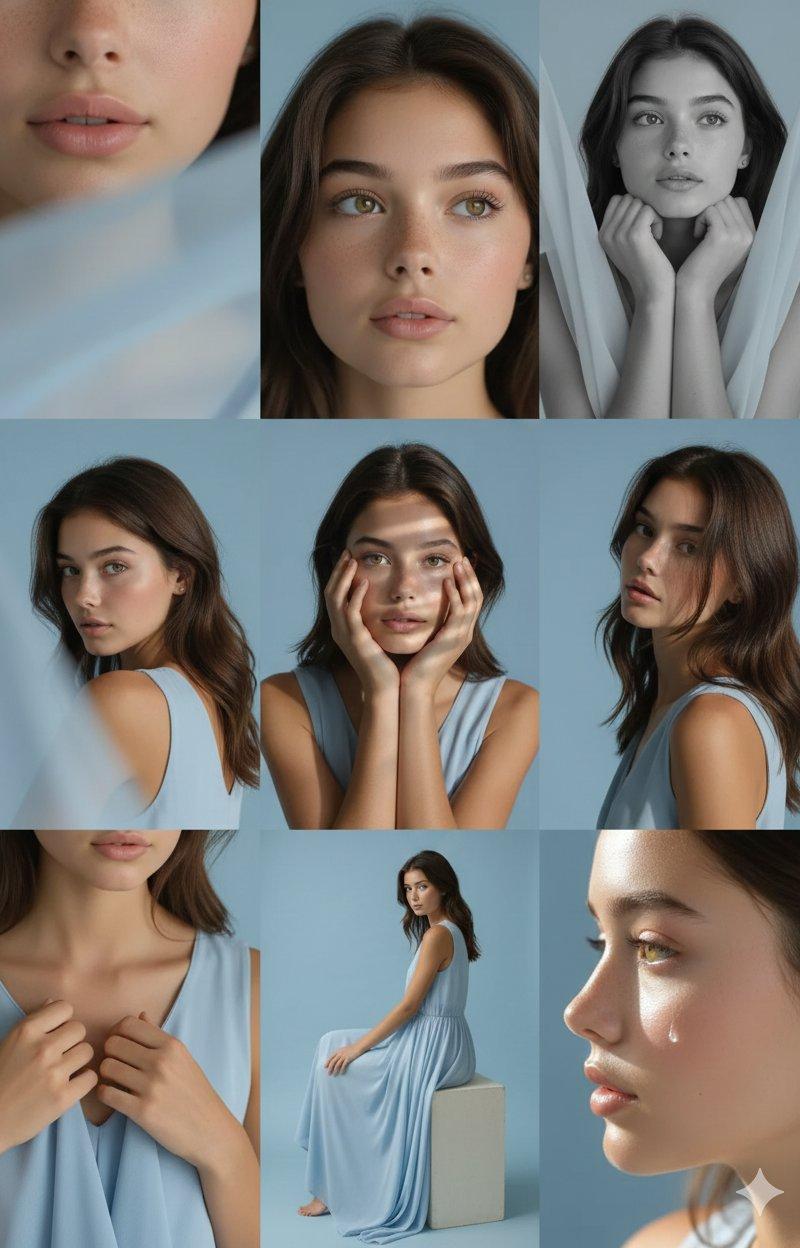
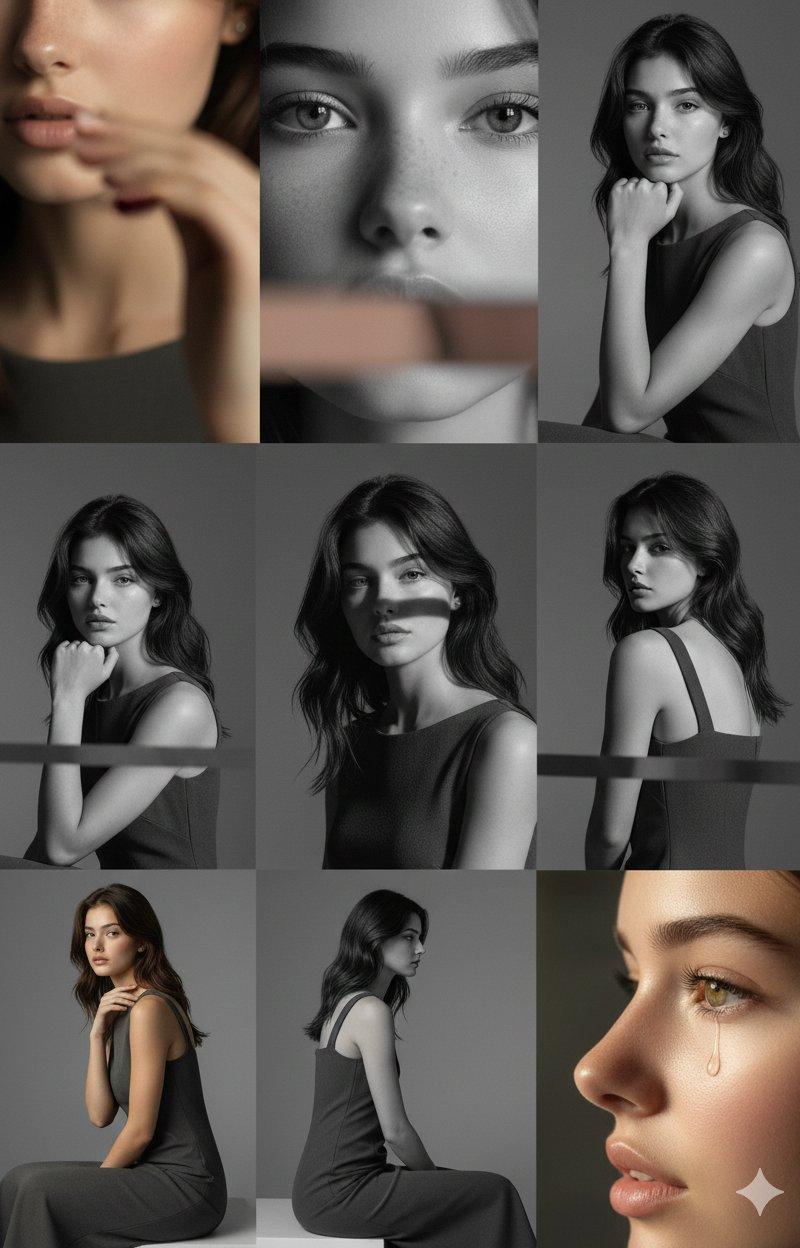
Editorial 3x3 grid in a cool-grey seamless backdrop. Character (face characteristics 100% same as uploaded image) wearing a charcoal sleeveless dress. Lighting: large overhead softbox, faint side bounce. Shots include: 1. tight cheek + neck close-up with blurred finger foreground (85mm, f/1.8); 2. eyes locked to lens, top-light reflection visible (85mm, f/2.0); 3. monochrome chin-on-hand portrait with strong frame fill (50mm, f/2.2); 4. half-obscured over-shoulder shot through blurred dress strap (85mm, f/2.0); 5. head-on close-up with intersecting shadows across face (50mm, f/2.5); 6. angled raw portrait with tousled hair (85mm, f/2.2); 7. tight detail of hands resting near collarbone (50mm, f/3.2); 8. seated half-body profile with blurred frame edges (35mm, f/4.5); 9. profile macro with single water droplet highlight (85mm, f/1.9). RAW, smooth contrast, editorial softness.
编辑场景,3x3网格布局,冷灰色无缝背景。人物(面部特征与上传图片完全一致)身穿炭灰色无袖连衣裙。灯光:大型顶置柔光箱,轻微侧向反射光。照片包括:1. 脸颊和颈部特写,前景手指虚化(85mm,f/1. 8) ;2. 目光锁定镜头,可见顶部反光(85mm,f/2. 0) ;3. 单色下巴托手肖像,画面填充强烈(50mm,f/2.2);4. 透过模糊的肩带拍摄的半遮肩照(85mm,f/2. 0) ;5. 正面特写,面部阴影交错(50mm,f/2.5);6. 斜角拍摄的原始人像,头发蓬乱(85mm,f/2.2);7. 双手置于锁骨附近的特写(50mm,f/3.2);8. 坐姿半身侧面照,画面边缘虚化(35mm,f/4.5);9. 侧面微距照,单颗水滴高光(85mm,f/1.9)。原始素材,平滑对比度,编辑柔化效果。
Category
Photography & Realism
Model
Unknown
Creator
MonetizeXWithAb
Source language
zh-CN
Views0
Source ID
9-professional-photo-lighting-effects
Studio

Guide

About "9种照片专业打光效果"

What is this prompt for?

"9种照片专业打光效果" AI image prompt for Unknown (Photography & Realism). Editorial 3x3 grid in a cool-grey seamless backdrop. Character (face characteristics 100% sam…

The full copyable prompt and example visuals above are ready for AI image generation or one-click recreate in Picva.

How to use this prompt

  1. Step 1

    Open the prompt detail

    Review the example visuals, category, and full prompt text for "9种照片专业打光效果".

  2. Step 2

    Copy the prompt

    Copy the prompt body from this page, or load it directly in Studio.

  3. Step 3

    Pick a model (Unknown)

    Prefer Unknown. If you switch models, keep subject and composition and tweak style terms.

  4. Step 4

    Generate and export

    Recreate the look in Picva, or export into your workflow for editing and publishing.

FAQ

What is the "9种照片专业打光效果" prompt?
It is an AI image-generation prompt for Unknown in the Photography & Realism category. This page includes the full prompt text, example visuals, and a one-click recreate path in Picva.
How do I use this prompt to generate an image?
Copy the prompt from this page, or use Generate / Studio. Paste it into a compatible image model, or recreate the look in Picva with optional reference images.
Which model is this prompt for?
This page lists Unknown. Most descriptive prompts also transfer to nearby image models such as GPT Image, Flux, or Midjourney with light style tweaks.
Can I use the result commercially?
You can usually copy the prompt for creation, but commercial use of the final image depends on the model terms, reference-image rights, and the generated content. Follow the source author and platform rules.