16

解剖プロンプト!キャラクター生成のアレンジと解説
Enlarge

Example images

解剖プロンプト!キャラクター生成のアレンジと解説

Prompt
解剖するぞ!プロンプト!
ブクマ保存おすすめだよ!
情報商材屋は私に1000億円払ったら使ってもいいよw
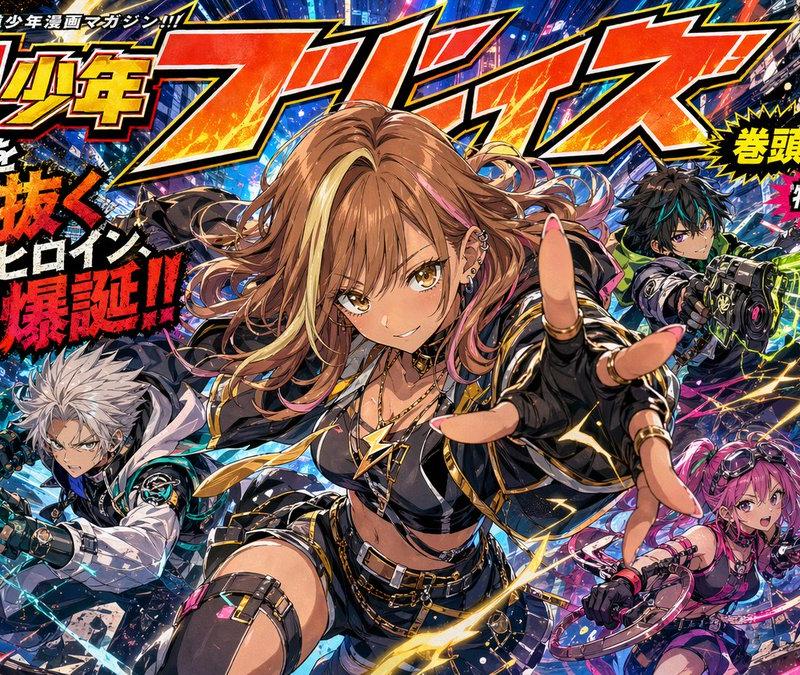
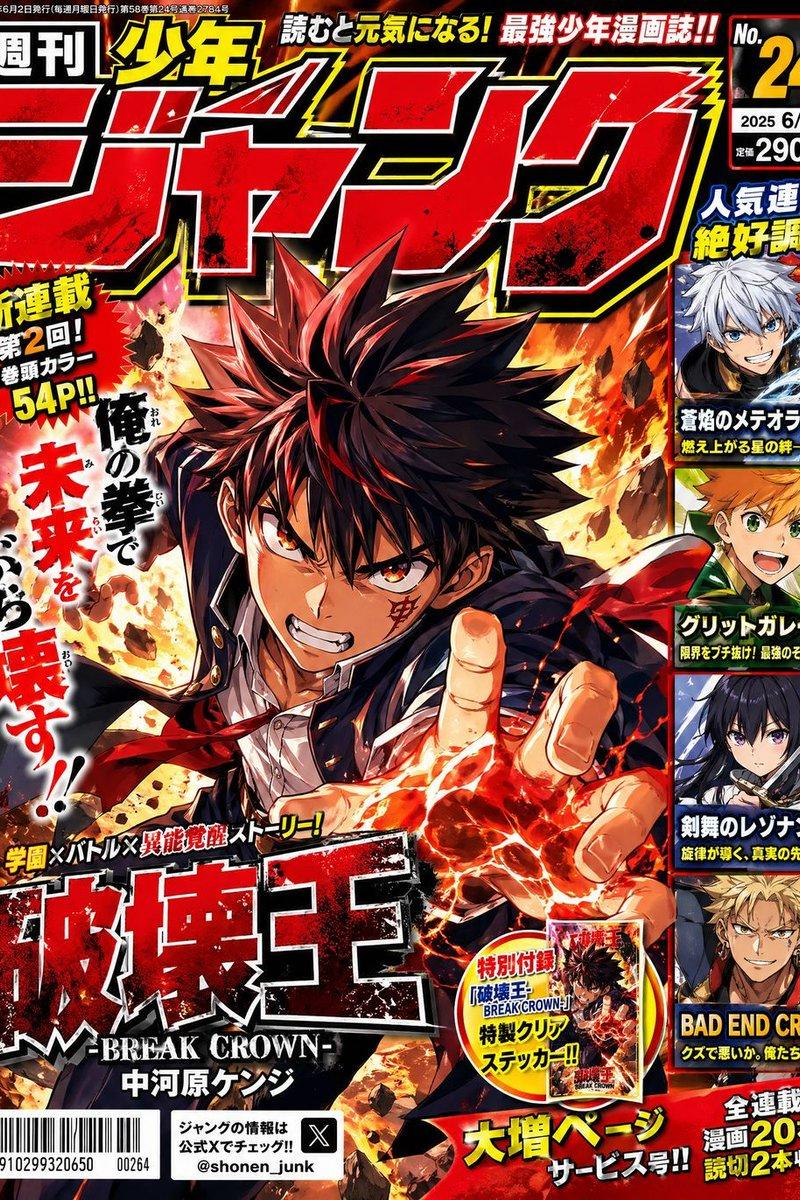
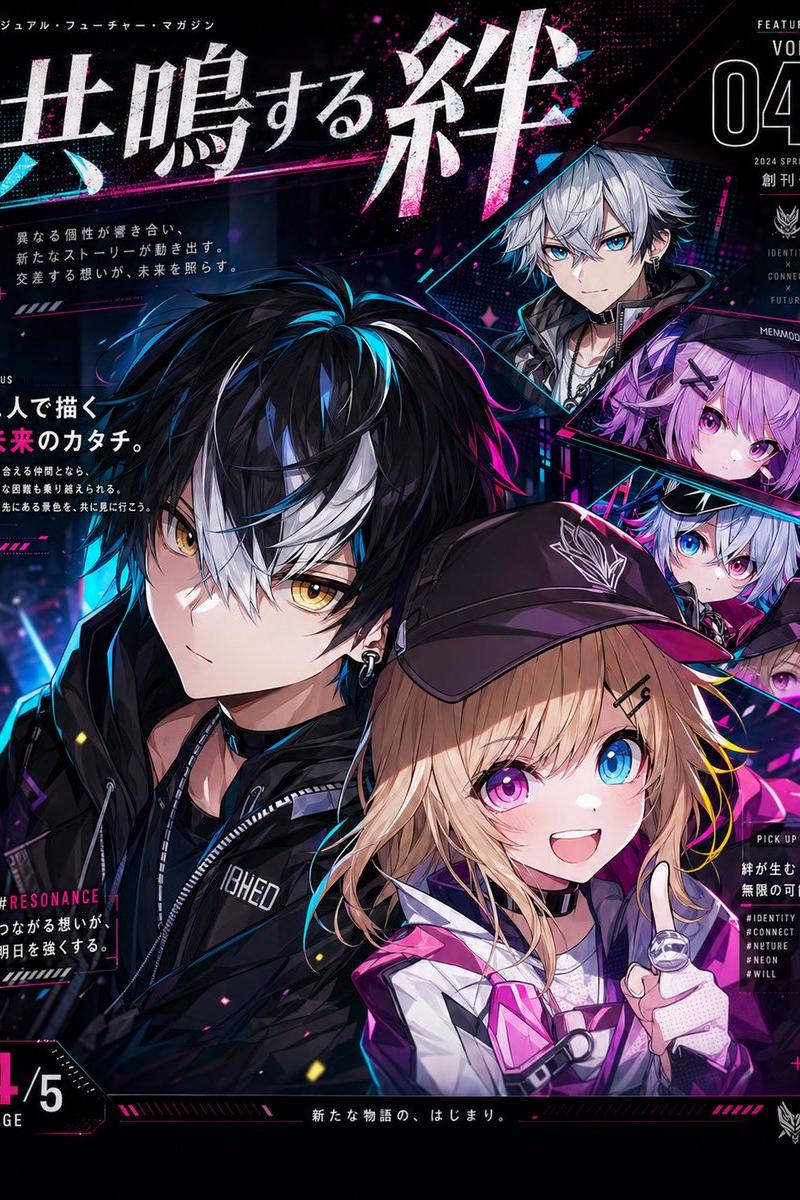
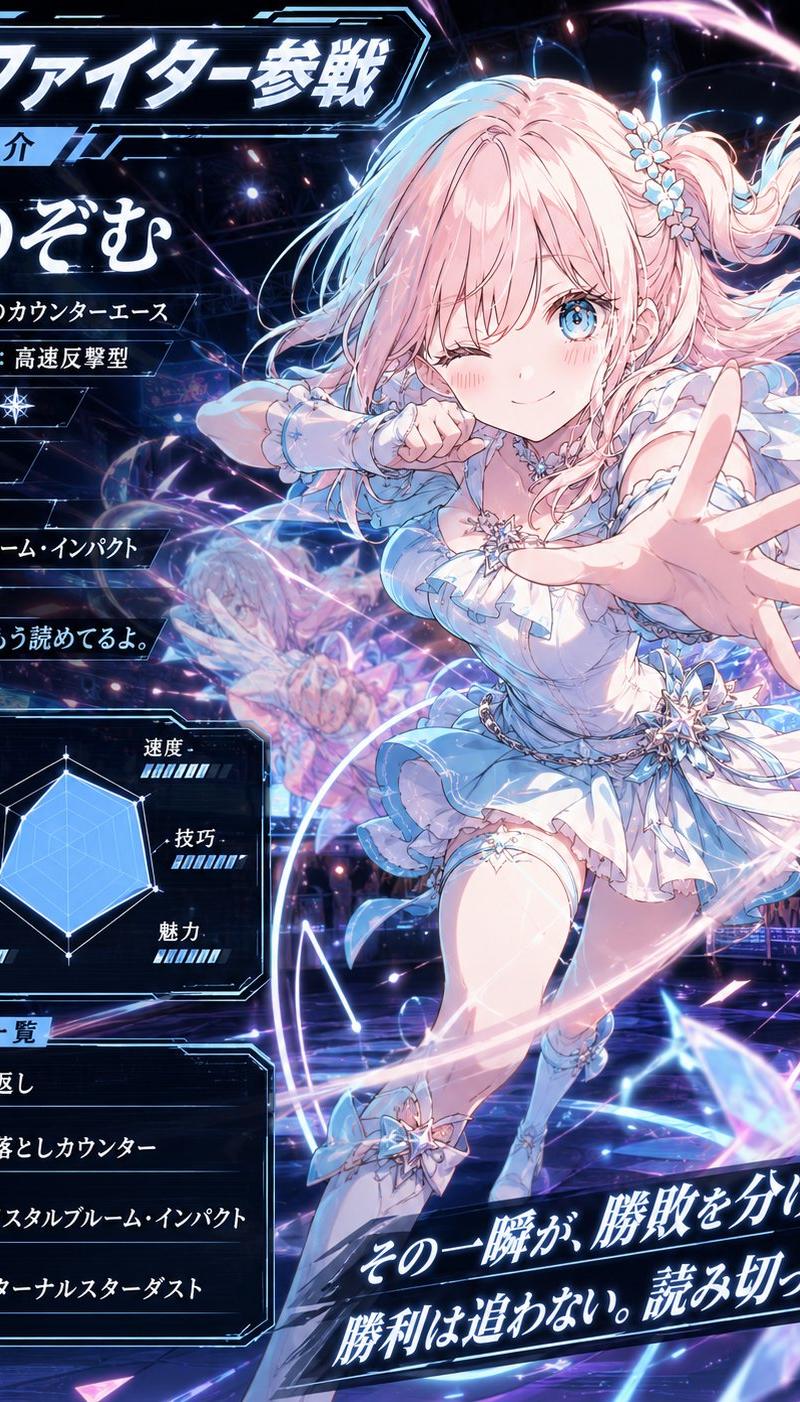
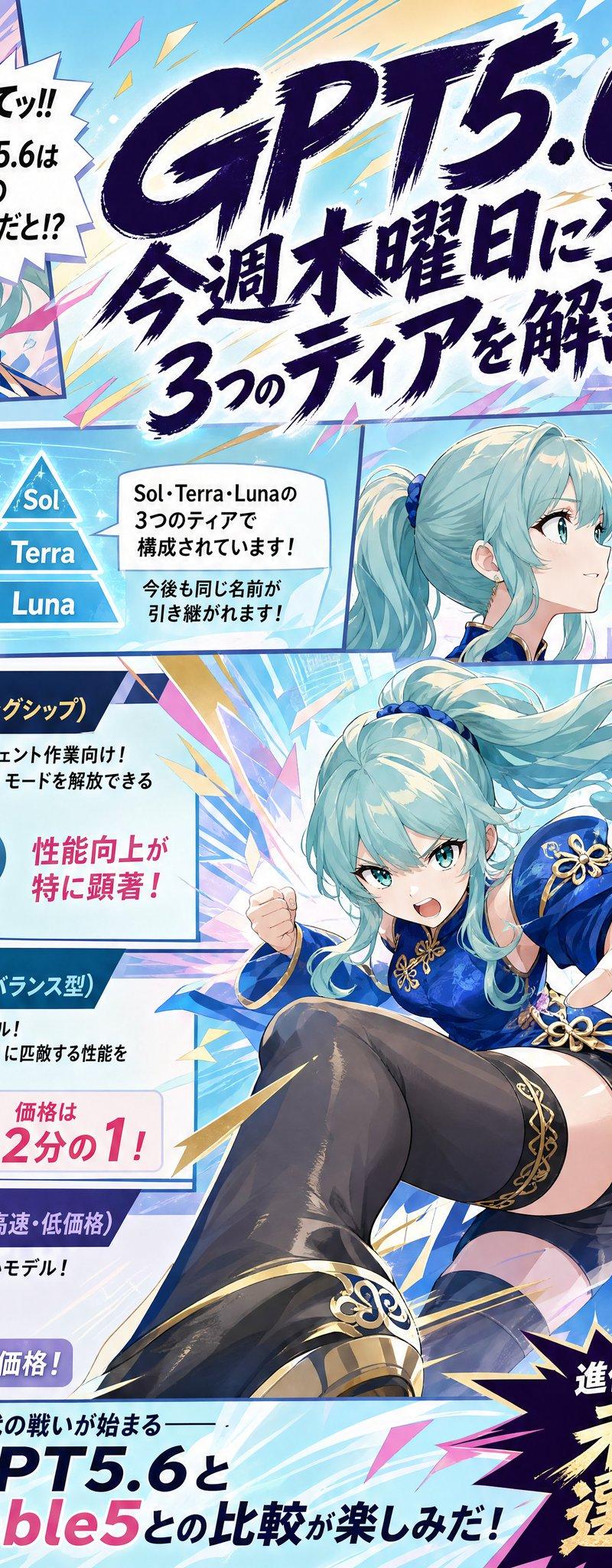
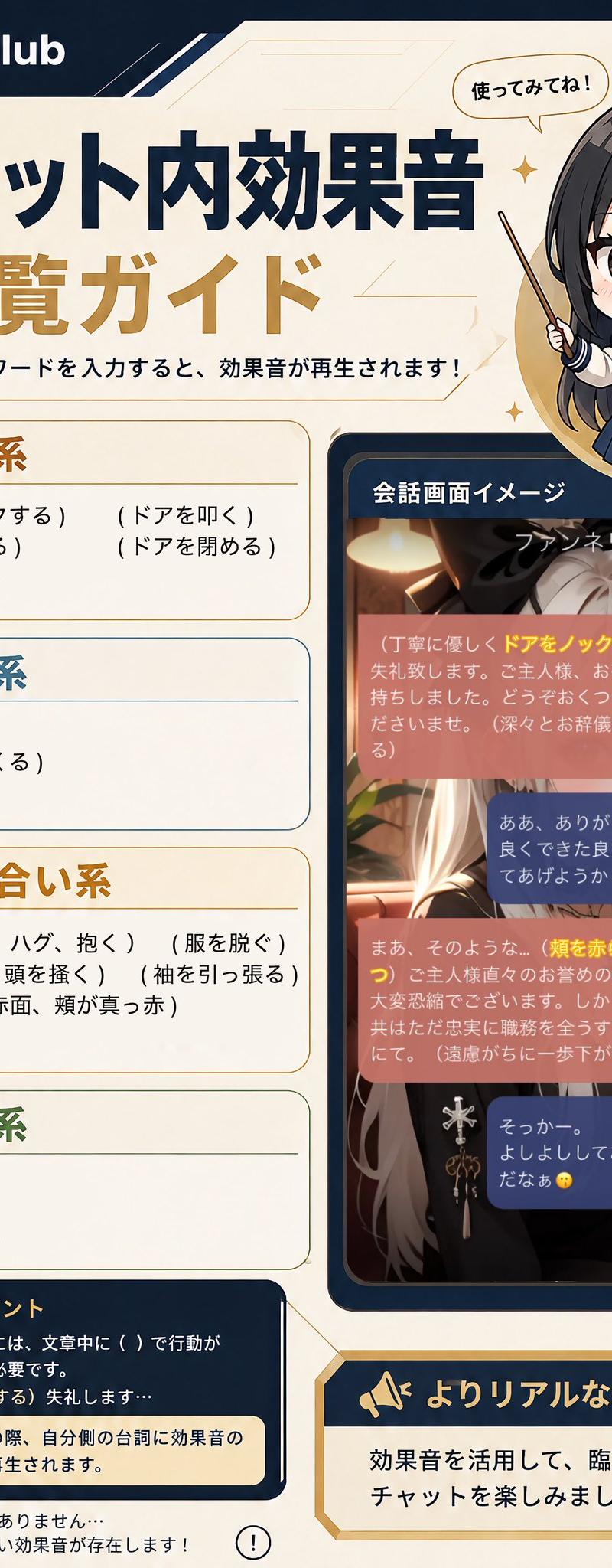
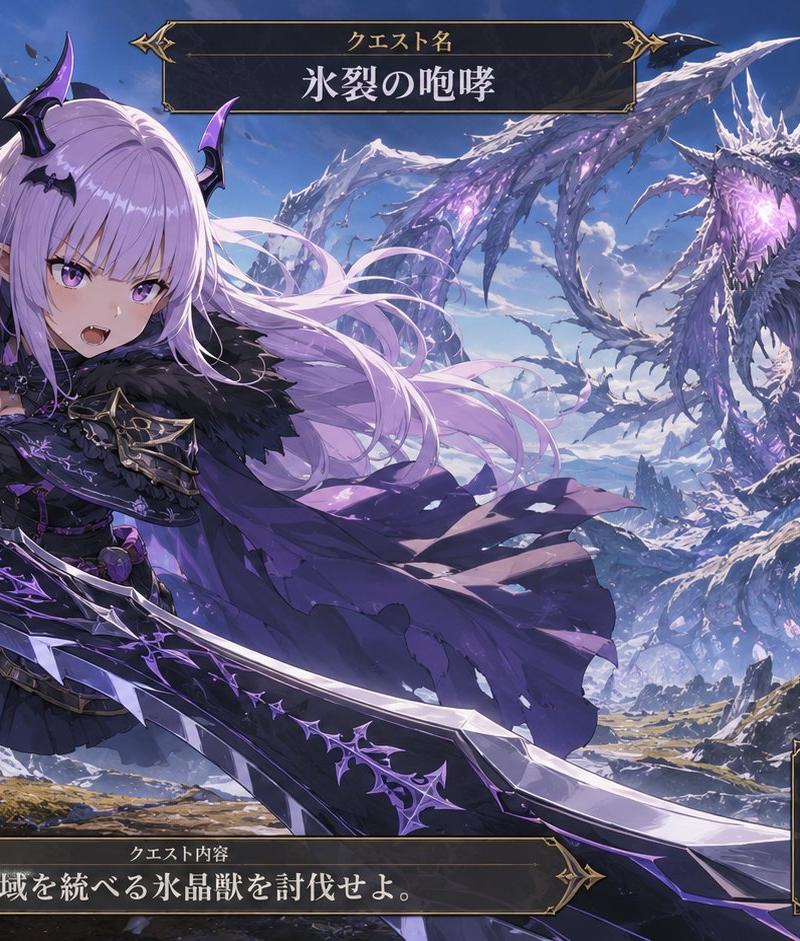
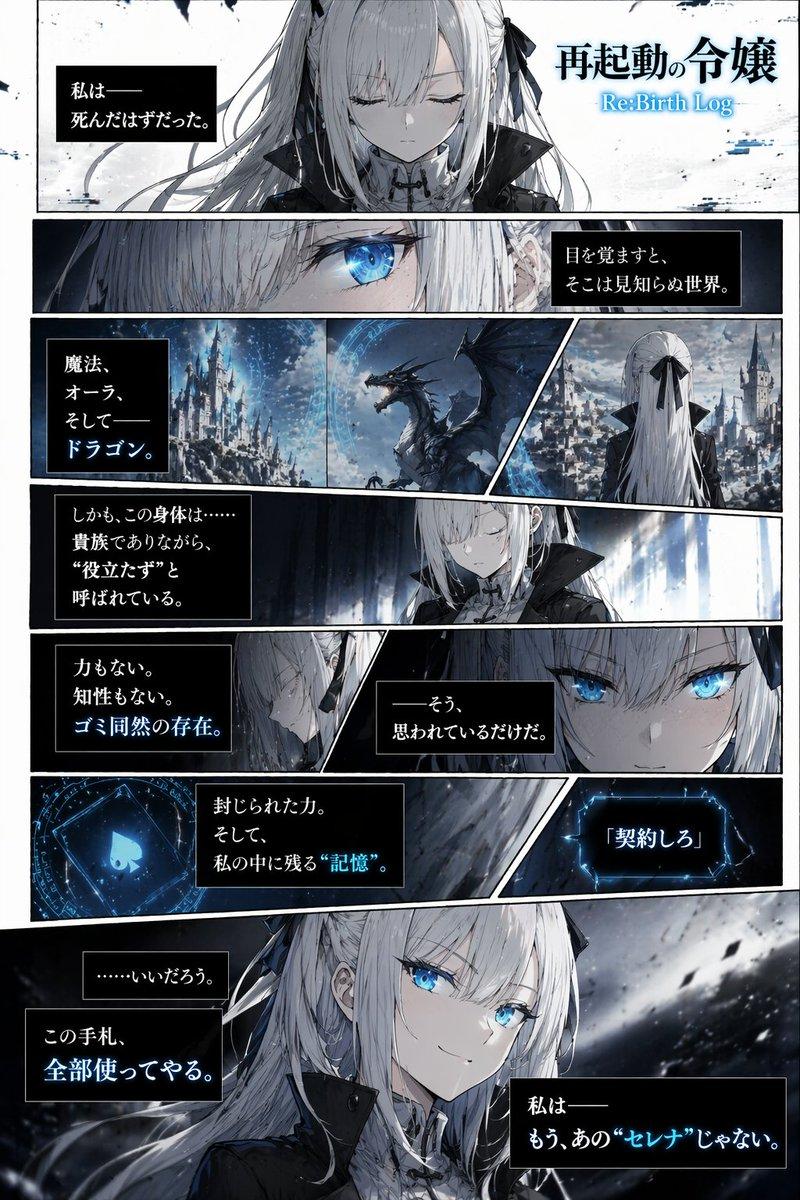
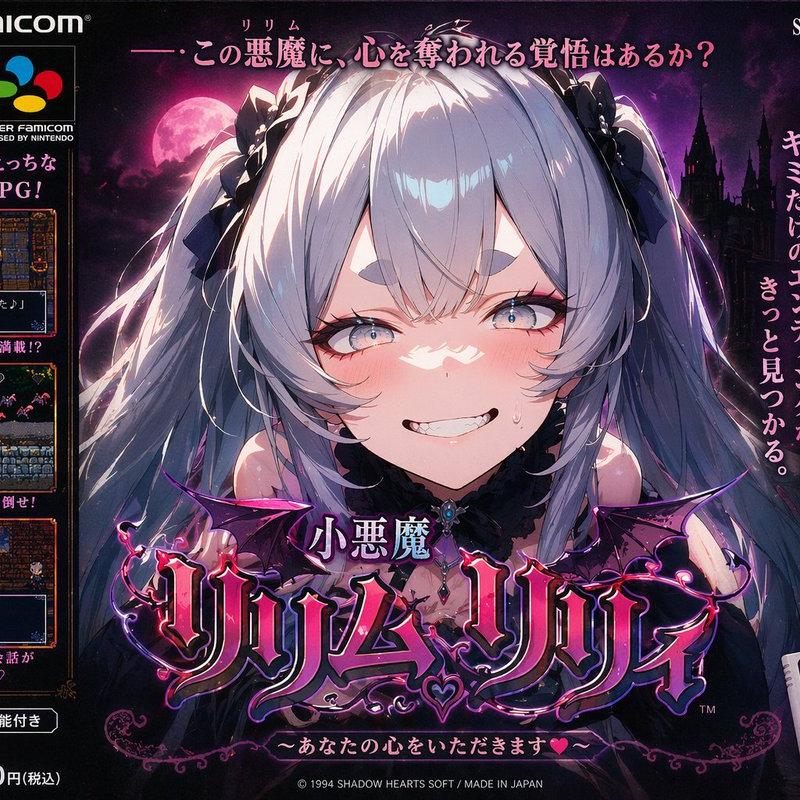
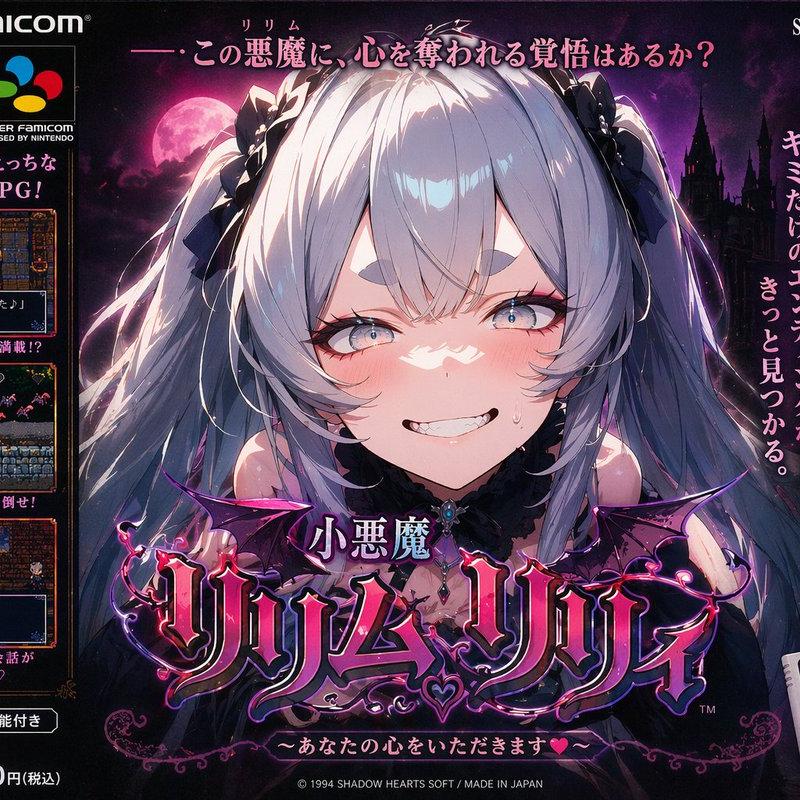
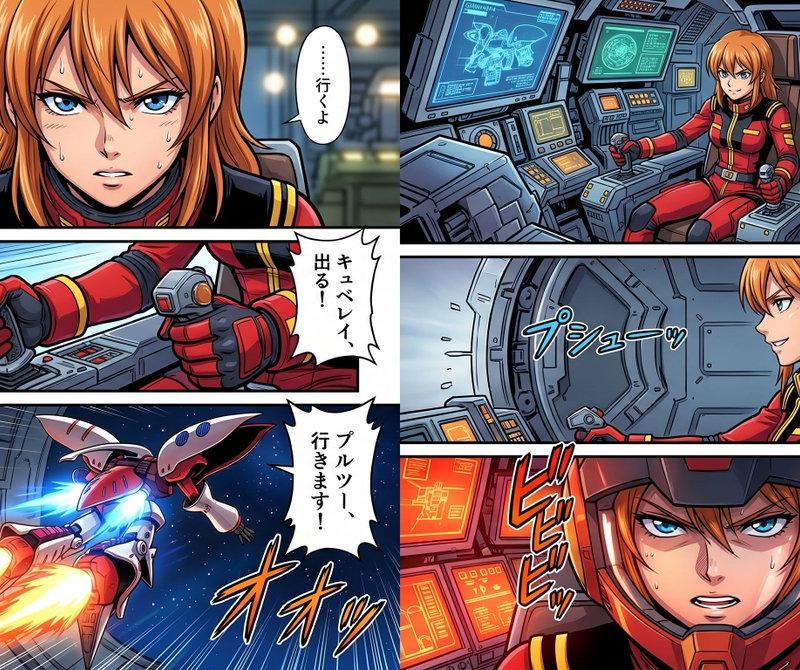
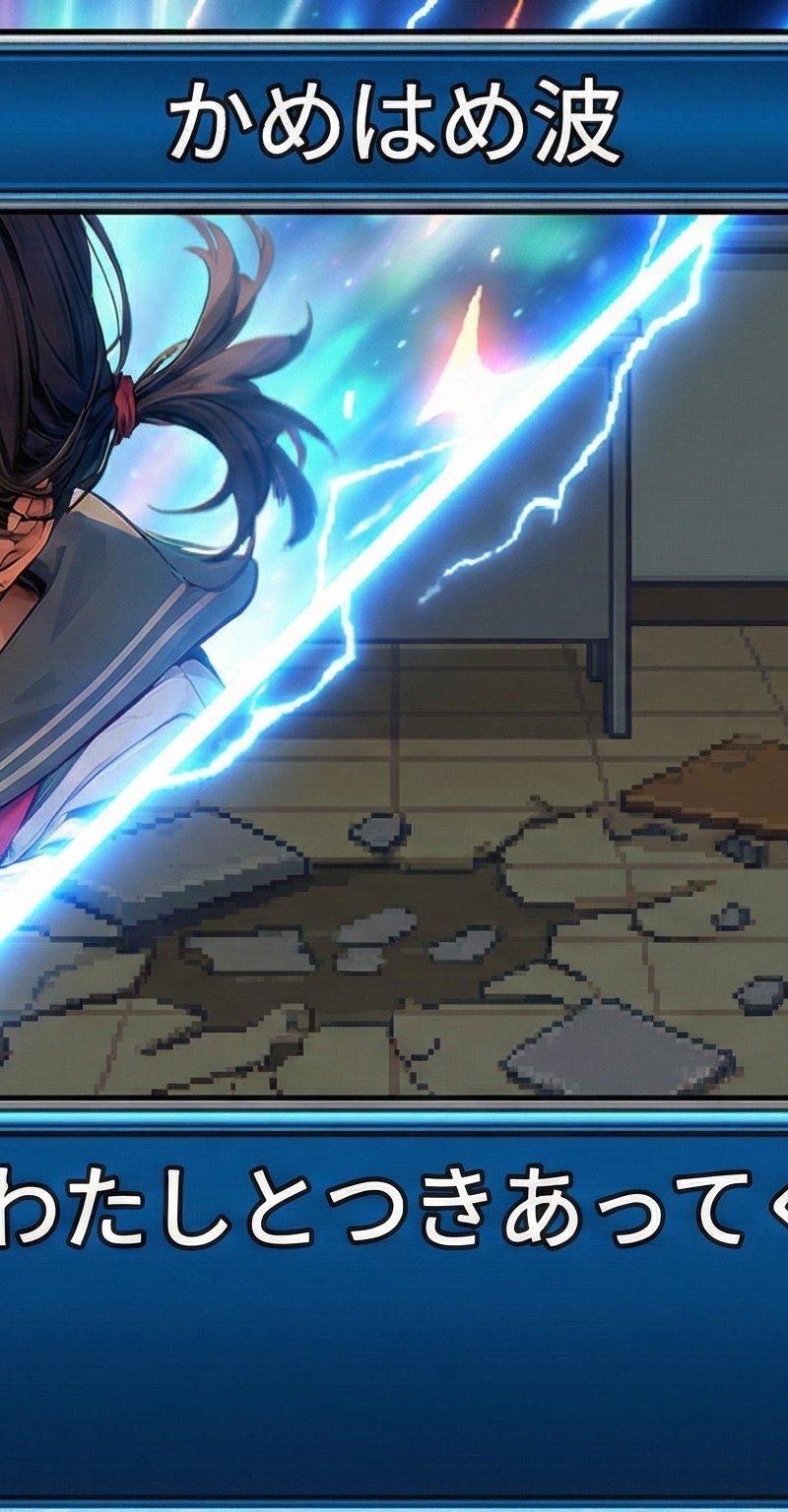
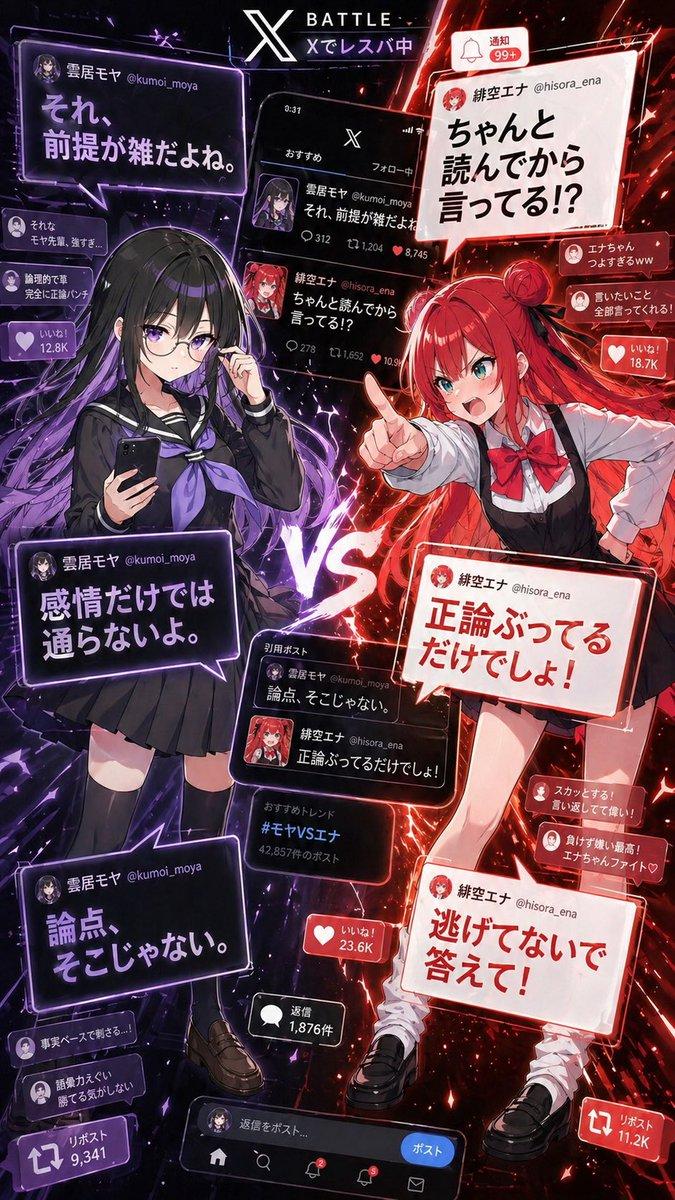
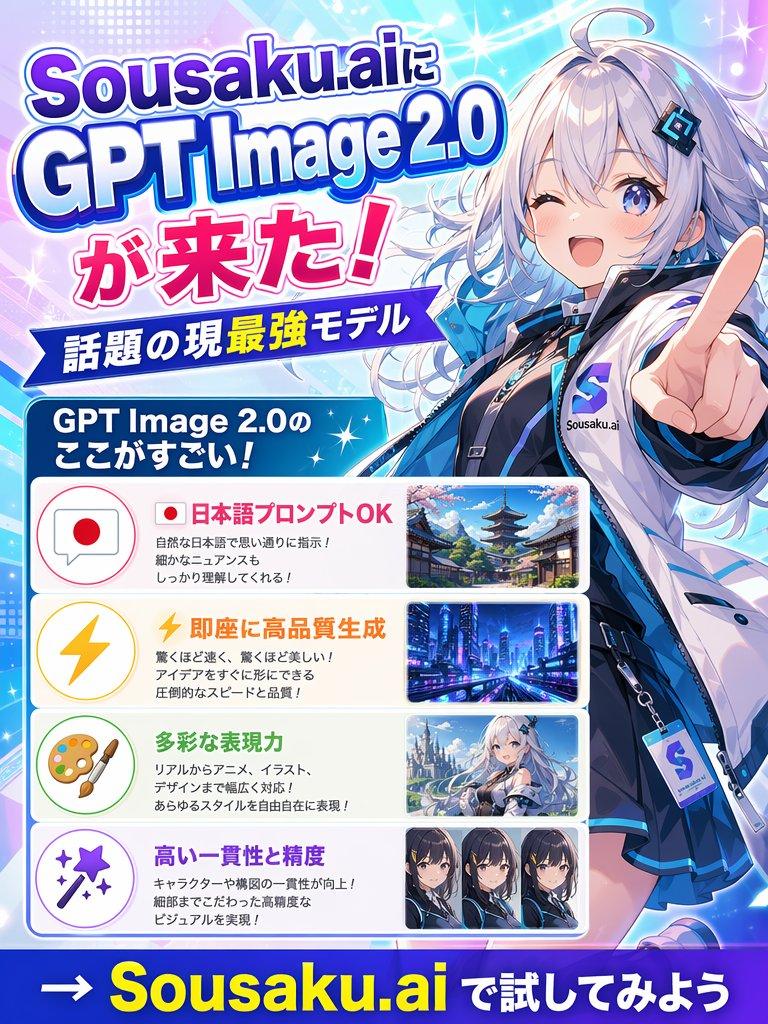
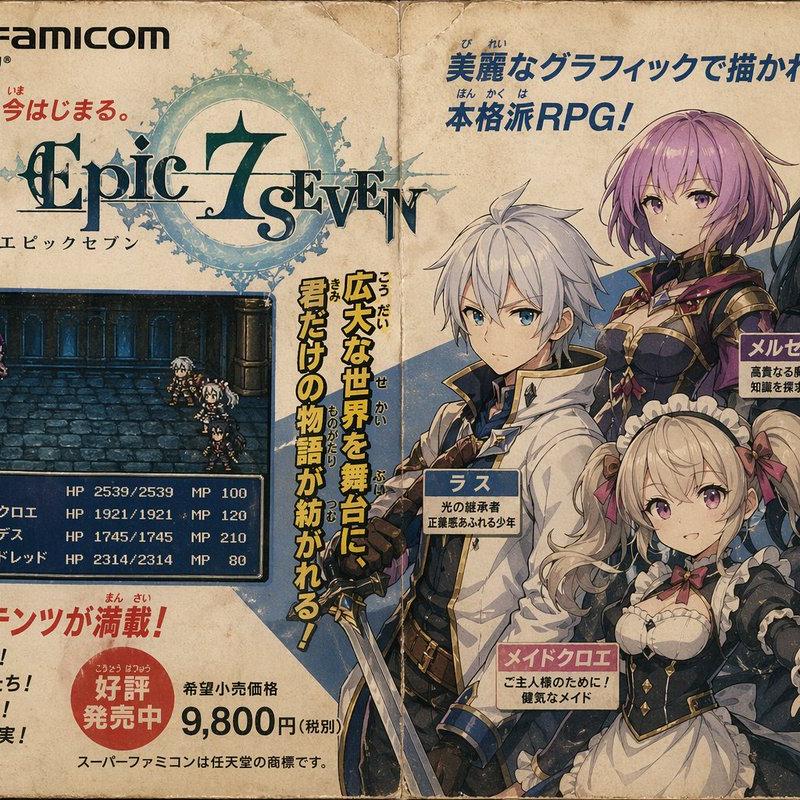
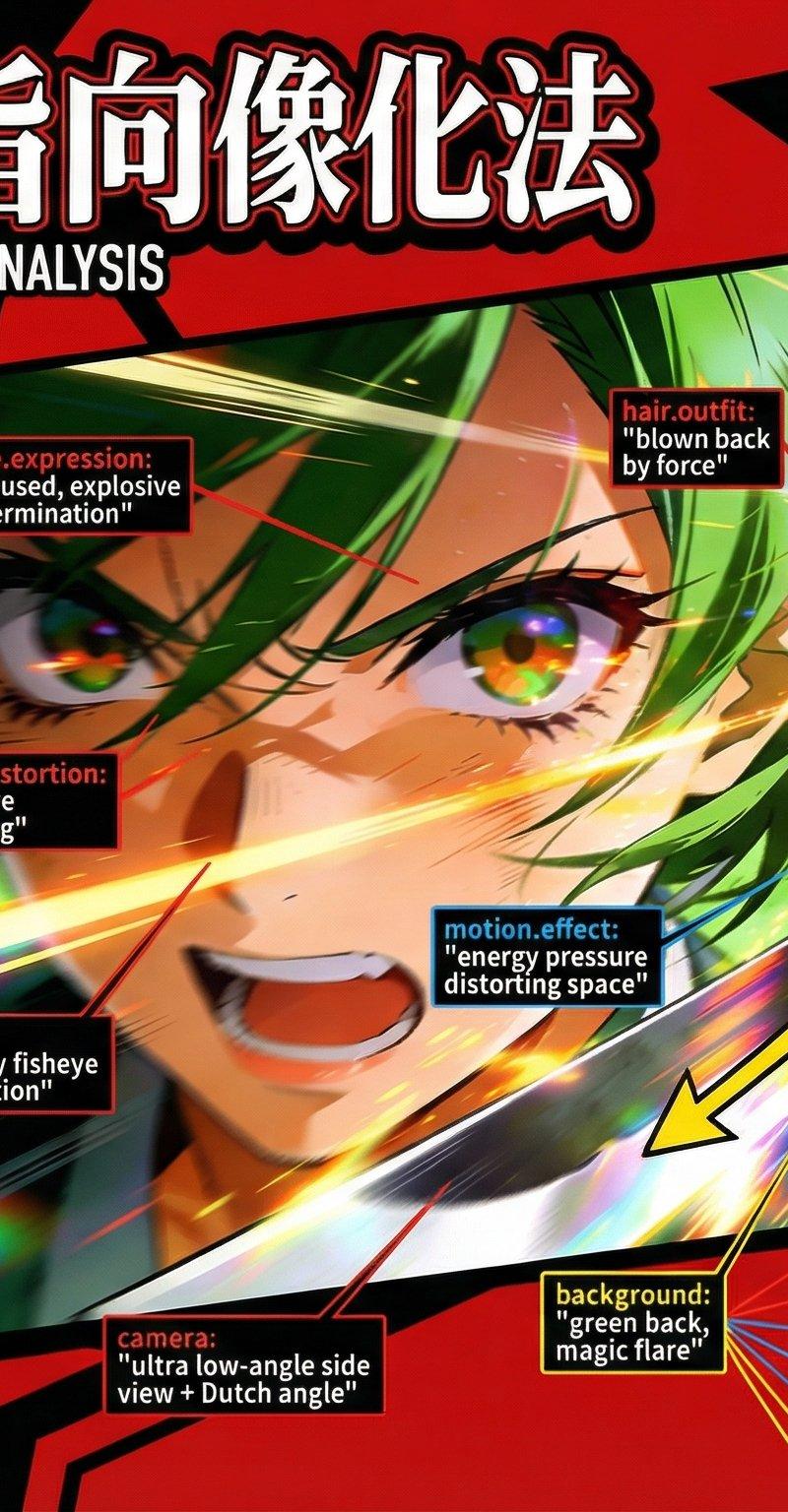
seedream4.5で生成したキャラクターをNano Banana Proで解説画像にアレンジっ!!
今回、話したいのは画像生成するときのプロンプトの考え方についてです。
実は、だいぶ前に「べこくり」で話をした内容です。
べこくりの皆さんはアーカイブを見てみて🥺
私が画像生成のプロンプトを作るときは
「オブジェクト指向」を用いています。
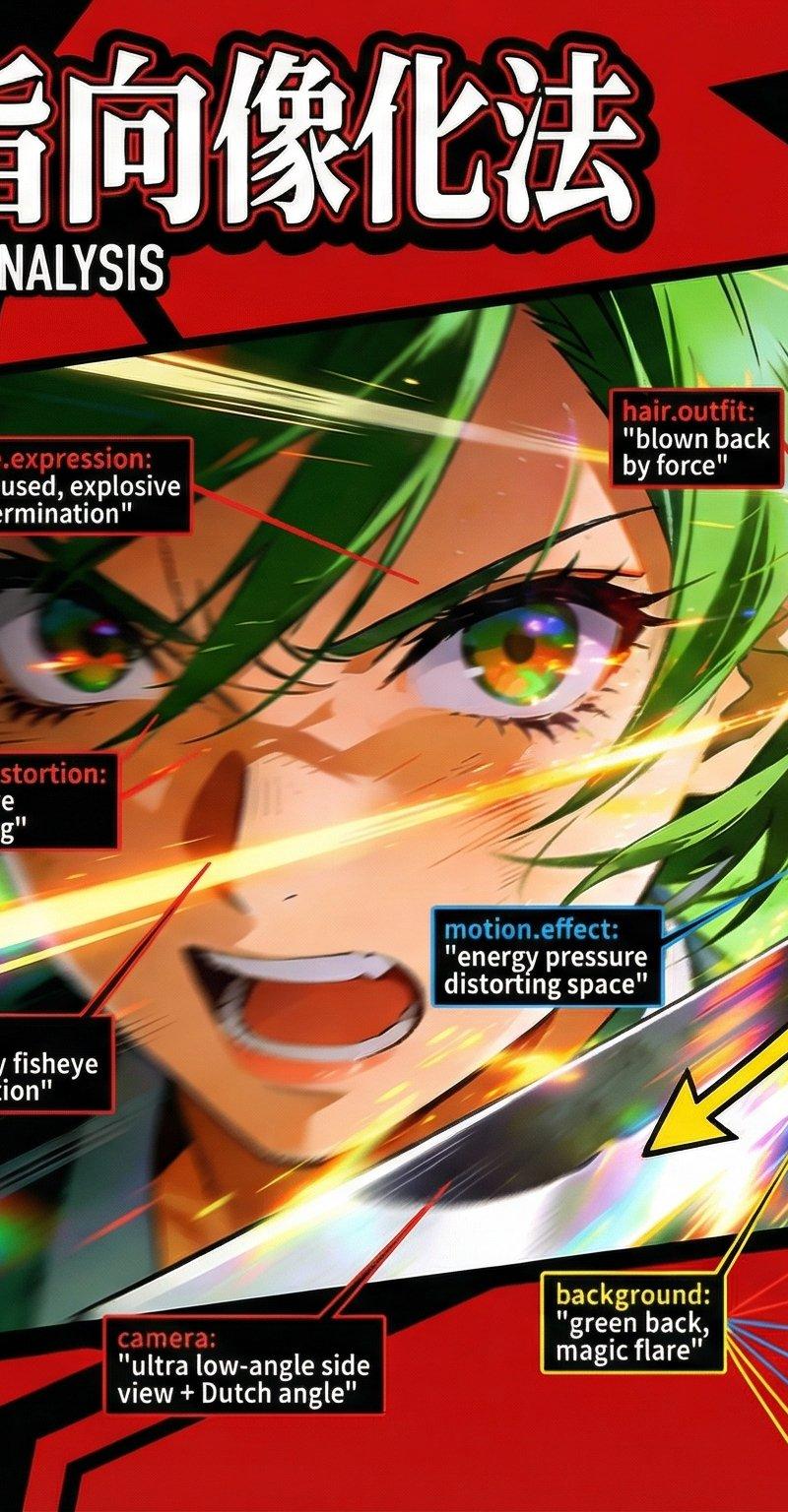
オブジェクト指向?なにそれ?と思ったら画像を見てください。
特徴とどこがそれに該当するのかおしゃれに解説しています。
黄色のベクトルはプロンプトには関係ないのでスルーしてください。ただ力のかかる方向性など、プロンプトを作る上での人体の可動範囲がわかるかも?だから眺めるくらいはしてもいいかも。
ちなみに、この図解の作り方の方が気になる感じですかね…これは後日どれか一つは公開します☺
楽しみにしててね!
今は全部で解説UIプロンプトが3つできました。
あとの2つはさすがにnoteに流しておこうかなと思います。
Category
UI & Interfaces
Model
Nano Banana Pro
Creator
Studio Veco|日本一ダサい画像を生成する人
Source language
zh-CN
Views0
Source ID
anatomy-of-prompts-character-arrangement-and-explanation-in-image-generation
Studio

Guide

About "解剖プロンプト!キャラクター生成のアレンジと解説"

What is this prompt for?

"解剖プロンプト!キャラクター生成のアレンジと解説" AI image prompt for Nano Banana Pro (UI & Interfaces). 解剖するぞ!プロンプト! ブクマ保存おすすめだよ! 情報商材屋は私に1000億円払ったら使ってもいいよw seedream4.5で生成したキャラクターをN…

The full copyable prompt and example visuals above are ready for AI image generation or one-click recreate in Picva.

How to use this prompt

  1. Step 1

    Open the prompt detail

    Review the example visuals, category, and full prompt text for "解剖プロンプト!キャラクター生成のアレンジと解説".

  2. Step 2

    Copy the prompt

    Copy the prompt body from this page, or load it directly in Studio.

  3. Step 3

    Pick a model (Nano Banana Pro)

    Prefer Nano Banana Pro. If you switch models, keep subject and composition and tweak style terms.

  4. Step 4

    Generate and export

    Recreate the look in Picva, or export into your workflow for editing and publishing.

FAQ

What is the "解剖プロンプト!キャラクター生成のアレンジと解説" prompt?
It is an AI image-generation prompt for Nano Banana Pro in the UI & Interfaces category. This page includes the full prompt text, example visuals, and a one-click recreate path in Picva.
How do I use this prompt to generate an image?
Copy the prompt from this page, or use Generate / Studio. Paste it into a compatible image model, or recreate the look in Picva with optional reference images.
Which model is this prompt for?
This page lists Nano Banana Pro. Most descriptive prompts also transfer to nearby image models such as GPT Image, Flux, or Midjourney with light style tweaks.
Can I use the result commercially?
You can usually copy the prompt for creation, but commercial use of the final image depends on the model terms, reference-image rights, and the generated content. Follow the source author and platform rules.