19

逐版本打造我的帝国
Enlarge

逐版本打造我的帝国

Prompt
Building my empire, one version at a time. ✨
Try with Gemini ai Nano Banana 🍌
Prompt ⤵️
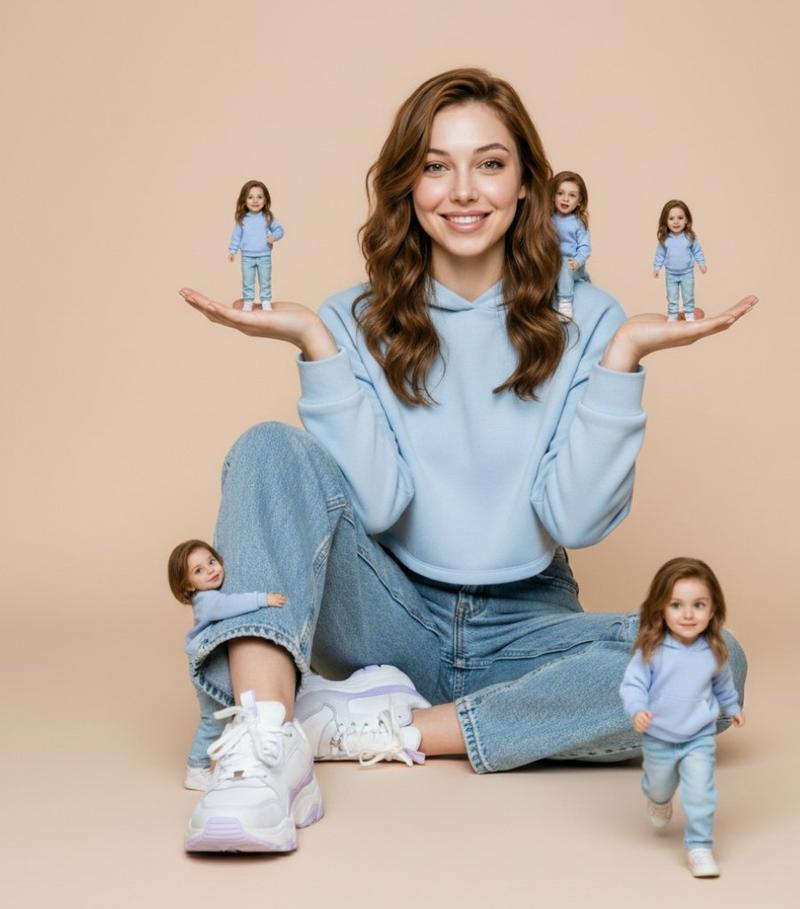
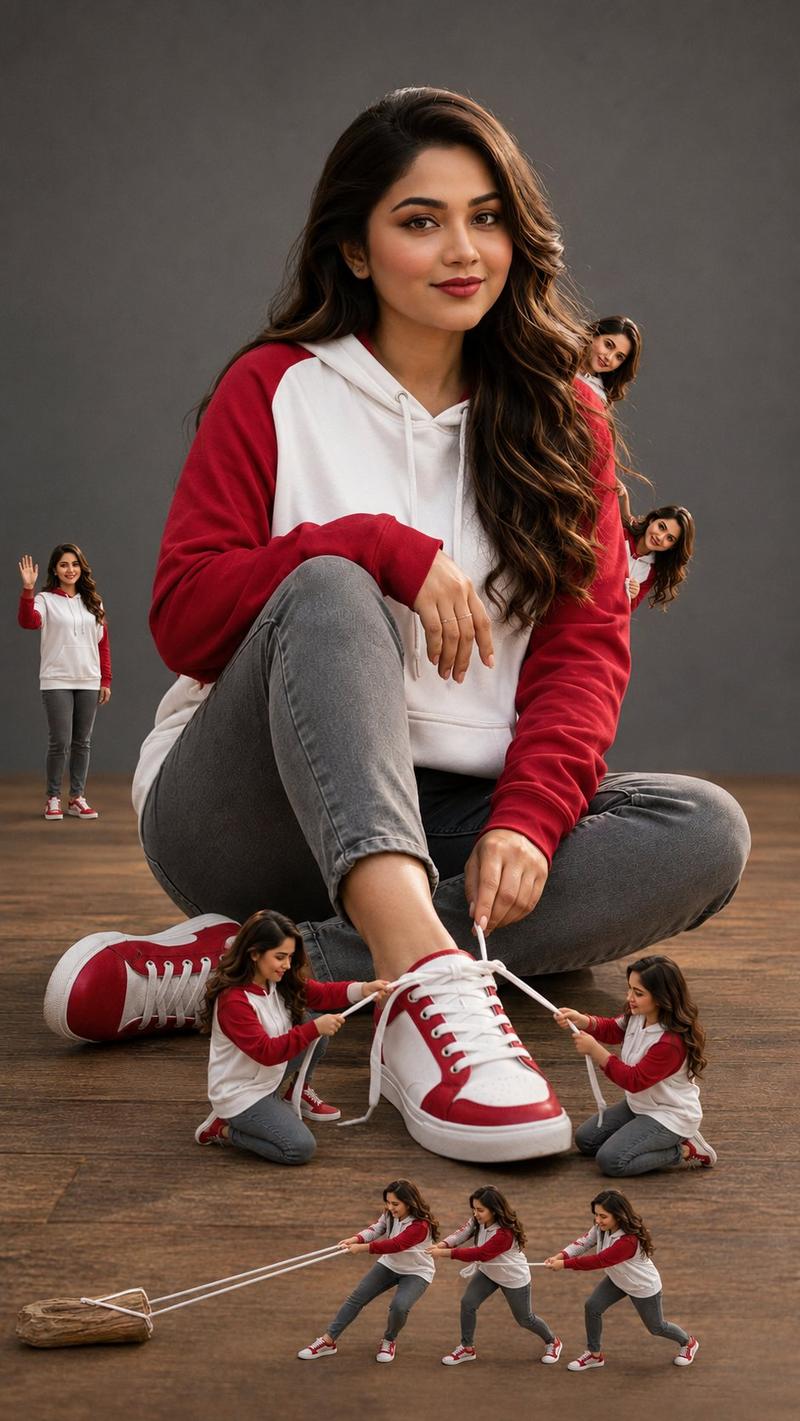
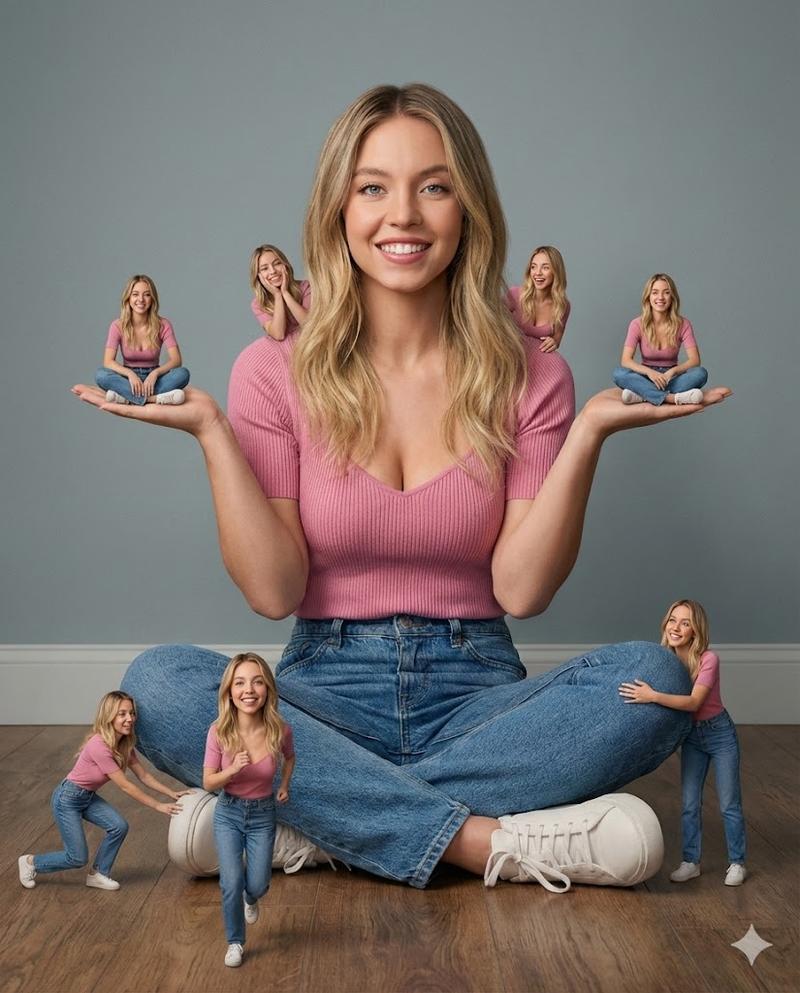
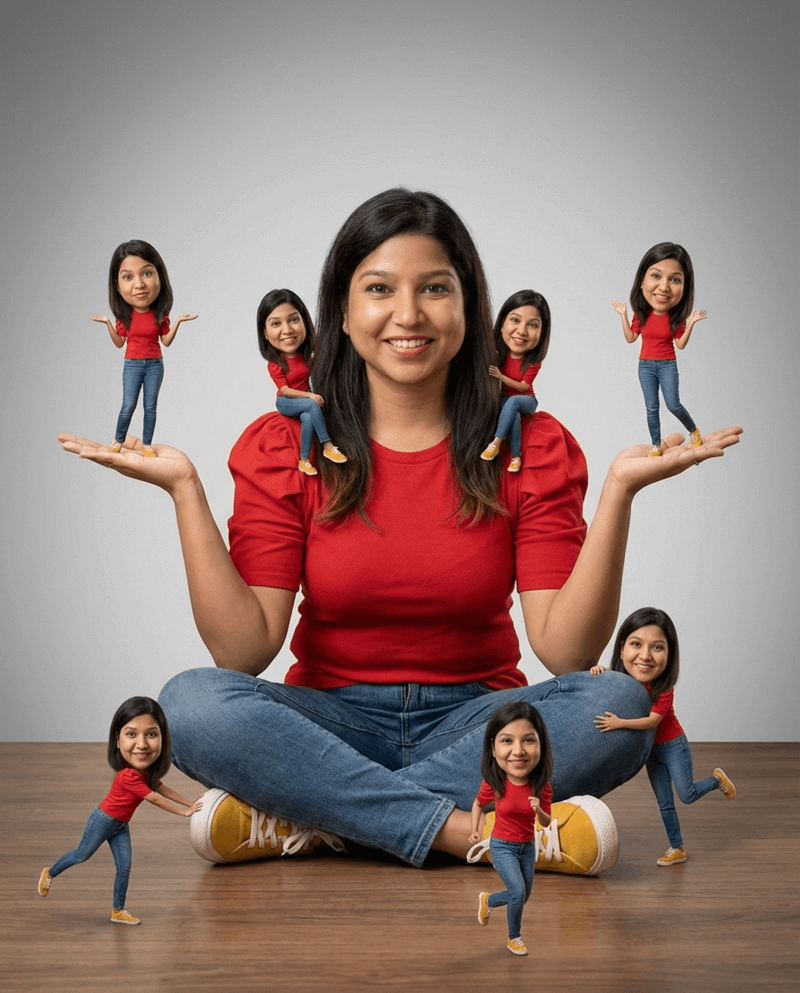
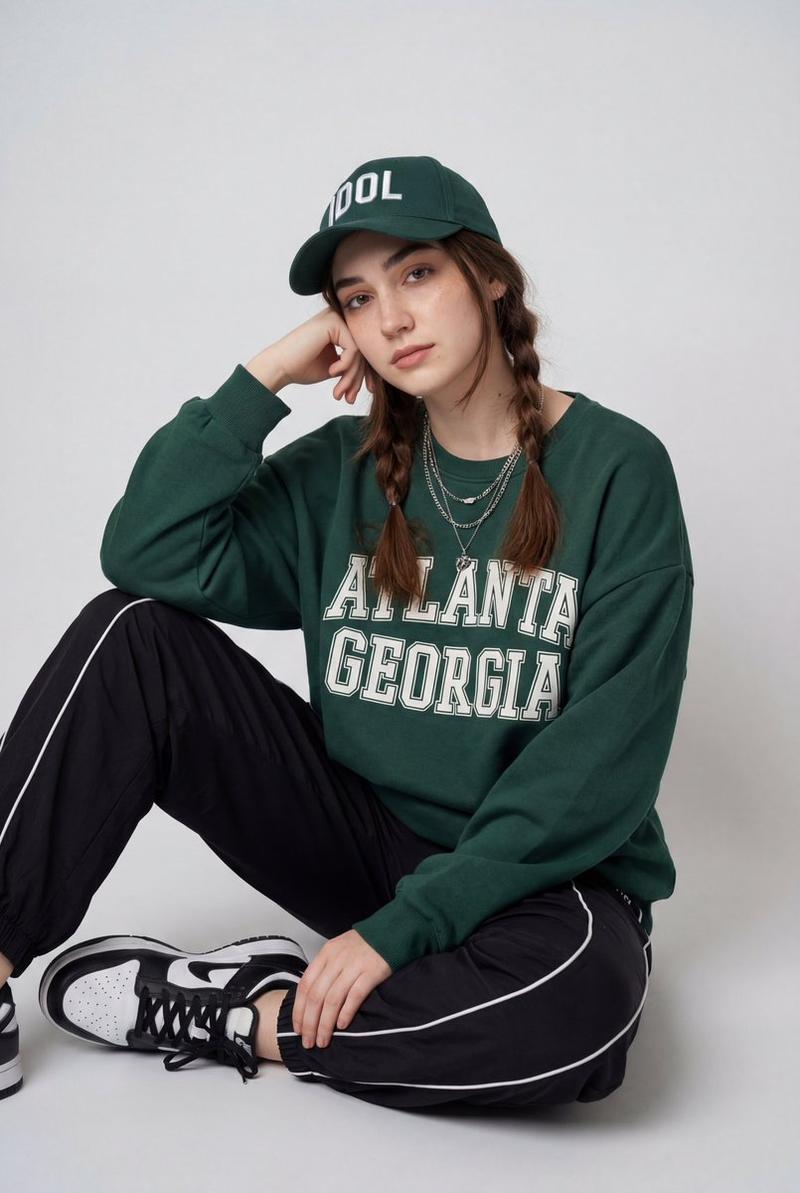
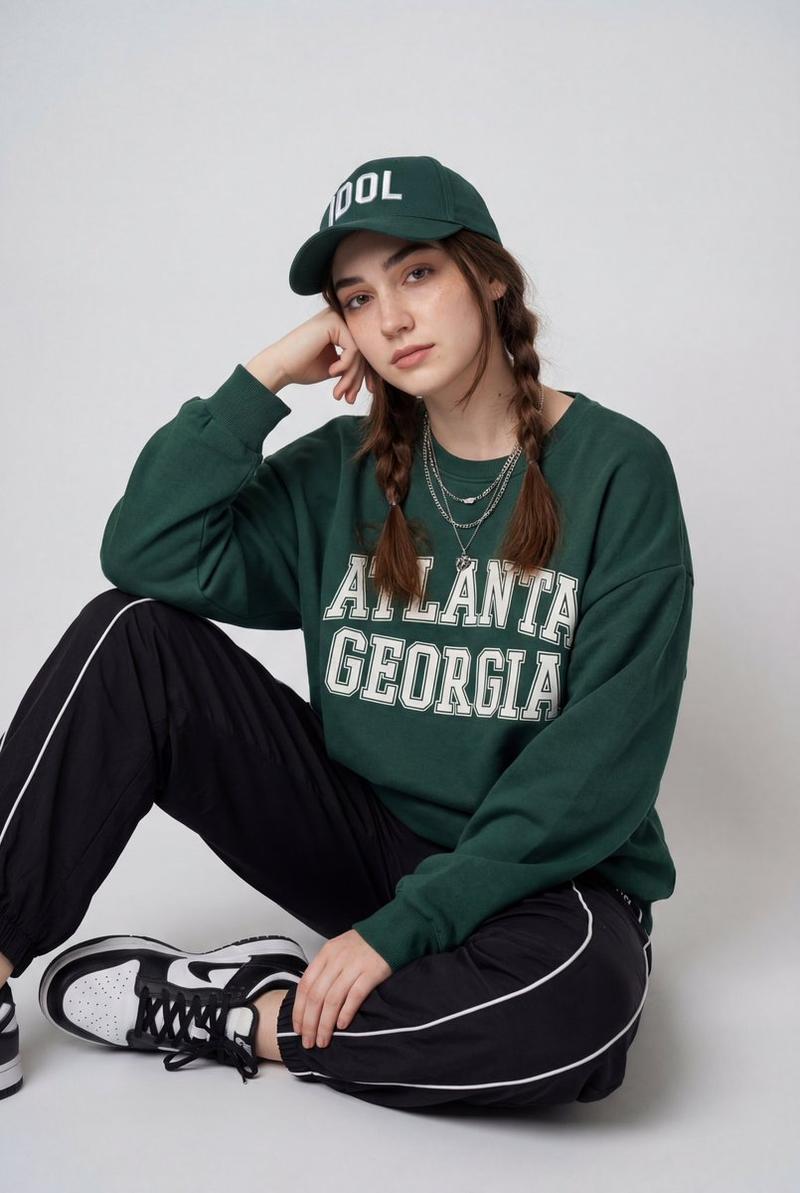
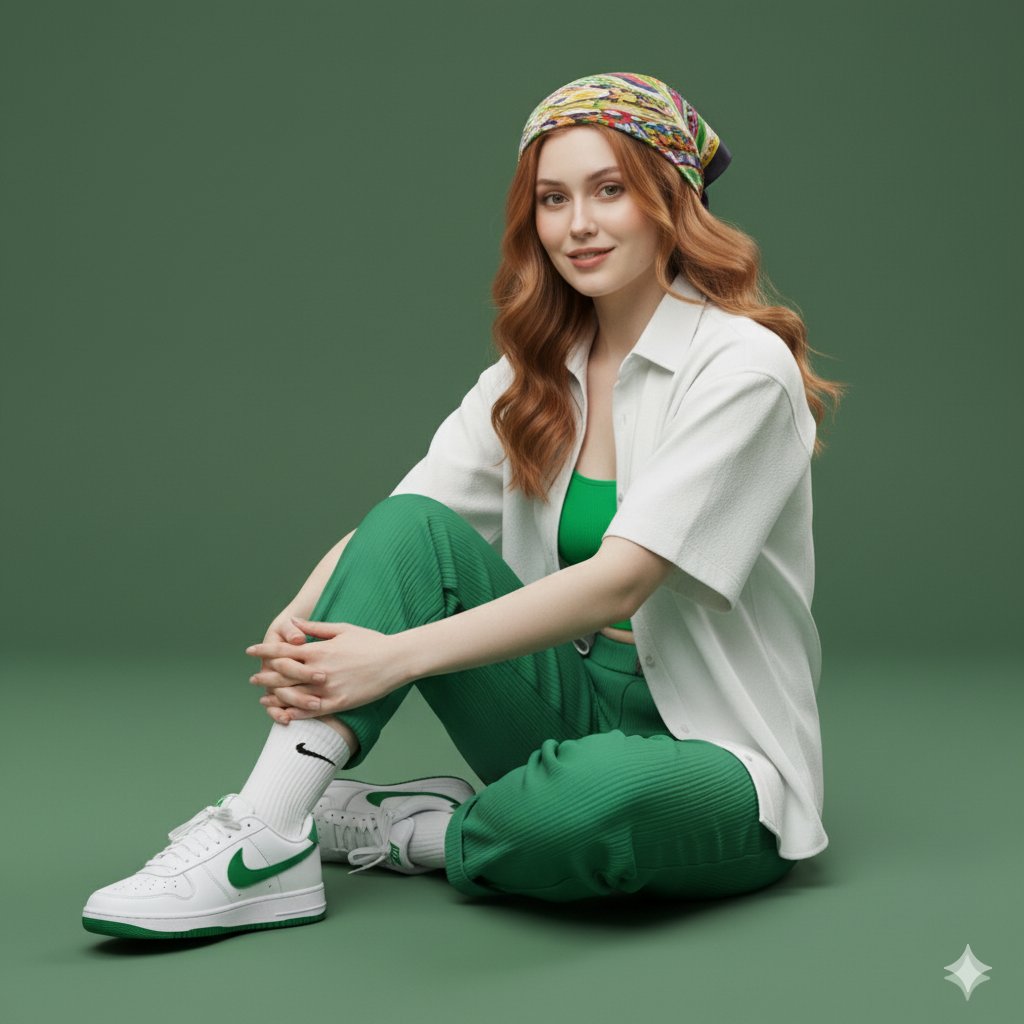
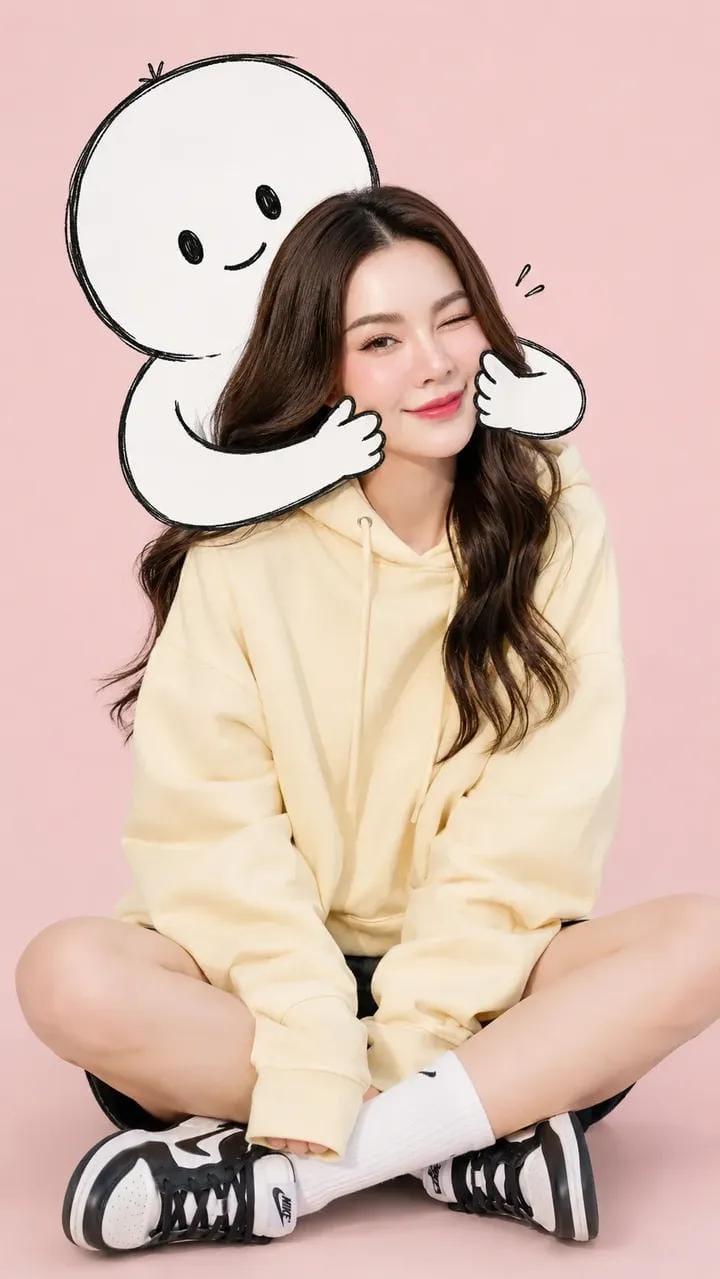
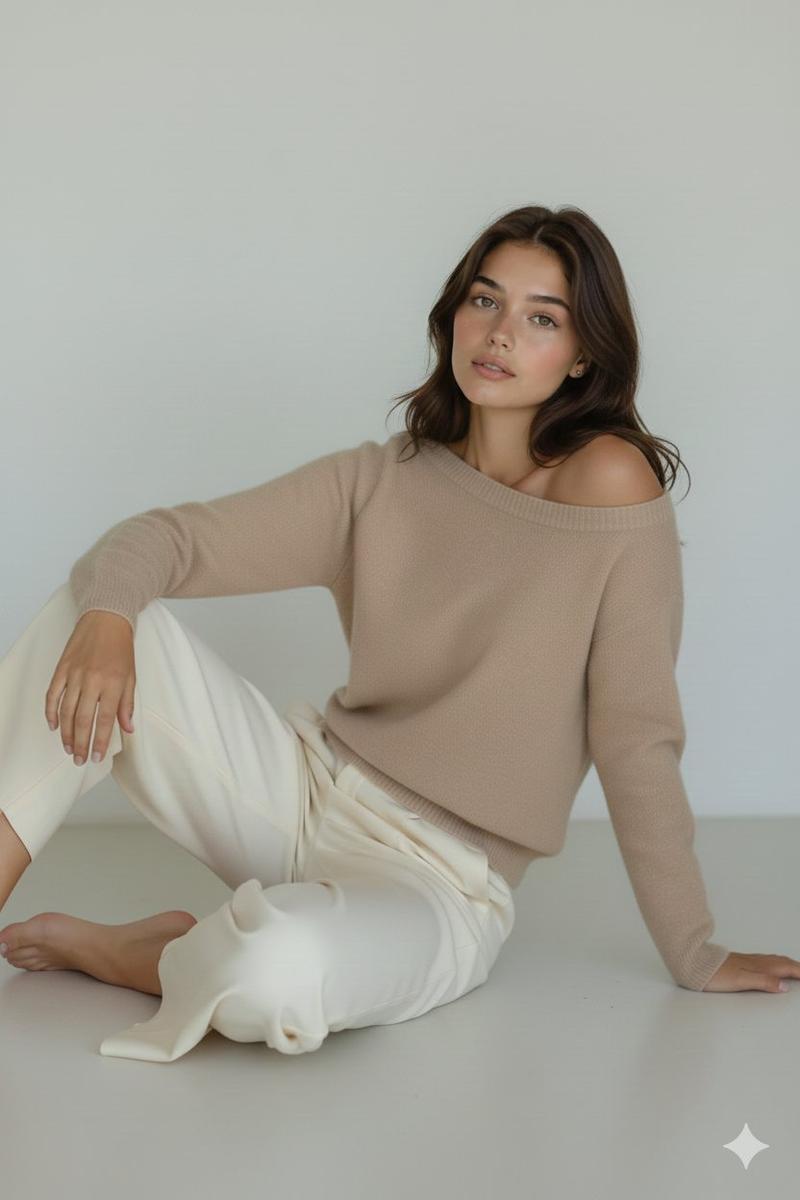
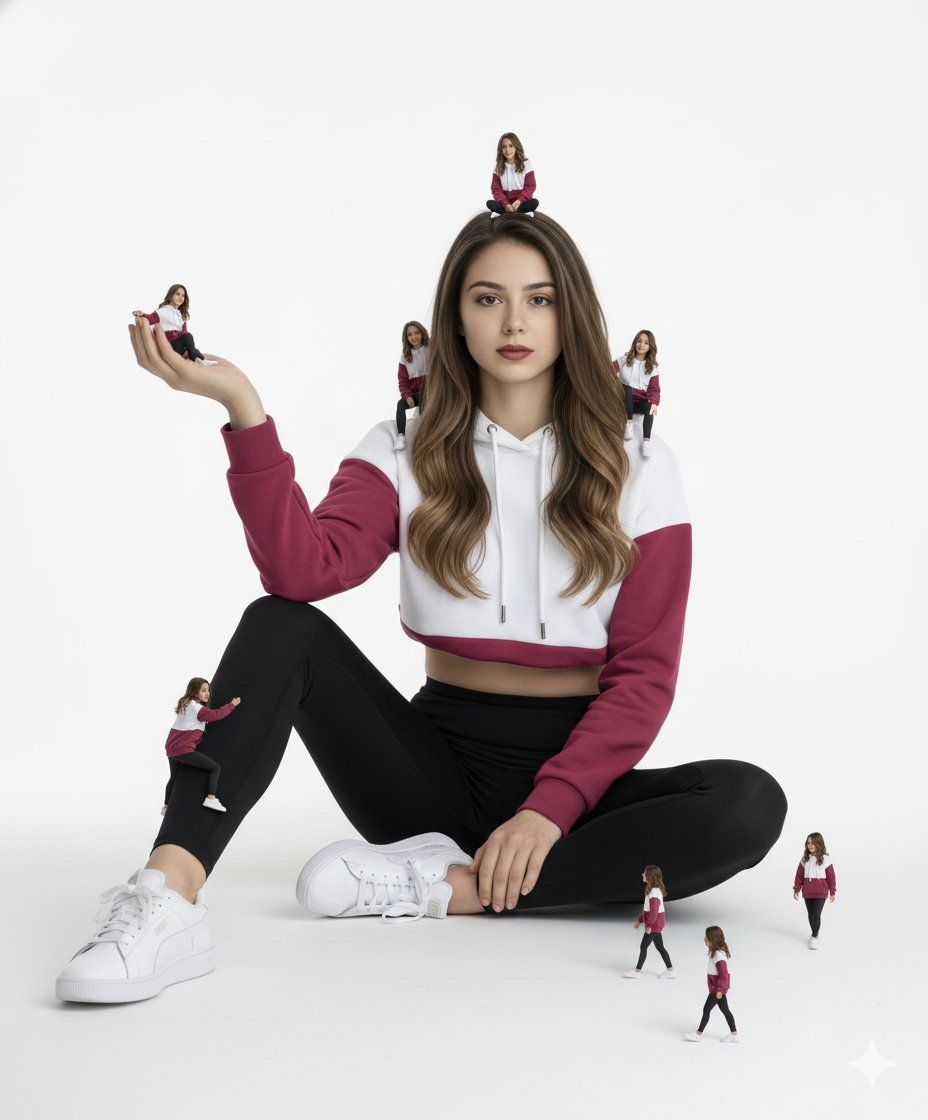
Create an ultra-realistic full-body studio portrait of a 23-year-old woman (same face as reference image with 100% accuracy), dark hair styled exactly as in the reference image, wearing natural makeup with a serious, direct gaze into the camera.
Outfit: white and dark pink color-block hoodie, black high-waisted pants (or black leggings/jeans for a feminine fit), white Puma athletic shoes.
Pose: seated gracefully on a pristine white platform.
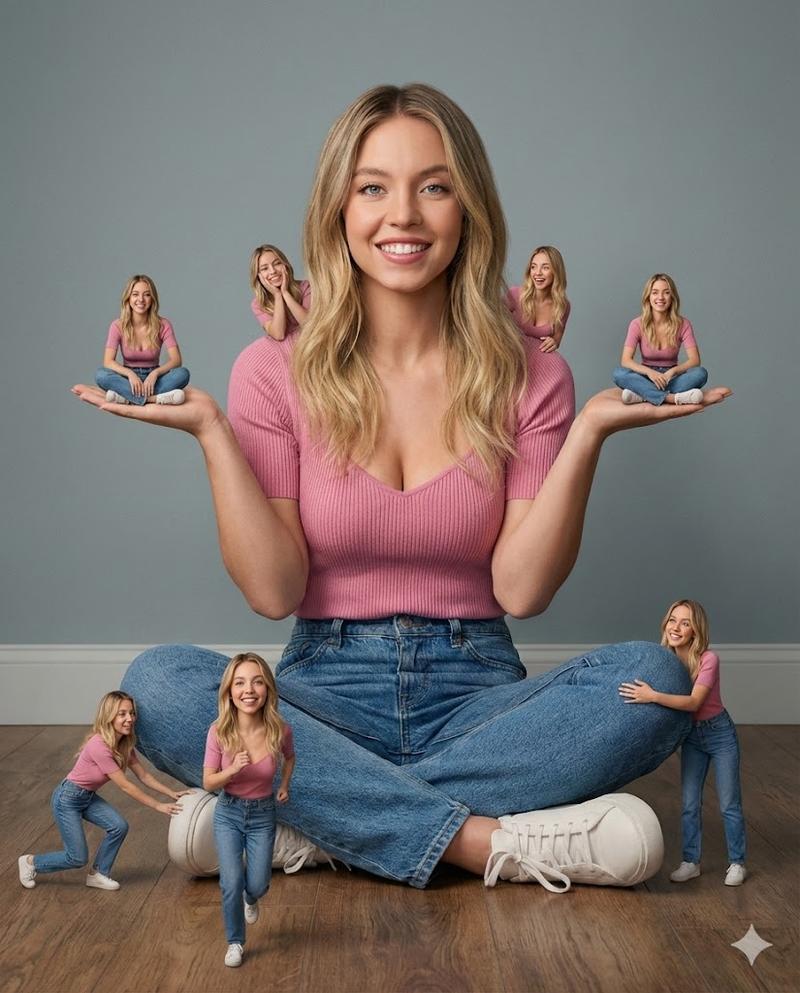
Surroundings: multiple miniature versions of herself in the identical outfit — one perched on her head, a couple sitting on her shoulders, one seated in her open palm, one climbing her leg, a few walking nearby on the platform — all with the same serious expression and perfect likeness. Seamless white studio background, high-end fashion lighting, ultra-detailed, photorealistic.
Category
Photography & Realism
Model
Nano Banana
Views0
Source ID
building-my-empire-one-version-at-a-time

Guide

About "逐版本打造我的帝国"

What is this prompt for?

"逐版本打造我的帝国" AI image prompt for Nano Banana (Photography & Realism). Building my empire, one version at a time. ✨ Try with Gemini ai Nano Banana 🍌 Prompt ⤵️ C…

The full copyable prompt and example visuals above are ready for AI image generation or one-click recreate in Picva.

How to use this prompt

  1. Step 1

    Open the prompt detail

    Review the example visuals, category, and full prompt text for "逐版本打造我的帝国".

  2. Step 2

    Copy the prompt

    Copy the prompt body from this page, or load it directly in Studio.

  3. Step 3

    Pick a model (Nano Banana)

    Prefer Nano Banana. If you switch models, keep subject and composition and tweak style terms.

  4. Step 4

    Generate and export

    Recreate the look in Picva, or export into your workflow for editing and publishing.

FAQ

What is the "逐版本打造我的帝国" prompt?
It is an AI image-generation prompt for Nano Banana in the Photography & Realism category. This page includes the full prompt text, example visuals, and a one-click recreate path in Picva.
How do I use this prompt to generate an image?
Copy the prompt from this page, or use Generate / Studio. Paste it into a compatible image model, or recreate the look in Picva with optional reference images.
Which model is this prompt for?
This page lists Nano Banana. Most descriptive prompts also transfer to nearby image models such as GPT Image, Flux, or Midjourney with light style tweaks.
Can I use the result commercially?
You can usually copy the prompt for creation, but commercial use of the final image depends on the model terms, reference-image rights, and the generated content. Follow the source author and platform rules.