20

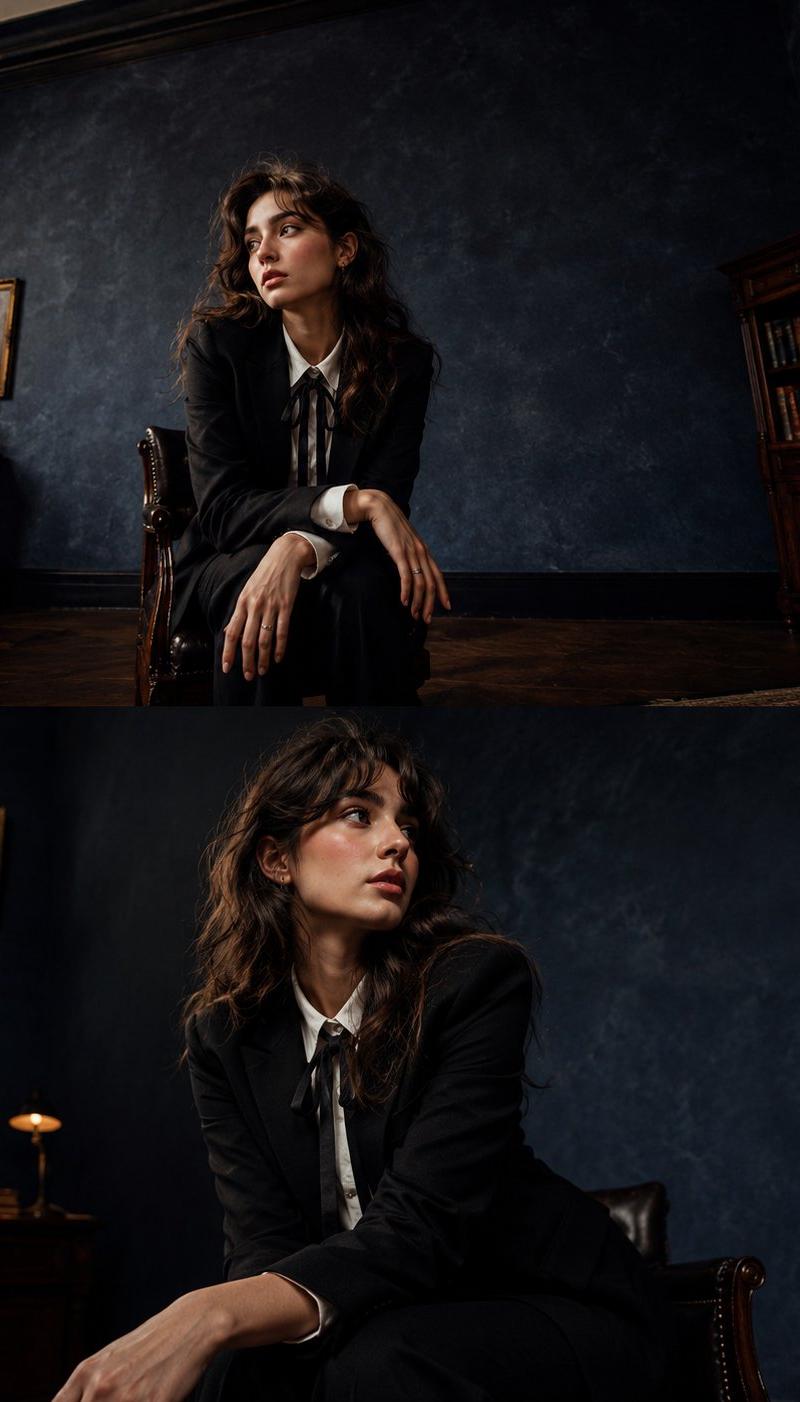
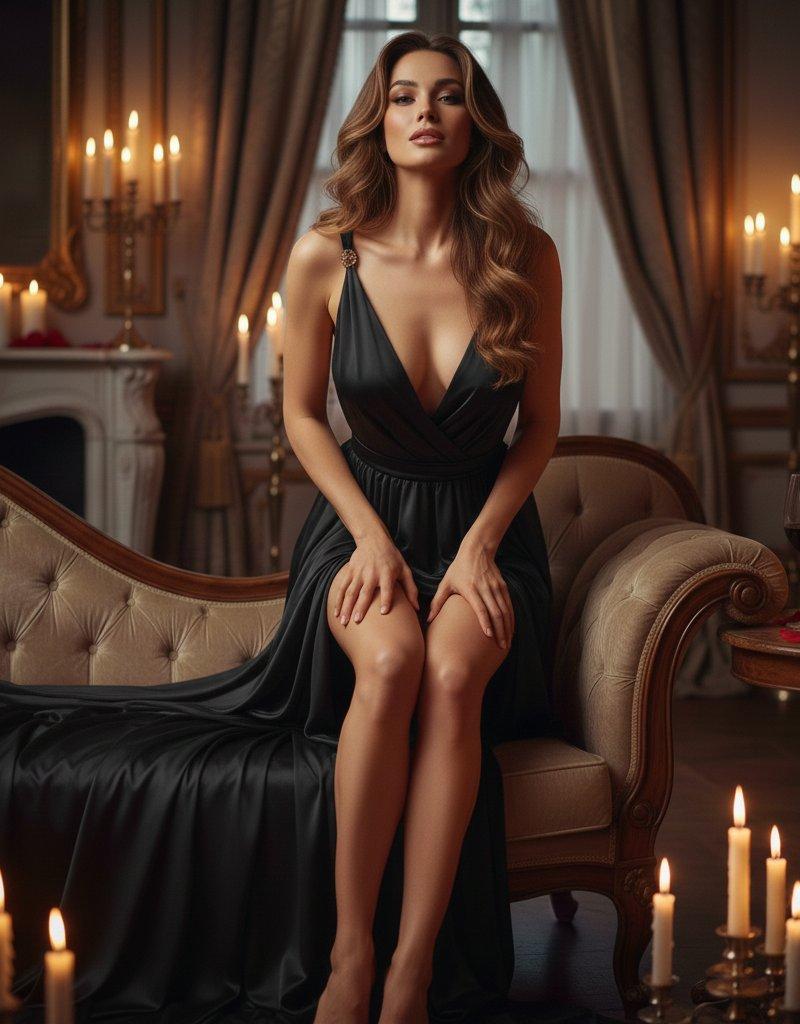
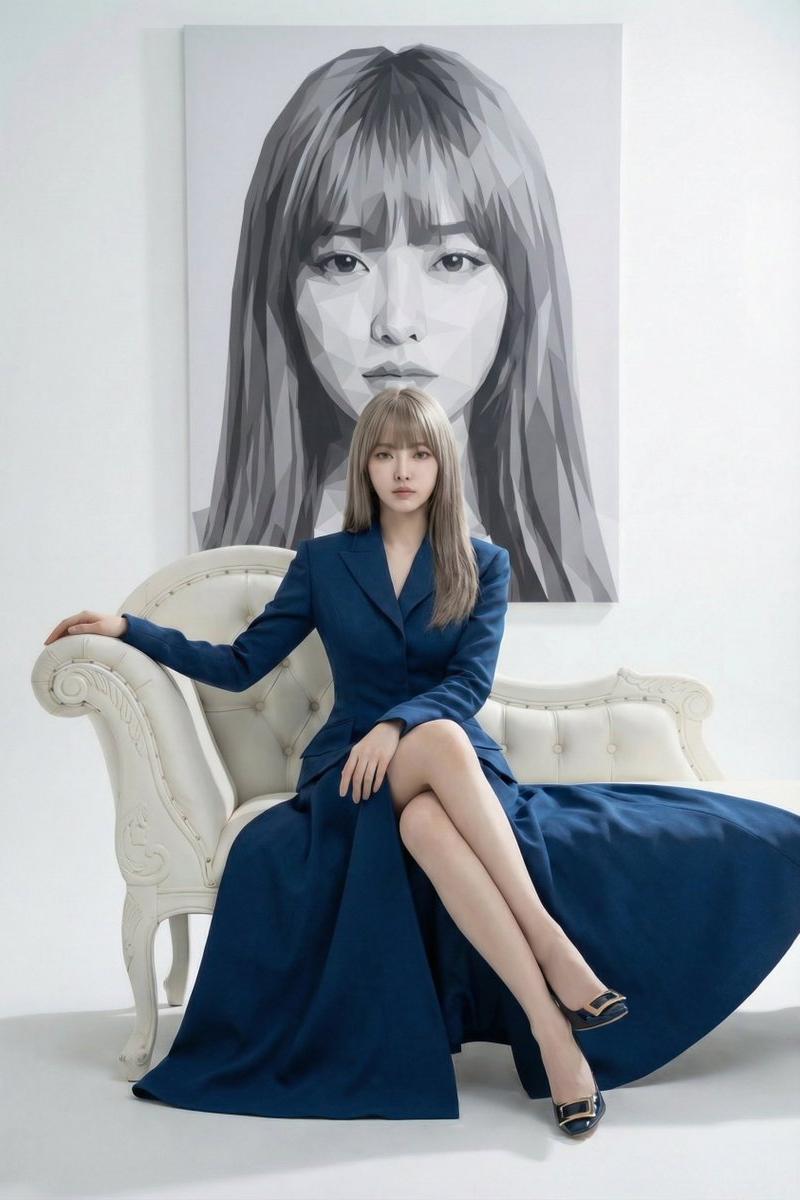
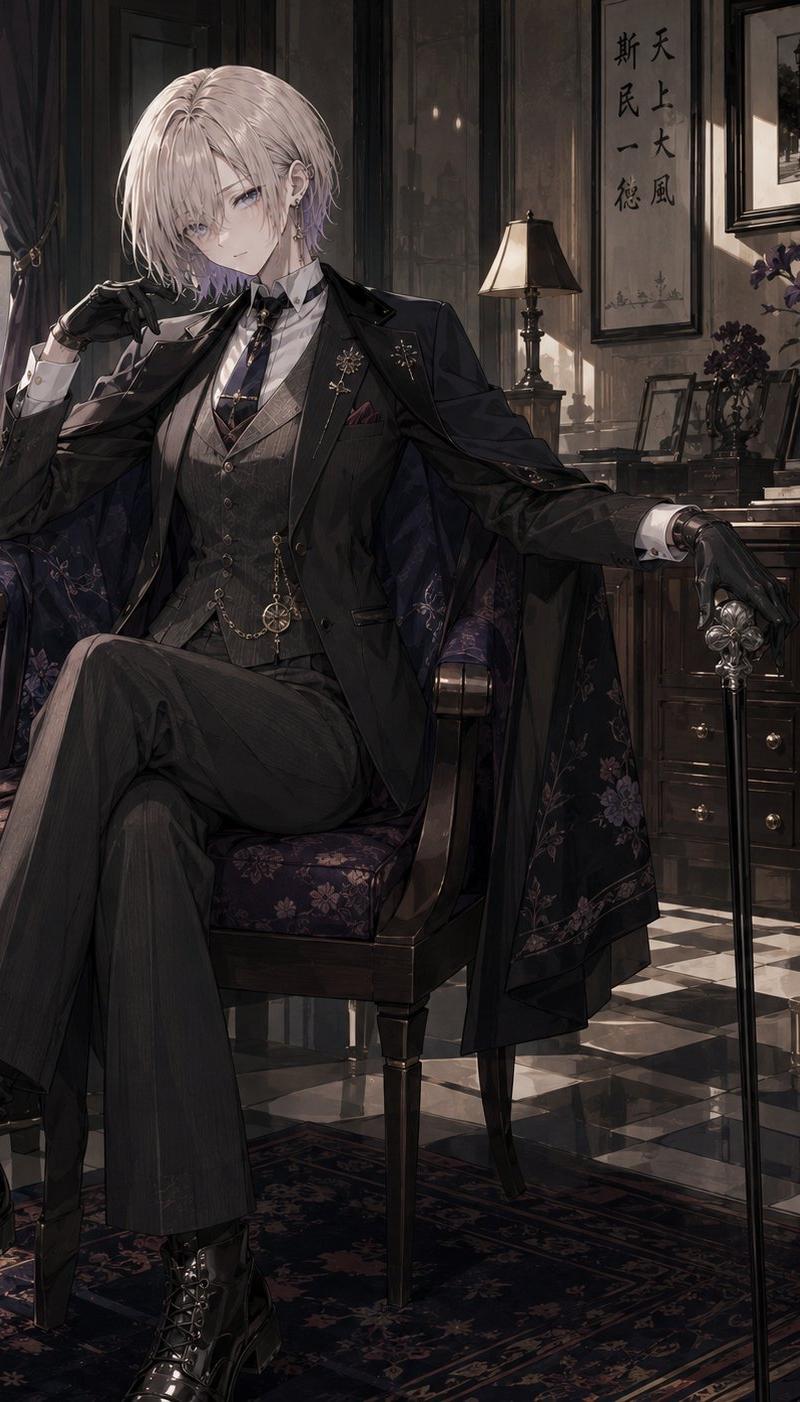
复古沙龙中的 maximalist 穿搭
Enlarge

复古沙龙中的 maximalist 穿搭

Prompt
1. Open Gemini / Chat GPT
2. Upload your Picture
3. Prompt :
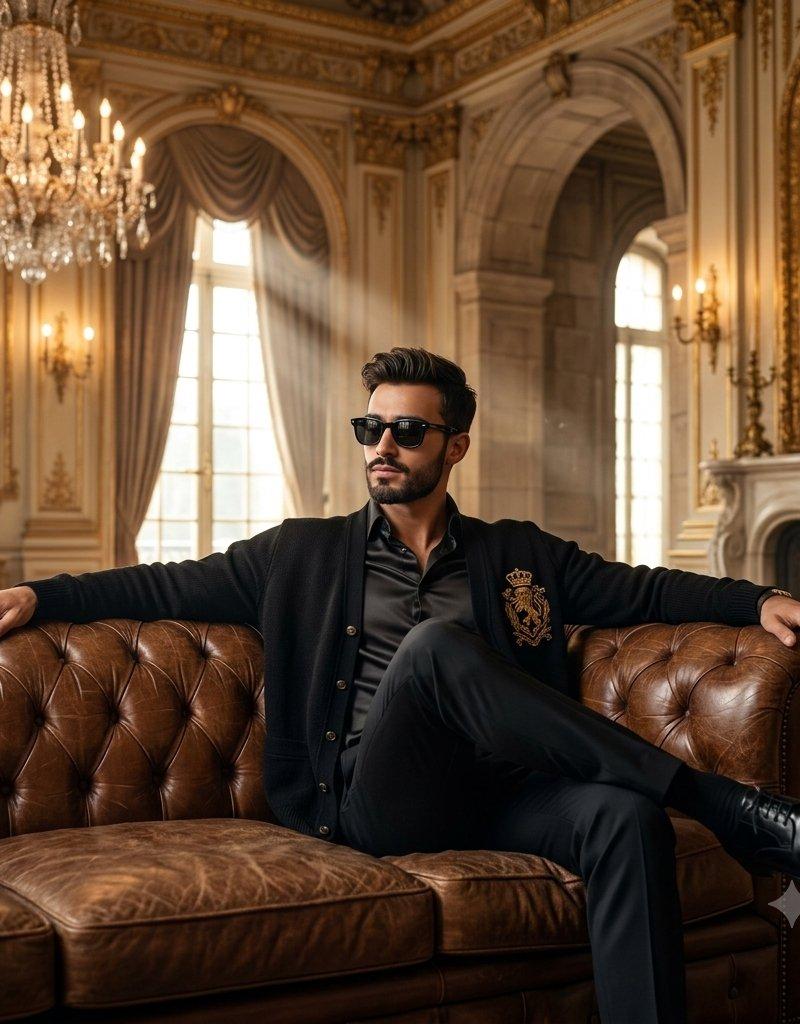
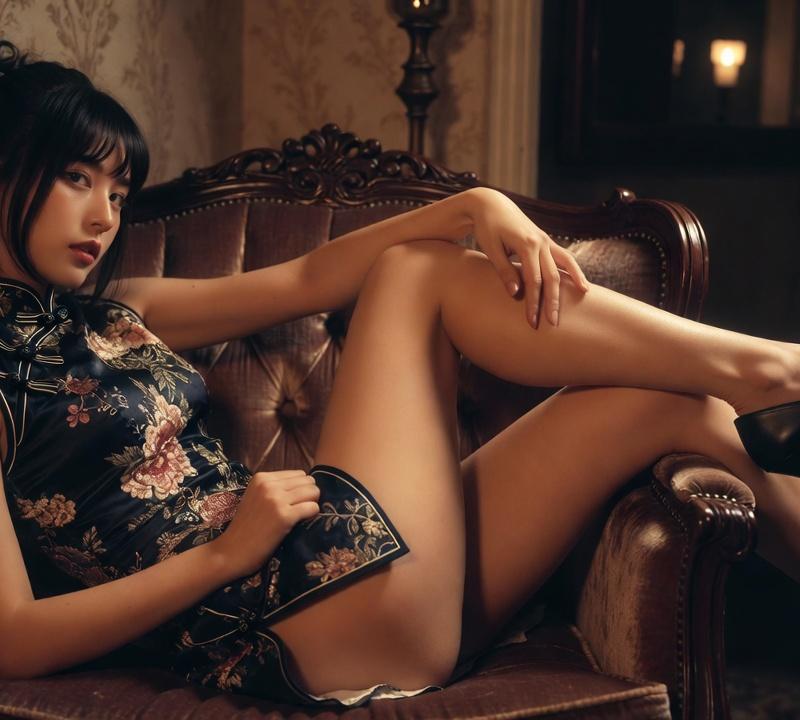
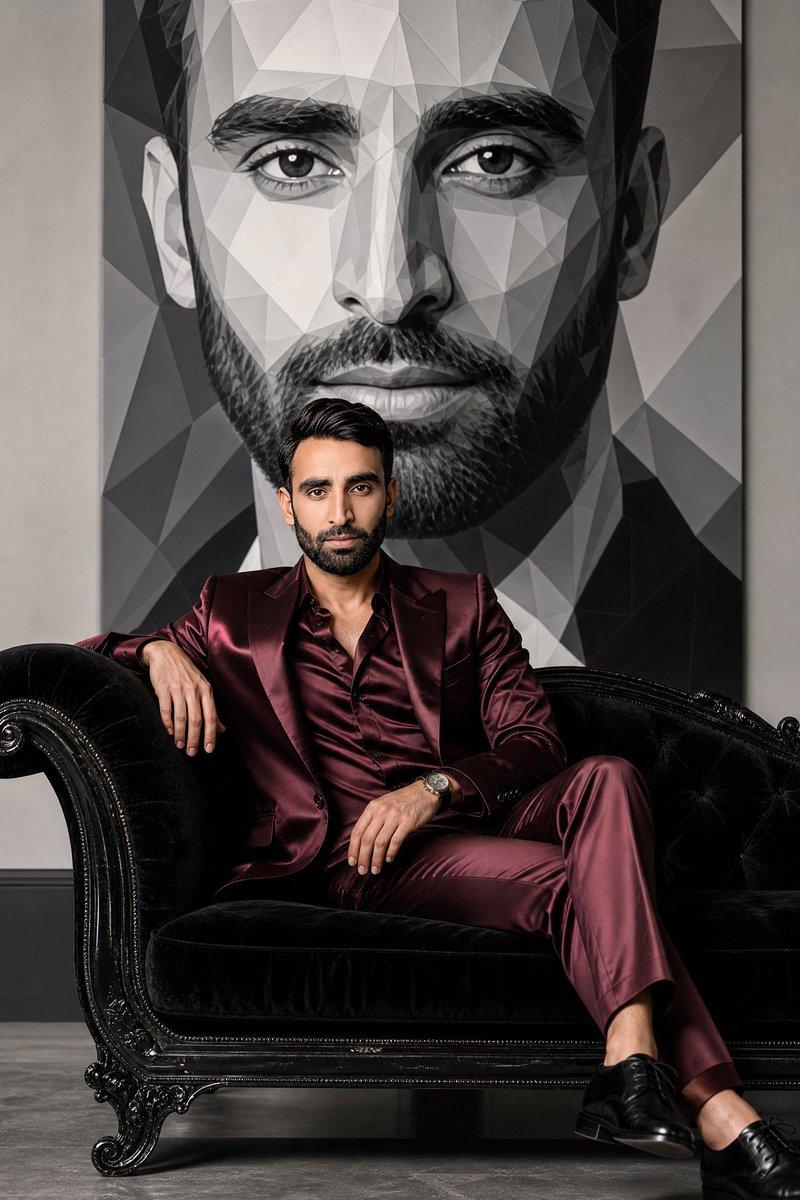
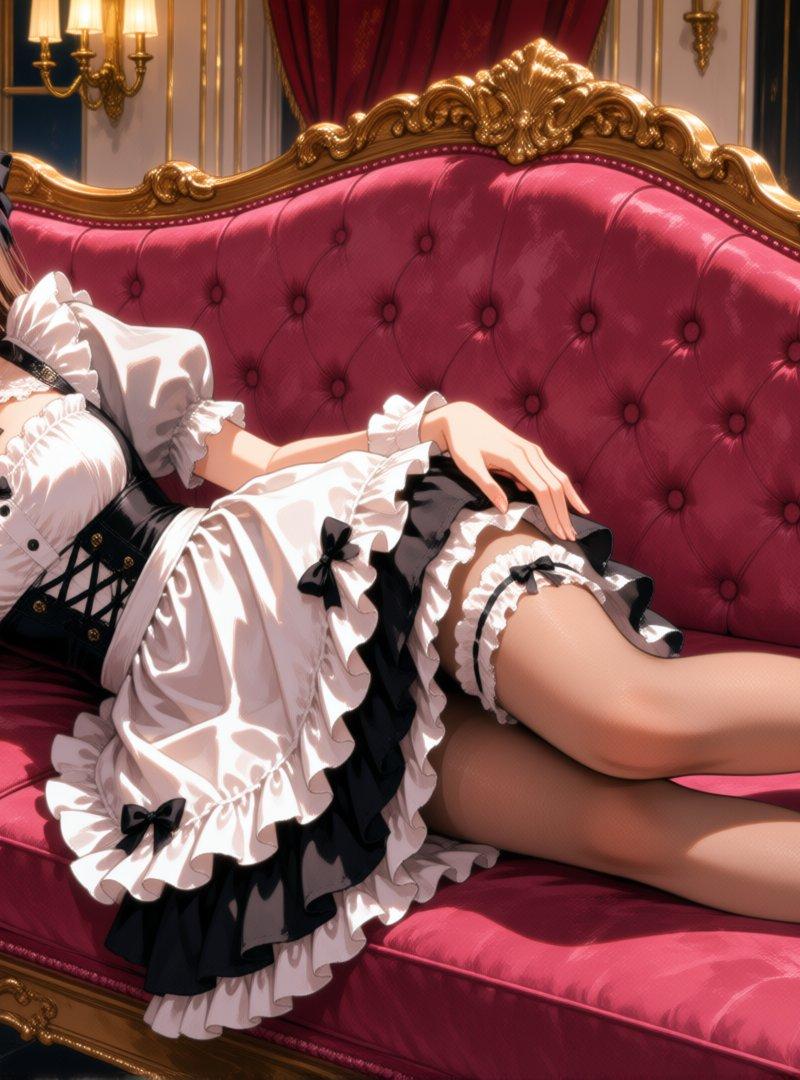
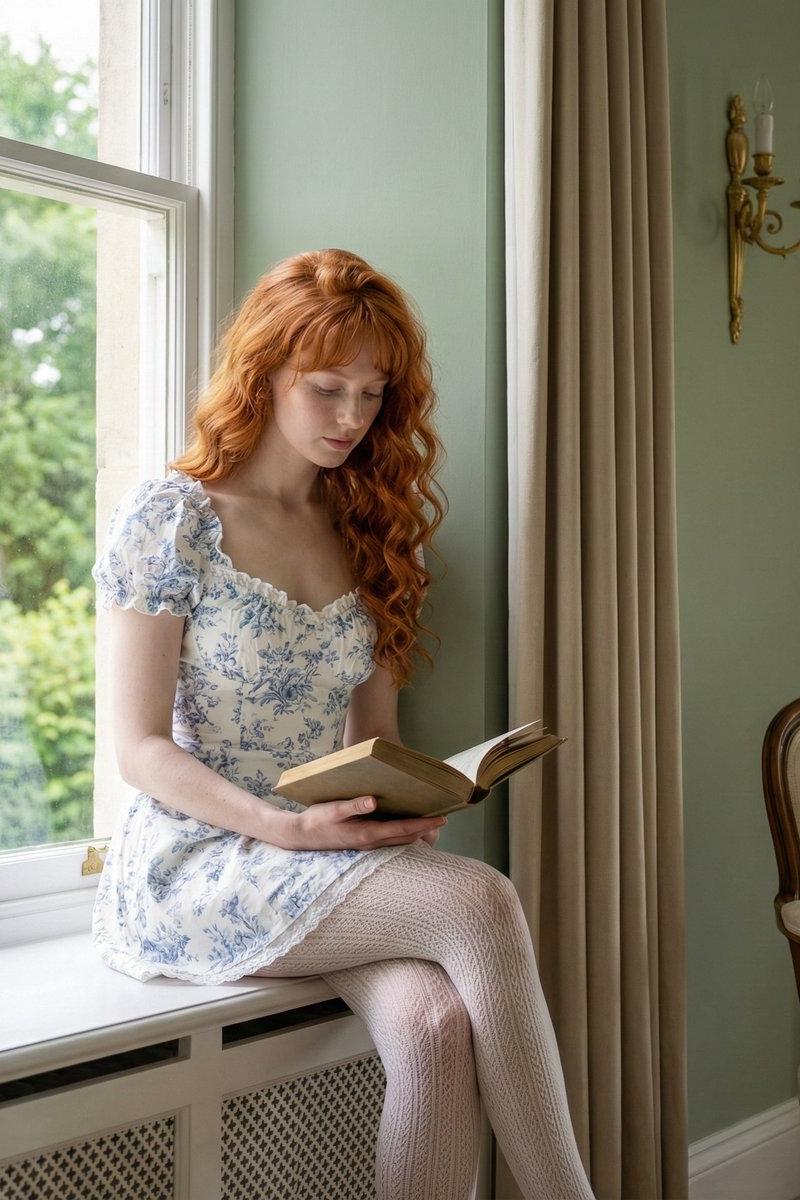
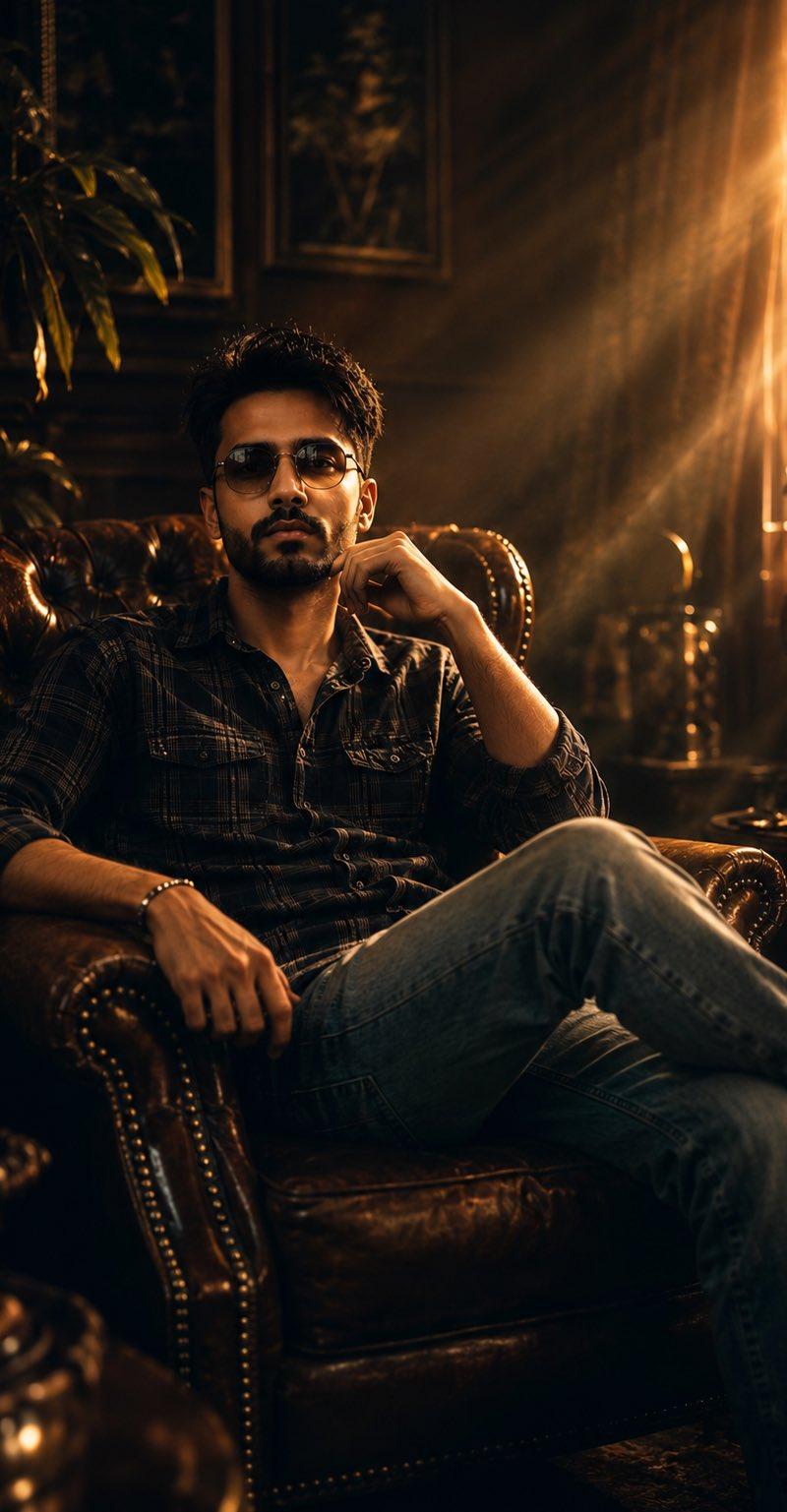
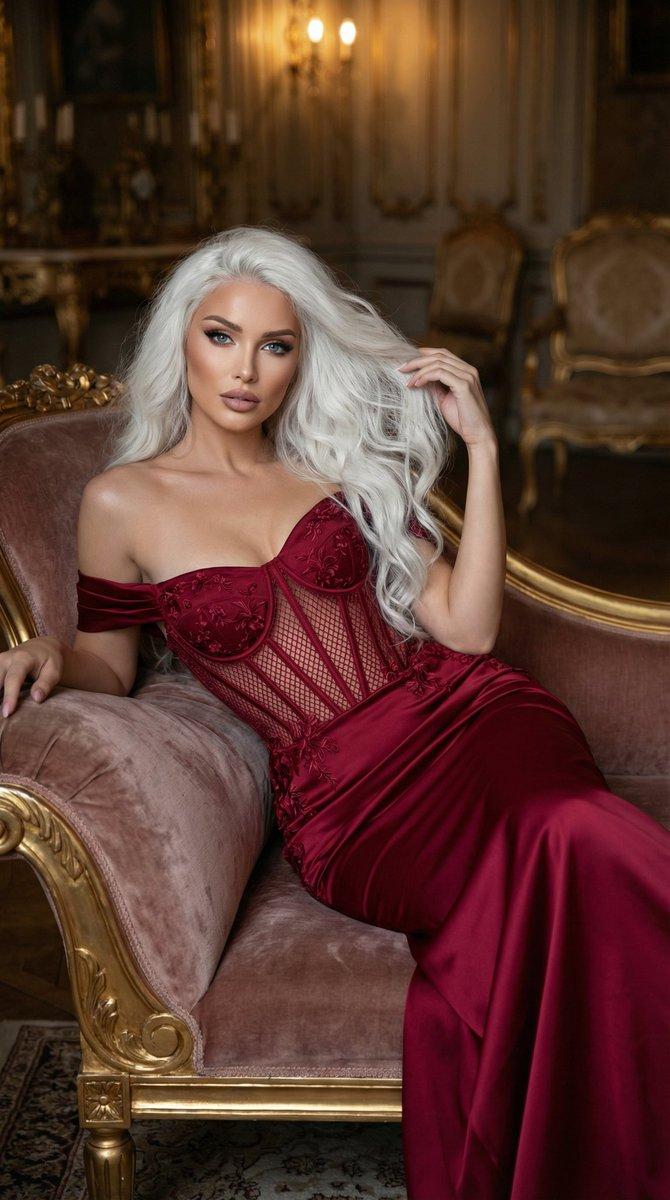
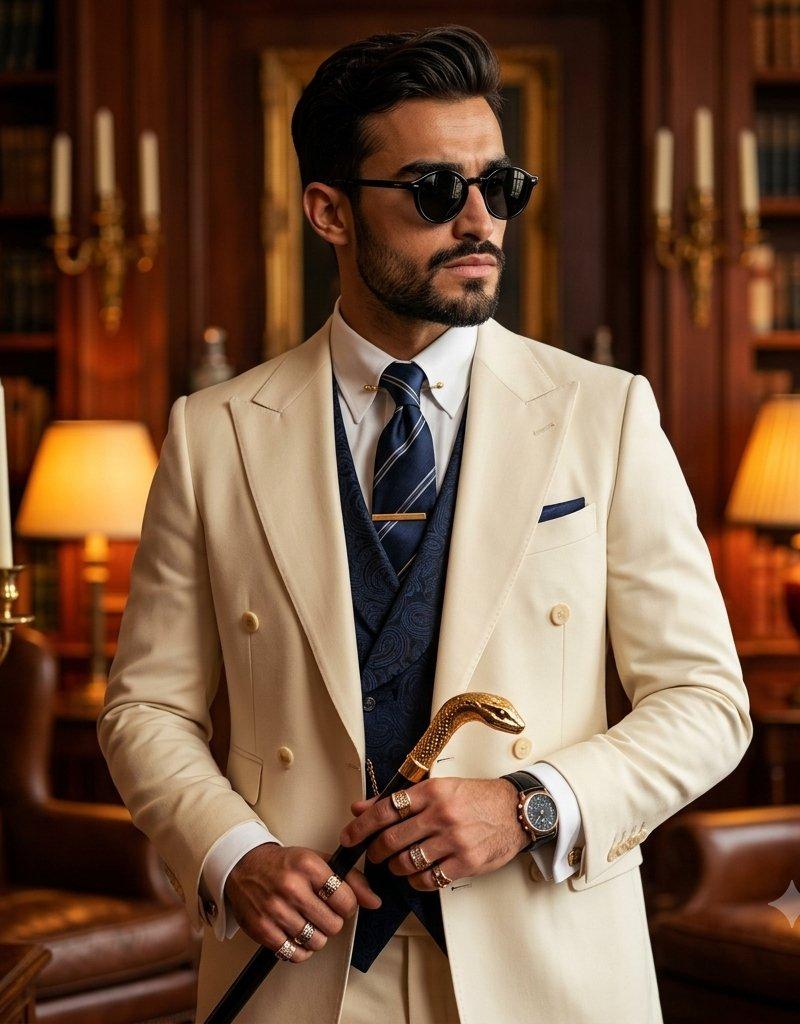
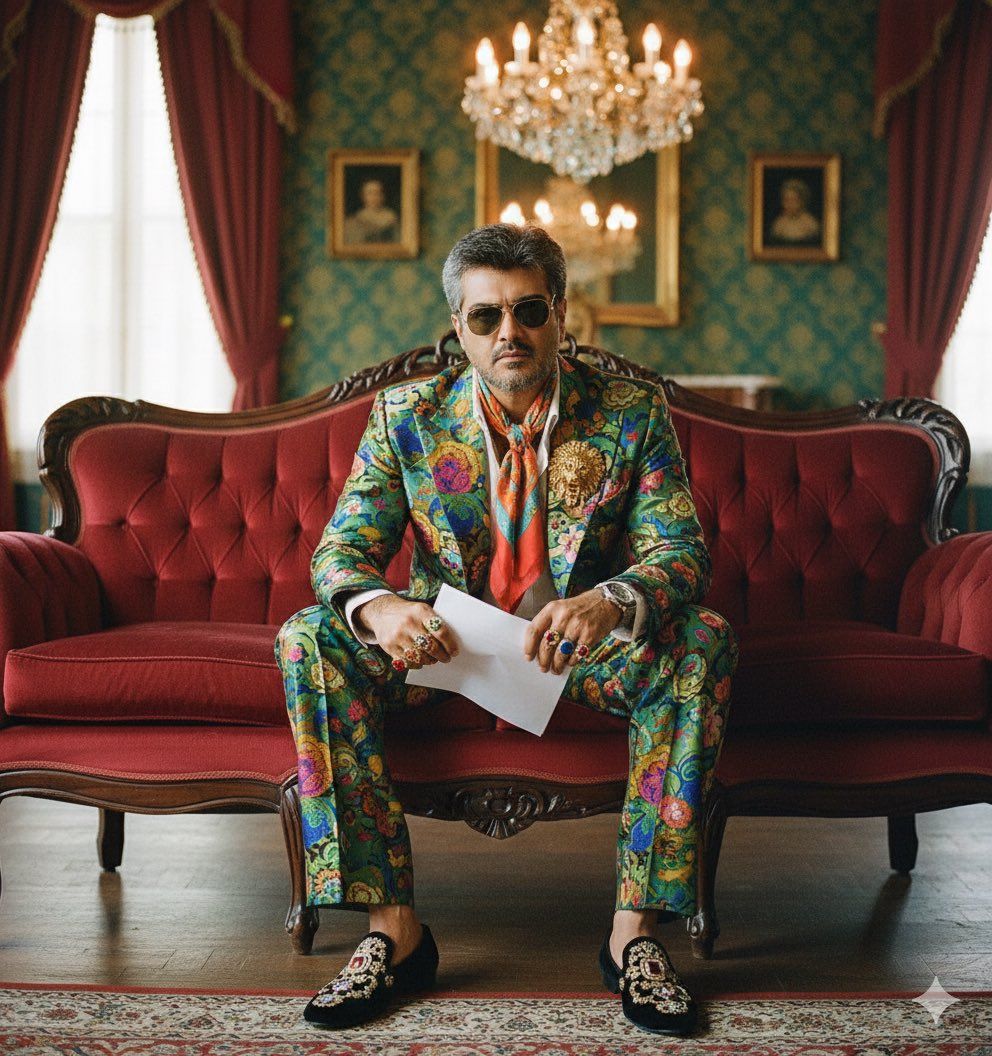
use the uploaded face image as the strict locked identity reference, preserving exact facial features, proportions, skin texture, natural hair, and facial expression from the uploaded face image. apply the styling, clothing, accessories, pose, props, background elements, lighting, camera setup, and atmosphere exactly as seen in the reference photo. seated on a velvet vintage sofa in a richly decorated salon, he wears a maximalist ensemble: a vividly patterned suit jacket with wide lapels, matching wide trousers, a contrasting neckerchief, and jeweled loafers; colorful rings and a statement brooch complete the look. shoot with a mamiya rz67 film camera and a 127 mm lens at f/4, 1/200 s on iso 400 film, ensuring deep, saturated colors and refined grain. soft, diffused lighting from a large window and a chandelier adds warmth, evoking gucci’s flamboyant retro aesthetic.
Category
Photography & Realism
Model
Unknown
Creator
Abhi
Source language
zh-CN
Views0
Source ID
maximalist-attire-vintage-salon
Studio

Guide

About "复古沙龙中的 maximalist 穿搭"

What is this prompt for?

"复古沙龙中的 maximalist 穿搭" AI image prompt for Unknown (Photography & Realism). 1. Open Gemini / Chat GPT 2. Upload your Picture 3. Prompt : use the uploaded face…

The full copyable prompt and example visuals above are ready for AI image generation or one-click recreate in Picva.

How to use this prompt

  1. Step 1

    Open the prompt detail

    Review the example visuals, category, and full prompt text for "复古沙龙中的 maximalist 穿搭".

  2. Step 2

    Copy the prompt

    Copy the prompt body from this page, or load it directly in Studio.

  3. Step 3

    Pick a model (Unknown)

    Prefer Unknown. If you switch models, keep subject and composition and tweak style terms.

  4. Step 4

    Generate and export

    Recreate the look in Picva, or export into your workflow for editing and publishing.

FAQ

What is the "复古沙龙中的 maximalist 穿搭" prompt?
It is an AI image-generation prompt for Unknown in the Photography & Realism category. This page includes the full prompt text, example visuals, and a one-click recreate path in Picva.
How do I use this prompt to generate an image?
Copy the prompt from this page, or use Generate / Studio. Paste it into a compatible image model, or recreate the look in Picva with optional reference images.
Which model is this prompt for?
This page lists Unknown. Most descriptive prompts also transfer to nearby image models such as GPT Image, Flux, or Midjourney with light style tweaks.
Can I use the result commercially?
You can usually copy the prompt for creation, but commercial use of the final image depends on the model terms, reference-image rights, and the generated content. Follow the source author and platform rules.