19

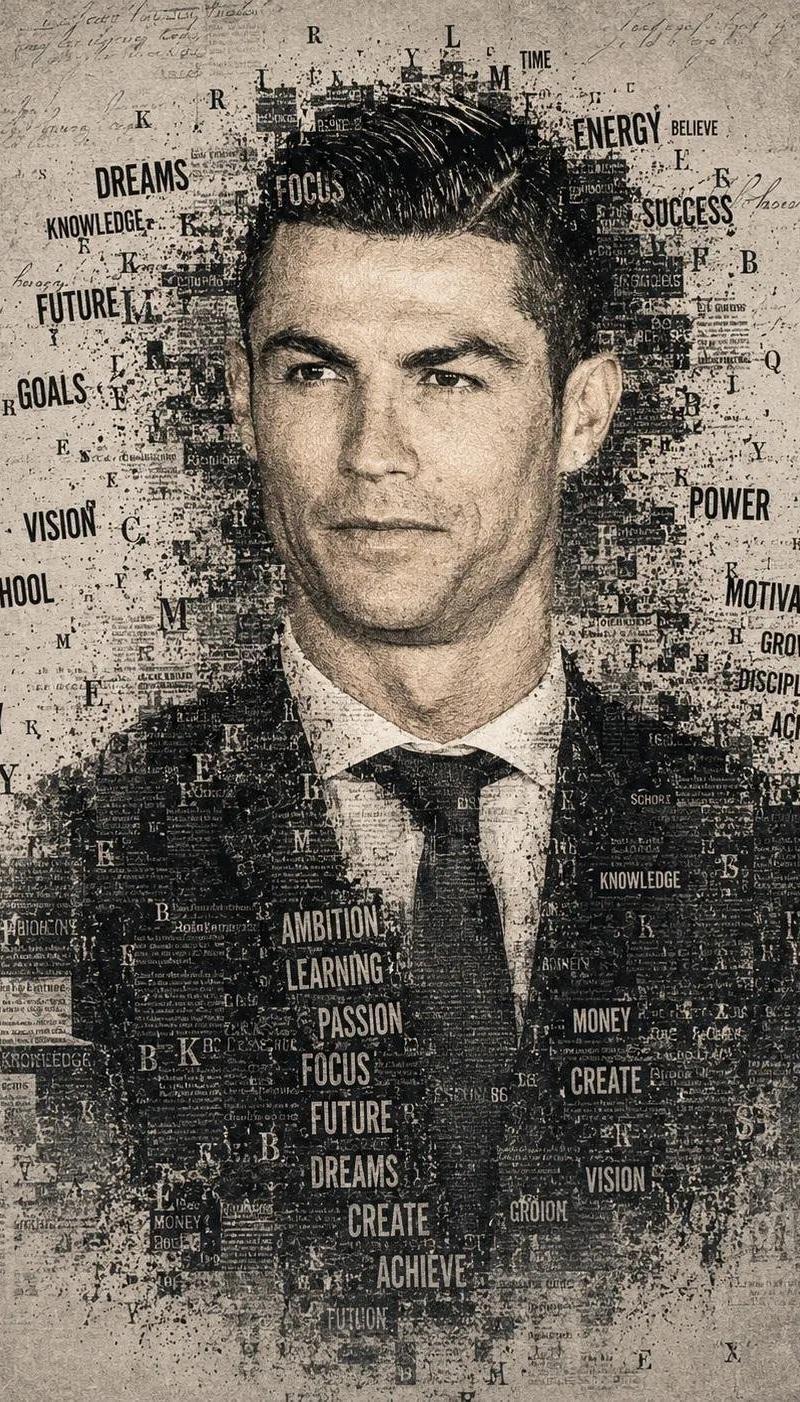
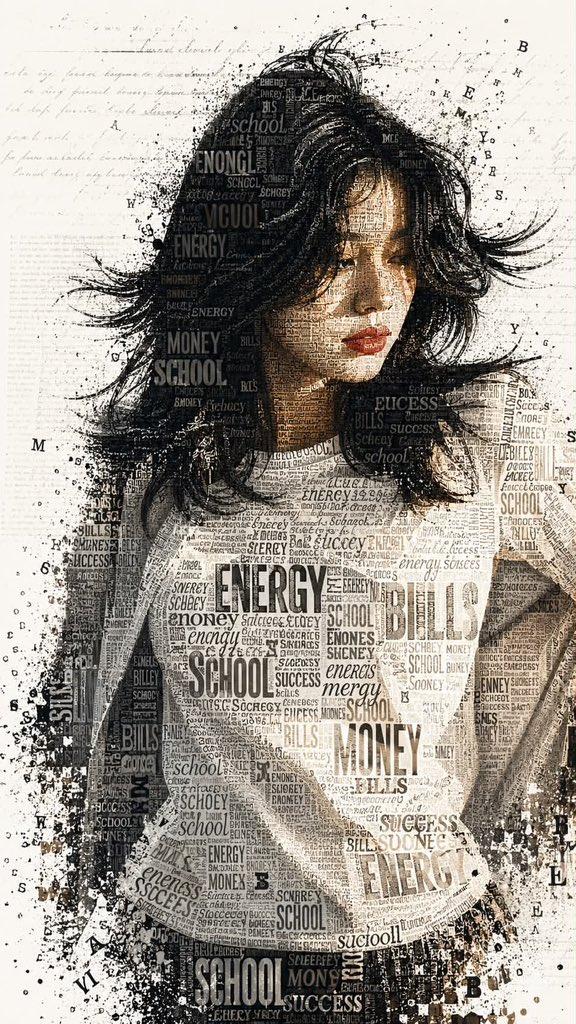
排版文字马赛克肖像
Enlarge

Example images

排版文字马赛克肖像

Prompt
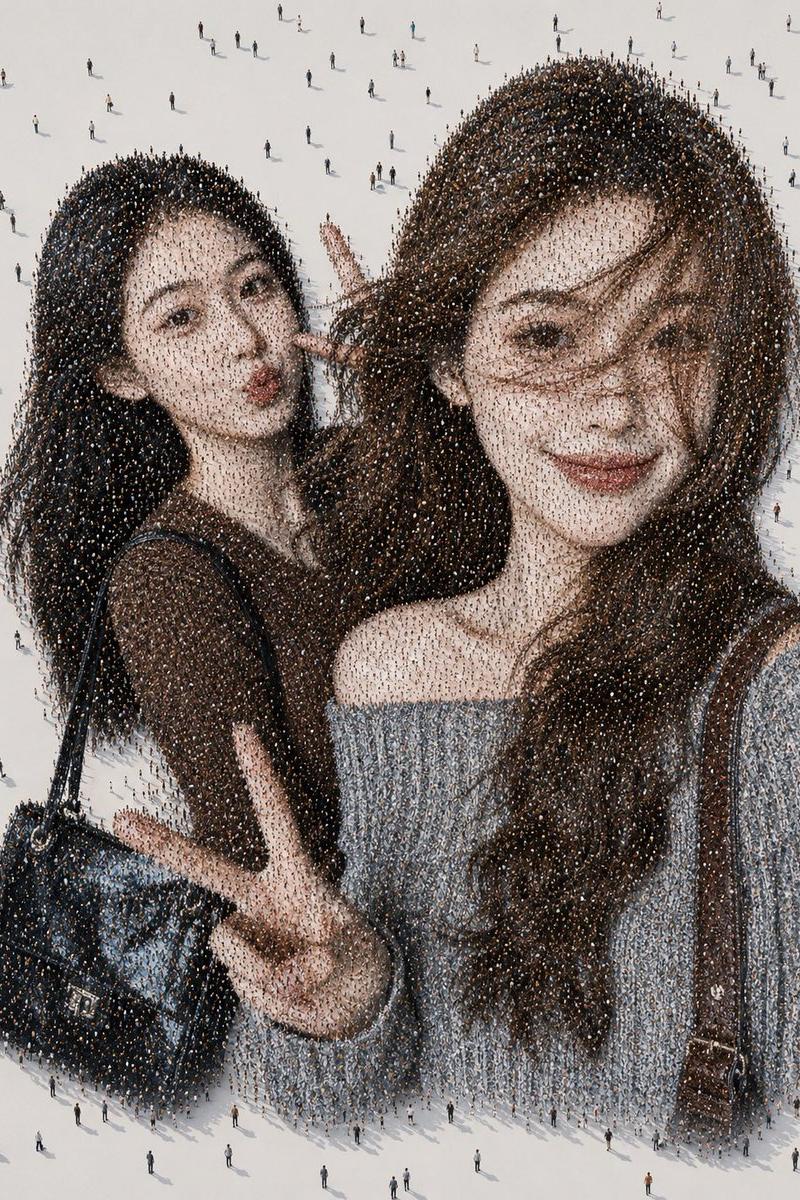
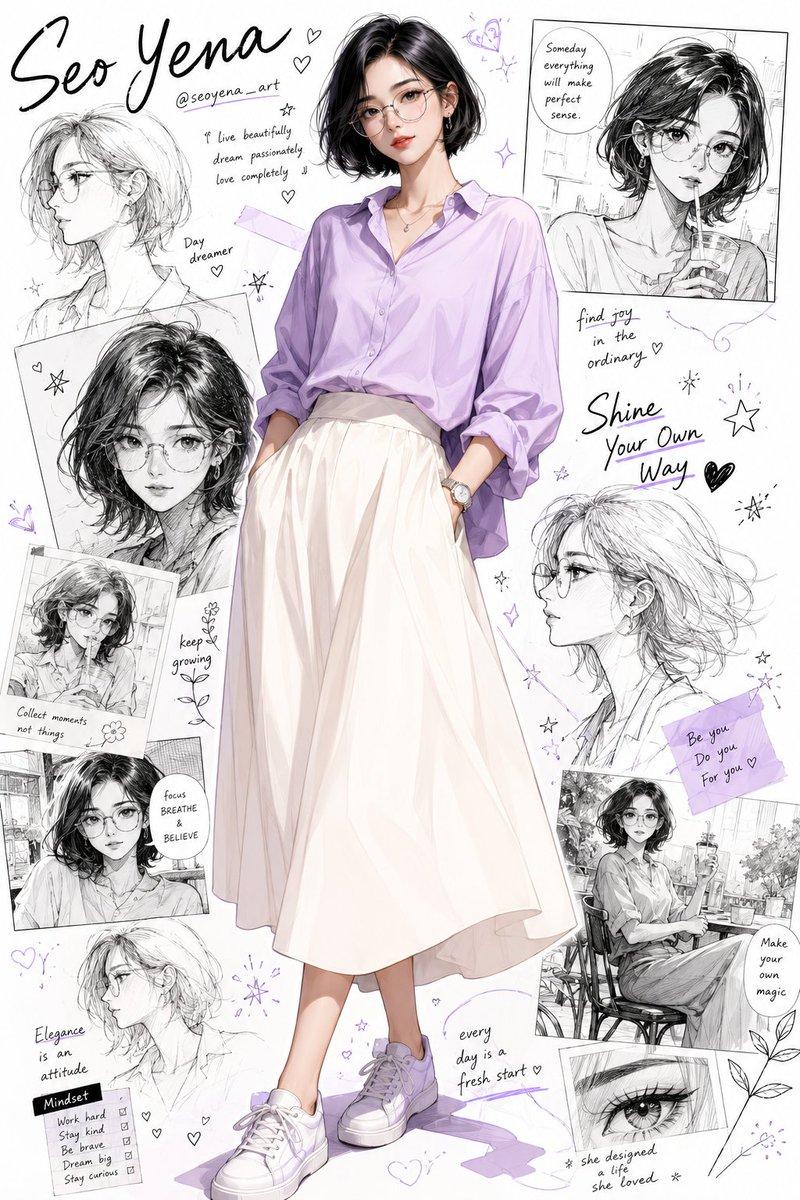
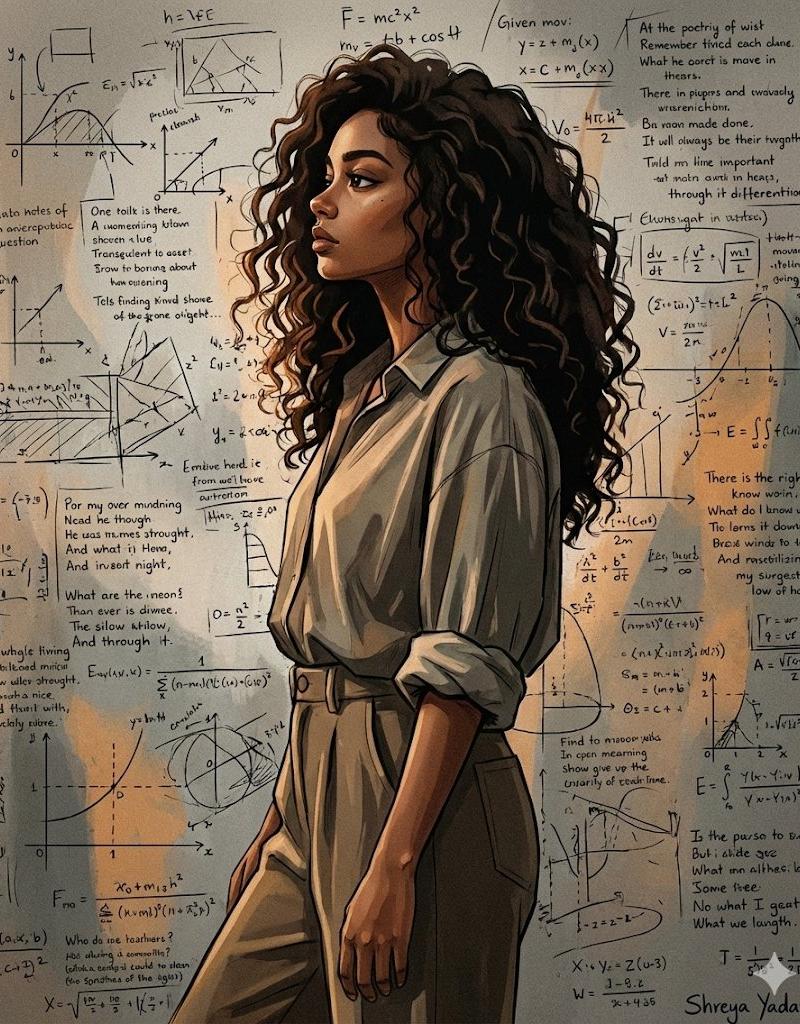
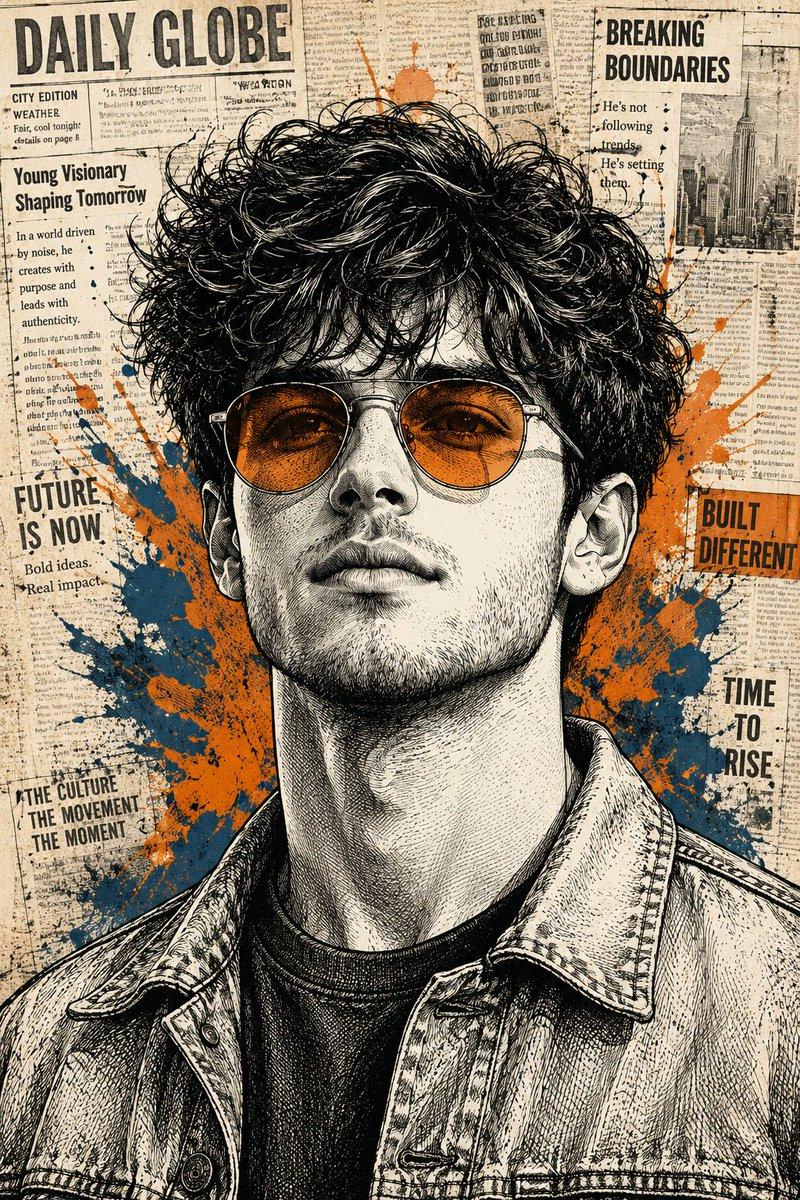
A striking typographic portrait of a {argument name="subject" default="young woman"} with a thoughtful, three-quarters gaze, completely rendered using a text-mosaic and word-cloud effect. Her skin, hair, and clothing are entirely formed by varied typographic fonts, headlines, and individual words of different sizes, orientations, and weights (such as {argument name="keywords" default="\"ENERGY\", \"BILLS\", \"MONEY\", \"SCHOOL\", \"SUCCESS\""}). Bold, prominent serif and sans-serif typography defines the heavy contours of her neck, shoulder, and jawline, while finer, delicate cursive and micro-text fill in the subtle highlights and midtones of her facial features. Her lips are a distinct, vibrant red, also composed of textured typographic text. The edges of her hair and torso gently dissolve into a chaotic, fragmented spray of letters and ink splatters. The entire subject is set against a {argument name="background" default="clean, stark white background"} layered with faint, faded horizontal lines of vintage handwritten script and blurred newspaper print, creating a layered multimedia collage effect. High contrast, sharp detail, artistic graphic design style.

Aspect ratio is 9:16
Category
Charts & Infographics
Model
GPT Image 2
Creator
Sairah
Source language
en
Views0
Source ID
26842
Published
Jun 26, 2026
Studio

Guide

About "排版文字马赛克肖像"

What is this prompt for?

"排版文字马赛克肖像" AI image prompt for GPT Image 2 (Charts & Infographics). 一个极具艺术感的提示词,用于创作一幅引人注目的肖像,其主体特征完全由不同字体和大小的词云构成。 Copy it on Picva and recreate the look in…

The full copyable prompt and example visuals above are ready for AI image generation or one-click recreate in Picva.

How to use this prompt

  1. Step 1

    Open the prompt detail

    Review the example visuals, category, and full prompt text for "排版文字马赛克肖像".

  2. Step 2

    Copy the prompt

    Copy the prompt body from this page, or load it directly in Studio.

  3. Step 3

    Pick a model (GPT Image 2)

    Prefer GPT Image 2. If you switch models, keep subject and composition and tweak style terms.

  4. Step 4

    Generate and export

    Recreate the look in Picva, or export into your workflow for editing and publishing.

FAQ

What is the "排版文字马赛克肖像" prompt?
It is an AI image-generation prompt for GPT Image 2 in the Charts & Infographics category. This page includes the full prompt text, example visuals, and a one-click recreate path in Picva.
How do I use this prompt to generate an image?
Copy the prompt from this page, or use Generate / Studio. Paste it into a compatible image model, or recreate the look in Picva with optional reference images.
Which model is this prompt for?
This page lists GPT Image 2. Most descriptive prompts also transfer to nearby image models such as GPT Image, Flux, or Midjourney with light style tweaks.
Can I use the result commercially?
You can usually copy the prompt for creation, but commercial use of the final image depends on the model terms, reference-image rights, and the generated content. Follow the source author and platform rules.