17

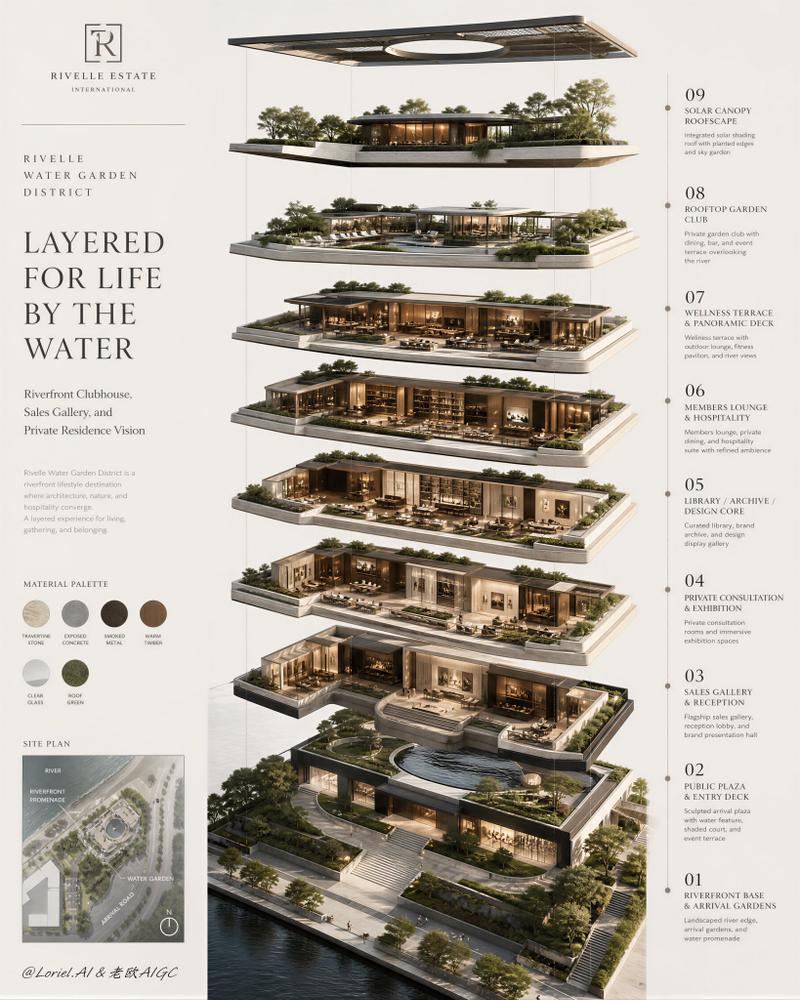
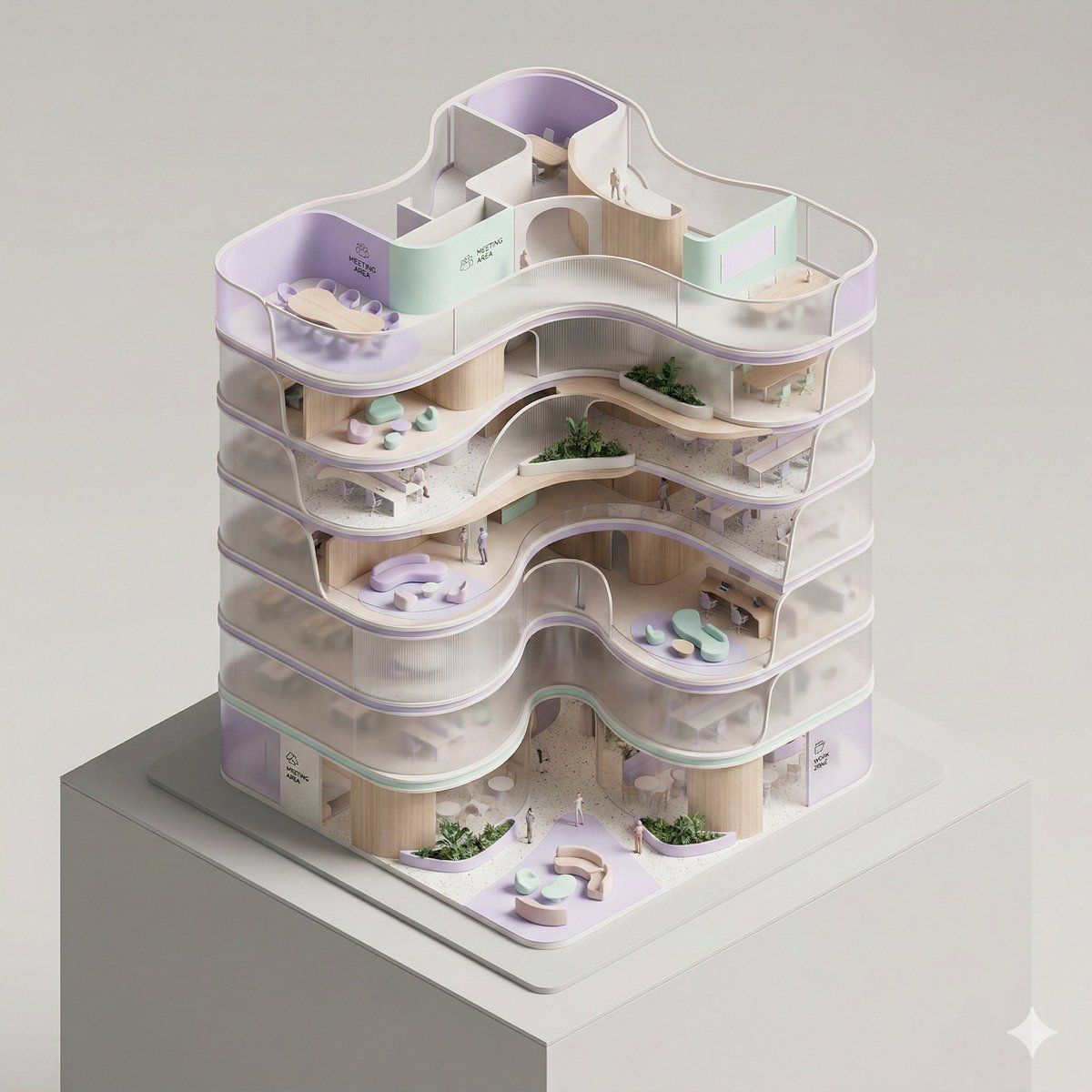
概念性等距办公大楼模型
Enlarge

概念性等距办公大楼模型

Prompt
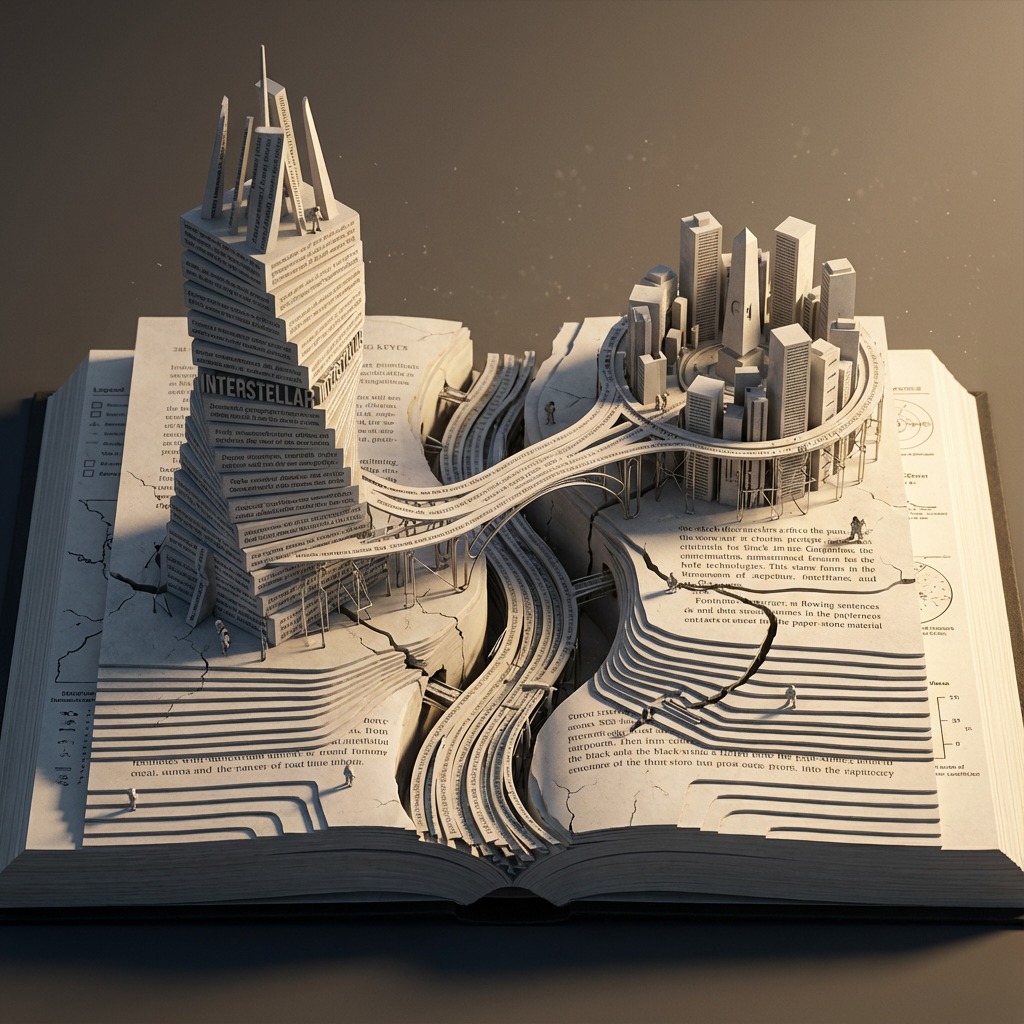
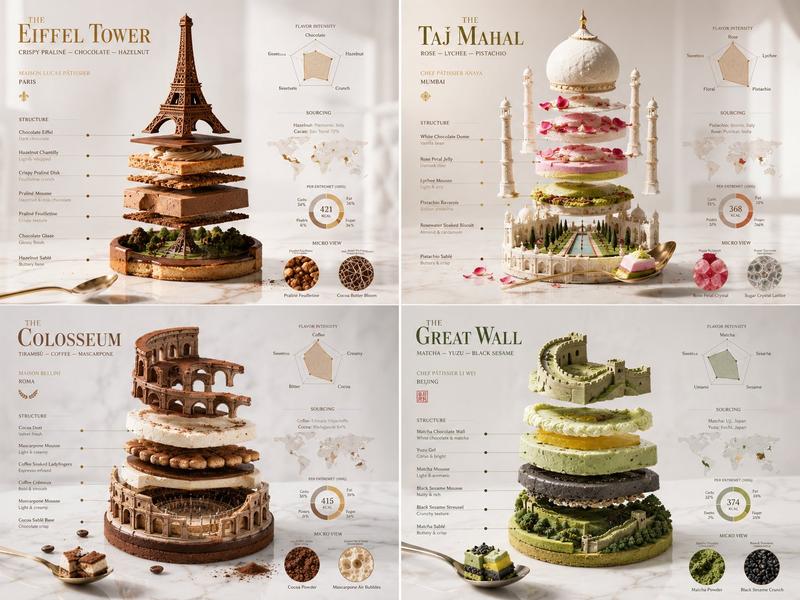
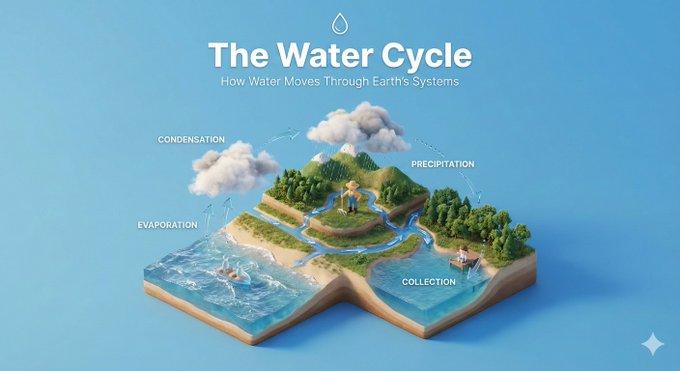
A conceptual architectural isometric model of an organic-form corporate office tower, presented as an exhibition-scale diorama. The building is shown with a cutaway section, exposing fluid spatial flow, curved meeting rooms, and lounge zoning from a top-down isometric perspective. Volumes are lightly separated by seamlessly curved translucent partitions to suggest circulation and function. Warm micro-LEDs illuminate the individual floors from within. Strong use of negative space and clear compositional hierarchy. Thin structural outlines, soft pastel lavender and mint, ribbed wood and dark terrazzo tones, minimal abstract signage, subtle human-scale markers. Smooth surfaces, pill-shaped rounded edges, dramatic controlled studio lighting, architectural model photography style, clean dark neutral background, high-detail yet minimal.
Category
创意图片
Model
Nano Banana Pro
Views0
Source ID
7fd2e443-2243-4e36-a475-7bb3a1083152
Published
Mar 8, 2026

Guide

About "概念性等距办公大楼模型"

What is this prompt for?

"概念性等距办公大楼模型" AI image prompt for Nano Banana Pro (创意图片). 生成一个概念性建筑等距模型(透视模型)的提示,该模型是一个有机形态的企业办公大楼,从俯视角度观看,强调流畅的空间流动、柔和的粉彩色调、带肋木材和受控的摄影棚灯光。 --- 一个有机形态企业办公大楼的概念…

The full copyable prompt and example visuals above are ready for AI image generation or one-click recreate in Picva.

How to use this prompt

  1. Step 1

    Open the prompt detail

    Review the example visuals, category, and full prompt text for "概念性等距办公大楼模型".

  2. Step 2

    Copy the prompt

    Copy the prompt body from this page, or load it directly in Studio.

  3. Step 3

    Pick a model (Nano Banana Pro)

    Prefer Nano Banana Pro. If you switch models, keep subject and composition and tweak style terms.

  4. Step 4

    Generate and export

    Recreate the look in Picva, or export into your workflow for editing and publishing.

FAQ

What is the "概念性等距办公大楼模型" prompt?
It is an AI image-generation prompt for Nano Banana Pro in the 创意图片 category. This page includes the full prompt text, example visuals, and a one-click recreate path in Picva.
How do I use this prompt to generate an image?
Copy the prompt from this page, or use Generate / Studio. Paste it into a compatible image model, or recreate the look in Picva with optional reference images.
Which model is this prompt for?
This page lists Nano Banana Pro. Most descriptive prompts also transfer to nearby image models such as GPT Image, Flux, or Midjourney with light style tweaks.
Can I use the result commercially?
You can usually copy the prompt for creation, but commercial use of the final image depends on the model terms, reference-image rights, and the generated content. Follow the source author and platform rules.