18

✍️Today's topic in "Learn One Keyword a Day" is "watery lip": This keyword can m
Enlarge

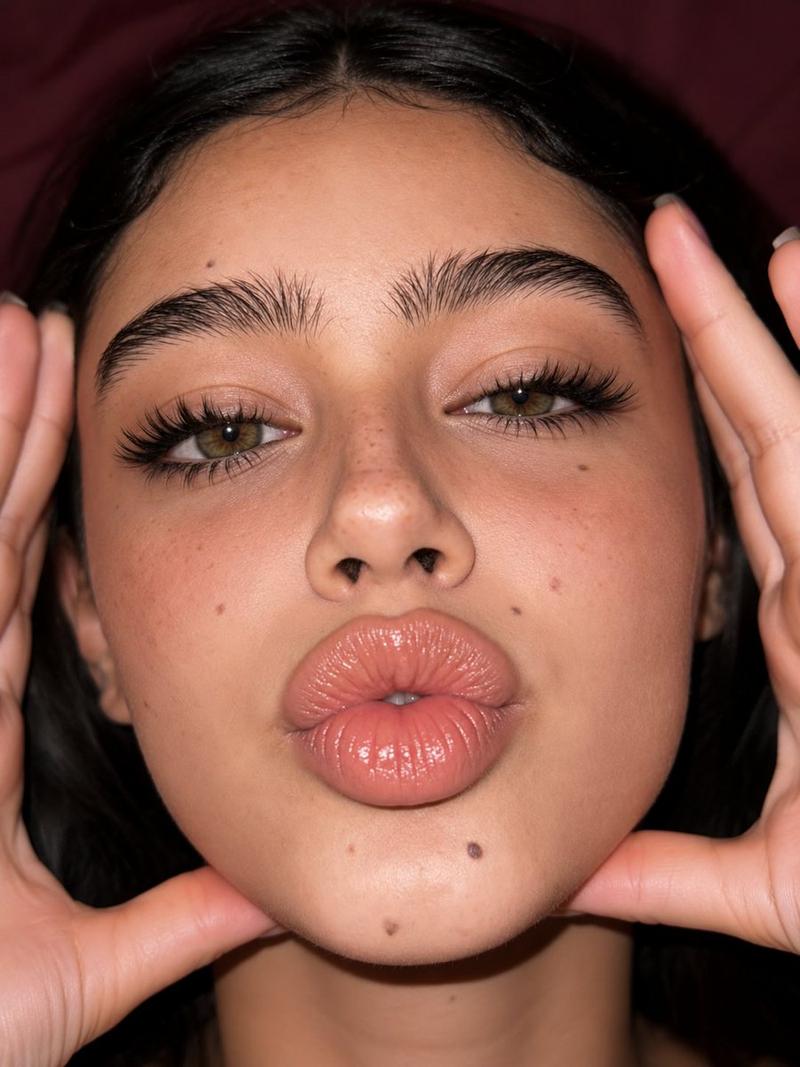
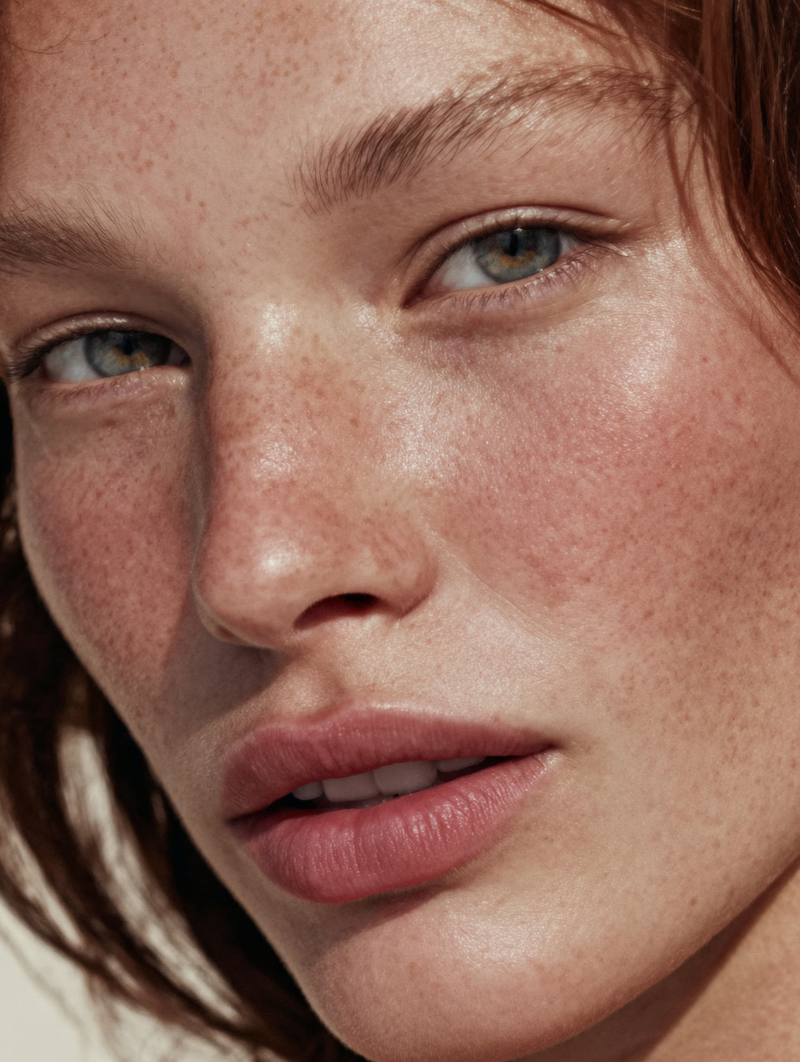
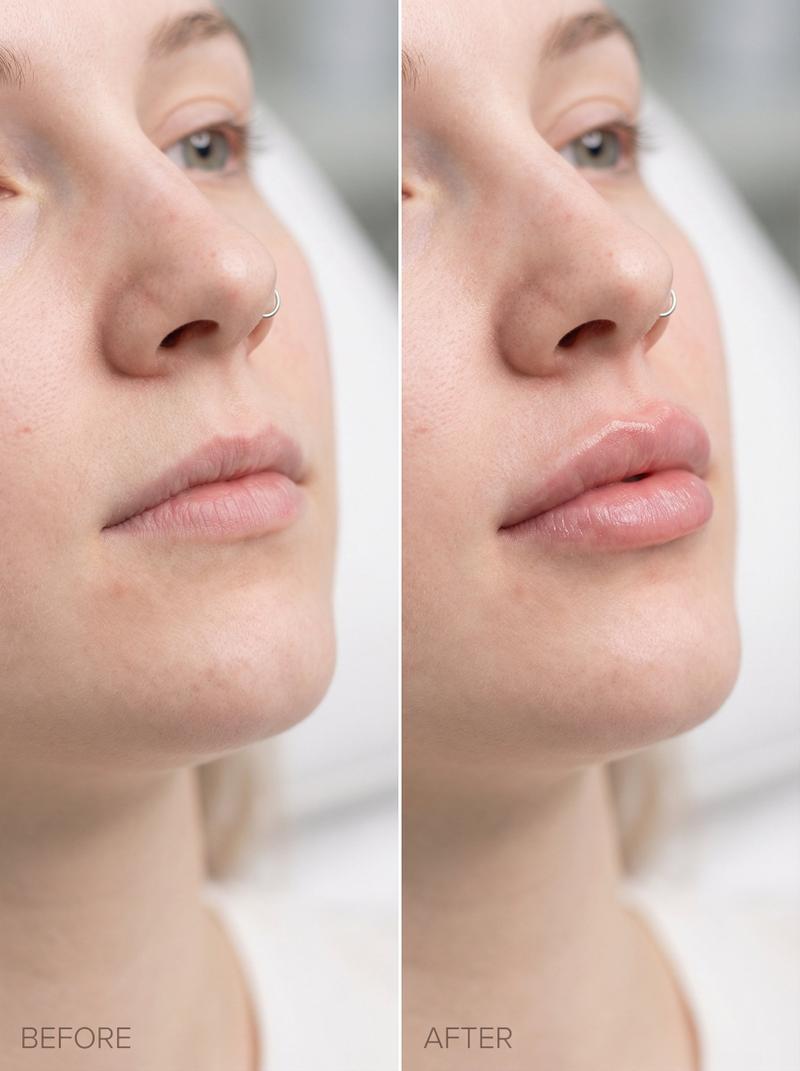
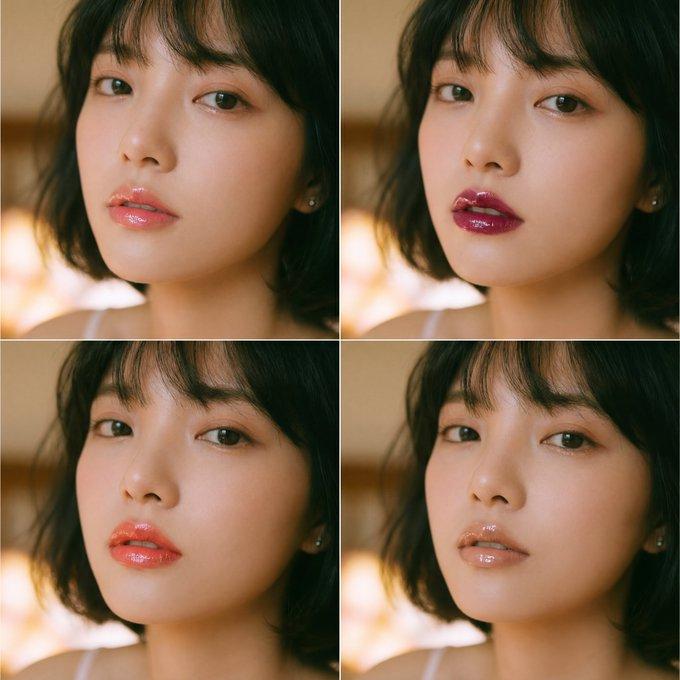
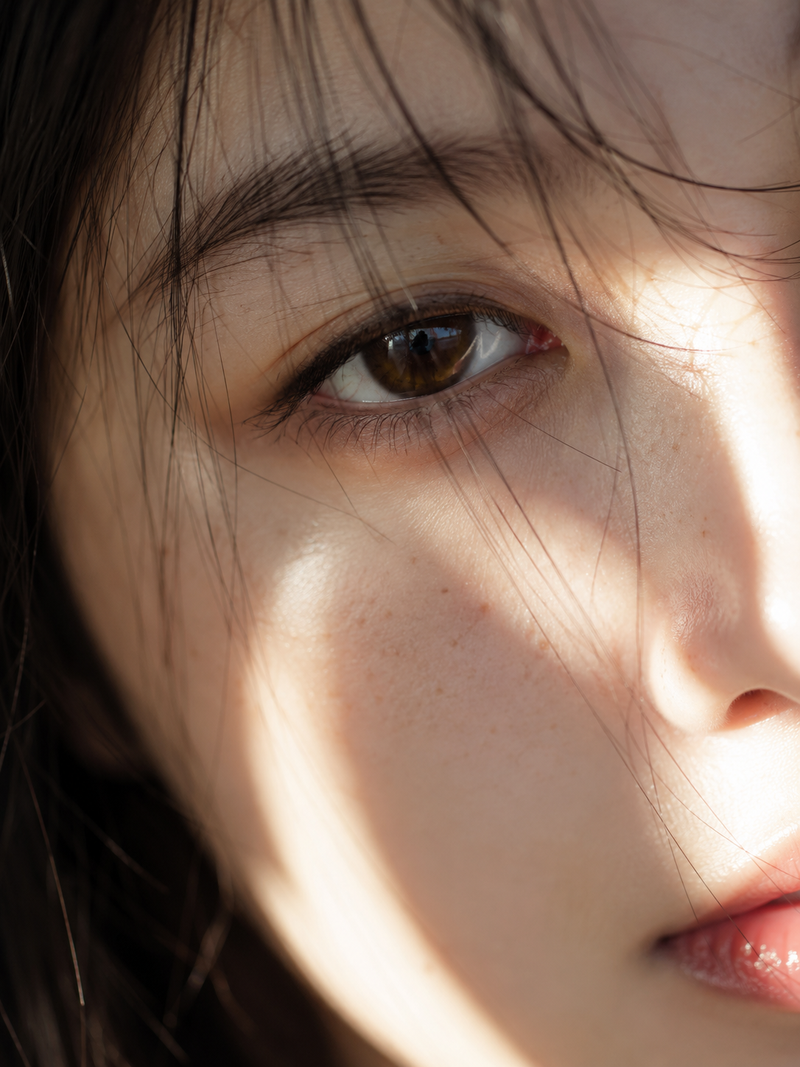
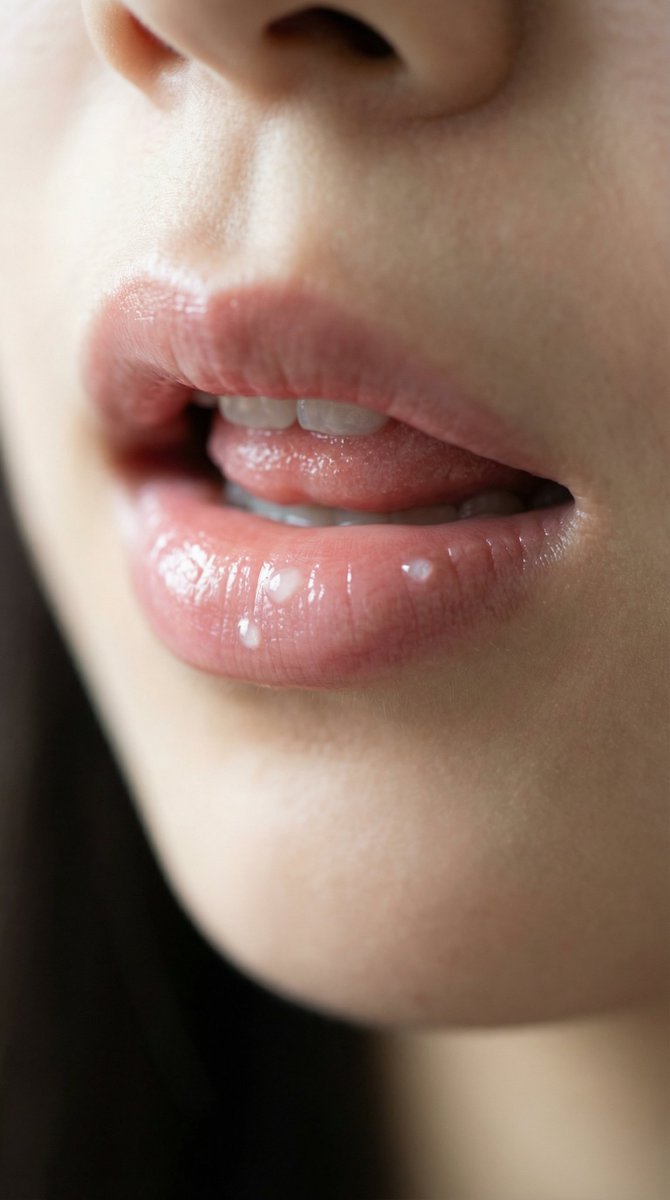
Example images

✍️Today's topic in "Learn One Keyword a Day" is "watery lip": This keyword can m

Prompt
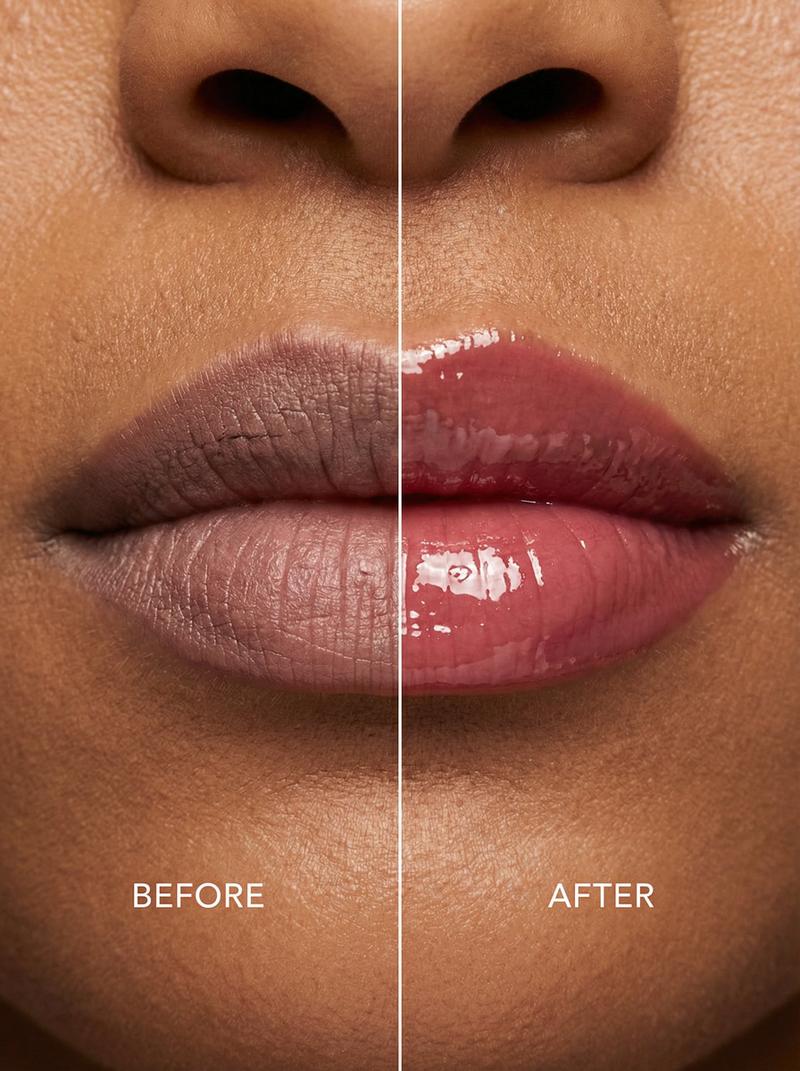
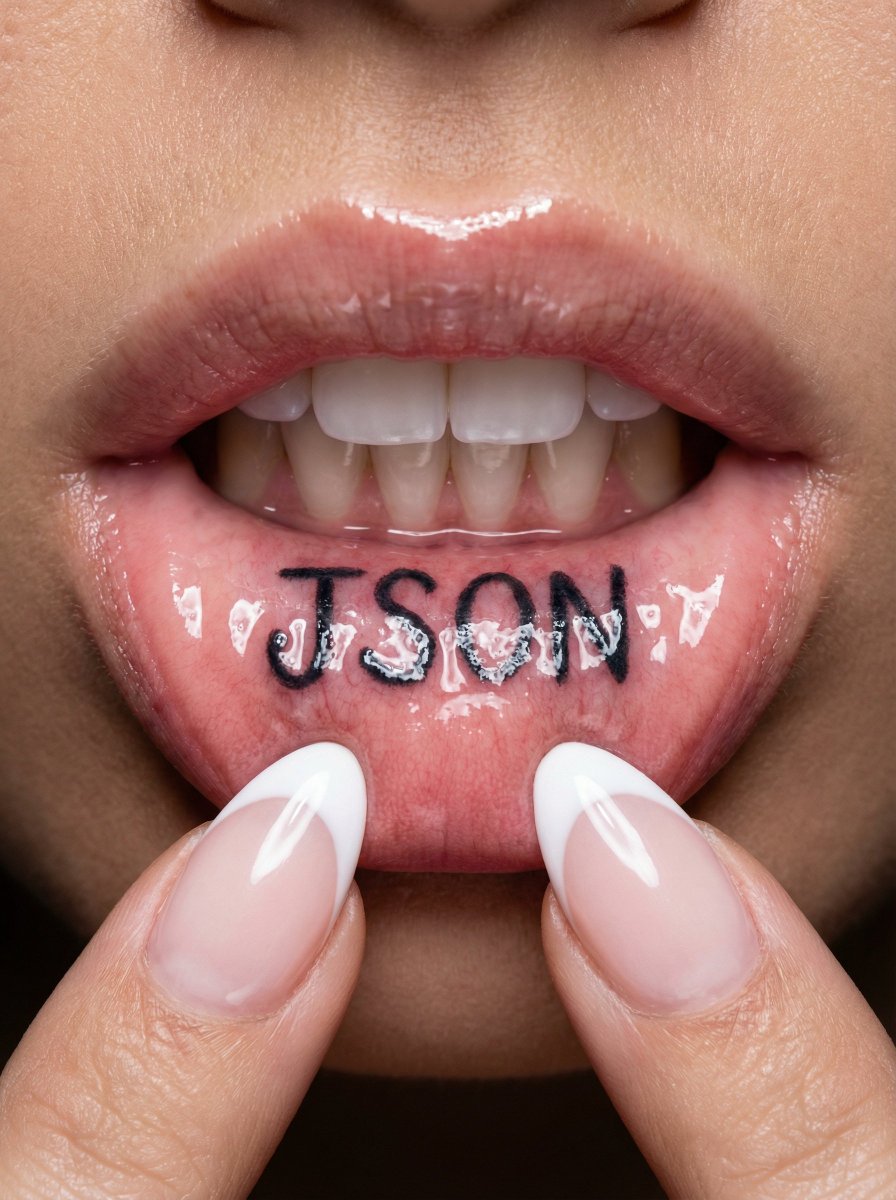
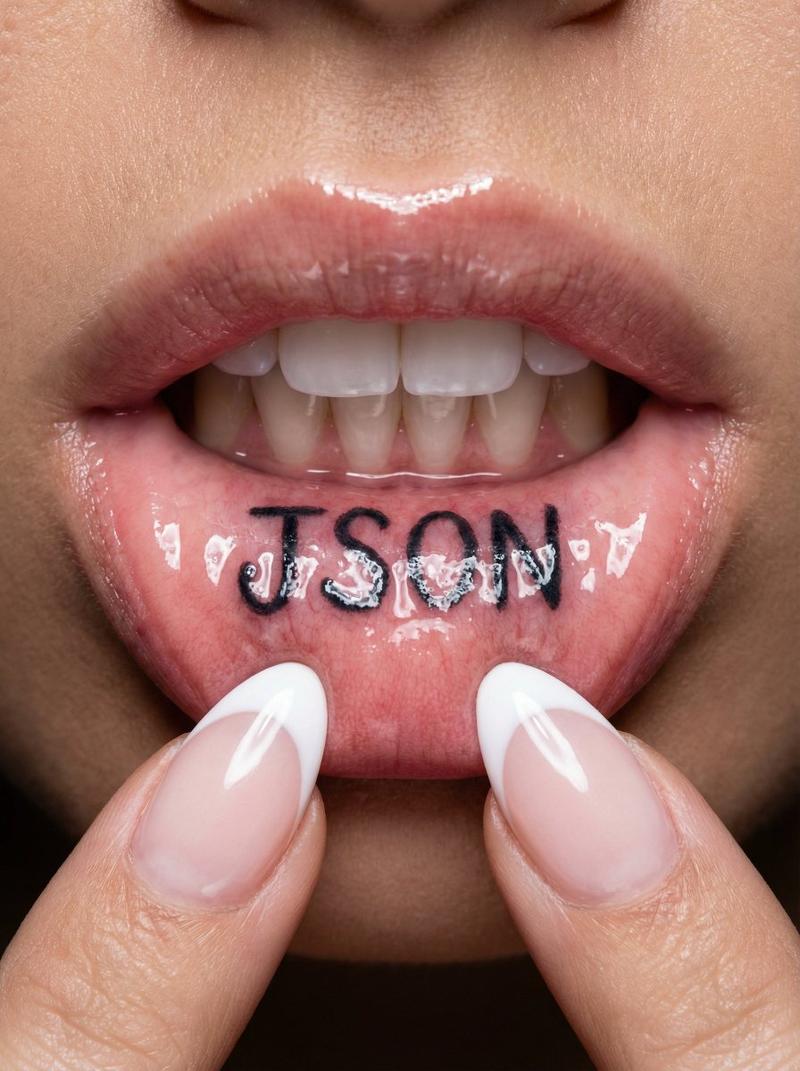
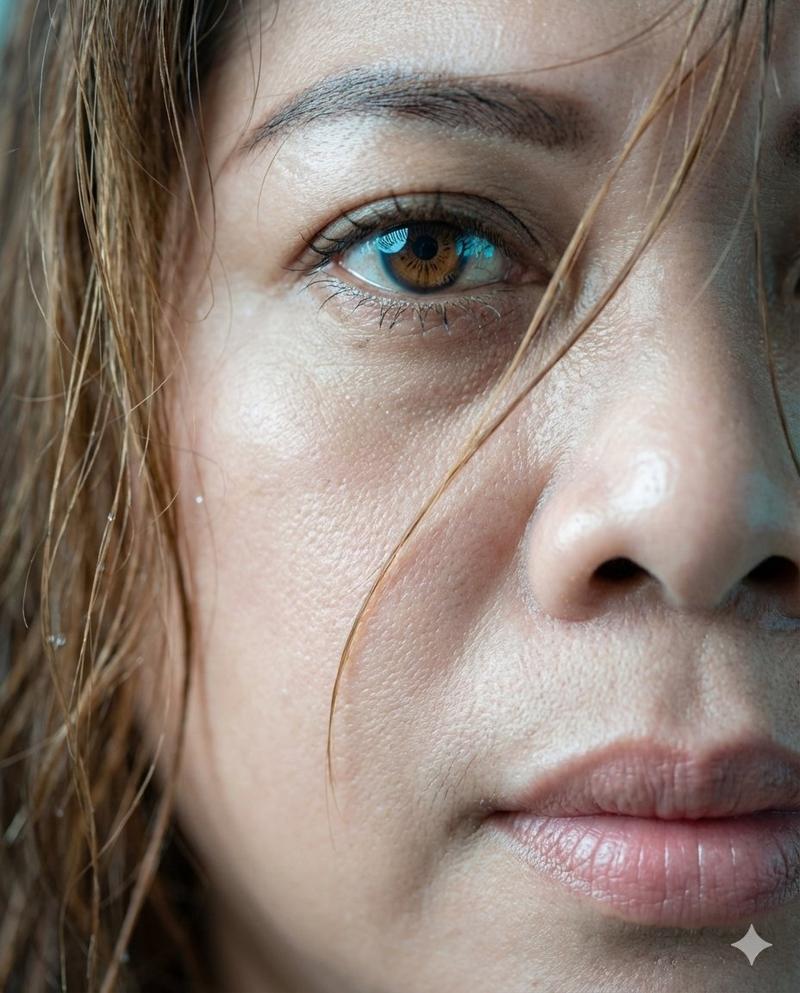
✍️Today's topic in "Learn One Keyword a Day" is "watery lip": This keyword can make the lips🫦 of your digital avatar look more natural and realistic.
✍️《一天學會一個關鍵字》今天要學的是-「水润唇色」這個關鍵字能讓你的數位人角色的嘴唇🫦更加自然并帶有真實感!
  Nano Banana Pro Prompt:
“extreme close-up of natural East Asian lips, ultra sheer watery lip essence, zero visible product, just a whisper of soft pink hydration, dewy but not glossy, realistic skin texture with delicate vellus hair on lips, calm soft window light, no makeup appearance, hyper detailed, lifelike, 8k HDR, professional portrait photography, Canon RF 100mm macro lens.”
Category
创意图片
Model
Nano Banana Pro
Creator
Pixshop
Views9
Source ID
4be57e8f-e58c-40ac-be43-bf1afb389b33
Published
Jan 7, 2026

Guide

About "✍️Today's topic in "Learn One Keyword a Day" is "watery lip": This keyword can m"

What is this prompt for?

"✍️Today's topic in "Learn One Keyword a Day" is "watery lip": This keyword can m" AI image prompt for Nano Banana Pro (创意图片). 创意图片 Copy it on Picva and recrea…

The full copyable prompt and example visuals above are ready for AI image generation or one-click recreate in Picva.

How to use this prompt

  1. Step 1

    Open the prompt detail

    Review the example visuals, category, and full prompt text for "✍️Today's topic in "Learn One Keyword a Day" is "watery lip": This keyword can m".

  2. Step 2

    Copy the prompt

    Copy the prompt body from this page, or load it directly in Studio.

  3. Step 3

    Pick a model (Nano Banana Pro)

    Prefer Nano Banana Pro. If you switch models, keep subject and composition and tweak style terms.

  4. Step 4

    Generate and export

    Recreate the look in Picva, or export into your workflow for editing and publishing.

FAQ

What is the "✍️Today's topic in "Learn One Keyword a Day" is "watery lip": This keyword can m" prompt?
It is an AI image-generation prompt for Nano Banana Pro in the 创意图片 category. This page includes the full prompt text, example visuals, and a one-click recreate path in Picva.
How do I use this prompt to generate an image?
Copy the prompt from this page, or use Generate / Studio. Paste it into a compatible image model, or recreate the look in Picva with optional reference images.
Which model is this prompt for?
This page lists Nano Banana Pro. Most descriptive prompts also transfer to nearby image models such as GPT Image, Flux, or Midjourney with light style tweaks.
Can I use the result commercially?
You can usually copy the prompt for creation, but commercial use of the final image depends on the model terms, reference-image rights, and the generated content. Follow the source author and platform rules.