AI 泡泡糖风格对比 Slides
Prompt
Goal: Create a square social media comparison slide showing two stacked AI image outputs of the same concept, styled as a clean benchmark graphic about controlled versus expressive style transfer.

Canvas: 768×768 square composition. Use a horizontal split layout with two large image panels stacked vertically and a bright informational caption band at the bottom. Overall look is glossy, high-saturation, retro-future editorial photography.

Layout: Use exactly 2 photographic panels. Panel 1 fills the top half and is labeled “KREA 2” in the upper-left corner. Panel 2 sits directly below it and is labeled “GPT IMAGE 2” in the upper-left corner. Under the second panel, add a neon yellow-green text block spanning the full width. In the lower-right corner, place a small rounded rectangular overlay resembling a color/style thumbnail or UI card, partially covering the caption area.

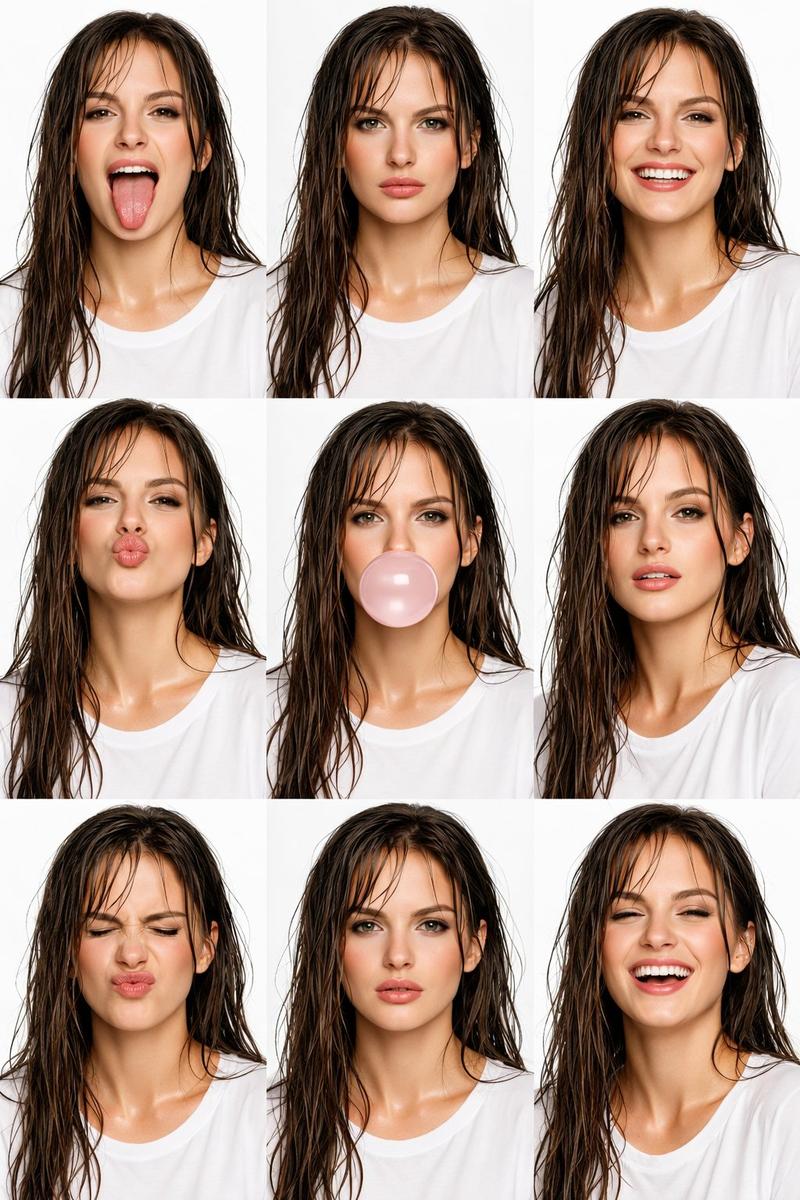
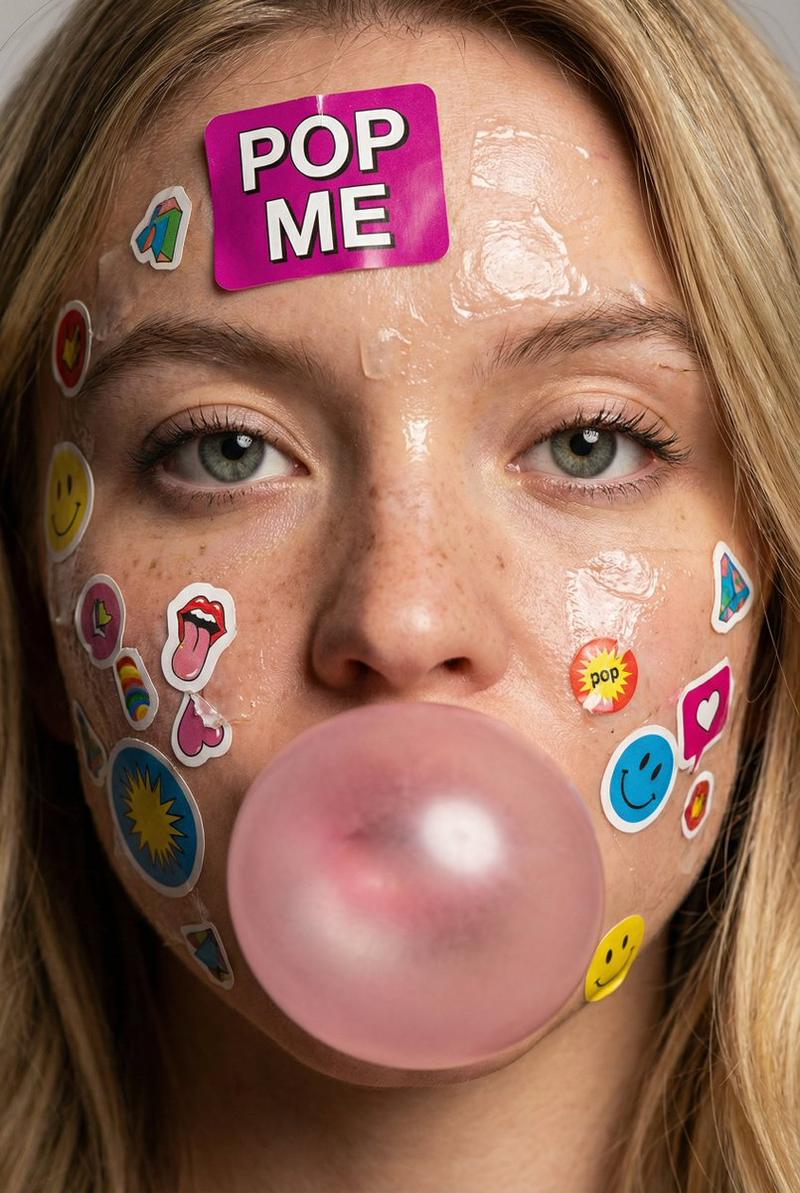
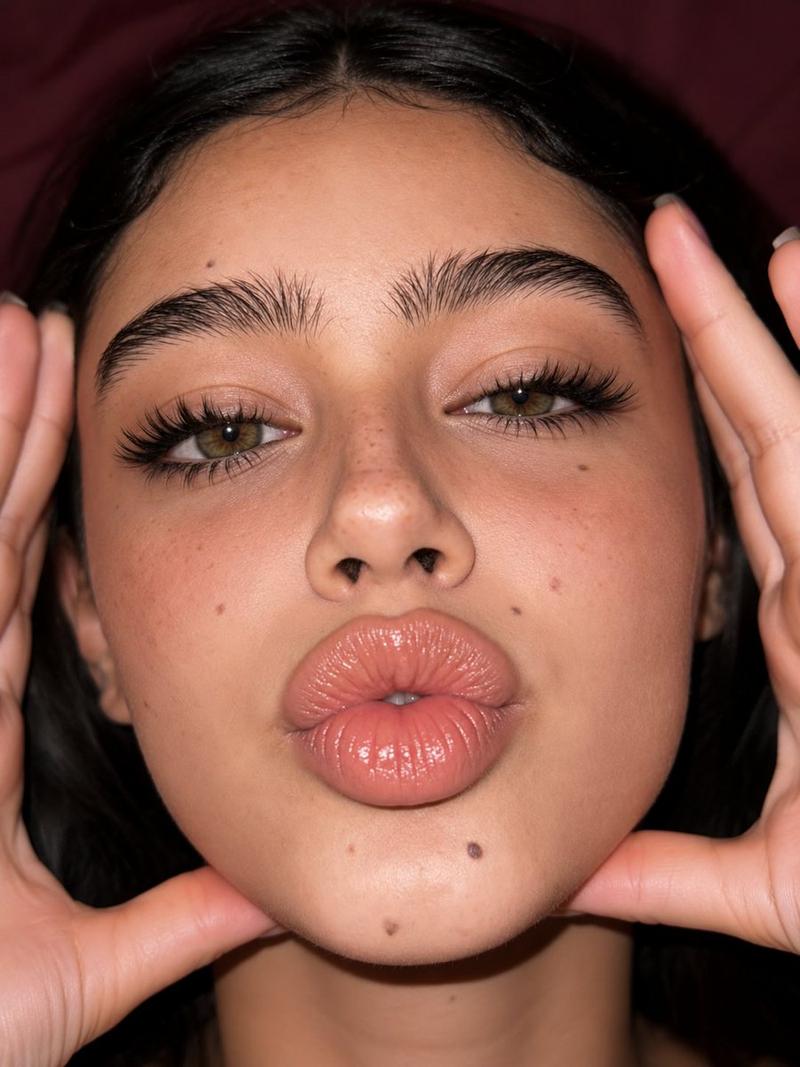
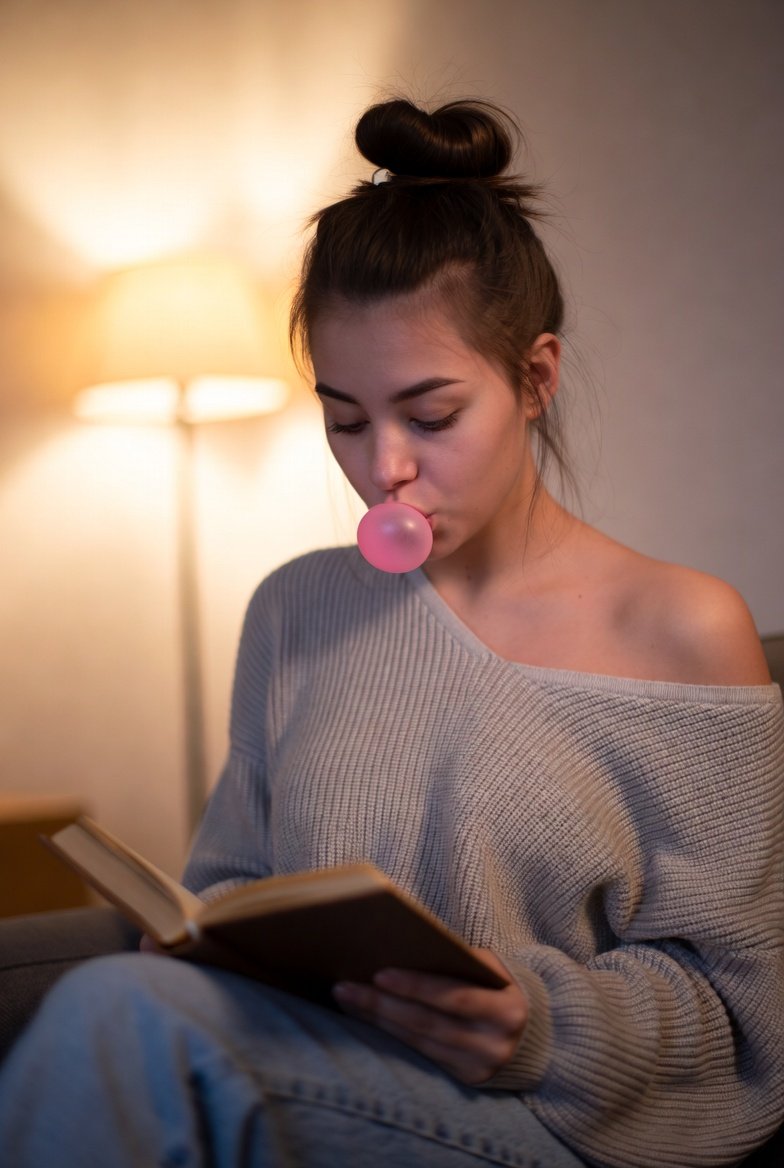
Image subject: Both panels show an extreme close-up portrait of a person blowing a large spherical translucent chewing-gum bubble. The frame crops tightly around the lower half of the face: nose, nostrils, lips, cheeks, part of the chin, and ears near the edges. The bubble covers the mouth, with parted lips visible through it. Skin texture is detailed and softly glossy under bright direct frontal lighting. The mood is playful and candid.

Panel differences: In the top “KREA 2” panel, make the image more expressive, dreamy, and abstract, with a slightly softer face, stronger blur, intense orange, pink, blue, and purple lighting, and a bubble that looks more painterly and iridescent. In the bottom “GPT IMAGE 2” panel, make the face and bubble more controlled, realistic, centered, clean, and precise, with sharper skin detail, a smooth perfectly round bubble, and balanced neon orange-blue-magenta lighting.

Text content: Use exactly 4 visible text elements: 1) top-left pill label “KREA 2”, 2) second-panel top-left pill label “GPT IMAGE 2”, 3) bottom headline “Iridescent Glow”, 4) bottom paragraph: “Extreme close-up of a person blowing a large spherical bubble with chewing gum. The translucent bubble covers the mouth, revealing parted lips inside. Detailed skin texture of the nose and chin is visible under bright, direct front lighting. Playful and candid mood.”

Typography and labels: The two model labels should be black condensed bold text inside rounded neon yellow-green pill badges. The bottom caption area should use the same neon yellow-green background with black text. The headline is large, bold, condensed, and slightly editorial; the paragraph is smaller, readable sans serif.

Visual style: Iridescent glow, glossy skin, translucent bubblegum, saturated cyan and orange rim lighting, magenta highlights, shallow depth of field, soft studio background, commercial fashion-photo polish, precise rectangular crop, no watermark.

Customizable parameters: Replace the comparison labels with {argument name="top model label" default="KREA 2"} and {argument name="bottom model label" default="GPT IMAGE 2"}; replace the caption headline with {argument name="headline text" default="Iridescent Glow"}; keep the photographed concept as {argument name="photo concept" default="extreme close-up of a person blowing a large spherical translucent chewing-gum bubble"}; adjust the lighting palette with {argument name="lighting palette" default="iridescent cyan, orange, magenta, and purple glow"}.- Category
- Charts & Infographics
- Model
- GPT Image 2
- Creator
- ComfyUI
- Source ID
- 26037
- Published
- Jun 17, 2026
Views0