18

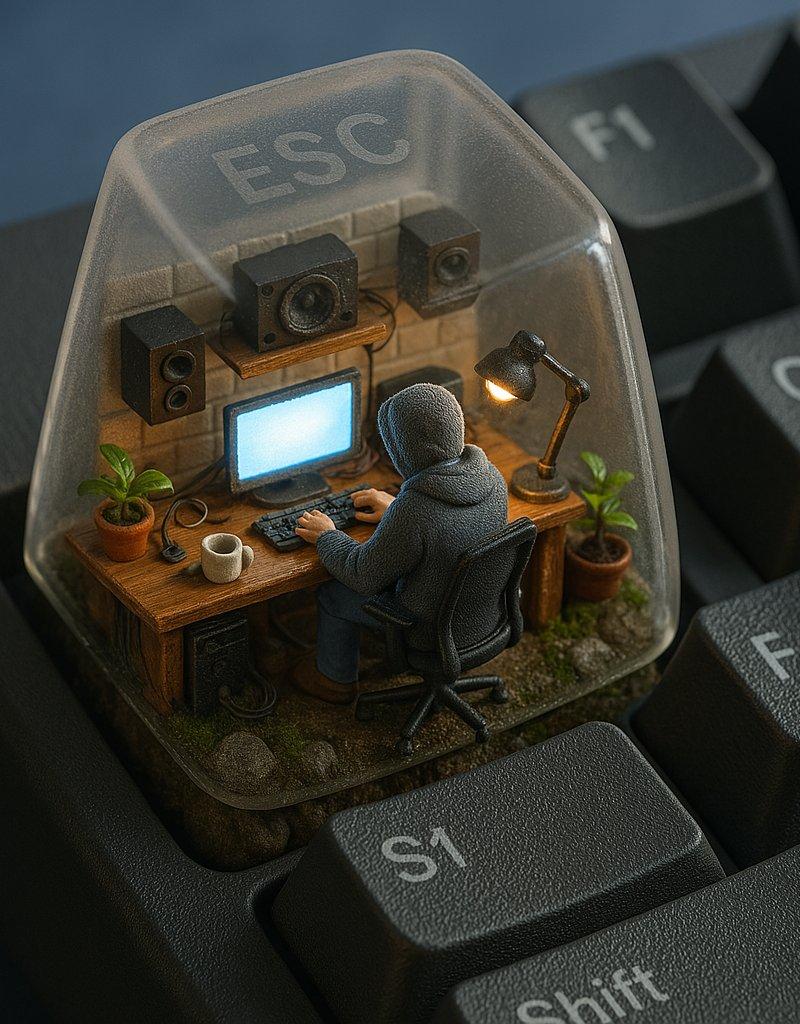
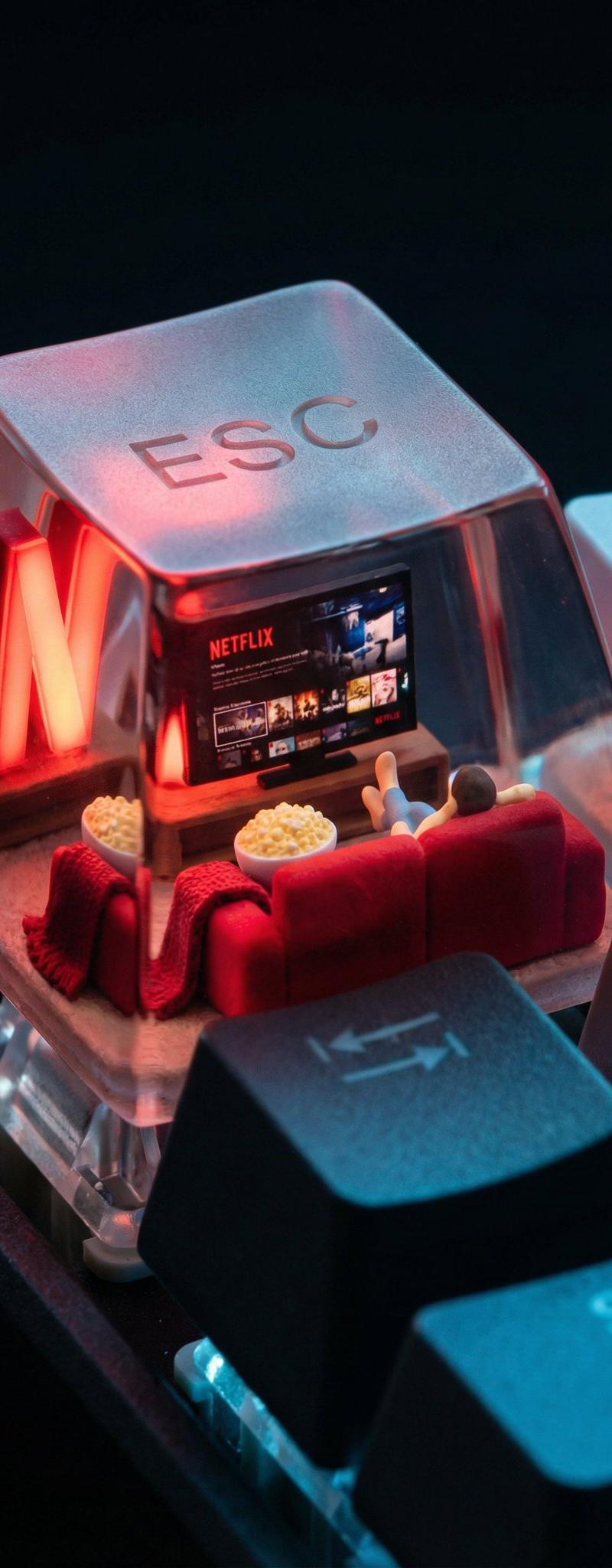
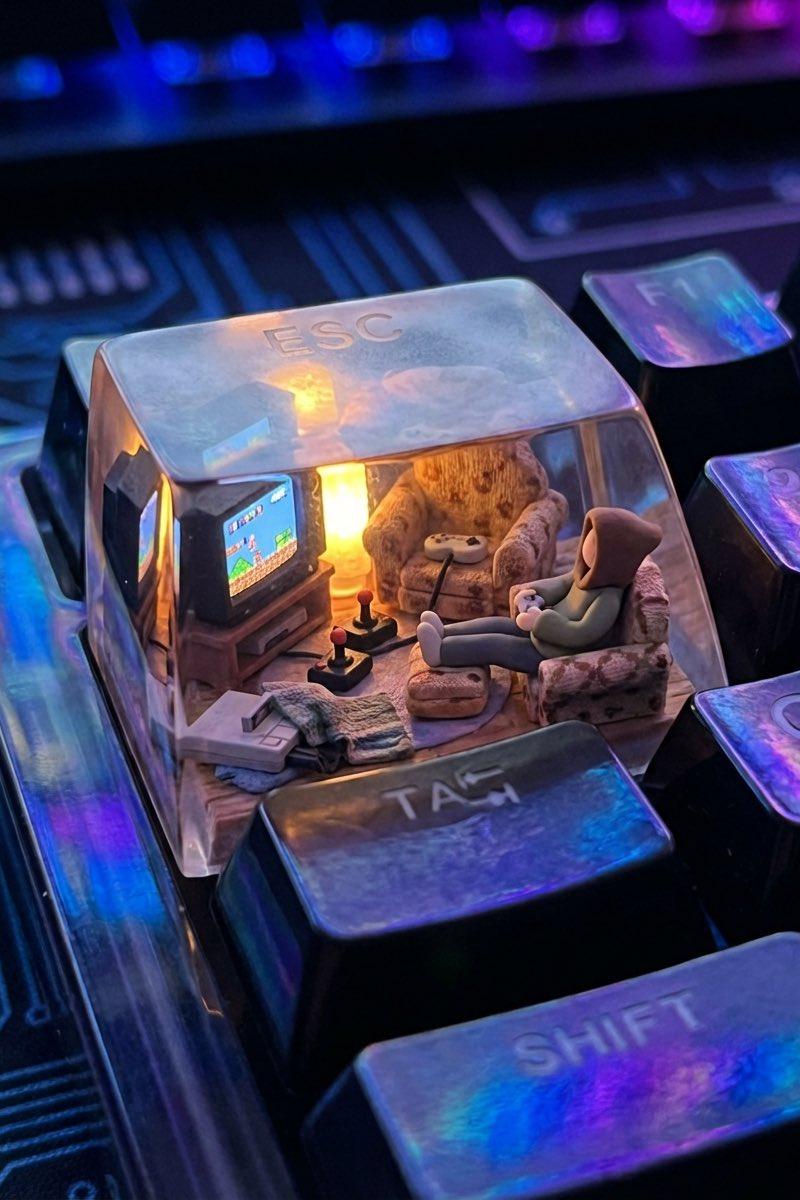
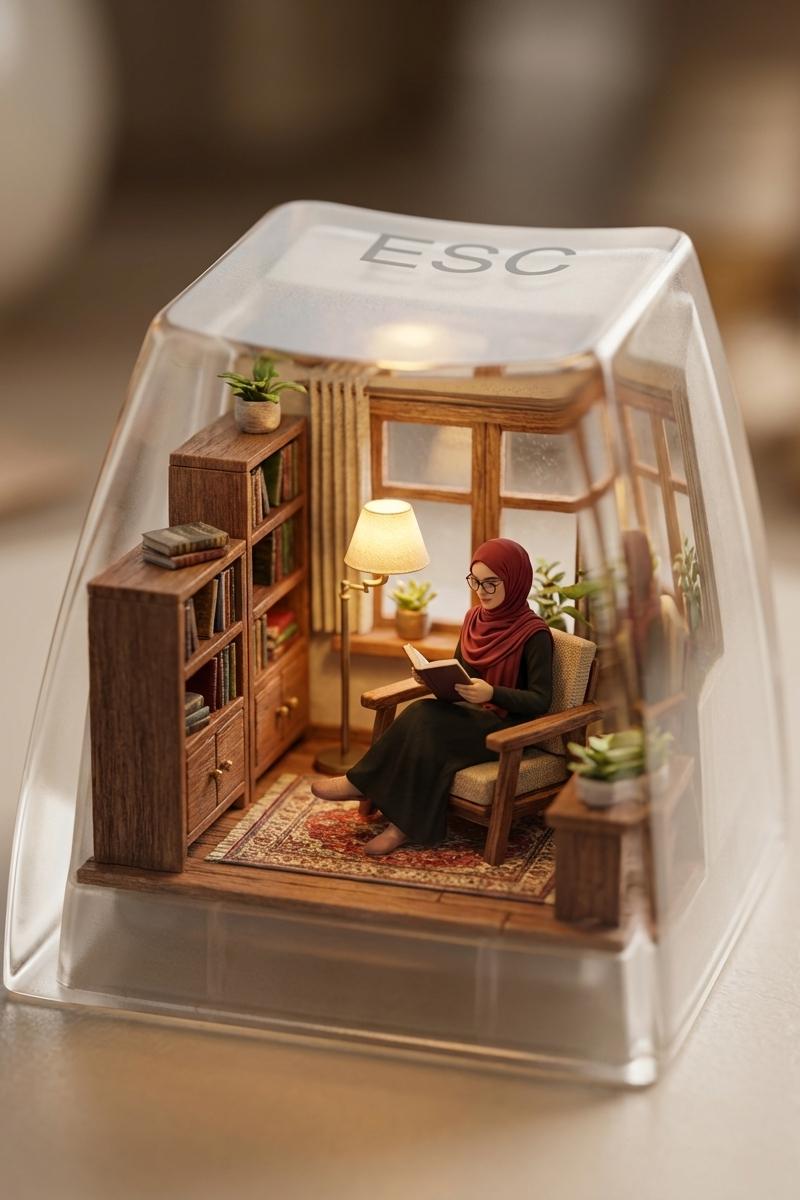
逃离人群,使用Nano Bnanana Pro在LeonardoAi上创建的图像
Enlarge

Example images

逃离人群,使用Nano Bnanana Pro在LeonardoAi上创建的图像

Prompt
Escape the crowd, Image created using Nano Bnanana Pro on @LeonardoAi
Prompt
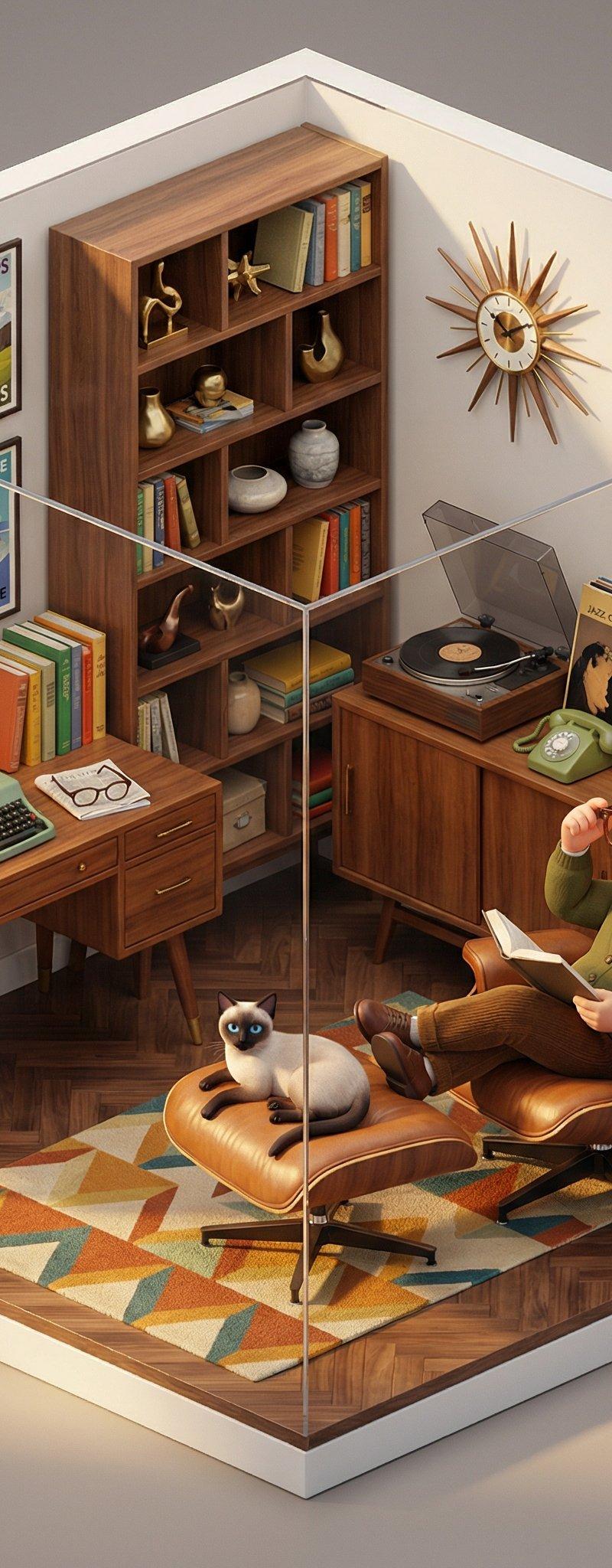
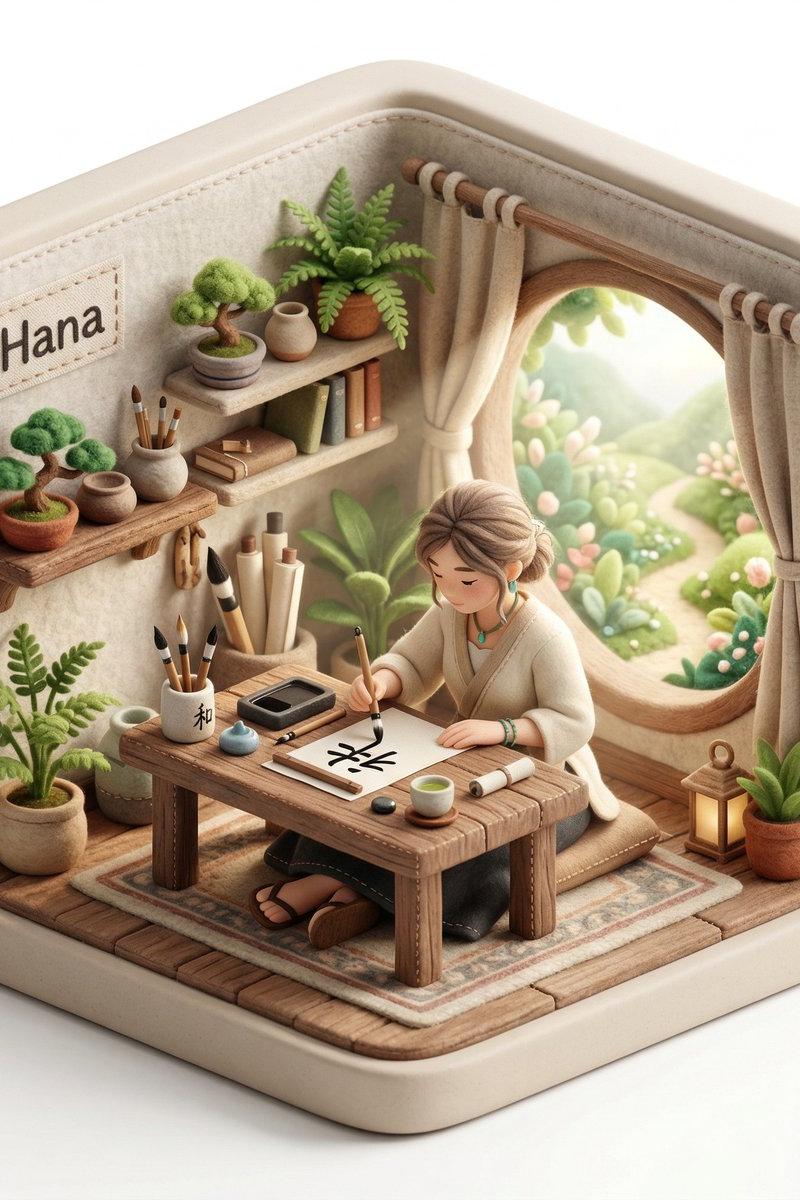
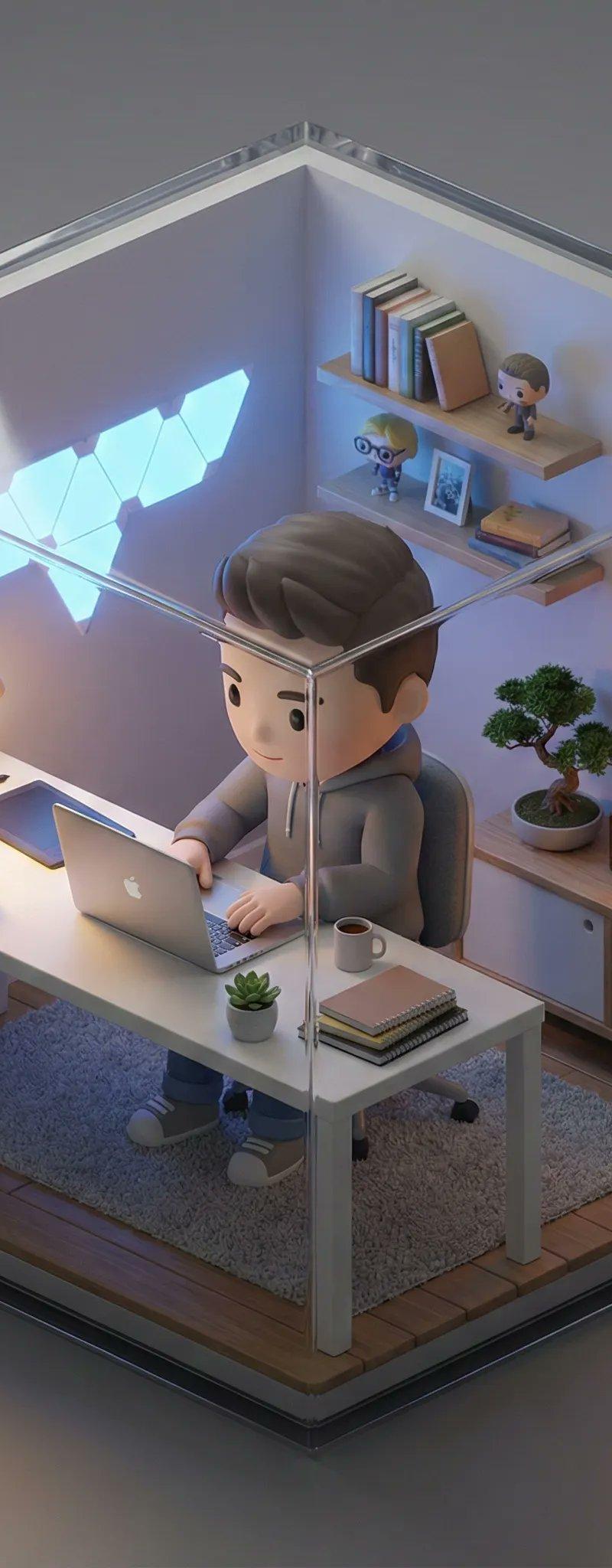
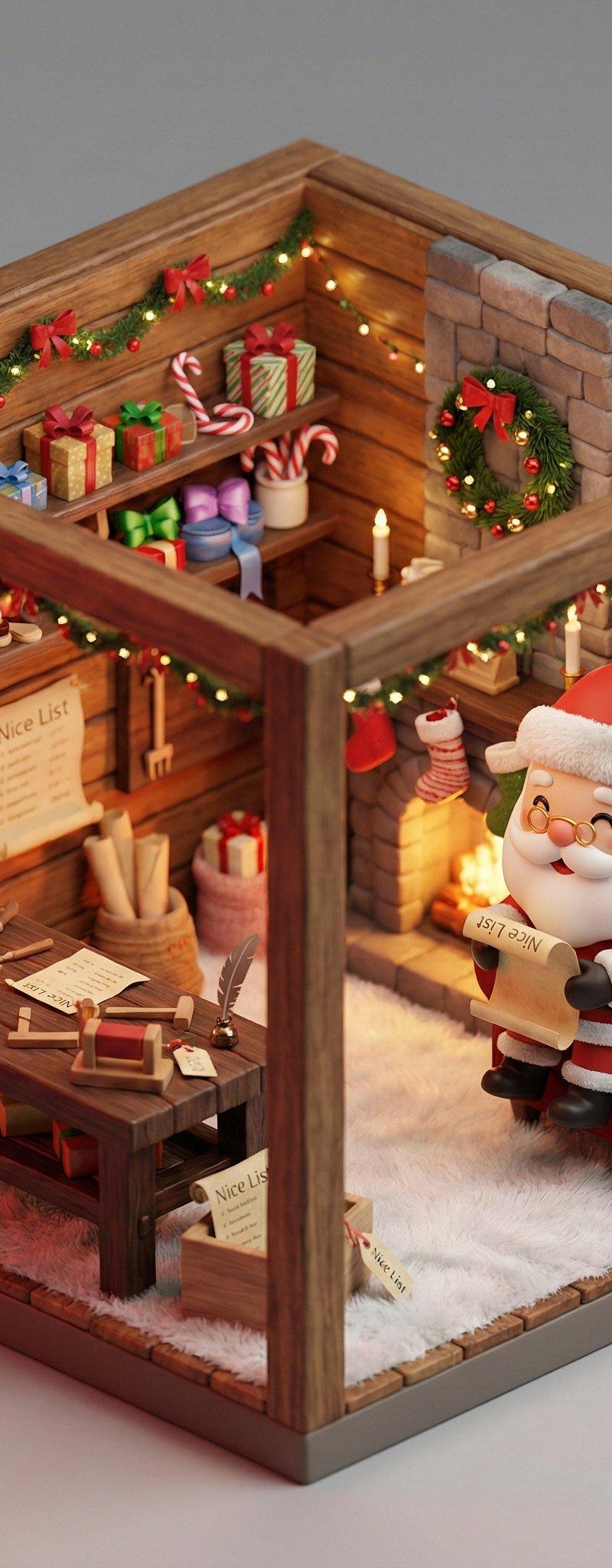
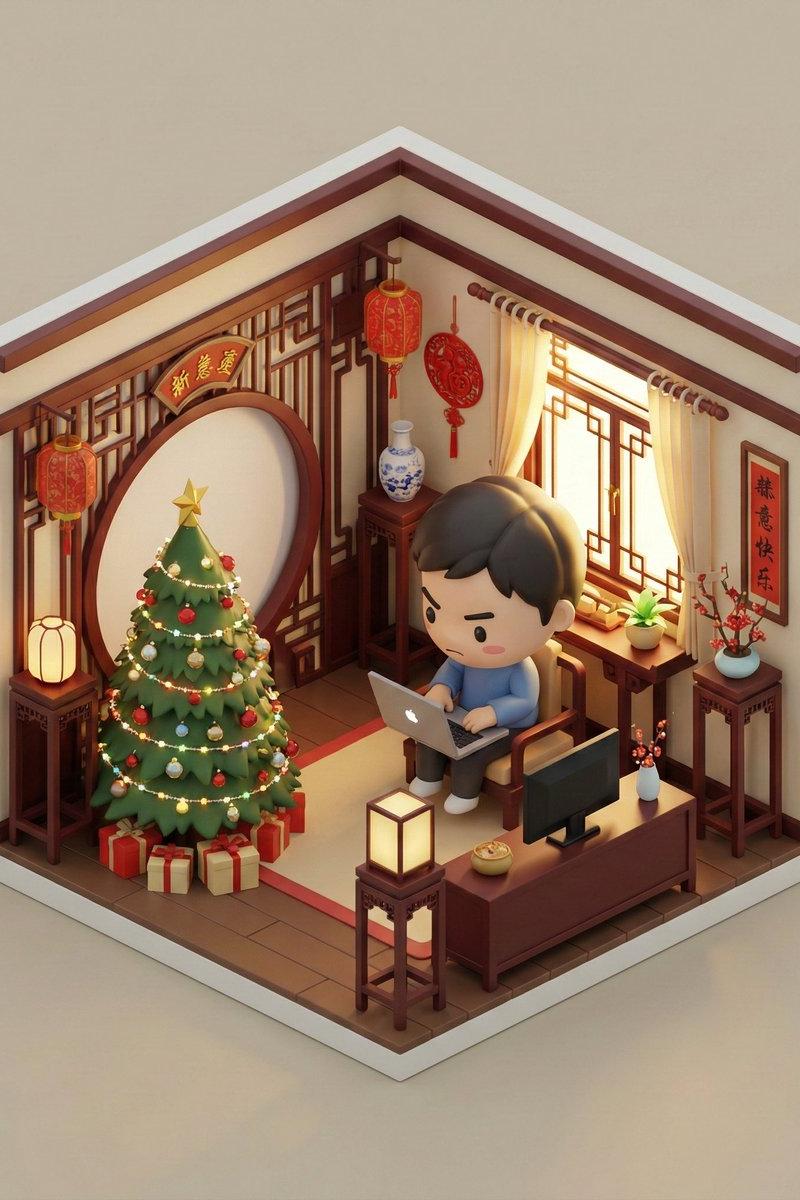
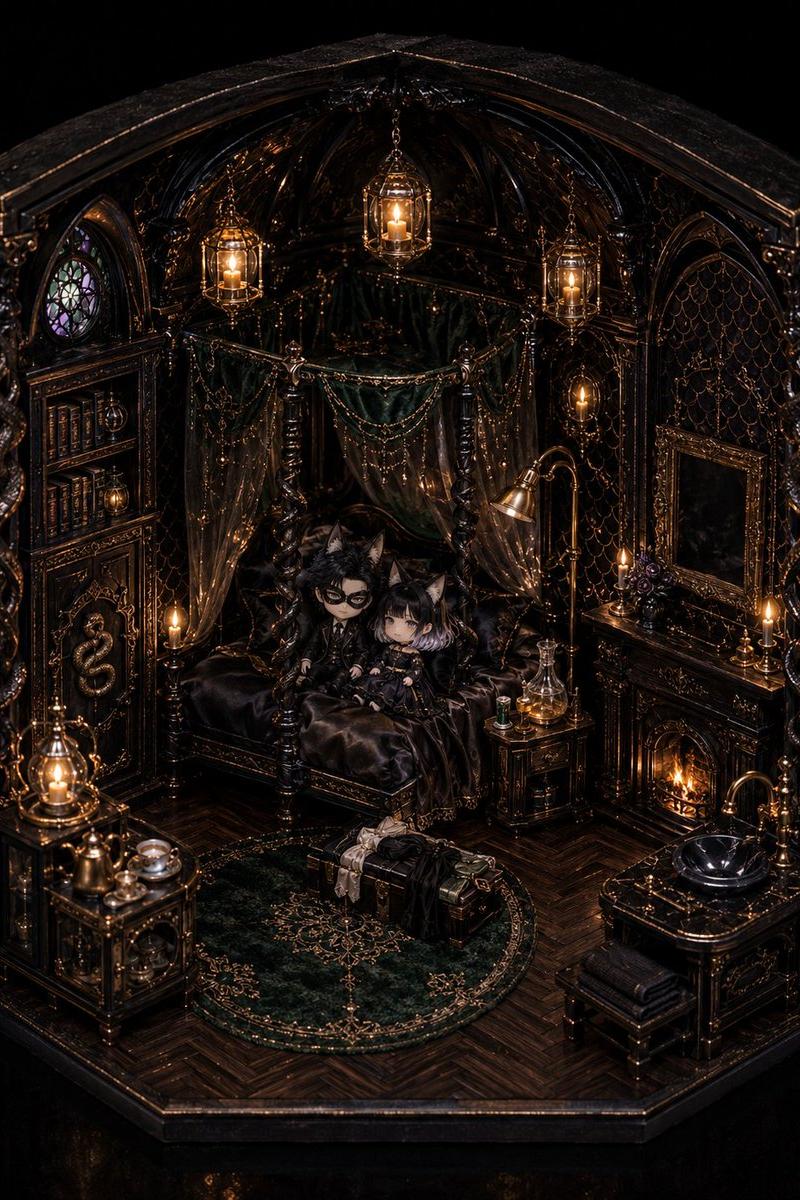
A beautifully detailed miniature diorama built inside a giant computer keycap shaped like the 'ESC' key. Soft warm lighting fills the tiny room. Inside, a girl sits peacefully by a small window, reading a book, bathed in gentle lamplight. Tiny wooden furniture, a bookshelf, a rug, and a window frame enhance the cozy atmosphere. Hyper-realistic textures, handcrafted miniature aesthetic, shallow depth of field, cinematic macro photography, whimsical and calming mood.
Category
Photography & Realism
Model
Unknown
Creator
Amira Zairi
Source language
zh-CN
Views0
Source ID
escape-the-crowd-image-created-using-nano-bnanana-pro-on-leonardoai
Studio

Guide

About "逃离人群,使用Nano Bnanana Pro在LeonardoAi上创建的图像"

What is this prompt for?

"逃离人群,使用Nano Bnanana Pro在LeonardoAi上创建的图像" AI image prompt for Unknown (Photography & Realism). Escape the crowd, Image created using Nano Bnanana Pro on @Leon…

The full copyable prompt and example visuals above are ready for AI image generation or one-click recreate in Picva.

How to use this prompt

  1. Step 1

    Open the prompt detail

    Review the example visuals, category, and full prompt text for "逃离人群,使用Nano Bnanana Pro在LeonardoAi上创建的图像".

  2. Step 2

    Copy the prompt

    Copy the prompt body from this page, or load it directly in Studio.

  3. Step 3

    Pick a model (Unknown)

    Prefer Unknown. If you switch models, keep subject and composition and tweak style terms.

  4. Step 4

    Generate and export

    Recreate the look in Picva, or export into your workflow for editing and publishing.

FAQ

What is the "逃离人群,使用Nano Bnanana Pro在LeonardoAi上创建的图像" prompt?
It is an AI image-generation prompt for Unknown in the Photography & Realism category. This page includes the full prompt text, example visuals, and a one-click recreate path in Picva.
How do I use this prompt to generate an image?
Copy the prompt from this page, or use Generate / Studio. Paste it into a compatible image model, or recreate the look in Picva with optional reference images.
Which model is this prompt for?
This page lists Unknown. Most descriptive prompts also transfer to nearby image models such as GPT Image, Flux, or Midjourney with light style tweaks.
Can I use the result commercially?
You can usually copy the prompt for creation, but commercial use of the final image depends on the model terms, reference-image rights, and the generated content. Follow the source author and platform rules.