16

Space scene: GPT Image 2 prompt
Enlarge

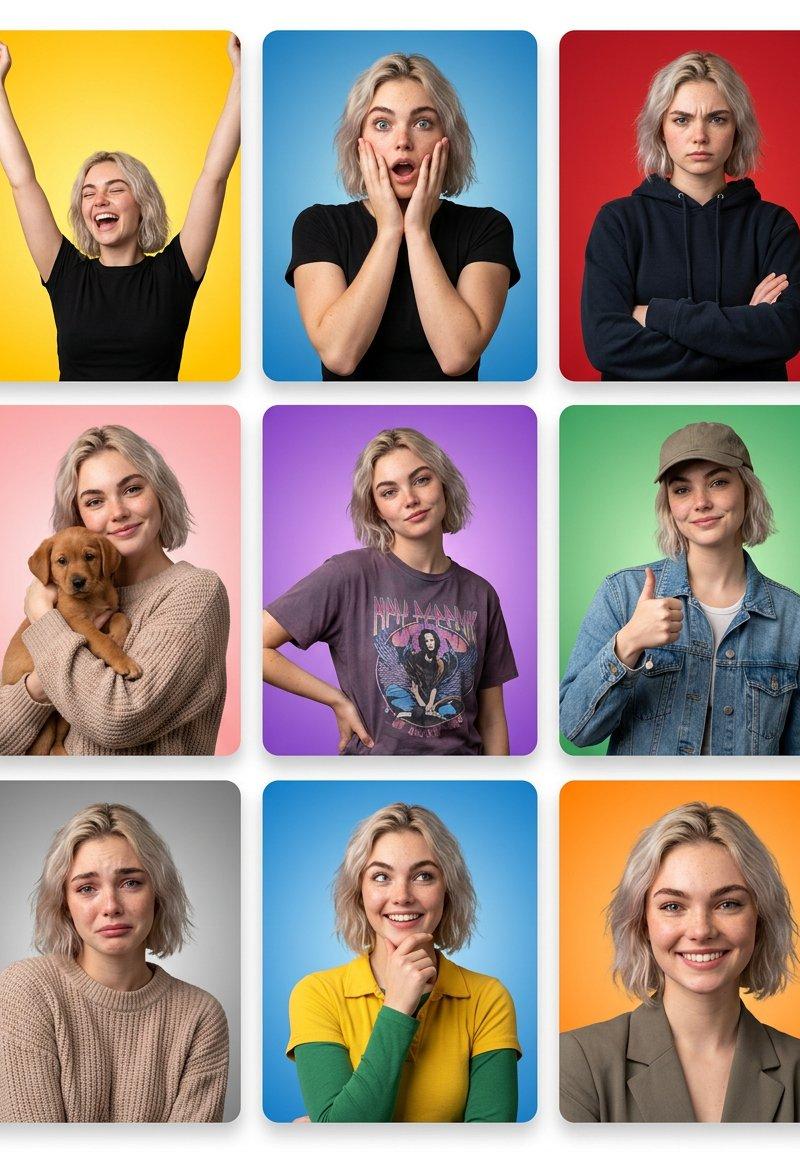
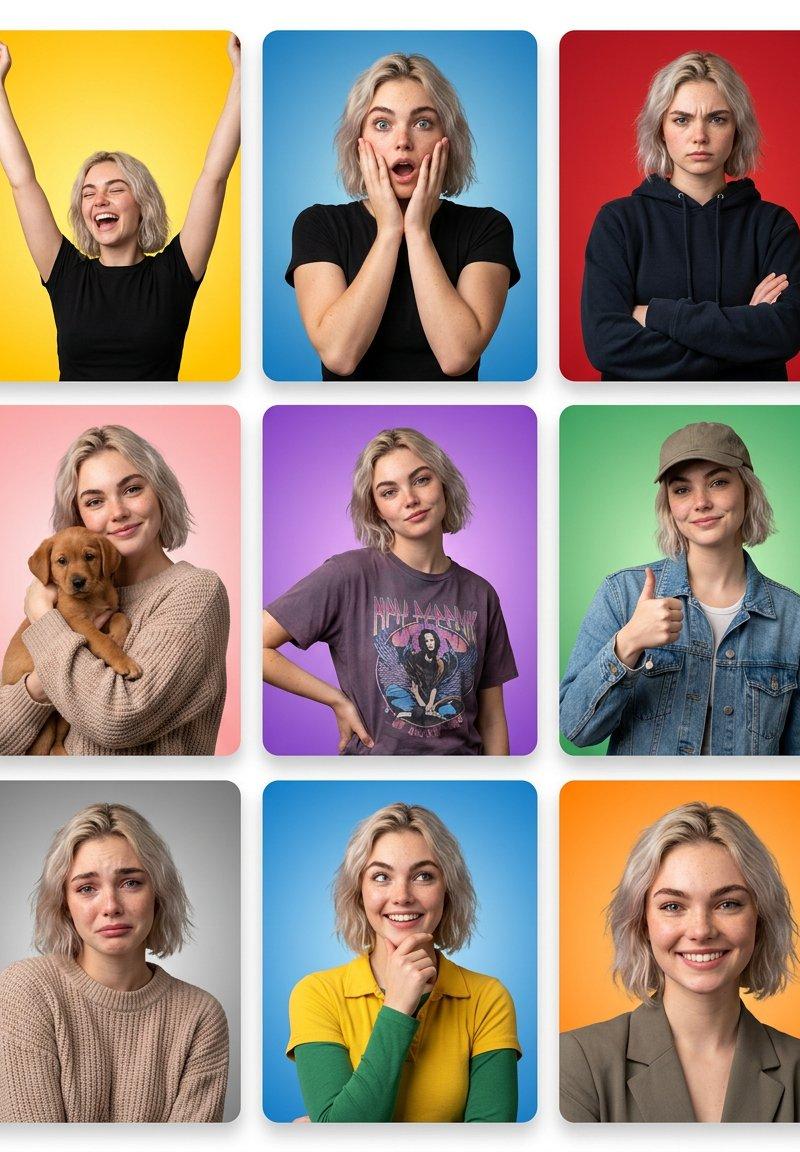
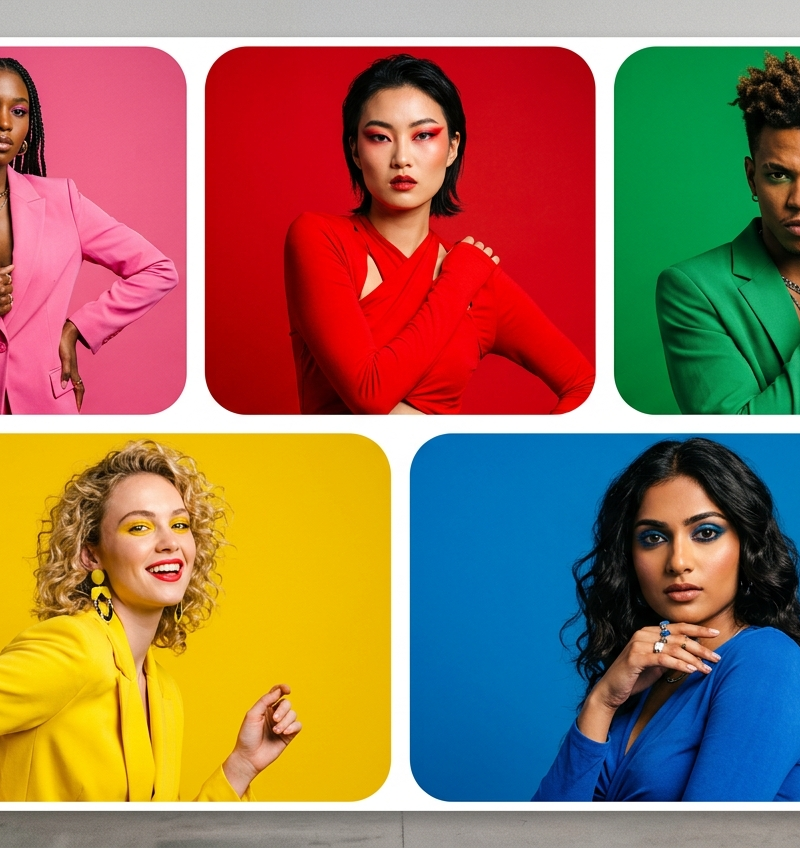
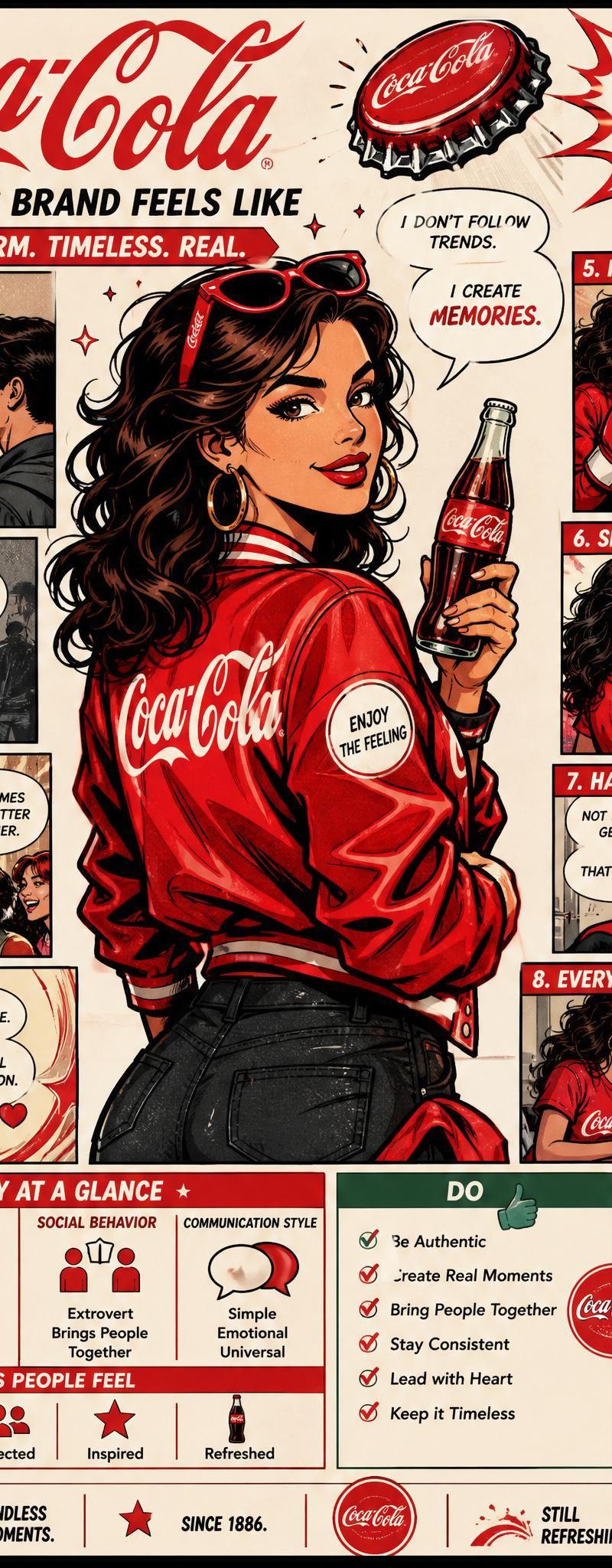
Example images

Space scene: GPT Image 2 prompt

Prompt
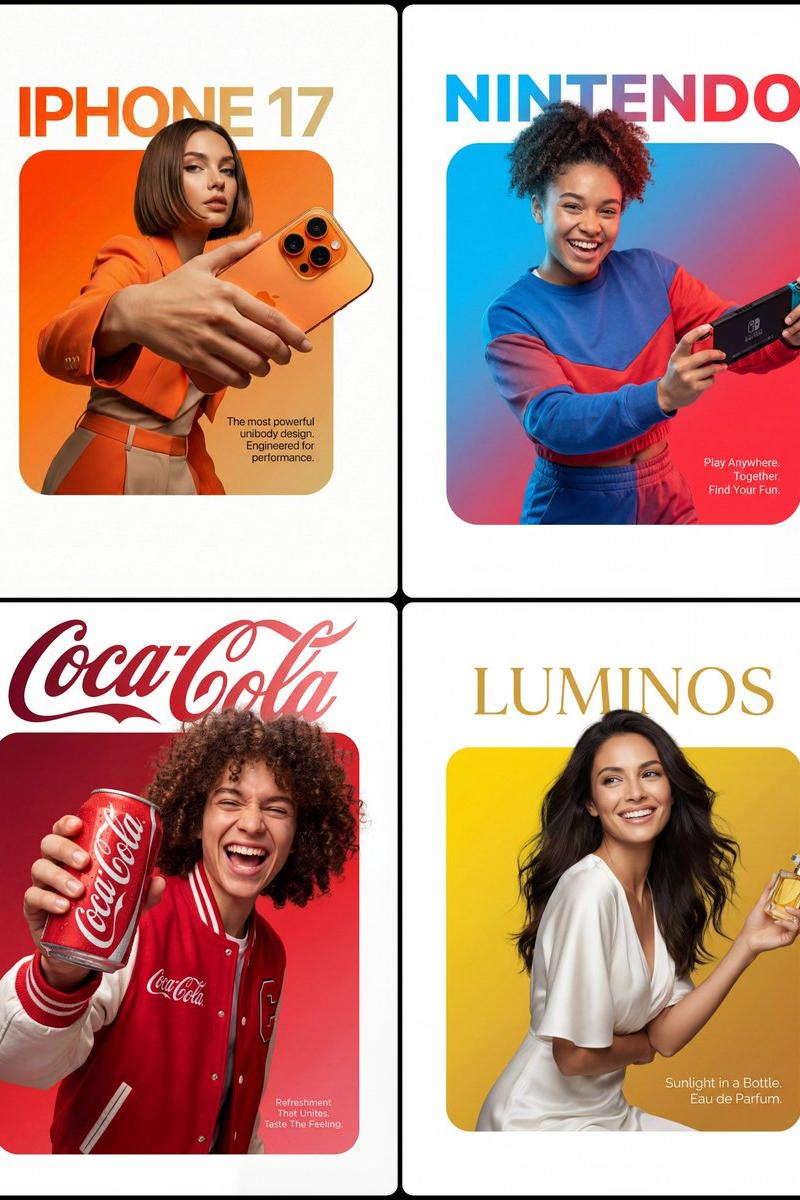
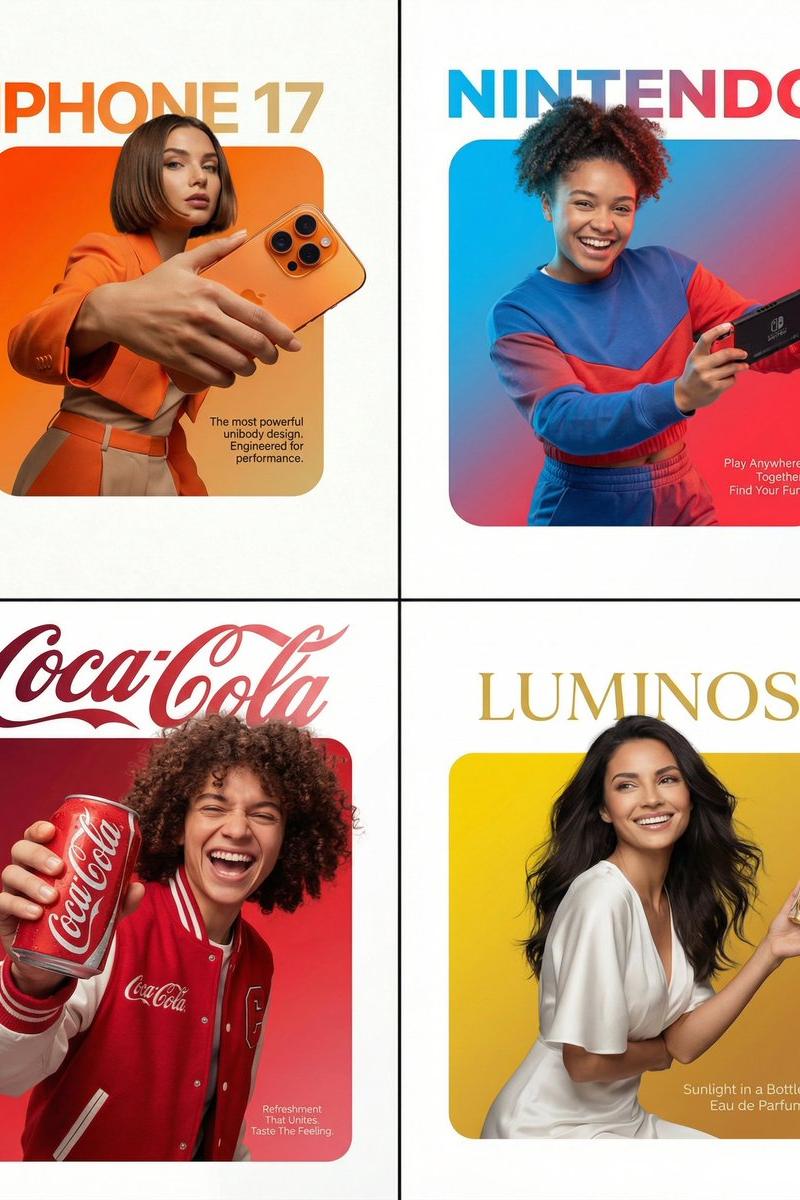
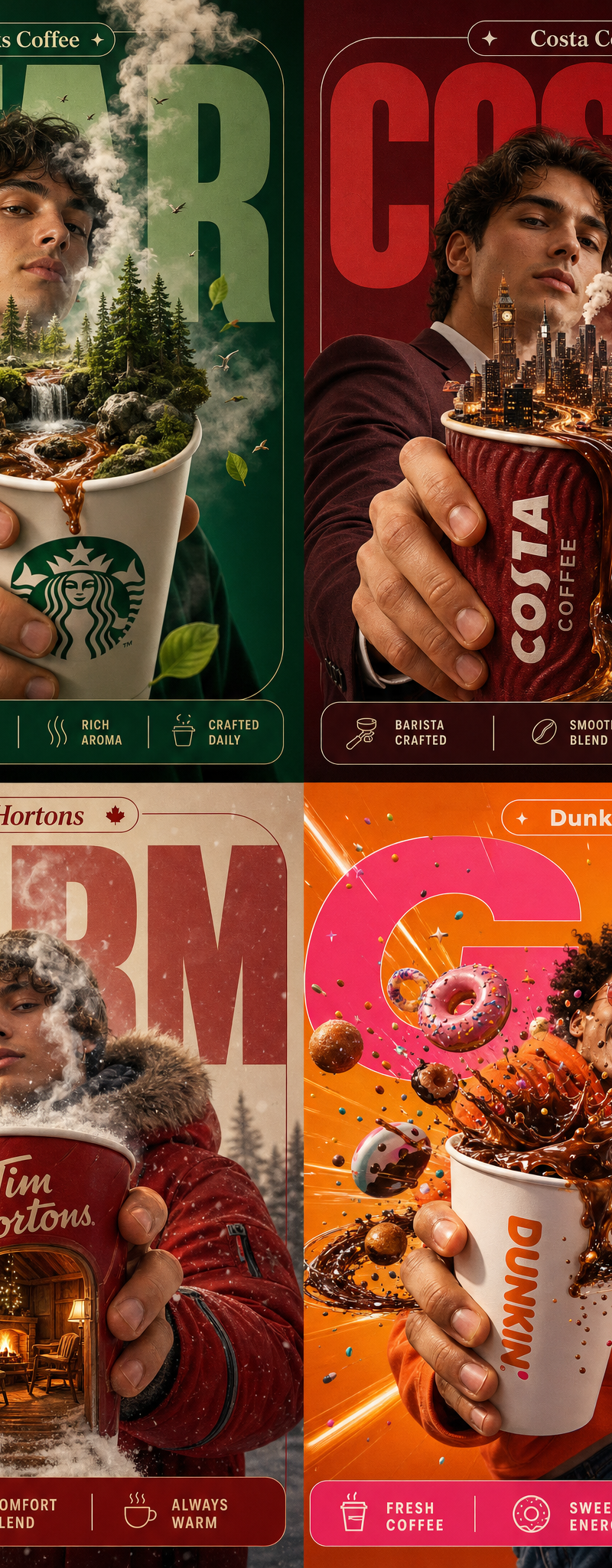
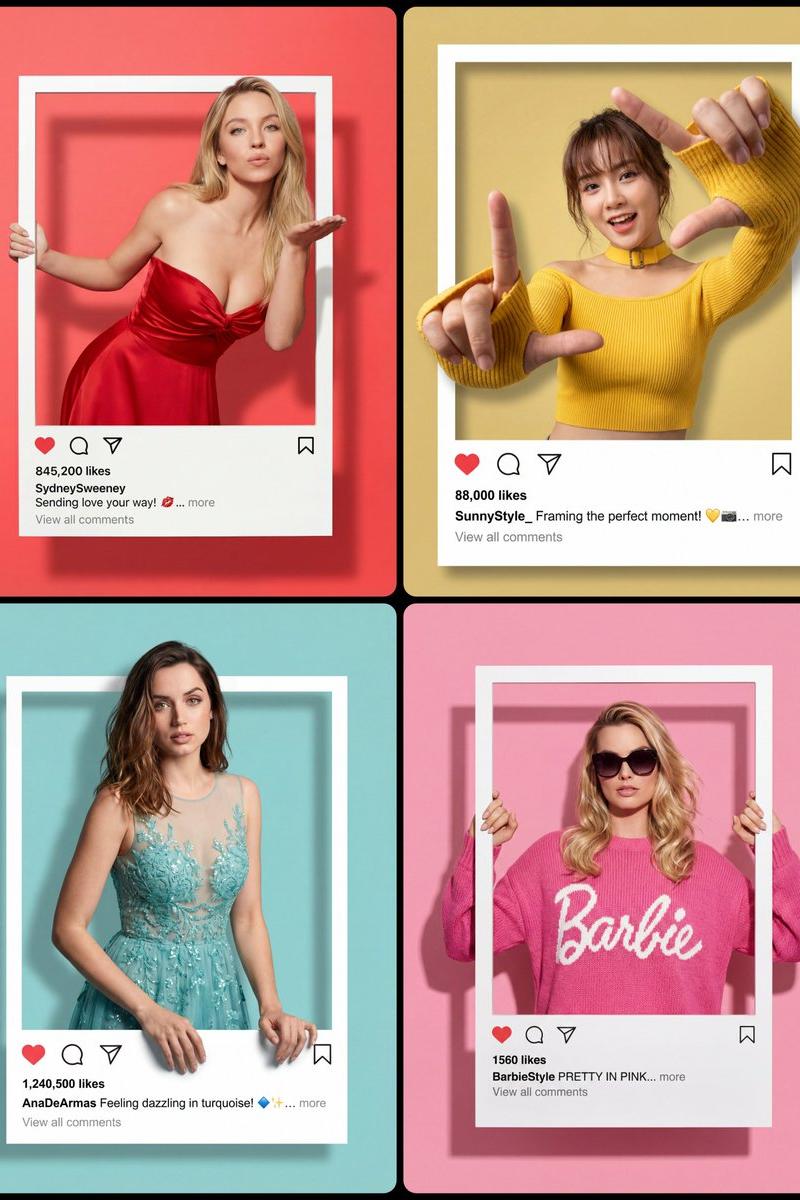
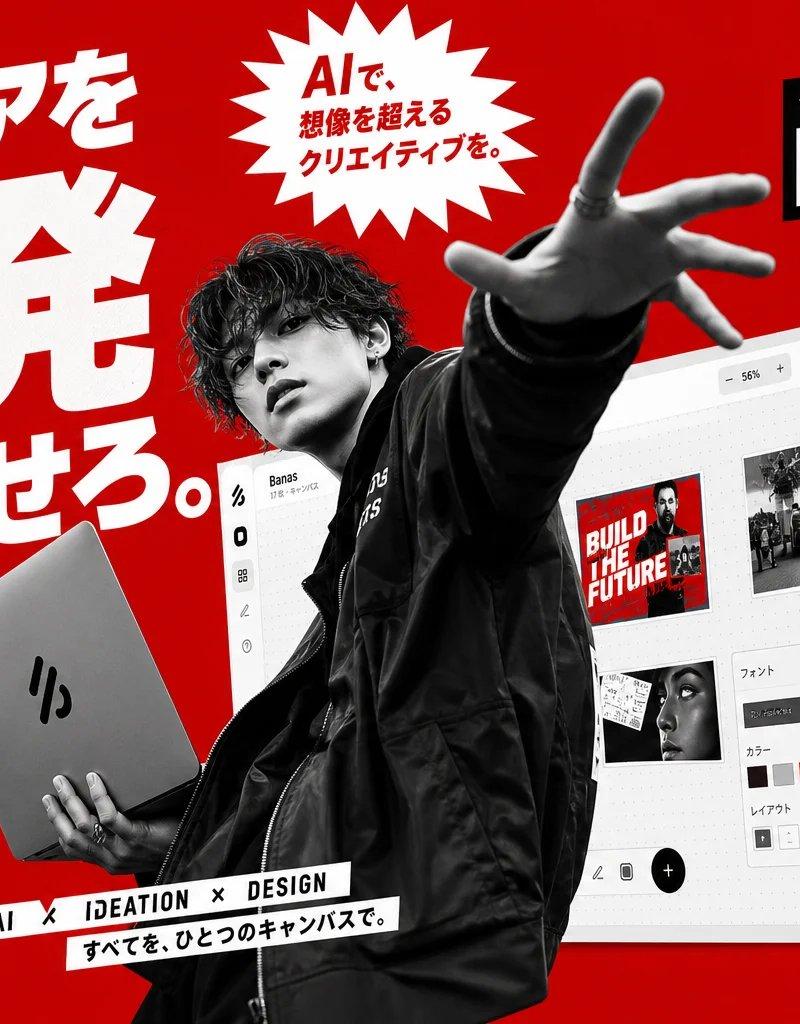
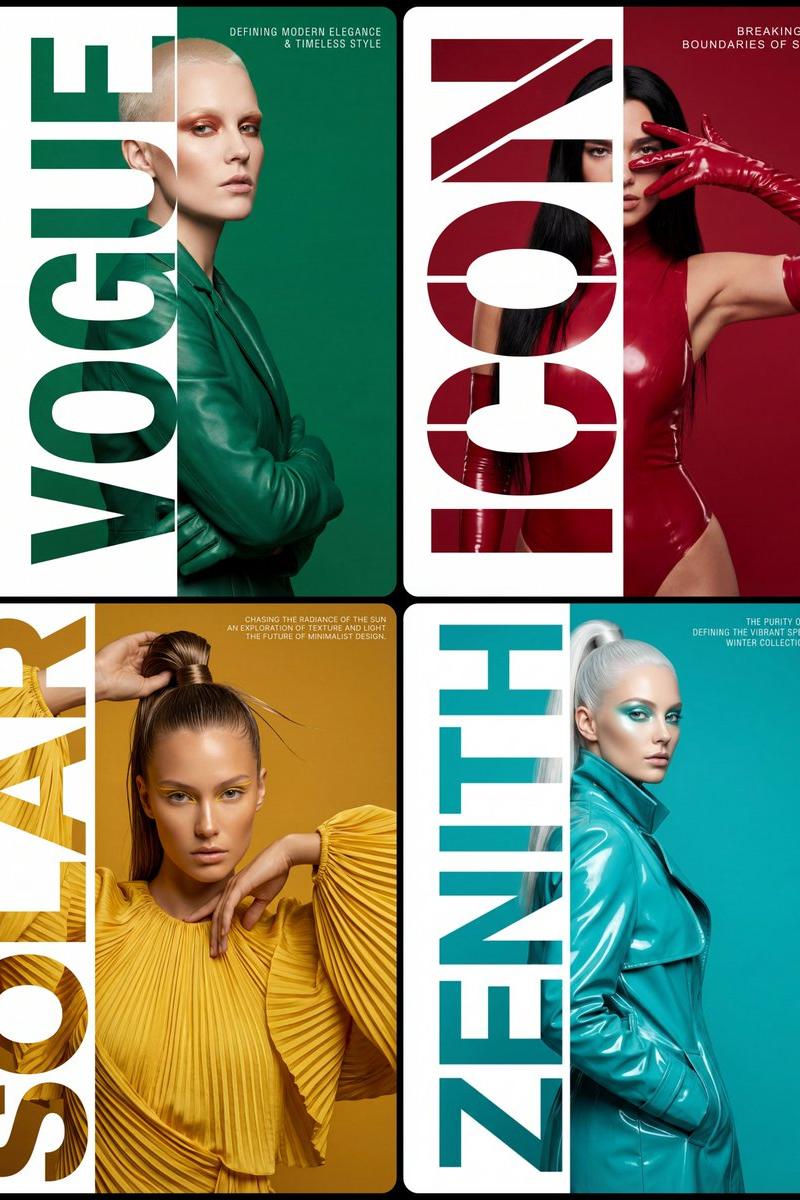
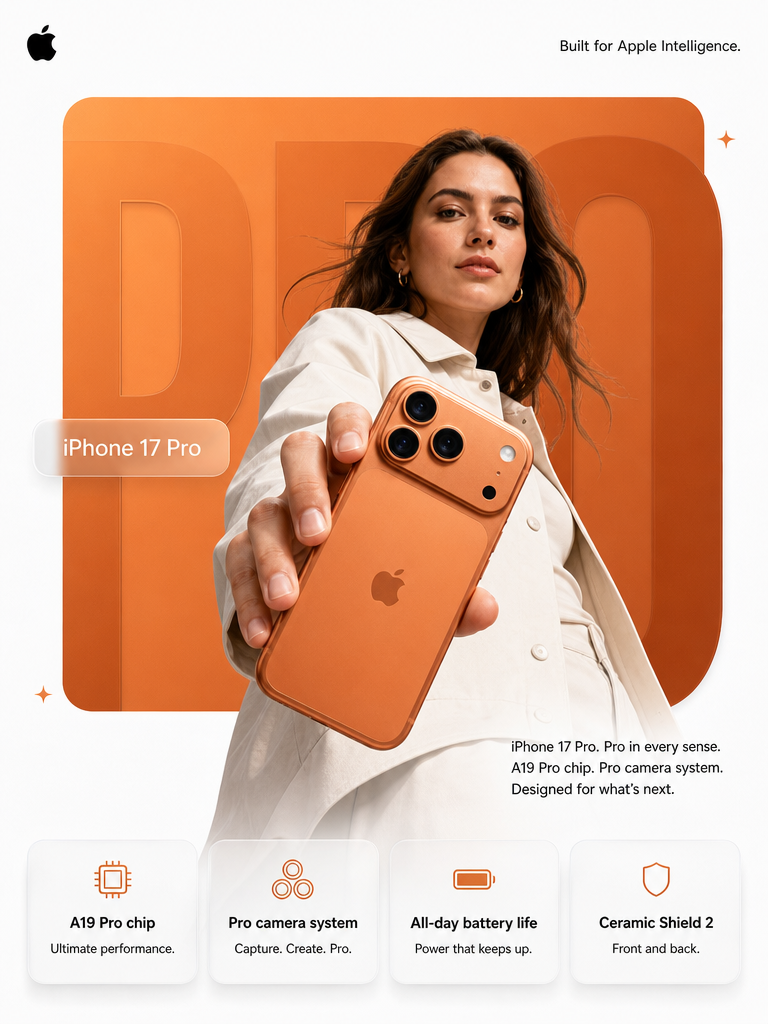
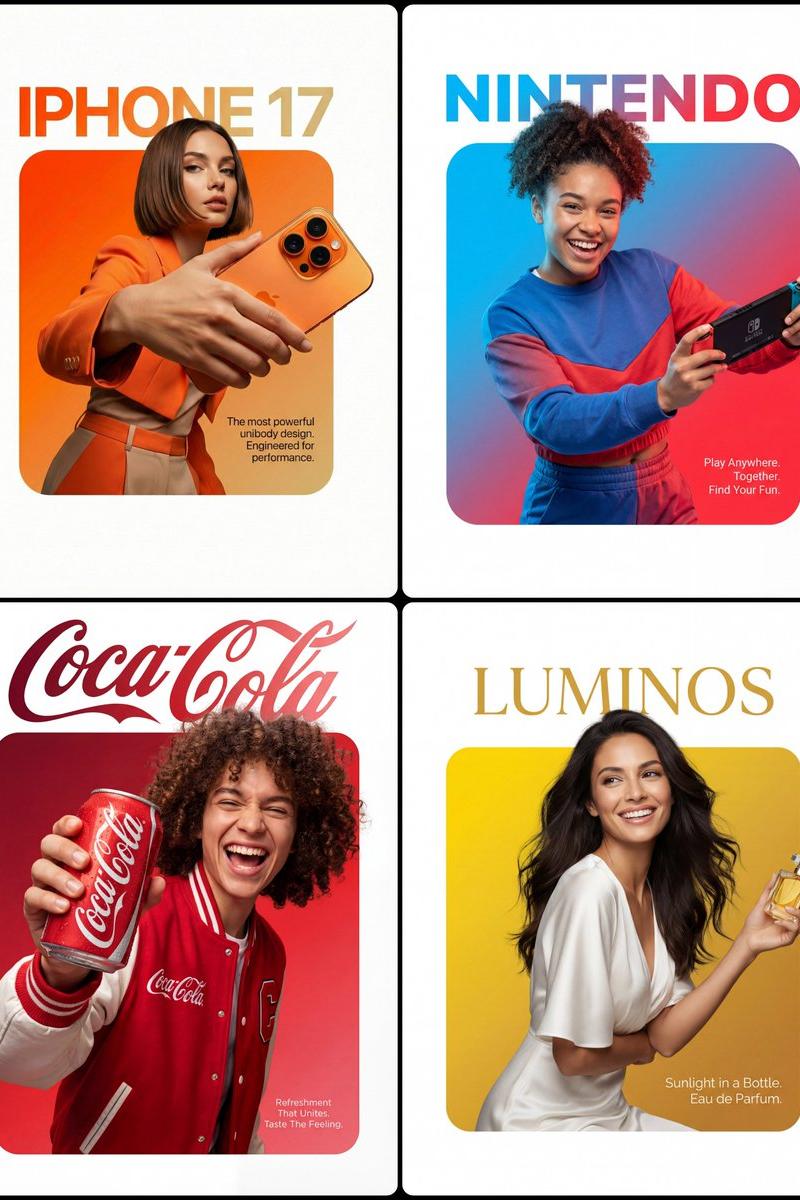
A professional high-end graphic design advertisement composition on a pure solid white canvas. Centered is a perfectly symmetrical, large solid rounded square (not a hollow frame). The entire interior of this square is filled with a smooth, vibrant color gradient fading from [Top-Left Color/Hex] to [Bottom-Right Color/Hex].

A [Description of Character] is positioned such that the bottom of their torso is perfectly flush and aligned with the very bottom edge of the square, leaving no thick colored border visible beneath them. Crucially, the person and their clothing maintain natural, realistic colors and textures, illuminated by professional studio lighting that is independent of the background gradient (preventing any color cast on their skin or clothes).

They are firmly and realistically gripping [Product Description]. Crucially, the top of their head and hair break the top boundary of the square, partially overlapping the white background. Their hands and the [Product Name] also break the side boundaries for a powerful 3D breakout effect, extending onto the white canvas.

Typography Layout: At the top, in the white space distinctly above the square with a clear gap, is the [Font Style] brand text '[Brand Name]' in [Top Text Color]. In the bottom-right corner, layered directly on top of the gradient inside the square, is a block of small, thin, clean [Bottom Text Color] descriptive text: '[Slogan/Tagline]'.

The lighting is [Lighting Type: e.g., Sharp/Soft], crisp, and commercial, emphasizing the textures of both the subject and the product."
Category
Brand & Logos
Model
GPT Image 2
Creator
ΛRMIN | AI
Source language
en
Views0
Source ID
2024563588602429812
Published
Feb 19, 2026
Studio

Guide

About "Space scene: GPT Image 2 prompt"

What is this prompt for?

"Space scene: GPT Image 2 prompt" AI image prompt for GPT Image 2 (Brand & Logos). A professional high-end graphic design advertisement composition on a pure s…

The full copyable prompt and example visuals above are ready for AI image generation or one-click recreate in Picva.

How to use this prompt

  1. Step 1

    Open the prompt detail

    Review the example visuals, category, and full prompt text for "Space scene: GPT Image 2 prompt".

  2. Step 2

    Copy the prompt

    Copy the prompt body from this page, or load it directly in Studio.

  3. Step 3

    Pick a model (GPT Image 2)

    Prefer GPT Image 2. If you switch models, keep subject and composition and tweak style terms.

  4. Step 4

    Generate and export

    Recreate the look in Picva, or export into your workflow for editing and publishing.

FAQ

What is the "Space scene: GPT Image 2 prompt" prompt?
It is an AI image-generation prompt for GPT Image 2 in the Brand & Logos category. This page includes the full prompt text, example visuals, and a one-click recreate path in Picva.
How do I use this prompt to generate an image?
Copy the prompt from this page, or use Generate / Studio. Paste it into a compatible image model, or recreate the look in Picva with optional reference images.
Which model is this prompt for?
This page lists GPT Image 2. Most descriptive prompts also transfer to nearby image models such as GPT Image, Flux, or Midjourney with light style tweaks.
Can I use the result commercially?
You can usually copy the prompt for creation, but commercial use of the final image depends on the model terms, reference-image rights, and the generated content. Follow the source author and platform rules.