16

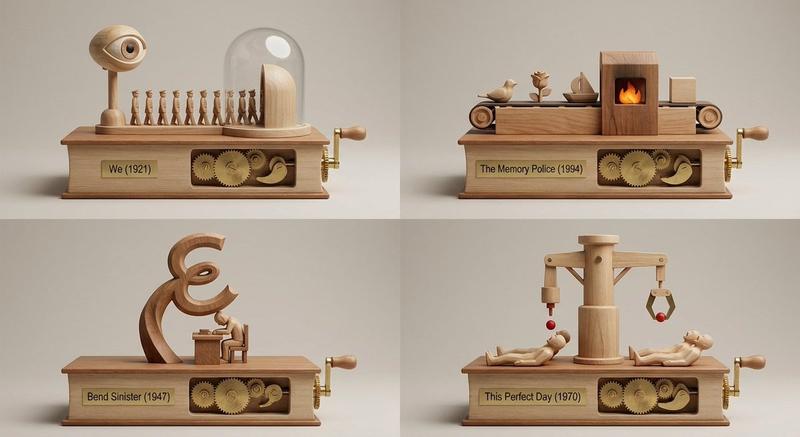
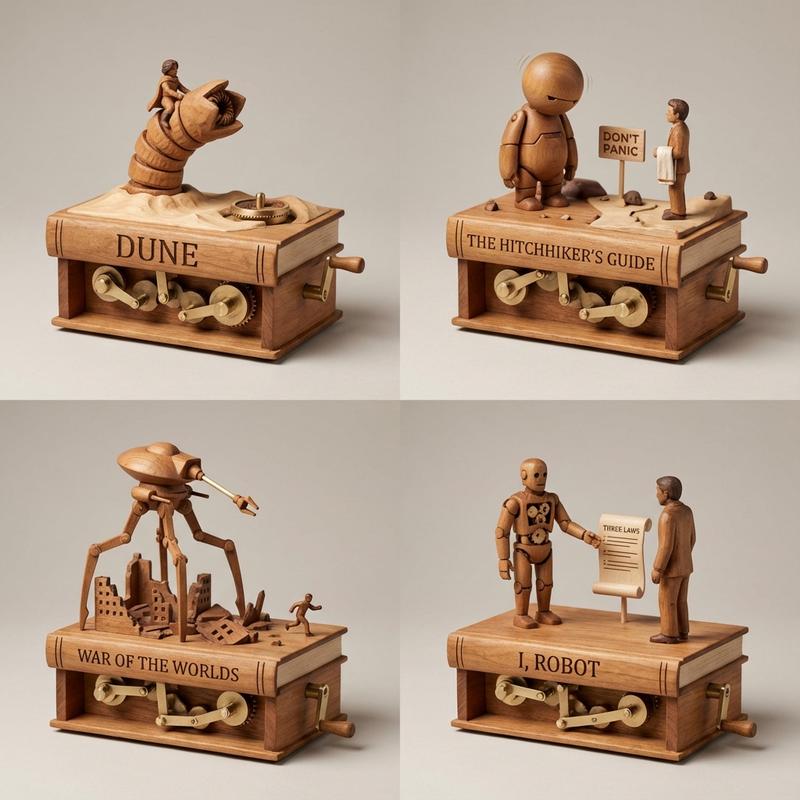
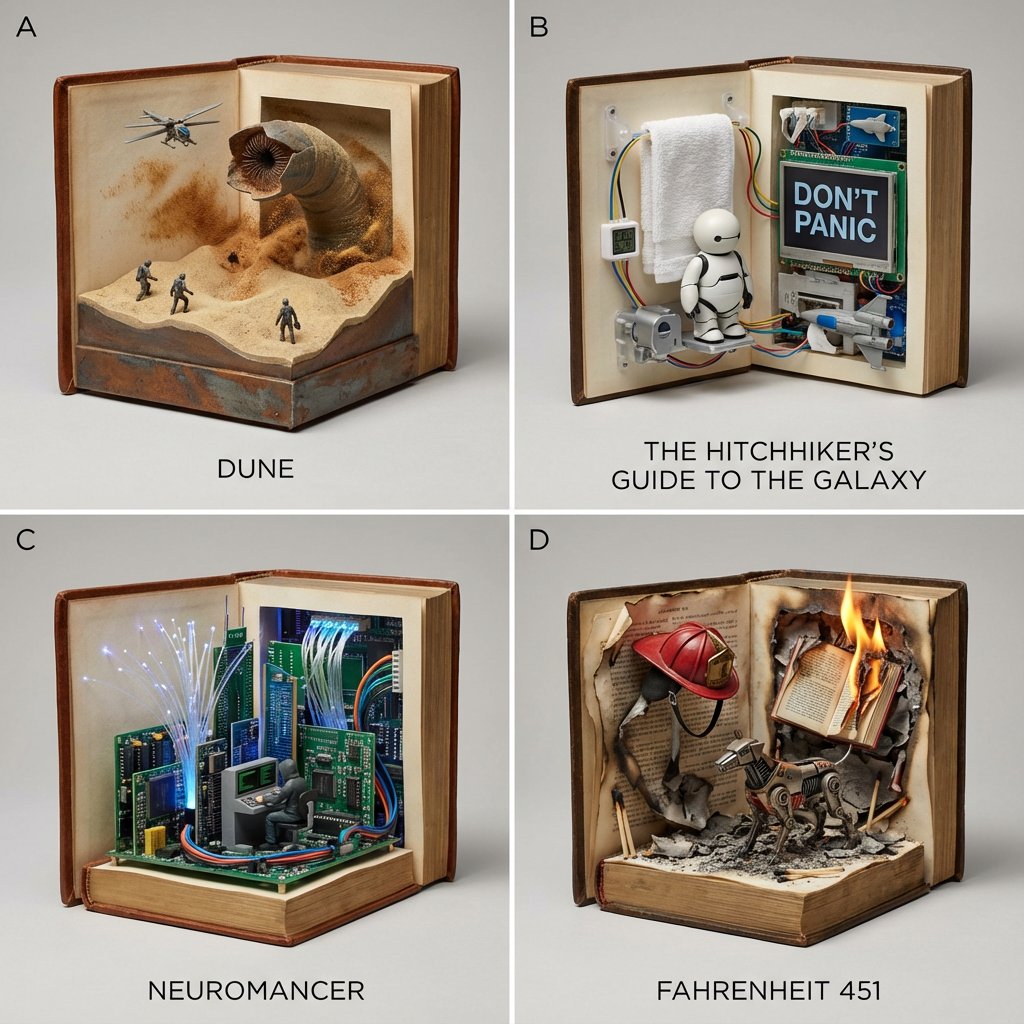
恐怖作家宇宙动力雕塑网格
Enlarge

恐怖作家宇宙动力雕塑网格

Prompt
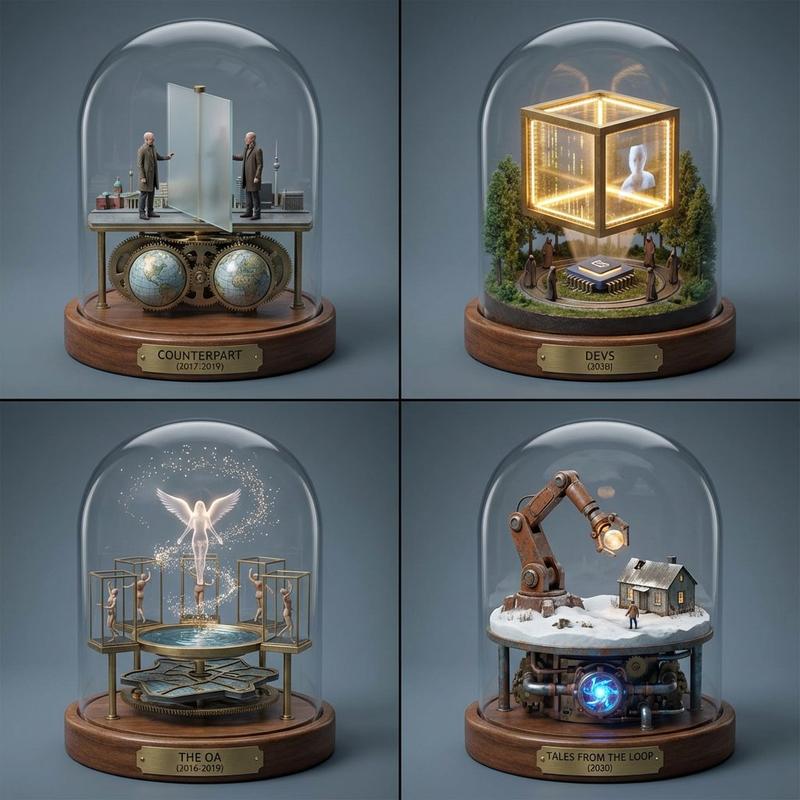
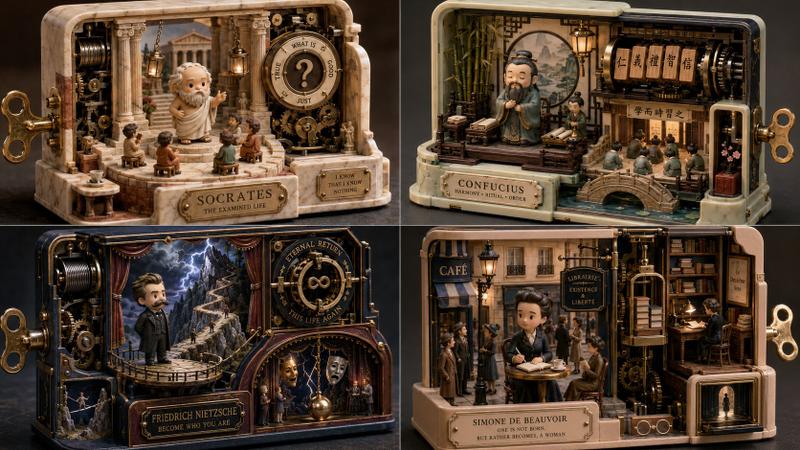
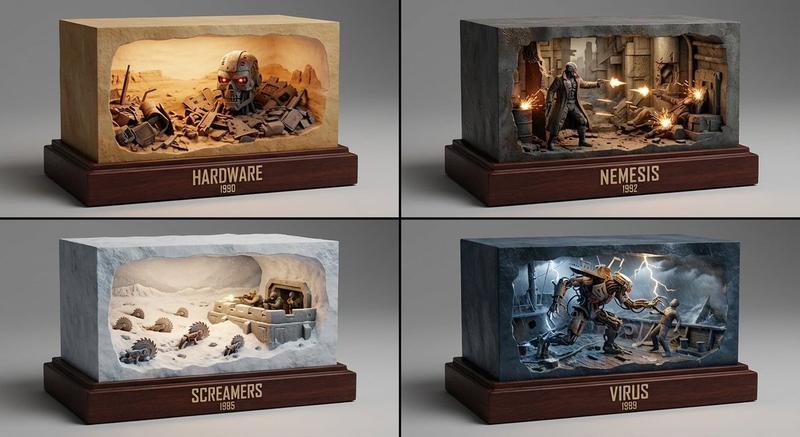
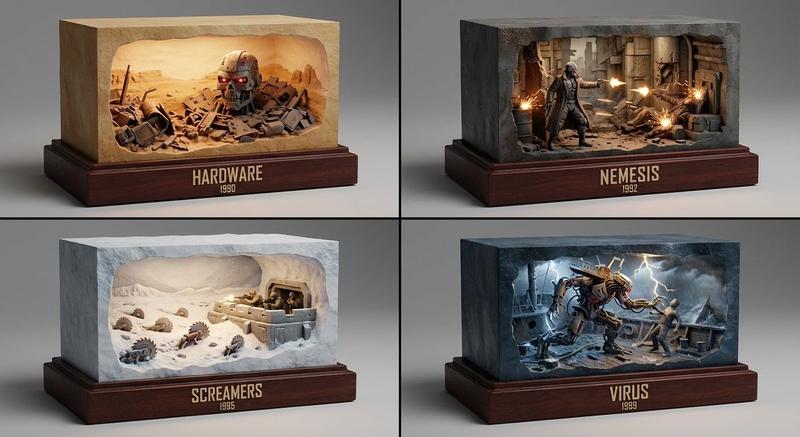
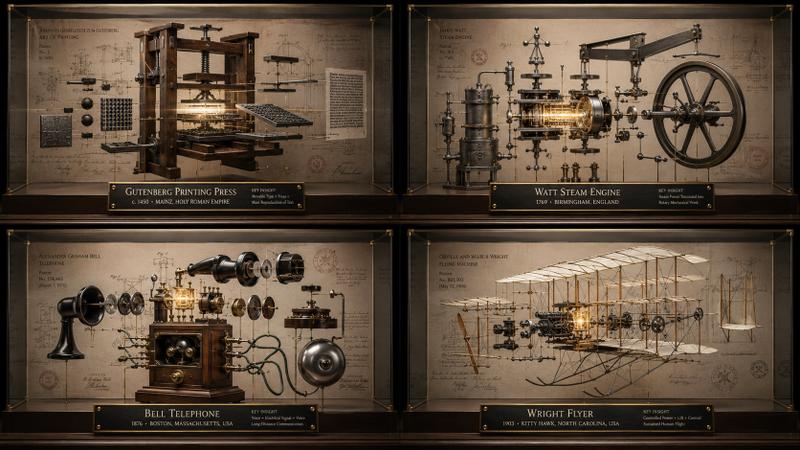
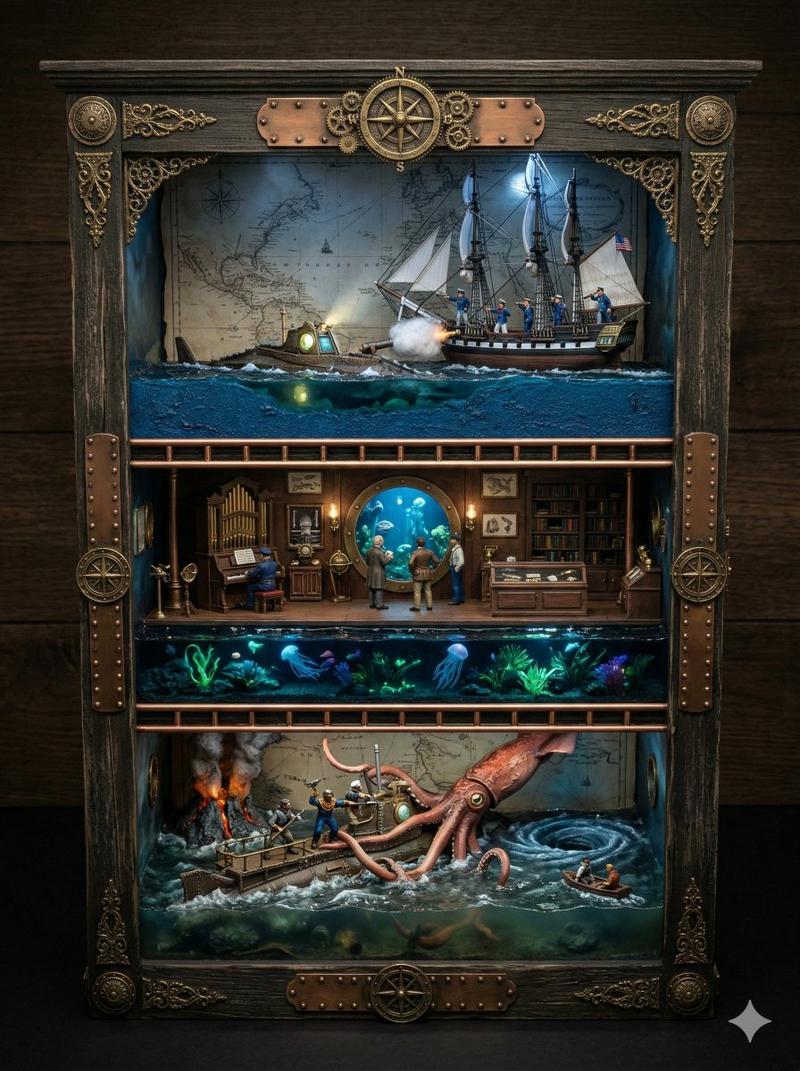
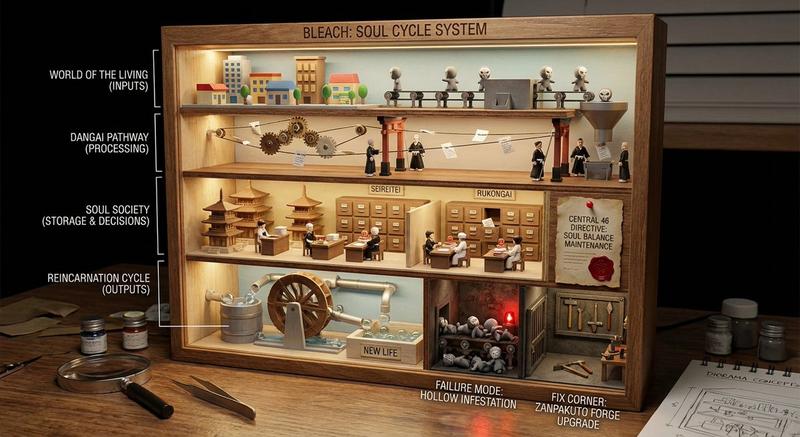
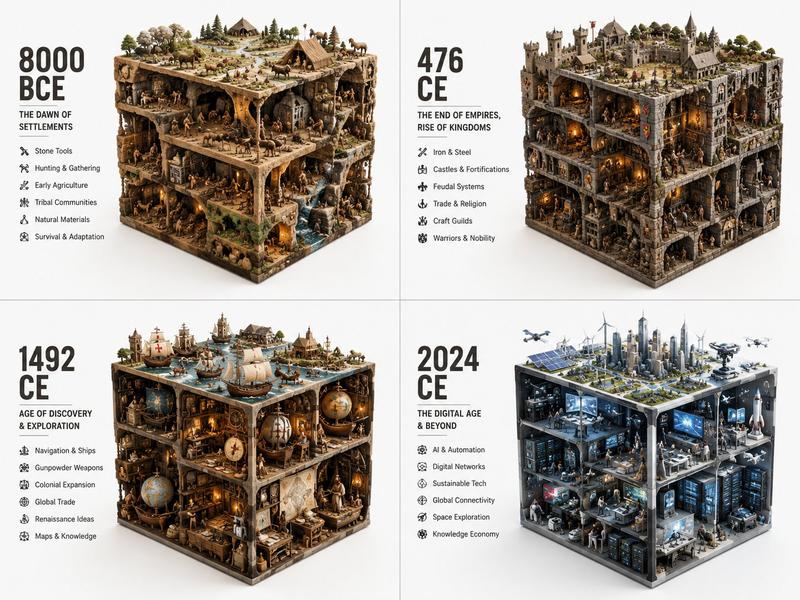
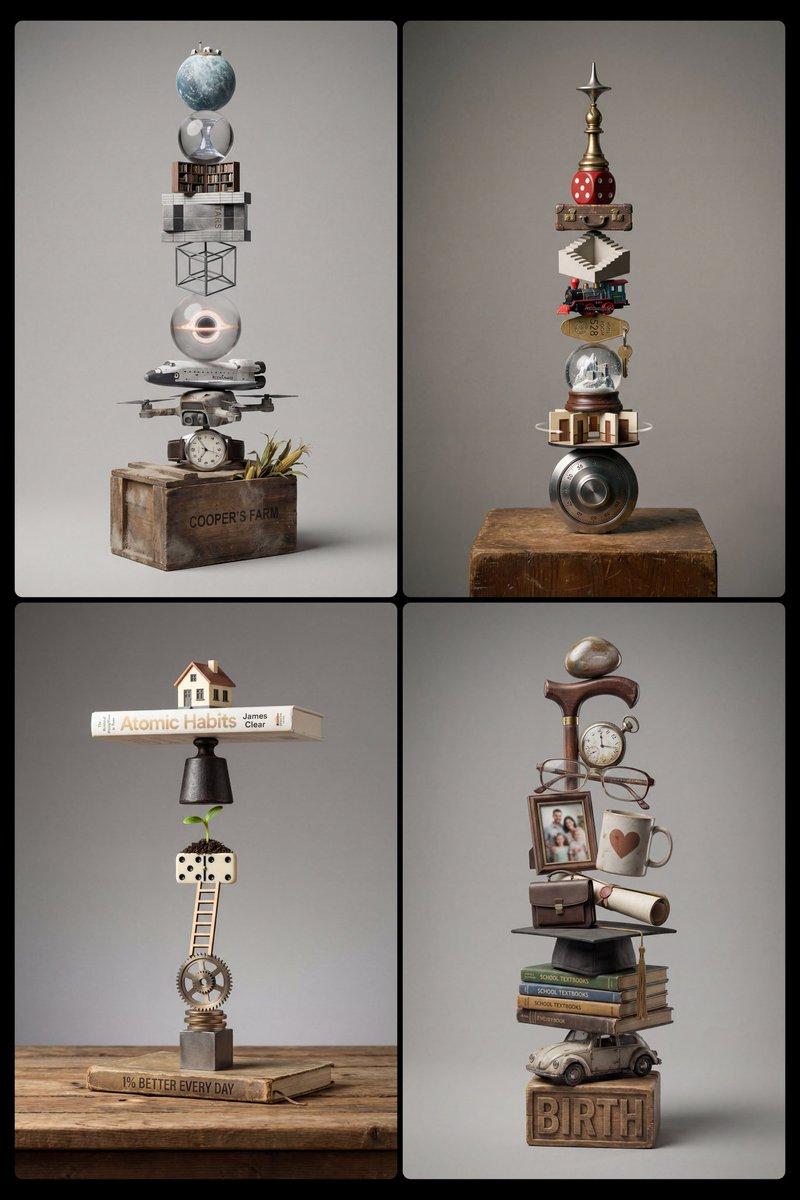
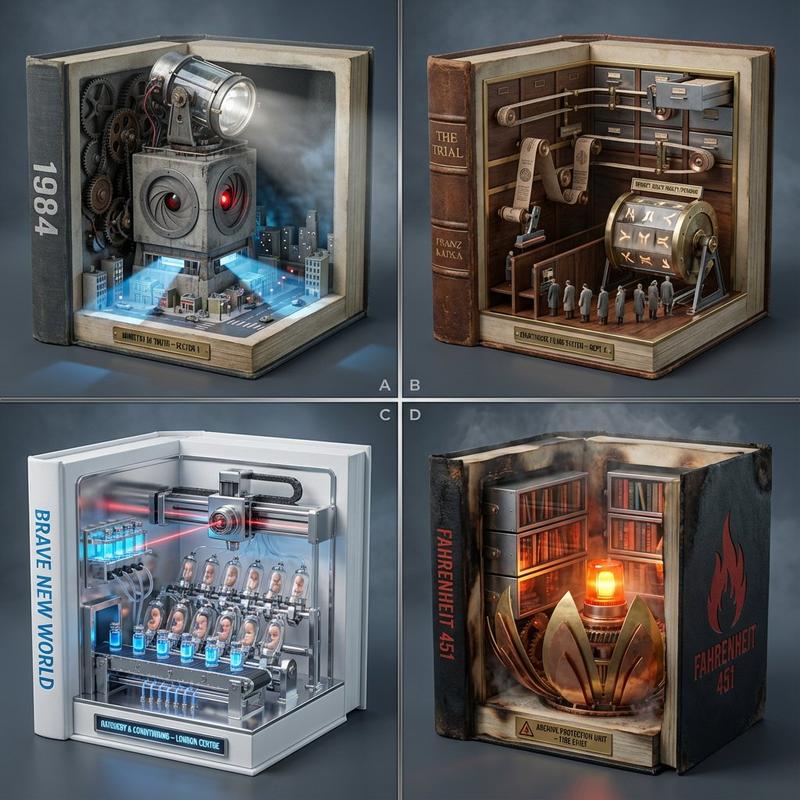
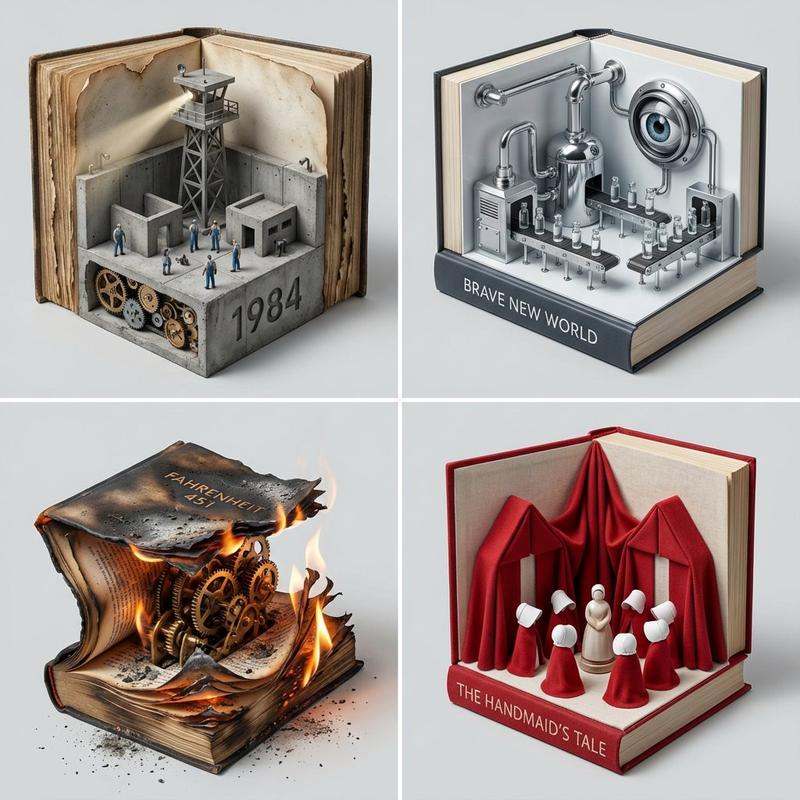
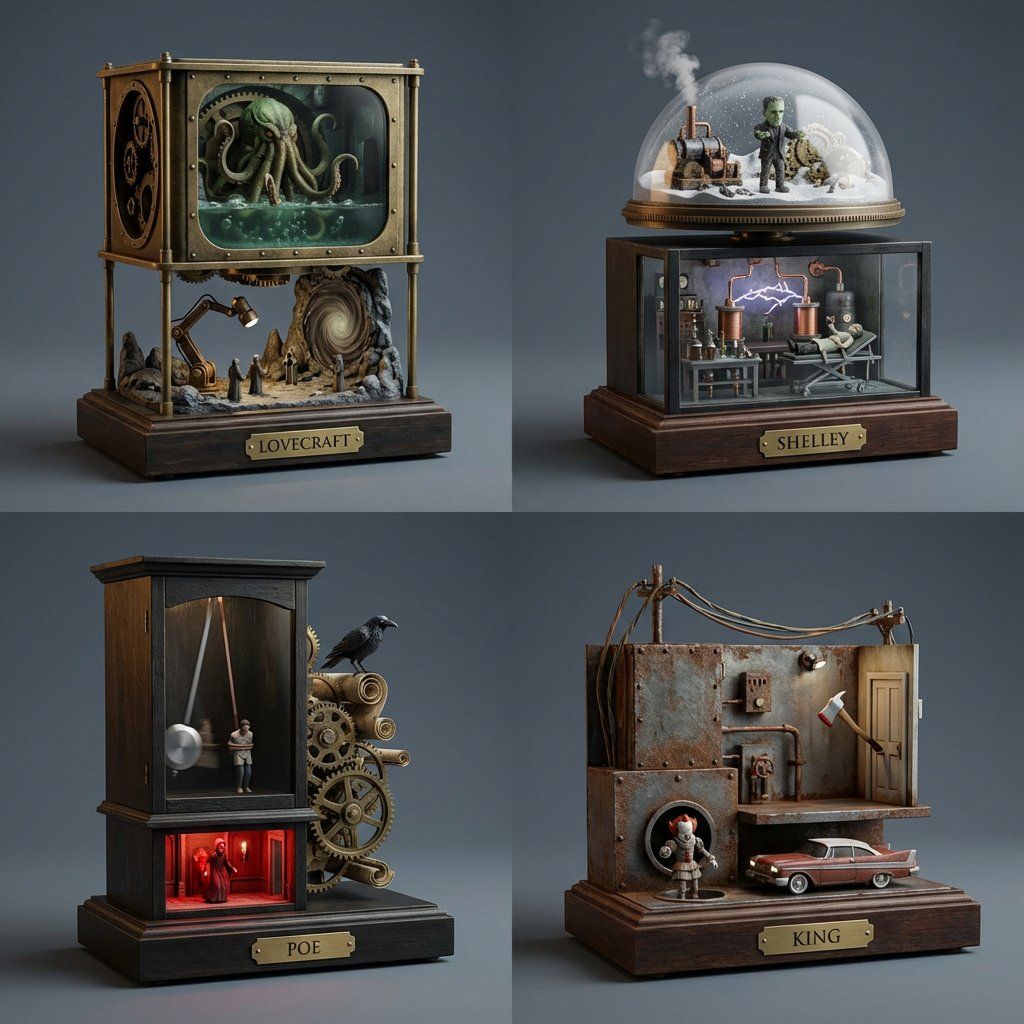
A 2x2 grid of 4 random horror authors’ universes as kinetic sculptures [Top Left: random real horror sci-fi-movie scene, characters, features or monsters] [Top Right: random real horror sci-fi-movie scene, characters, features or monsters] [Bottom Left: random real horror sci-fi-movie scene, characters, features or monsters] [Bottom Right: random real horror sci-fi-movie scene, characters, features or monsters] Photoreal miniature scenes built as automaton kinetic sculptures, period-accurate details, intricate interior elements, premium studio look, soft volumetric lighting, shallow depth of field, centered composition on literary-themed plinths, 35-50mm perspective, solid seamless backgrounds in slate gray, crisp focus.
Category
创意图片
Model
Nano Banana Pro
Creator
Gadgetify
Views0
Source ID
6aec9602-f15f-4844-9c24-f92834624dde
Published
Mar 8, 2026

Guide

About "恐怖作家宇宙动力雕塑网格"

What is this prompt for?

"恐怖作家宇宙动力雕塑网格" AI image prompt for Nano Banana Pro (创意图片). 一个有趣的提示,旨在将四位随机恐怖小说作家的宇宙可视化为超逼真的微型动态雕塑(自动装置)。该提示指定了 2x2 网格布局、符合时代细节、柔和的体积光照以及高级工作室外观,所有这些都以文学主题的基座为中…

The full copyable prompt and example visuals above are ready for AI image generation or one-click recreate in Picva.

How to use this prompt

  1. Step 1

    Open the prompt detail

    Review the example visuals, category, and full prompt text for "恐怖作家宇宙动力雕塑网格".

  2. Step 2

    Copy the prompt

    Copy the prompt body from this page, or load it directly in Studio.

  3. Step 3

    Pick a model (Nano Banana Pro)

    Prefer Nano Banana Pro. If you switch models, keep subject and composition and tweak style terms.

  4. Step 4

    Generate and export

    Recreate the look in Picva, or export into your workflow for editing and publishing.

FAQ

What is the "恐怖作家宇宙动力雕塑网格" prompt?
It is an AI image-generation prompt for Nano Banana Pro in the 创意图片 category. This page includes the full prompt text, example visuals, and a one-click recreate path in Picva.
How do I use this prompt to generate an image?
Copy the prompt from this page, or use Generate / Studio. Paste it into a compatible image model, or recreate the look in Picva with optional reference images.
Which model is this prompt for?
This page lists Nano Banana Pro. Most descriptive prompts also transfer to nearby image models such as GPT Image, Flux, or Midjourney with light style tweaks.
Can I use the result commercially?
You can usually copy the prompt for creation, but commercial use of the final image depends on the model terms, reference-image rights, and the generated content. Follow the source author and platform rules.