16

微信朋友圈桌面摄影提示词
Enlarge

微信朋友圈桌面摄影提示词

Prompt
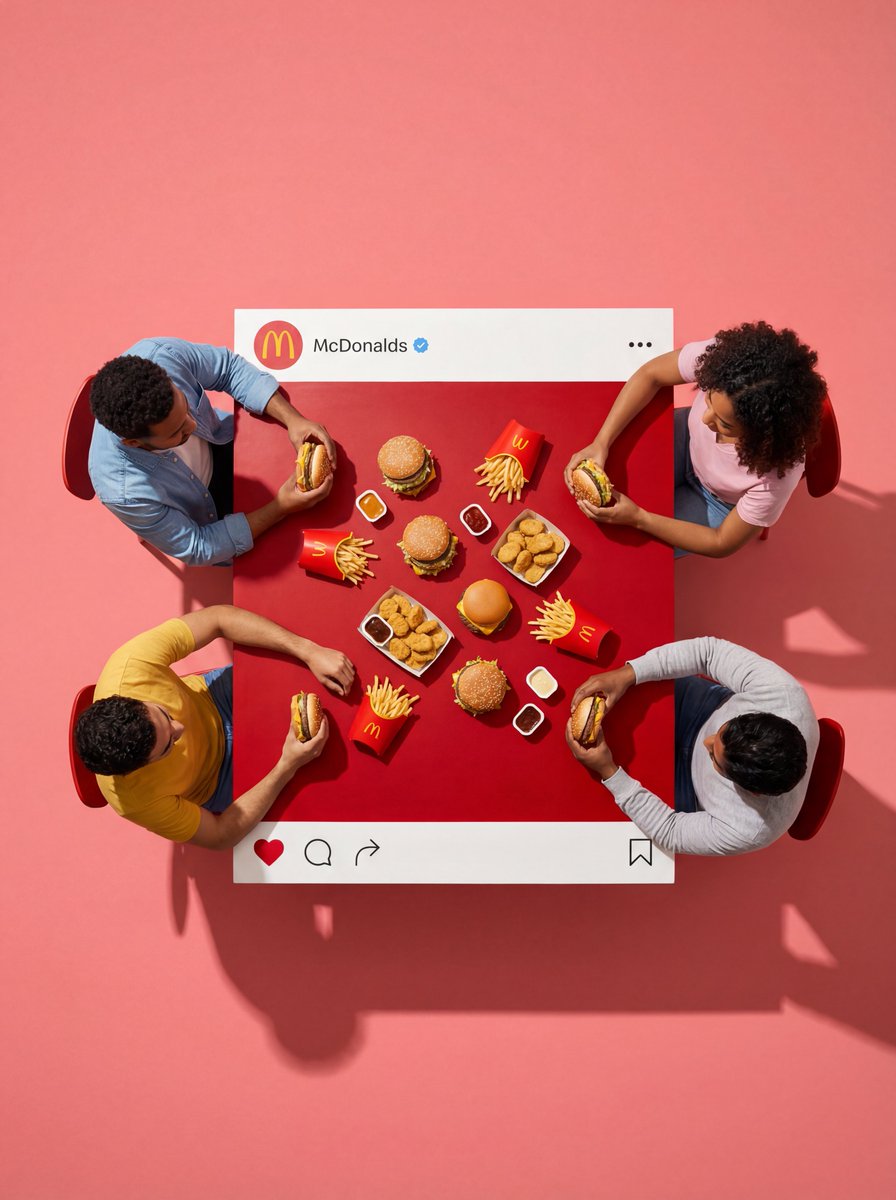
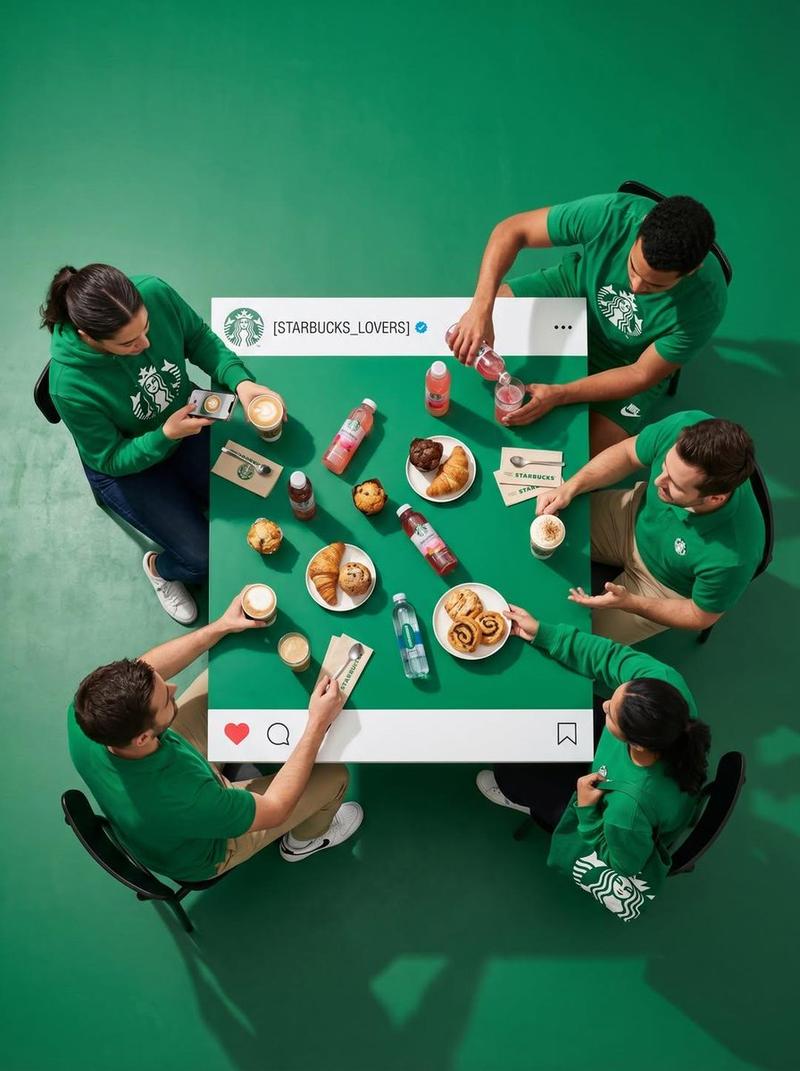
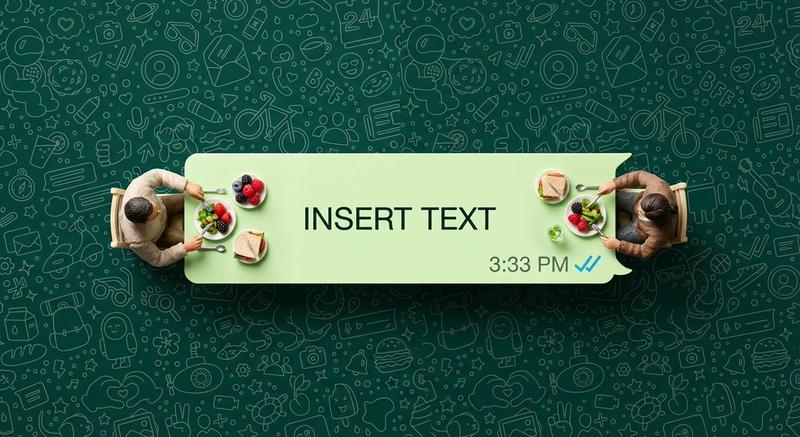
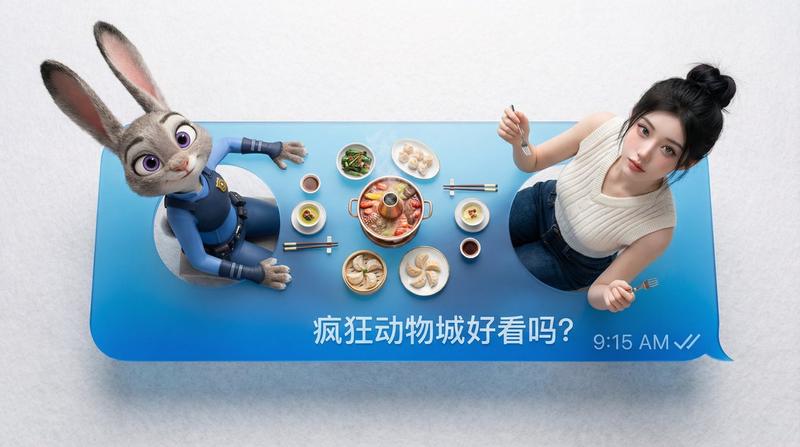
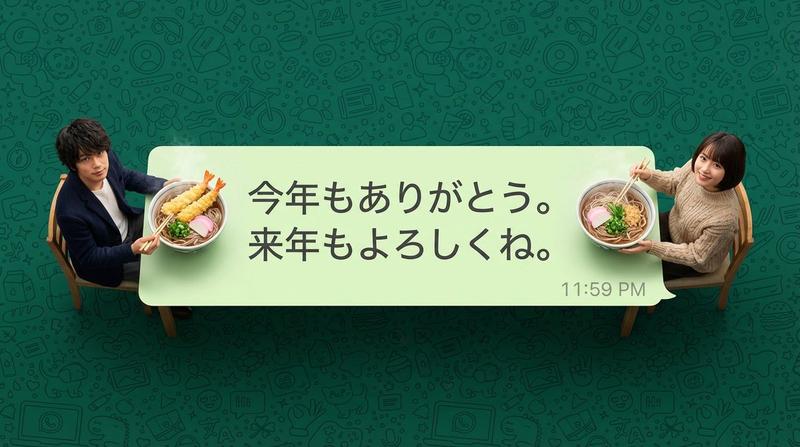
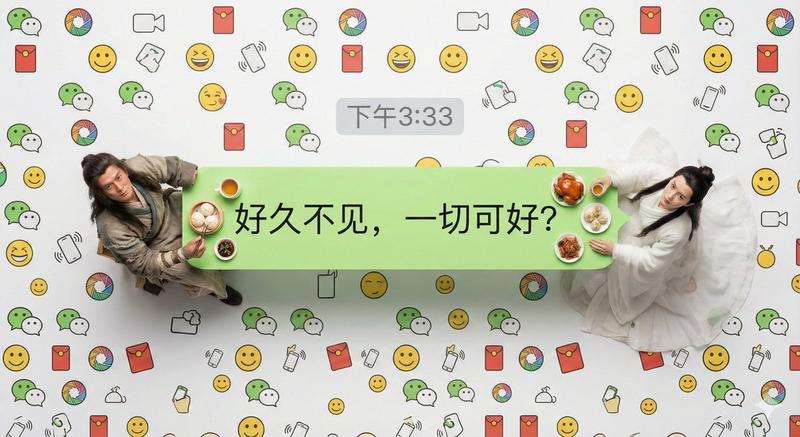
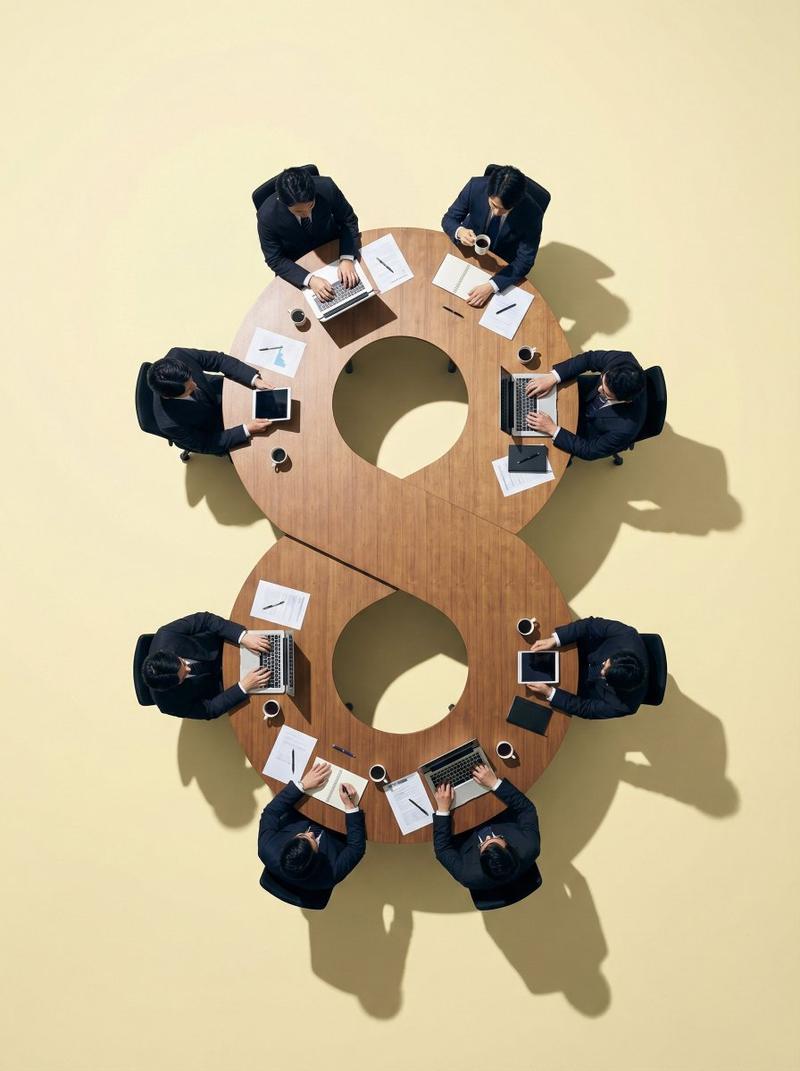
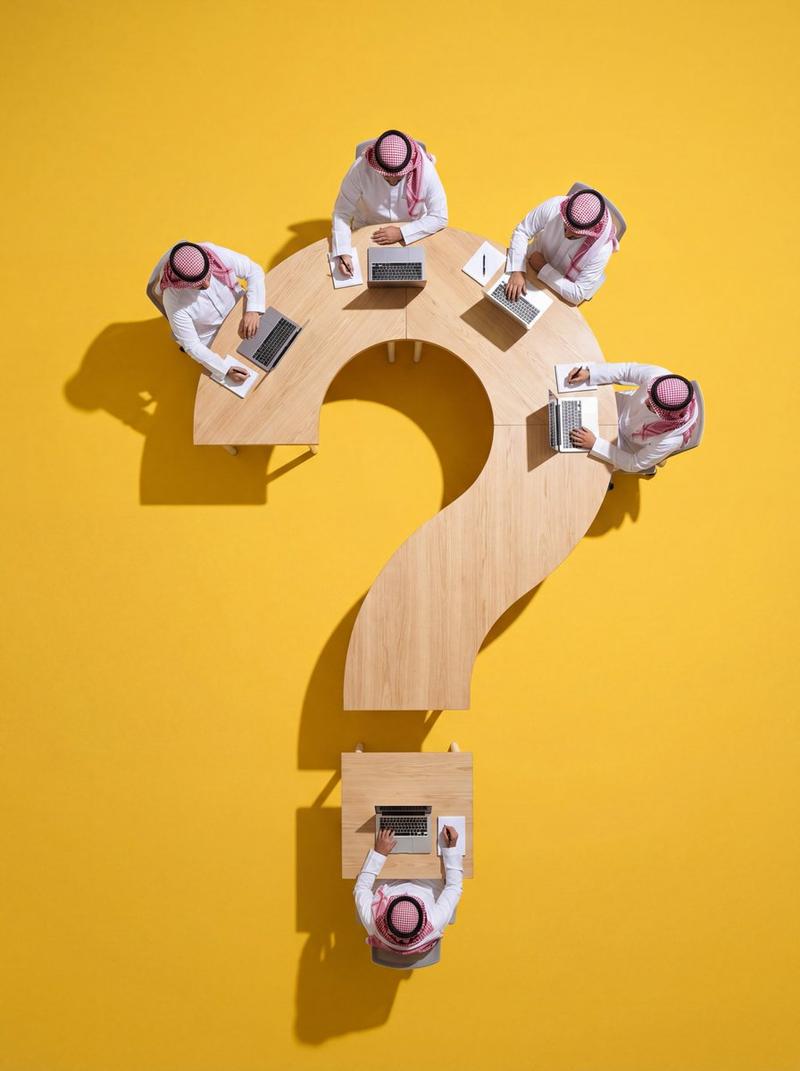
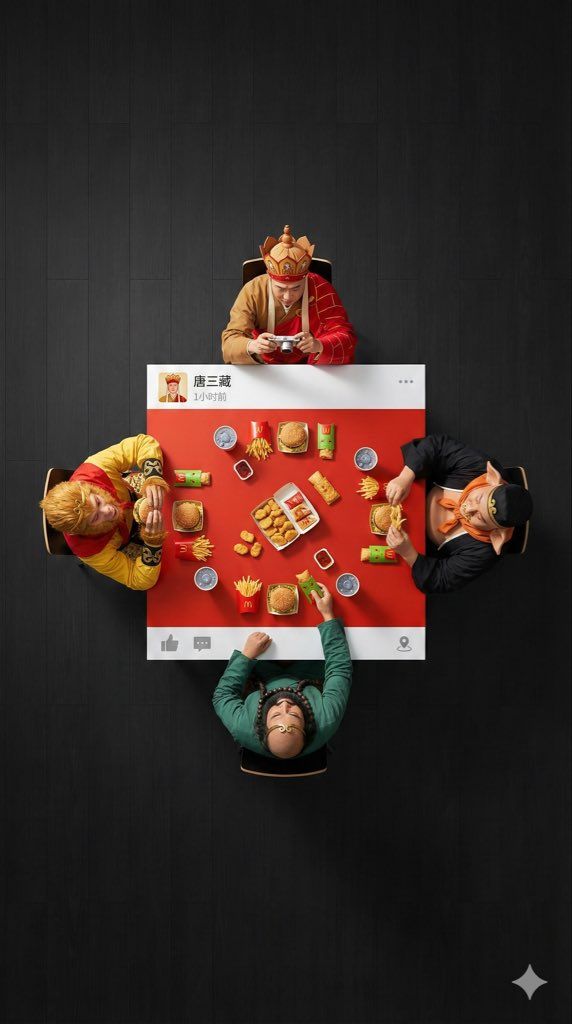
一张9:16的超广角超现实主义俯视平铺摄影。一群4个[{argument name="人物" default="人物"}]围坐在一张方形桌,每个人坐一个边。相机大幅后拉,在人物和桌子周围制造大量负空间(空旷的地板区域),确保构图干净、极简。

场景为[{argument name="场景" default="场景"}]:[人物]穿着各自的经典服装,他们的互动具体如下:[DESCRIBE ACTION OF EACH PERSON

桌子是一个定制的实体道具,设计成像微信朋友圈帖子的样子:仅在顶部边缘和底部边缘有纯白色的实体条带(左右两侧无白色边框)。
- 顶部白色条带上绘制有个人头像图片,带有[{argument name="LOGO DESCRIPTION" default="一个酷炫的扑克头像或真实照片"}],右侧绘制用户名“[USERNAME]”,再往右是发布时间文字(如“1小时前”或“刚刚”),最右侧有“...”更多选项图标。
- 底部白色条带上右侧绘制有向右箭头的“评论”图标(带气泡形状)和“点赞”图标(微信特色的拇指向上图标,可设计为灰色未点赞状态或红色已点赞状态),图标之间用竖线分隔;最左侧或中间可留空或添加小型位置图标(如有定位时)。

桌子中心被涂成[EXACT CENTER COLOR & HEX CODE,桌子上的物品为[FOOD/OBJECTS DESCRIPTION]。
重要:所有物体以及与之互动的手部都严格限制在这一中央[COLOR]涂漆区域。任何东西都不得延伸到白色条带上或超出桌子边界。地板背景为[FLOOR COLOR,例如:极简干净纯色],以创造视觉分离。专业工作室照明,带有明显的投影阴影。8K,锐利对焦。
Category
创意图片
Model
Nano Banana Pro
Creator
xiaobeiLin
Views0
Source ID
b2f3ced1-1874-49e5-a9ae-588302671055
Published
Mar 8, 2026

Guide

About "微信朋友圈桌面摄影提示词"

What is this prompt for?

"微信朋友圈桌面摄影提示词" AI image prompt for Nano Banana Pro (创意图片). 一个富有创意的 Nano Banana Pro 提示词,用于生成一张超现实、超广角、俯视角度的照片,照片中有四个人围坐在一张桌子旁。桌子本身被设计成与微信朋友圈帖子一模一样,配有用于用户头像、用户名、…

The full copyable prompt and example visuals above are ready for AI image generation or one-click recreate in Picva.

How to use this prompt

  1. Step 1

    Open the prompt detail

    Review the example visuals, category, and full prompt text for "微信朋友圈桌面摄影提示词".

  2. Step 2

    Copy the prompt

    Copy the prompt body from this page, or load it directly in Studio.

  3. Step 3

    Pick a model (Nano Banana Pro)

    Prefer Nano Banana Pro. If you switch models, keep subject and composition and tweak style terms.

  4. Step 4

    Generate and export

    Recreate the look in Picva, or export into your workflow for editing and publishing.

FAQ

What is the "微信朋友圈桌面摄影提示词" prompt?
It is an AI image-generation prompt for Nano Banana Pro in the 创意图片 category. This page includes the full prompt text, example visuals, and a one-click recreate path in Picva.
How do I use this prompt to generate an image?
Copy the prompt from this page, or use Generate / Studio. Paste it into a compatible image model, or recreate the look in Picva with optional reference images.
Which model is this prompt for?
This page lists Nano Banana Pro. Most descriptive prompts also transfer to nearby image models such as GPT Image, Flux, or Midjourney with light style tweaks.
Can I use the result commercially?
You can usually copy the prompt for creation, but commercial use of the final image depends on the model terms, reference-image rights, and the generated content. Follow the source author and platform rules.